Questions & Answers
- Model:
- 99190-002
- |
- SKU:
- 5595805
Highly rated by customers for: Ease of use, Installation, Bluetooth
Page Showing 1-15 of 15 questions
Q: QuestionDoes the screen support direct sun light without damaging the screen?
Asked by Josivale.
- A:Answer It’s a exterior deadbolt. Multiple of mine are cracking. After seeing kwiksets response that they shouldn’t be exposed to direct sunlight. I’m like……….what……..did they not realize that deadbolts go on the outside of a house. It’s pretty much ALL a deadbolt needs to be able to do is be in direct sunlight and lock.
Answered by TimAustin
Q: Questionwill I be able to control this remotely? such as 400 miles away if I am on data/wifi wi my phone? the bluietooth specification makes me think it needs to be in range....
Asked by bippers.
- A:Answer Kwikset Model# 99190-001 919 Premis Bluetooth Touchscreen Smart Lock in Satin Nickel can be controlled remotely only if the user has the Apple TV generation 3 and iOS 9.2 or iPad with iOS 10.0 or higher under the same icloud account as the Premis.
Answered by Kwikset
Q: QuestionIs this easy to install from the directions if you have no experience installing locks?
Asked by Waiting4MyPrince.
- A:Answer I’ve changed a few in the past, and it’s a very straight forward process. I had more problems taking off my circa 1970’s door knobs to install the new ones to match, and with where my home hub was for apples HomeKit than anything else. So long as you use the long wood screws to go into the door frame, and the small door screws to go into the door, everything else was very easy. Watch a YouTube video while your waiting for your new locks to arrive and you will be good to go. Expect to spend about 30 minutes per lock.
Answered by EnderR2
Q: QuestionWith the 919 Premis do I need to have an app on my phone to use the key pad to enter the home?
Asked by Dave.
- A:Answer No, to use the keypad, you simply need to know one of the codes programmed by the owner. The owner can program up to 30 codes and provide timeframes as to when the code(s) will work.
Answered by bcohen23
Q: QuestionCan I program this to unlock in the morning and lock itself at night on a timer?
Asked by Drew.
- A:Answer This is somewhat tricky to answer. This particular model is compatible with HomeKit. Within the Kwikset app, you are not able to do any extensive automation like this. However, in the Home app on your iPhone you can setup a lot of automation for the lock. This is where its tricky.... Apple, by design, setup a security measure to ALWAYS ask the iPhone user permission to run an automation that will provide access to the user's home. Meaning, any automation that results in a lock or garage (for example) opening, the Home app on your phone will ask you first "are you sure you want to run this" and if you select yes, then you will have to unlock your phone first before the automation will run. I get why they do this (makes sense)... however, it defeats the purpose of it being automated. I have setup a clever workaround thought. To do this you'll need to buy a cheap HomeKit compatible smart plug (i've seen them for $20). Once you get it, set it up in HomeKit and then setup the following automation rules: To unlock in the morning, setup these rules: 1. At 6am, turn on smart plug (choose whatever time you want). 2. If smart plug turns on, unlock lock/door. To lock at night, same thing: 1. At 6pm, turn off smart plug 2. if smart plug turns off, lock door. Note: to use this workaround, you cannot use the smart plug for any lamp, etc. It will be solely used as a trigger for the above automation.
Answered by bcohen23
Q: Question1)Can I use this on the Vivint security system to unlock and lock? 2)Can I connect this lock to my wifi and use it without apple tv or without apple device?
Asked by Vivint.
- A:Answer 1- No 2-No, it must be connected to an Apple TV 4th gen or higher.
Answered by TheTechy
Q: QuestionWould you ship Kwikset 919 Premis to India?
Asked by Indian.
- A:Answer stick with your current, lock, you will spend half of your time resetting this lock. Then, after your warranty ends it will eventually failed the electronic parts of it. It was made of cheap materials you can buy out of your local electronics store.
Answered by lemonlim3
Q: QuestionCan I use an Apple Ipod touch wth iOS 8 operating system .
Asked by bennyben.
- A:Answer No.
Answered by TheTechy
Q: Questionis this product compatible with the time-warner intelligent home service?
Asked by steves.
- A:Answer It only works with Apple home. I have SmartThings and google assistant setup at home and these two won’t work with this lock. :(
Answered by Minnie
Q: QuestionI do not have Apple TV, can I unlock this with my iPhone by just having the app on my phone?
Asked by Quilter.
- A:Answer Yes, you can unlock it with just your iphone! you can use the kwikset app or the apple home app.
Answered by hegarber
Q: QuestionCan I lock and unlock from outside w/code only (no key)?
Asked by AdamS.
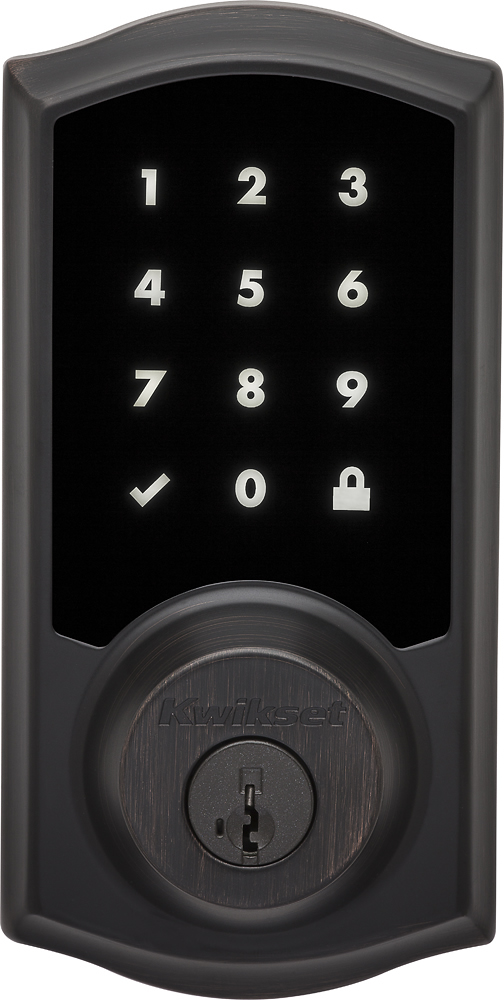
- A:Answer Yes. To lock the device from outside, activate the keypad and then touch the lock symbol. To unlock the device from outside, activate the keypad and then enter your code. You can use the key as a backup if needed.
Answered by Mike
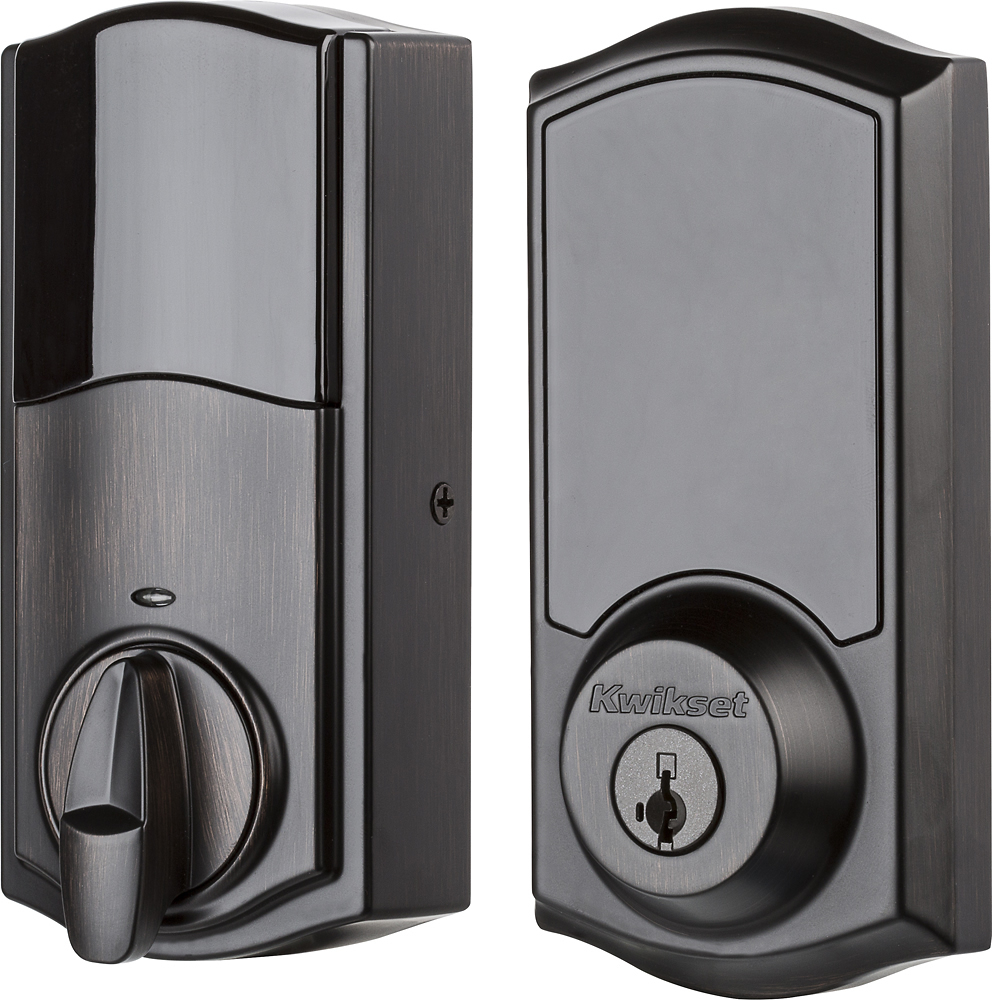
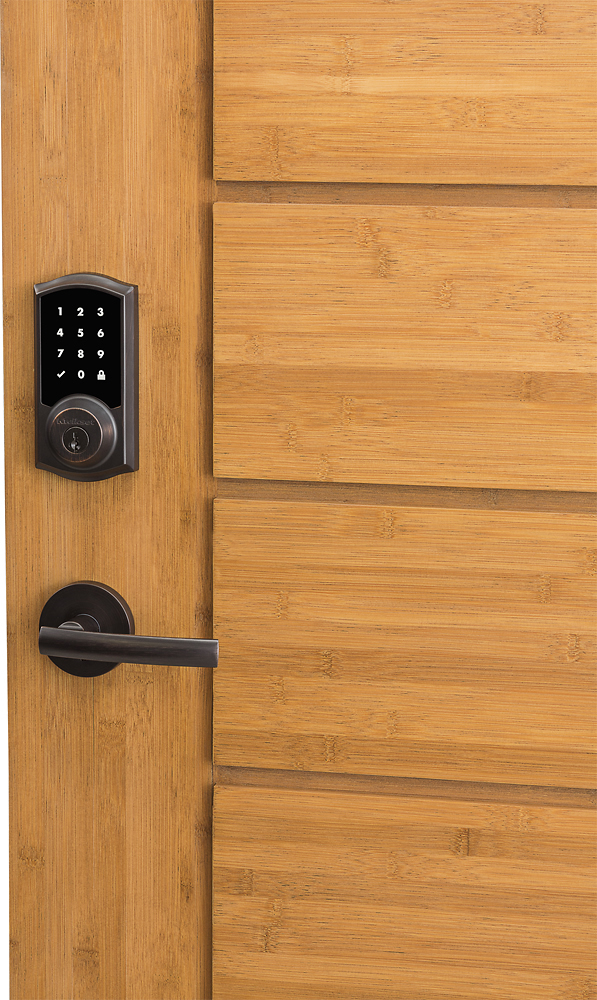
Q: QuestionDoes the SmarLock could be used in any side of the door? In the pictures the only show and specific side (left side), but what about the other side it could be installed also in the right side?
Asked by Door.
- A:Answer Performing the door handing steps will correct the orientation of the lock.
Answered by Kwikset
Q: QuestionDoes this work with Google Home?
Asked by BV234.
- A:Answer No, this model is specific to Apple's HomeKit.
Answered by bcohen23
Q: QuestionDoes your AppleTV always have to be on? Or can you use your iPad as the bluetooth bridge to wifi?
Asked by MeadowMom.
- A:Answer I used one of my iPads as the "bridge". I'm actually using it as the Home kit Hub instead of my Apple TV (which is currently broken). You have to leave your iPad at home, plugged in, connected to your home WiFi, and connected to the same iCloud account as the mobile devices you want to use to remotely control your system. I've been locking and unlocking my door from my iPhone all day just for fun... :-)
Answered by Scurry
Page 1, Showing 1-15 of 15 questions
Most-viewed items
- $329.99$329.99The price was $469.99
- $149.00$149.00The price was $399.00
- $159.99$159.99The price was $179.99
- $1,149.00$1,149.00The price was $1,299.00
- $449.99$449.99The price was $649.99