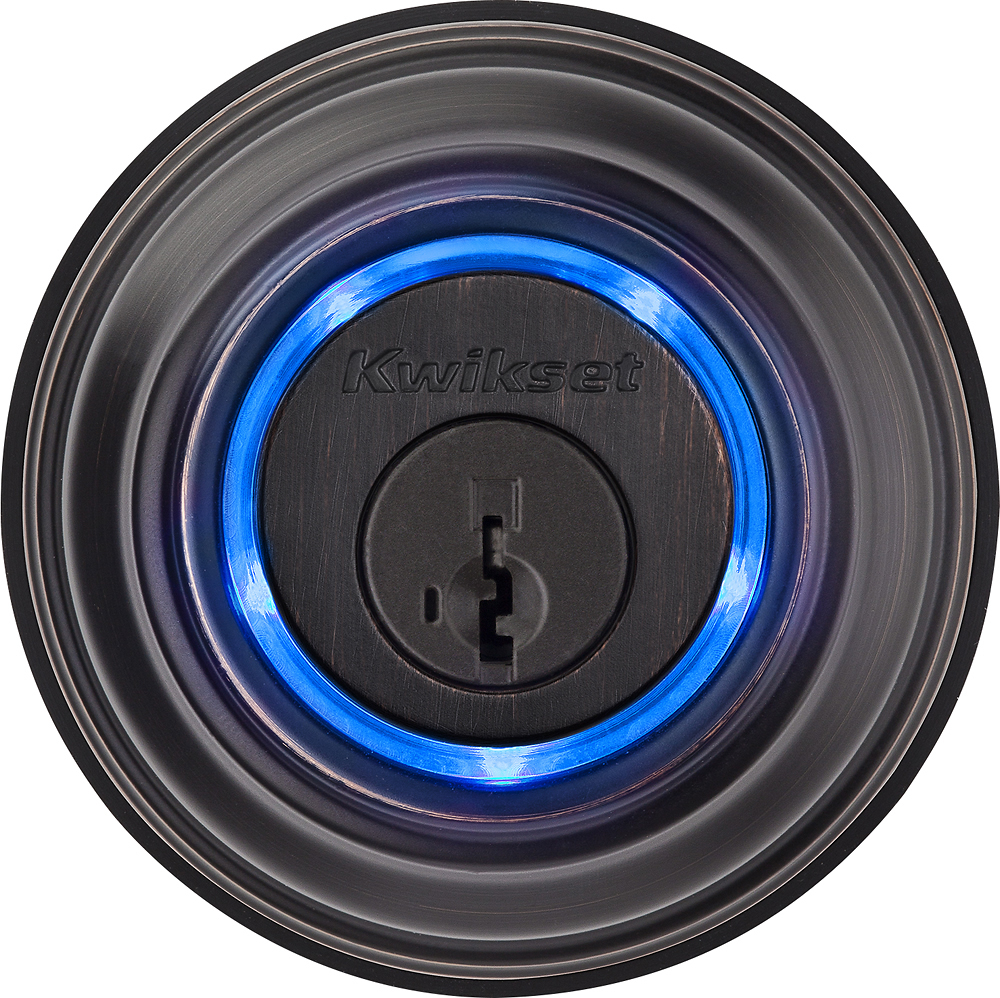
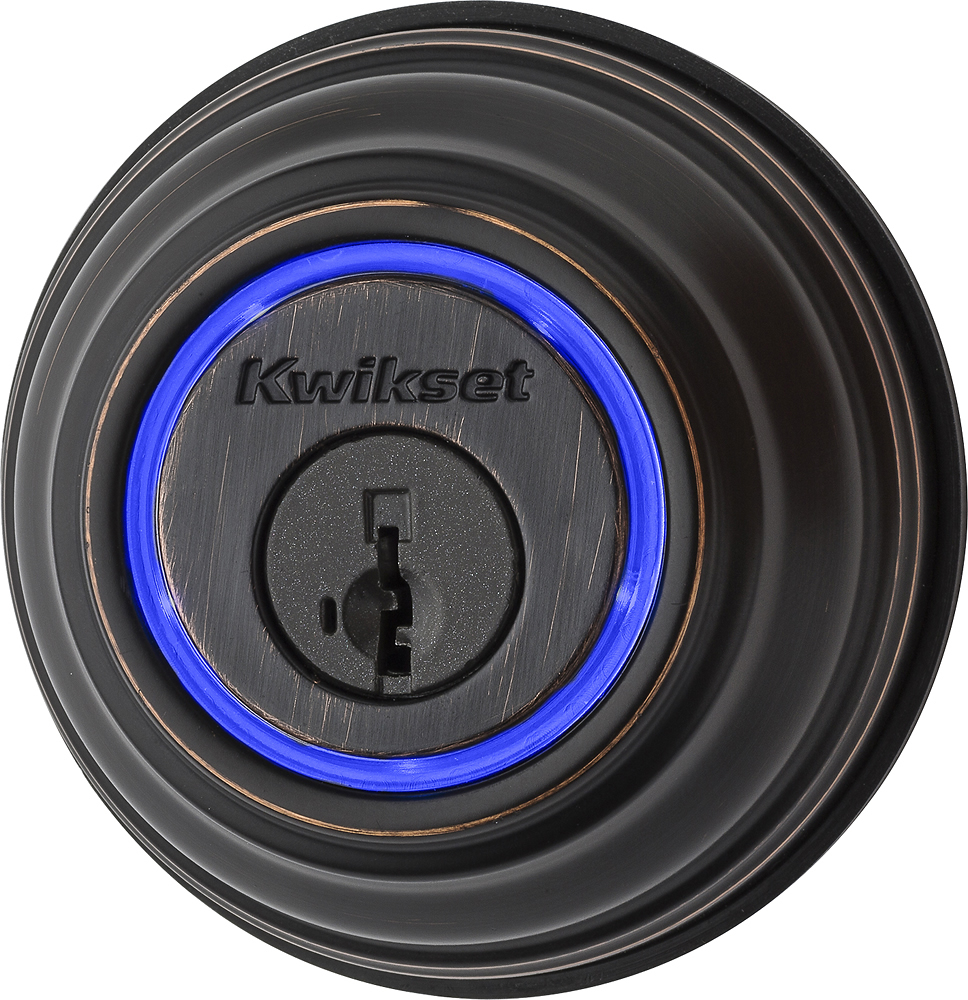
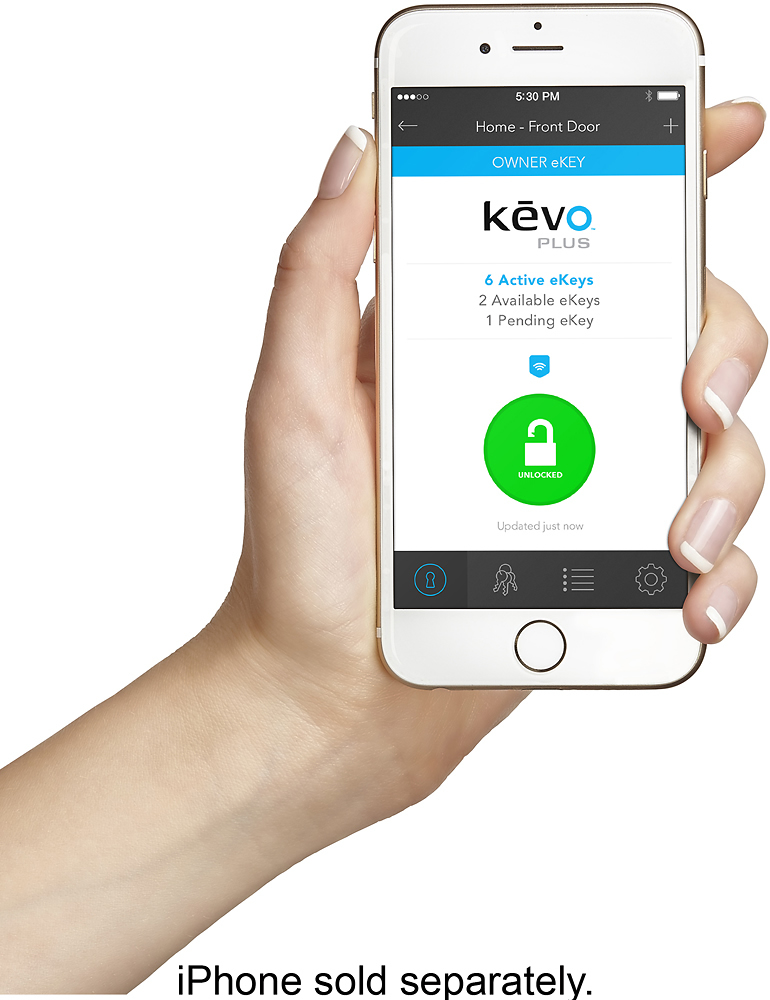
A:Answer Remote access is automatically enabled when you set up the Kevo Plus Gateway, as long as the network you are using has an Internet connection. With remote access enabled, you can control your Kevo Smart Lock from anywhere your iOS or Android device has an Internet connection. This includes other Wi-Fi networks or your mobile connection. When the Kevo App is launched outside your home, the App contacts the Kevo cloud, where it redirects the phone's request to the appropriate Kevo lock, and then you can see and control your Kevo Smart Lock. Please contact or visit your local Best Buy special order counter for available options, pricing, and shipping.