A:AnswerThis device comes with a limited 1-year manufacturer's warranty, covering only OEM issues. An extended warranty will usually provide coverage for more issues, like user based issues. Check with Best Buy for details of coverage.
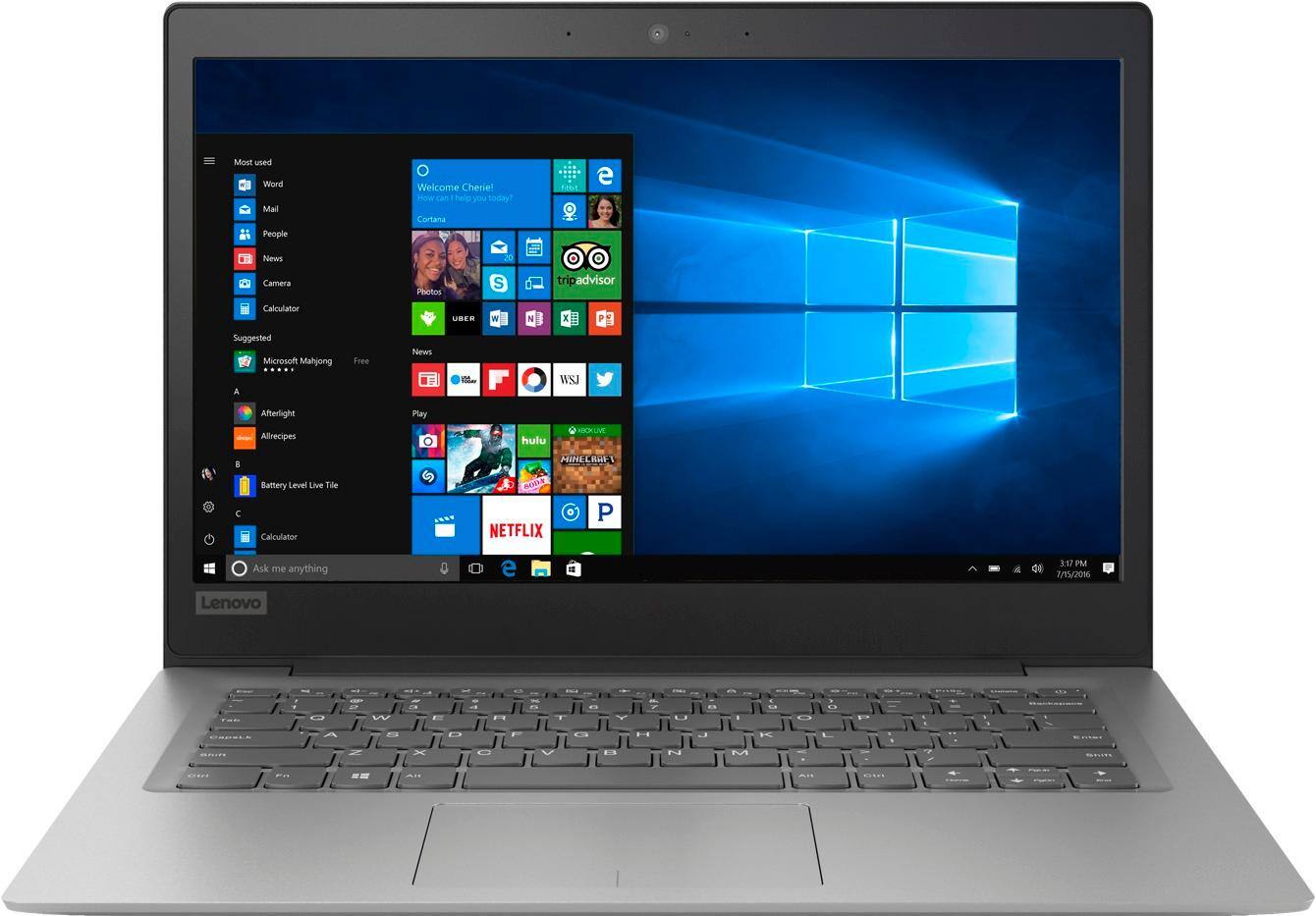
A:AnswerThat will depend on the requirements and compatibility of the software. We recommend you check with the software publisher's web sites for their compatibility with Windows 10 Home 64-bit operating system and the minimum/recommended hardware requirements (Is a Graphics card required, the processor speed and the minimum required system RAM and the minimum available hard drive space) to run their program, then compare those requirements to this system's configuration.
A:AnswerThat will depend on the requirements of the streaming service the specific games. We recommend you check with the streaming service and the game's software publisher's web site for their compatibility with Windows 10 Home 64-bit operating system and the minimum/recommended hardware requirements (Is a Graphics card required, the processor speed and the minimum required system RAM and the minimum available hard drive space) to run their program, then compare those requirements to this system's configuration.
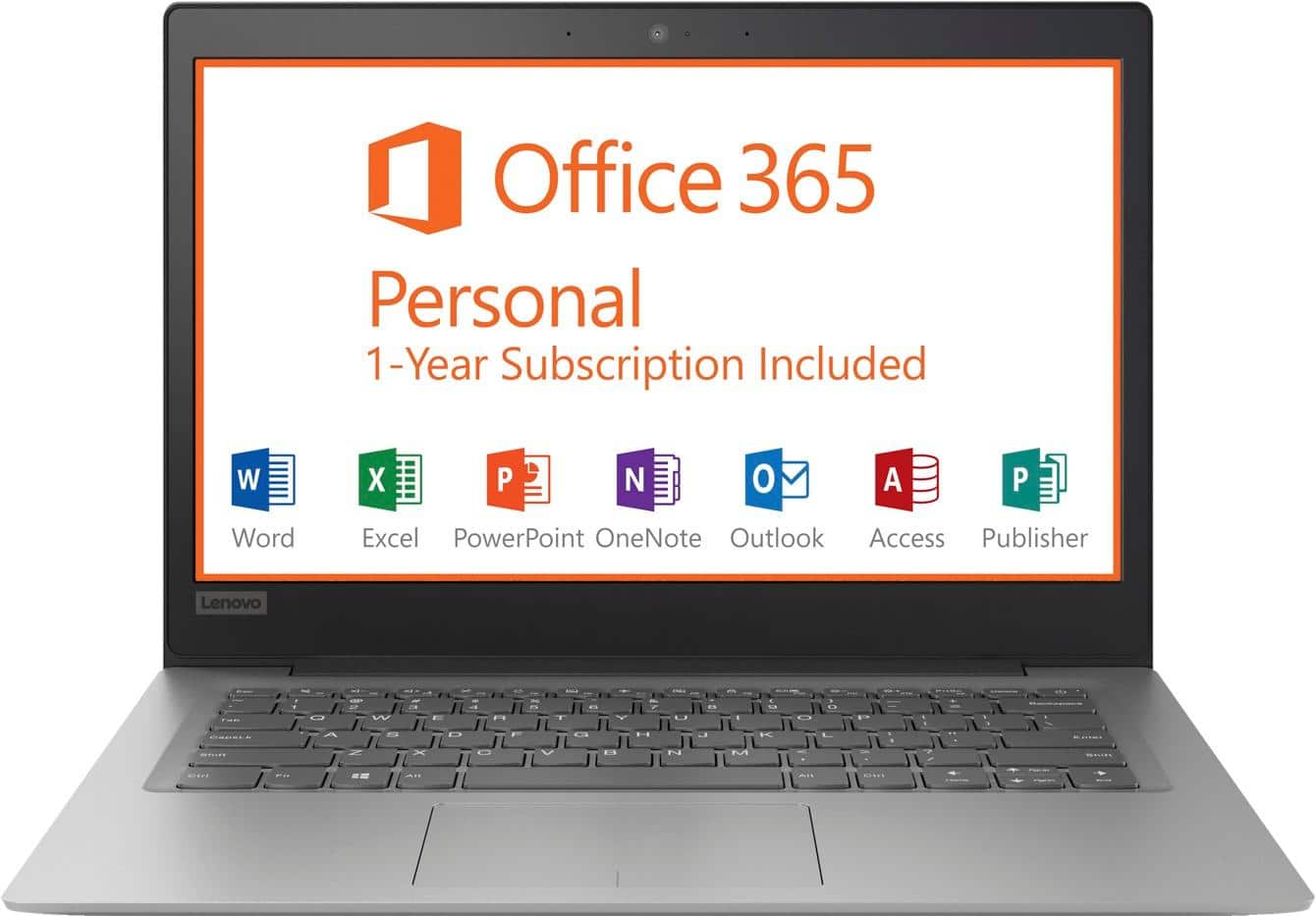
A:AnswerThis is an entry level, light use system with its Intel Celeron processor. It is not meant for multi-tasking or demanding programs. It is good for Microsoft Office and light internet browsing. If this describes your computing needs, the IdeaPad 330-15 would be a good choice.
A:AnswerYes, Windows 10 is compatible with iTunes, but remember, this system only has a 32GB solid state hard drive. Of that total approximately 21GB will be available after the install of factory software. If you plan on adding additional software, other than iTunes, hard drive space may become an issue.
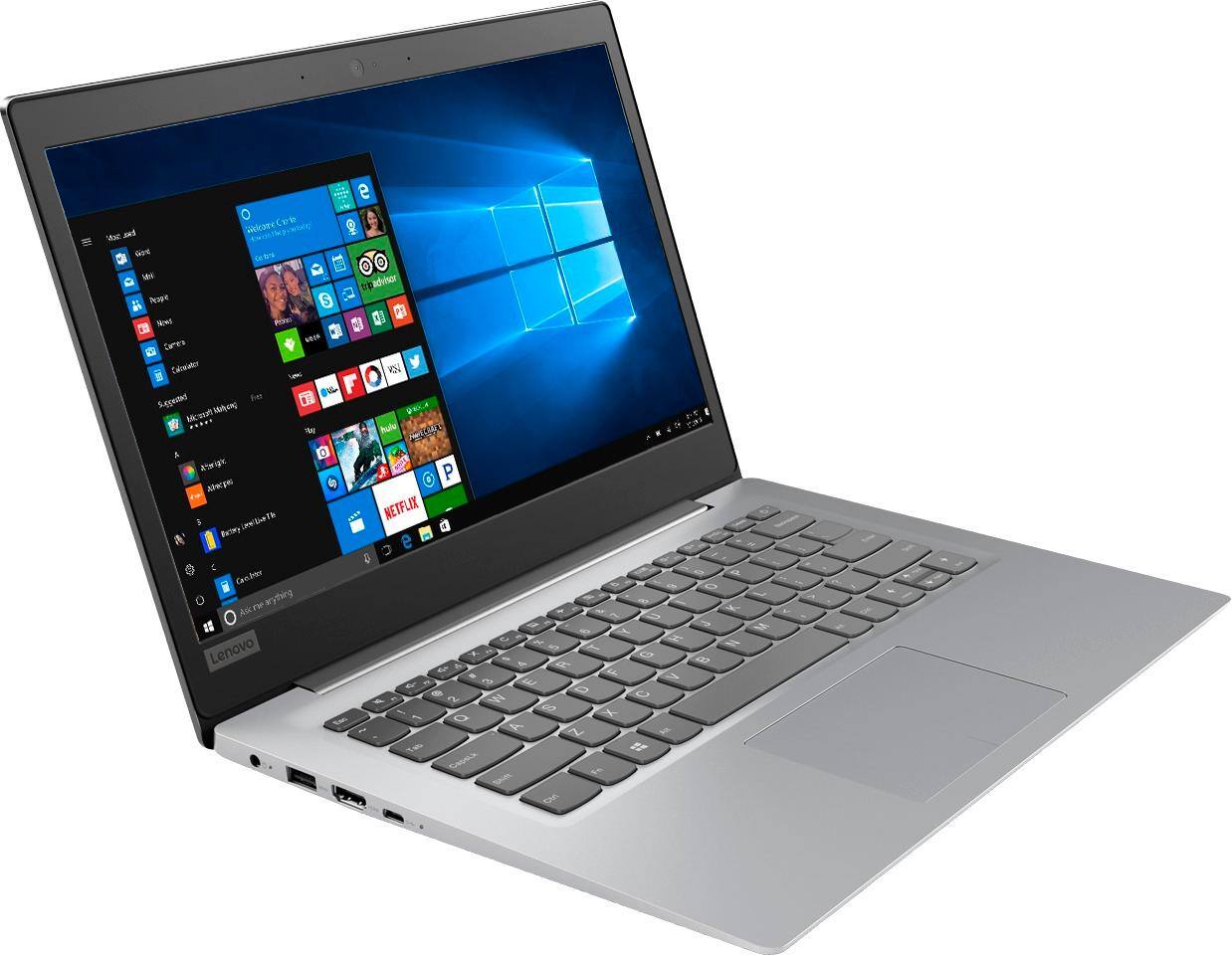
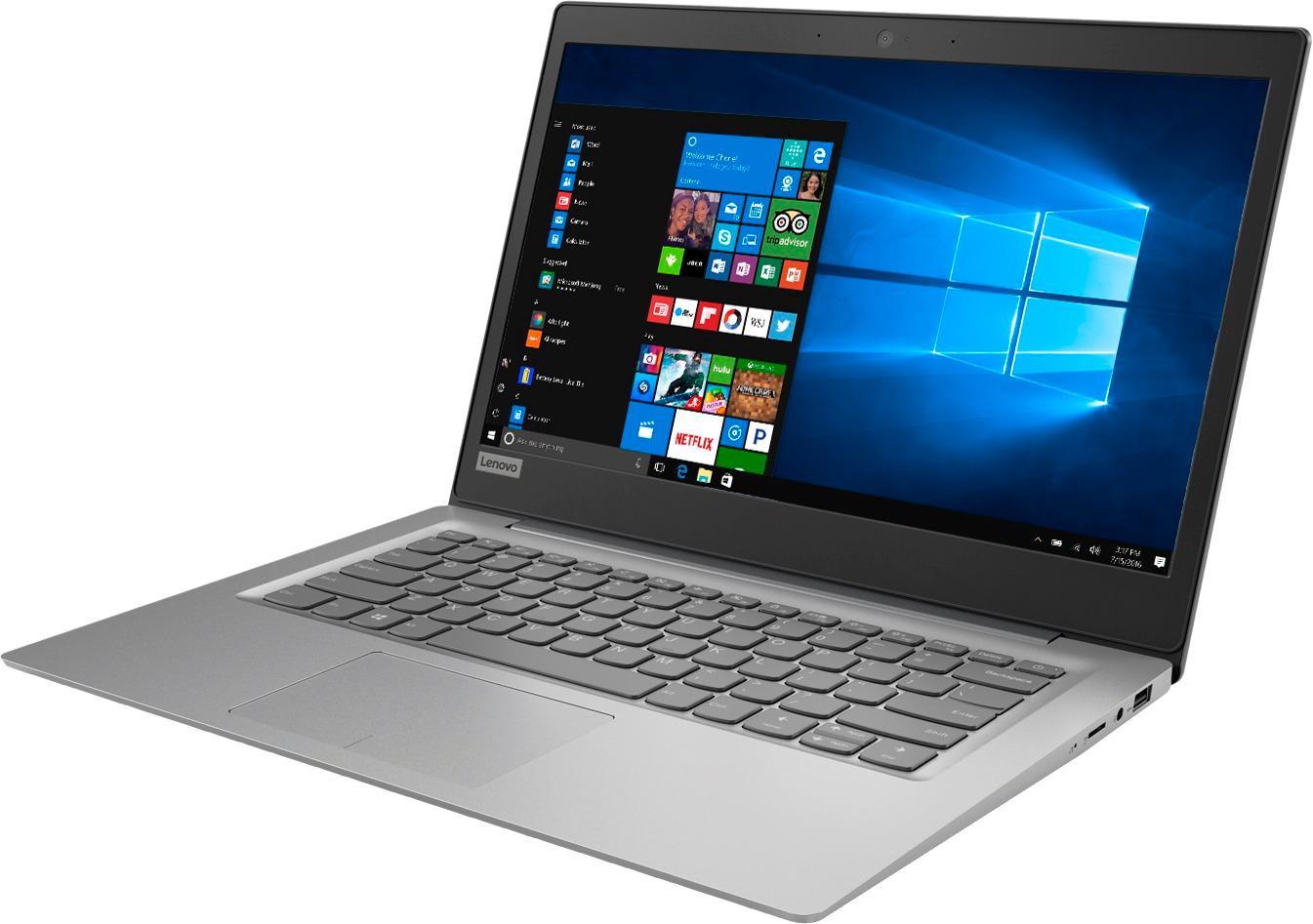
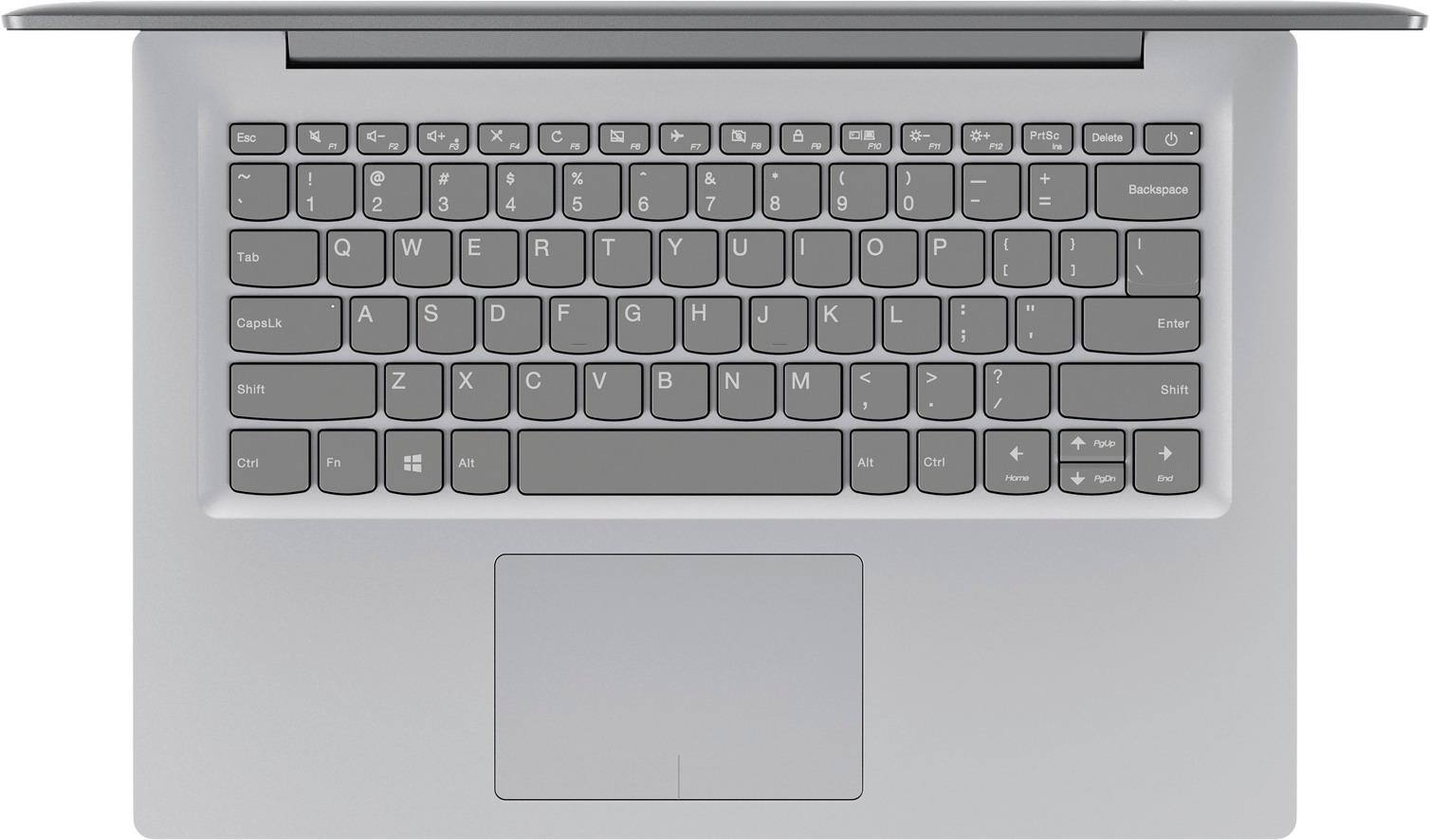
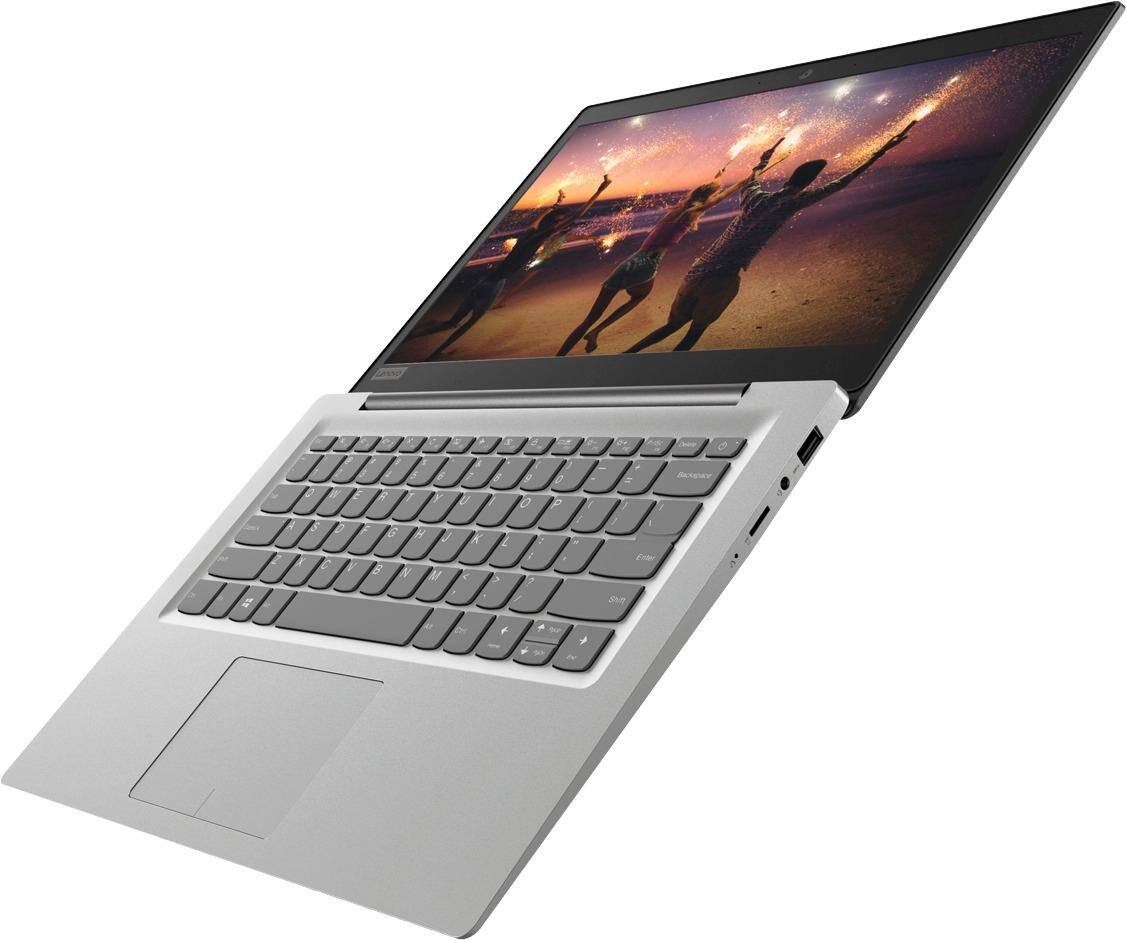
A:AnswerThere is a touchpad built in on this laptop that works as a mouse. You don't need a mouse, but if you choose, you can use a mouse with this device.