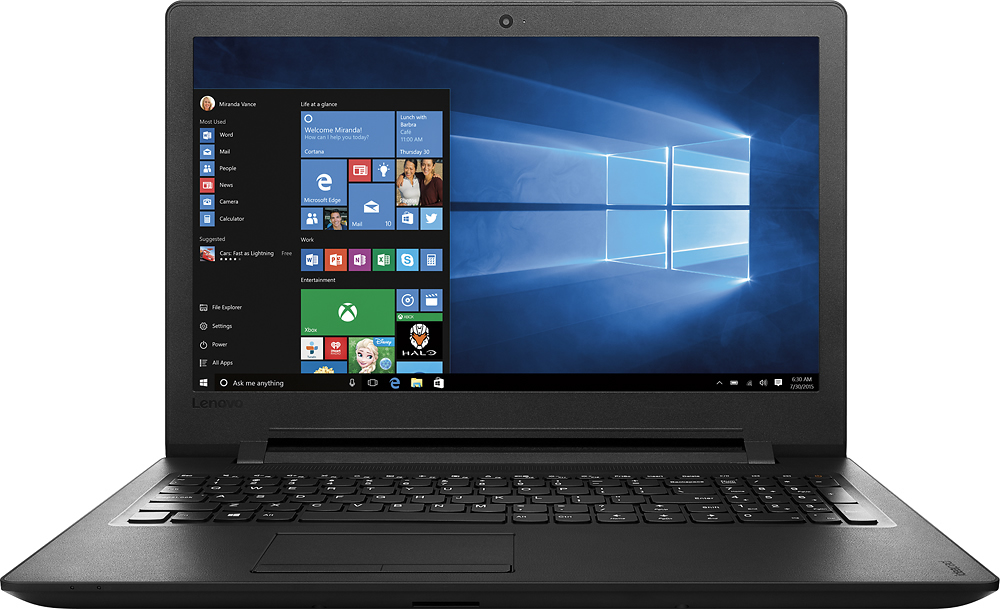
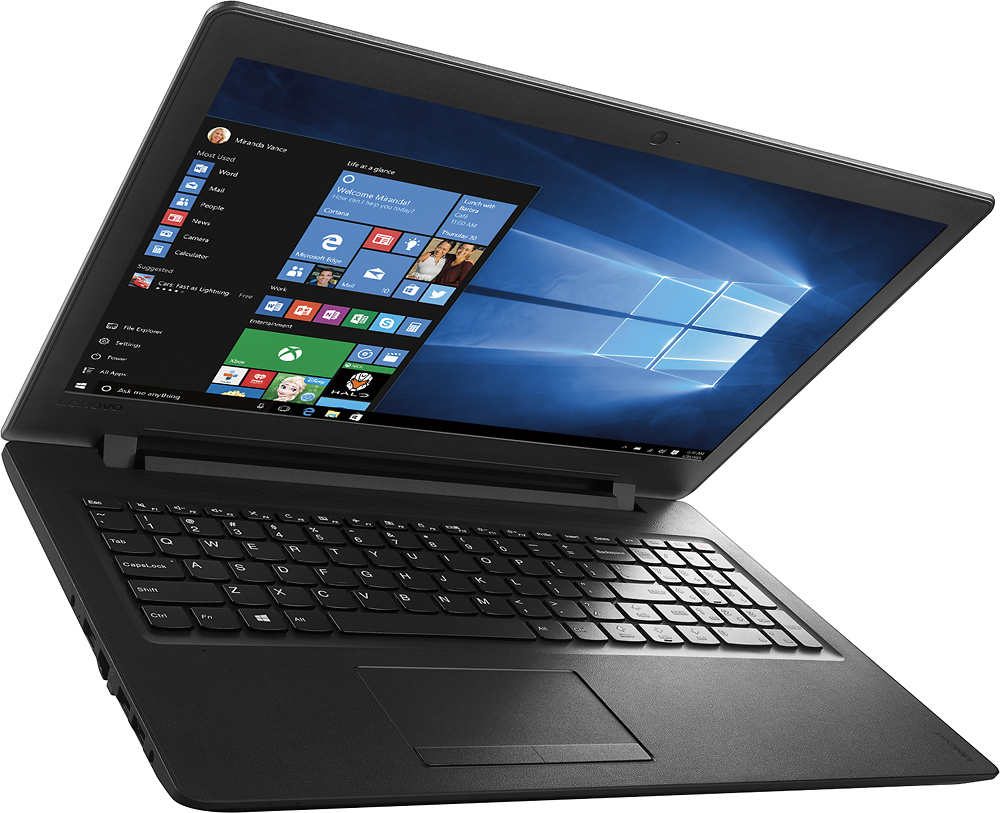
A:AnswerNo this will not get you through 4 years of college you'll be wanting a different computer and the right shift key is in a funky spot you have to really extend your pinky if you're typing
A:AnswerThere is no "internet" that comes with the computer. You have to provide that service yourself. The computer has ethernet and wifi connectivity, to connect to your network. There are no monthly fees associated with just buying this laptop.
A:AnswerWe recommend that you contact the hardware manufacturer for their minimum/recommended requirements for their system to work with a computing system, then compare those requirements with the configuration of this system.
A:AnswerBasic computing and smaller games work fine. If your child is old enough for a laptop then it will be fine for a beginner computer, but not as a gaming computer. It will work fine for work or play, but you get what you pay for.
A:AnswerYou can expect 4 to 6 hours of battery life with this system. With regard to the game software, we recommend you contact the game's publisher for their minimum/recommended requirements to run their game, then compare those requirements to this system's configuration.
A:AnswerYes, but processor RAM and graphics card are not meant for gaming. If gaming is your thing, you should consider a faster processor for sure. You may experience stalled screens with this one.
A:AnswerWe recommend you contact the software publisher for the minimum/recommended requirements to run their software, then compare those requirements to the configuration of this system. With regard to voiceover work, once again this would depend on the requirements of the software you would be using.
A:AnswerThe Celeron processor in this system is an entry-level processor. Depending on the length of the video, you could render a small video with this system for Youtube but the rendering time would be extreme.