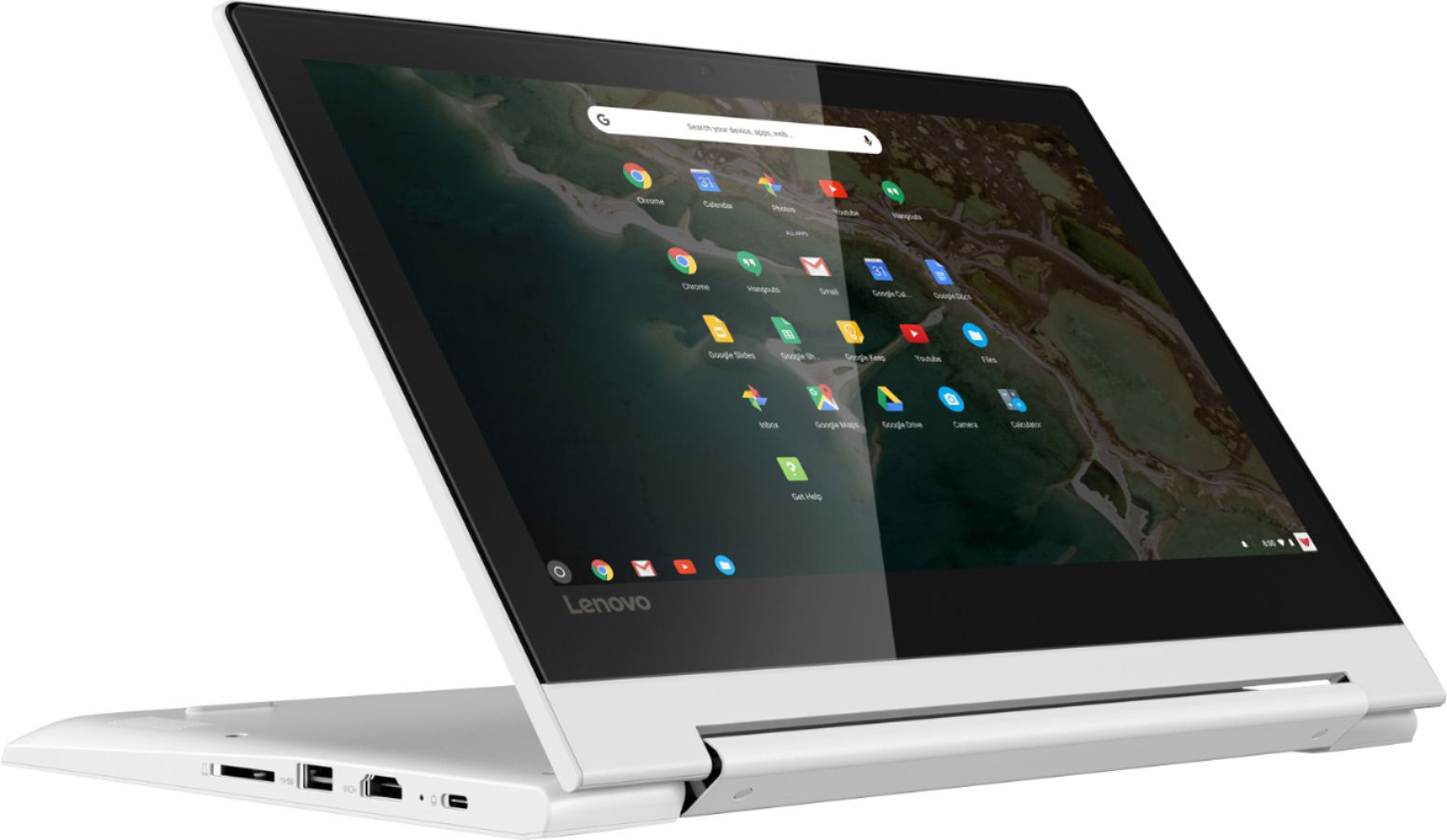
A:AnswerThat will depend on the requirements and compatibility of the specific game. The Lenovo C330 Chromebook is compatible with the Google Play Store APPs. We recommend you check with the game's software publisher's web site for their compatibility with the Chrome operating system and the minimum/recommended hardware requirements (Is a Graphics card required, the processor speed and the minimum required system RAM and the minimum available hard drive space) to run their program, then compare those requirements to this system's configuration.
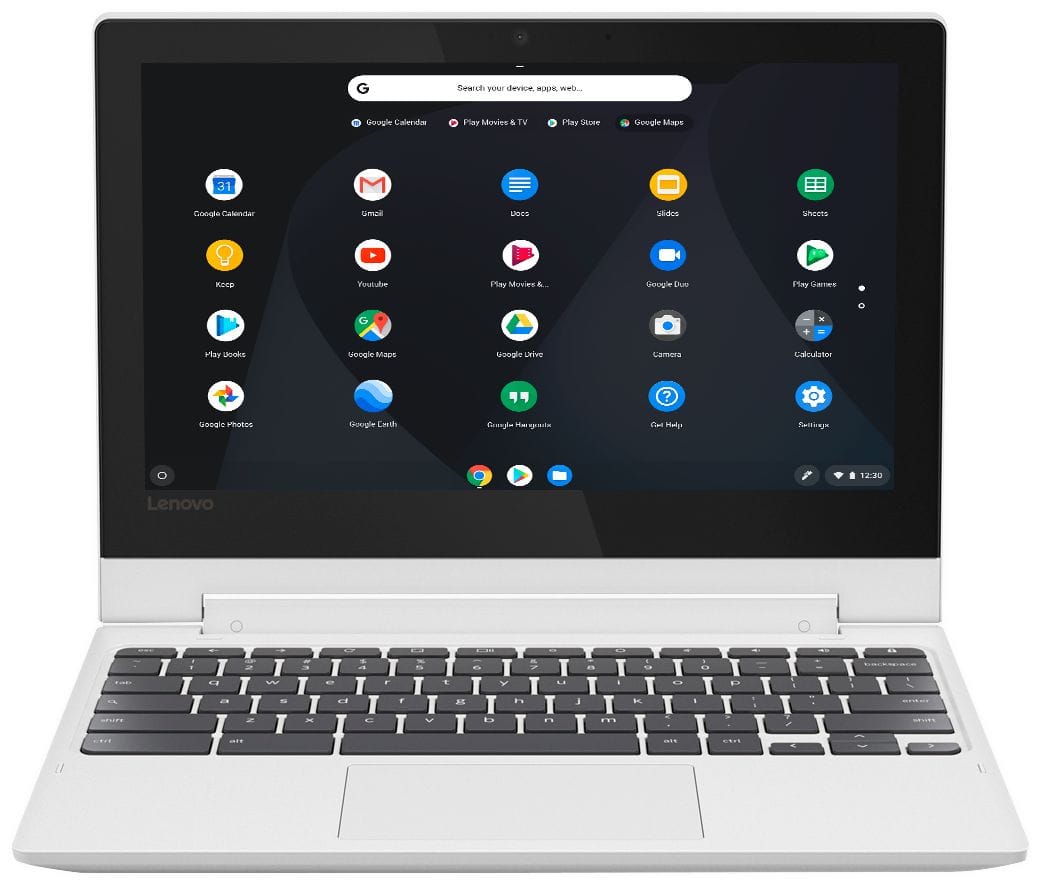
A:AnswerIf you are referring to Microsoft Office, you can purchase Microsoft Office 365 for this Chromebook at the Google Play Store. You can use Google Docs for free through the Google Server with this Chromebook. Google Docs is completely compatible with Microsoft Office programs. Google Docs is a free service for Chromebook users.
A:AnswerYes. Here is a link to information about turning on speech recognition on a Chromebook: https://support.google.com/chromebook/answer/177893?hl=en
A:AnswerThat will depend on the requirements and compatibility of the software you use. We recommend you check with the software publisher's web sites for their compatibility with the Chrome operating system and the minimum/recommended hardware requirements (Is a Graphics card required, the processor speed and the minimum required system RAM and the minimum available hard drive space) to run their program, then compare those requirements to this system's configuration. The Lenovo C330 Chromebook is compatible with Google Play Store APPs.
A:AnswerThat will depend on the games you want to play. We recommend you check with the game's software publisher's web site for their compatibility with the Chrome operating system and the minimum/recommended hardware requirements (Is a Graphics card required, the processor speed and the minimum required system RAM and the minimum available hard drive space) to run their program, then compare those requirements to this system's configuration. The Lenovo C330 Chromebook is compatible with Google Play Store APPs.
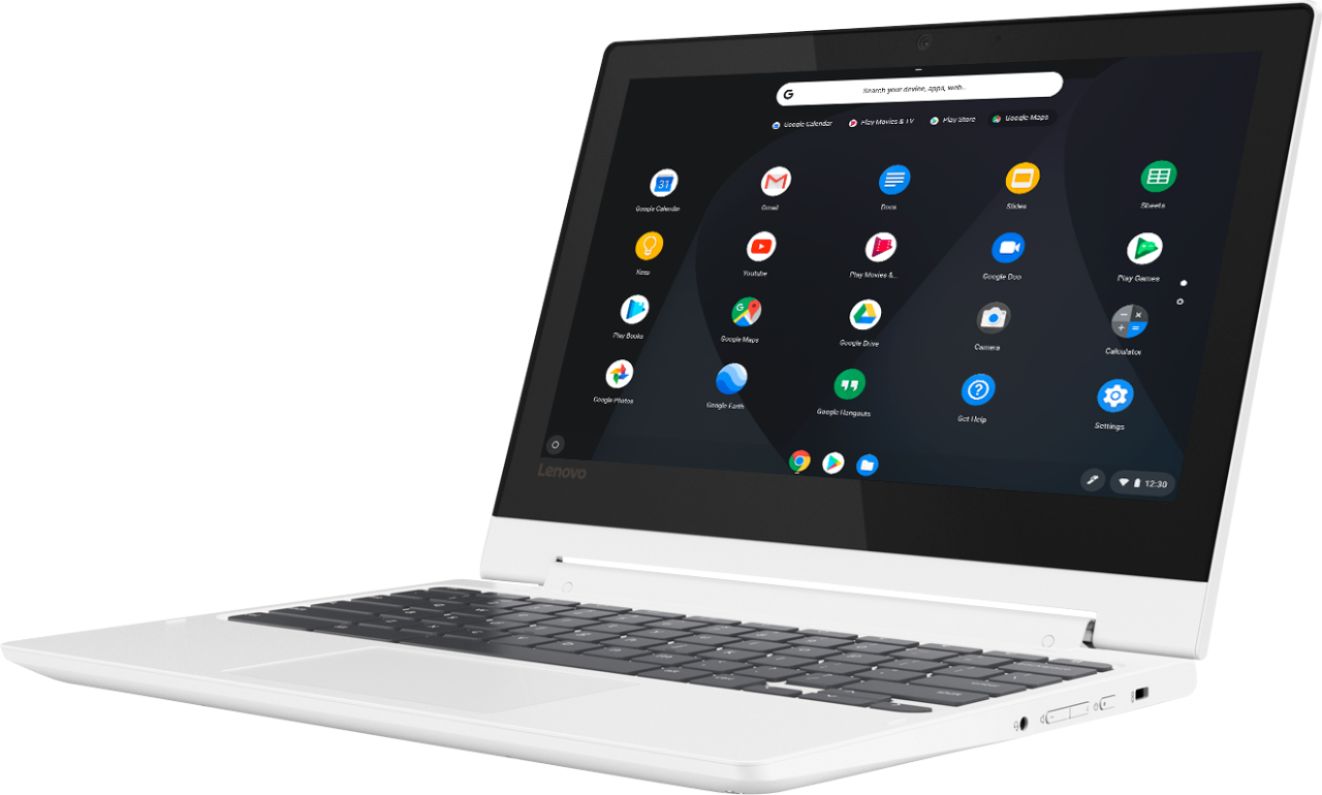
A:AnswerThe Lenovo C330 Chromebook uses the Chrome Operating System. Be sure that the software you need to use is compatible with the Chrome Operating System. The C330 Chromebook is compatible with the Google Play Store APPs. We recommend you check with the specific software publisher's web sites of the software you will need to use, for their compatibility with the Chrome operating system and the minimum/recommended hardware requirements (Is a Graphics card required, the processor speed and the minimum required system RAM and the minimum available hard drive space) to run their program, then compare those requirements to this system's configuration.
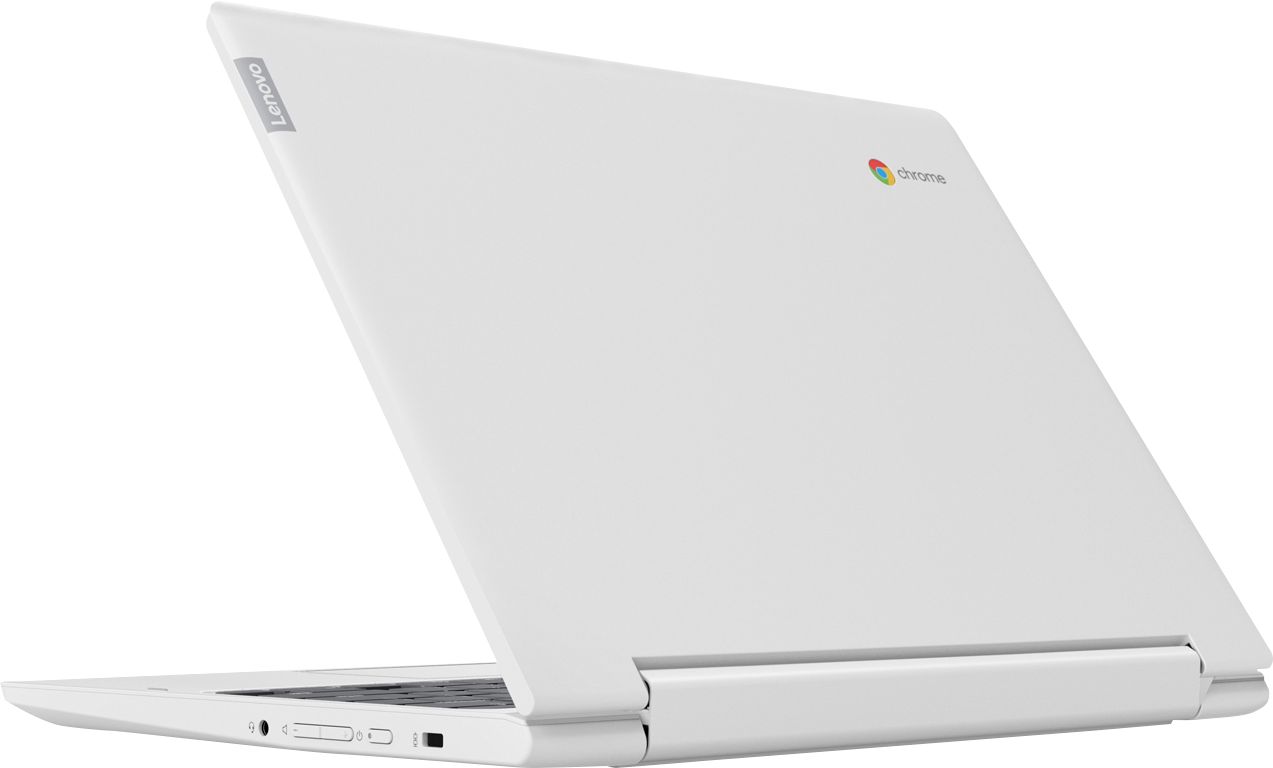
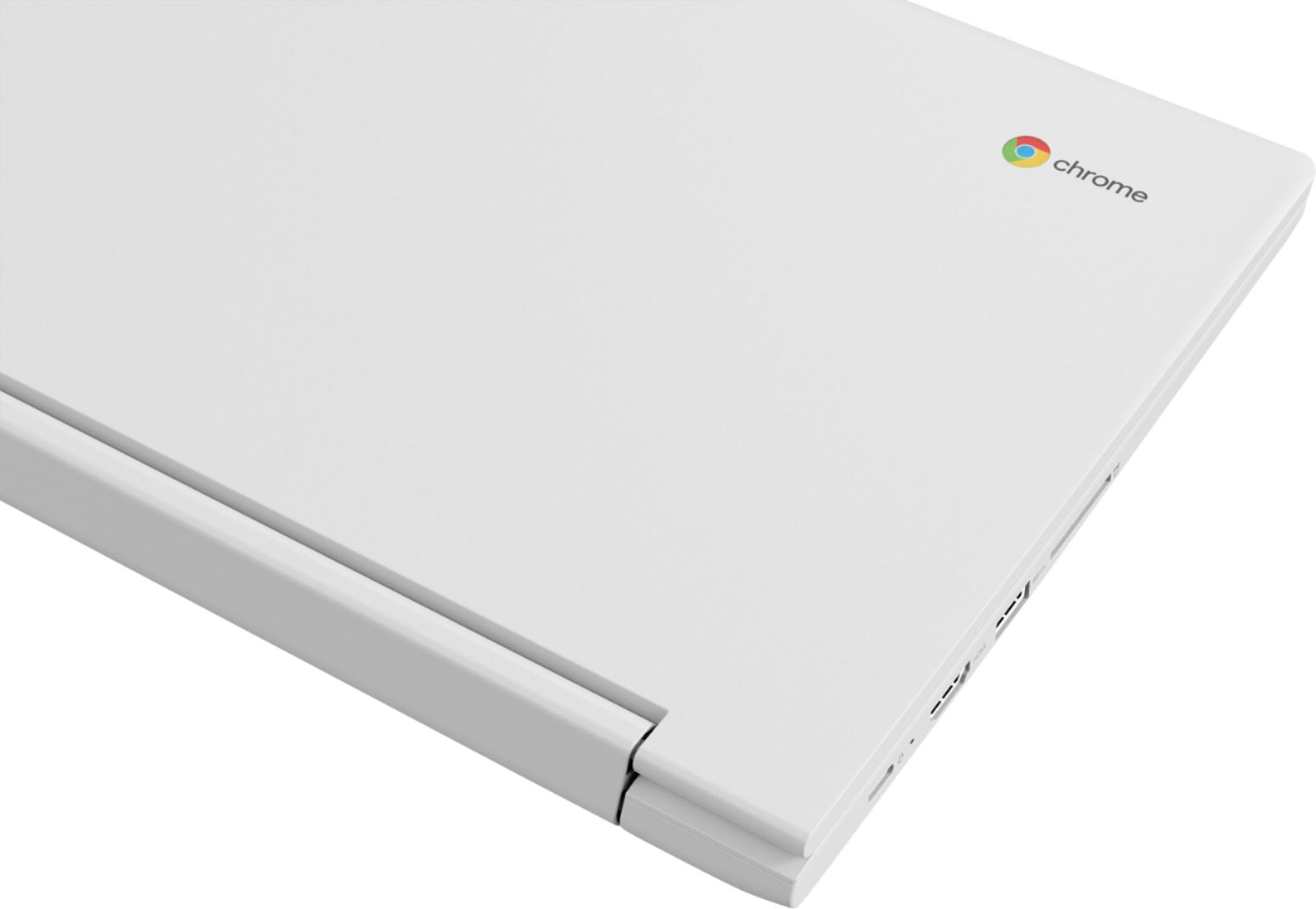
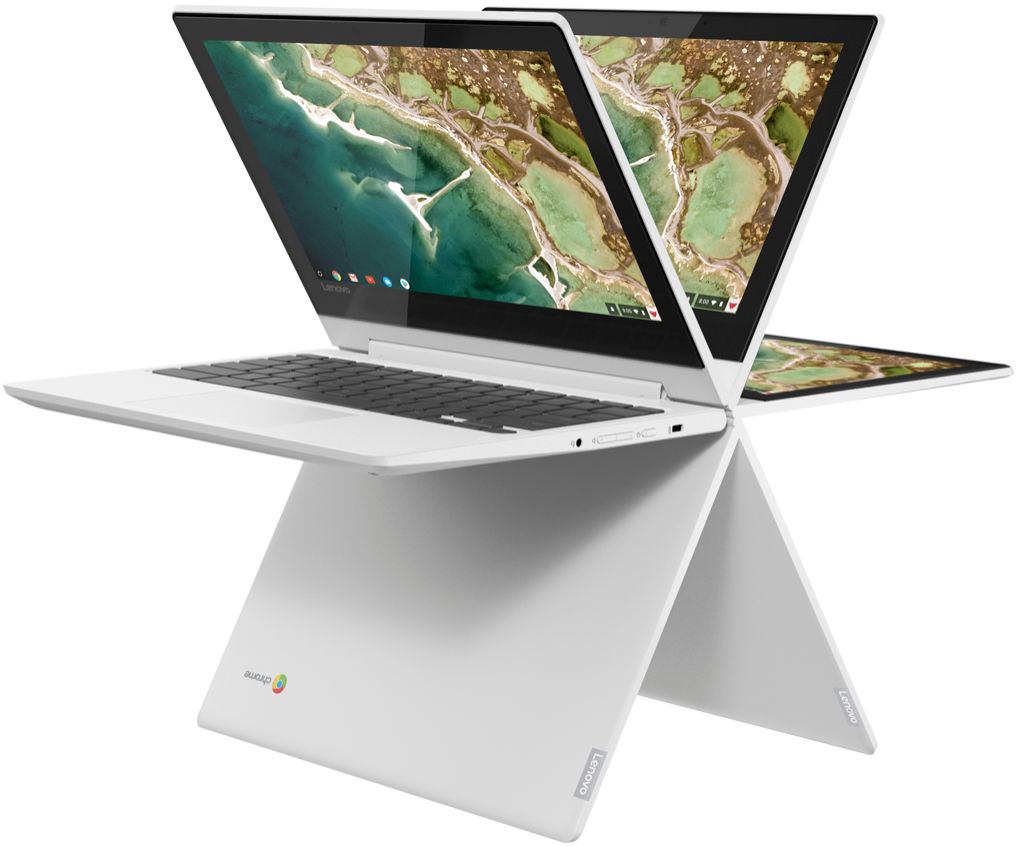
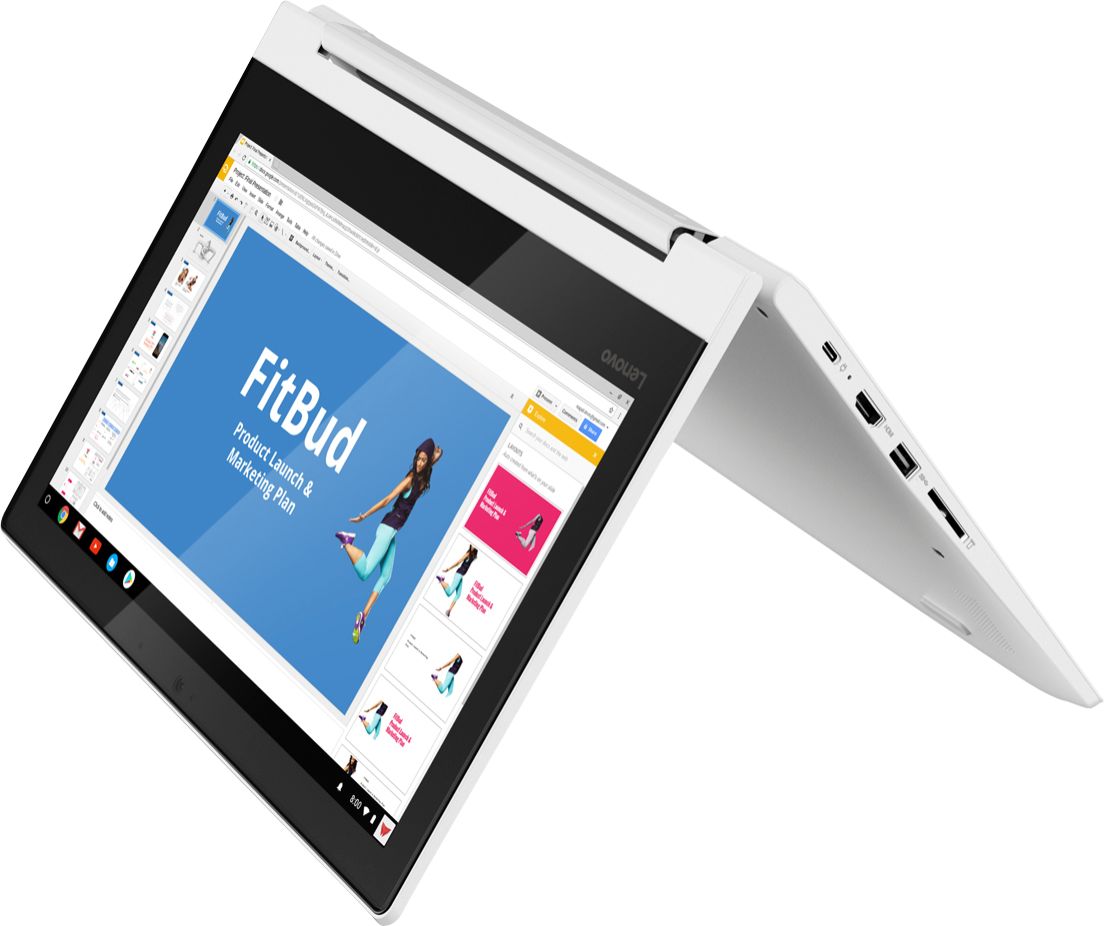
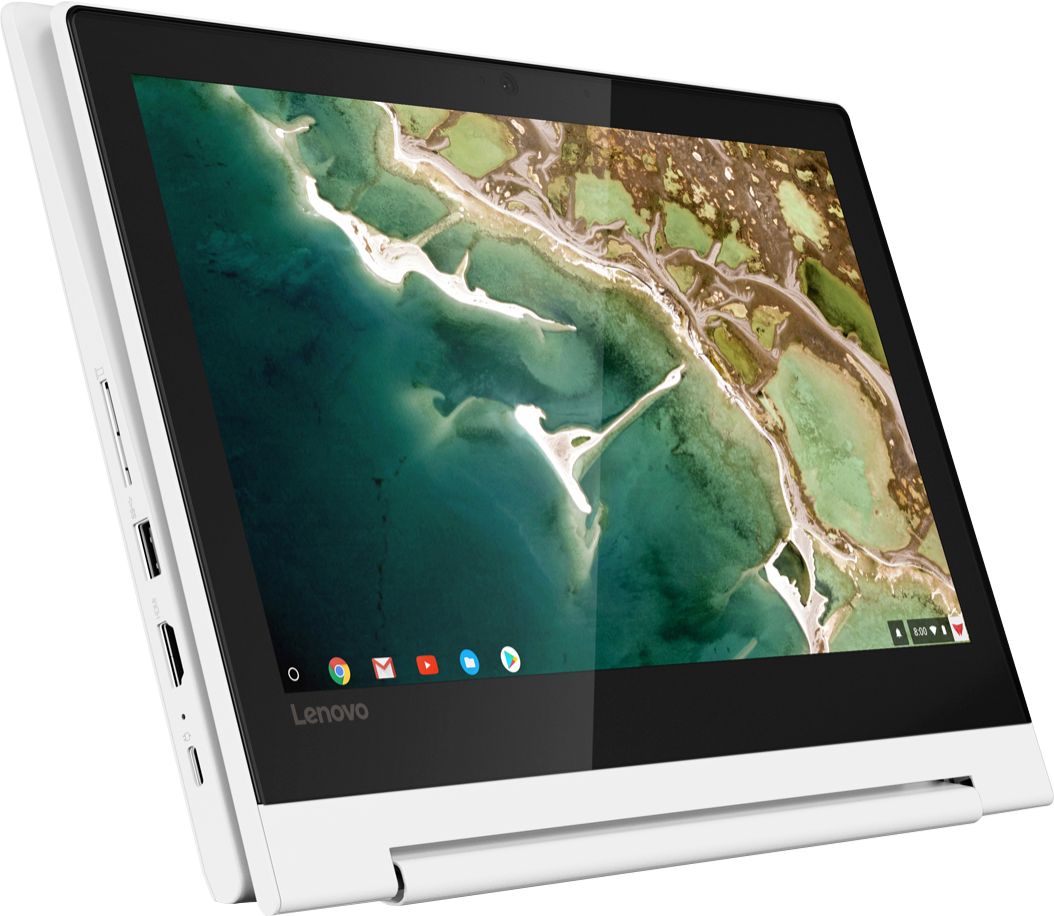
A:AnswerThe Lenovo C330 Chromebook is a 2 in 1 touchscreen Chromebook that has an attached keyboard and a screen that can rotate 360-degrees, so you can use the C330 Chromebook as a traditional laptop and/or flip the screen and use the C330 Chromebook as a tablet. You will need to install Google Cloud Print APP on the C330 Chromebook to wirelessly print to your printer. We recommend you check the compatibility and pairing instructions available from the printer manufacturer's web site.
A:AnswerYes, you can wirelessly print through a compatible printer by installing the Google Cloud Print APP. Here is more information about printing from a Chromebook: https://support.google.com/chromebook/answer/7225252?hl=en
A:AnswerTry a reset of your Chromebook. Here is a link to instructions for doing this: https://support.google.com/chromebook/answer/183084?hl=en. If the issue continues, we recommend you call Lenovo Tech Support at: 877-453-6686.
\
A:AnswerYes. But you have to log in to the online version of Office 360. Works just fine for me. I also installed the Office extension. Works like a charm.