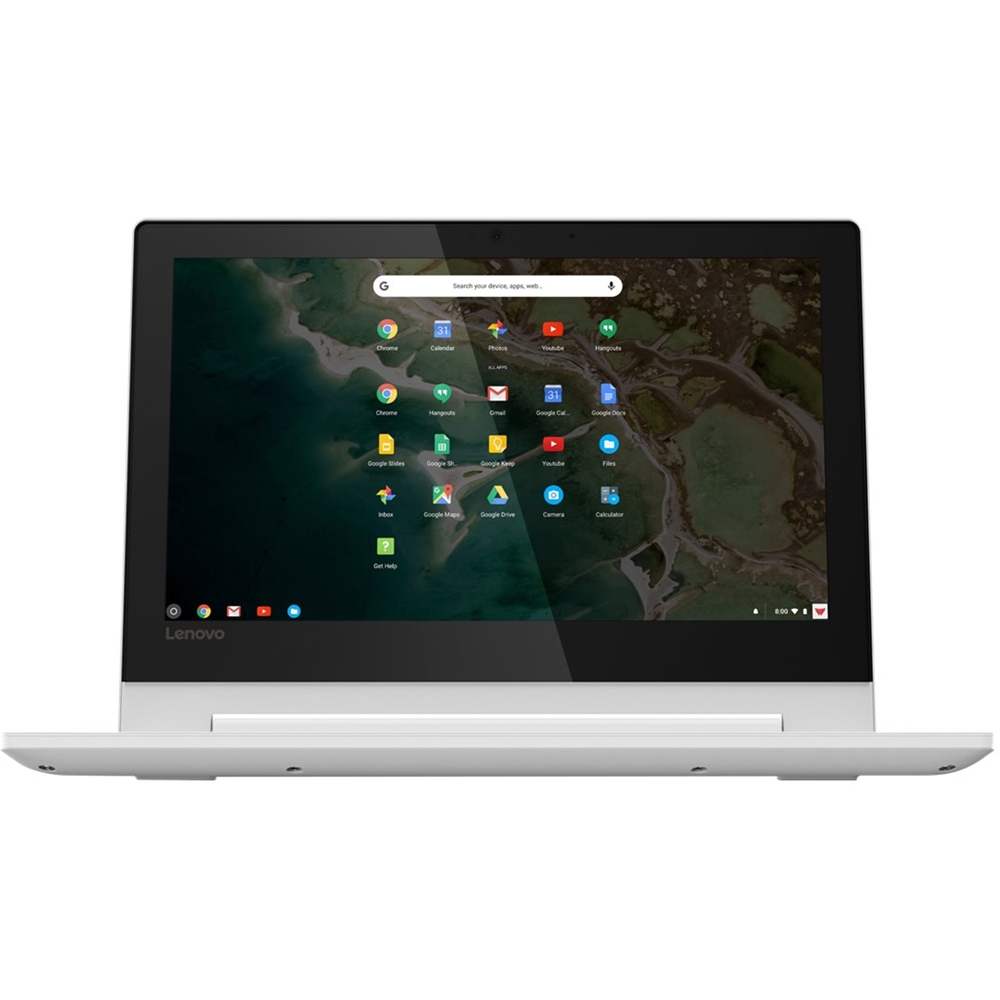
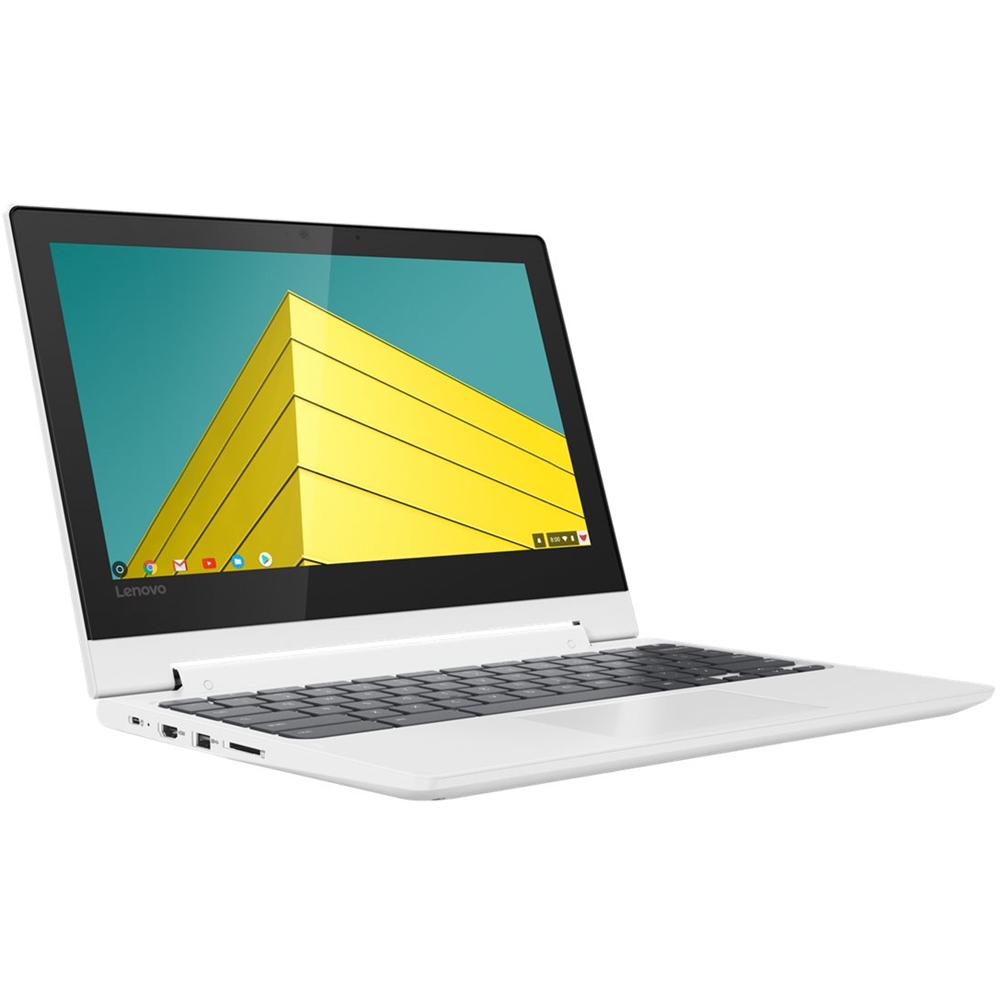
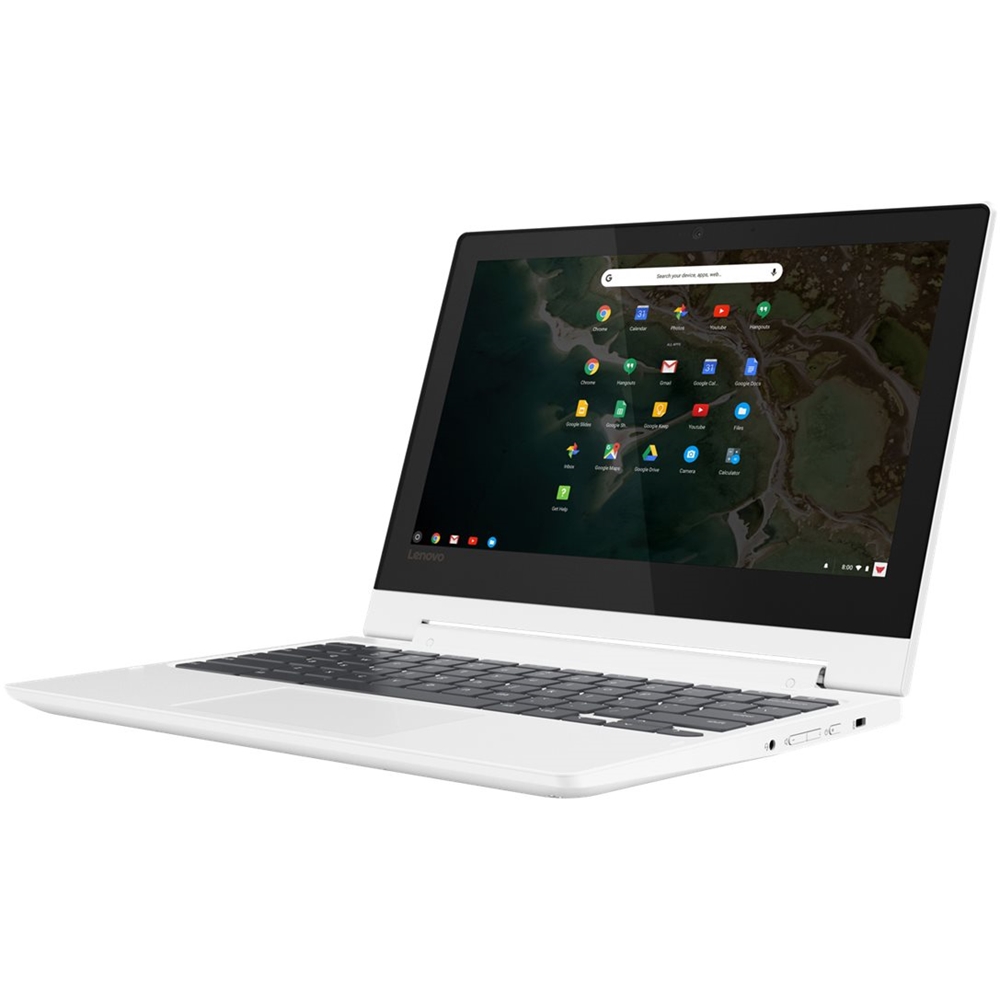
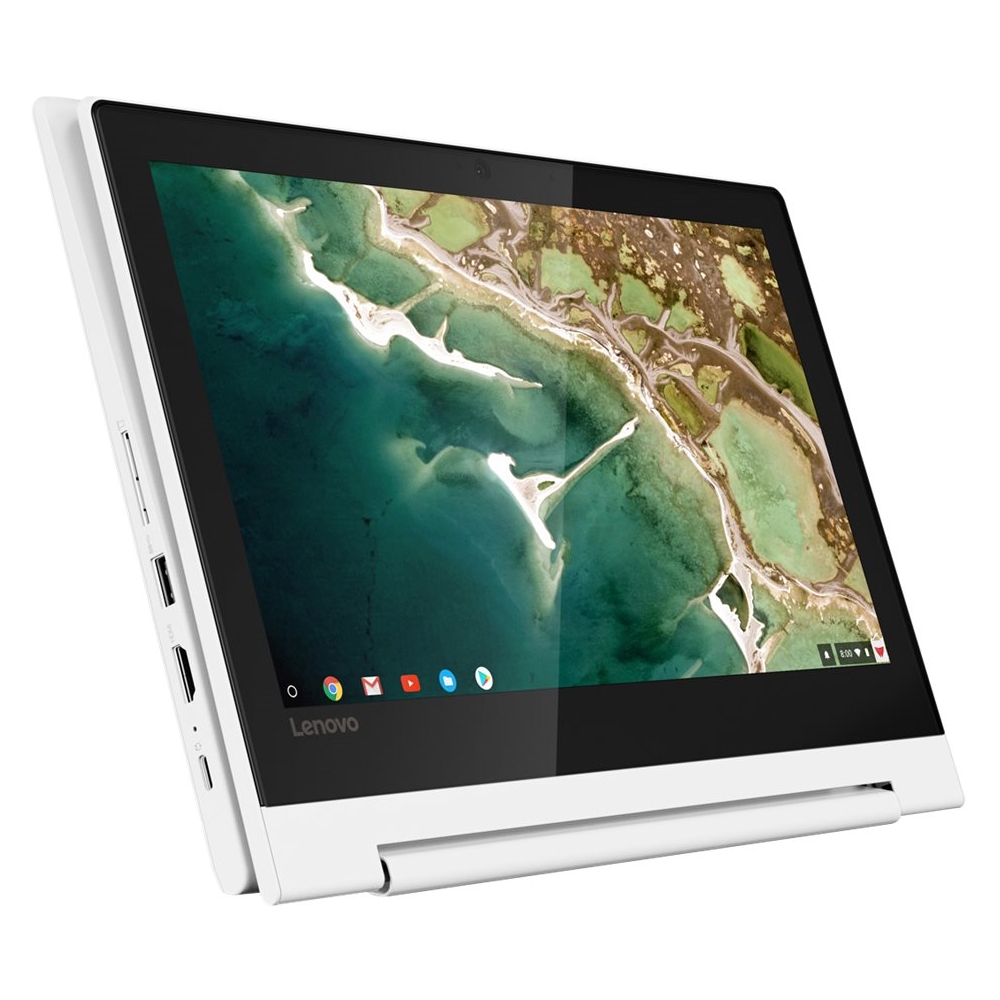
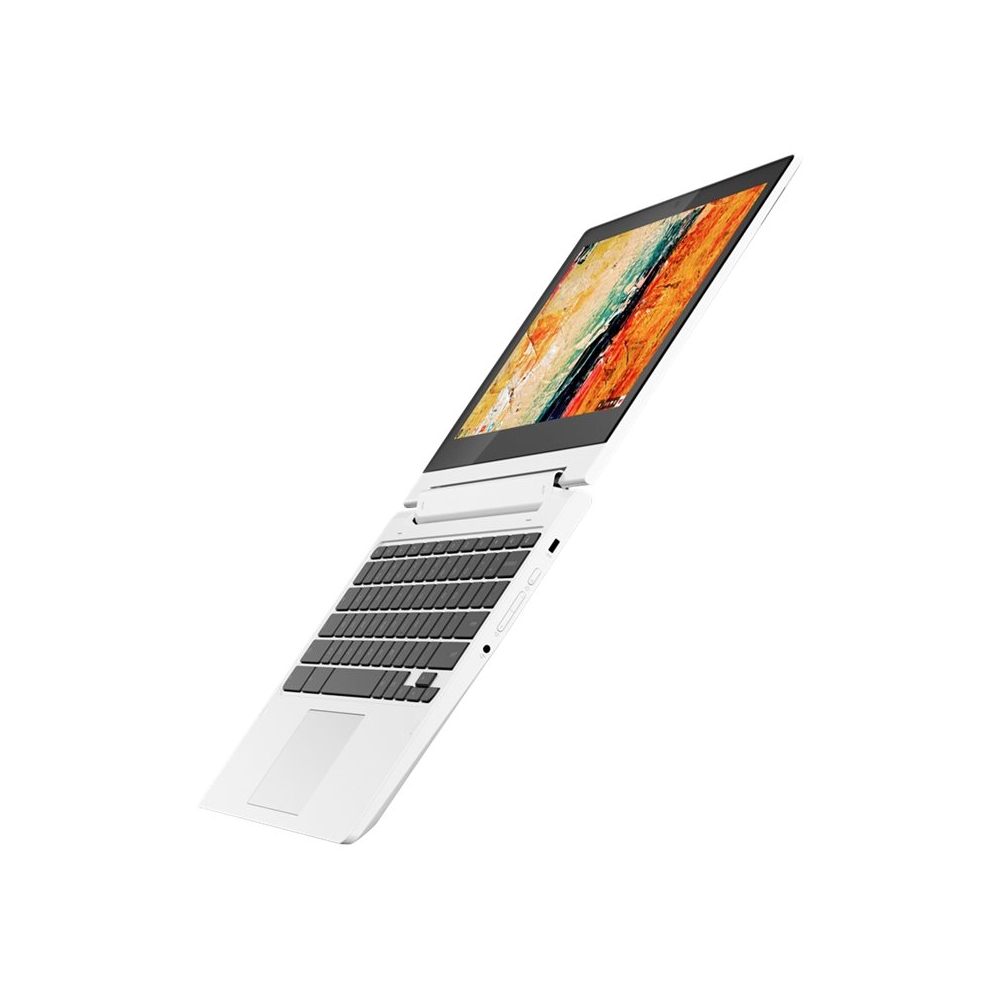
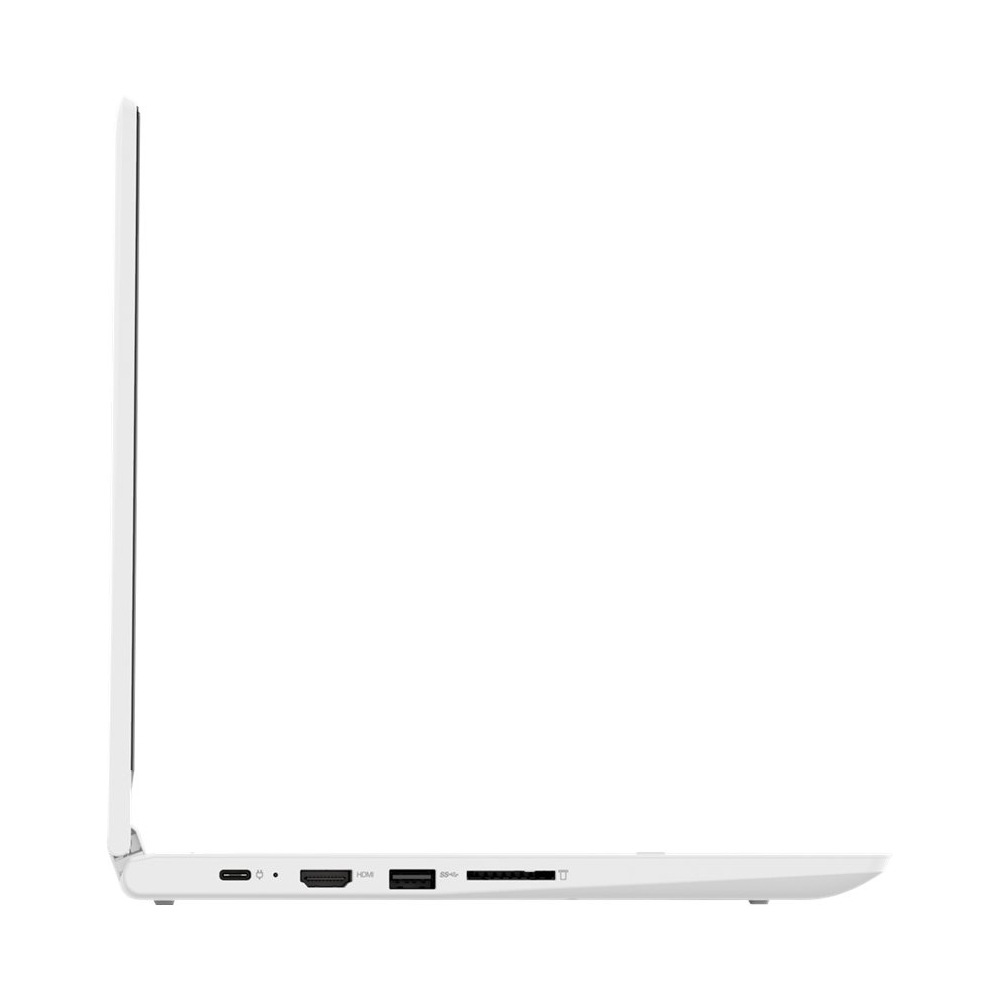
A:AnswerThis is a Chromebook. It uses Google Docs for office type programs. Google Docs is completely compatible with Microsoft Office Programs and this is a free service through the Google Server. If you must have the actual Microsoft Office Programs, you can purchase Microsoft Office 365 for this Chromebook at the Google Play Store.
A:AnswerThe Lenovo C330 Chromebook is not compatible with any active digital pen. You can use a capacitive touch stylus as a finger replacement on the touchscreen like this one, there are many varieties available: https://www.bestbuy.com/site/insignia-stylus-silver/3695185.p?skuId=3695185
A:AnswerTry resetting the device back to original factory settings. Here is a link to instructions for doing that: https://support.google.com/chromebook/answer/183084?hl=en
A:AnswerThe Lenovo C330 Chromebook, model number 81HY0000US, ships with a 3CELL_45WH_INTERNAL, Lithium Polymer Battery, with a battery life of up to 10 hours, depending on the work the device is performing.
A:AnswerThe Lenovo C330 Chromebook, model number 81HY0000US ships with a IPS LCD w/LED Backlight (Anti-glare) screen, with a resolution of 1366 X 768 (HD) and a brightness level of 300 nits.