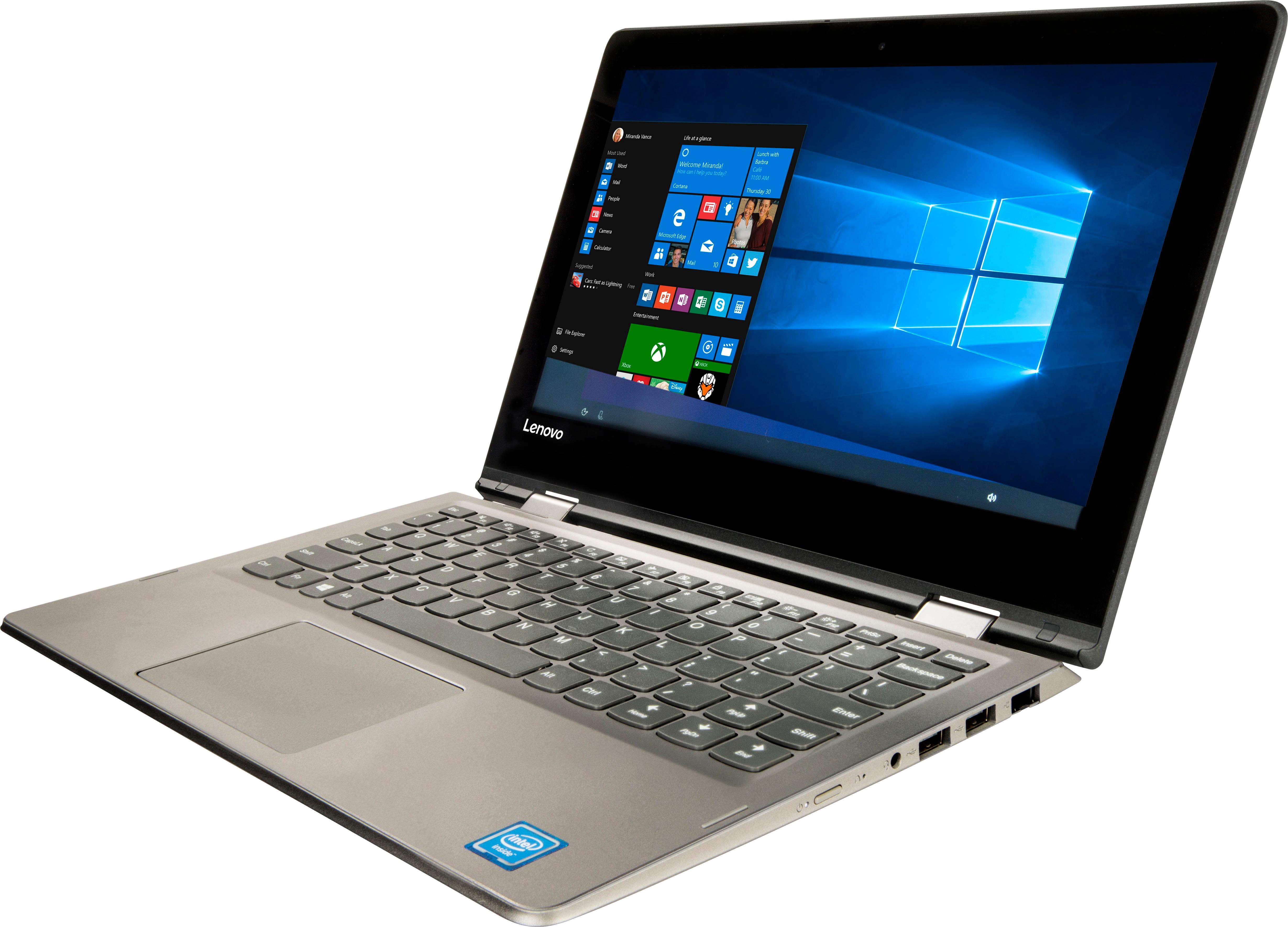
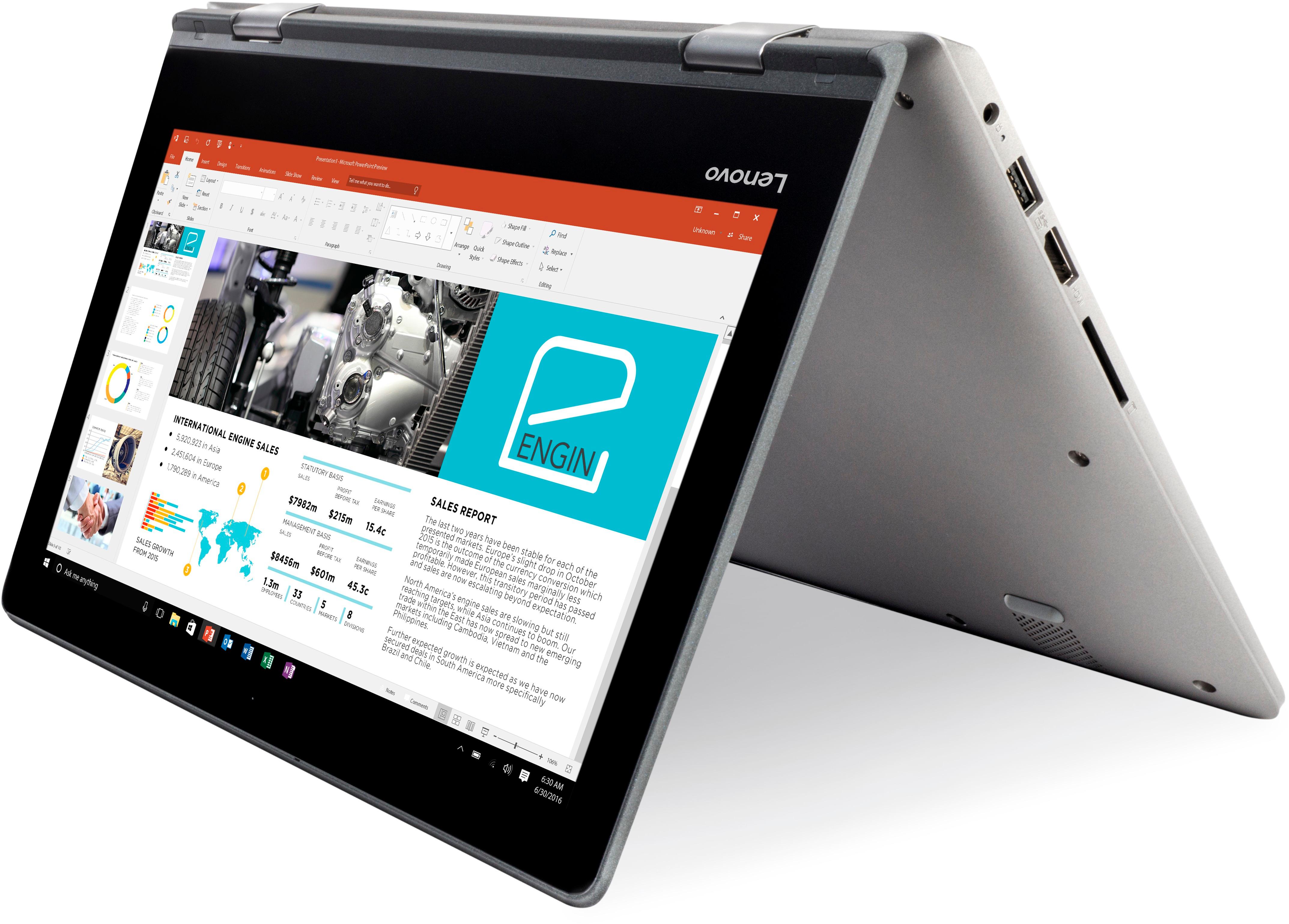
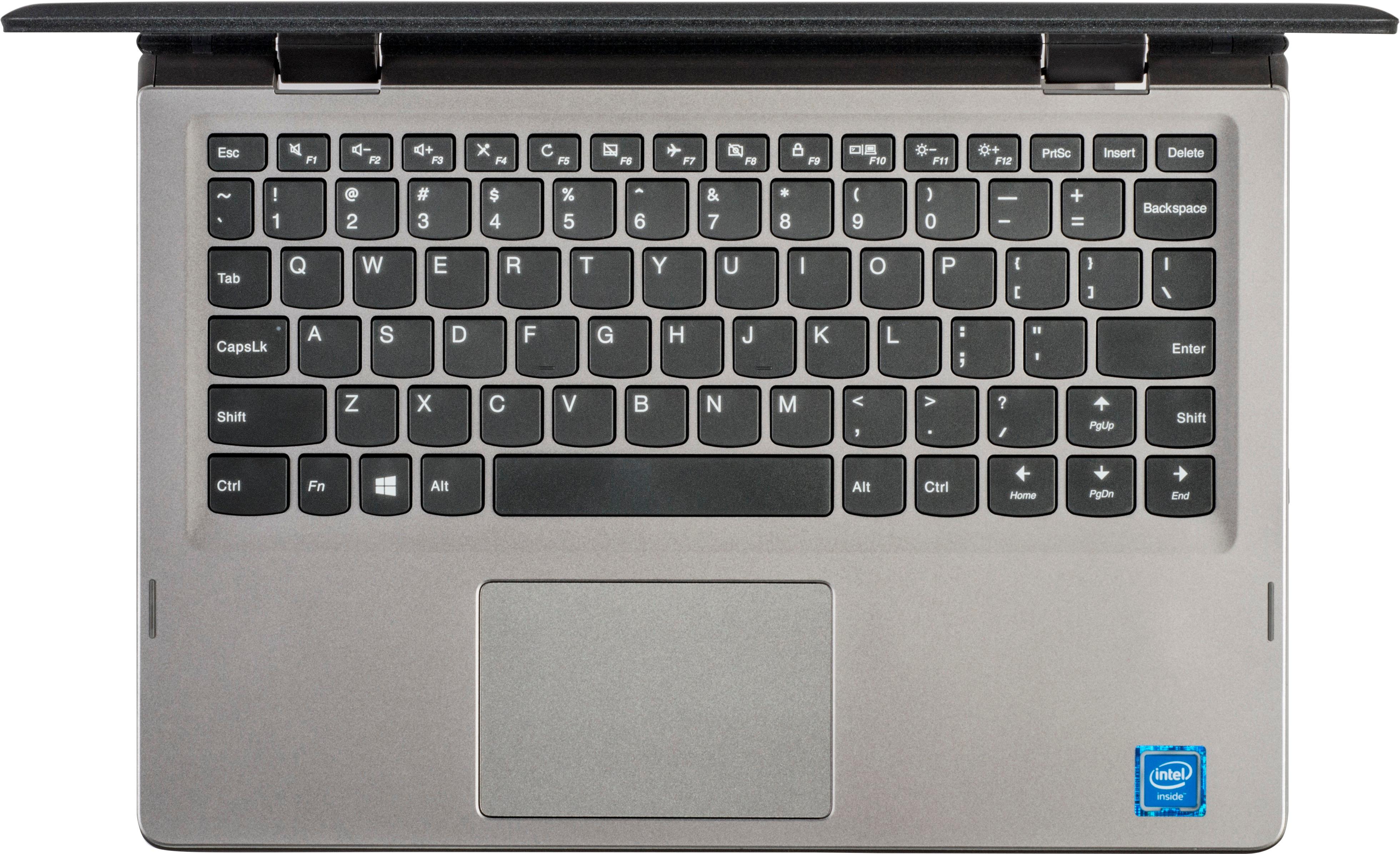
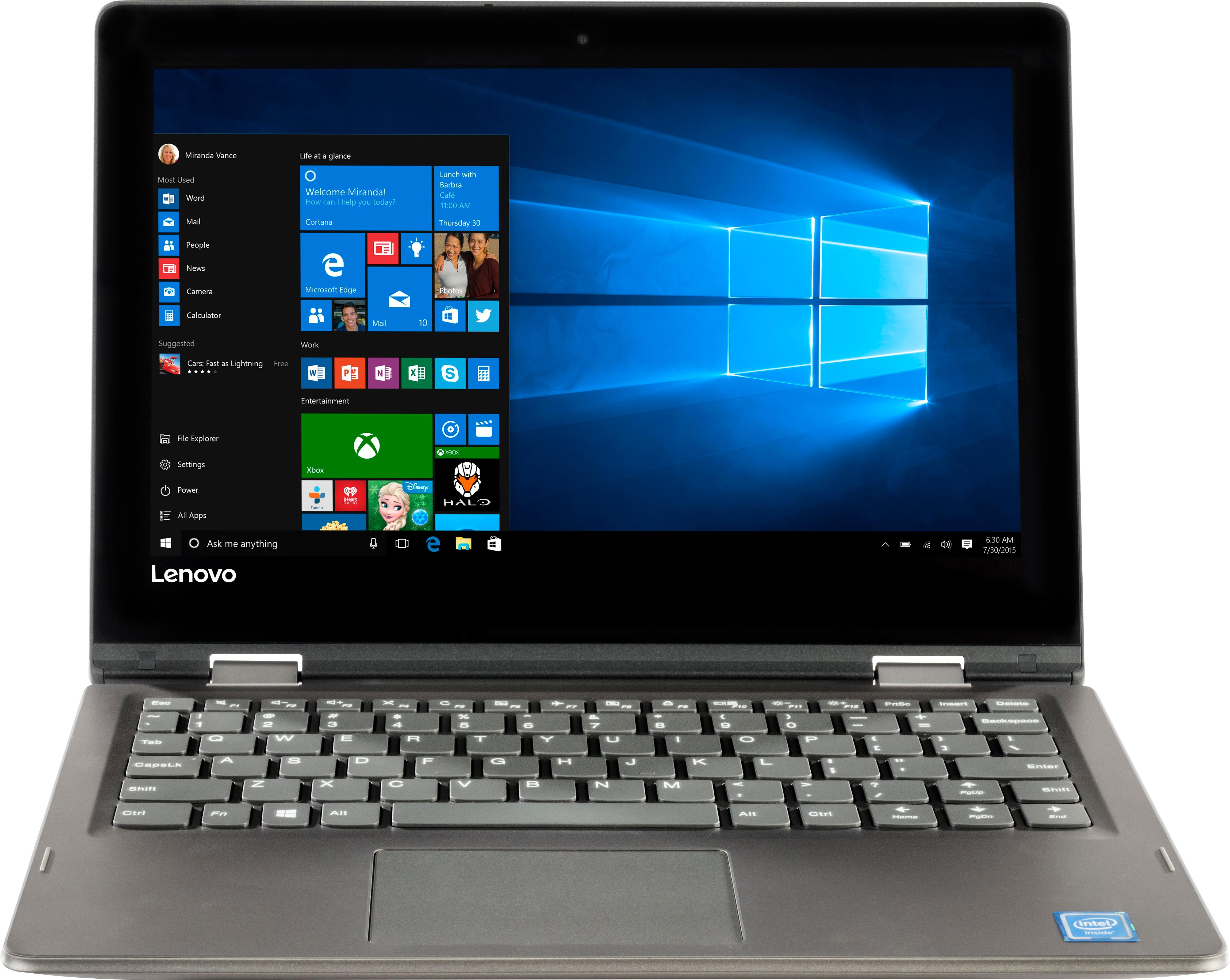
A:AnswerIt depends on what you plan to draw with. This model is not compatible with any active/digital pen. You can draw with your finger or a capacitive touch stylus like this one: https://www.bestbuy.com/site/insignia-stylus-silver/3695185.p?skuId=3695185.
A:AnswerThe Lenovo IdeaPad 2 in 1 11.6" Laptop will be able to perform the work you describe. Please keep in mind that this configuration with the Intel Celeron processor is an entry level, light use system. It is not meant for heavy use, multi-tasking or more demanding programs, including some graphic intensive web sites that use a lot of high quality photos and/or videos.
A:AnswerThat will depend on the specific requirements and compatibility of the software. We recommend you check with the software publisher's web site for their compatibility with Windows 10 Home 64-bit operating system and the minimum/recommended hardware requirements (Is a Graphics card required, the processor speed and the minimum required system RAM and the minimum available hard drive space) to run their program, then compare those requirements to this system's configuration. Please keep in mind, that the IdeaPad 2 in 1 11.6" Laptop is an entry level, light use system with its Intel Celeron processor and 2GB of RAM.
A:AnswerCurrently there is an issue with the Latest version of Windows 10 and compatibility with Google Earth and it will not run properly. Here is a link to the details: http://www.thewindowsclub.com/google-earth-not-working-freezes
A:AnswerThis device, though it has a touchscreen, is not compatible with any active/digital pen. It is not compatible with Windows Ink. You could use a capacitive touch stylus (basically at finger replacement), like this one: https://www.bestbuy.com/site/insignia-stylus-silver/3695185.p?skuId=3695185. Also, please keep in mind, that this configuration is an entry level, light use system with its Intel Celeron processor and 2GB of RAM. We recommend you check with your college for a list of software programs you will need to use, then see what the requirements and compatibility are of the software you will need to run to do your school work and compare those requirements and compatibility with this system's configuration.
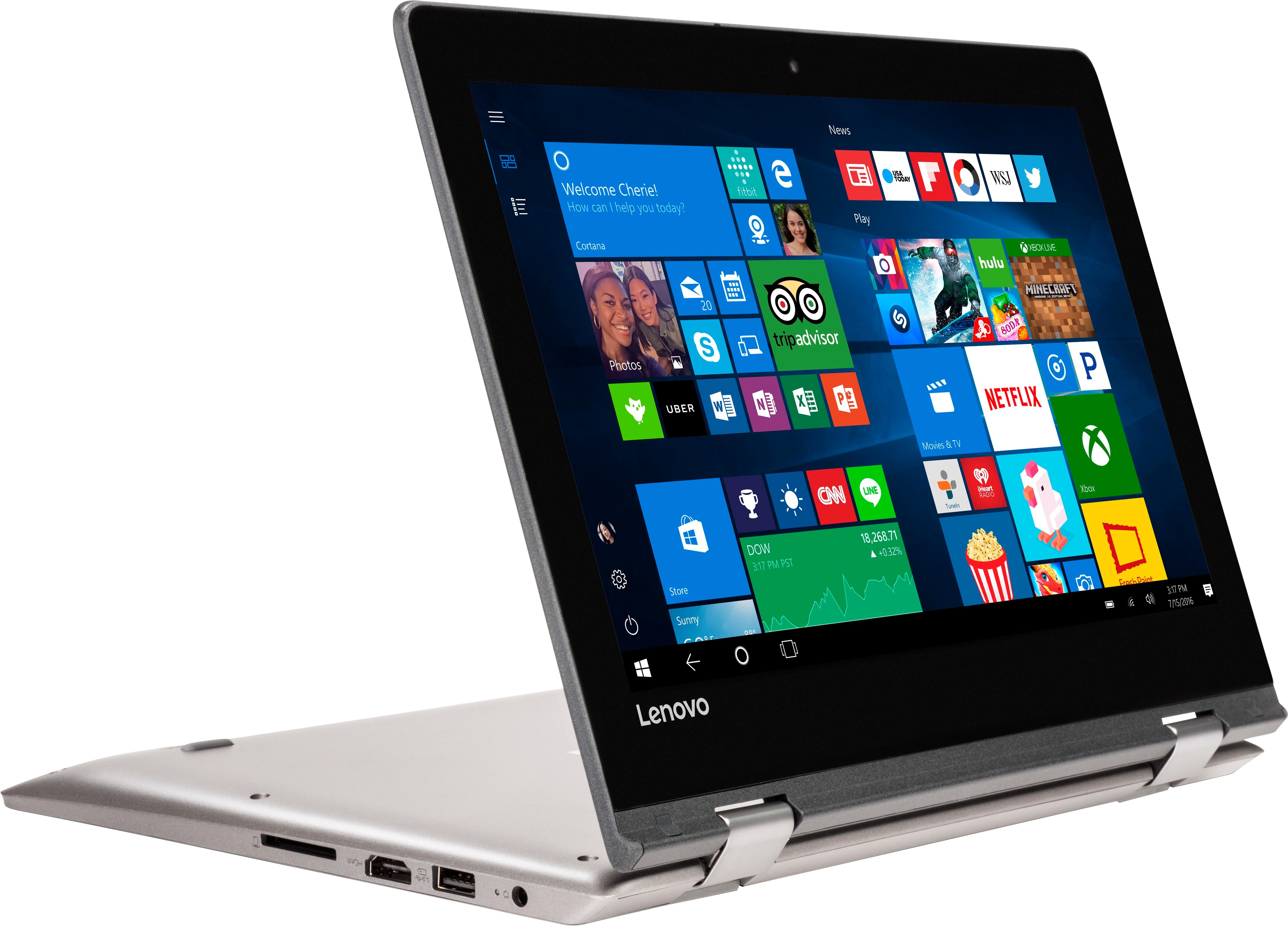
A:AnswerThat will depend on the software and programs you will be using. This device is an entry level, light use system, with its Intel Celeron processor. We recommend you check with the software publisher's web sites, for the programs you will be using with your daughter, for their compatibility with Windows 10 Home 64-bit operating system and the minimum/recommended hardware requirements (Is a Graphics card required, the processor speed and the minimum required system RAM and the minimum available hard drive space) to run their program, then compare those requirements to this system's configuration.