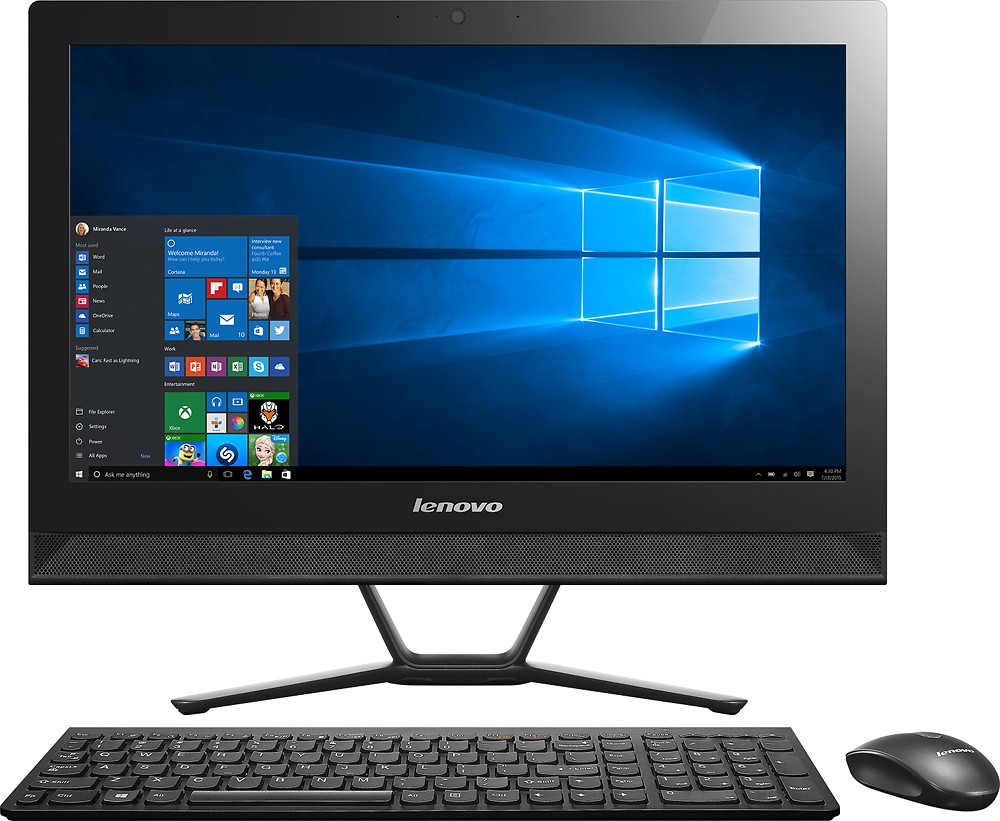
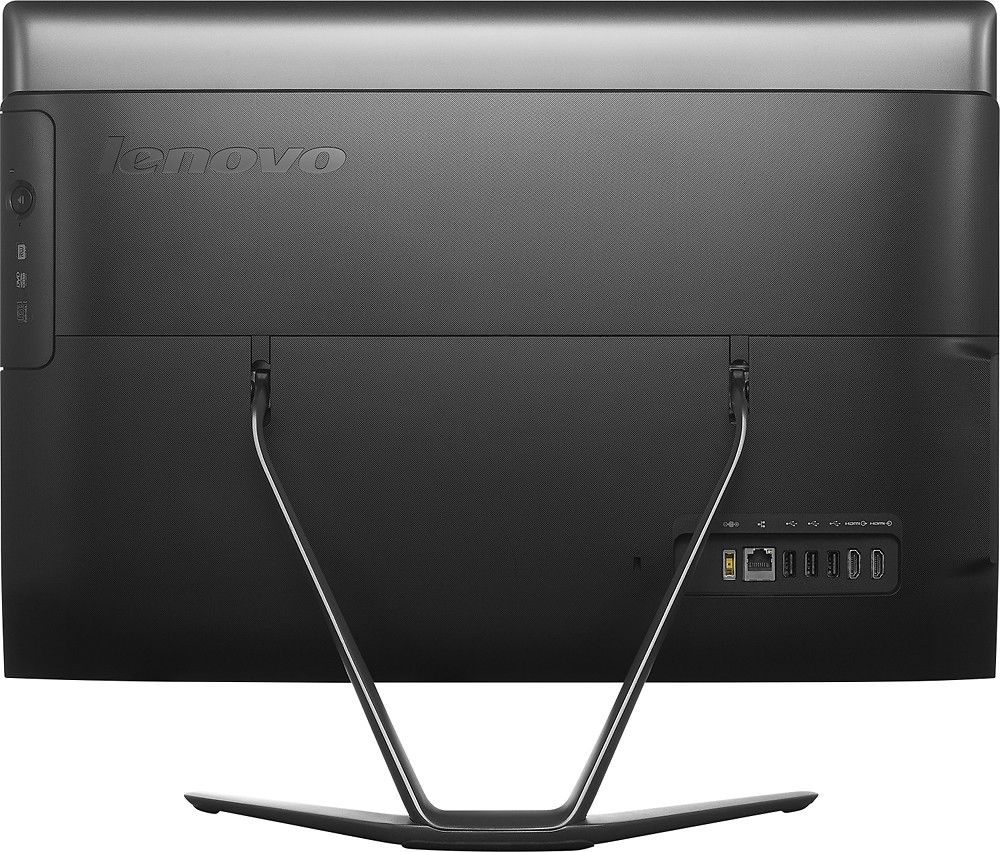
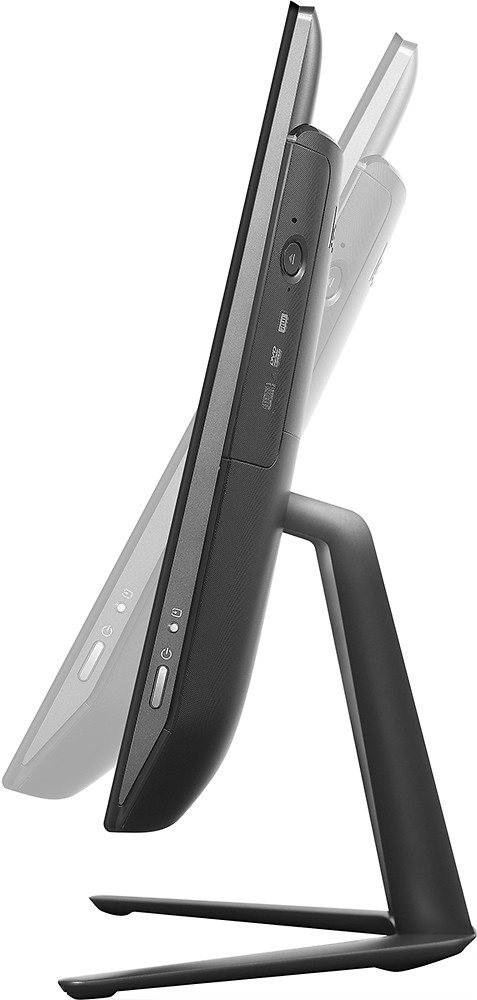
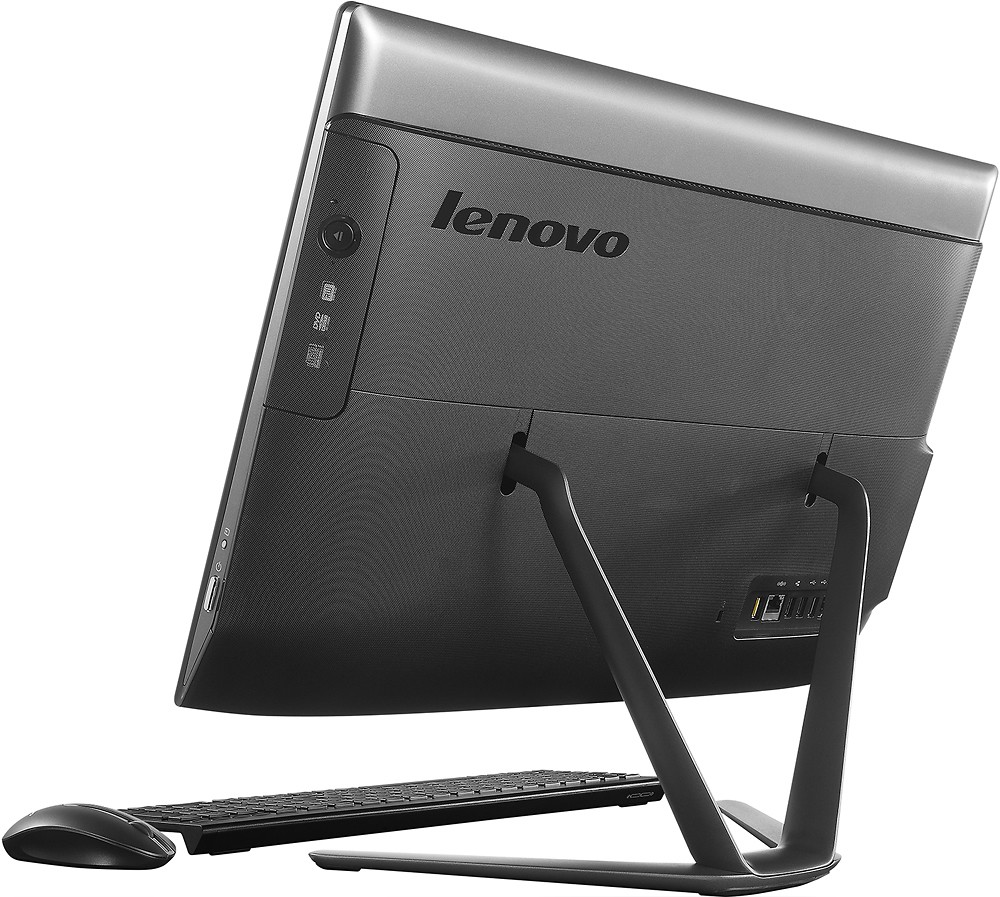
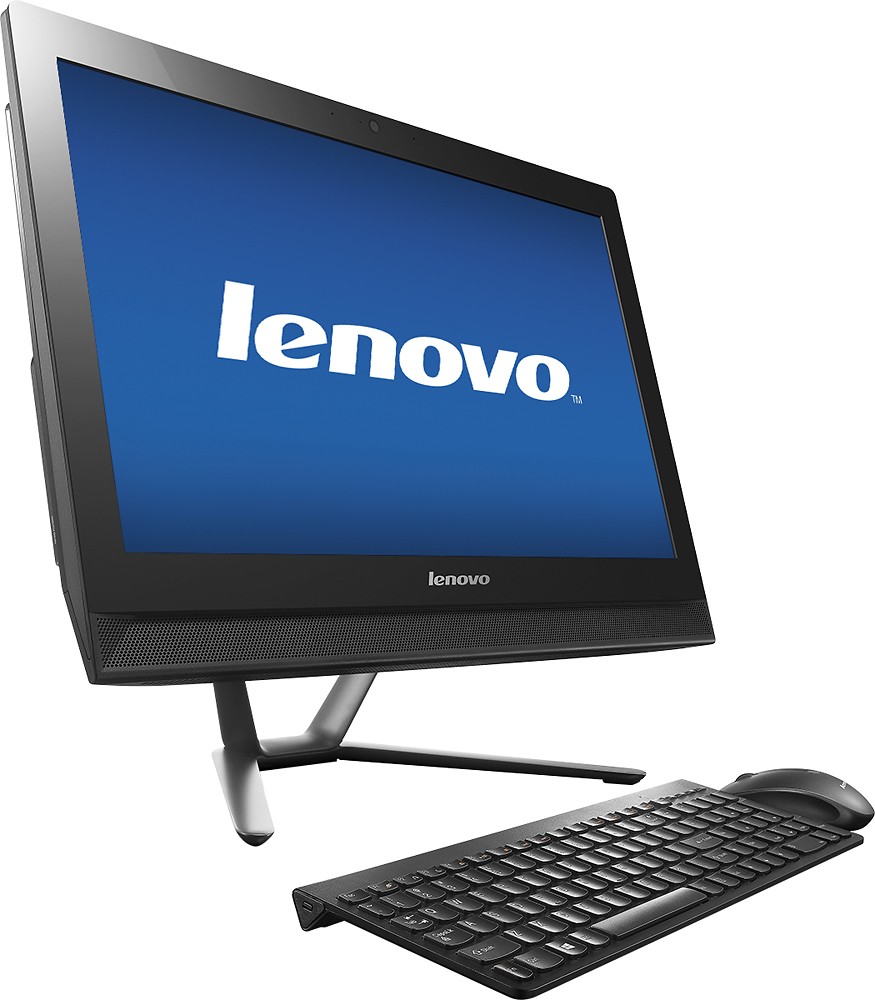
A:AnswerYes you can hook up a second monitor to this computer as I just did it. If your second monitor does not have a HDMI connection you will need a cable that has the HDMI to DVI or VGA (depending on the connection on your second monitor) ends. When you first plug it in, it will likely be set to mirror the main screen. Then you can go into the display settings on windows 10 and select extend screen option. You can also switch which side the second monitor is on by dragging and dropping the order. Have to say I was pretty impressed what you can do with this machine considering the price.
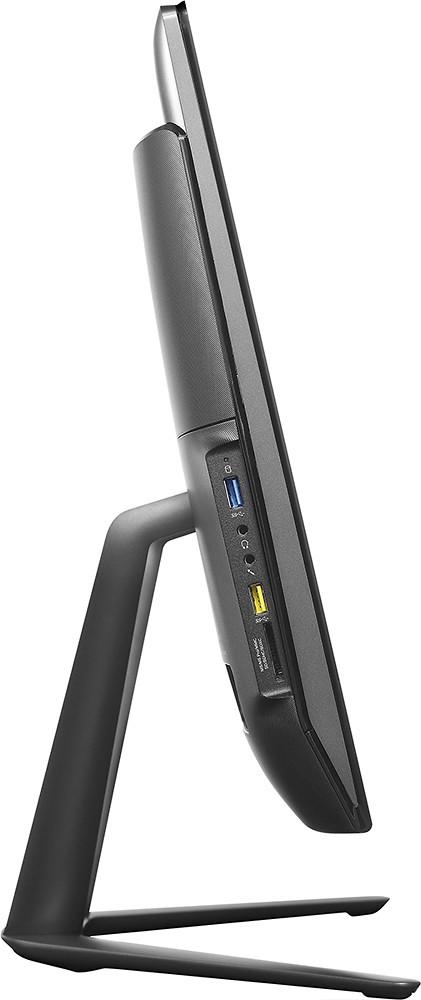
Note that the HDMI output on my computer was the second one in from the end (check the instructions that came with your machine to confirm).
A:Answerlike any computer it should run fine without network connection. only limitation should be anything cloud hosted. onedrive, google drive and the like.
i would find a way to get it on a network and get updates periodically.
A:AnswerThe HDMI-In port will carry the signal at the resolution the source sends it at. If the source sends a High Definition signal the HDMI-In port will display that signal in High Definition. Depending on the capabilities of the recording software you are using, a recording of this signal may be in HD.
A:AnswerThough I haven't tried it, that is a question I asked when I purchased this computer. My salesman (who may or may not have actually known the answer) assured me that connecting a laptop via HDMI would allow this computer to act as a 2nd monitor for a laptop.