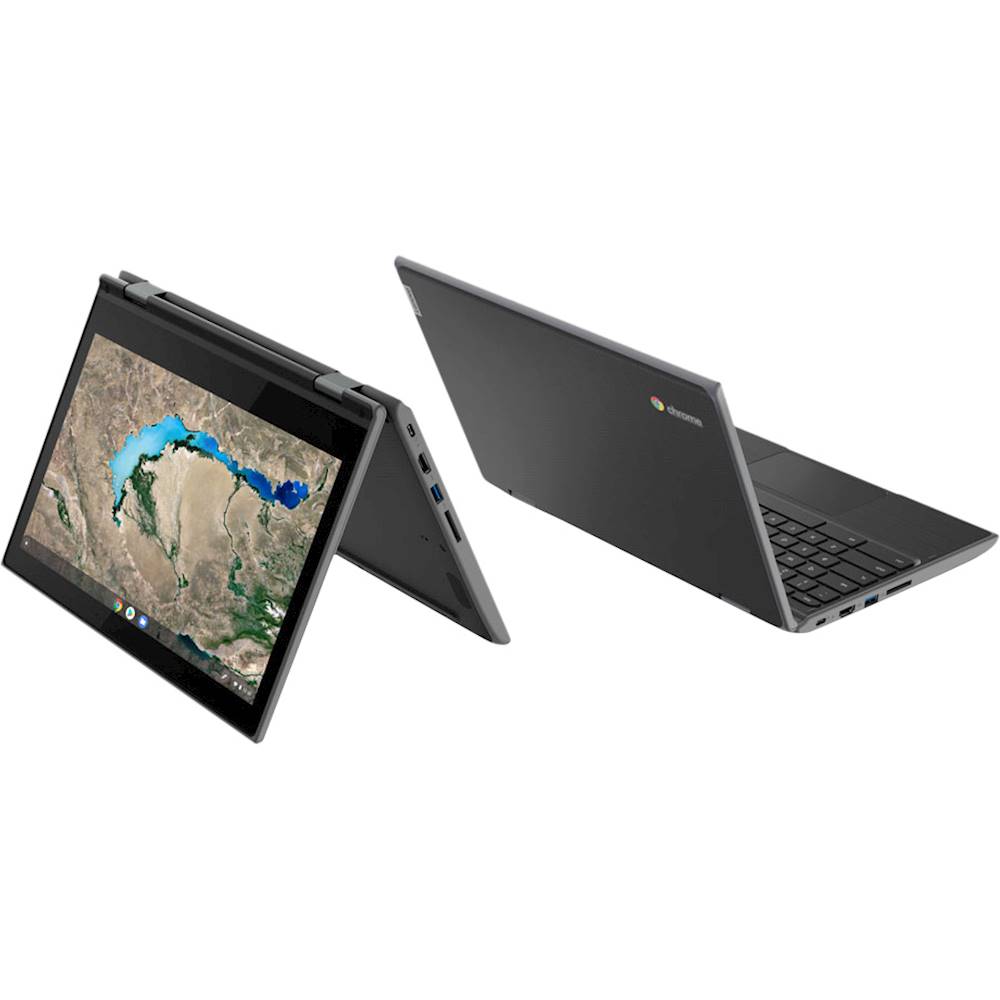
A:AnswerThe Lenovo 300e Chromebook ships with a fully clickable touchpad with click-anywhere functionality and support for one-finger left click, two-finger right click, and two-finger scrolling.
A:AnswerYes, model number 81QC0000US of the Lenovo 300e Chromebook is the 2nd. Generation model. Here is a link to more information about the model: https://psref.lenovo.com/Detail/Lenovo%20Laptops/Lenovo_300e_Chromebook_2nd_Gen_MTK?M=81QC0000US
A:AnswerThis is a Chromebook. It uses Google Docs for office type programs. Google Docs is completely compatible with Microsoft Office Programs and this is a free service through the Google Server. If you must have the actual Microsoft Office Programs, you can purchase Microsoft Office 365 for this Chromebook at the Google Play Store.
A:AnswerThat will depend on the requirements and compatibility of the specific software. The Lenovo 300e Chromebook uses the Chrome Operating System and is compatible with the Google Play Store APPs. We recommend you check with the software publisher's web sites for their compatibility with the Chrome operating system and the minimum/recommended hardware requirements (Is a Graphics card required, the processor speed and the minimum required system RAM and the minimum available hard drive space) to run their program, then compare those requirements to this system's configuration.
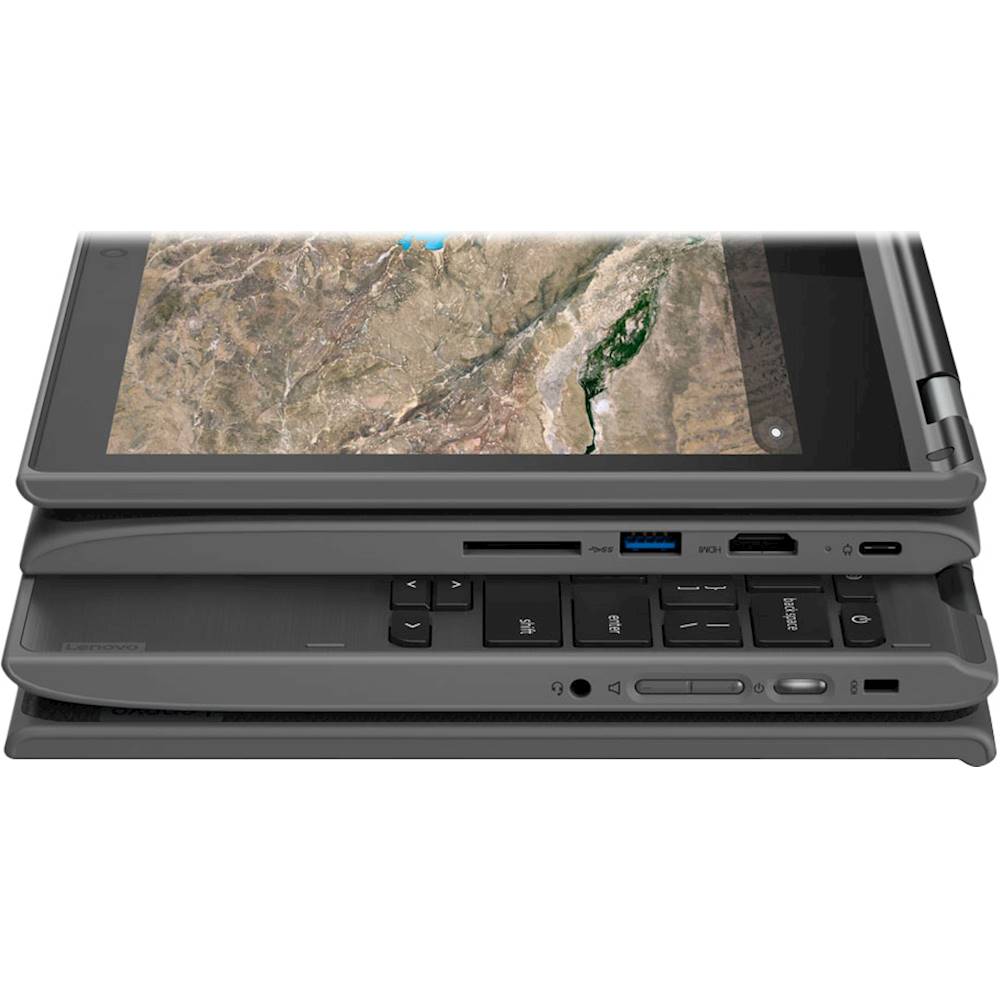
A:AnswerNo. This is a Chromebook. It uses Google Docs for office type programs. Google Docs is completely compatible with Microsoft Office Programs and this is a free service through the Google Server. If you must have the actual Microsoft Office Programs, you can purchase Microsoft Office 365 for this Chromebook at the Google Play Store.