A:AnswerWith regard to the touchpad, you can make adjustments to the touchpad sensitivity in your system settings. You can get there by clicking on the magnifying glass at the bottom left of your Windows 10 screen. Type "touchpad" in the search window. Select "Mouse & touchpad settings" from the list of choices. You can make general adjustments to the touchpad there. You can also select "Additional mouse options" for more detailed adjustments to the touchpad sensitivity by increasing the delay of the touchpad.
A:AnswerThank will depend on the video editing software you will be using. We recommend you check with the editing software publisher's web site for their compatibility with Windows 10 Home 64-bit operating system and the minimum/recommended hardware requirements (Is a Graphics card required, the processor speed and the minimum required system RAM and the minimum available hard drive space) to run their program, then compare those requirements to this system's configuration.
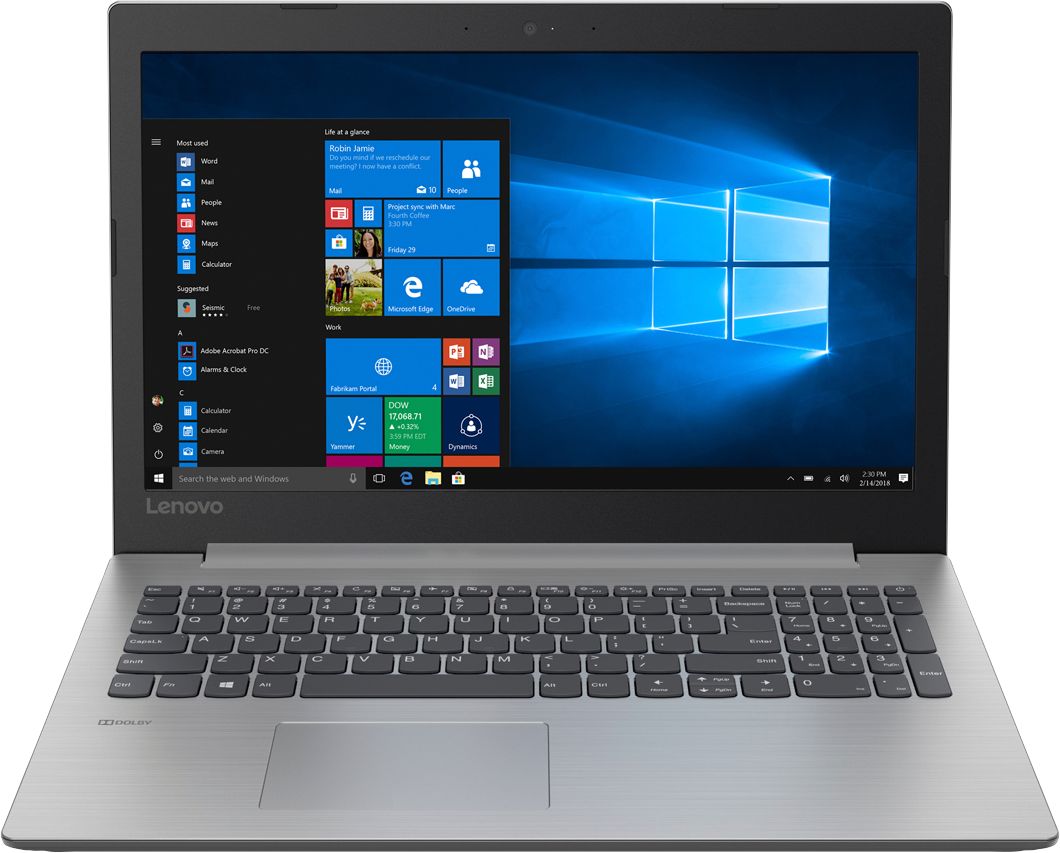
A:AnswerThe hardware is assembled. You will need to activate/set up Windows 10. You may want the Best Buy Geek Squad to set up Windows 10 for you. We recommend you call your local Best Buy store for details on this Geek Squad service.
A:AnswerThe dimensions of this model are: 14.88 x 10.24 x 0.90 inches. Any case made for a 15.6" laptop should work. Check the dimensions of the case to be sure.
A:AnswerThere is no VGA port on this device. You can connect an external VGA monitor to the device by using an HDMI to VGA adapter like this one, there are many different versions available: https://www.bestbuy.com/site/insignia-hdmi-to-vga-adapter-black/1577417.p?skuId=1577417