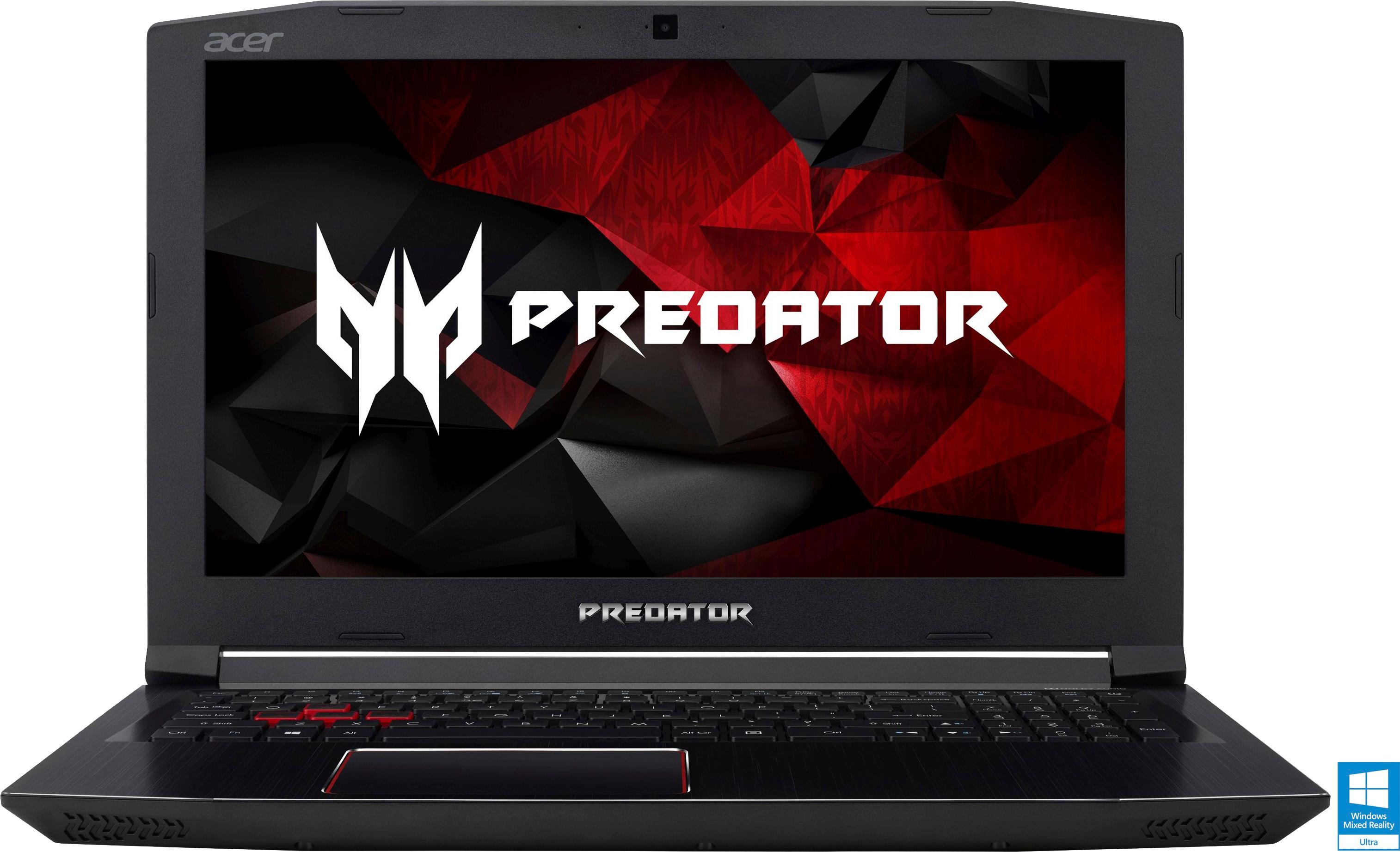
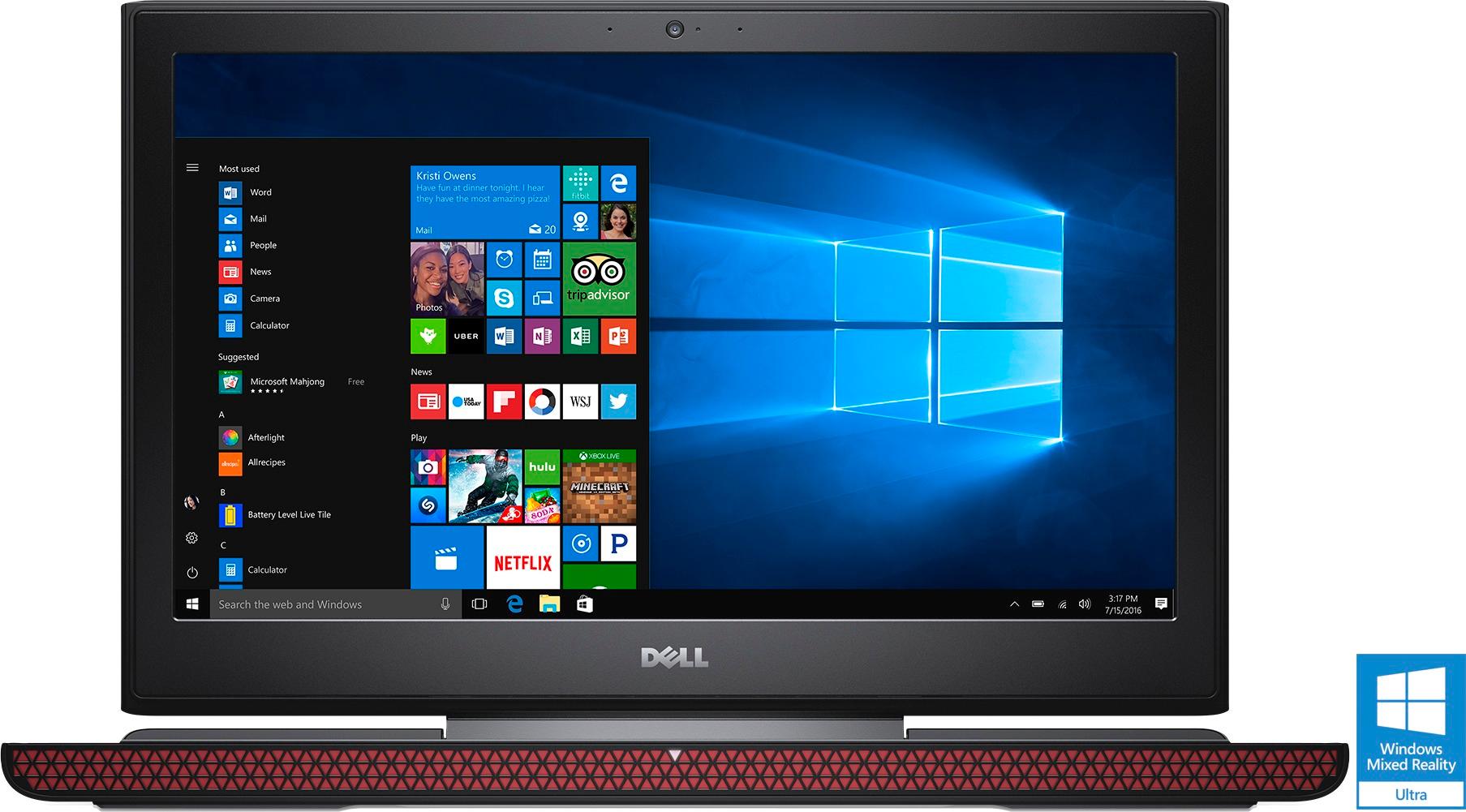
A:AnswerIt stays white no matter if its charging or just plugged in. You can tell when its done charging by looking at the bottom of the screen where the battery sign is and see if the battery is still charging or just plugged in.
A:AnswerThat will depend on the requirements of the programing software you use. We recommend you check with the software publisher's web site for their compatibility with Windows 10 Home 64-bit operating system and the minimum/recommended hardware requirements (Is a Graphics card required, the processor speed and the minimum required system RAM and the minimum available hard drive space) to run their program, then compare those requirements to this system's configuration.
A:AnswerNo, Most of the games have intensive graphics demand, and this will only run basic games in medium or low resolution (Old Games), I will never try to Run fortnite or Any other games, unless the games are very old an outdated.
A:AnswerThat will depend on the requirements and compatibility of the game. We recommend you check with the game's software publisher's web site for their compatibility with Windows 10 Home 64-bit operating system and the minimum/recommended hardware requirements (Is a Graphics card required, the processor speed and the minimum required system RAM and the minimum available hard drive space) to run their program, then compare those requirements to this system's configuration.