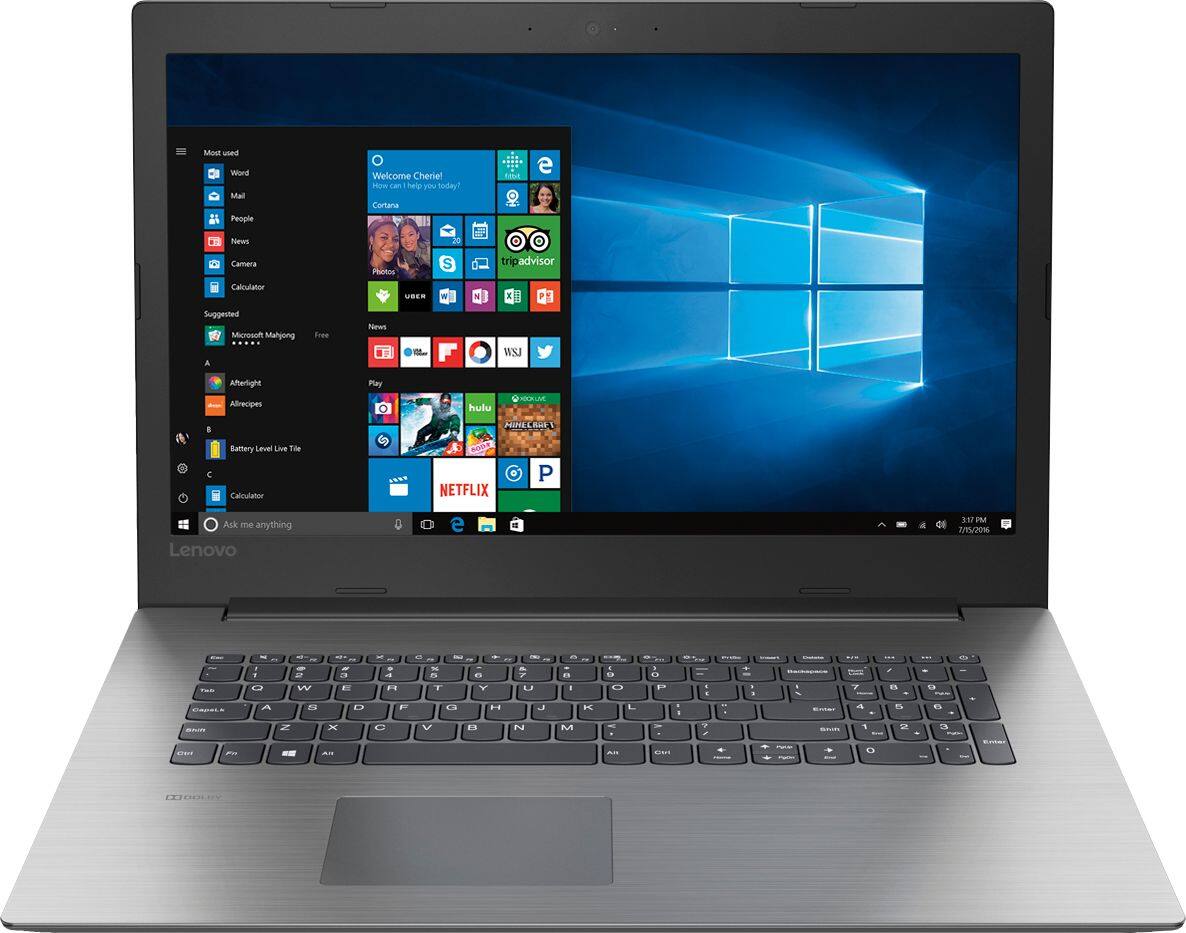
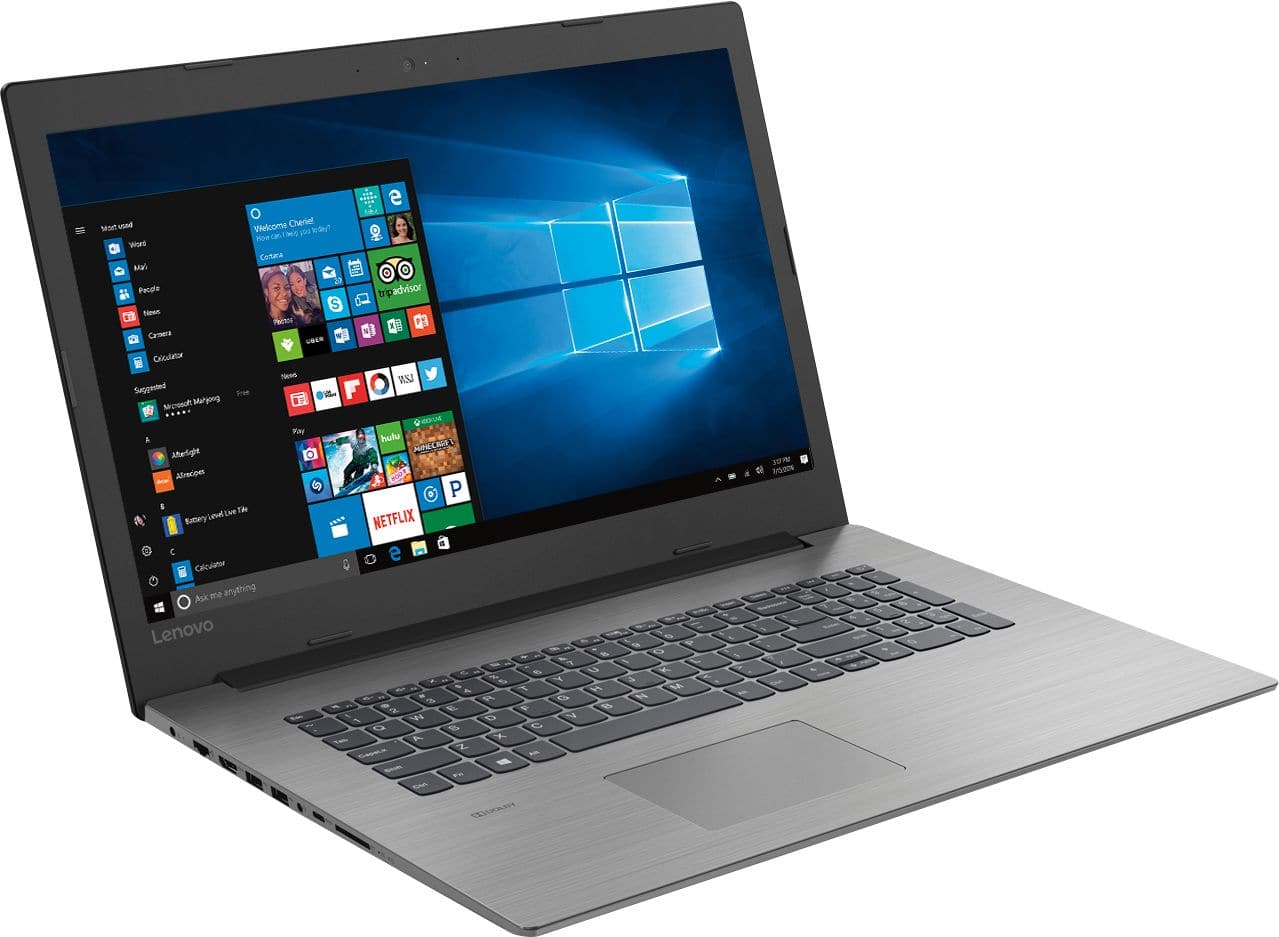
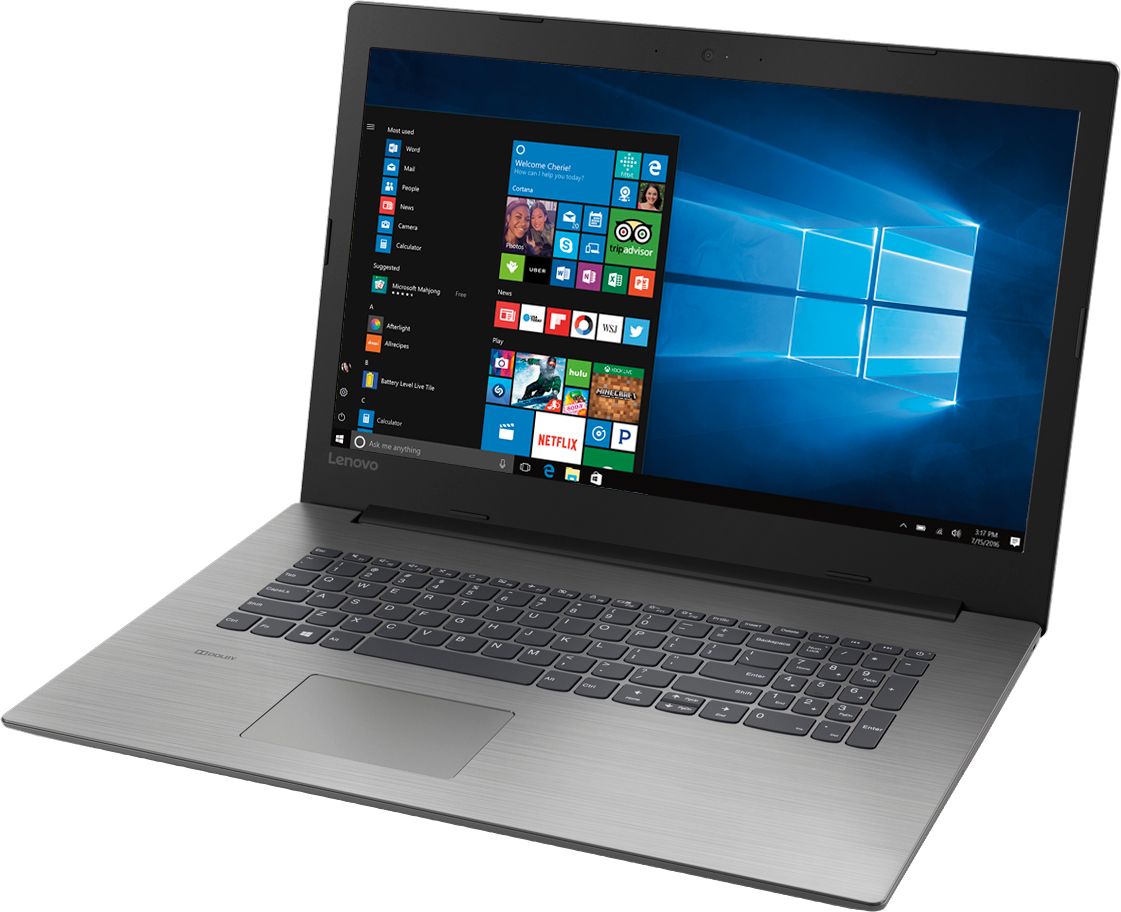
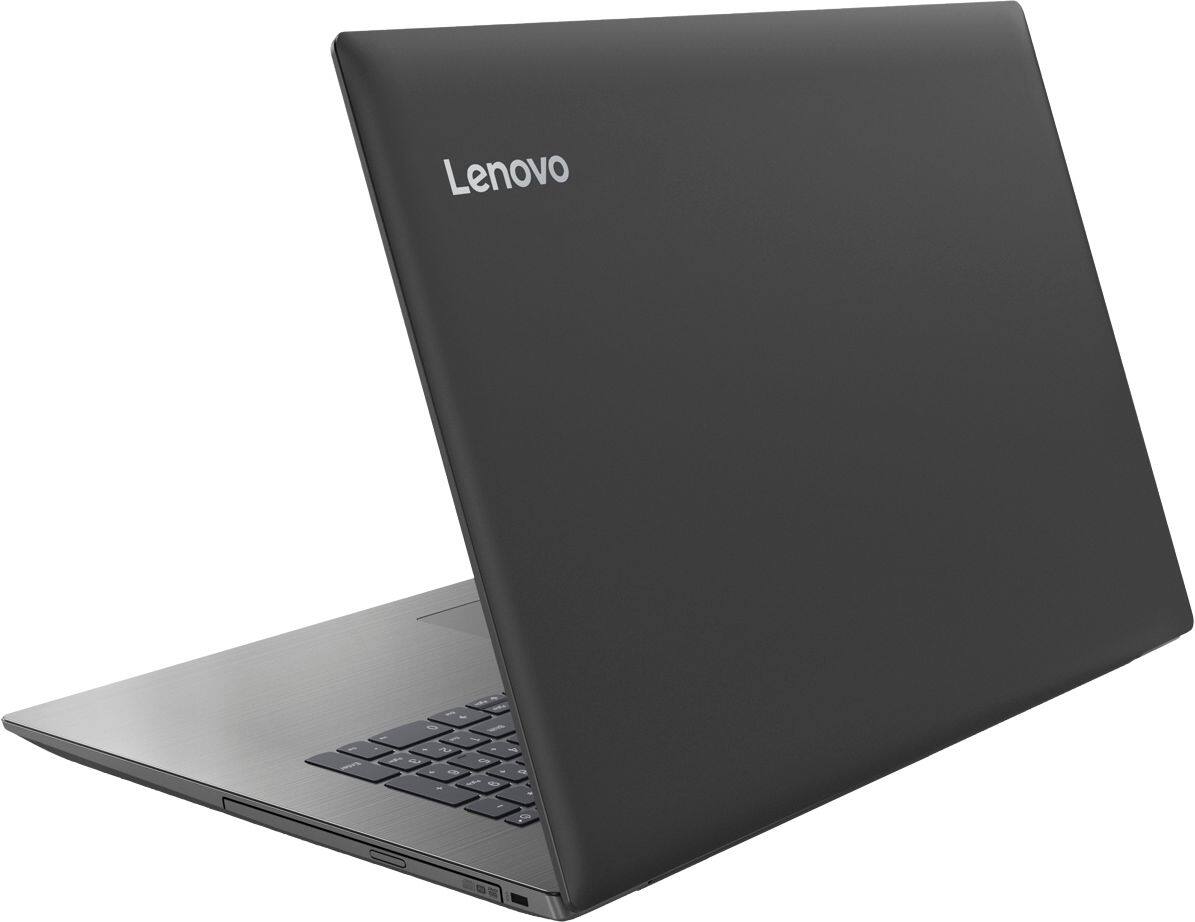
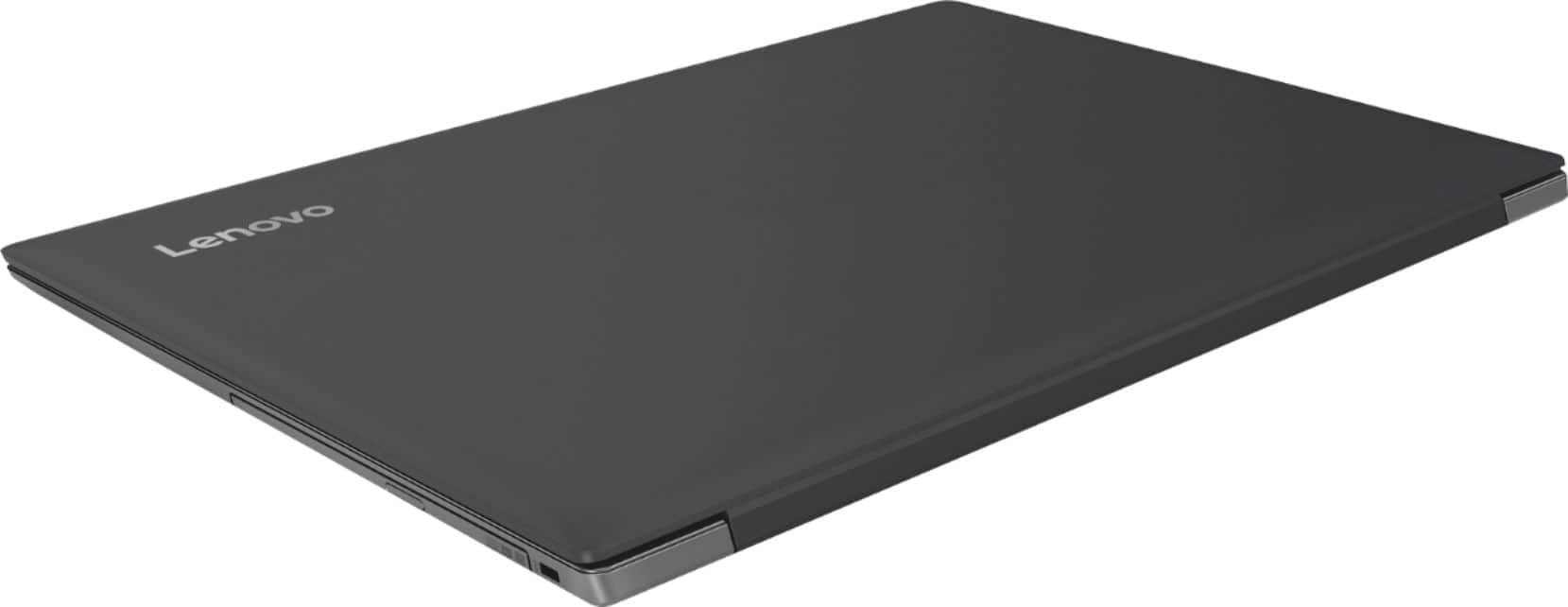
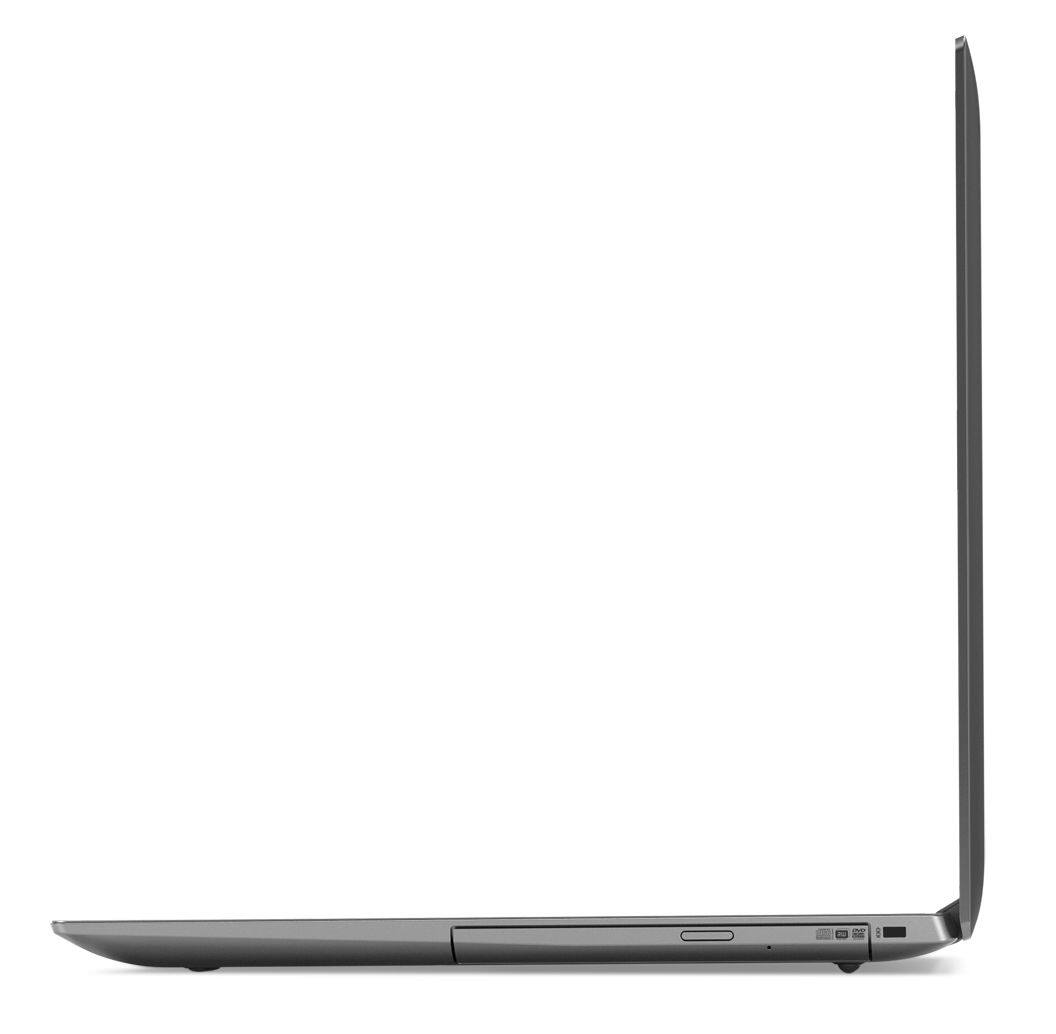
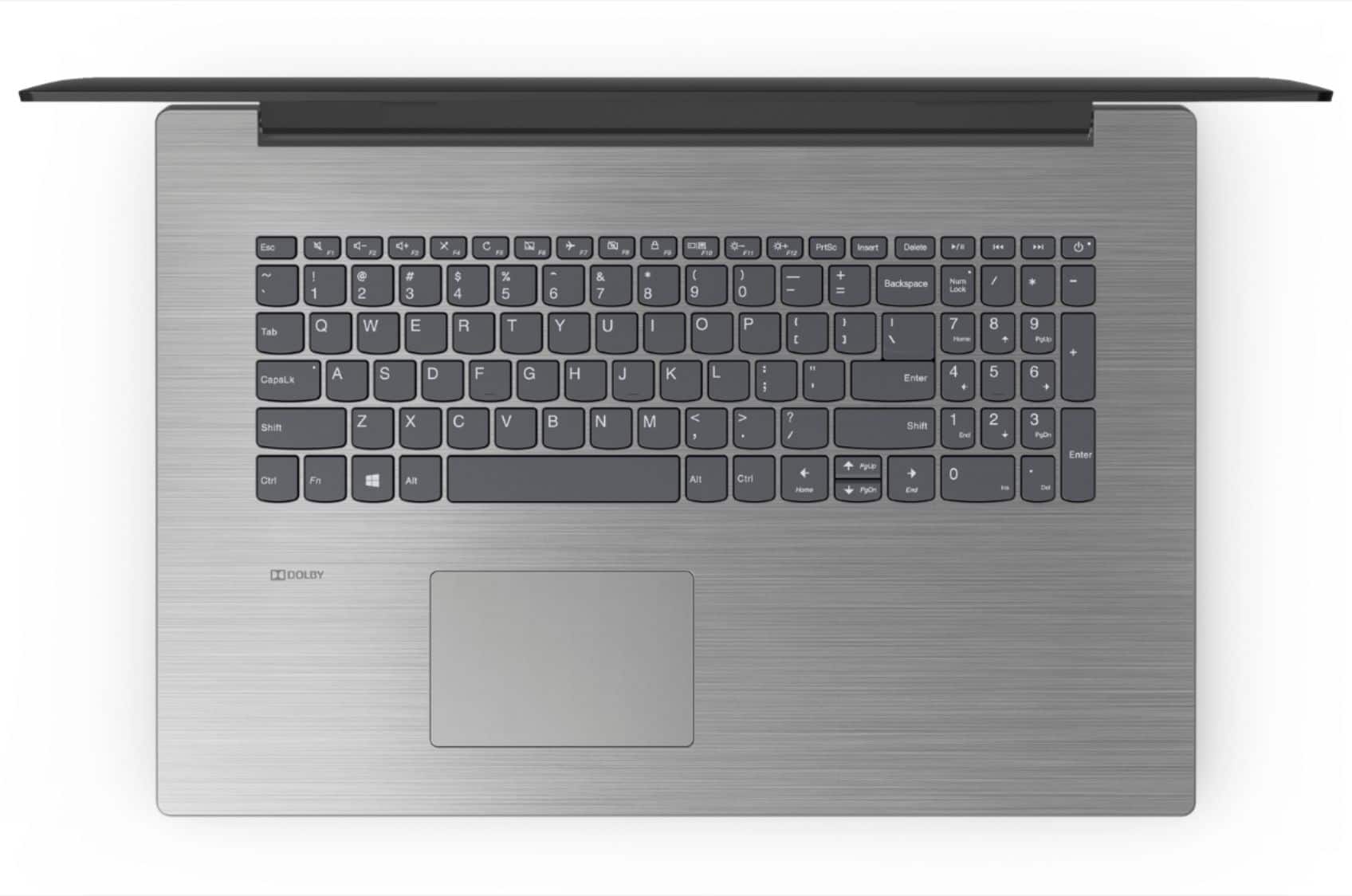
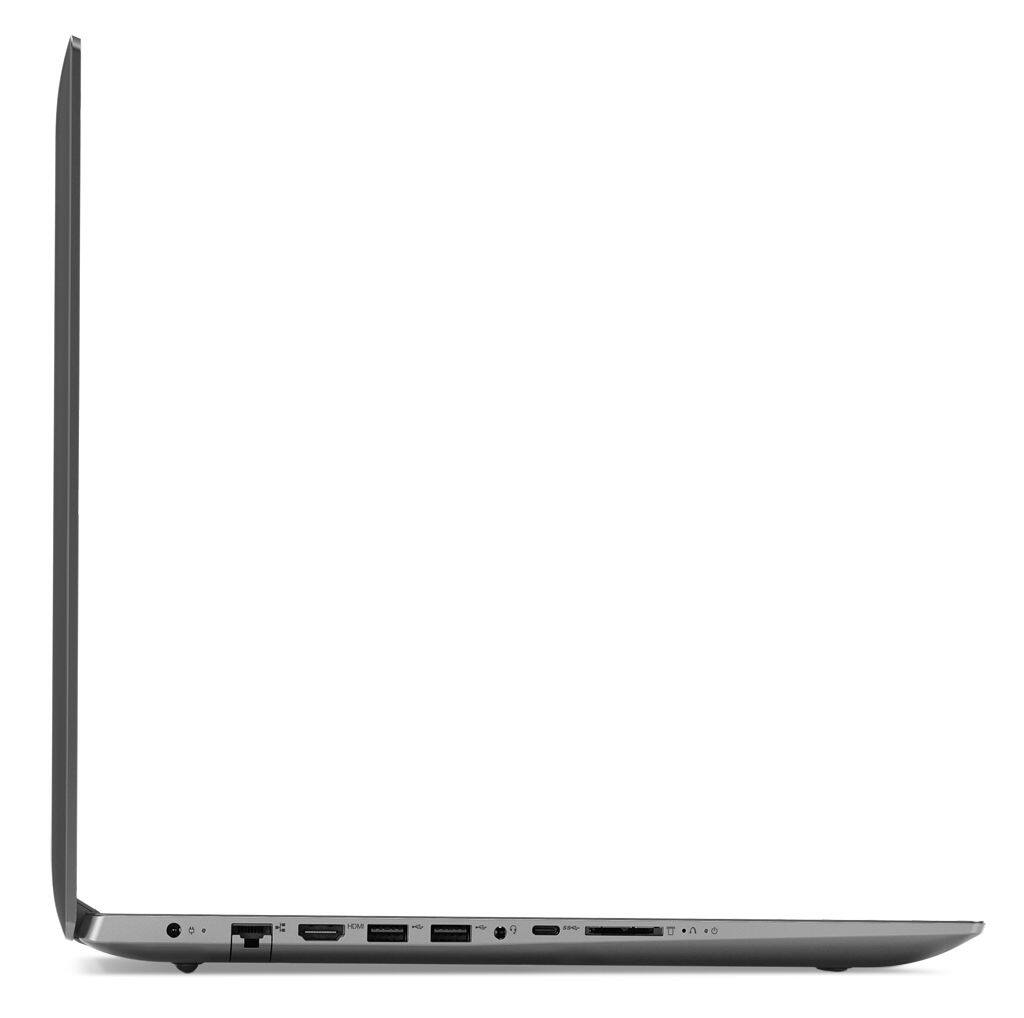
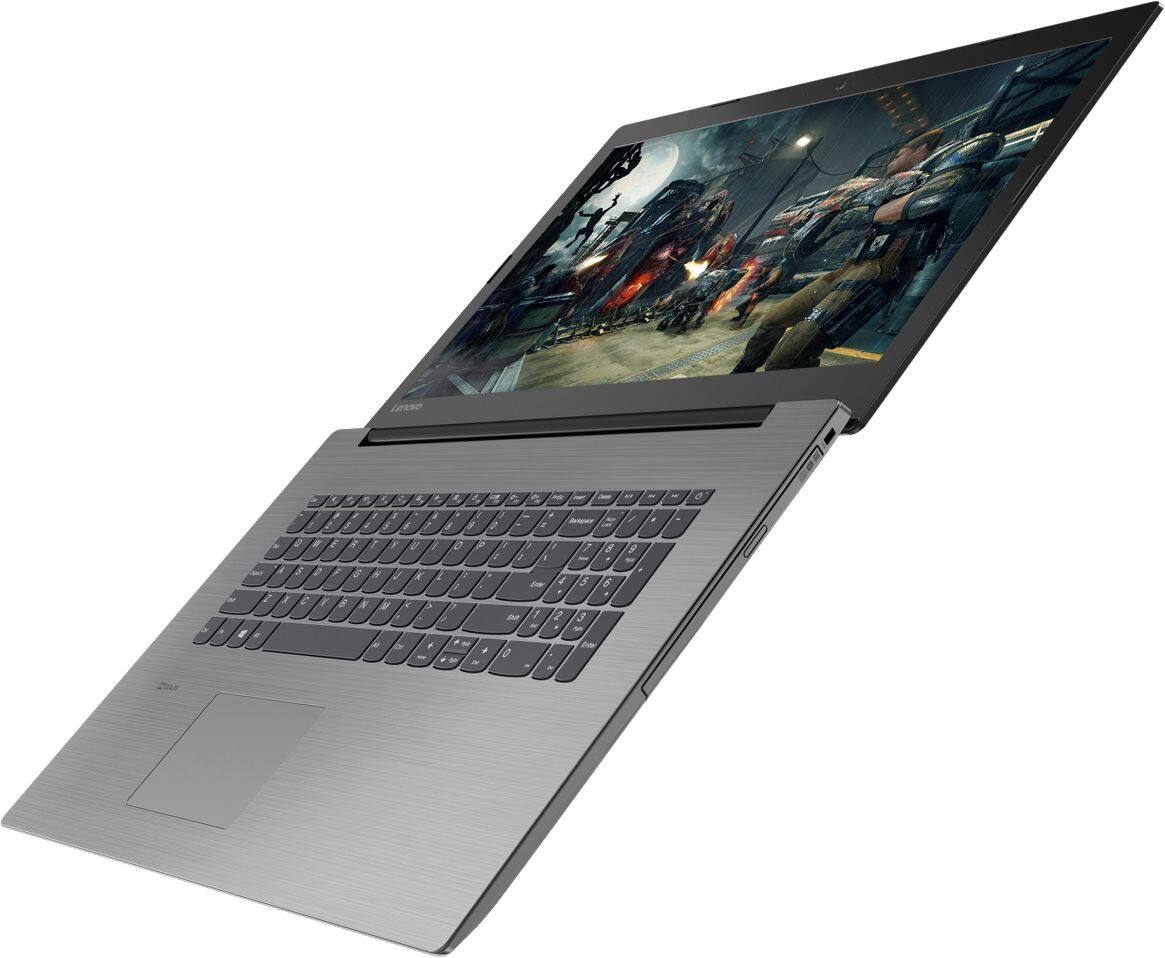
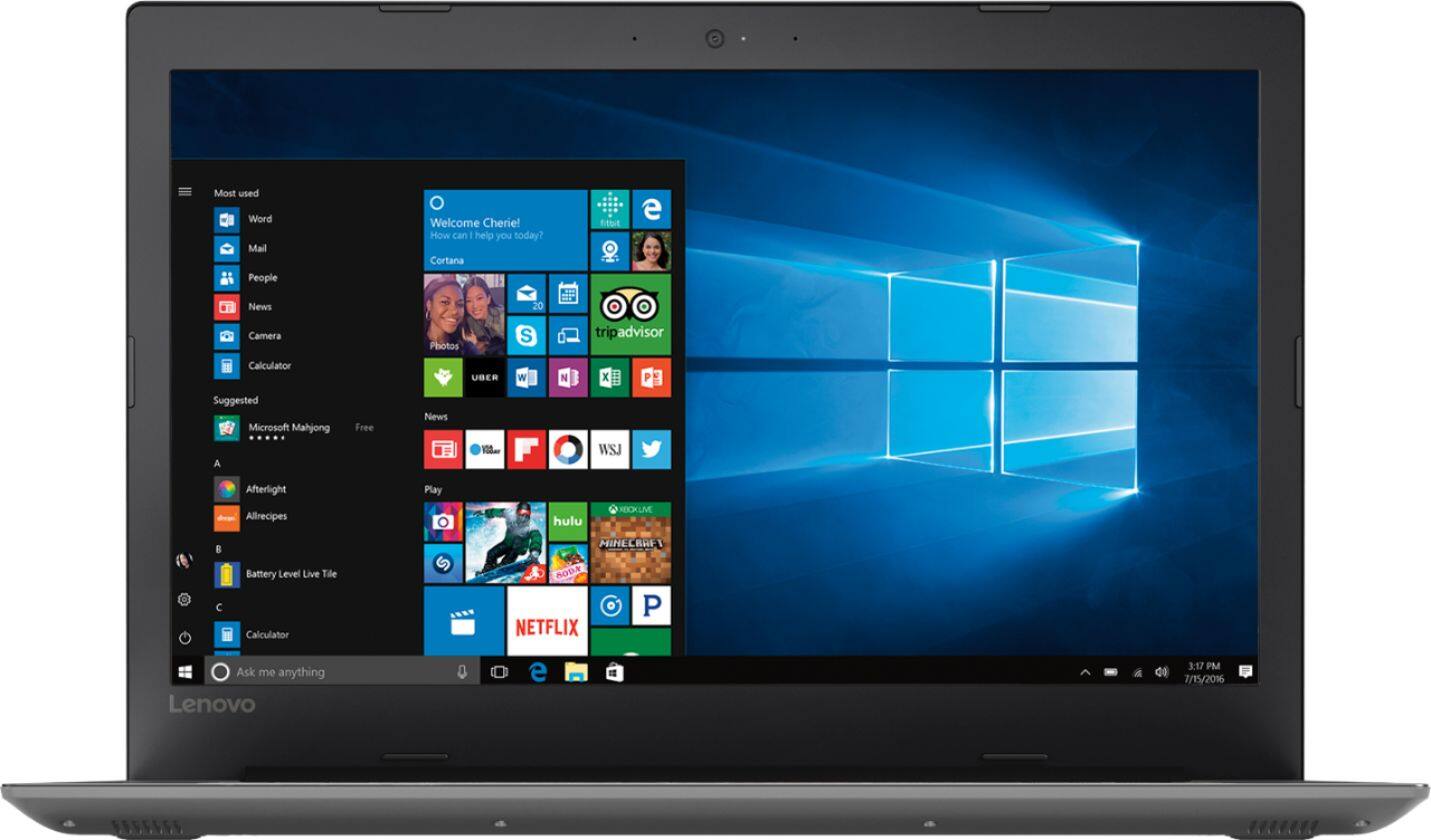
A:Answer Remove the 15 screws on the back cover, slide the CDR/W drive out and slide a finger nail/nailfile/butterknife between the two pieces and gently pry apart. Touch a metal object to remove any static from yourself, preferably not in the laptop. The RAM card is removed by pushing the side brackets outward and the card will pop up. Insert new card and push down to lock in. Replace cover and screws. I believe the warranty cannot be voided by repairing or upgrading yourself, electronics right to repair act. https://en.wikipedia.org/wiki/Electronics_right_to_repair