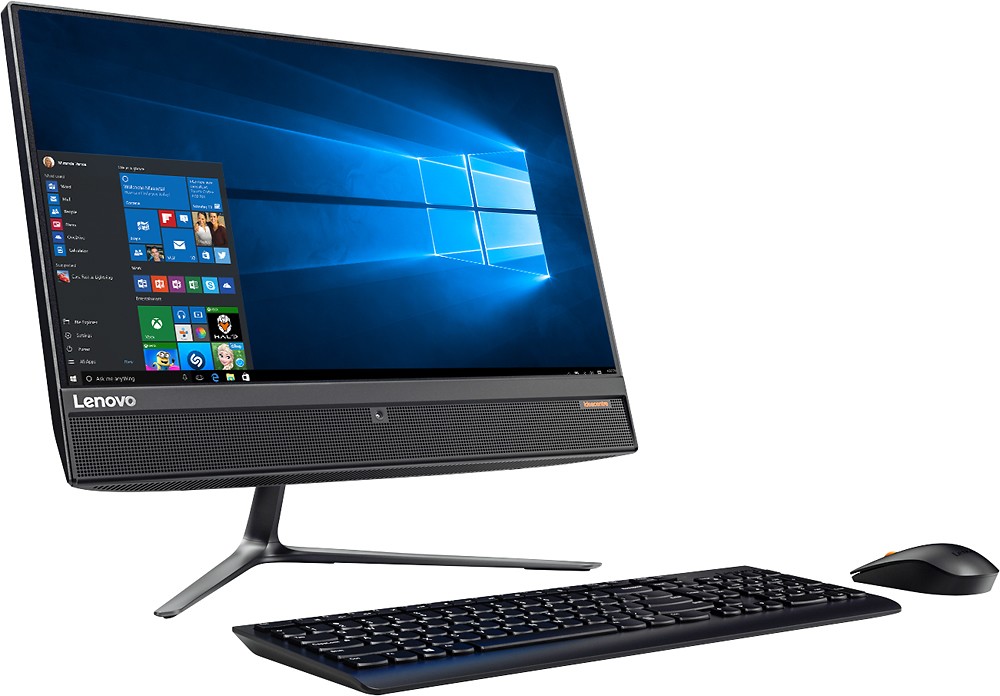
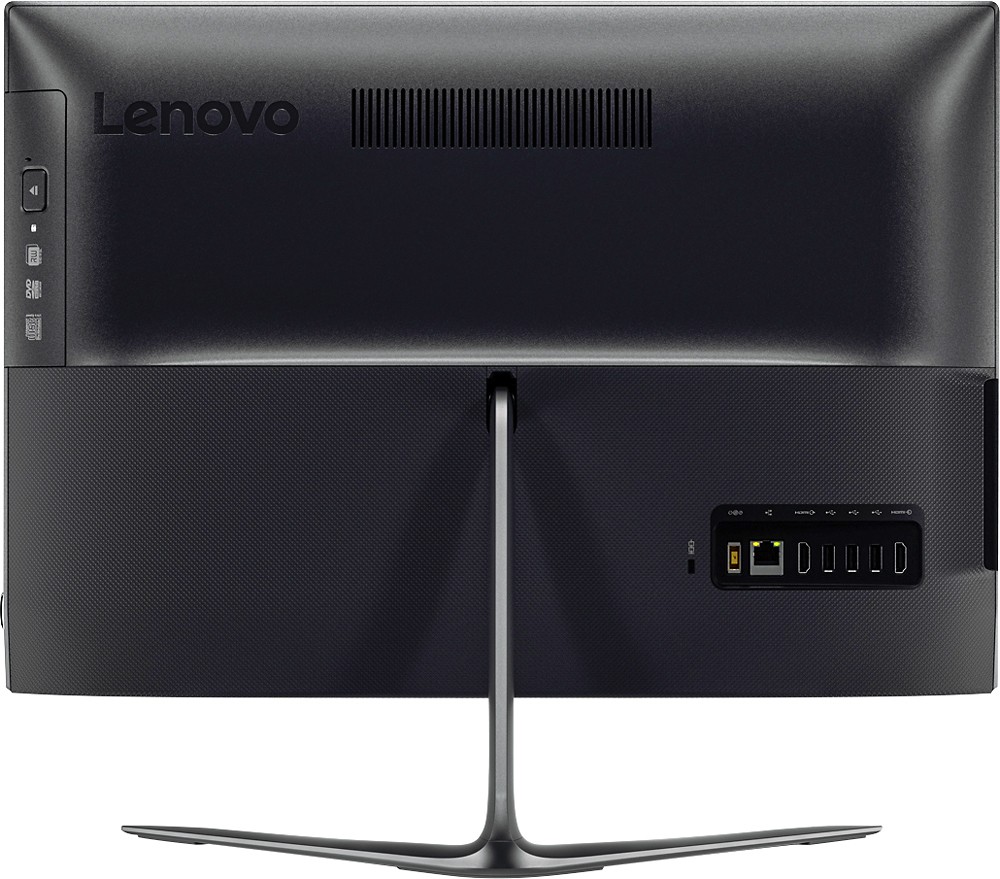
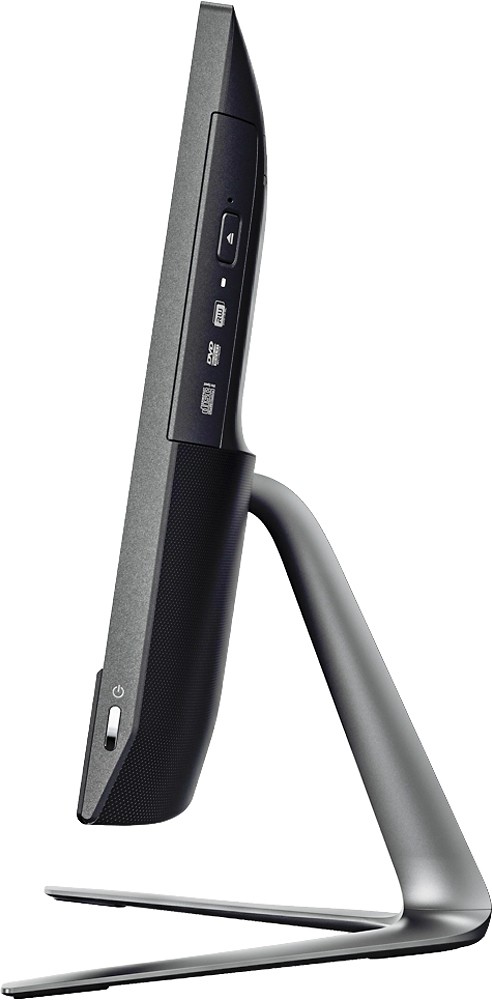
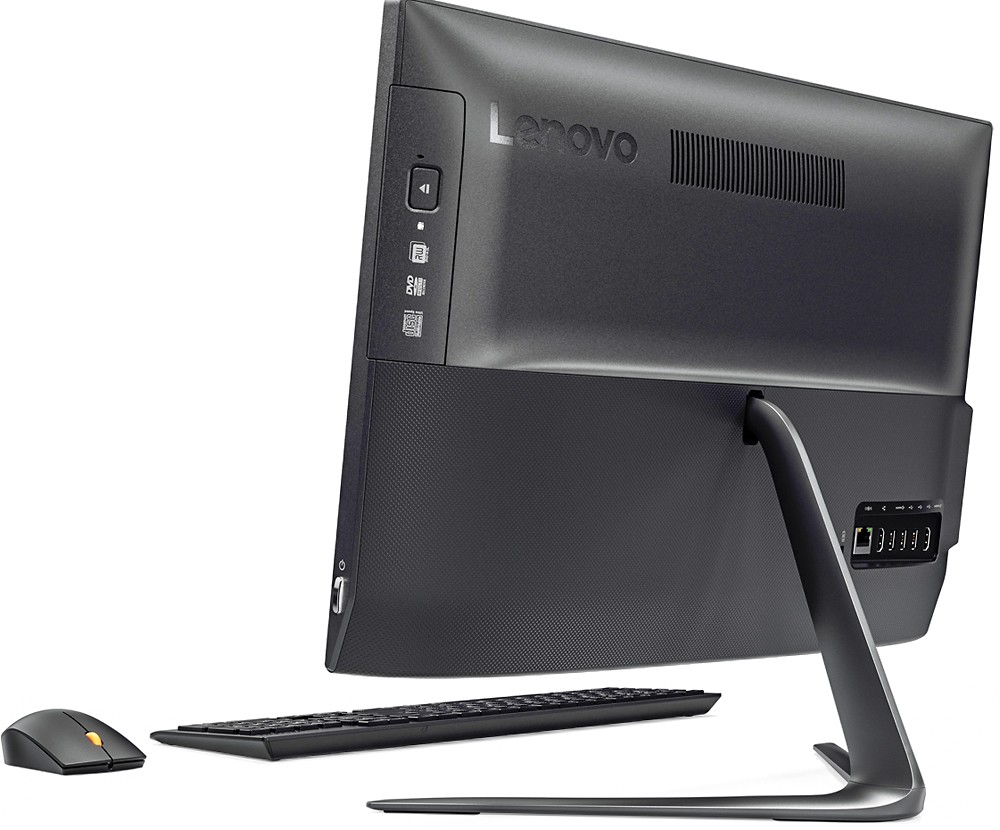
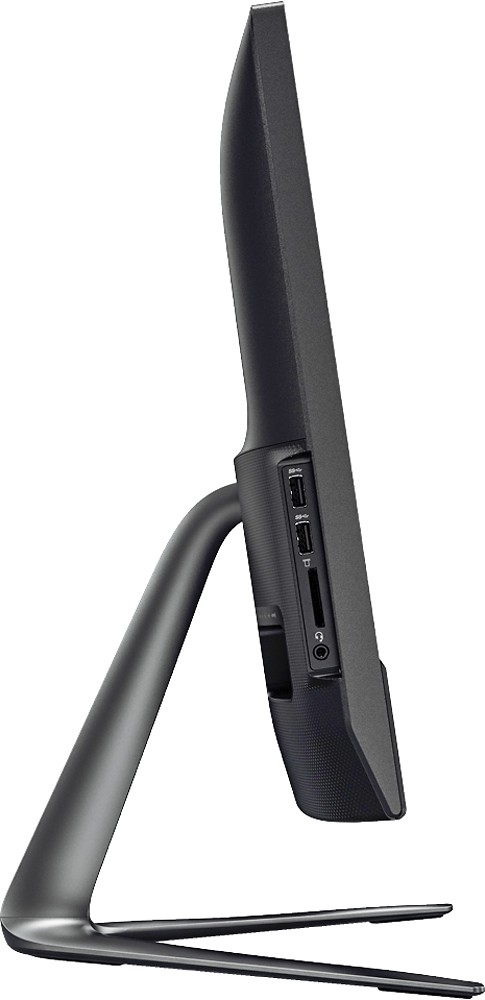
A:Answerthis unit is not slow.....very quick as a matter of fact. Great space saver and the Windows 10 compliments this unit very well. Don't worry that the price is too low....all the units similar to this are being reduced because of new inventory models.
A:AnswerThere is a 30-day trial of Microsoft Office 365, which includes Word. The program is part of the Windows 10 operating system. In order to keep the program active after the trial period, you will need to make a purchase of a product key. You will not need to download any additional software.
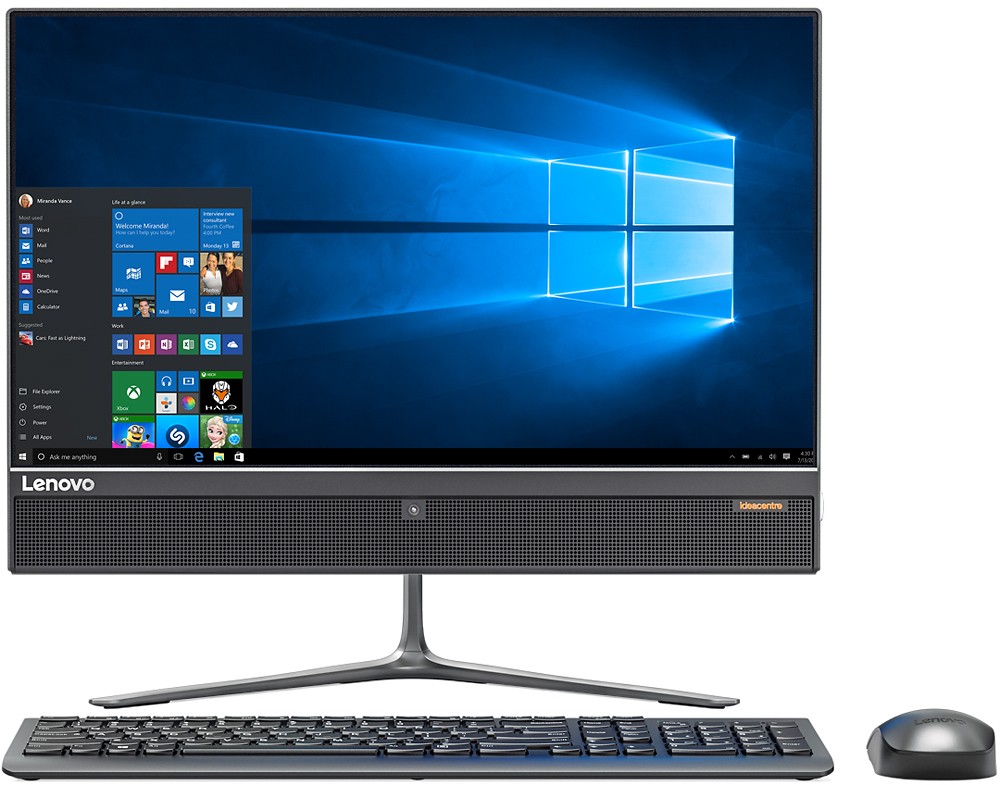
A:AnswerDo you mean on screen or through a printer? If it's through your printer, be sure your printer is compatible with the Windows 10 operating system and you have installed the proper drivers on this system. If it is on the screen, is Windows 10 showing a language other than English? You may want to call Lenovo Tech Support for help. Call 877-453-6686.
A:AnswerI purchased my RAM directly from Lenovo ($40). The set-up directions included with the PC show exactly where the RAM slots are located. Carefully pry off the lower rear cover from the monitor ( I used a small screwdriver )- it should snap off. Locate the RAM slots - one lies on top of the other. Remove the top ( it pulls out ) so that you can access the lower slot, then push one card into each slot- make sure they are all the way in and snug. Replace the rear cover and Turn your machine on. If it beeps at you loudly and crazily (its a word!) then your RAM cards are not fully pushed in. Be careful not to cause any static. Good Luck.
A:AnswerThank will depend on the requirements of the specific games. We recommend you check with the game's software publisher for their compatibility with Windows 10 Home 64-bit operating system and the minimum/recommended hardware requirements (Is a Graphics card required, the processor speed and the minimum required system RAM) to run their program, then compare those requirements to this system's configuration.