A:AnswerNope. Apple and Amazon both hate Google and won't let their devices talk to Google devices. Microsoft owns Skype, so it only works with other Microsoft products. Call the FCC and tell Ajit Pai that the internet needs to be open and based on standards, not whatever the lobbyist with the biggest bribe tells him it should be.
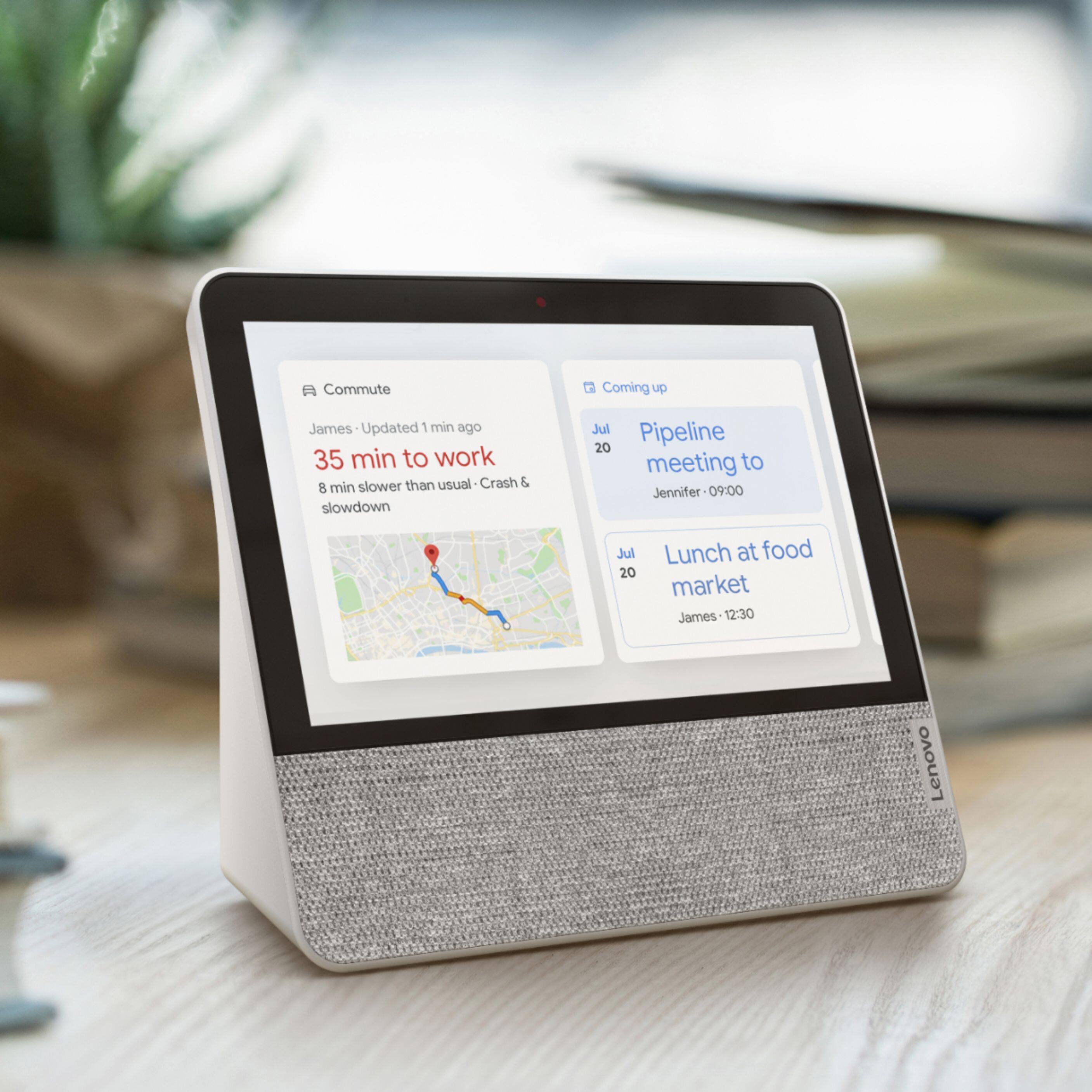
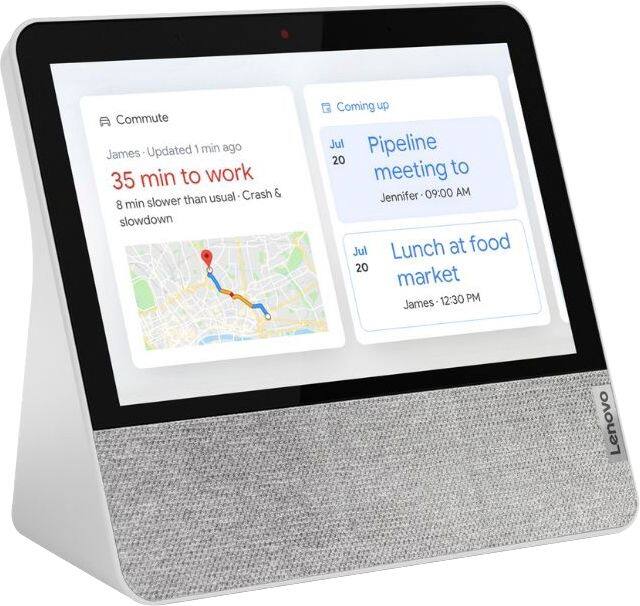
A:AnswerYes -- mine shows my Google calendar. When I start my day, it reads to me what is on my calendar for the day. You can also say, "Hey Google, show me my calendar of the day or the week or the month."
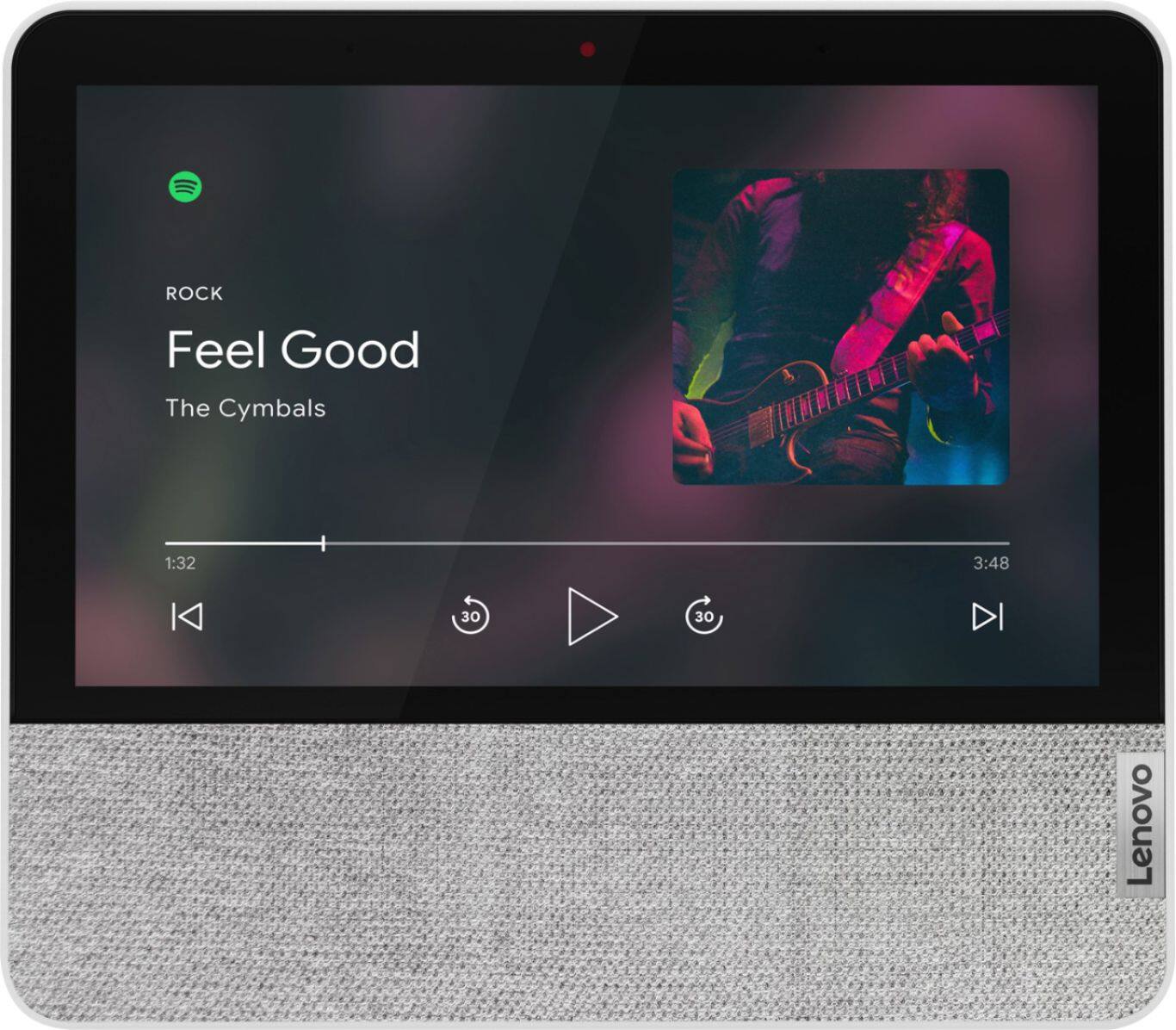
A:AnswerIt works well with Google Play Music but don't expect good audio quality. It is on par with built-in TV speakers. Also, it will not display lyrics which disappoints those of use used to this feature on the Echo Show.
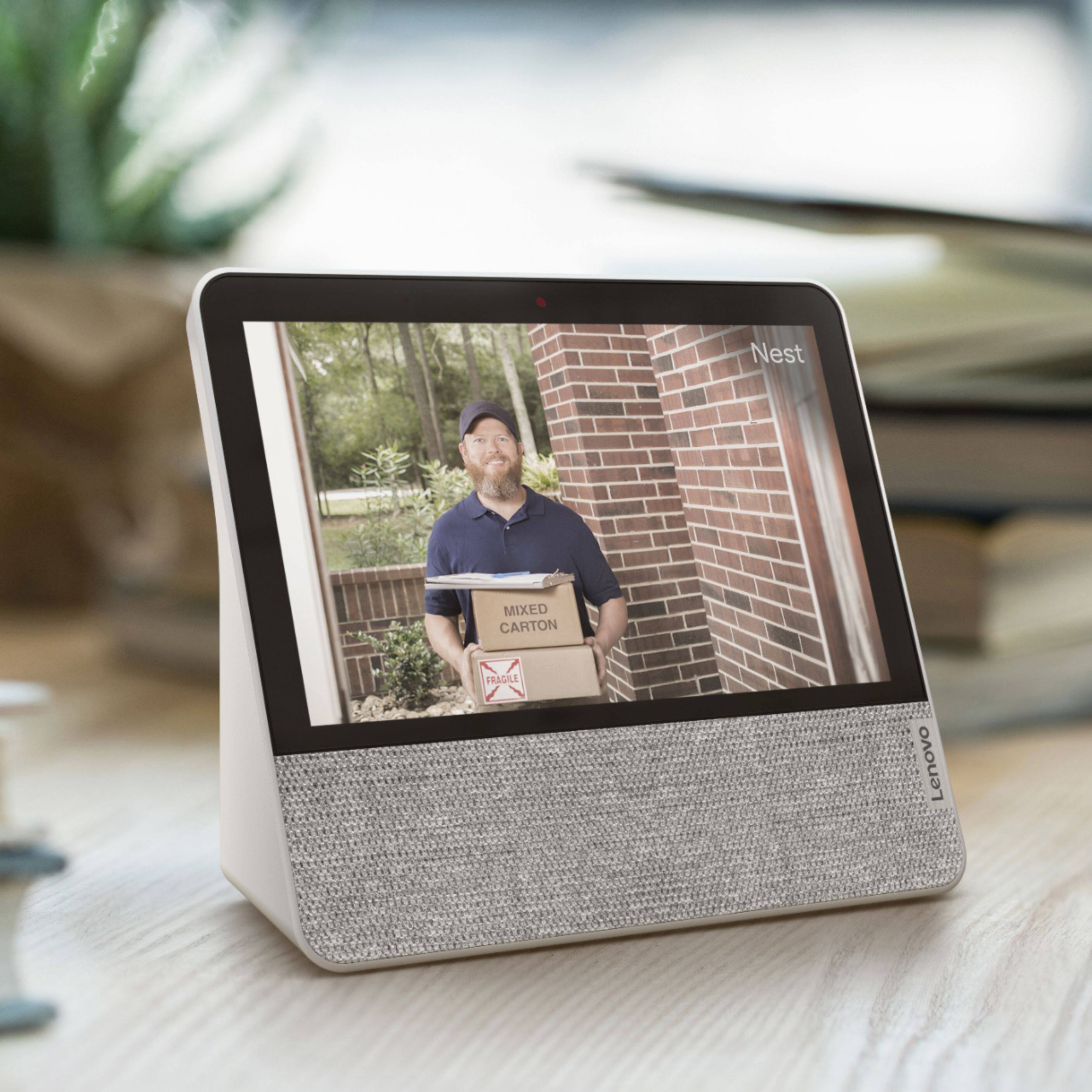
A:AnswerHi Bob. No, The Lenovo Smart Display 7" with Google Assistant does not currently support Ring as it is an Amazon product. Currently there is no compatibility between Amazon smart devices and Google Assistant products.
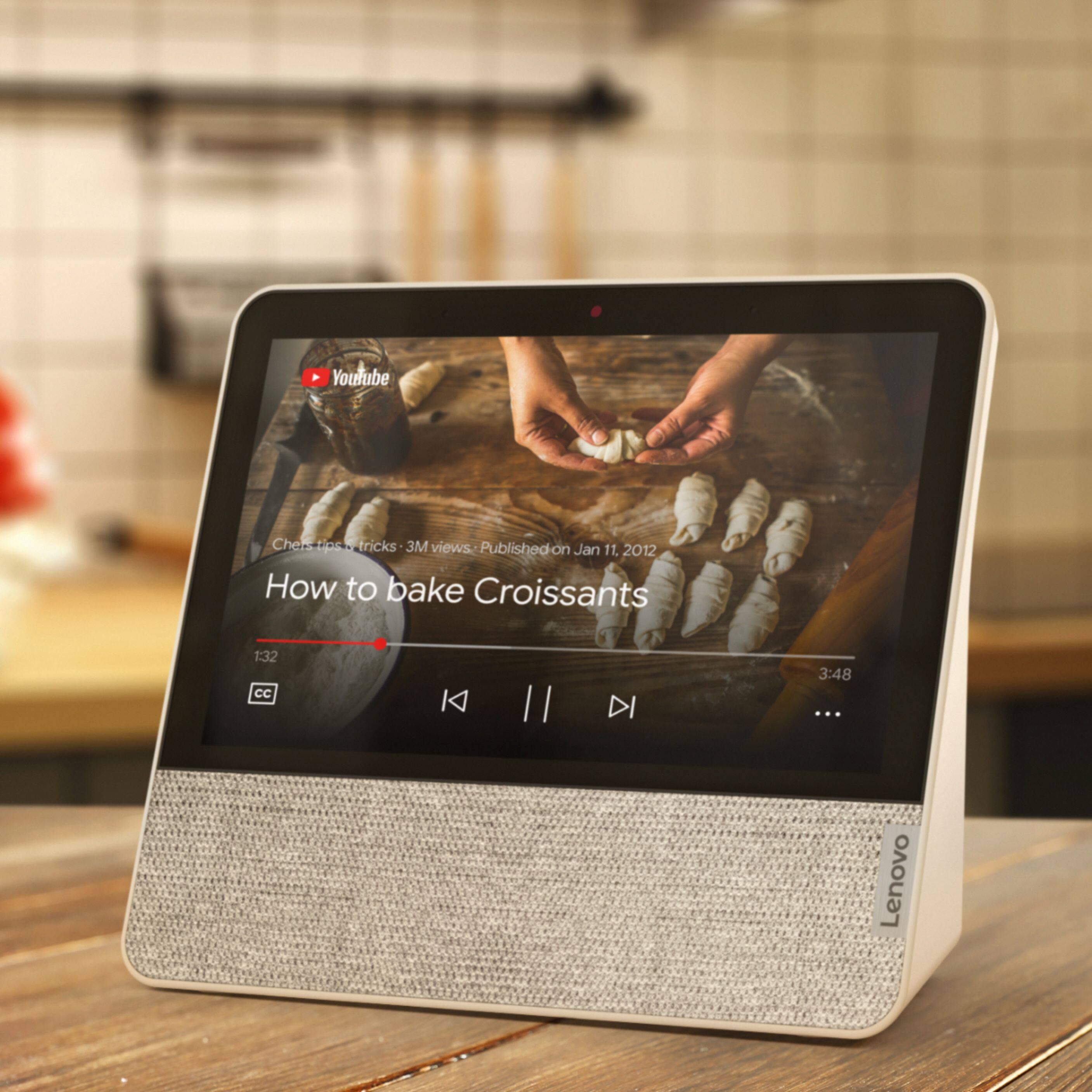
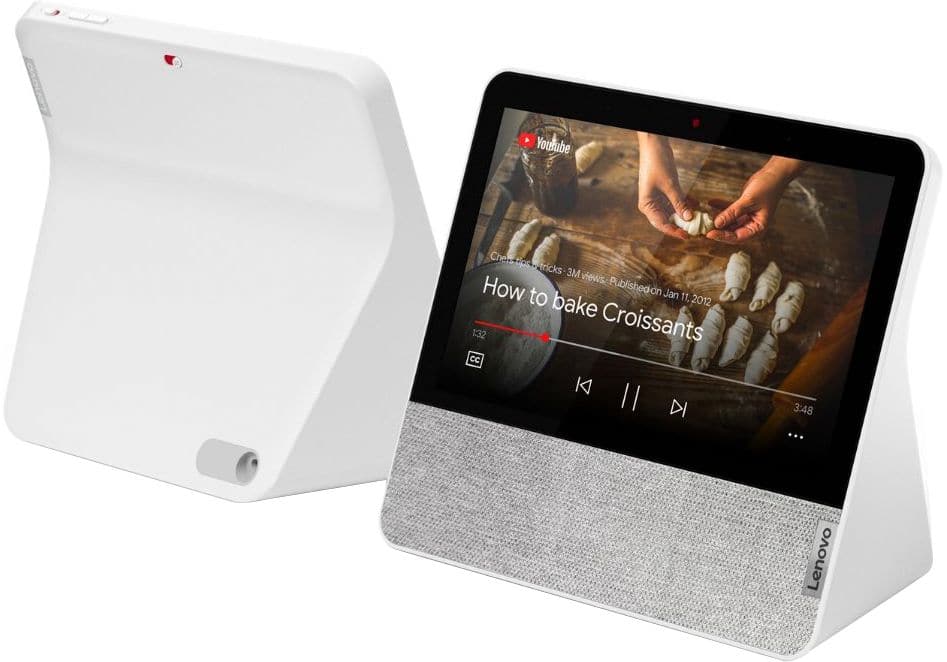
A:AnswerIt currently does not support Netflix but the Lenovo Smart Display supports many audio and video services, to name a few: Audio: Google Play Music, YouTube Music, Pandora, iHeart Radio, TuneIn, Spotify, Video: YouTube, HBO Now, CW, Google Play Movies & TV, Crackle and YouTube TV gives you access to up to 40 premium TV channels live. Some of these services will require an active subscription. "
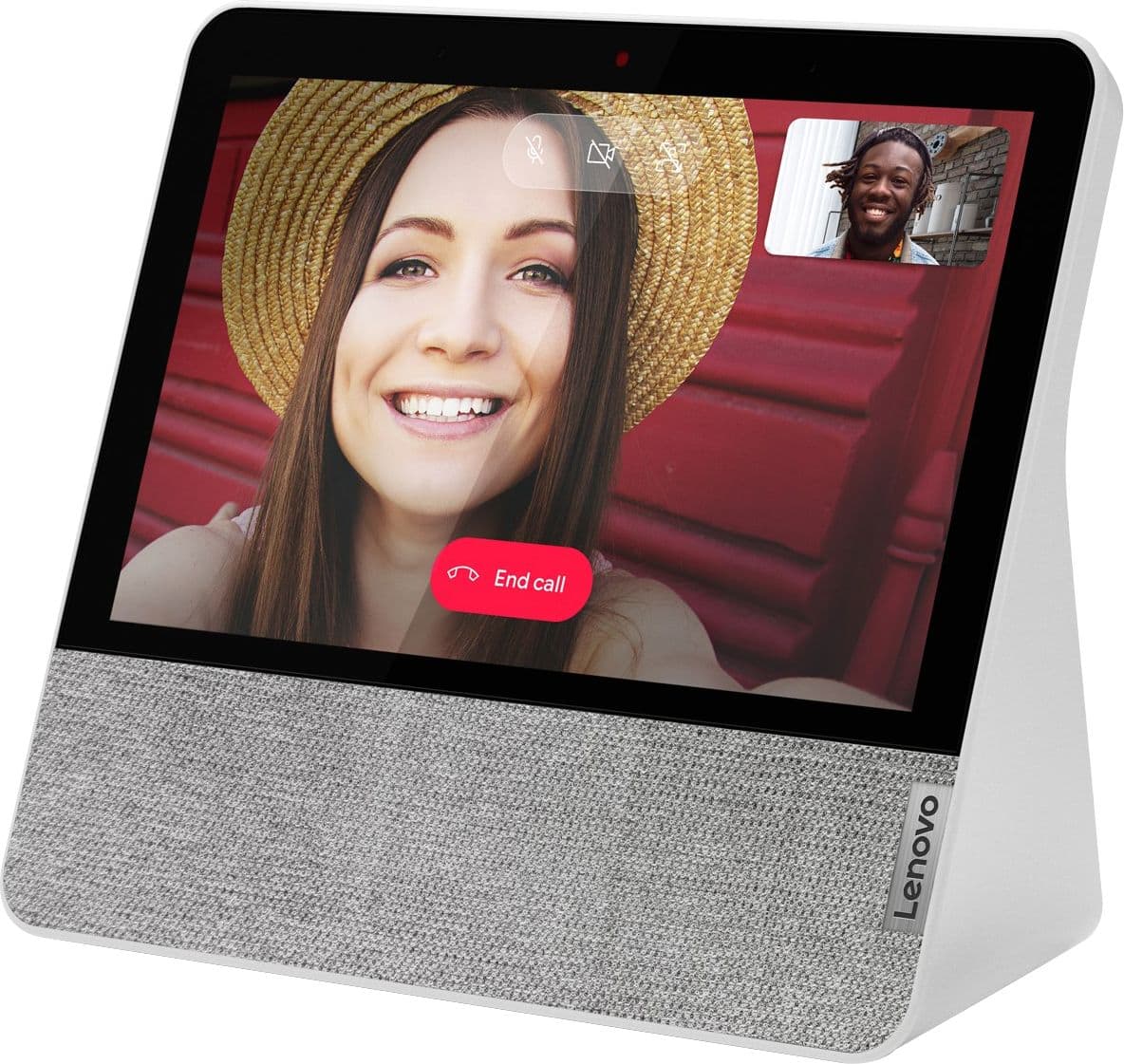
A:AnswerThere’s no physically on/off button, nor a software on/off feature. It’s meant to be an applicance-like device which is designed to be always on, always available in the home. If you do want to turn it on/off you can unplug/replug in the unit. Because the device is voice activated you can turn to display off or down by just saying " hey Google turn the screen off, ( or down) ".
A:AnswerYou really don’t need anything in order to get it up and running but it sounds like you would want a couple of Google Home Mini in order to achieve what you’re trying to do with the Echo. They all simply connect to your home WiFi and then to each other and to your mobile device via the Google Home app, pretty easy.
A:AnswerIt's not like a tablet where you can download games or apps.
Smart displays focus on voice assistant commands and video-oriented capabilities. They are also set up so that you can control smart devices, like light switches and front door locks, with just your voice. If you want apps like you have in an Android device, just buy a tablet instead.
A:AnswerYes, but Google doesn't make it as easy as Amazon does with their Echo. You can create a list, but you can only access it from a separate app. As of this writing those apps are "Google Express" or "Chrome."
A:AnswerThis is a google device which means you can not connect to other speakers via Bluetooth but you can connect your phone or tablet and use the Lenovo smart display as a speaker (i.e. one way Bluetooth). You have to connect using the Google Home App with Google enabled devices or using Google Chrome Audio plugged into a speaker. You can pick up the Chrome Audio at Best Buy now just for $15 to convert your blue tooth speaker. Depending on the speaker it can then send the signal via "party mode" to the other speakers. I know this stinks but I'm just the messenger here not the designer.
A:AnswerBoth the 8" and 10.1" devices have an IPS screen. Frankly, the screen on the 10.1" is stunning! It is 1920x1200 and the 8" is 1280x800. I've not seen the 8" in person but our photos and videos on the 10.1" screen are very good looking.
A:AnswerHi there! Excellent question. The Lenovo 7" Smart Display with Google Assistant can make and receive video calls to and from any device with the "Google Duo" app installed. There is even a web-based version for Windows PCs which can be found at the following web address. https://duo.google.com/about/