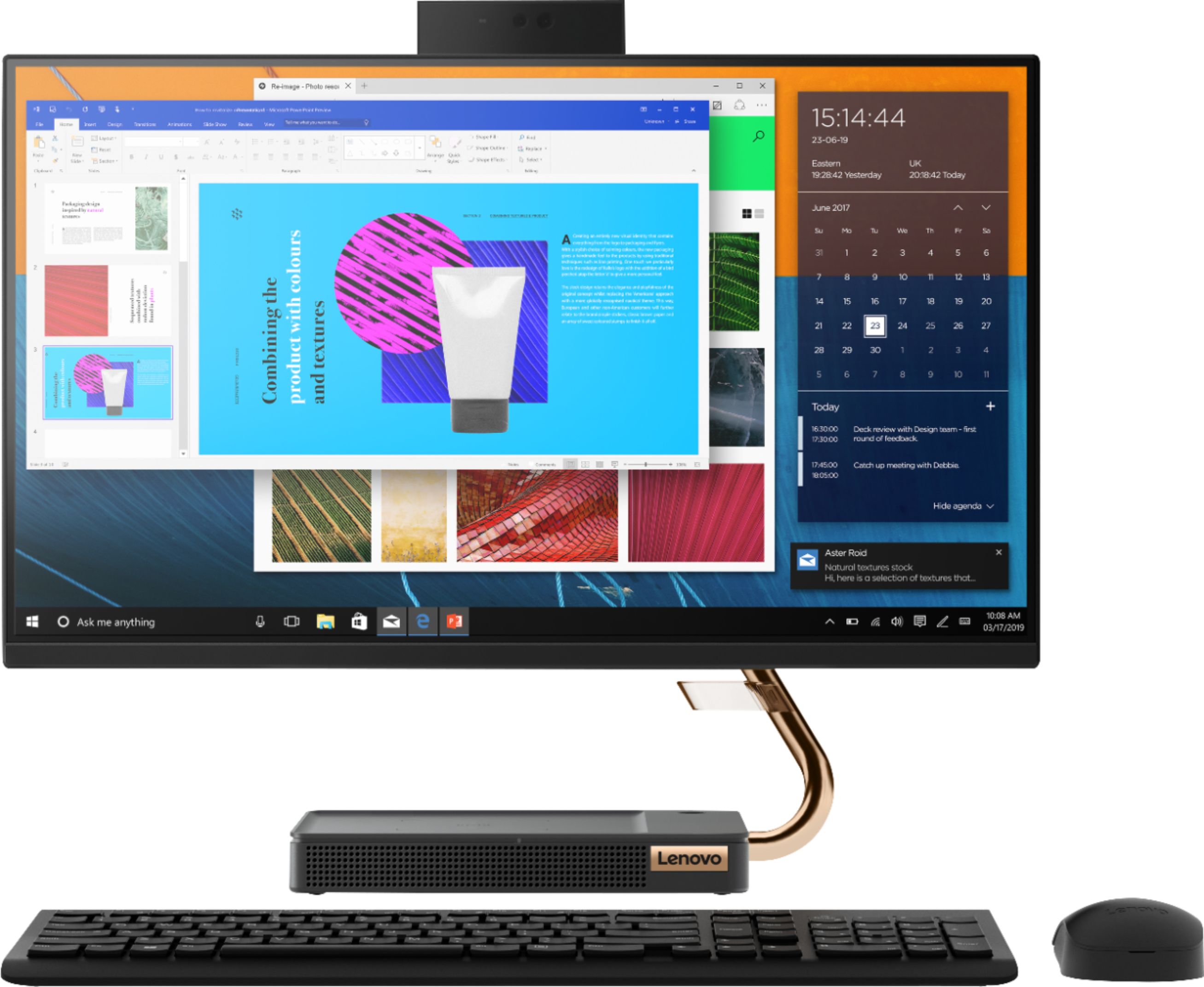
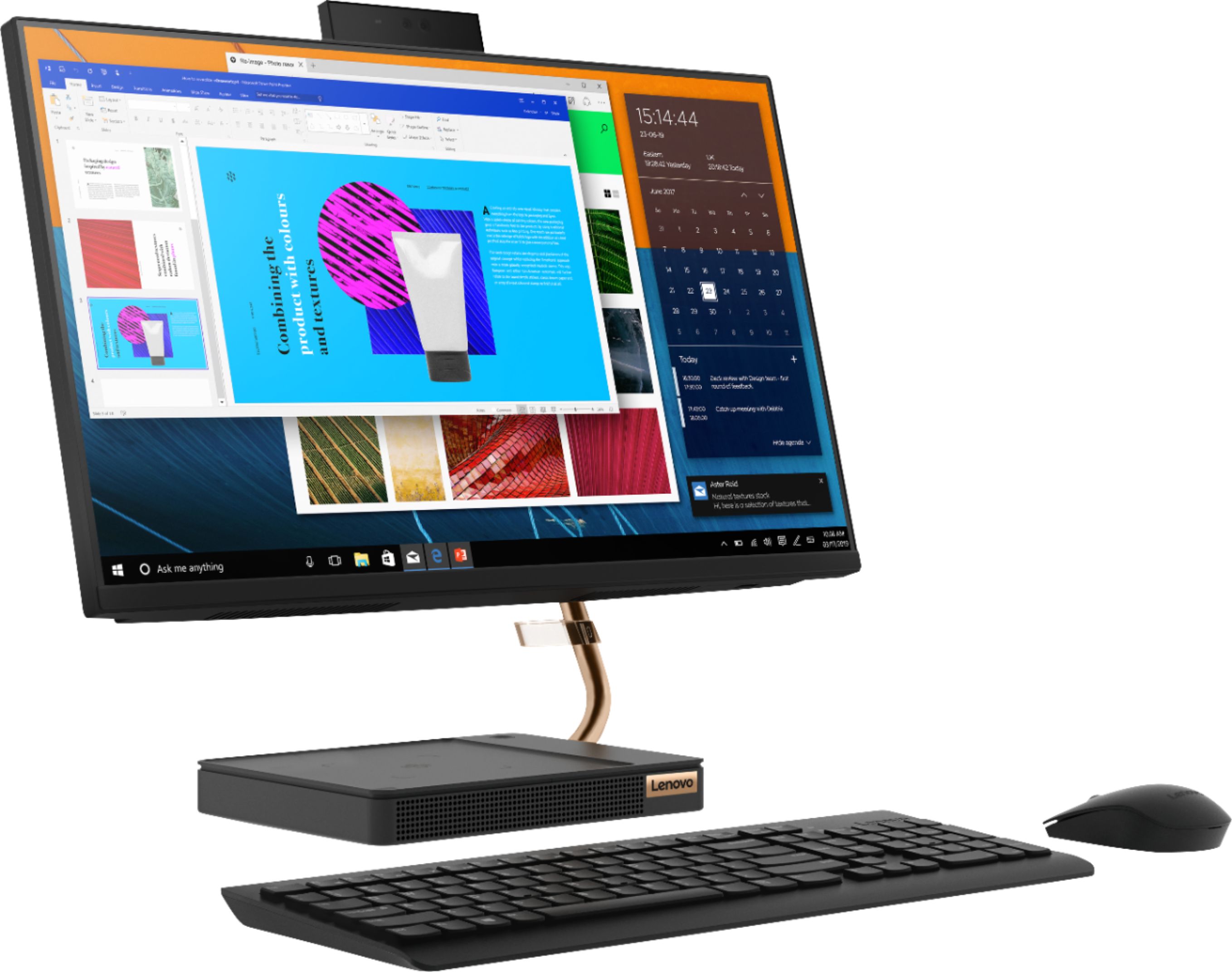
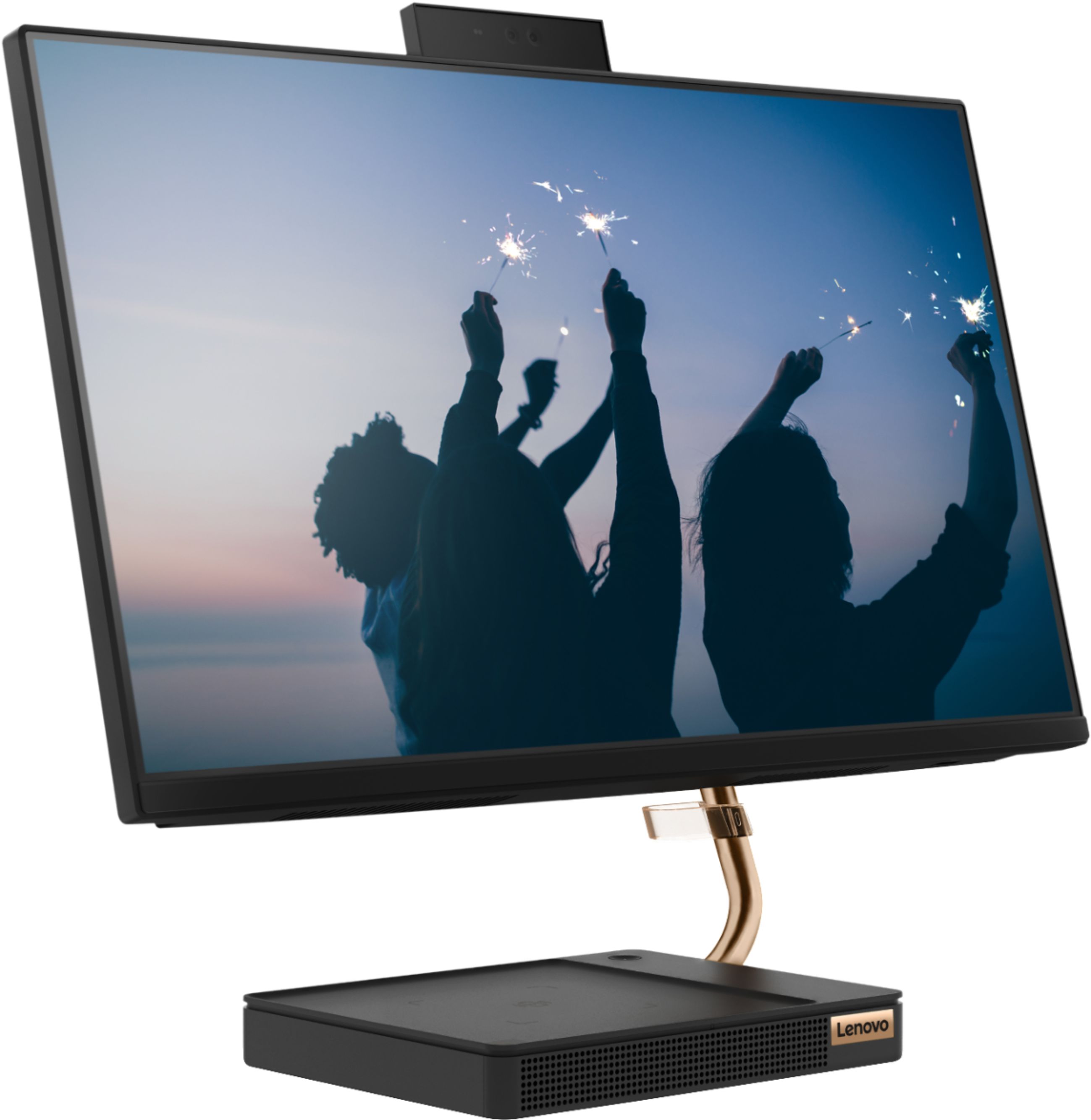
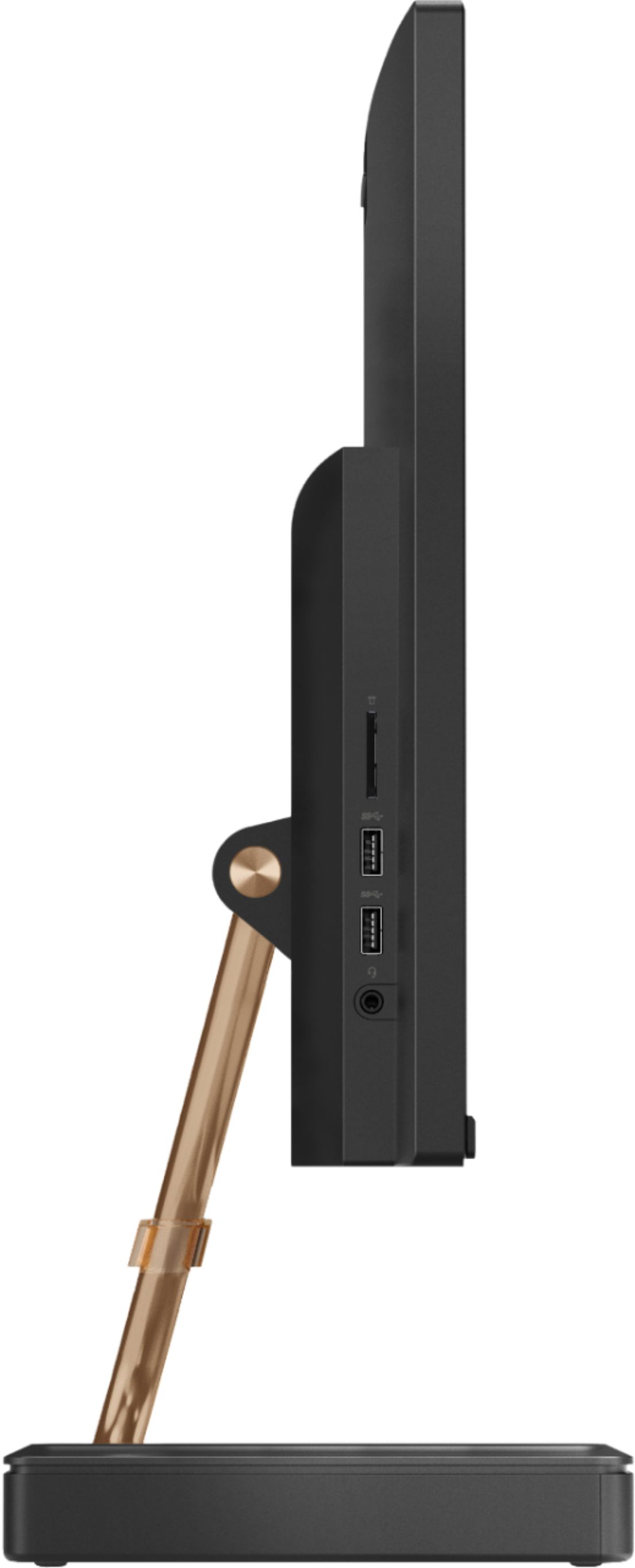
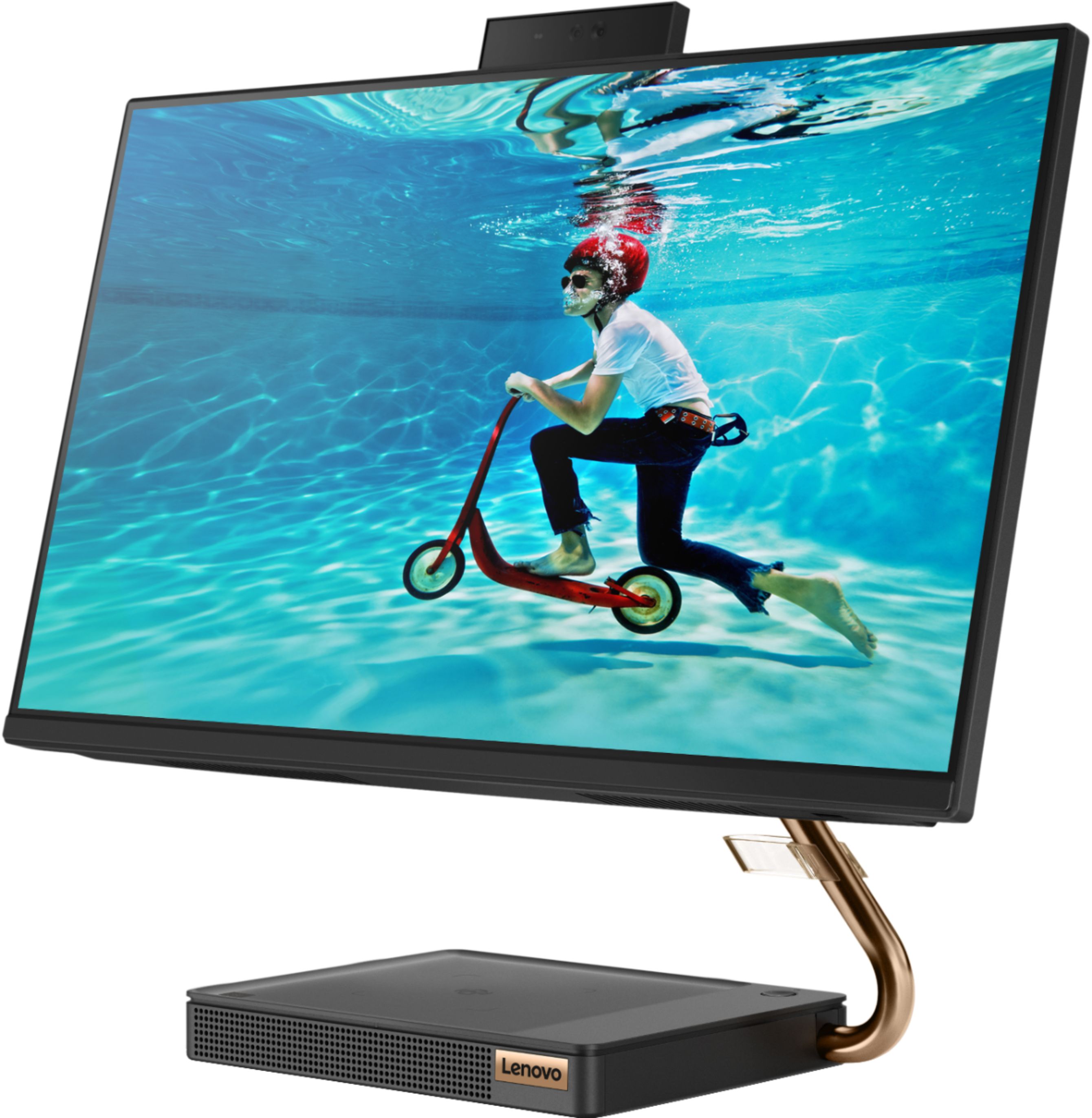
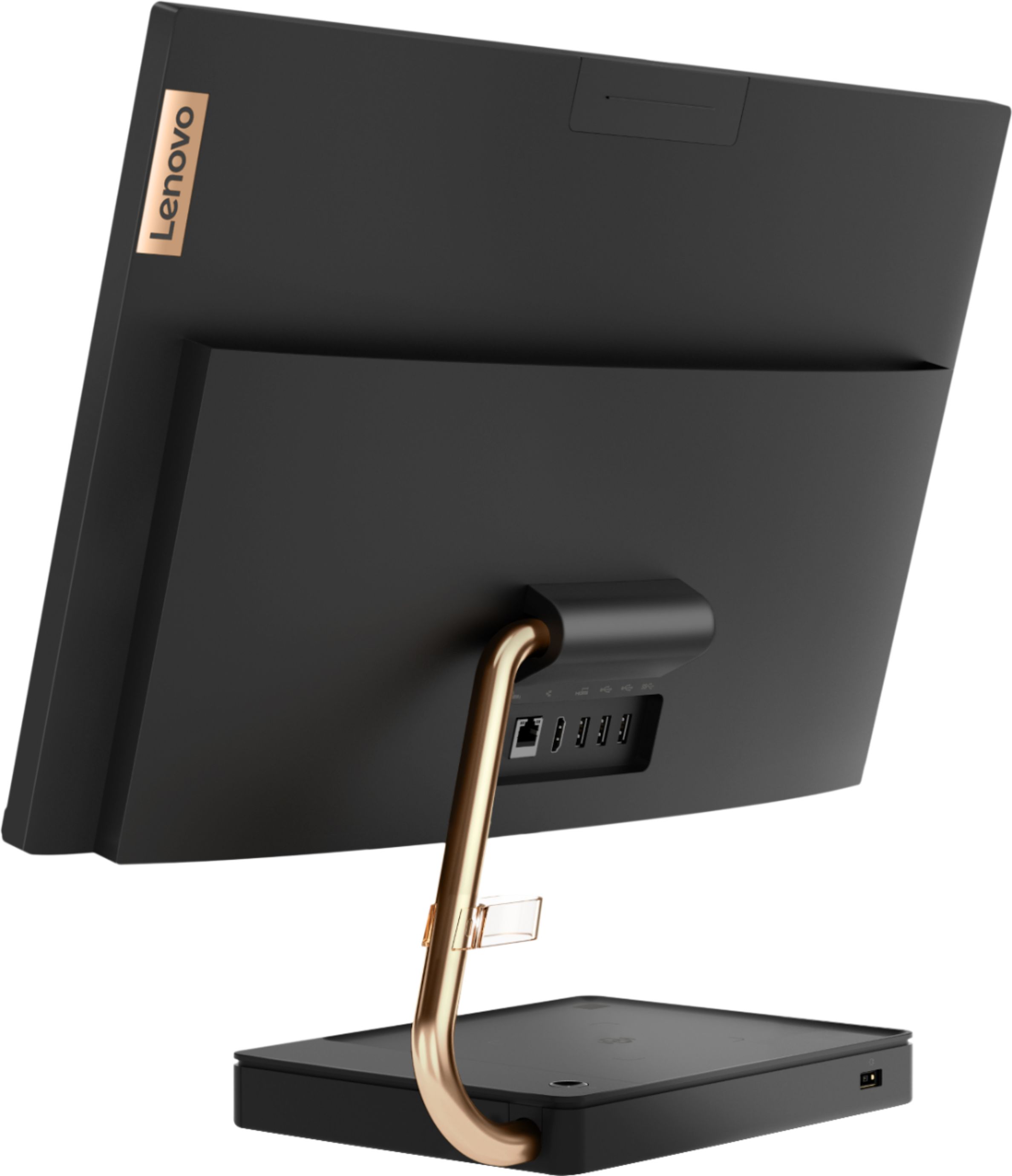
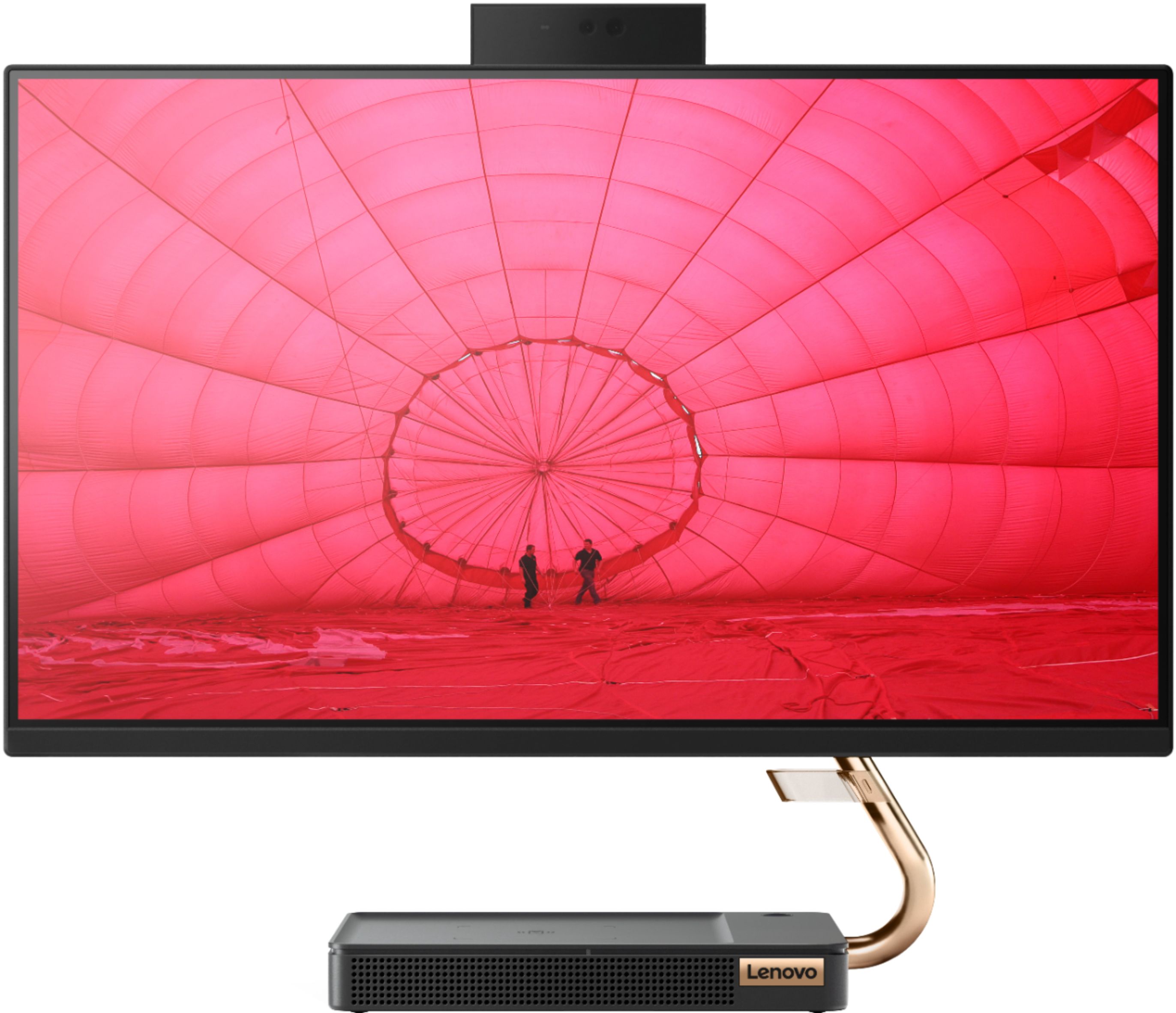
A:AnswerNo. Model number F0EM0003US, doesn't have a built in CD/DVD drive. You can use an external, USB-based, Windows 10 compatible CD/DVD drive with this All-In-One computer.
A:AnswerBe sure you plug in the wireless USB receiver into a USB port on the computer. Both the keyboard and mouse are WiFi wireless. The USB receiver comes stored in the battery compartment of the mouse. Remove the receiver from the mouse battery compartment and install it in a USB port on the computer. Once the receiver is plugged in the keyboard will pair automatically to the receiver.
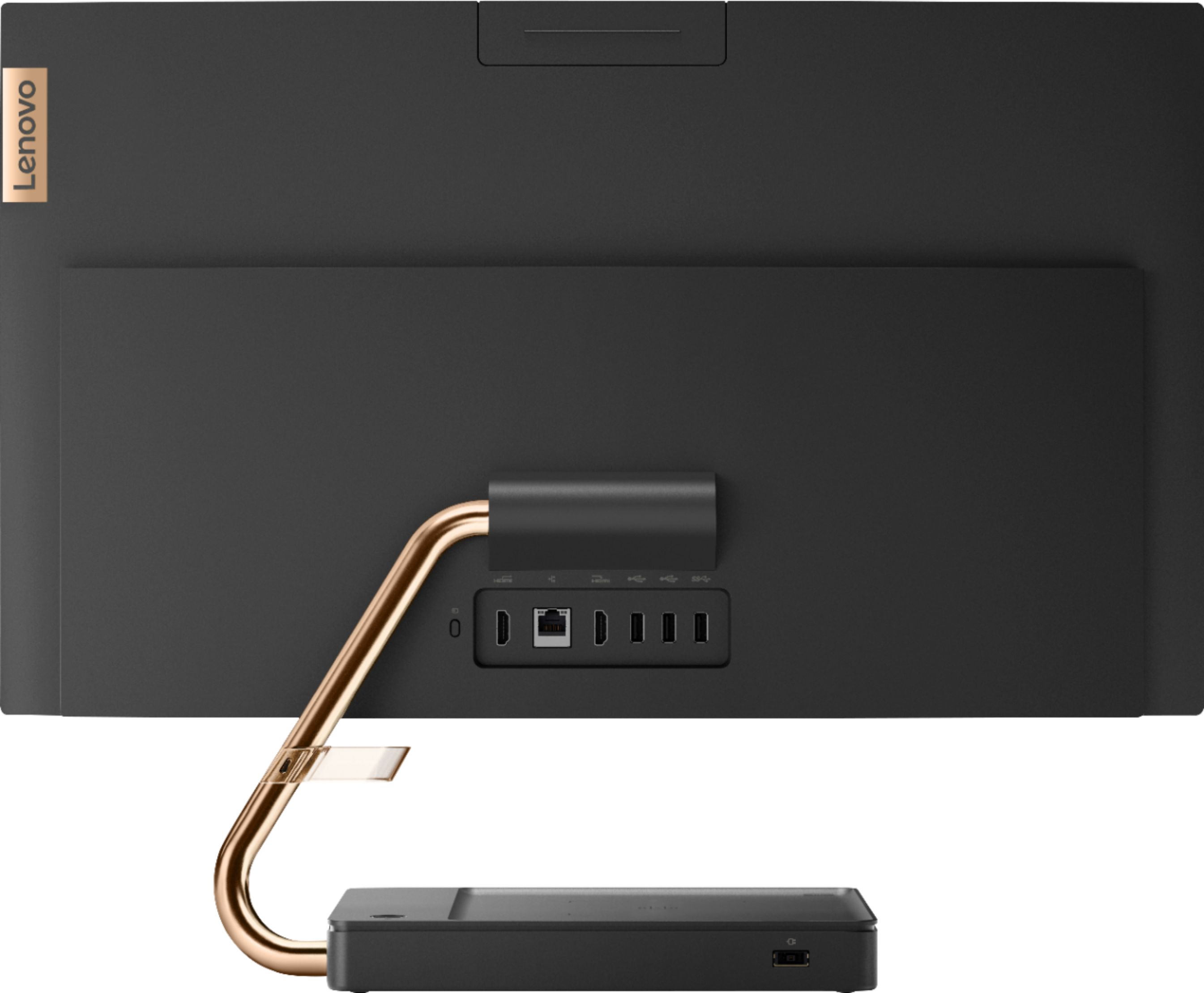
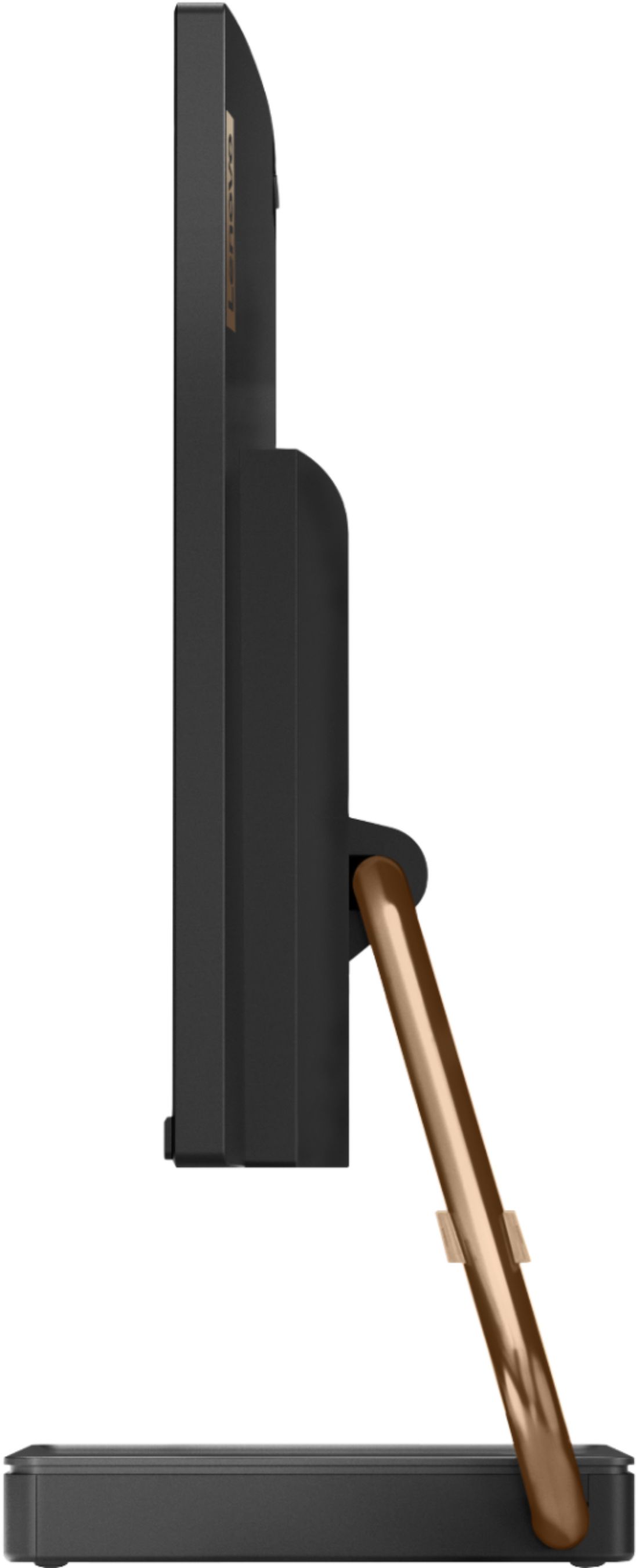
A:AnswerThe screen connects to the motherboard in the base of this model through wires within the hinge connector on the back of the screen and then connects to the motherboard in the base via the stand arm. Here is a link to the User Manual for this model which has pictures showing these wired connections: https://download.lenovo.com/consumer/desktop_pub/a540-24icb-a540-24api_hmm_20190805.pdf
A:AnswerThe Lenovo IdeaCentre A540-24 All-In-One system, model number F0EM0003US, does not have wireless charging capability for a phone or other wirelessly charged device.
A:AnswerThe keyboard and mouse are standard Bluetooth connection just like most others. The little strap on the monitor arm is for cable routing if you have things plugged into the monitor such as USB or HDMI cables.
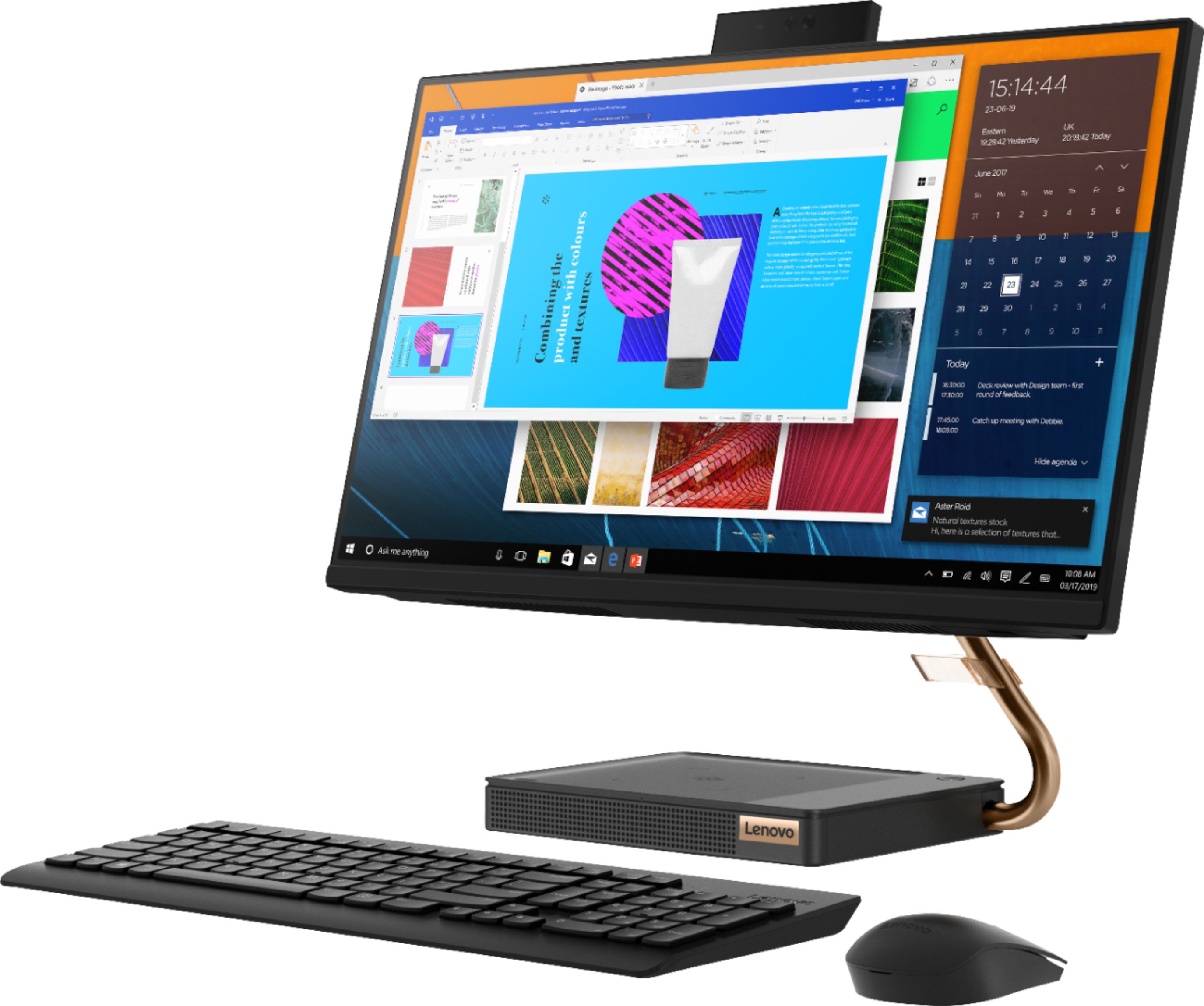
A:AnswerThere is a clear plastic attachment for the brass screen support arm that is used for cable management. You can use this clear plastic attachment to organize any cables you use with your computer.
A:AnswerNo tower. All the components that would be inside a tower are in the base and behind the screen. This model ships with a wireless keyboard and mouse to complete your All-In-One computing System.
A:AnswerThere is a 30-day trial of Microsoft Office 365 included as part of the Windows 10 operating system. In order to keep the program active after the trial period, you will need to purchase a product key. You will not need to download any additional software.
A:AnswerYou can use any printer that is compatible with Windows 10 Operating System. We recommend you check with your printer manufacturer for the compatibility of your specific model number.