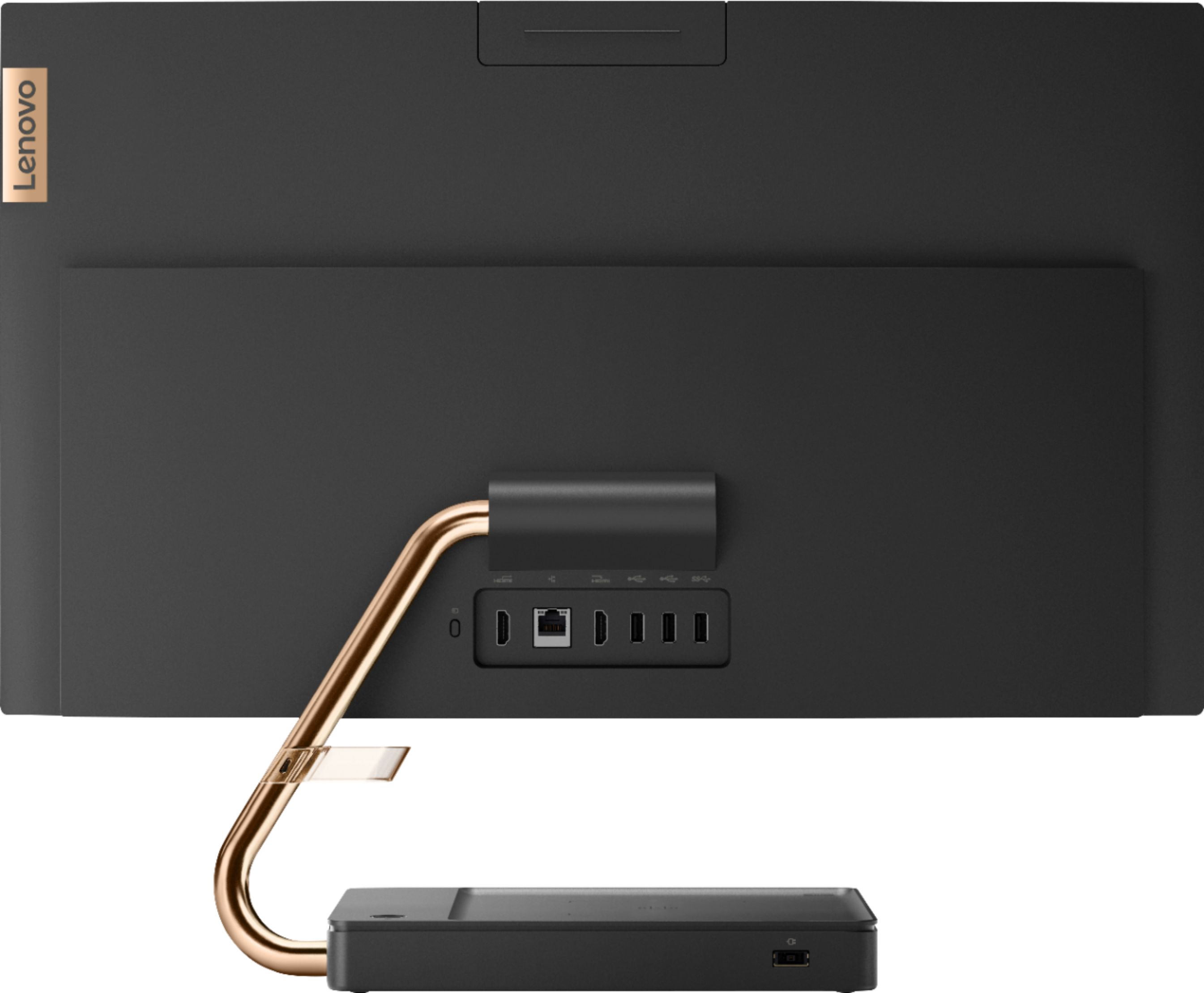
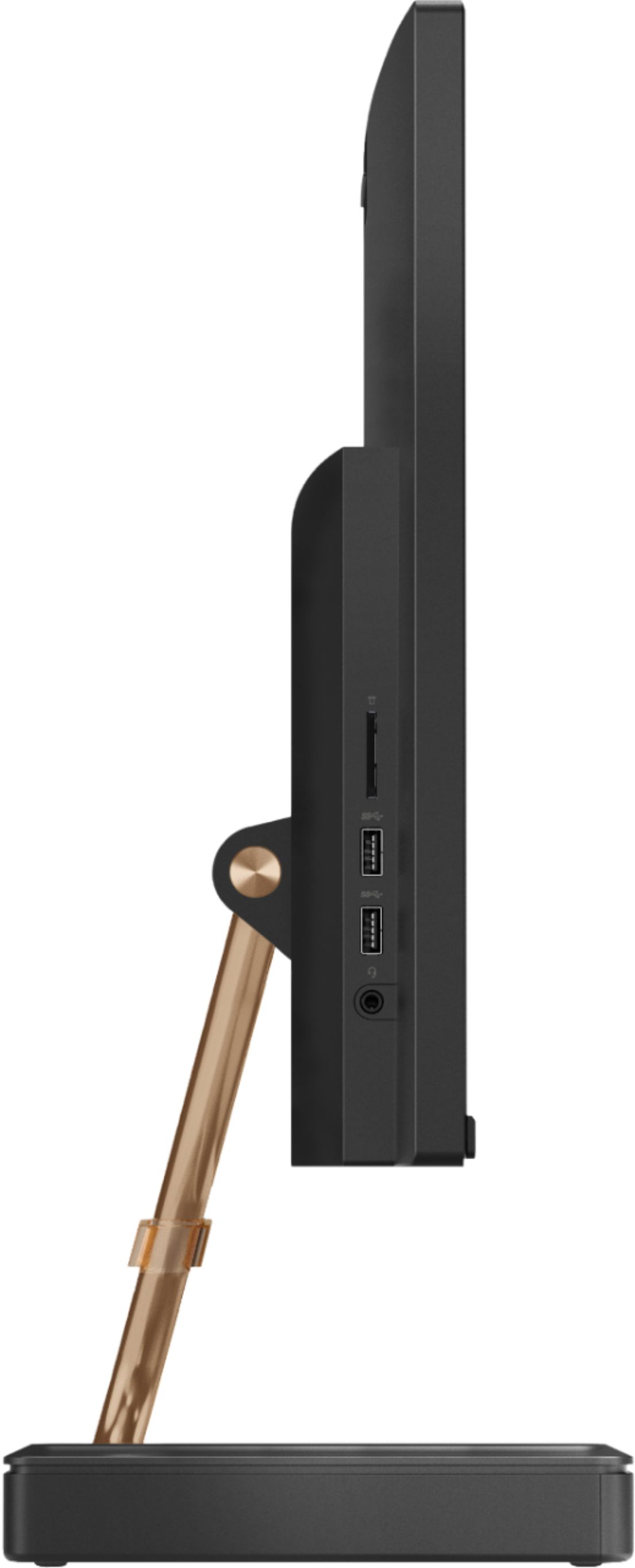
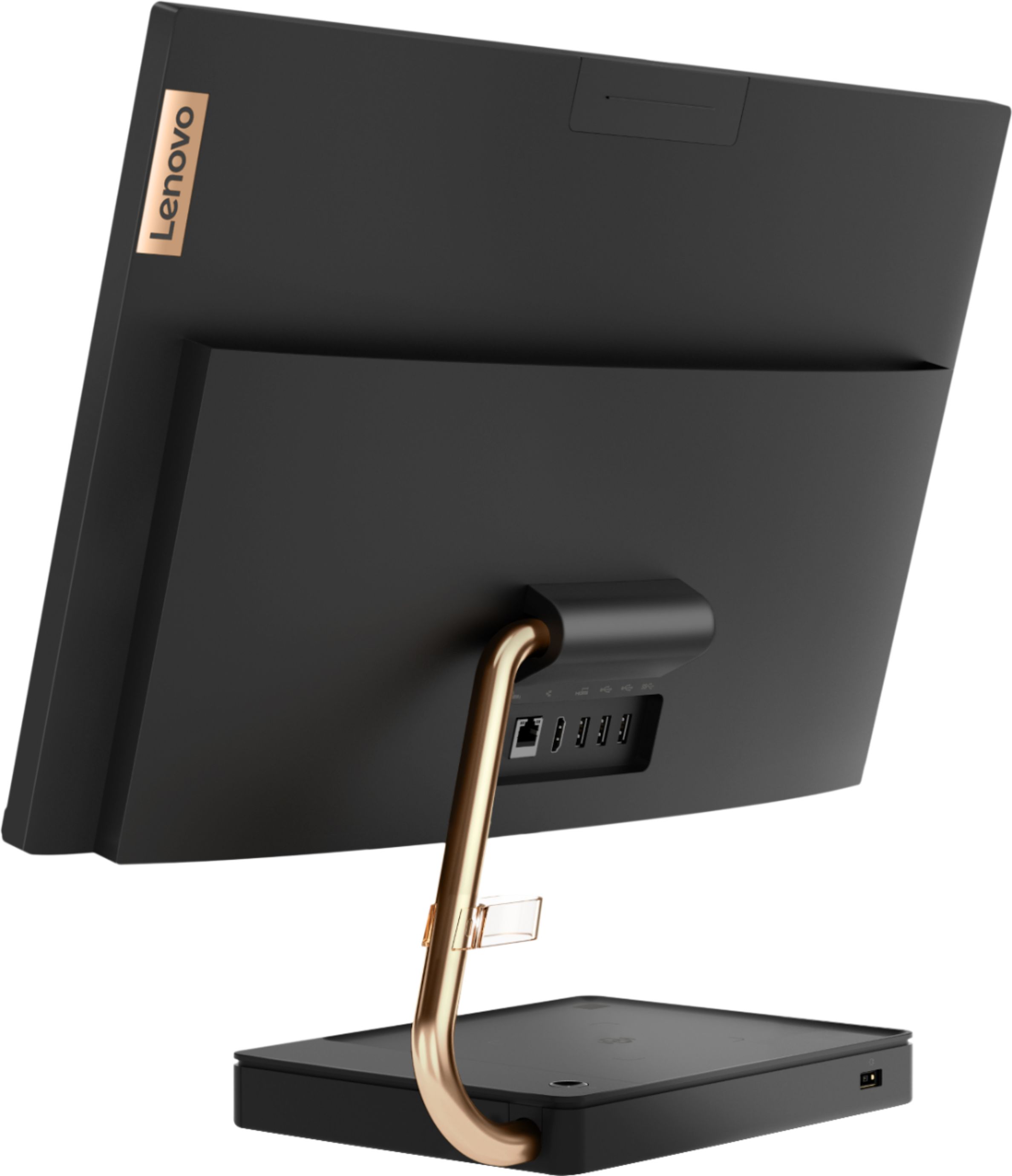
A:AnswerThere are two standard USB 2.0 version ports and three standard USB 3.1 version ports. These newer version 3.1 USB ports are backward compatible to USB 2.0 cables/devices.
A:AnswerI have a samsung windows tablet and it has integrated graphics and 4 gb ram. It runs roblox smoothly with no lag. I didn't try Netflix yet but it should run fine too.
A:AnswerThat really will depend on the specific games you want to play and the requirements and compatibility of those specific games. We recommend you check with the game's software publisher's web sites for their compatibility with Windows 10 Home 64-bit operating system and the minimum/recommended hardware requirements (Is a Graphics card required, the processor speed and the minimum required system RAM and the minimum available hard drive space) to run their program, then compare those requirements to this system's configuration.
A:AnswerThe Lenovo IdeaCentre A540-27 All-In-One system has a wireless charging stand for compatible devices: https://www.bestbuy.com/site/lenovo-ideacentre-a540-27icb-27-touch-screen-all-in-one-intel-core-i5-12gb-memory-256gb-ssd-mineral-gray/6393695.p?skuId=6393695
A:AnswerYou need to plug the USB wireless receiver into a USB port on the computer. The USB receiver is stored within the battery compartment of the mouse. Remove it from the battery compartment, plug it into the computer's USB port. You will need to turn on the mouse using the on/off switch on the bottom of the mouse. The keyboard and mouse should work once the keyboard is charged, the battery (included) is installed within the mouse and the mouse is turned on. If you continue to have issues, we recommend you call Lenovo Tech Support at: 877-453-6686.
A:AnswerThat really will depend on the requirements and compatibility of the specific games you want to use. We recommend you check with the game's software publisher's web sites for their compatibility with Windows 10 Home 64-bit operating system and the minimum/recommended hardware requirements (Is a Graphics card required, the processor speed and the minimum required system RAM and the minimum available hard drive space) to run their program, then compare those requirements to this system's configuration.
A:AnswerNo. There is one HDMI-Out port for an external monitor and one HDMI-In port for connecting a video in source like a gaming console to this computer to use the screen with the external video source.
A:AnswerYes you can. The Lenovo IdeaCentre A540-24 All-In-One system ships with 5G, 802.11AC WiFi, which is backward compatible with older b/g/n WiFi frequencies as well.
A:AnswerKeyboard needs to charge..use the supplied cord and plug it into the side of the PC...will take a bit - but you should be able to use it while charging.
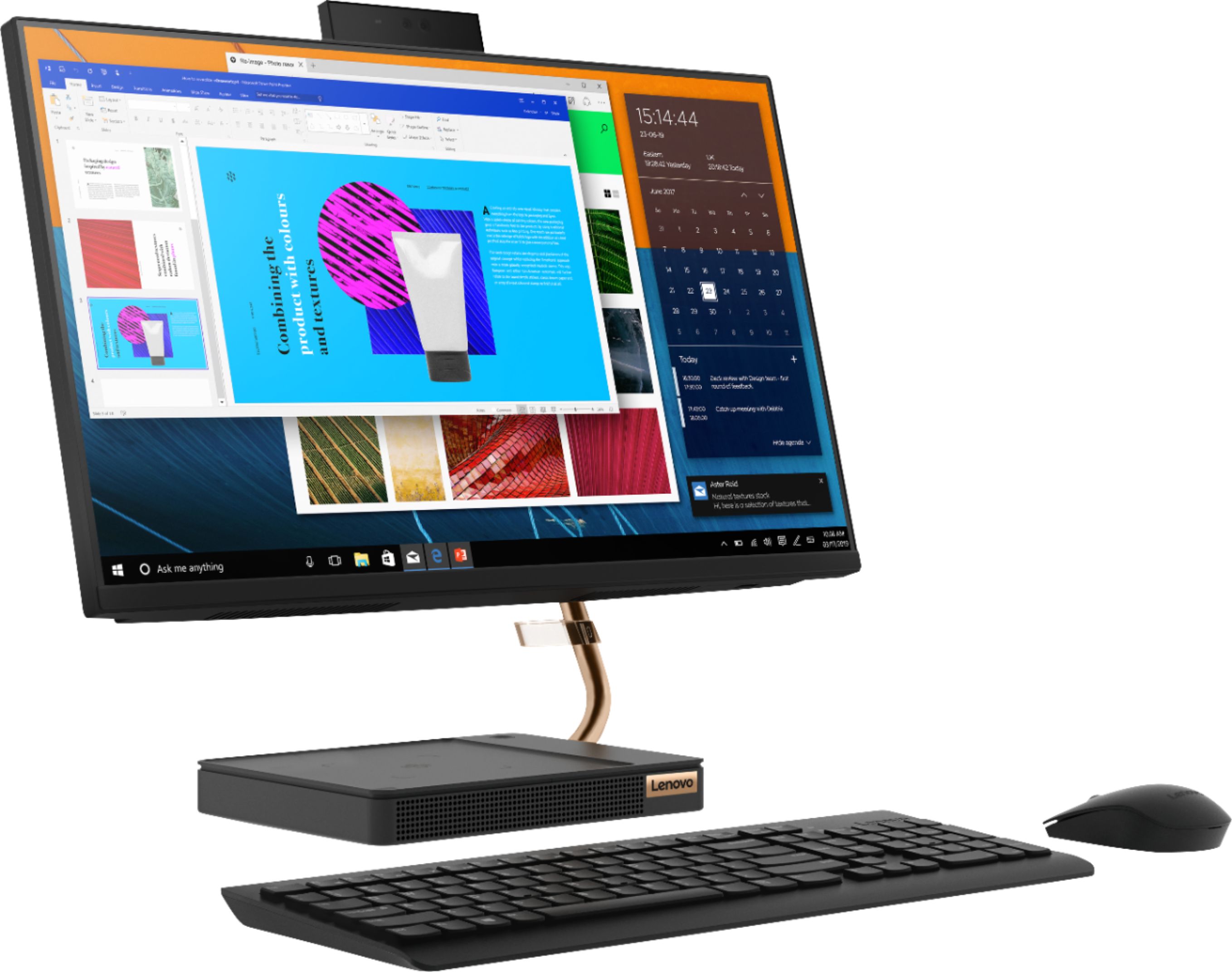
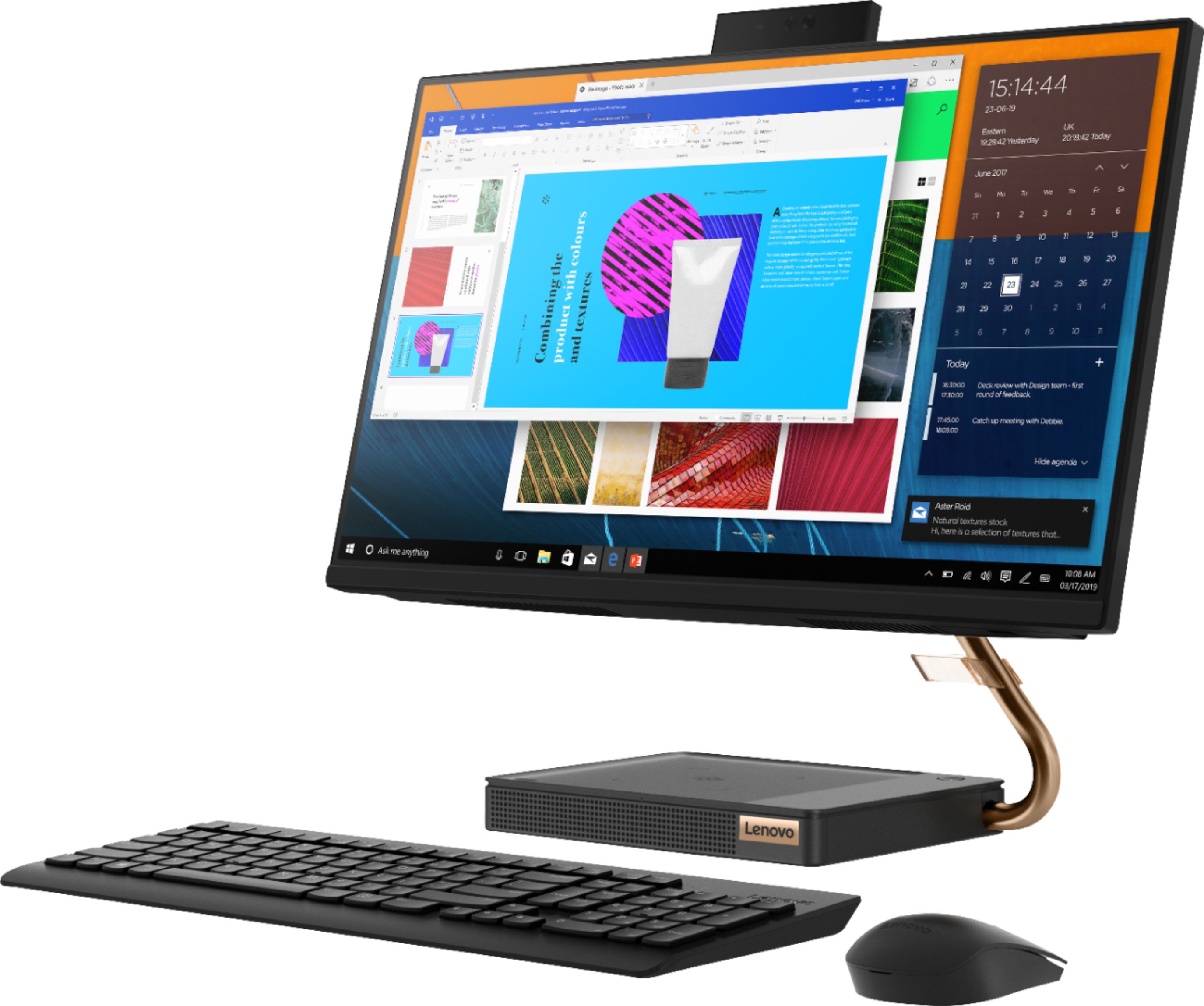
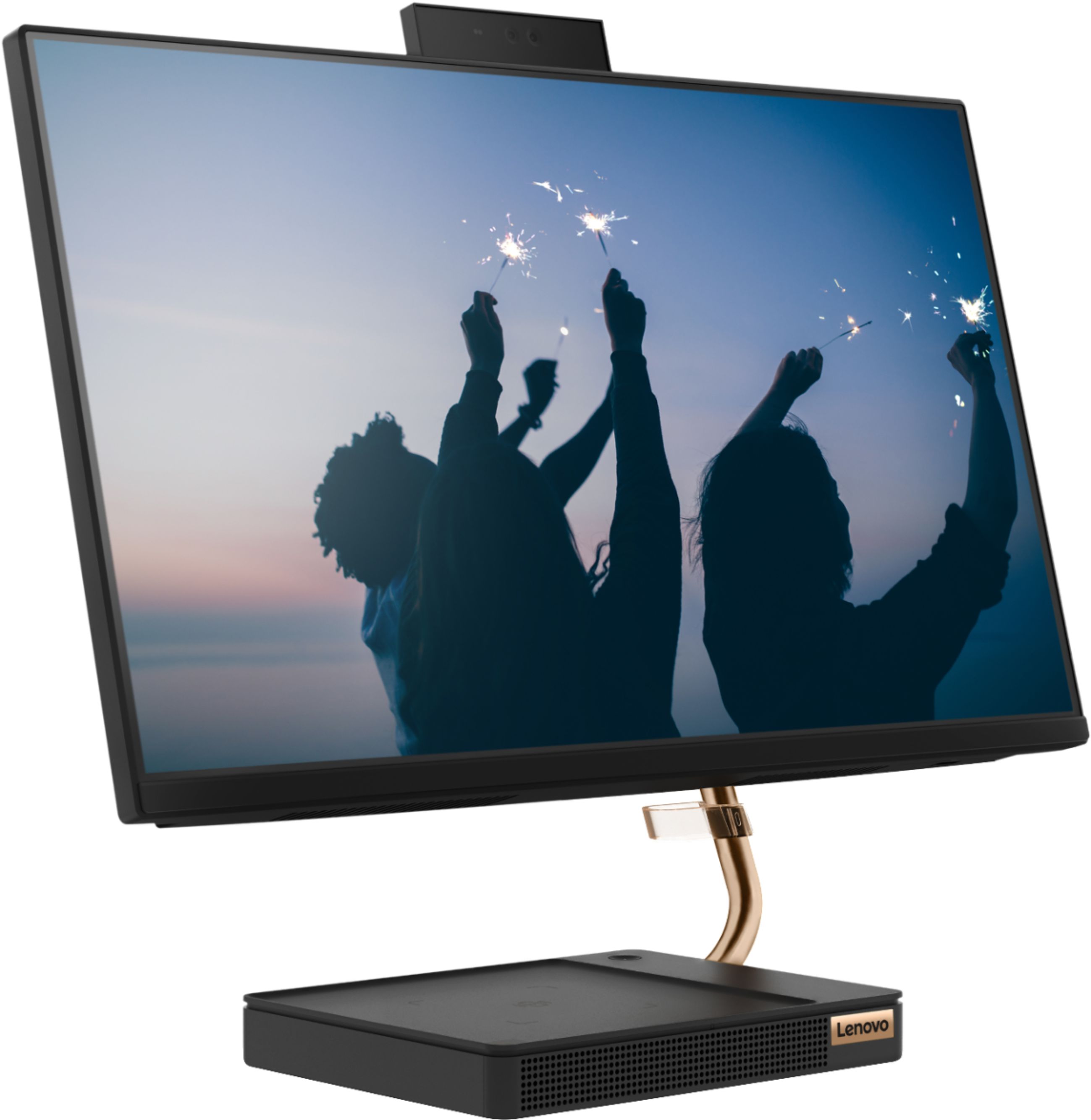
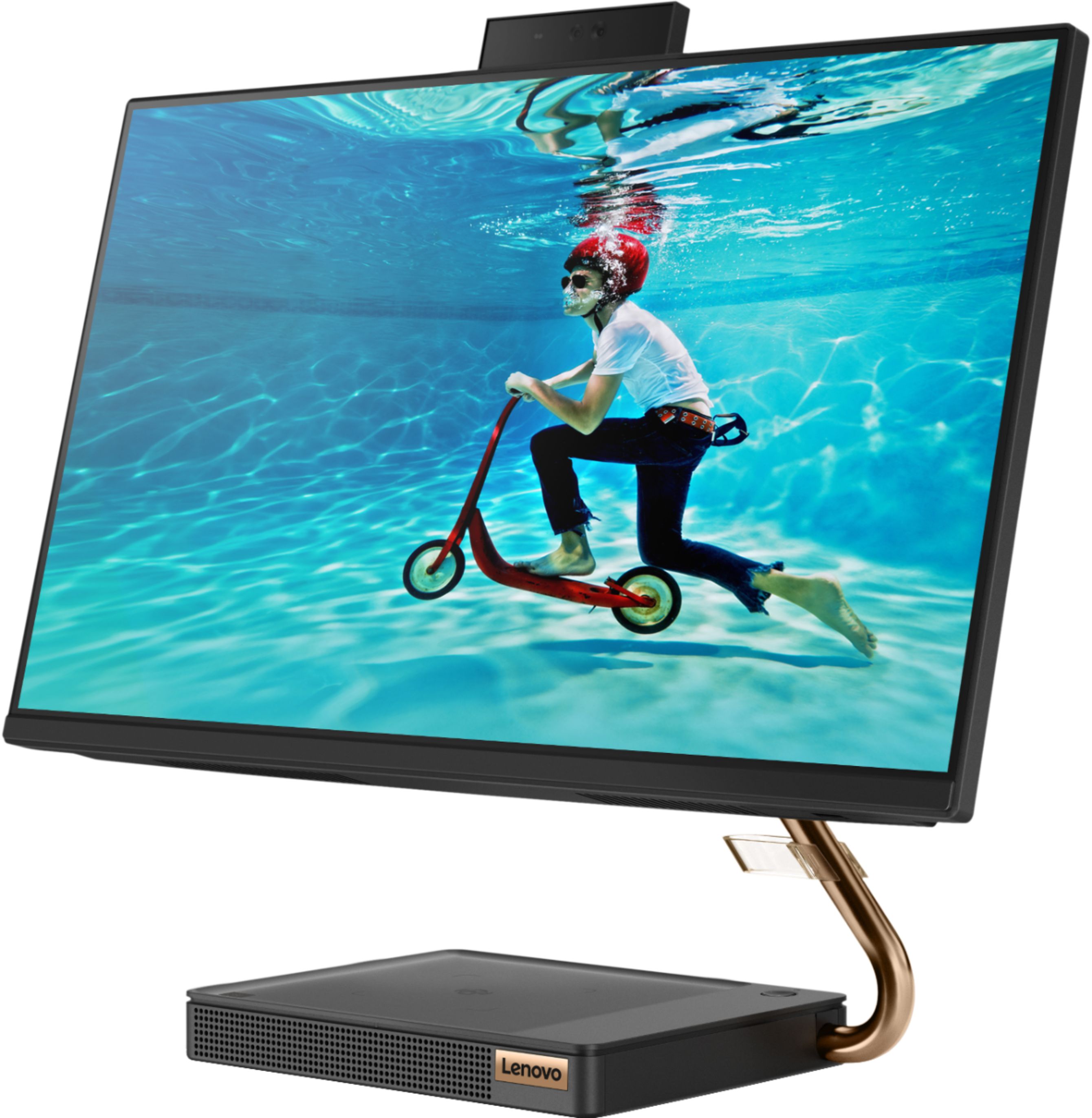
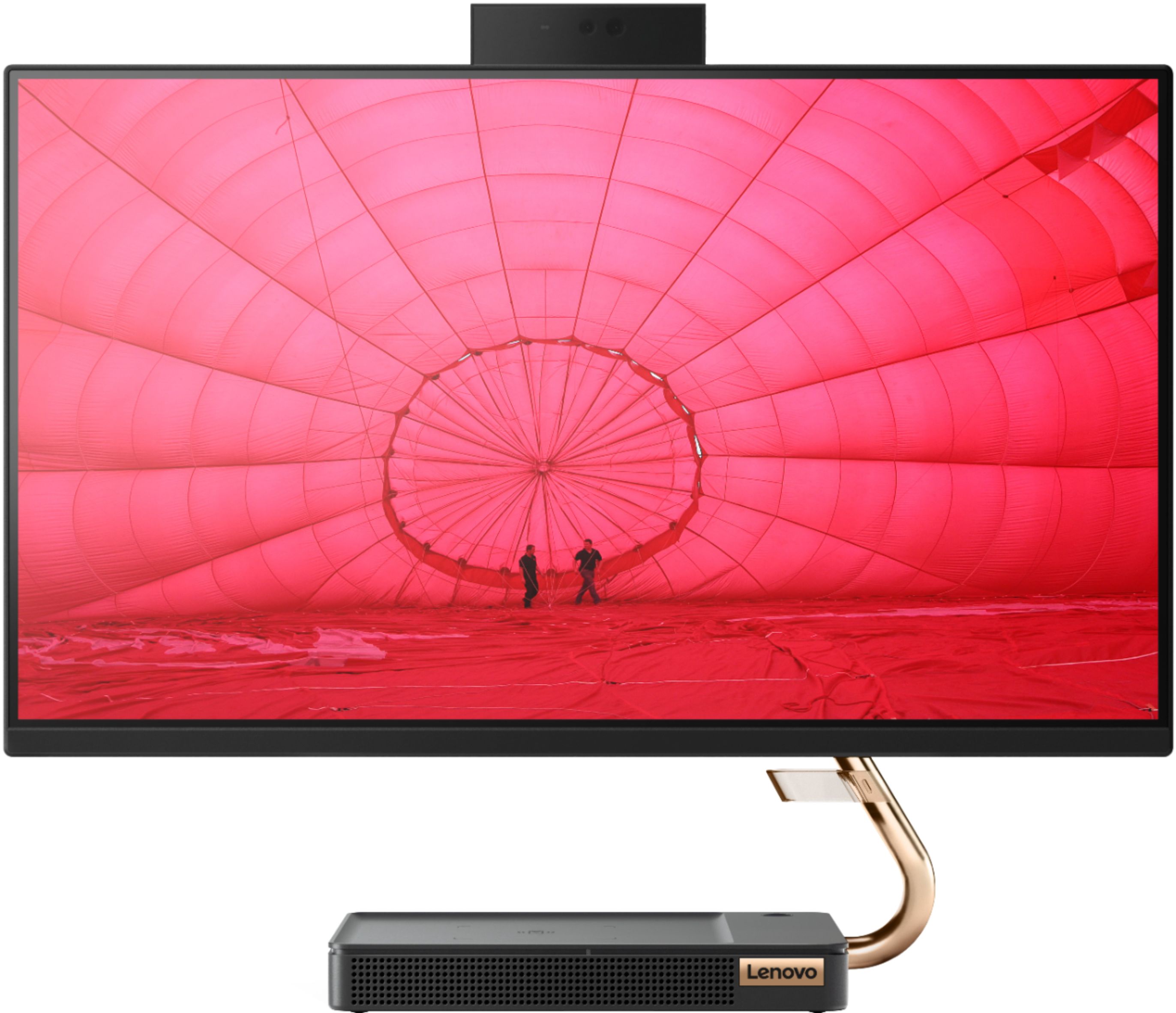
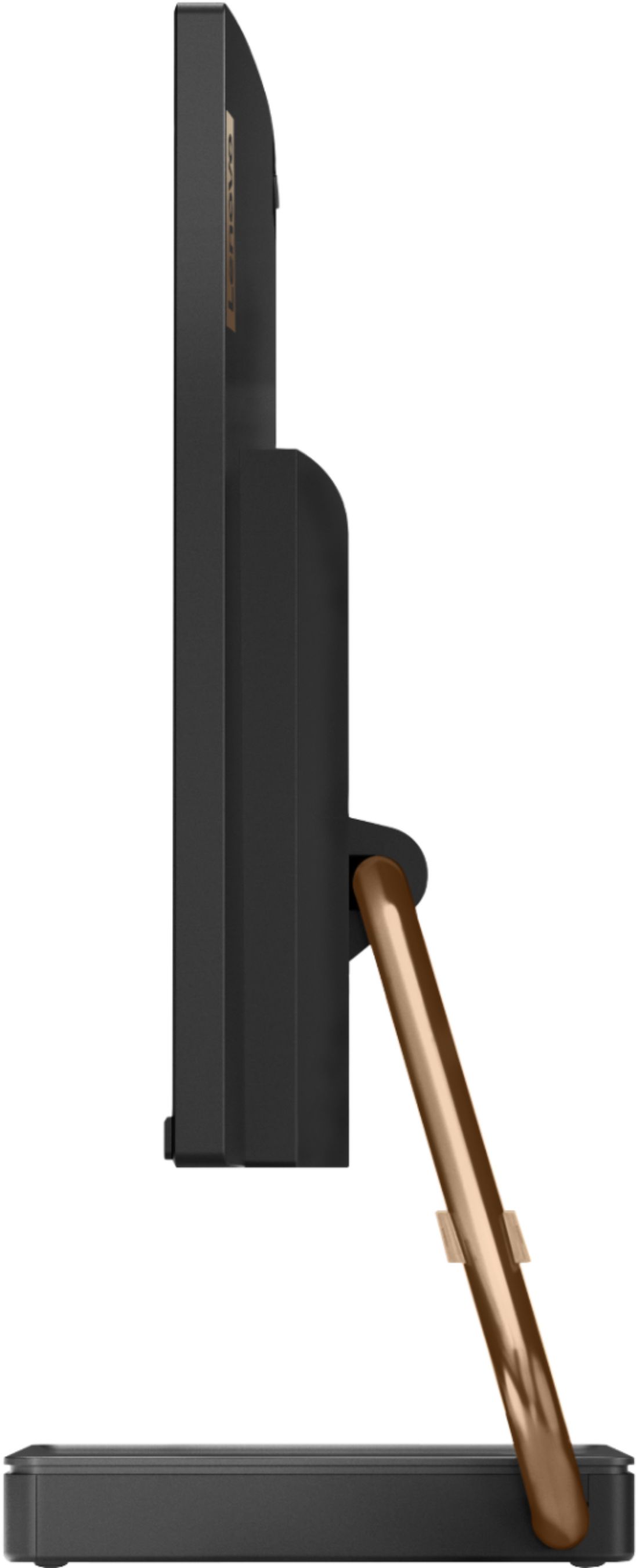
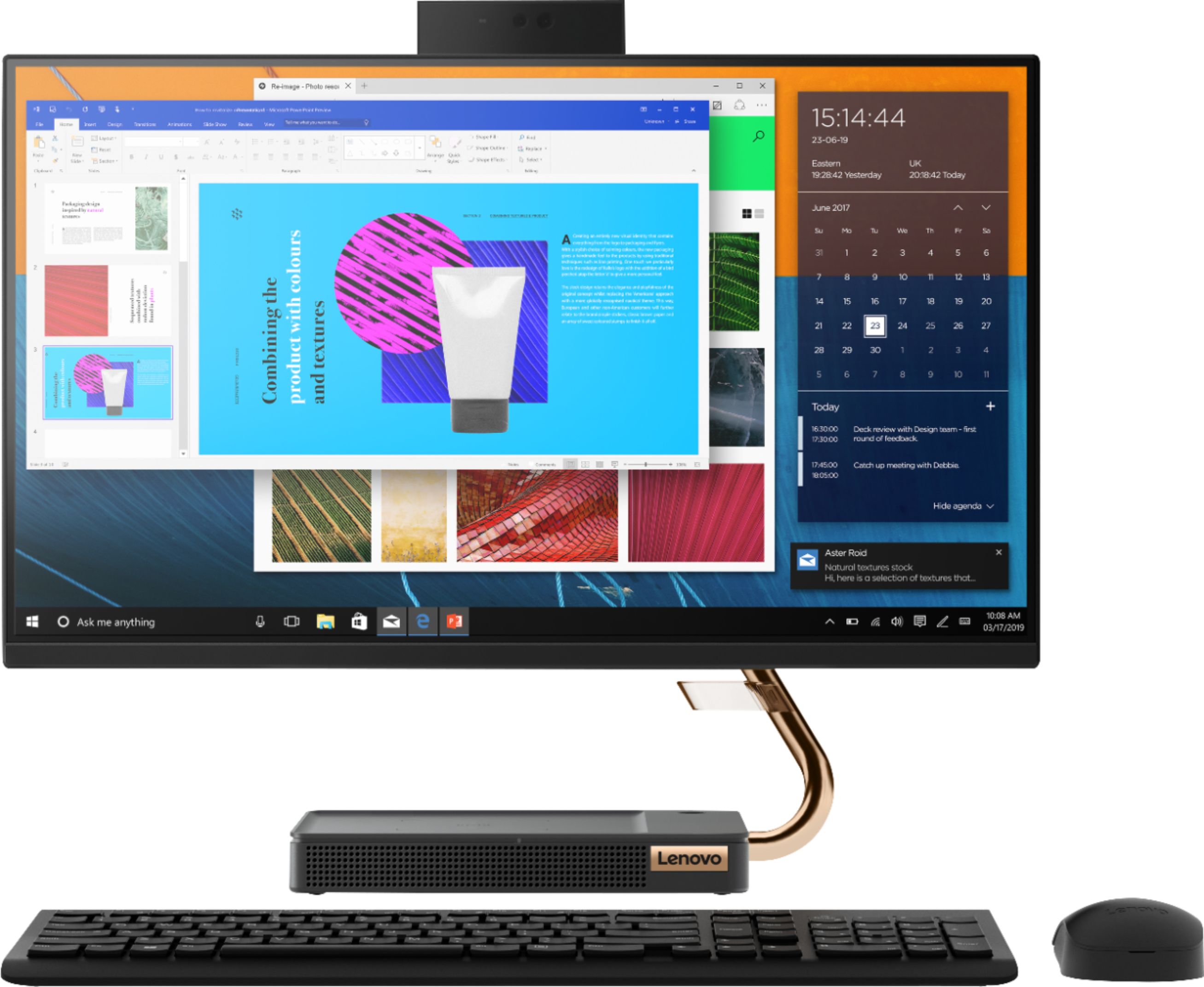
A:AnswerThe Lenovo IdeaCentre A540-24 All-In-One system, model number F0EM0003US, ships with a 23.8-Inch (screen size measured diagonally) WVA (Wide-Viewing-Angle) 1920x1080 (FHD) screen, with a brightness level of 250 nits. The IdeaCentre A540-24 AIO has a 93-percent screen-to-body ratio and thin, narrow bezels, the IdeaCentre A540 gives more to enjoy than a regular 24-inch display. What's more, the FHD resolution enhances your viewing experience even further. There is a 4-Core AMD Ryzen 3 3200GE processor with a speed of 3.3GHz. This processor is supported by 8GB (2 x 4GB) 2666MHz RAM and a 256GB M.2 2280 NVMe TLC OPAL solid state hard drive for faster performance. There is an IR webcam built in for Windows Hello facial recognition login. our time’s important, as is your privacy. That’s why the IR camera and Windows Hello let you log in quickly, easily, and securely—with just your smile. With TrueBlock Privacy Shutter, you can close the webcam whenever you like. A wireless keyboard and mouse are included. With the IdeaCentre A540, a truly immersive audio experience awaits. As well as certified JBL by Harman speakers, there’s Dolby premium sound, two 3W tweeters, and one 5W woofer. The result? Powerful, crystal clear, rich sound every time. With the IdeaCentre A540-24 AIO form finally meest form. Taking its cue from nature, the stylish IdeaCentre A540 is inspired by the cypress tree: perfectly balanced and durable. Sacrificing nothing on performance, this all-in-one PC is an attractive addition to your home or office.
A:AnswerThat will depend on the requirements of the specific video conferencing APP you will be using. The Lenovo IdeaCentre A540-24 All-In-One system ships with the 4-Core AMD Ryzen 3 3200GE
processor, with a speed of 3.3GHz. This processor is supported by 8GB of DDR4-2666MHz RAM and a 256GB M.2 2280 NVMe TLC OPAL solid state hard drive. We recommend you check with the video conferencing APP publisher's web site for their compatibility with Windows 10 Home 64-bit operating system and the minimum/recommended hardware requirements (Is a Graphics card required, the processor speed and the minimum required system RAM and the minimum available hard drive space) to run their program, then compare those requirements to this system's configuration.