A:AnswerThat will depend on the requirements and compatibility of the peripheral devices you want to connect to the Lenovo C340-15 Chromebook. This model ships with the Chrome Operating System and is compatible with Google Play Store APPs. We recommend you check with the hardware manufacturer's web sites of the devices you want to connect to this Chromebook, for their compatibility with the Chrome operating system and the minimum/recommended hardware requirements (Is a Graphics card required, the processor speed and the minimum required system RAM and the minimum available hard drive space) to run their program, then compare those requirements to this system's configuration.
A:AnswerThe Lenovo C340-15 Chromebook, model number 81T9000VUS, ships with a 720p (HD) webcam with a Dual-Array microphone built in. Try resetting your Chromebook. Here is a link to instructions for resetting your Chromebook: https://support.google.com/chromebook/answer/183084?hl=en. If the issue continues, we recommend you call Lenovo Tech Support for Chromebooks at: 1-800-426-7378
A:AnswerThere are currently no notifications about any carcinogens within this model. Here is a link to more information about this model: https://files.bbystatic.com/xECj%2F3YAmKTogfpANbYUzw%3D%3D/A2FDF9E4-4925-454E-AB85-AF36C5B8DF7D.pdf
A:AnswerThat will depend on the requirements and compatibility of the games you want to play. The Lenovo C340-15 Chromebook ships with the Chrome Operating System and is compatible with the Google Play Store APPs. We recommend you check with the game's software publisher's web sites for their compatibility with the Chrome operating system and the minimum/recommended hardware requirements (Is a Graphics card required, the processor speed and the minimum required system RAM and the minimum available hard drive space) to run their program, then compare those requirements to this system's configuration.
A:AnswerThe Lenovo C340-15 Chromebook ships with 5G, wide-range/high speed, 2x2 802.11AC WiFi capability. We recommend you check with the specific country the Chromebook will be used in for their compatibility with this frequency of WiFi.
A:AnswerIt runs Linux and Android apps right out of the box. Linux not user friendly unless you are willing to do alot of self study. The ability to run Android apps is great. A Chromebook is a great alternative to windows. They boot up in seconds, update in the background, don't need malware or antivirus software, and are require way less resources than windows. Windows is a bloated operating system.
A:AnswerI have an older brother printer MFC-L2700DW and if you download the brothers app I was able to connect the two . I will warn you it took several tries but now I have all the same print and scan capabilities as before .
Also I noticed when I scanned to PDF I could not locate where it was saving the PDFs . I downloaded a free file manger program and now I found them .
A:AnswerYes. Get more done fast with the Google Assistant on your Chromebook C340-15, model number 81T9000VUS. Send an email, find documents, listen to music, access your calendar, or control smart home devices, all without switching screens. Just say Hey Google to get started.
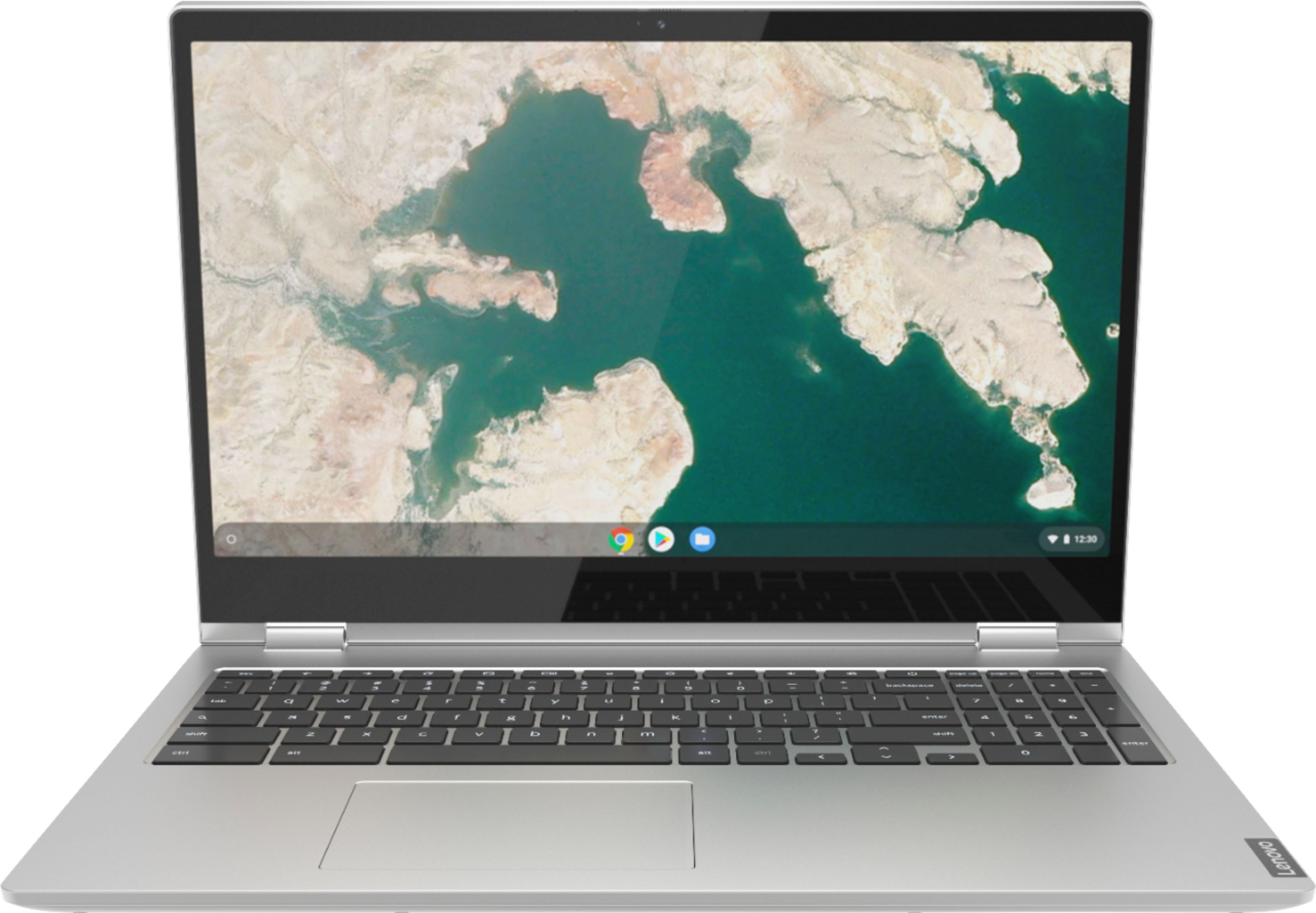
A:AnswerThat will depend on the requirements and compatibility of the specific games you want to play. The Lenovo C340-15 Chromebook uses the Chrome Operating System and is compatible with Google Play Store APPs. We recommend you check with the game's software publisher's web sites for their compatibility with the Chrome operating system and the minimum/recommended hardware requirements (Is a Graphics card required, the processor speed and the minimum required system RAM and the minimum available hard drive space) to run their program, then compare those requirements to this system's configuration.
A:AnswerHere is a link to the Google Automatic Update Policy: https://support.google.com/chrome/a/answer/6220366?hl=en#:~:text=Policy,to%20support%20from%20component%20manufacturers.&text=Google%20will%20publish%20a%20model's,time%20to%20make%20purchase%20decisions.