A:Answer Hey Santos,
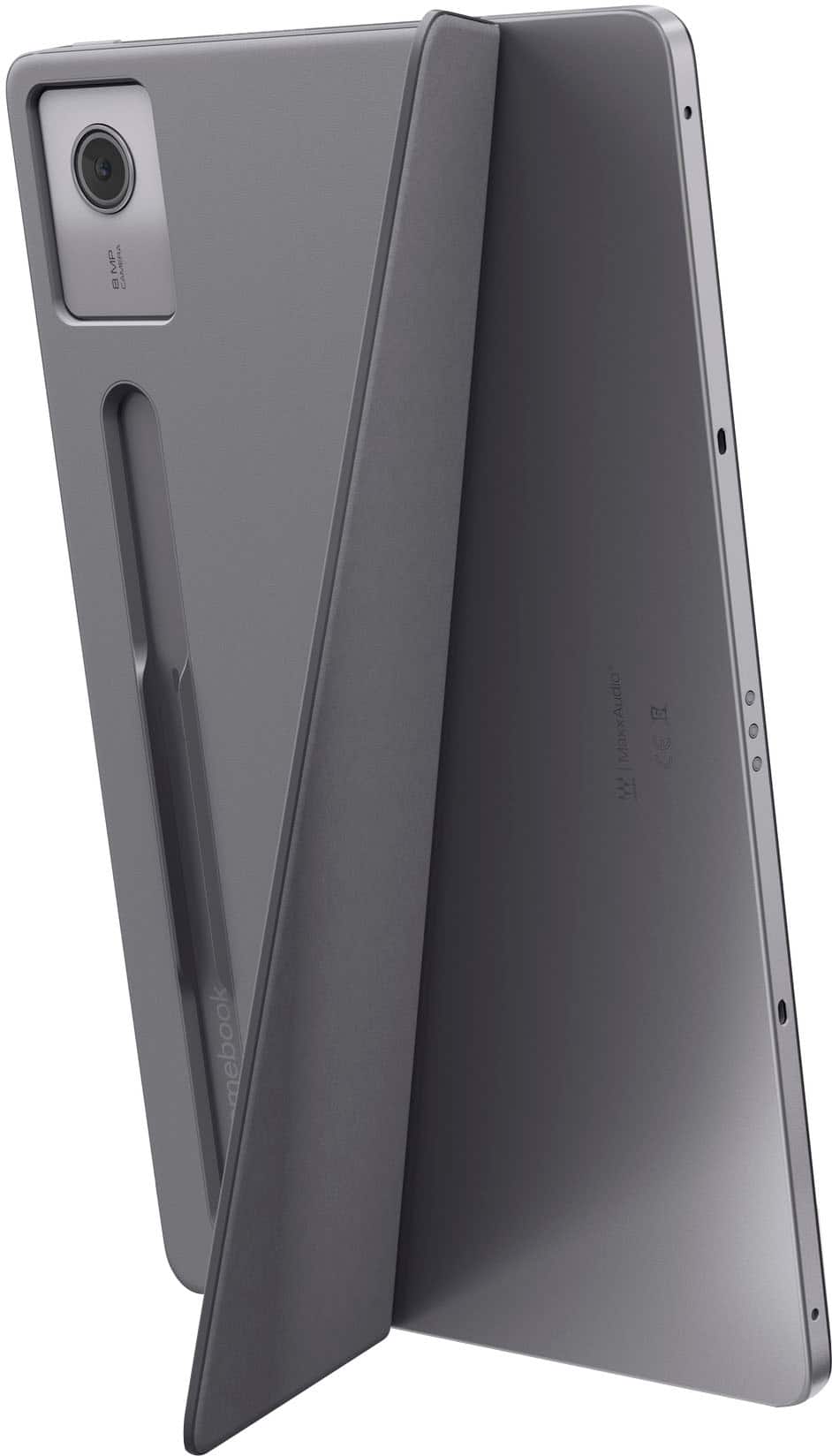
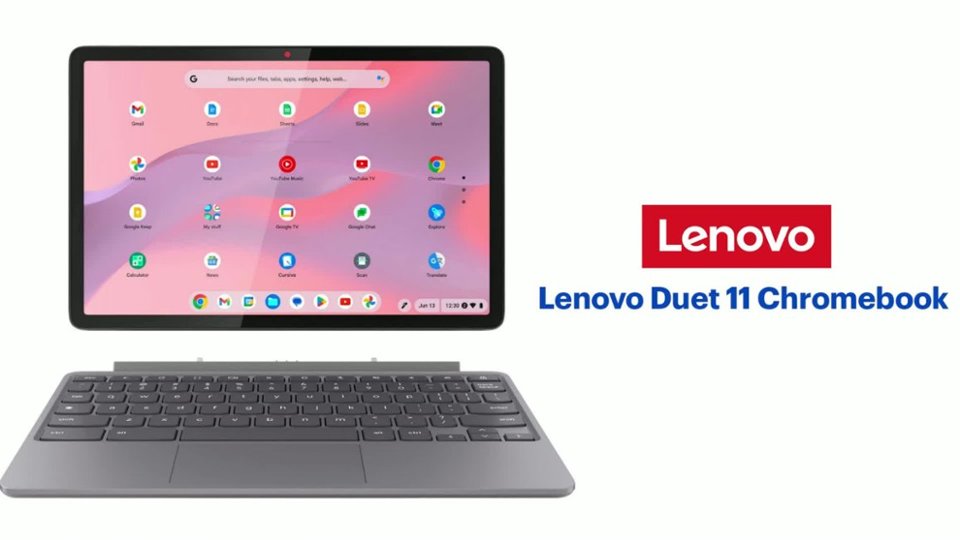
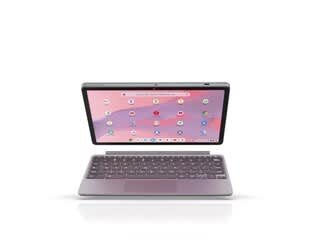
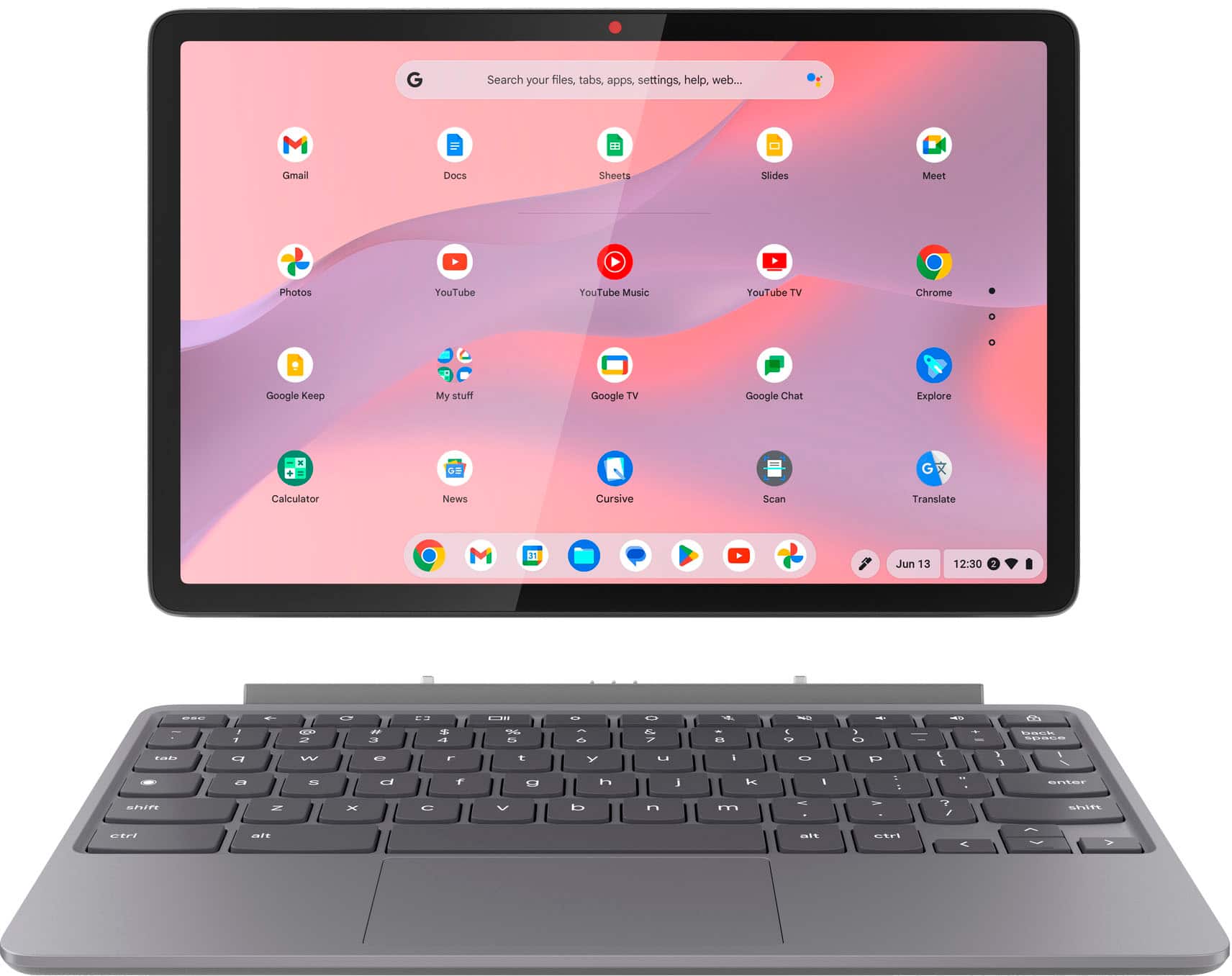
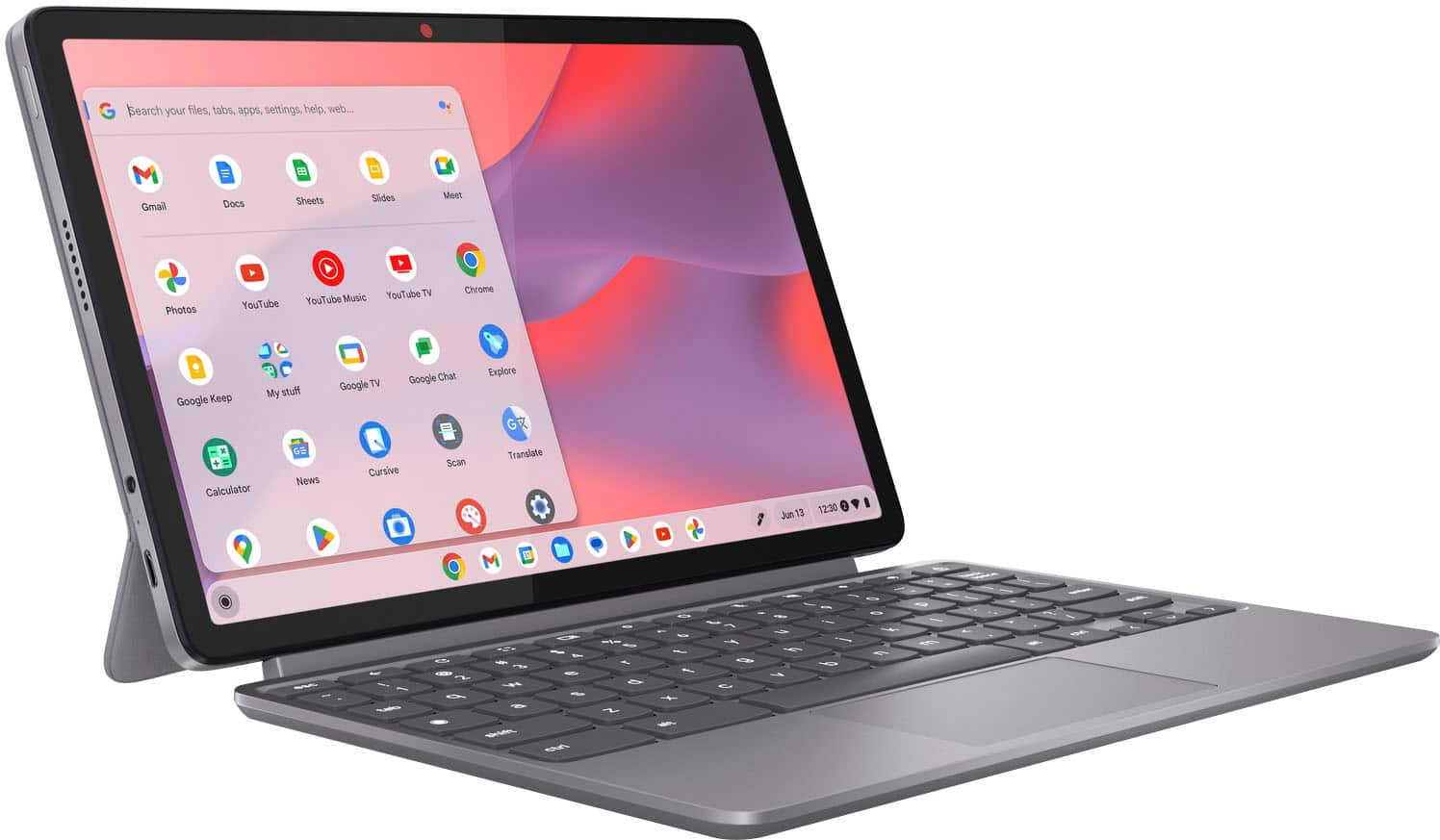
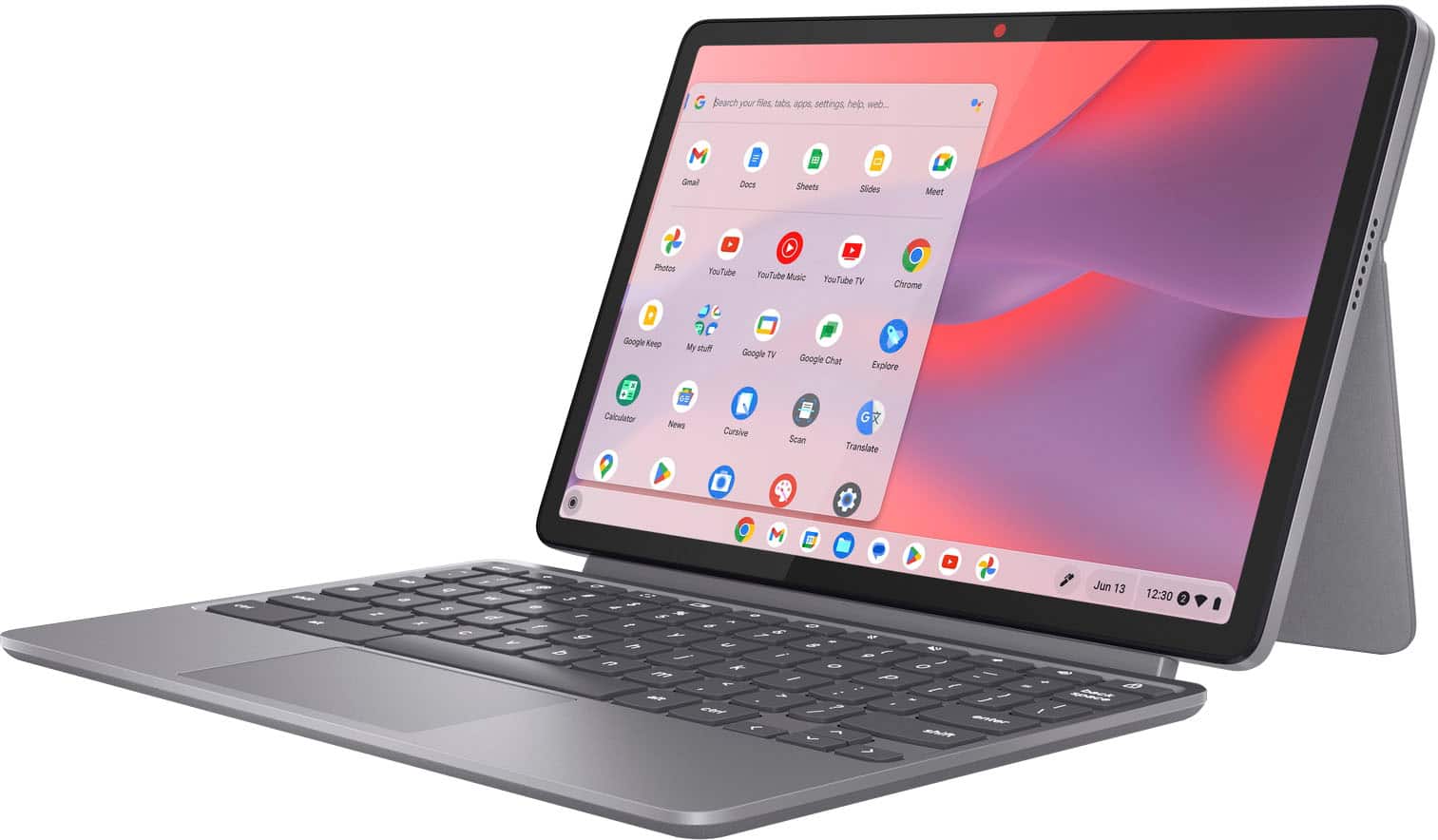
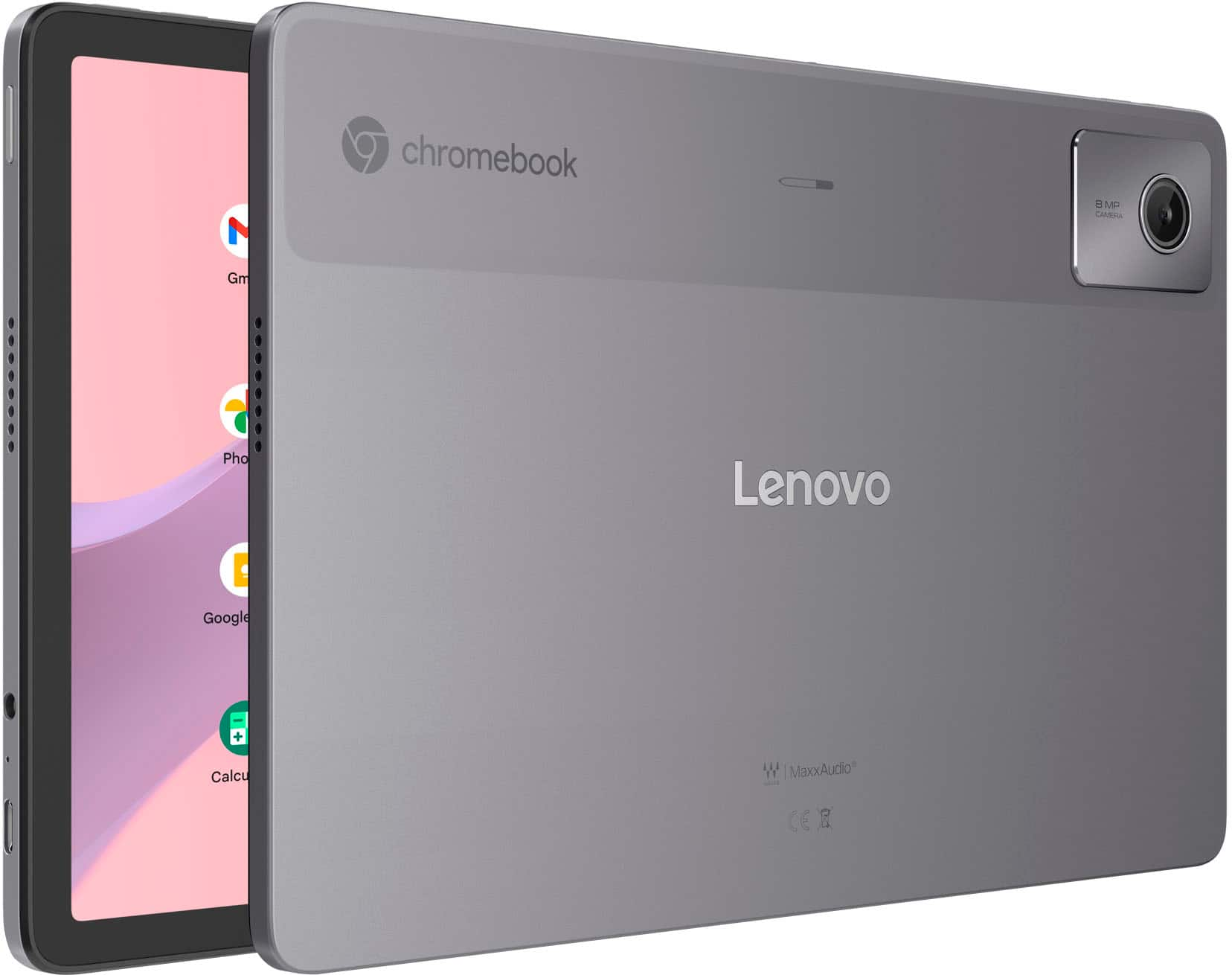
This Duet 11 Chromebook is not bundled with a pen, but there are various compatible pen options (cannot be inserted to the back of the Duet) currently offered on Best Buy's site, like this Lenovo USI Pen 2: https://www.bestbuy.com/site/lenovo-usi-stylus-pen-2-for-chromebook-grey/6567078.p?skuId=6567078 |
Please feel free to reach out to us with any other questions!
![The text on the image reads:
"... ... esc C3 ! 1 2 # 3 $ 4 % 5 A 6 & 7 * 8 ( 9 ( 0 | + - back space tab q W e r t y u i O p [ I } ] I / a S d f g h j k I : : . I enter shift Z x C V b n m < - > ? / shift ctrl alt alt ctrl <"
The corrected text should be:
"... ... esc C3 ! 1 2 # 3 $ 4 % 5 A 6 & 7 * 8 ( 9 ( 0 | + - back space tab q W e r t y u i O p [ I } ] I / a S d f g h j k I : : . I enter shift Z x C V b n m < - > ? / shift ctrl alt alt ctrl <"](https://pisces.bbystatic.com/image2/BestBuy_US/images/products/9829141d-d557-45f8-b13a-d7e8f9d1fd68.jpg)