A:AnswerThis system is equipped with energy manager software. It protects your battery from over charging or prolonged charging when the battery is charged already to 80 to 100%. This prolongs the life of the battery. Let the battery drain to below 50%, then plug it in and it should start charging.
A:AnswerNo, there is no GPU within this system. The graphics processing is integrated within the Core I-5 6200U chip. It is the Intel® HD Graphics 520 version.
A:AnswerWith regard to the speed issues you mention with your device, there may be driver updates for your specific system. Follow the link below to look for new driver updates for your specific system. You can also run diagnostics from the Lenovo site as well. As always, be sure to create a restore point on your system before you make any changes. Here is the link:
http://support.lenovo.com/us/en/products/Laptops-and-netbooks/Lenovo-Edge-Series-Laptops/edge-2-1580/80QF/0005US?tabName=Downloads&linkTrack=Mast:SubNav:Support:Drivers and Software|Drivers and Software
A:AnswerWe recommend you contact the game software publisher for their minimum/recommended requirements to run their games, then compare those requirements to this system's configuration.
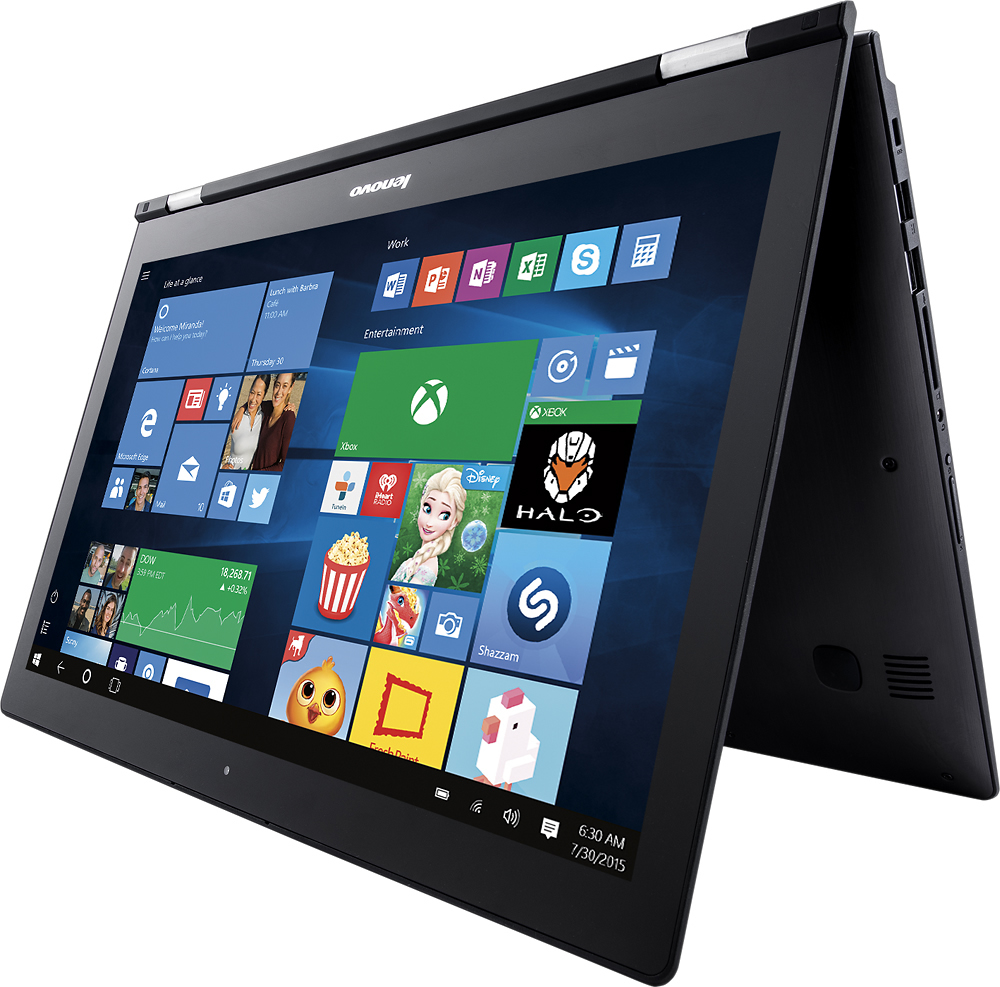
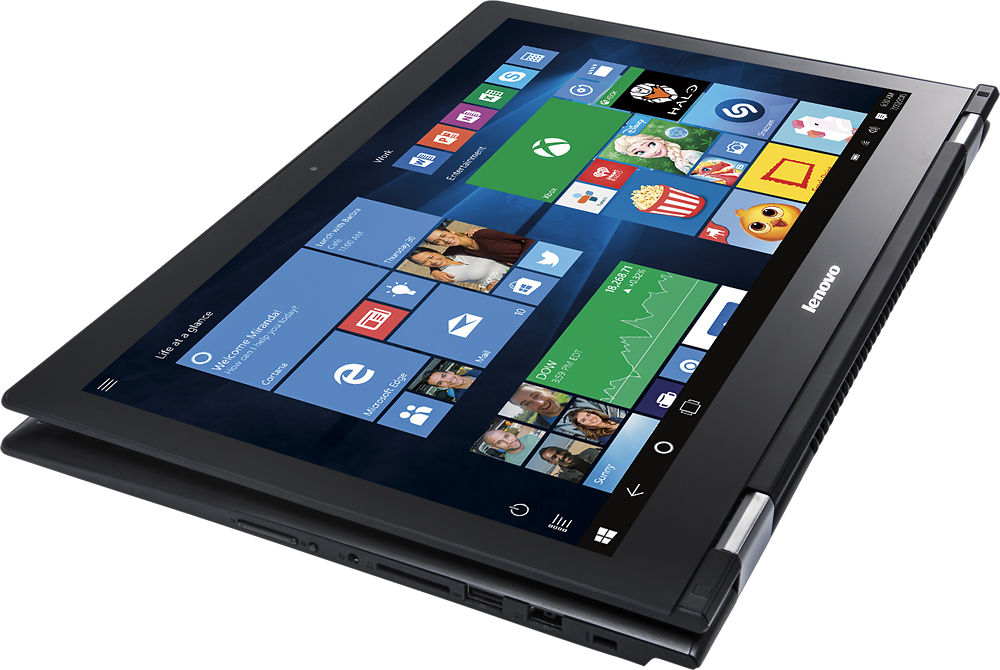
A:AnswerBeing in the tablet mode should not effect the functionality of a program like PhotoShop on this device. Check with the Photoshop software publisher for the specifics of the minimum/recommended requirements to run PhotoShop.
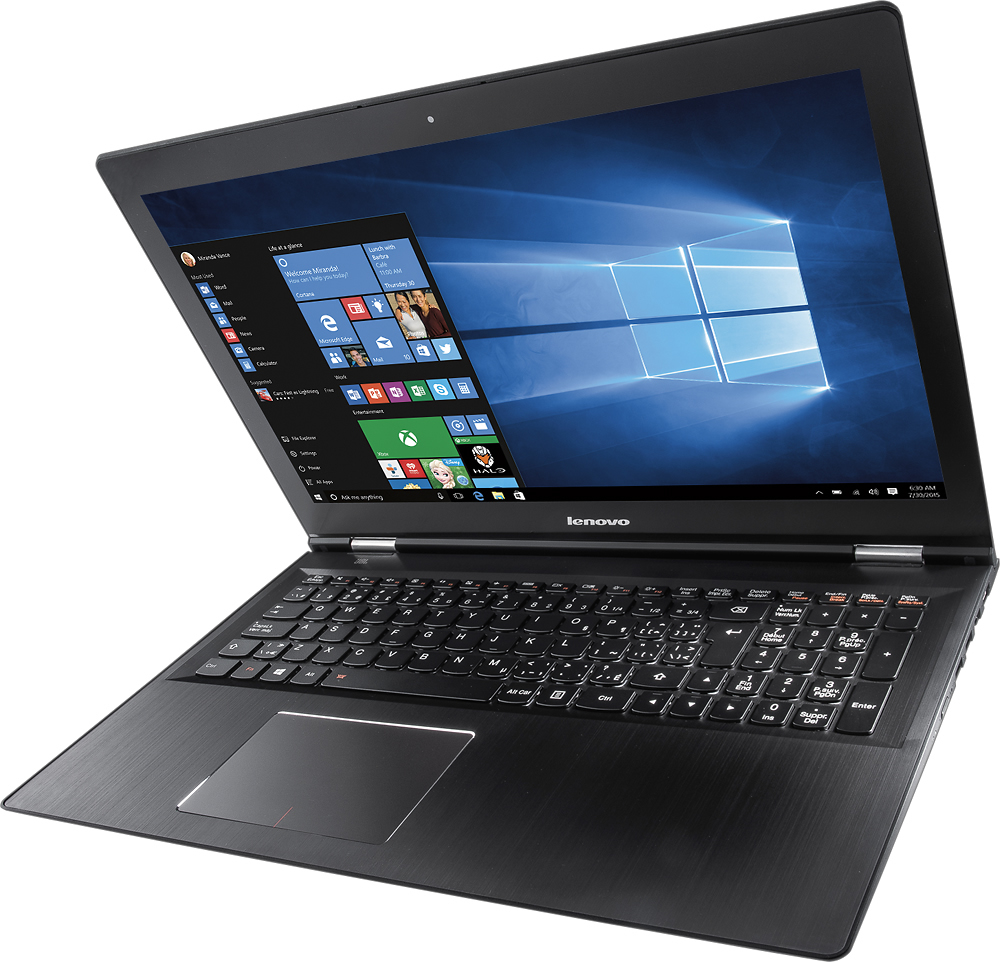
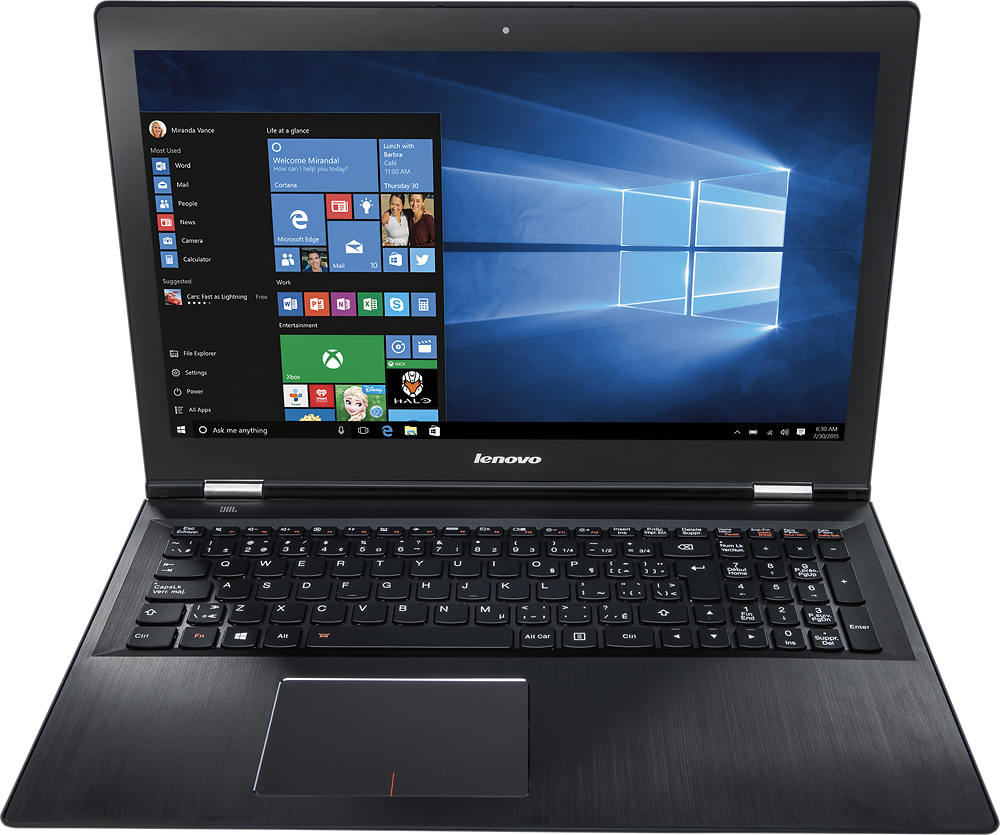
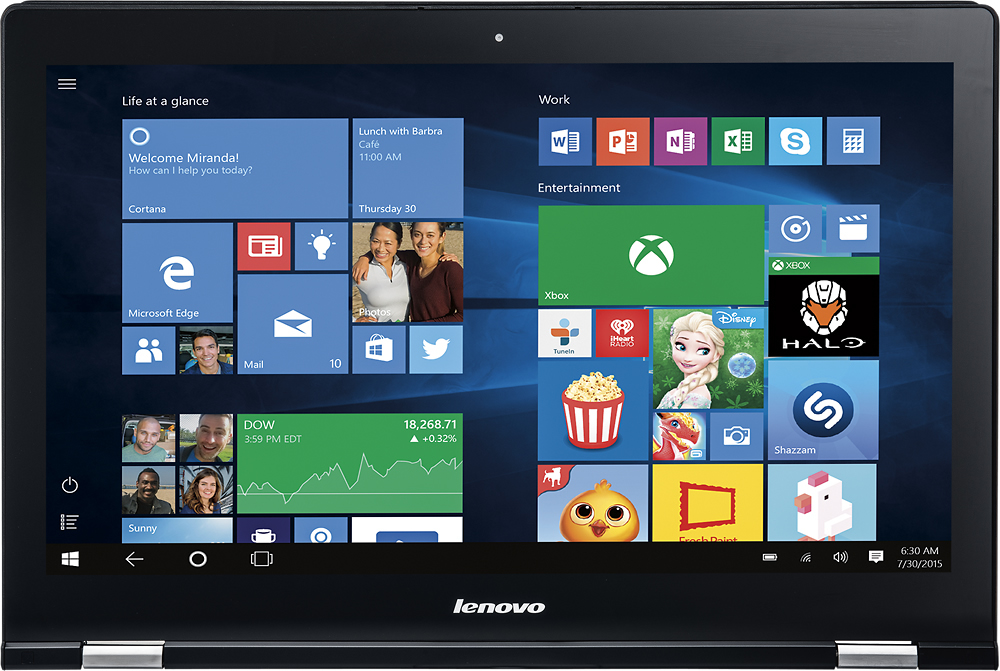
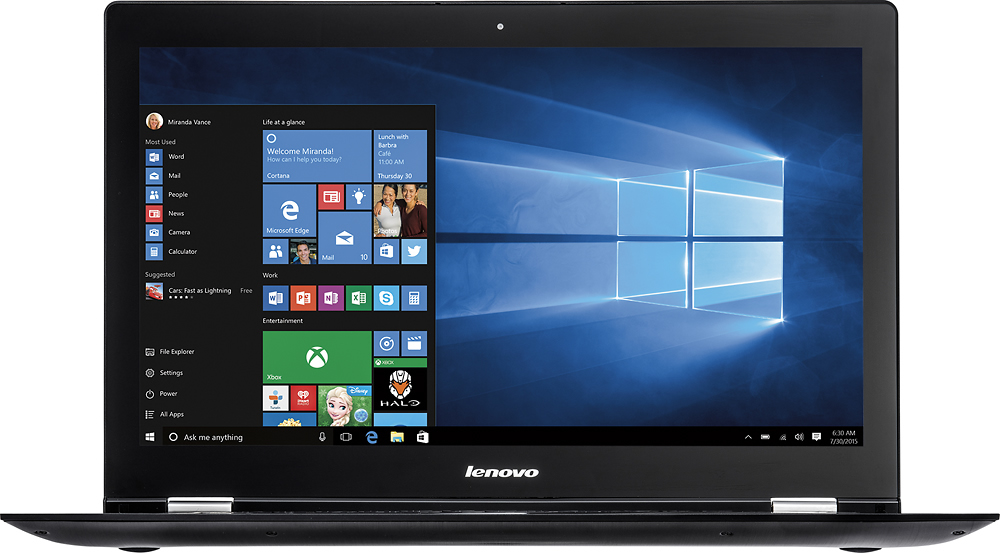
A:AnswerYes, the screen resolution is 1920 x 1080 Full HD. IPS (in-plane switching) technology for wide viewing angles. Antiglare finish. 16:9 aspect ratio. 220 cd/m² brightness. LED backlight. The Speakers are stereo JBL speakers and the system has Dolby sound enhancement software.