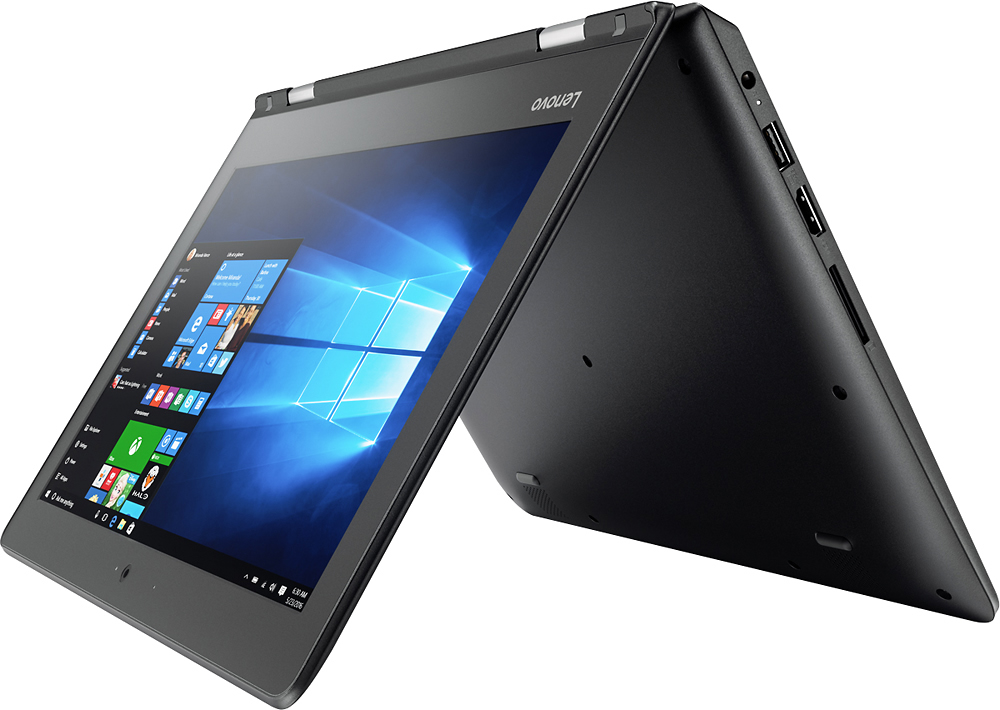
A:AnswerThe hard drive within this system is a 64GB solid state hard drive. It has smaller capacity than most standard hard drives but it will access your files quicker and it will boot the system quicker. You can always use Flash Drives or other external hard drives for more storage or even Cloud Storage.
A:AnswerIt is a solid state hard drive. It replaces the much slower standard disk drive in older systems. It will give you faster boot up and wake up from sleep mode. Your programs and files will load faster as well. It doubles the effective speed of your processor when compared to a standard disk hard drive.
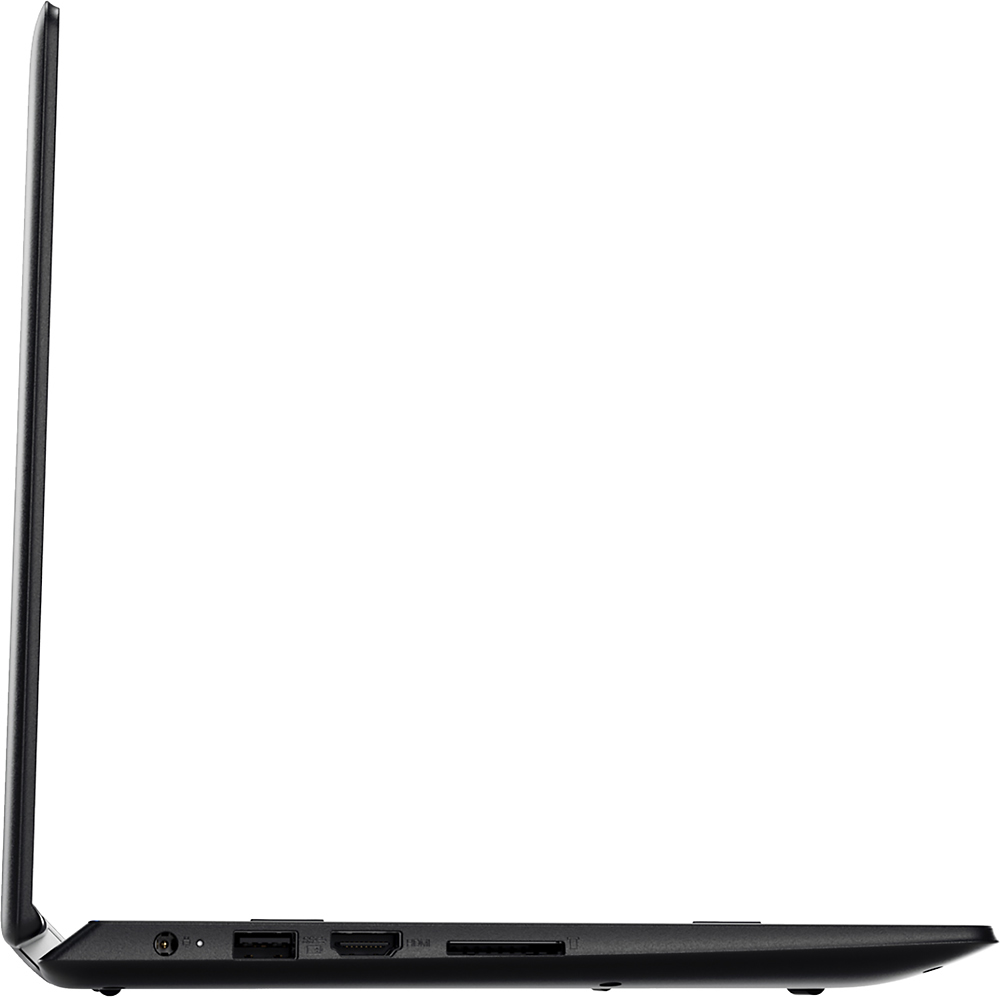
A:AnswerApproximately 40GB is available for user storage. There is an SD card slot on the device that you can use to add additional solid state storage space to the device.
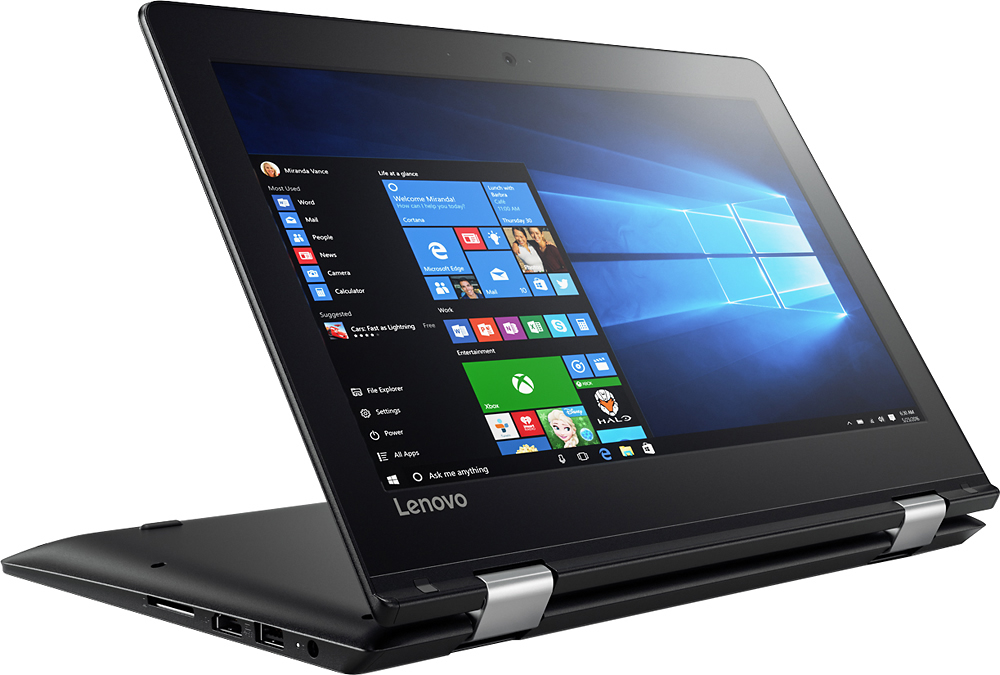
A:AnswerThere is a 30-day trial of Microsoft Office 365 on this system as part of the operating system. To keep the software active after the trial period, you will need to purchase a product key. You will not need to download any new software.
A:AnswerYes, in fact there is a 30-day trial of Microsoft Office 365 included as part of the Windows 10 operating system. In order to keep the program active after the trial period, you will need to purchase a product key. You will not need to download any additional software.
A:AnswerAll work on this system must be performed by a certified technician, so as to not void the warranty. The maximum RAM this system can support is 8GB, so a certified technician can increase the RAM on this Lenovo model. All most all Lenovo models can upgraded by a certified technician.