Black Friday is hereShop new DoorbustersShop now

Main Content

Questions & Answers

Your price for this item is $829.99
Page Showing 1-5 of 5 questions
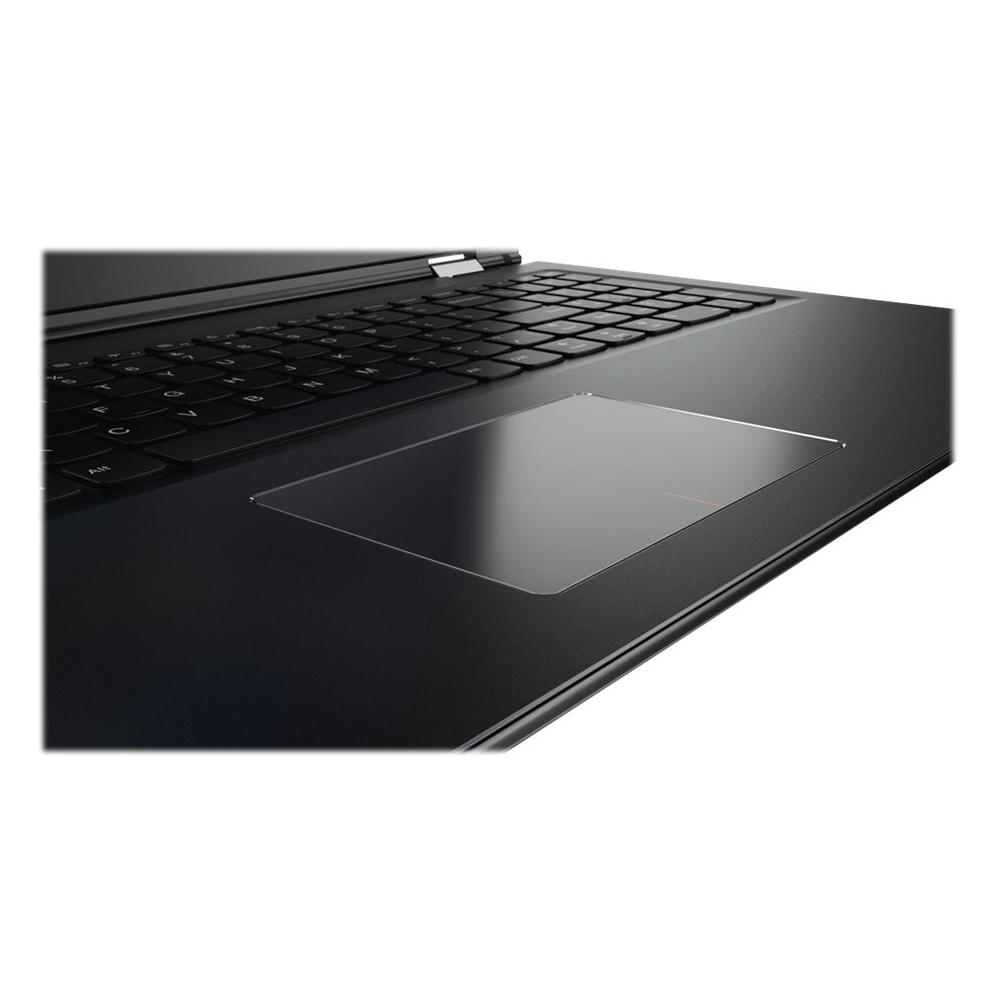
  • QuestionDoes it have a number key pad?

    Asked by Anonymous.

    • Answer Yes, this product has number key pad.

      Answered by CommunityAnswer

  • QuestionWhat's the actual battery life on this model?

    Asked by Naplesgal.

    • Answer This laptop has an average battery life of 5 hours.

      Answered by CommunityAnswer

  • QuestionDoes it come with a backlit keyboard?

    Asked by AB.

    • Answer No, this system does not have a backlit keyboard.

      Answered by Lenovo Product Expert

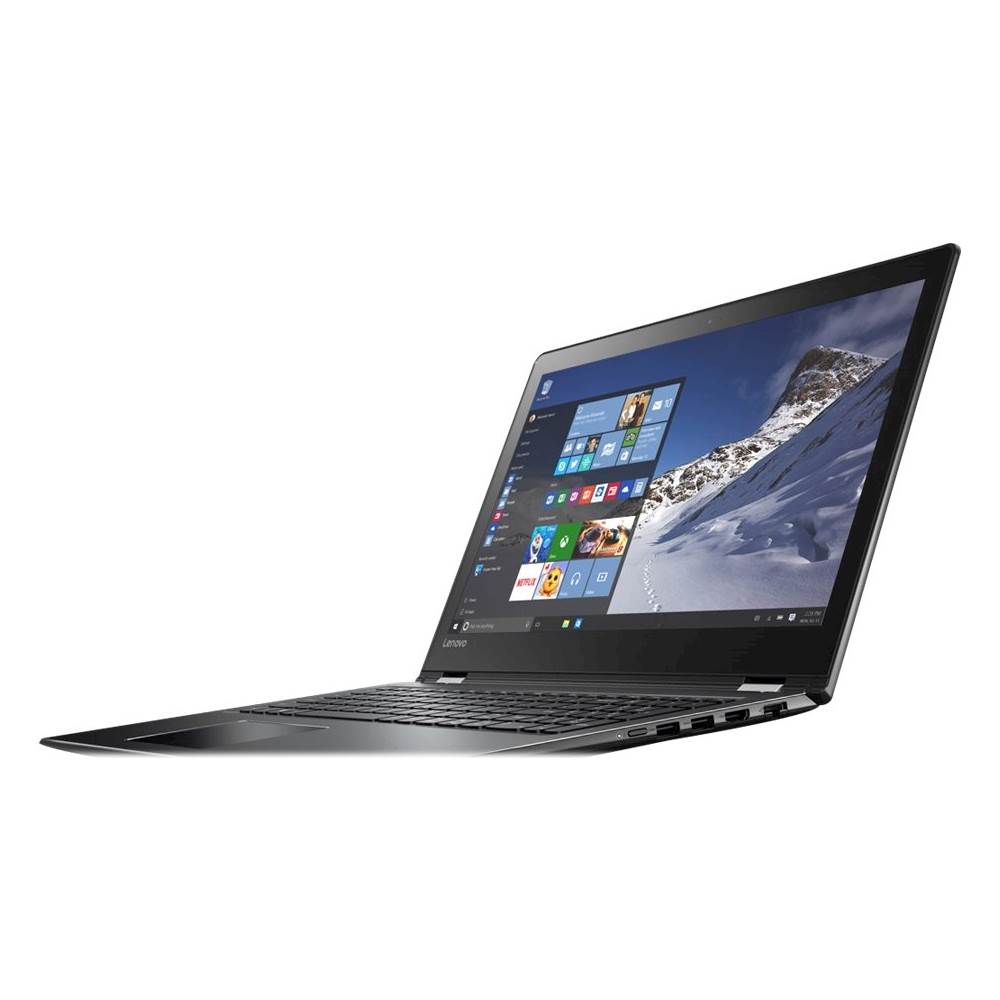
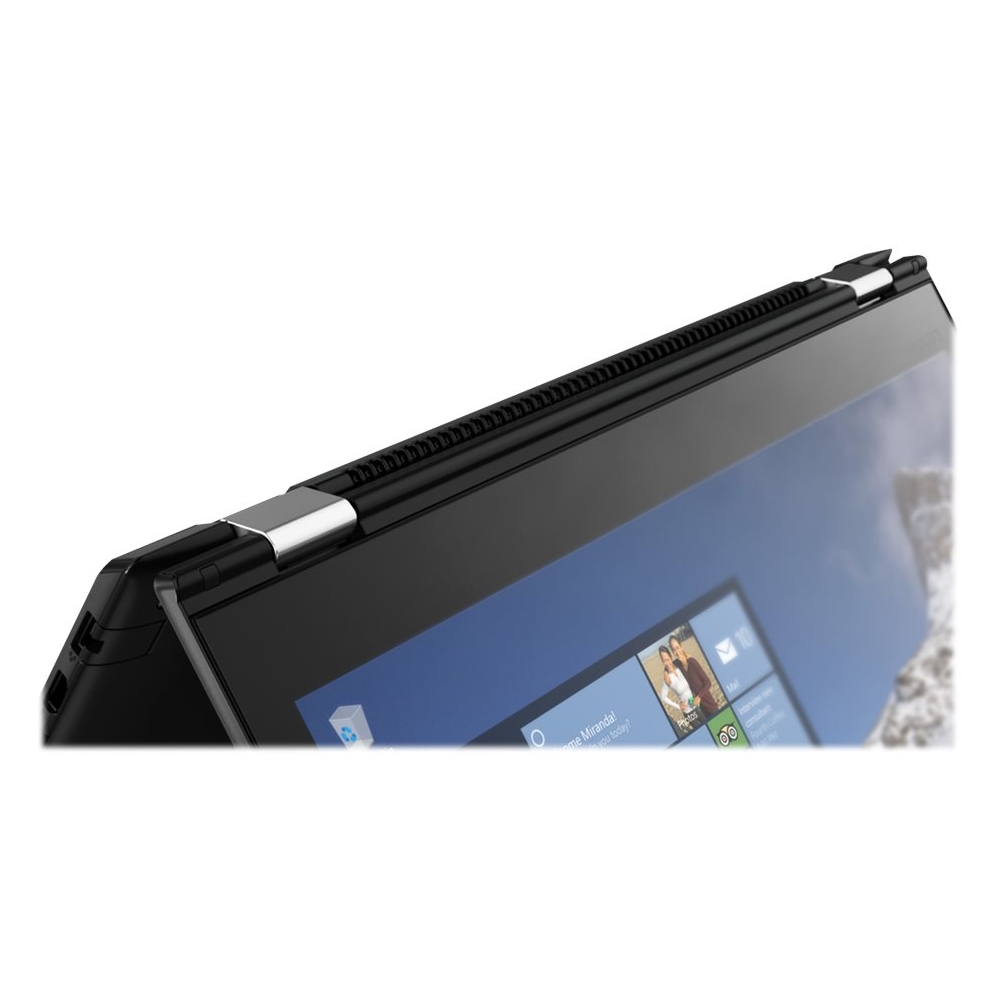
  • QuestionHow to enable keyboard when laptop is completely faced out and rotated as if a cell phone (tablet)Cannot key in letters in the search area.Can only swipe.

    Asked by how.

    • Answer You can turn on the automatic on screen keyboard by doing this in Windows 10: 1.Open All Settings, and then go to Devices. 2.On the left-hand side of the Devices screen, select Typing and then scroll on the right-hand side until you locate "Show the touch keyboard or handwriting panel in the windowed apps when there's no keyboard attached to your device". 3.Turn this option to "ON" You can also manually turn on the on screen keyboard when in tablet mode by selecting the "Action Center" icon in the lower right corner of your Windows 10 screen (it looks like a square note icon), the "Action Center" window will open, deselect "Tablet Mode", a little keyboard icon will appear in the lower right of your screen (near the Action Center icon) touch the keyboard icon and the on screen keyboard will appear.
      Answered by Lenovo Product Expert

  • QuestionHow can I enable the keyboard to come up when I put on tablet mode.It keeps sliding down as if glitching.Or cant I?

    Asked by Anonymous.

    • Answer In tablet mode, the keyboard should automatically come up whenever you touch/click within a text box. You can also manually enable the onscreen keyboard by clicking on the "Action Center" icon in the lower right hand footer margin of your screen then turn off "Tablet Mode" then click/touch the keyboard icon in the lower right margin.

      Answered by Lenovo Product Expert