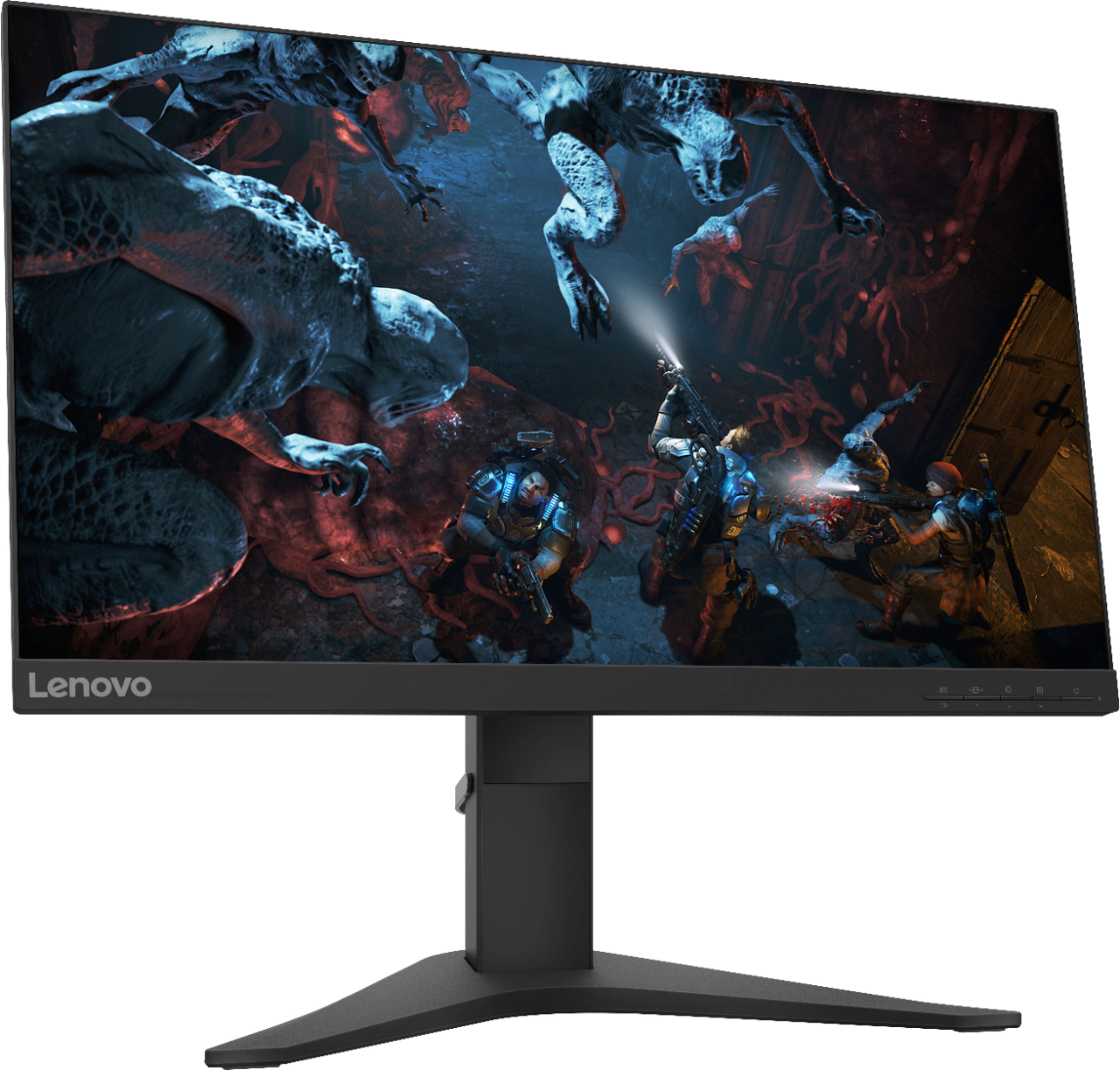
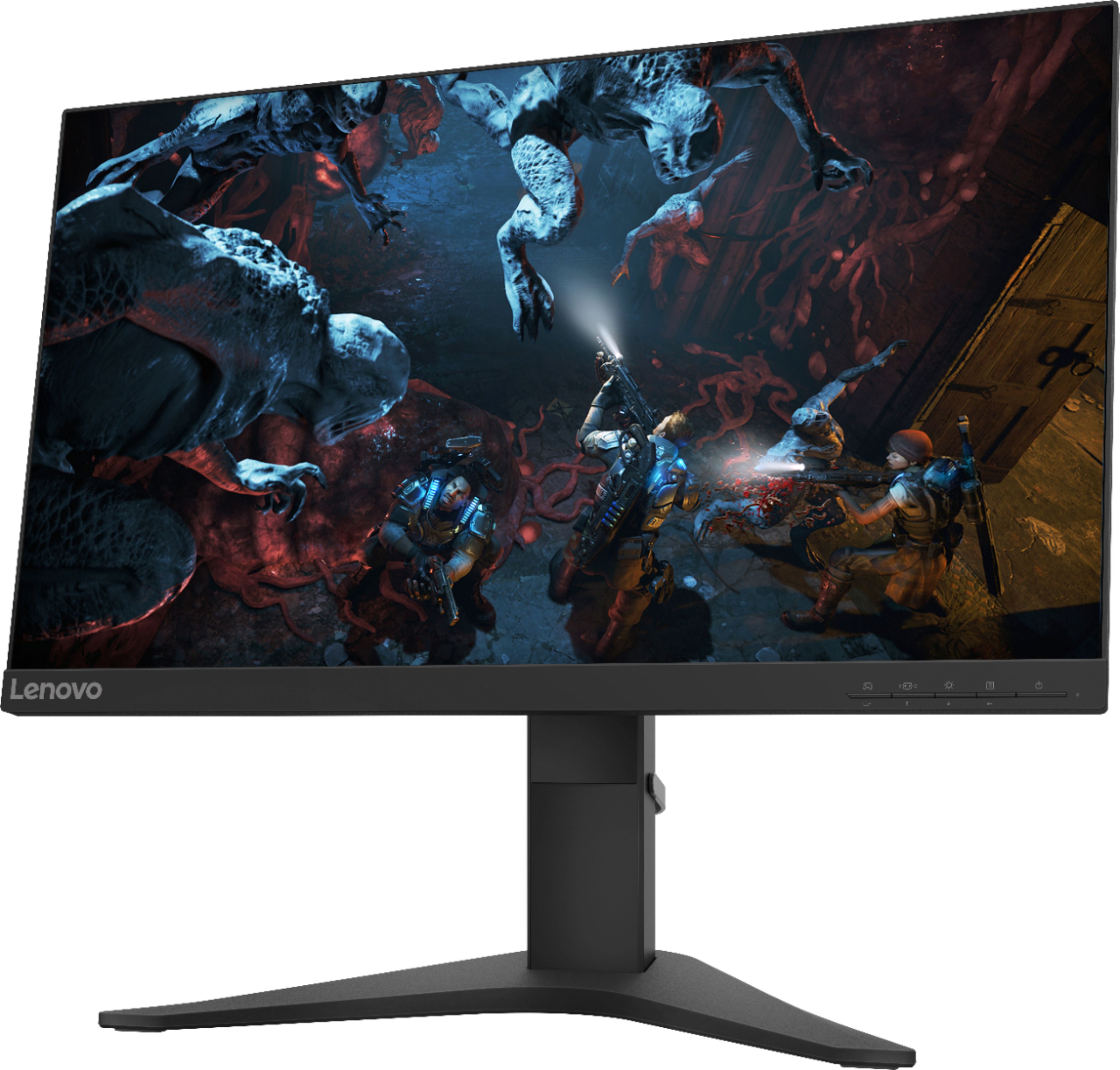
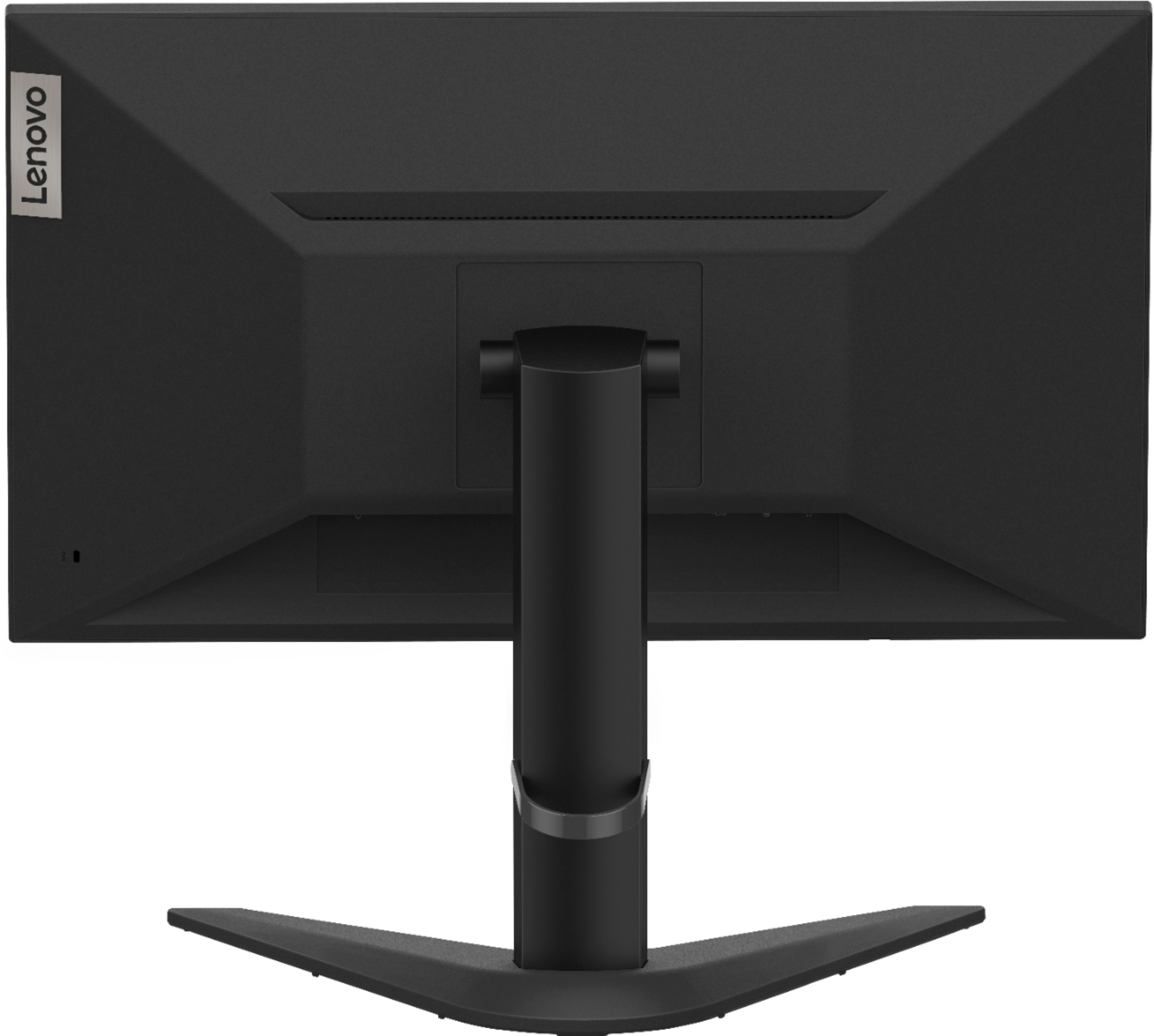
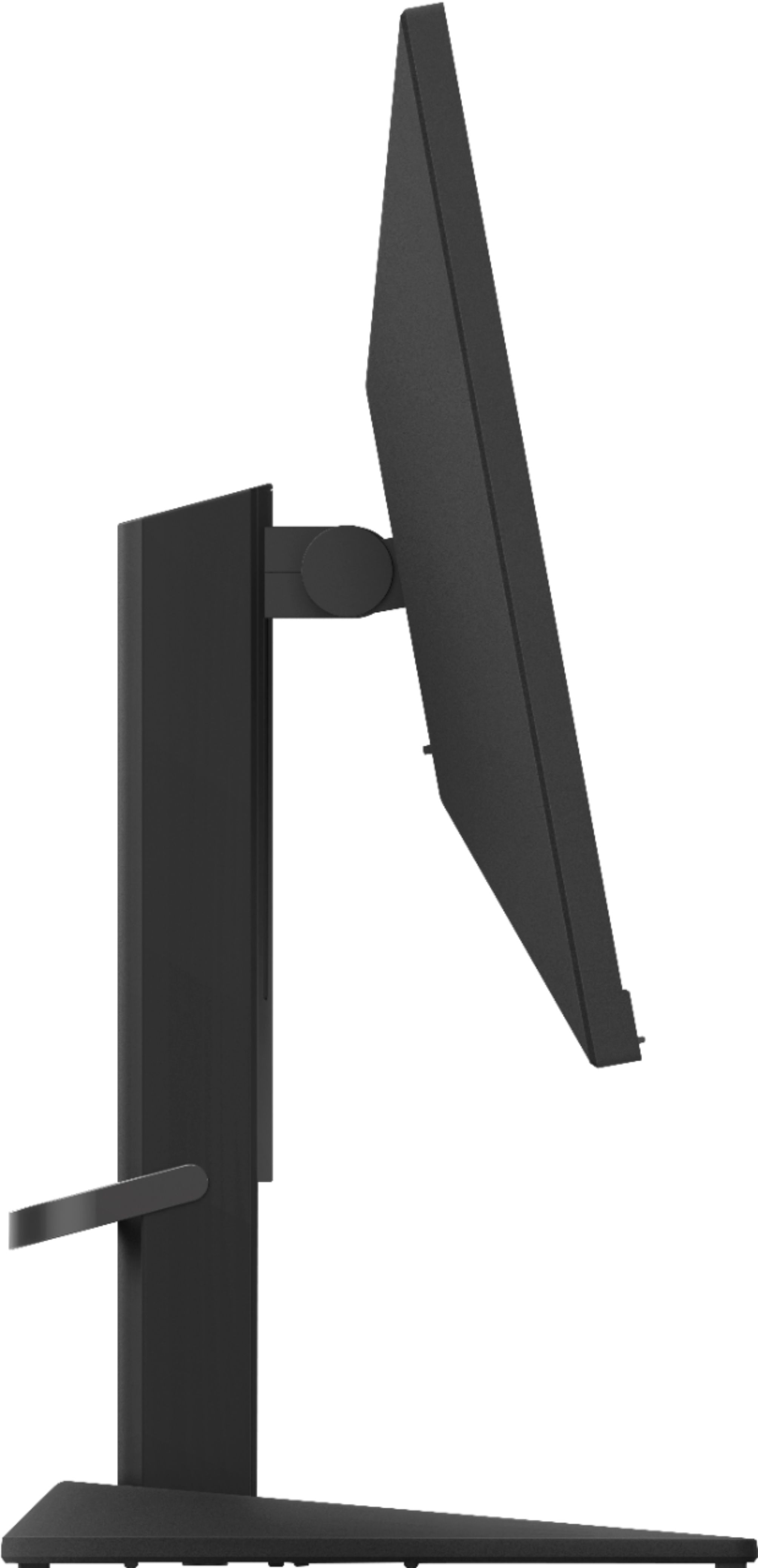
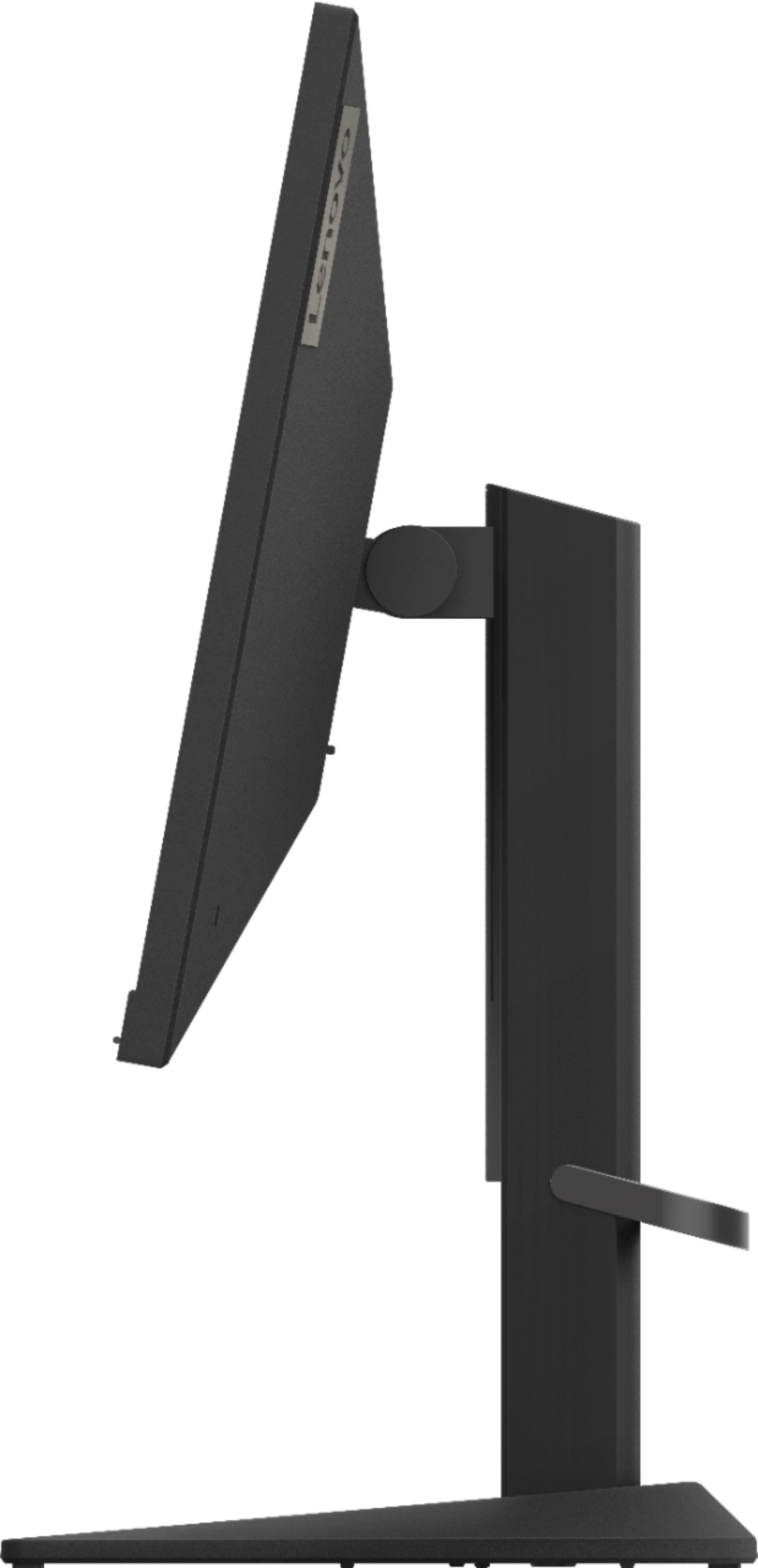
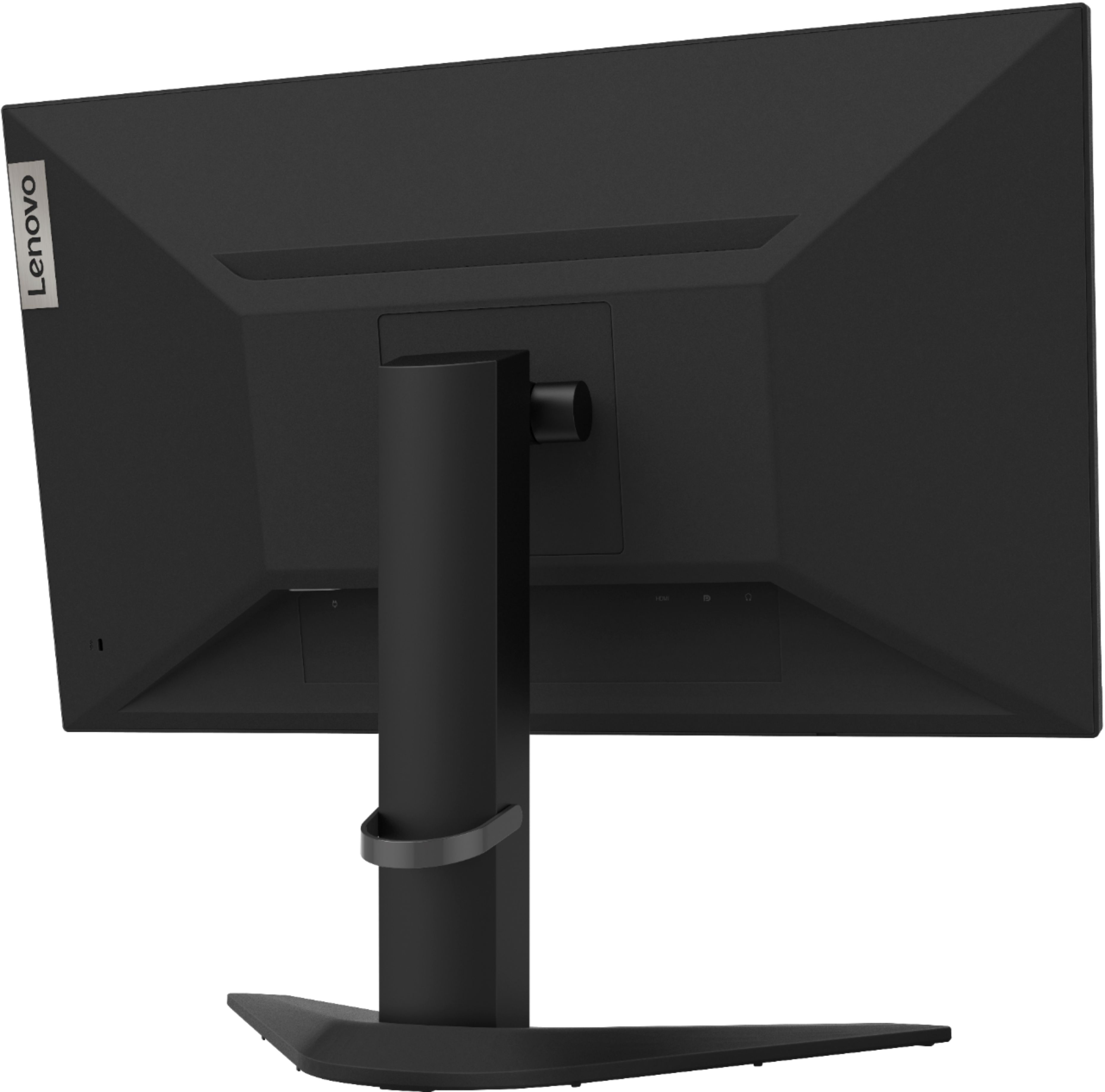
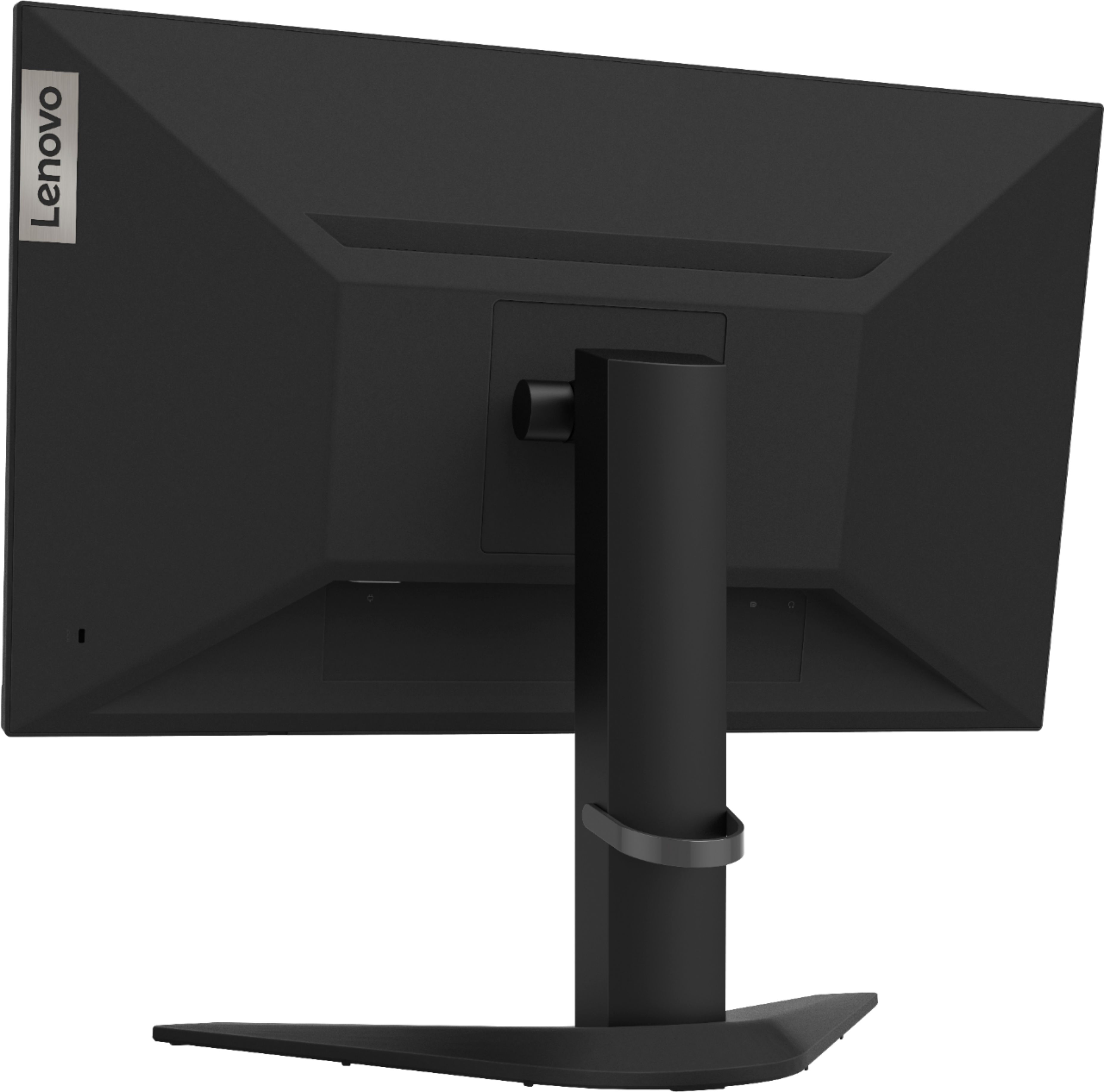
A:AnswerYou can use the included HDMI cable with this monitor. You will need to set your monitor to Game Mode to get 144Hz Refresh Rate. Here is a link to the User Manual and a description of the onscreen settings menu: https://files.bbystatic.com/UwlSj8CqmlCJ6RWZYBJFMw%3D%3D/64424200-070E-422A-ADB0-D6AE174D137A.pdf
A:AnswerIf there is no power indicator light on, some things to check first: 1.) Be sure the monitor power switch is actually turned on. 2.) Be sure the power cord is not disconnected either at the monitor or at the wall. 3.) Be sure there is power at the outlet. 4.) If possible, try a different power cord. Finally, if the issue continues, we recommend you call Lenovo Tech Support at: 877-453-6686.
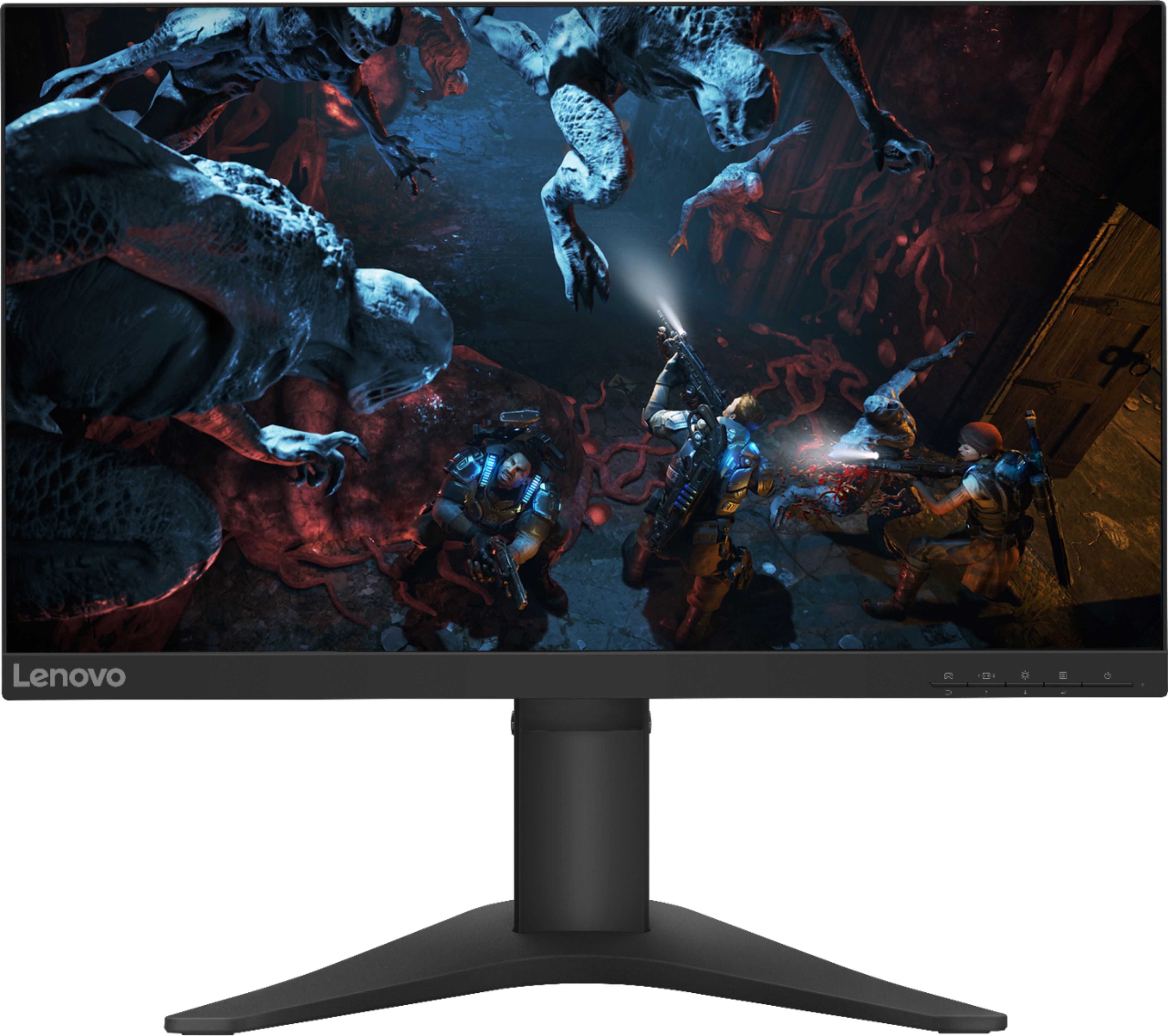
A:AnswerTry a reset of the monitor. Here is a link to instructions for resetting a Lenovo Monitor that will not turn on: https://www.techwalla.com/articles/how-to-reset-the-display-settings-on-a-lenovo. If the issue continues, we recommend you call Lenovo Tech Support for more help at: 877-453-6686.

A:AnswerThat will depend on the requirements and compatibility of the gaming console you want to connect. The Lenovo G25-10 Monitor ships with one HDMI 1.4 version port and one DisplayPort 1.2 version port for connecting a video source like a gaming console. We recommend you check the gaming console requirements and compatibility with this monitor's specifications.
A:AnswerThat will depend on the requirements and compatibility of your gaming console. The Lenovo G25-10 Monitor has a 144Hz refresh rate on a compatible video source like a gaming console or a computer. The G25-10 Monitor has one HDMI 1.4 version port and one DisplayPort 1.2 version port to connect a gaming console. We recommend you check your gaming console specifications for requirements and compatibility.
A:AnswerHello, I had this issue before and it’s an easy and quick fix. All you have to do is go into your Xbox settings under display and sound. You won’t get 120hz and 144hz is pretty much the same you won’t tell the difference on the Xbox
A:AnswerThat will depend on the requirements of your video source. A gaming console may require an HDMI 2.0 version connection at the monitor side for maximum performance. We recommend you check the requirements of the video source (computer or game console) that you will be using.
A:AnswerWith the initial set up of the Lenovo G25-10 Monitor, the image size, position and shape might be changed when the display mode changes. This is normal and the image can be re-adjusted using automatic image setup and the image controls within the Onscreen Settings Menu controls. Here is a link to this monitor's User Guide for more information and illustrations: https://files.bbystatic.com/UwlSj8CqmlCJ6RWZYBJFMw%3D%3D/64424200-070E-422A-ADB0-D6AE174D137A.pdf
A:AnswerThat will depend on the requirements and compatibility of the console. The Lenovo G25-10 Monitor ships with one HDMI 1.4 version port and one DisplayPort 1.2 version port for connecting a console.
We recommend you check the game console manufacturer's website for requirements and compatibility.
A:AnswerThat will depend on the compatibility of the gaming console you want to attach. The Lenovo G25-10 Monitor ships with one HDMI 1.4 version port and one DisplayPort 1.2 version port. We recommend you consult the game console manufacturer's website for requirements and compatibility.
A:AnswerThe Lenovo G25-10 Monitor was first available of sale in November, 2019. Here is a link to the HDMI cable that comes with this monitor: https://www.lenovo.com/us/en/accessories-and-monitors/cables-and-adapters/cables/CABLE-Lenovo-HDMI-to-HDMI-cable/p/0B47070.
A:AnswerThat will depend on the requirements and compatibility of the specific model gaming console you want to connect to this Lenovo G25-10 Monitor, model number 65FEGCC2US. This G25-10 Monitor is Operating System independent and connects to a compatible gaming console by either 1 x HDMI 1.4 port or 1 x DP 1.2 port. We recommend you check the gaming console manufacturer's web site for the compatibility and requirements of your specific model gaming console.
A:AnswerCheck the requirements and compatibility of your gaming console. The Lenovo G25-10 Monitor ships with a HDMI 1.4 version port and a DisplayPort 1.2 version port.