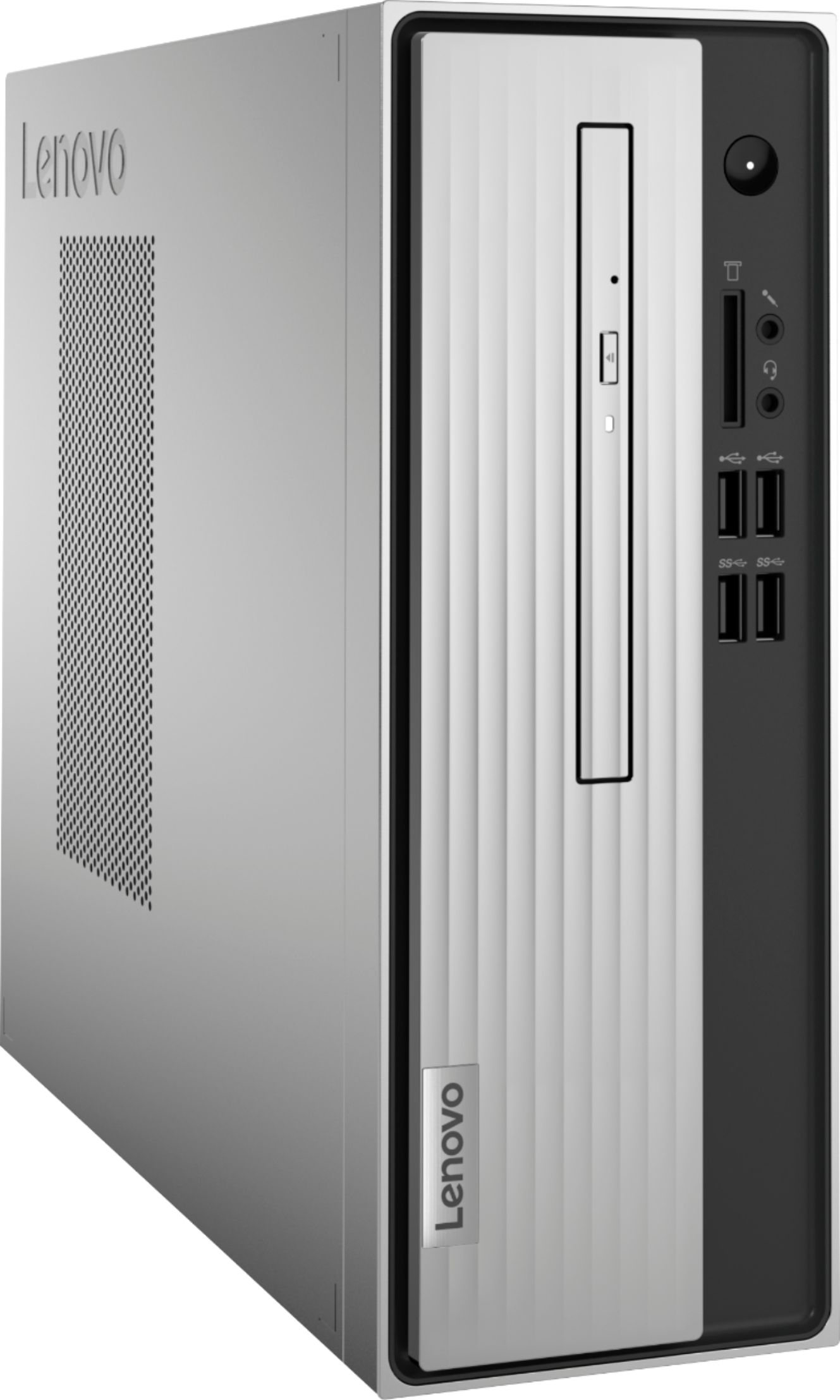
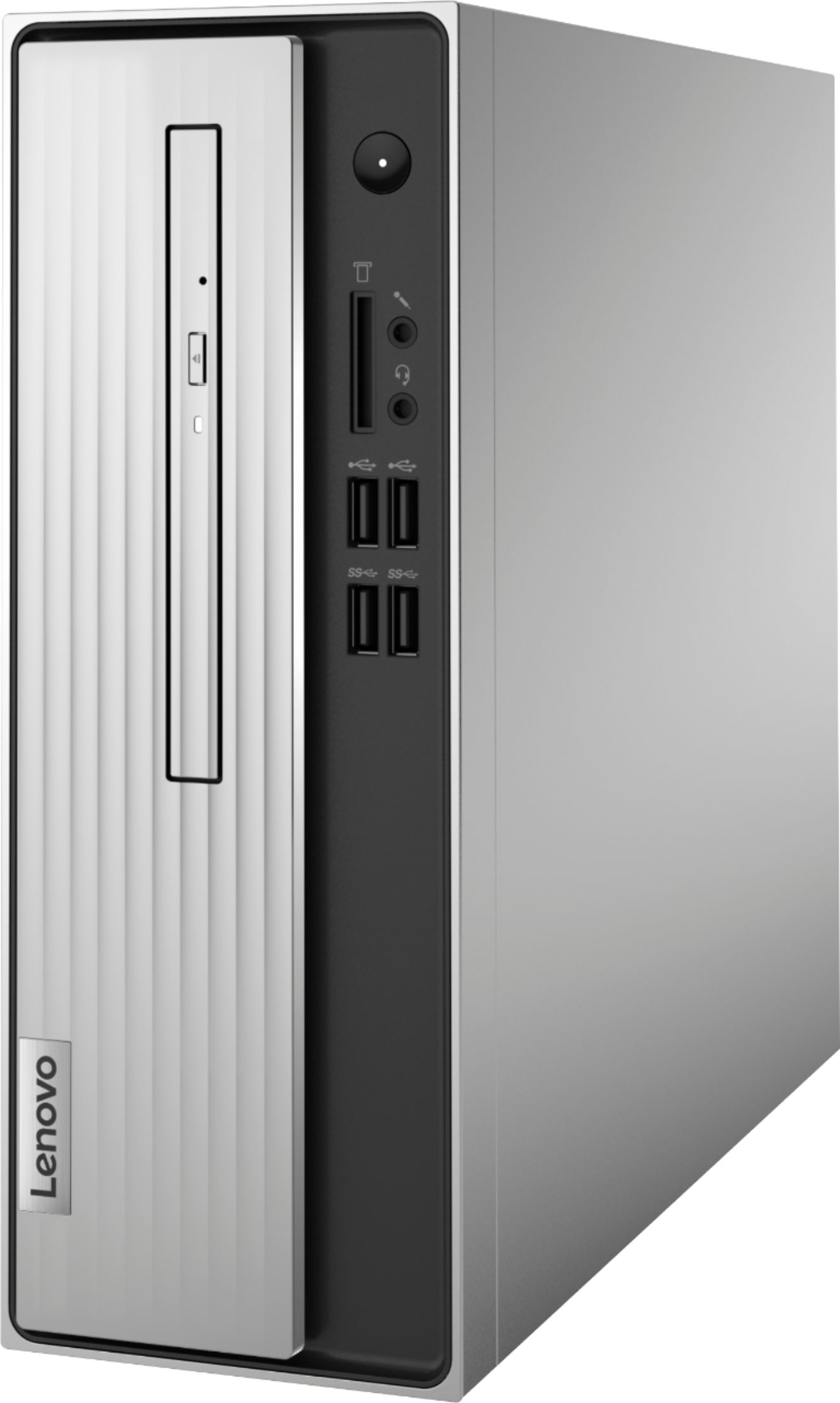
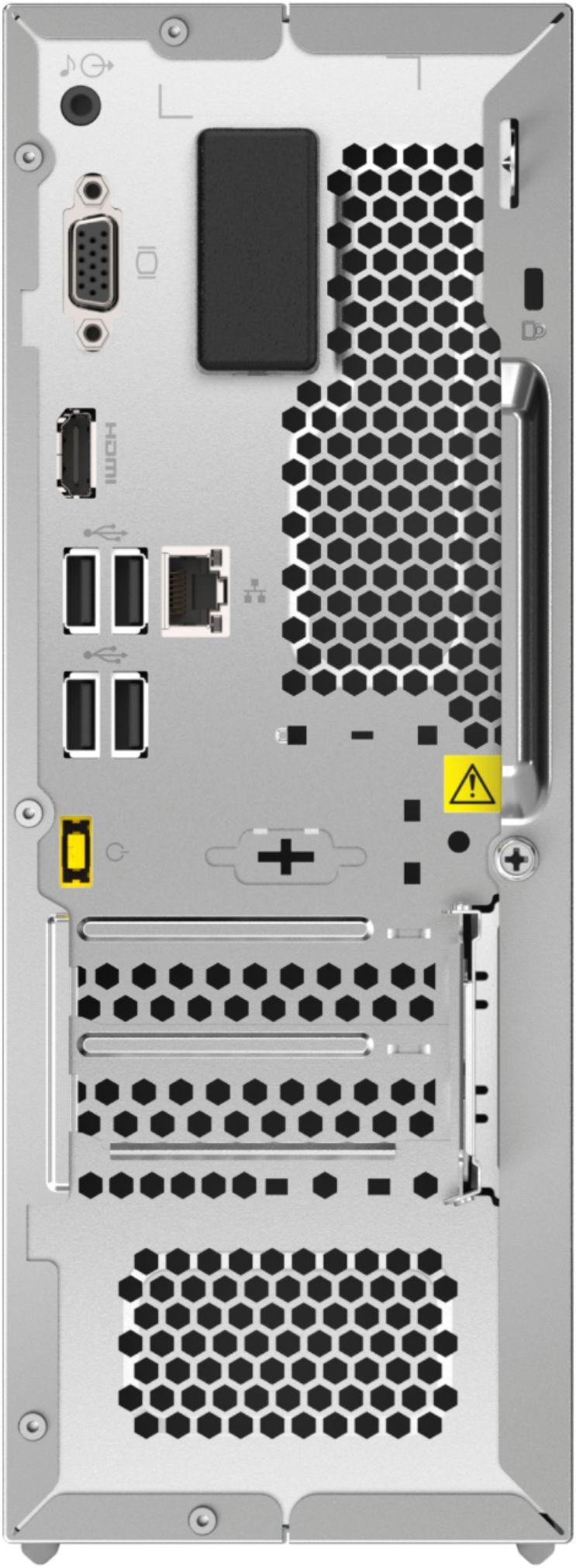
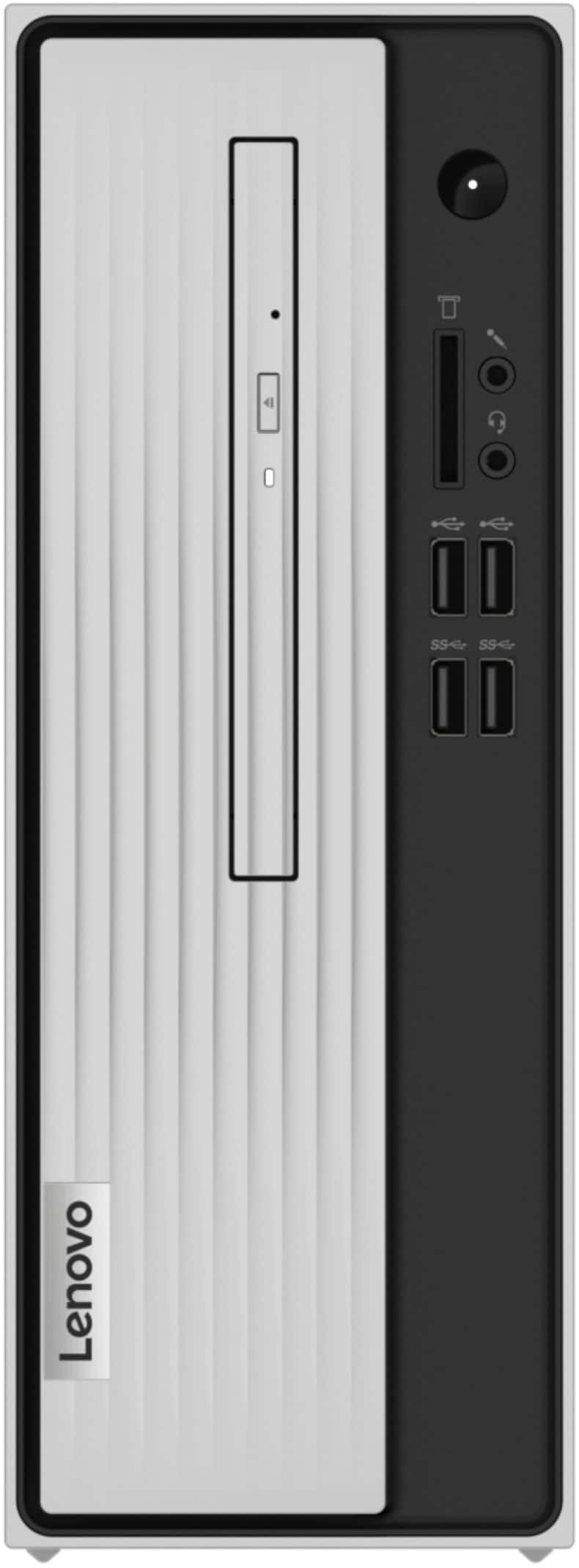
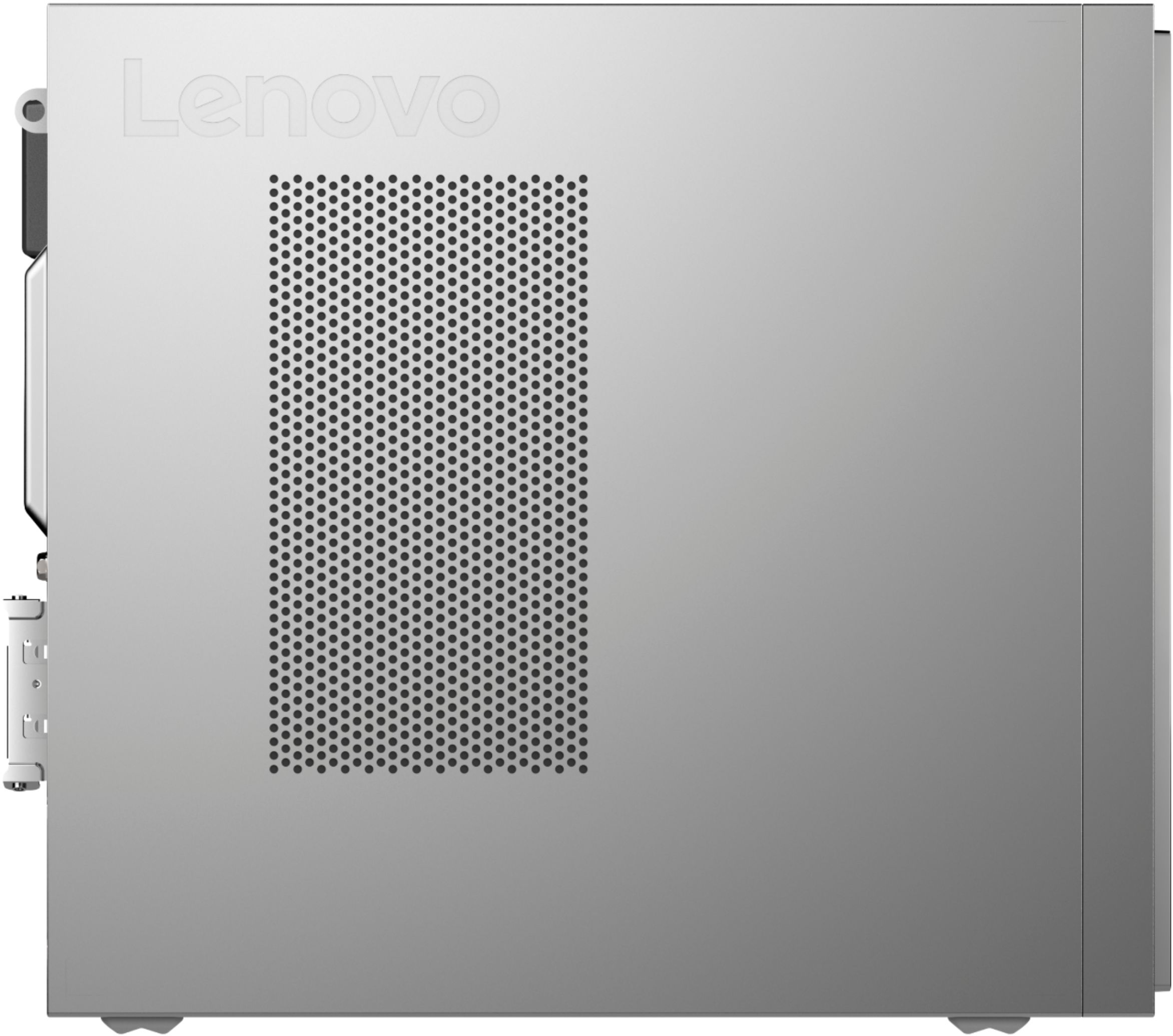
A:AnswerNo. The Lenovo IdeaCentre 3 Desktop Computer, model number 90MV0001US, ships with its power cord, a wired keyboard and mouse included. All additional cables are sold separately.
A:AnswerThe Lenovo IdeaCentre 3 Desktop computer, model number 90MV0001US, ships with the entry-level 2-Core AMD Athlon Silver 3050U processor, with a base speed of 2.3GHz and a boost speed of up to 3.2GHz. This processor is supported by 4GB DDR4-2400MHz RAM (1x 4GB SO-DIMM DDR4-2400MHz). This is an entry-level configuration. Good for basic work with productivity software like Microsoft Office Programs, browsing the internet. This configuration is not meant for multi-tasking work.
A:AnswerMaybe but I seriously doubt it. You would need a powered port replicator that uses T least usb 3.1 and that’s hard to find because most replicators use usb C.
A:AnswerThe Lenovo IdeaCentre 3 Desktop Computer, model number 90MV0001US, ships with a mechanical, 3.5 inch, 7200RPM 1TB hard drive. The maximum storage space this configuration can support is: Up to two drives, 1x 3.5 inch HDD + 1x M.2 SSD: 3.5 inch HDD up to 2TB plus M.2 SSD up to 512GB. We recommend you consult with your certified technician about your storage upgrade options.
A:AnswerThe Lenovo IdeaCentre 3 Desktop Computer, model number 90MV0001US, ships with Windows 10 Home 64-bit, English Version Operating System installed, Lenovo Vantage Utility, McAfee LiveSafe 30-day trial, Microsoft 365 30-day trial.
A:AnswerNo. The Lenovo IdeaCentre 3 Desktop Computer, model number 90MV0001US, ships with Windows 10 Home 64-bit Operating System installed. You will be alerted when this model is ready for the Windows 11 upgrade and will be asked if you want to install or remain with Windows 10.
A:AnswerThat really will depend on the software you will be using and the requirements and compatibility of that software. We recommend you check with the specific software publisher's web sites, of the APPs you will be using, for their compatibility with Windows 10 Home 64-bit operating system and the minimum/recommended hardware requirements (Is a Graphics card required, the processor speed and the minimum required system RAM and the minimum available hard drive space) to run their program, then compare those requirements to this system's configuration.
A:AnswerThat will depend on the requirements and compatibility of the device you want to install. We recommend you check with the device manufacturer's web site for their compatibility with Windows 10 Home 64-bit operating system and the minimum/recommended hardware requirements (Is a Graphics card required, the processor speed and the minimum required system RAM and the minimum available hard drive space) to run their program, then compare those requirements to this system's configuration. The IdeaCentre 3 ships with a 90W external power supply.
A:AnswerHere is a link to the User Guide, Hardware Manual for the Lenovo IdeaCentre 3 07ADA05 Series Desktop computer models: https://download.lenovo.com/consumer/desktop_pub/3_7l_05_hmm_20200422.pdf