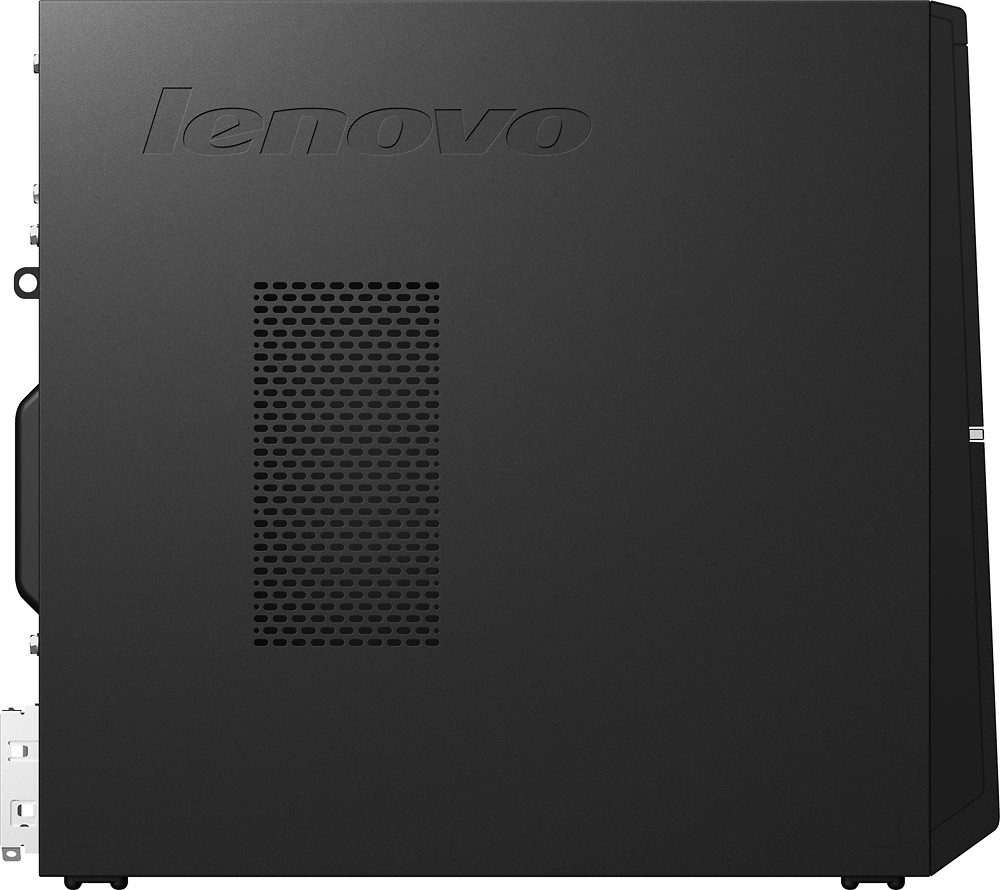
A:AnswerSeems very low noise for my system. Both the processor and the power source fan are low noise... Infact I can hear the drive very clearly with the two fans on.
A:AnswerHello!
I looked online and found the same model on a different site. The power supply is 180w.
The graphics used is Intel HD Graphics 4600, which is dedicated.
As for your question about installing a graphics card, the motherboard included has 1xPCIe X16 slot free.
Hope this answers your question.
A:AnswerThis system utilizes DDR3L RAM. Here is a link to the detailed specifications of the system board, including the socket types:
http://www.gigabyte.us/products/product-page.aspx?pid=4664#sp
A:AnswerDid you make recovery disks? That would be the next step. To recover from your external recovery disks. If you do have recovery disks, we would recommend you contact your Best Buy Geek Squad for an assessment of your system.
A:AnswerWe recommend you contact the game software publisher for the minimum/recommended requirements to run the game, then compare those requirements to the configuration of this system.
A:AnswerYes but you will need the installation disk from Lenovo. It's free and takes about 5days to ship if you call them. Another way to get it done which isn't that difficult is to remove the drive from the Lenovo and plug into a USB reader as well as the SSD on a separate computer(plug them in as externals.) next run Clone drive or other 3rd party software found free online. Your new SSD will then have a clone of the original drive and should boot right up! Good luck.
A:AnswerNo issues at all. The computer is really nice. Like you I didn't want to go to Windows 10 and preferred to keep Windows 7. I decided to make the jump though since the price on this computer couldn't be beat. I'm glad I did. It's fairly intuitive and easy to setup. I now have profiles for all my family members to log in. I'm not using it to its' potential, or even close to its potential but I haven't had any problems with it either.