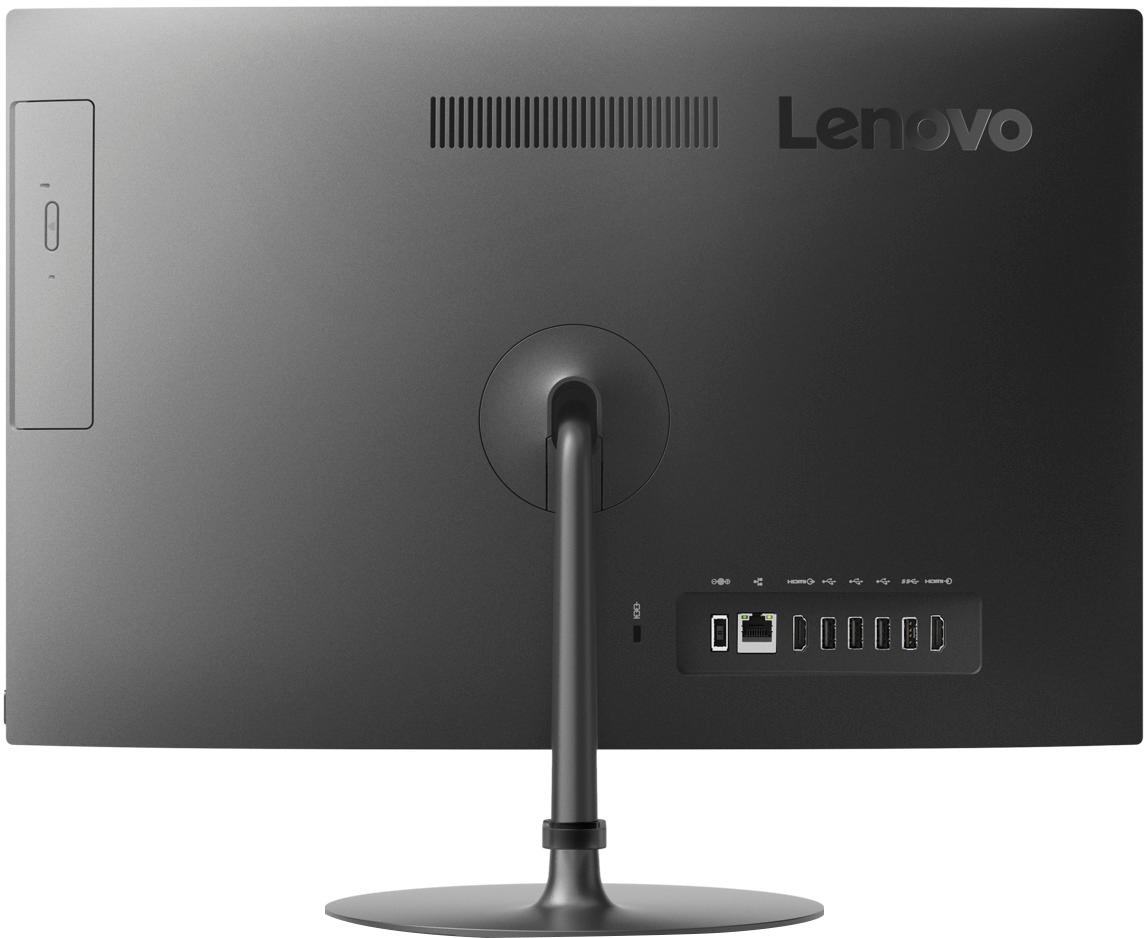
A:AnswerHere is a link to the proper AC adapter for the Lenovo IdeaCentre 520-22 All-In-One system: http://lps-gopower.com/lps-ac-adapter-for-lenovo-c-2/original-120w-lenovo-ideacentre-aio-520-ac-adapter-charger-p-10369.html?gclid=EAIaIQobChMIq7Wi4q2N3QIVzMDACh24MwiwEAQYAyABEgJ8qvD_BwE
A:AnswerThat will depend on the requirements of the specific games. We recommend you check with the game's software publisher's web site for their compatibility with Windows 10 Home 64-bit operating system and the minimum/recommended hardware requirements (Is a Graphics card required, the processor speed and the minimum required system RAM and the minimum available hard drive space) to run their program, then compare those requirements to this system's configuration.
A:AnswerYou can scan for your model here and order specific replacement parts: https://www.lenovo.com/us/en/accessories-and-monitors/c/ACCESSORY?IPromoID=LEN130115
A:AnswerThere is a combo HDMI-In/Out port on this device. You can use this port in the "OUT" format to attach one external monitor. With the device screen, that will give you a total of two viewable screens.
A:AnswerThat will depend on the software and hardware requirements and compatibility. We recommend you check with the hardware and software manufacturer's/publisher's web sites for their compatibility with Windows 10 Home 64-bit operating system and the minimum/recommended hardware requirements (Is a Graphics card required, the processor speed and the minimum required system RAM and the minimum available hard drive space) to run their program, then compare those requirements to this system's configuration.
A:AnswerThere is a 30-day trial of Microsoft Office 365 included as part of the Windows 10 operating system. In order to keep the program active after the trial period, you will need to purchase a product key. You will not need to download any additional software.
A:AnswerYes, you can connect any Windows 10 PC wirelessly, to your Xbox system.
Connect your Windows 10 PC to your Xbox One:
1.On your PC, launch the Xbox app.
2.Select Connect from the panel on the left side.
3.The Xbox app will scan your home network for available Xbox One consoles. Select the name of the console you want to connect to.
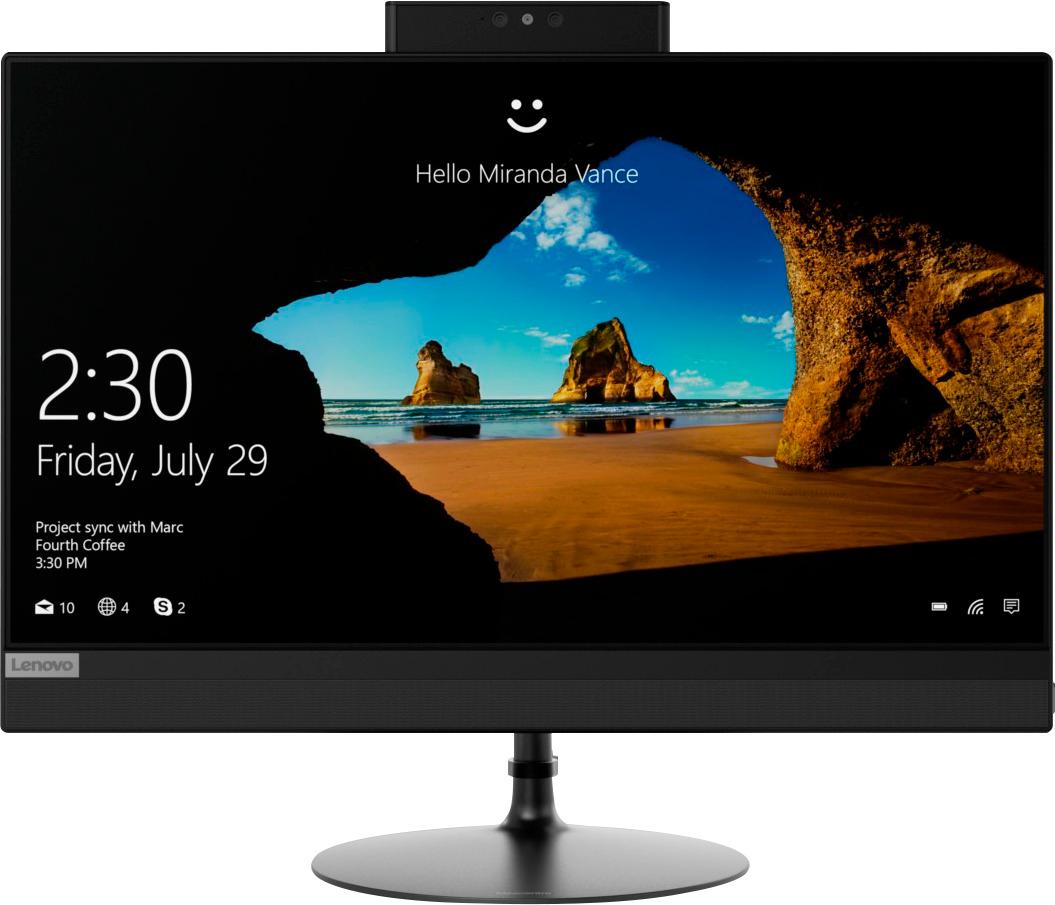
A:AnswerIt can connect wired via Ethernet cable or wireless via wifi.
I was going to ours wired via Ethernet cable, but it connected to our router/modem with the 5G connection.
Speed / Lag is not an issue for us.
So I decided to return the Ethernet cables.