A:AnswerYou might need to buy an adapter that plugs into a USB Port to use your memory card. I have one that I think is a 7 in 1 adapter that I used on my old desktop.
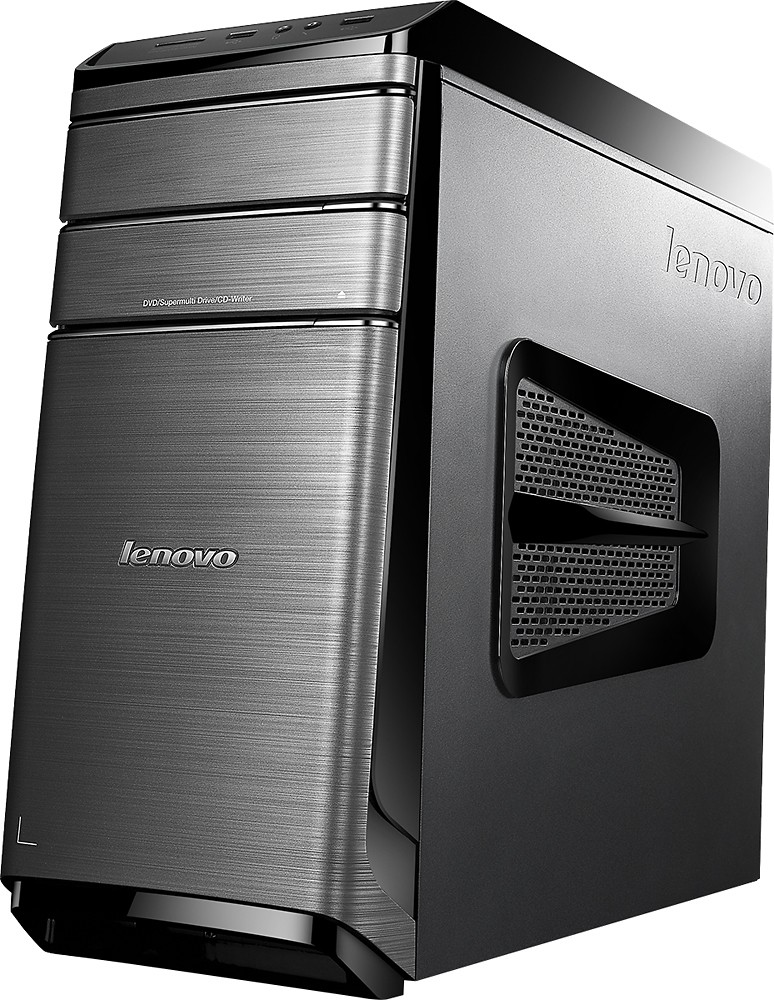
A:AnswerYes, it has a CD/DVD tray. And as for windows 10, I really do love it. Took me a little while to figure it out and get used to it, but I like it better than 7. This is a very nice computer that has given me ZERO problems and I'm very pleased with it.
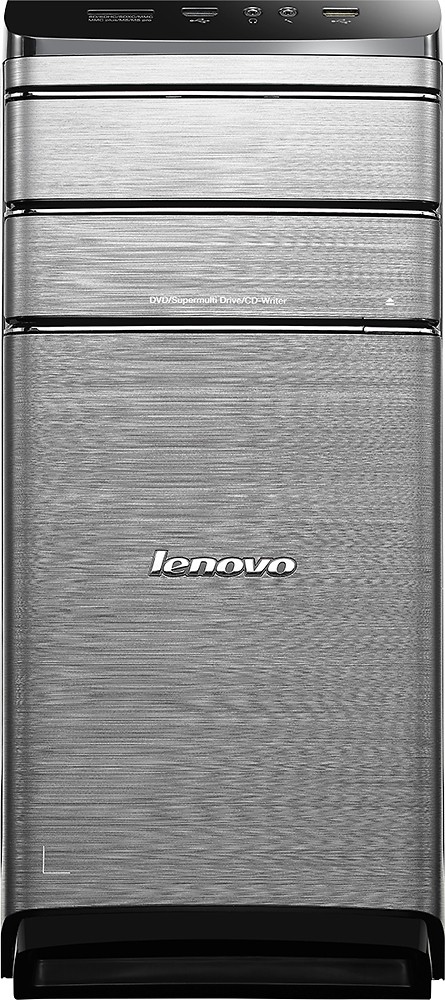
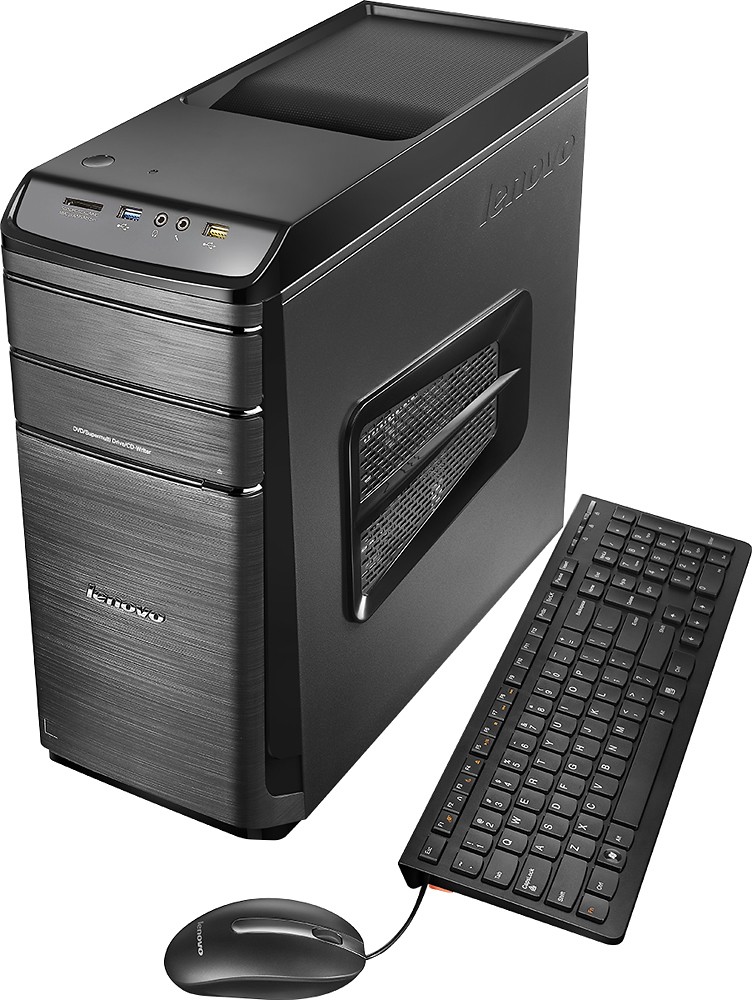
A:AnswerYes, but it came with it's own mouse & keyboard. Not sure about optimum. Yes, with a wireless printer. I think it's a 10. Yes with CD's. I would think it would work with Netflix.
A:AnswerThere are other Lenovo Desktop configurations with larger power supplies. We recommend you discuss the specifications you are looking for with your retailer to find the Lenovo Desktop with your ideal configuration. New Lenovo Models are arriving at stores right now and through the end of the month.
A:AnswerWe suggest you check with Microsoft about the minimum/recommended requirements to set up Hyper-V and compare those requirements to the configuration of your system.
A:AnswerYou can not use both HDMI ports. One goes directly to the graphics card one goes to the processor. The VGA is on the graphics card with one HDMI-out port. You can use two monitors.
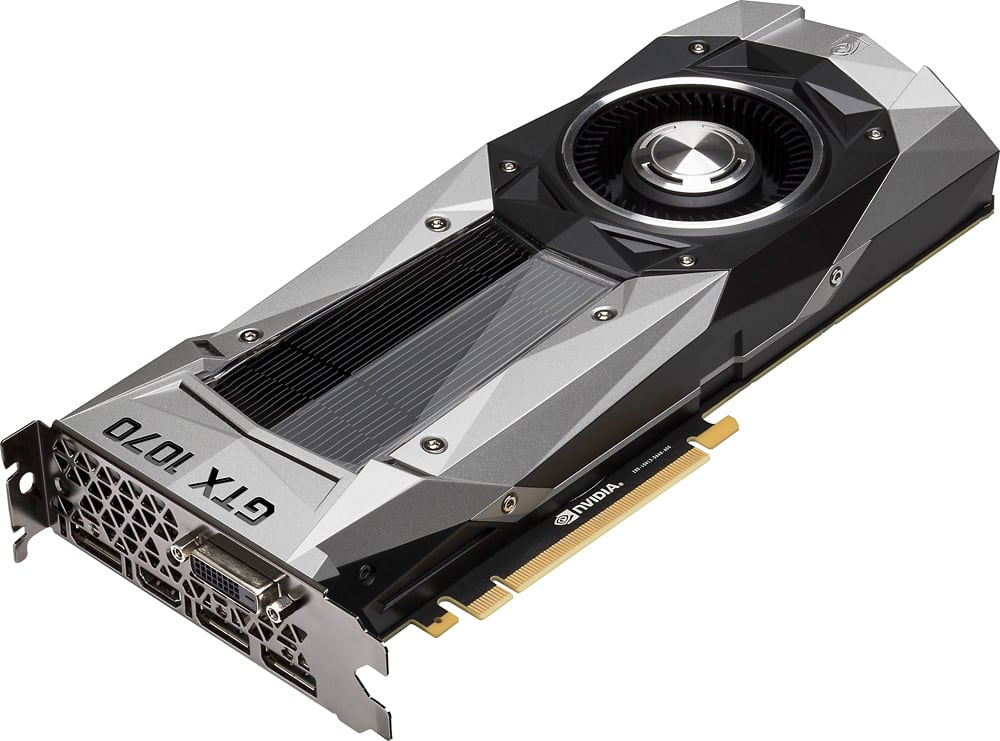
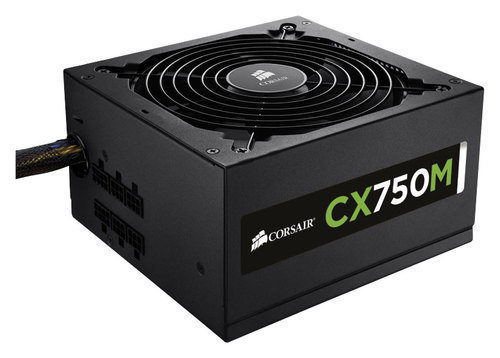
A:Answeryes and no. I use whit 2 PSU, whit the stock and a corsair CX750M bought in BestBuy. I use the corsair for a gtx 1070. But do it only if you know what are you doing. In some sites sell an adapter for the PSU connector.
A:AnswerIt depends on the specific game. We recommend you check with the specific game software publishers you will be playing for their specific minimum/recommended requirements to run their games, then compare those requirements to this system's configuration.
A:AnswerThere are 4 PCIe expansion slots on this system, one PCIe x 16 and PCIe x 1. As long as the card you are adding is compatible with one of these slots you will be OK.