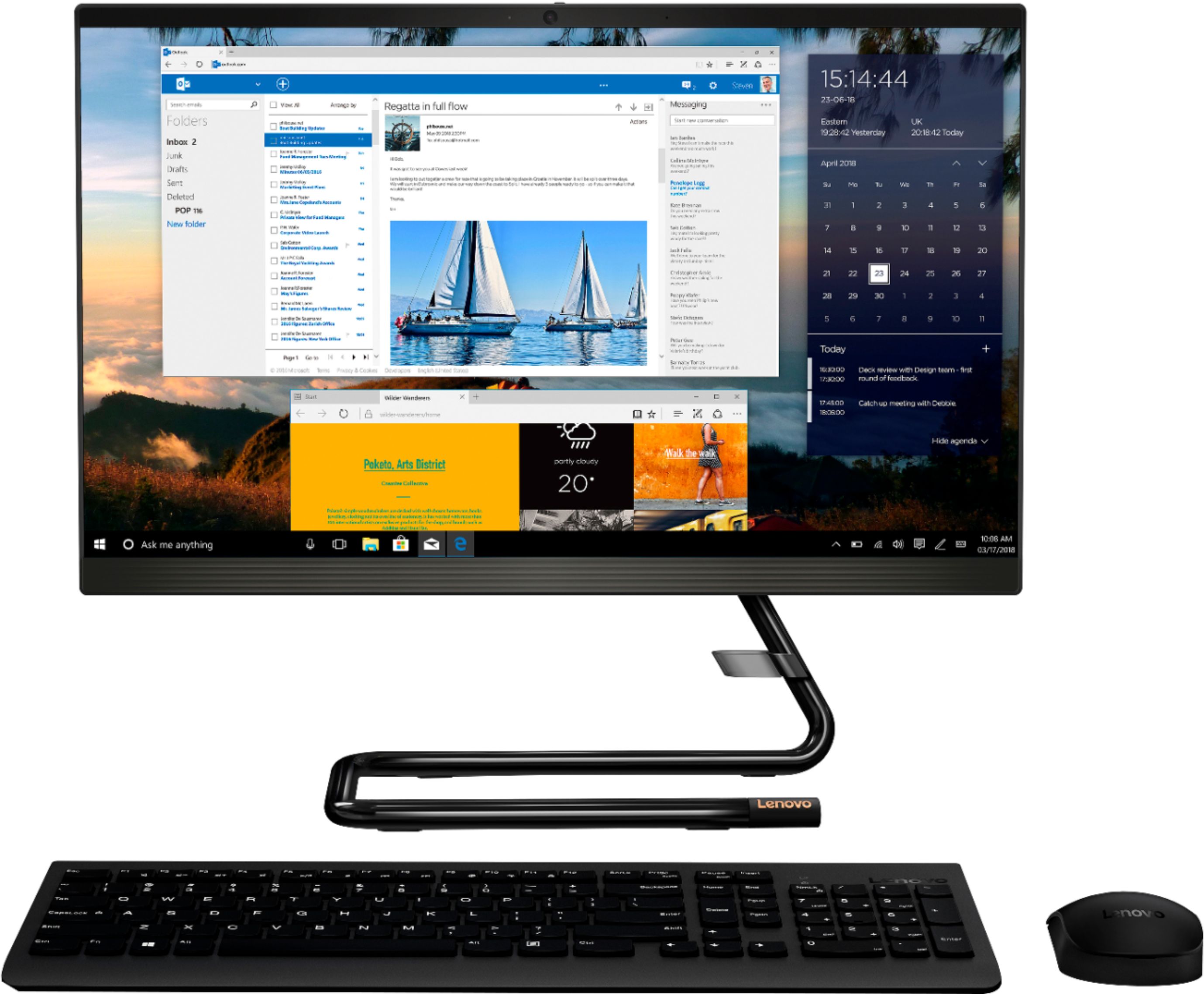
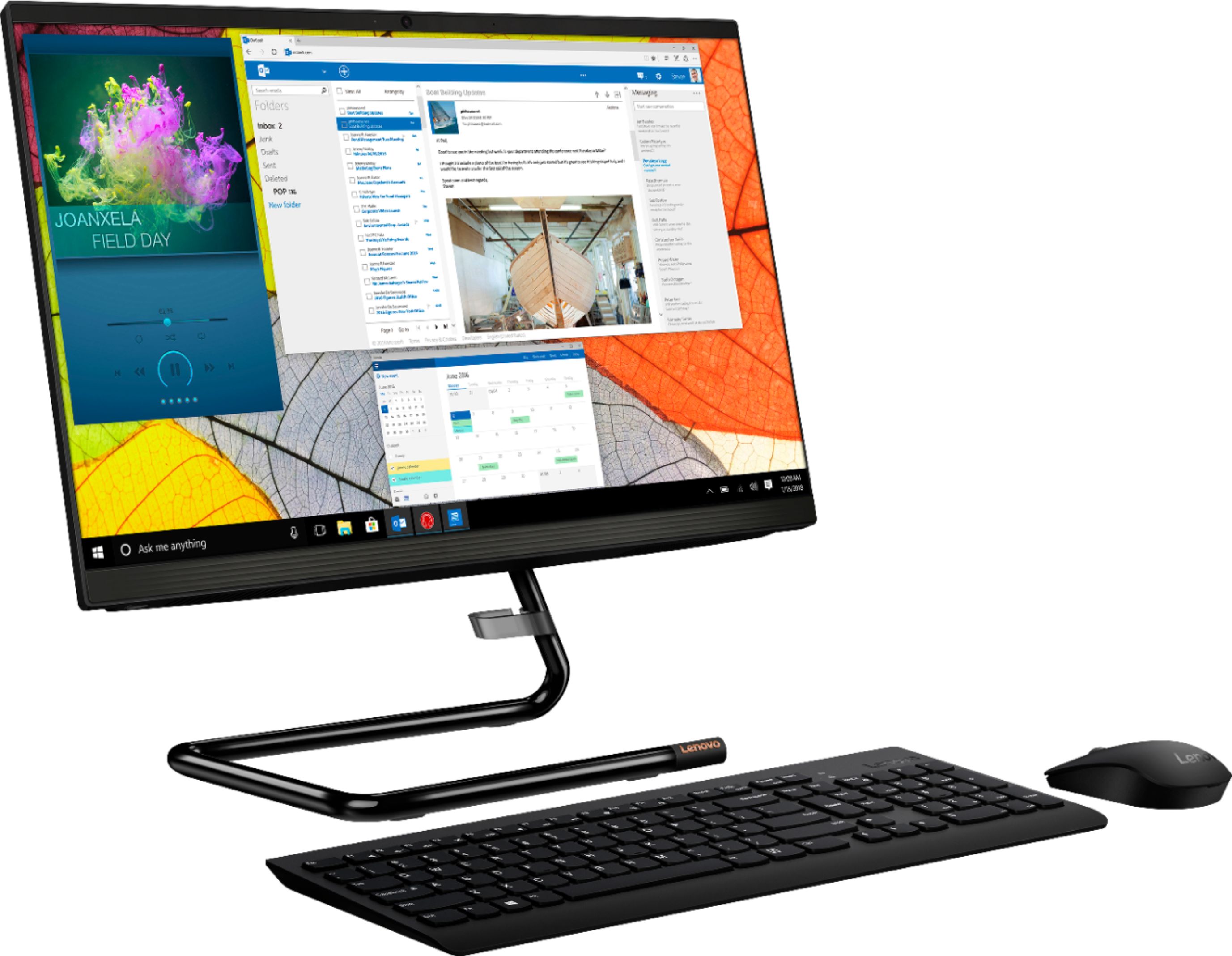
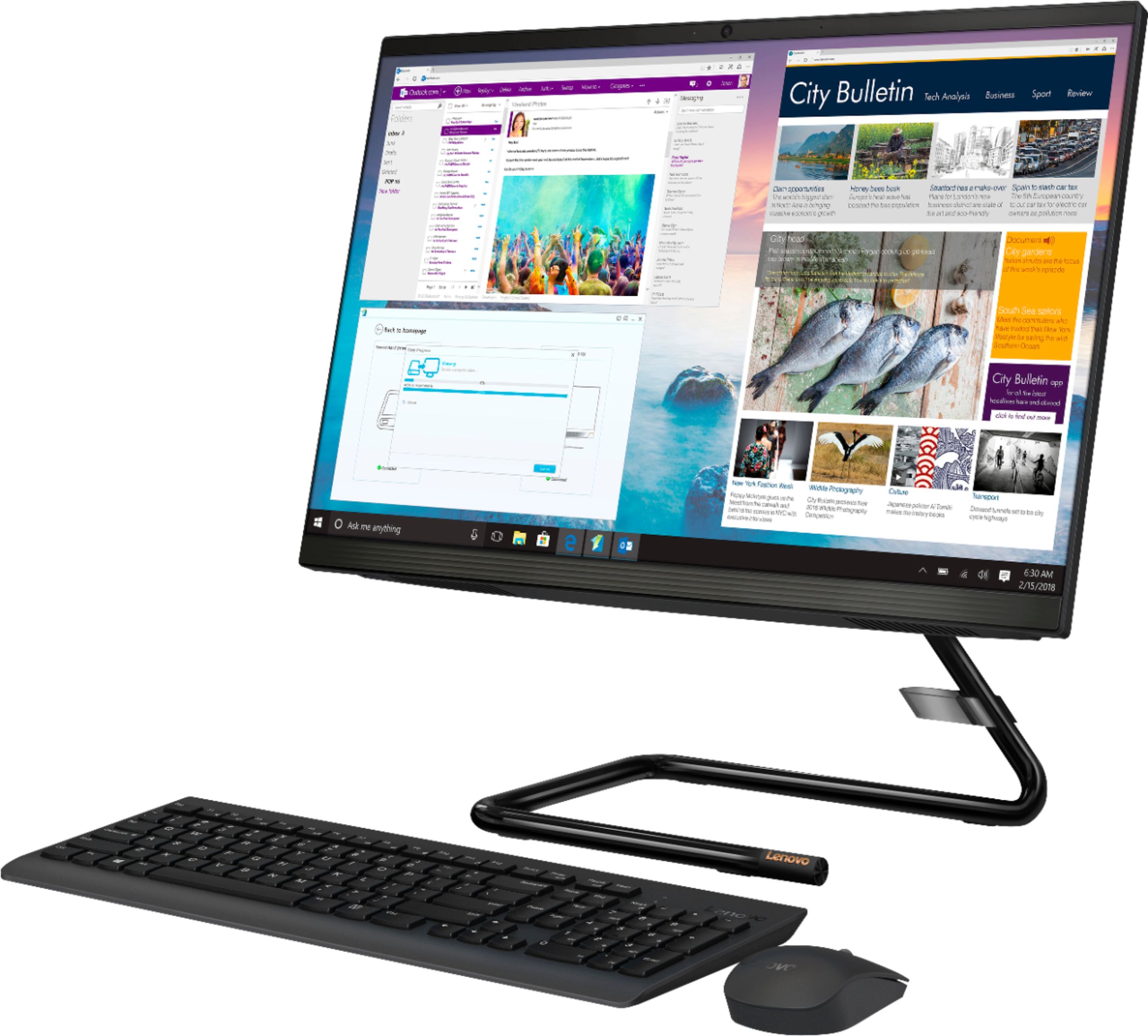
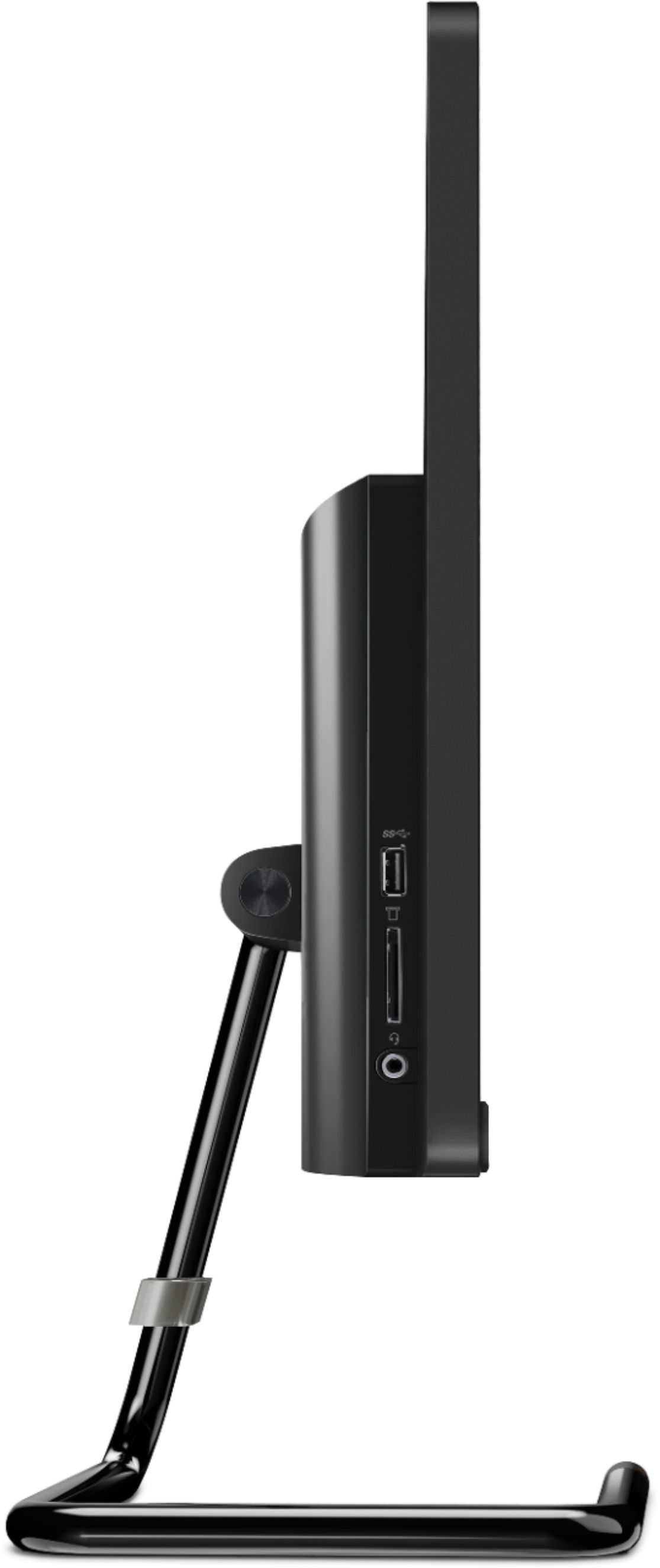
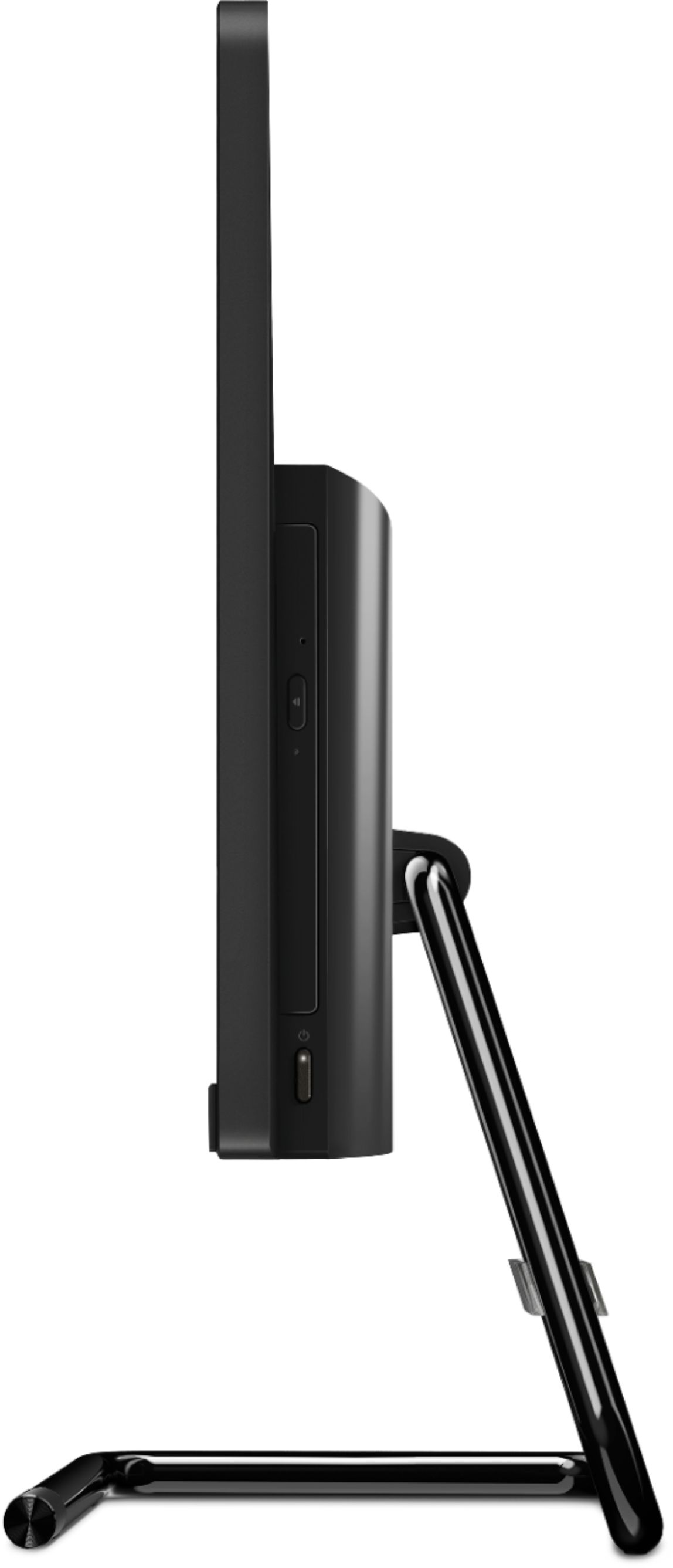
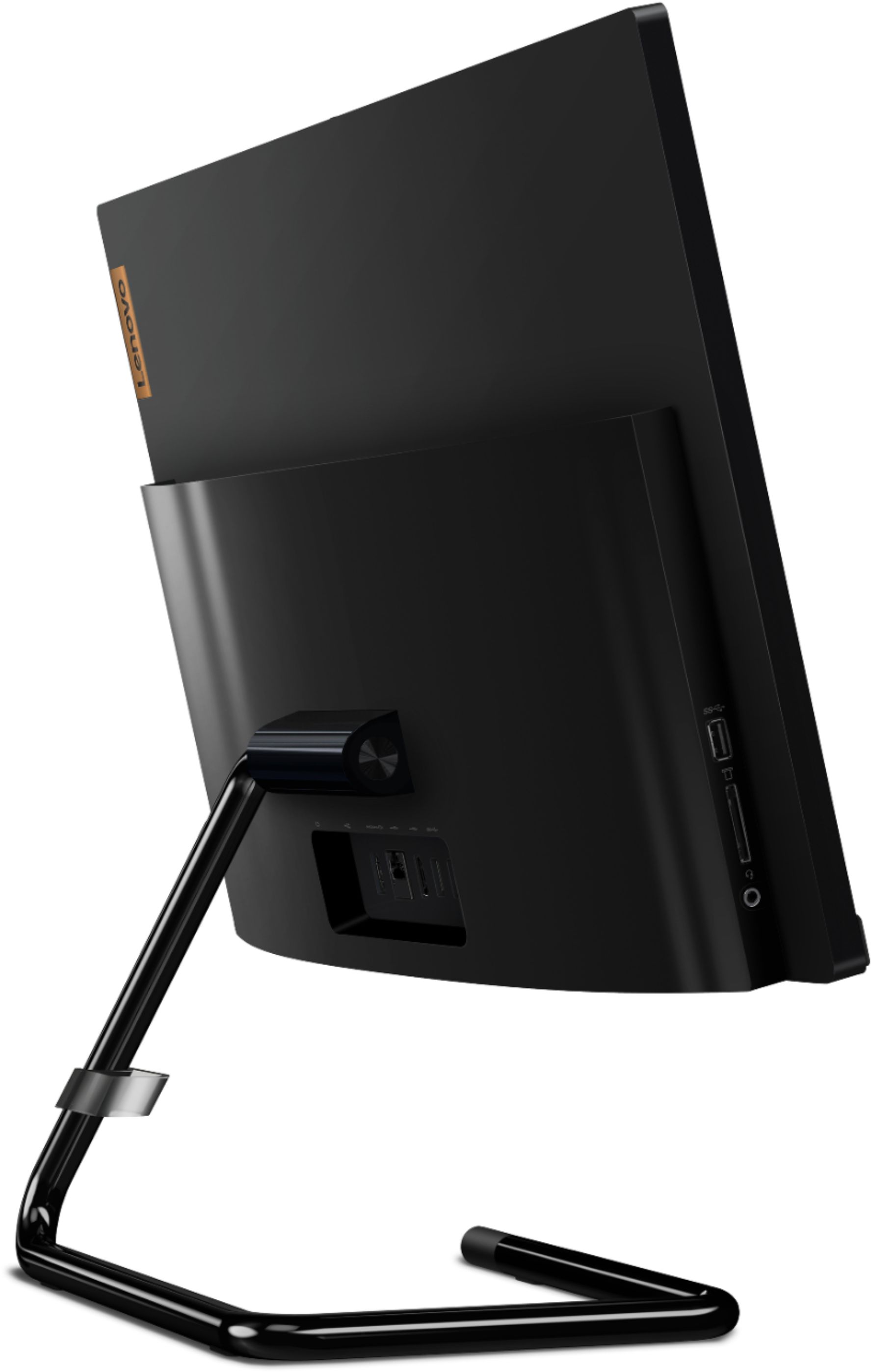
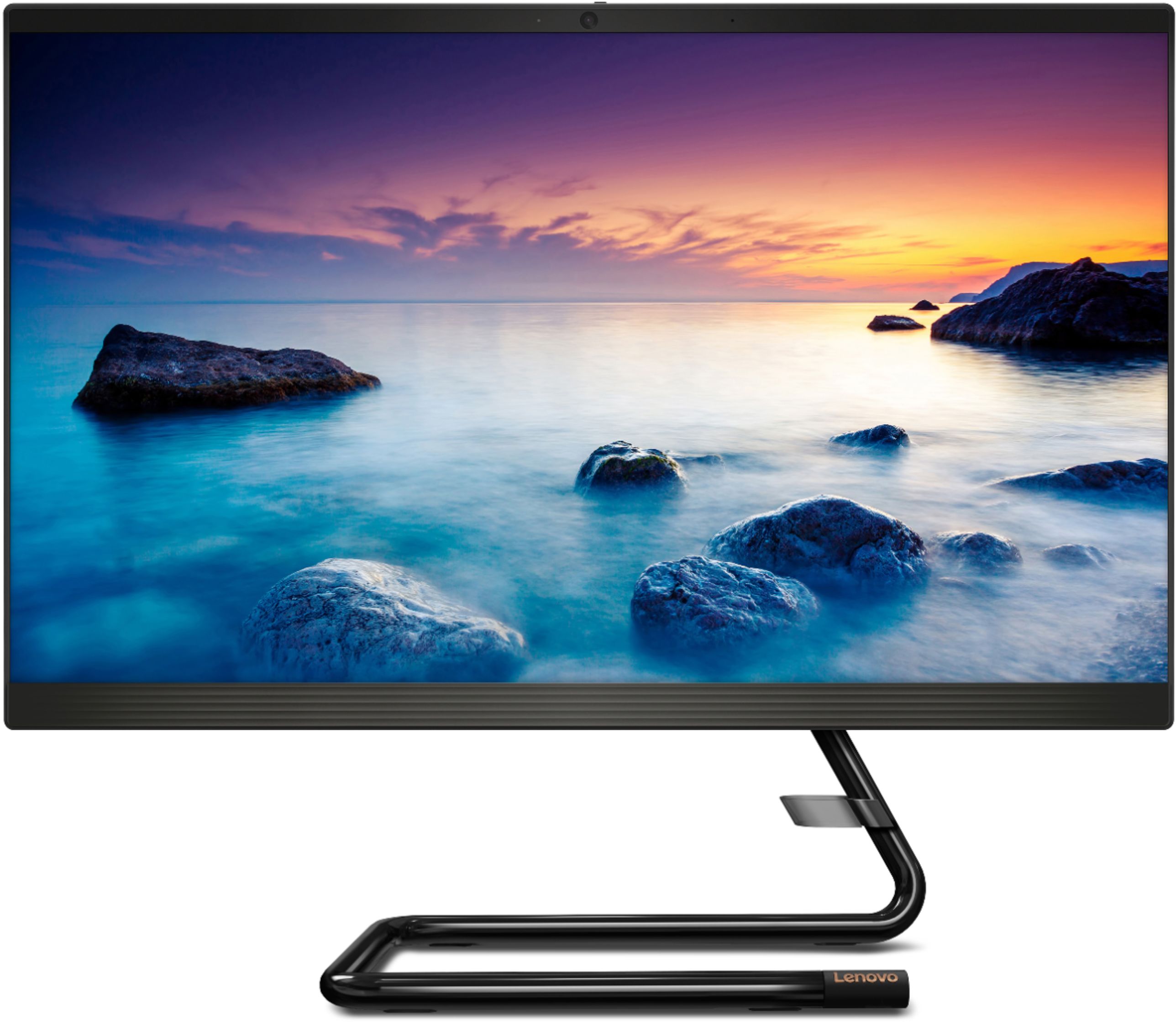
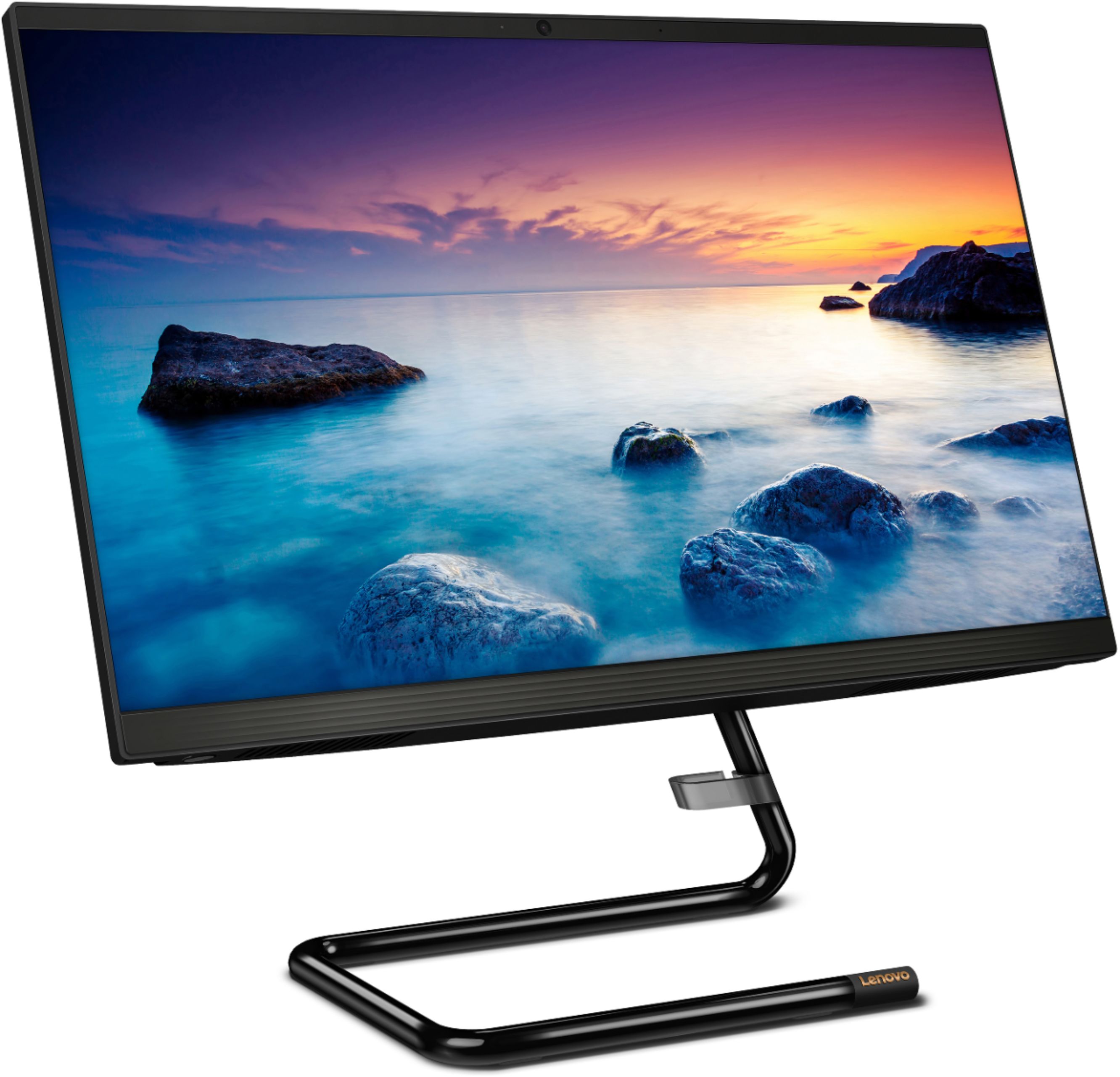
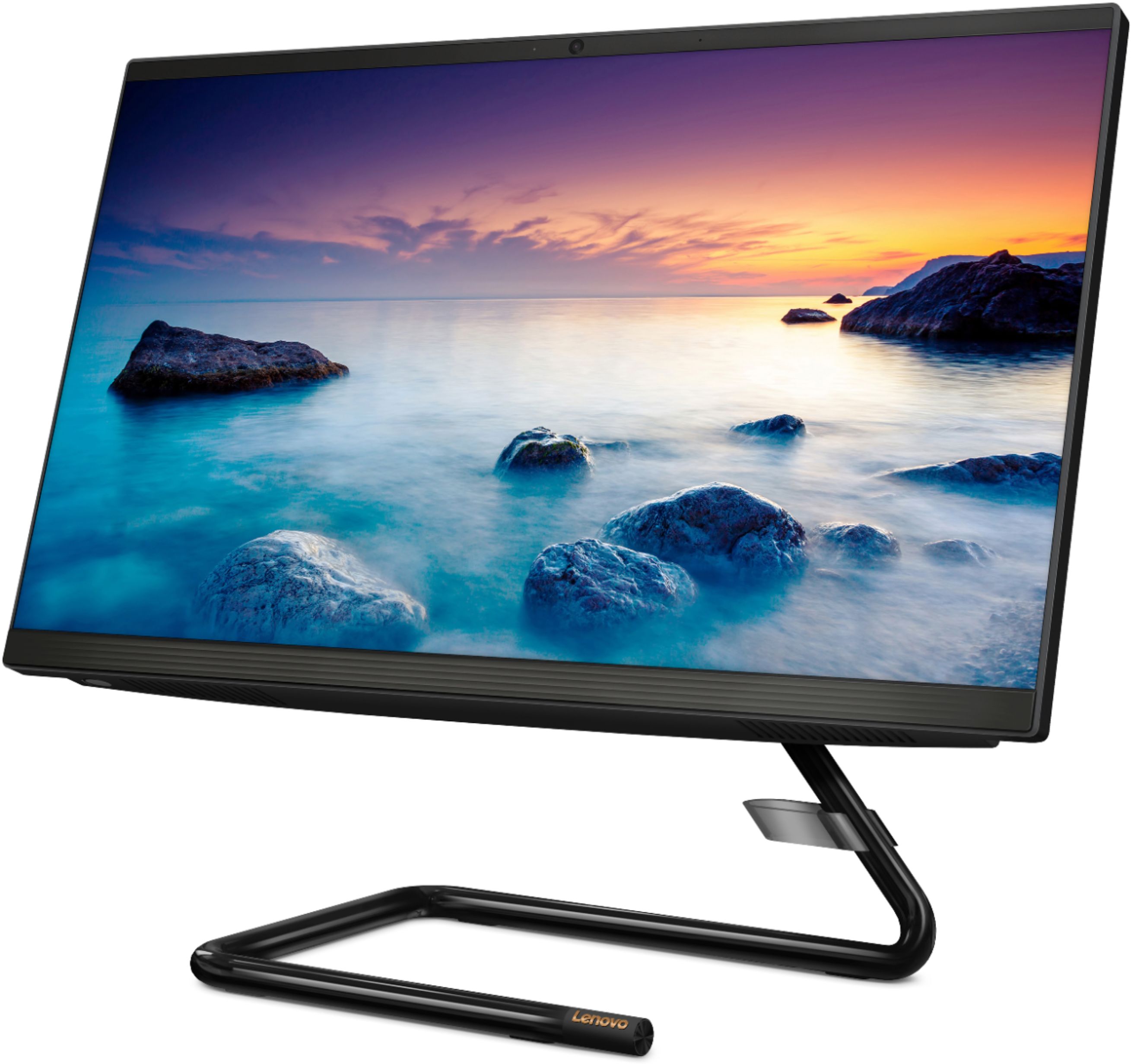
A:AnswerHello, No. The Lenovo IdeaCentre A340-22" model # F0EA003RUS does not feature a wireless charging base. The Lenovo Ideacentre A540-24" model # F0EM006YUS, and A540-27 " model # F0EK007HUS do feature the wireless charging base.
A:AnswerYes. The Lenovo IdeaCentre A340-22 All-In-One system, model number F0EA003RUS, ships with 802.11ac WiFi capability built in and can connect to the WiFi signal generating by a phone Hotspot.
A:AnswerYes you can use a wired keyboard and mouse. When it was setup at the store, a wired keyboard and mouse were used. However, it comes with a wireless keyboard and mouse.
A:AnswerThe Lenovo IdeaCentre A340-22 All-In-One system is compatible with any USB-wired or wireless Windows 10 compatible printer. We recommend you consult the printer manufacturer's web site for compatibility of your specific printer model with Windows 10.
A:AnswerNo. This configuration is an All-In-One model. The computer components are within the housing of the screen. There is a wireless keyboard and mouse included.
A:AnswerThe Lenovo IdeaCentre A340-22 All-In-One system has an internal fan for keeping the system at the proper operating temperature. You will hear the fan run when it is running.
A:AnswerMost wireless mouse and keyboard have unique electronic IDs. I expect Lenovo to follow the same practice. So, there should not be any interference.
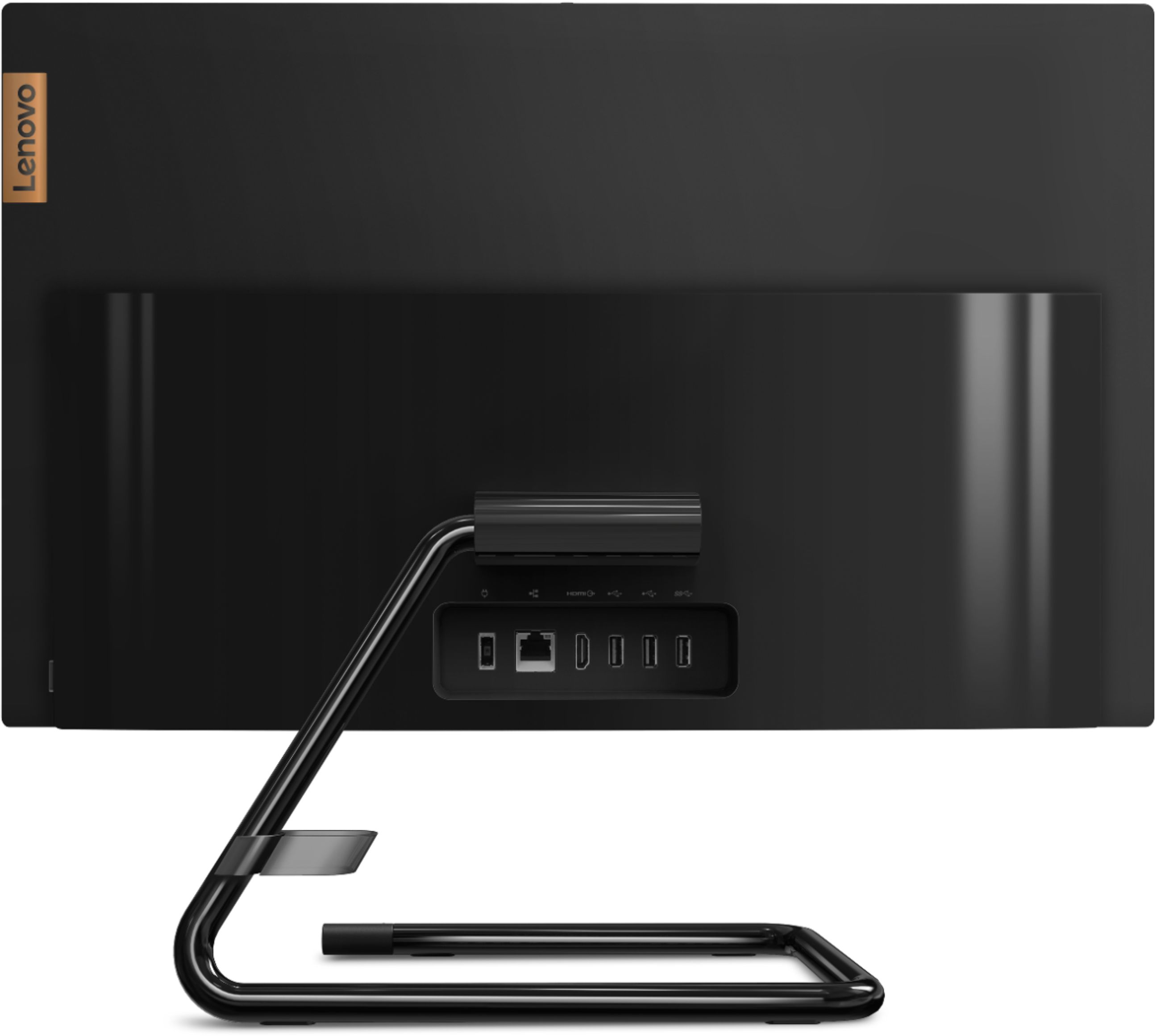
A:AnswerNo. The Lenovo Ideacentre A340-22IGM All-In-One System, model number F0EA003RUS, does not have a HDMI-In port for an external video source like a game console.