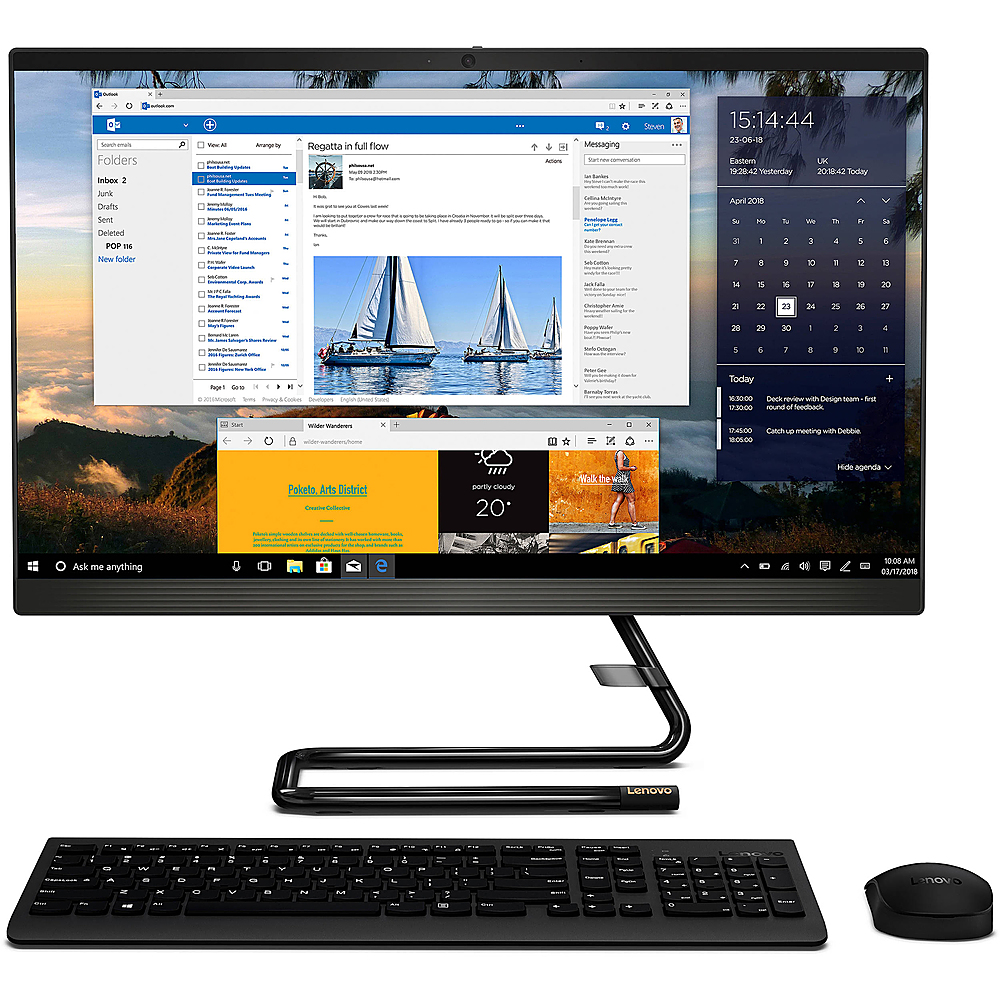
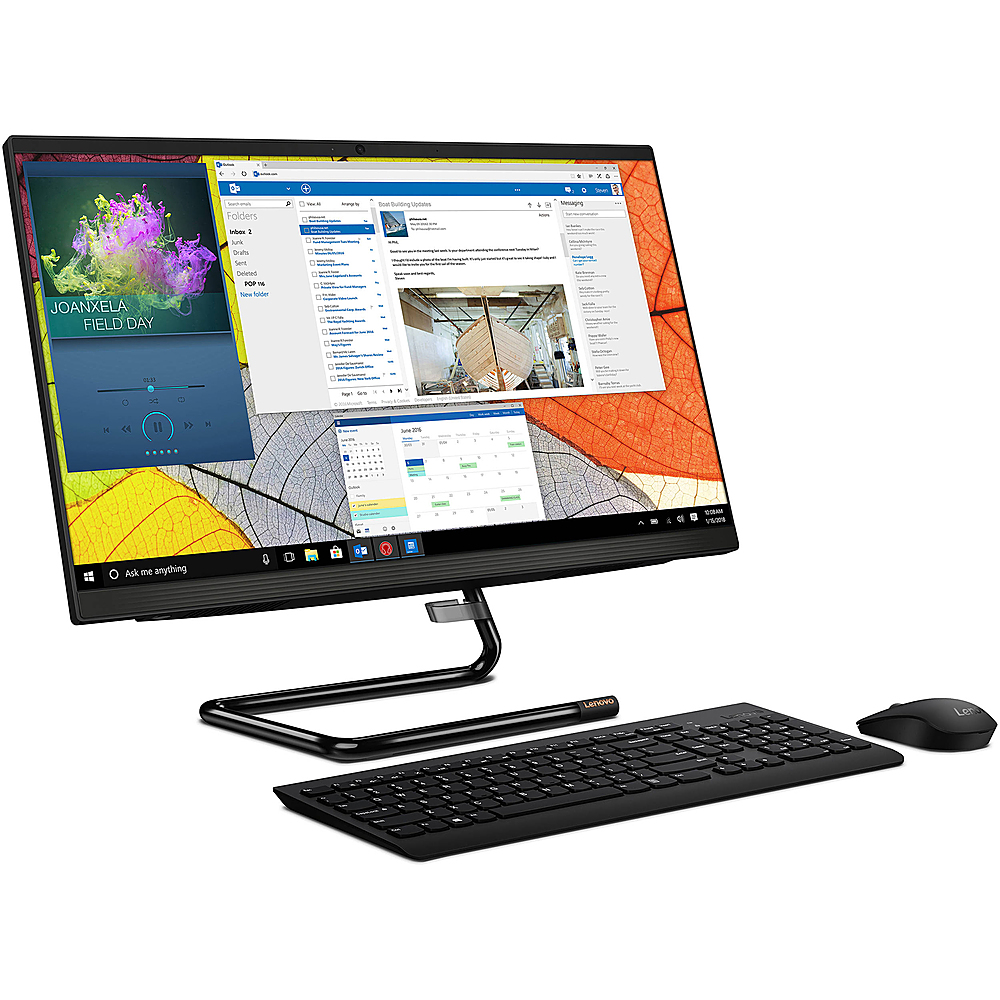
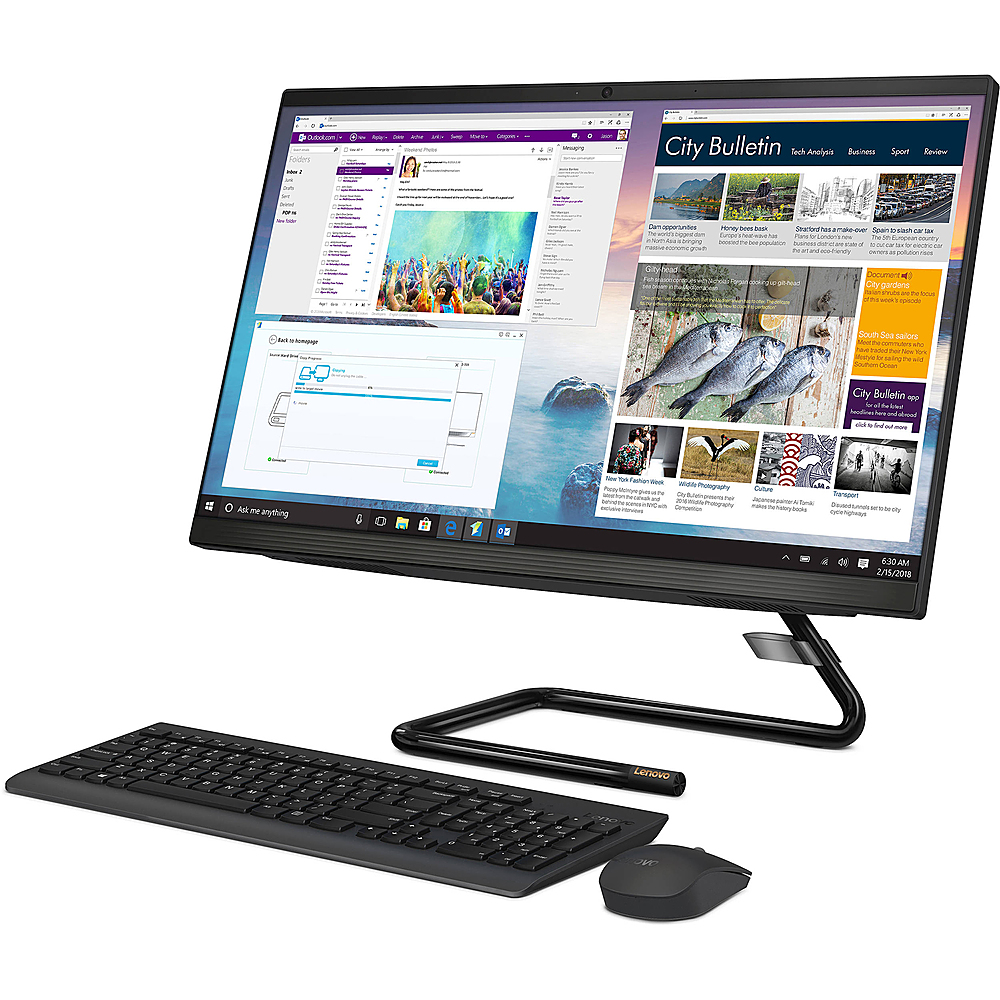
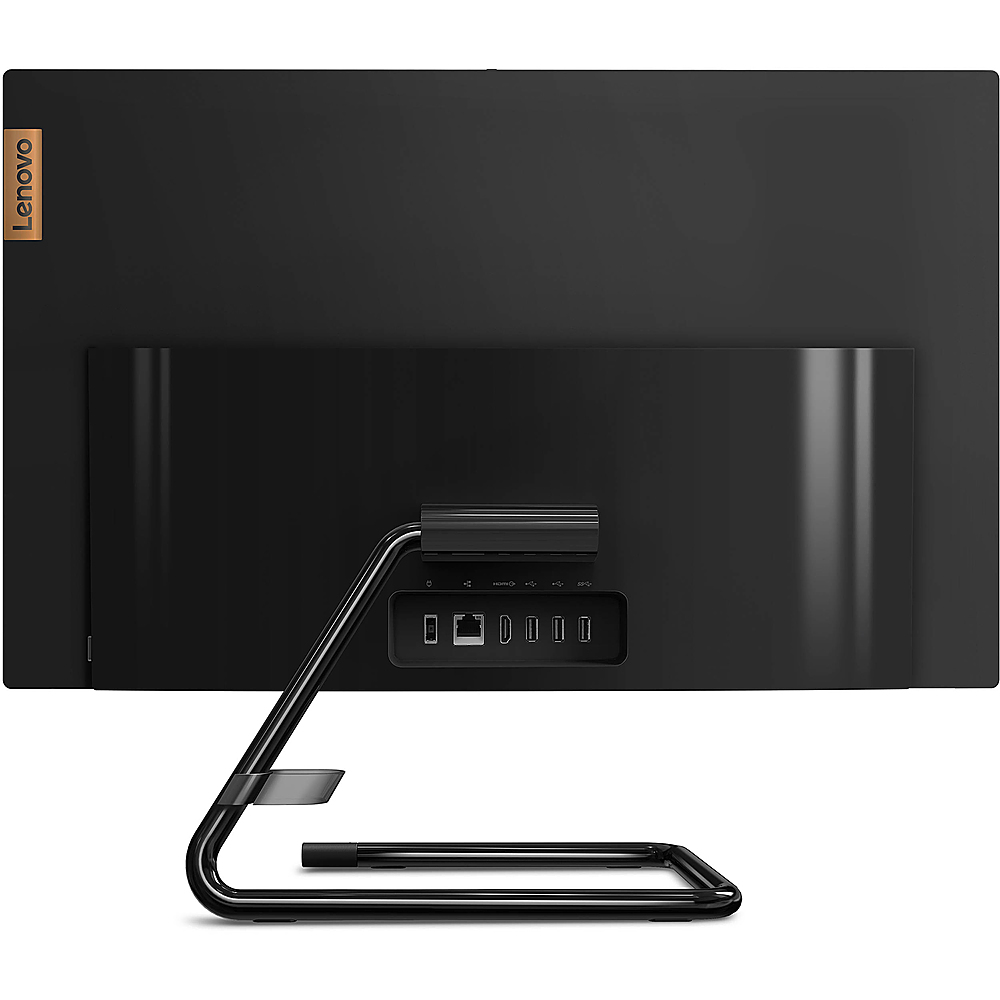
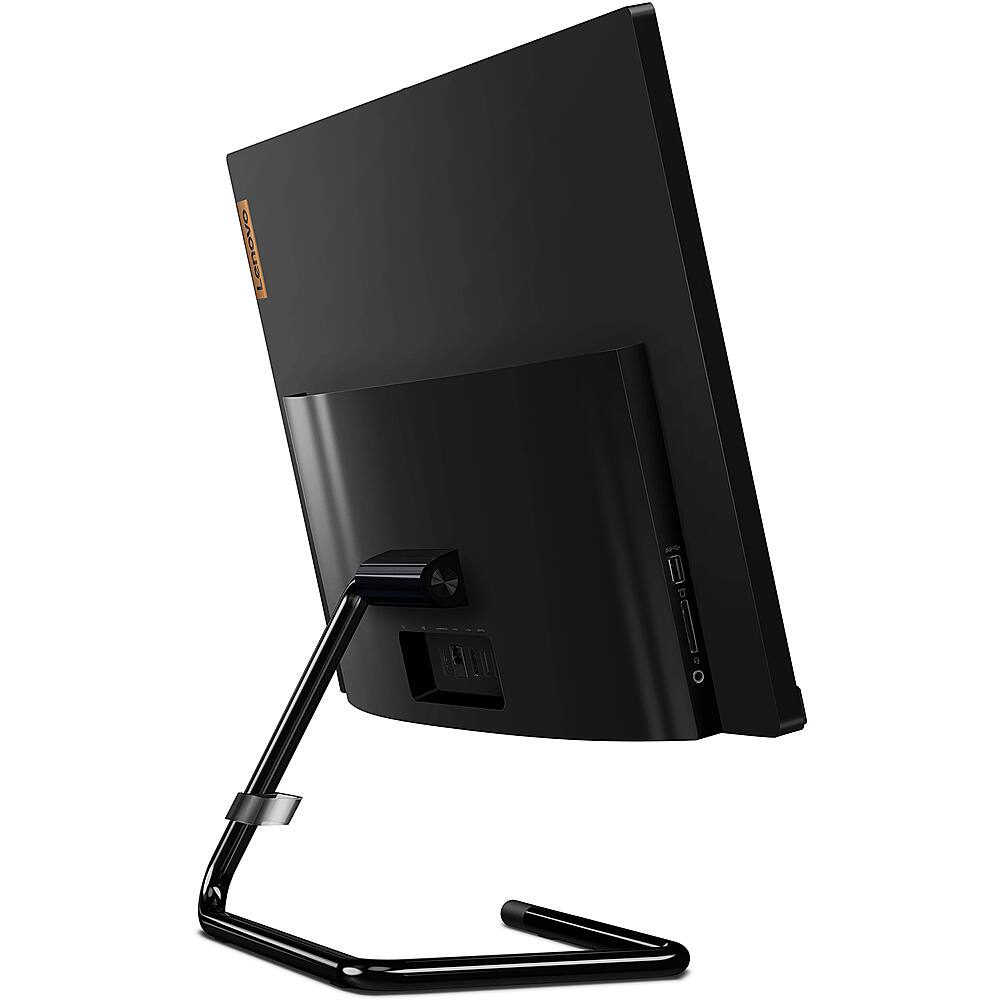
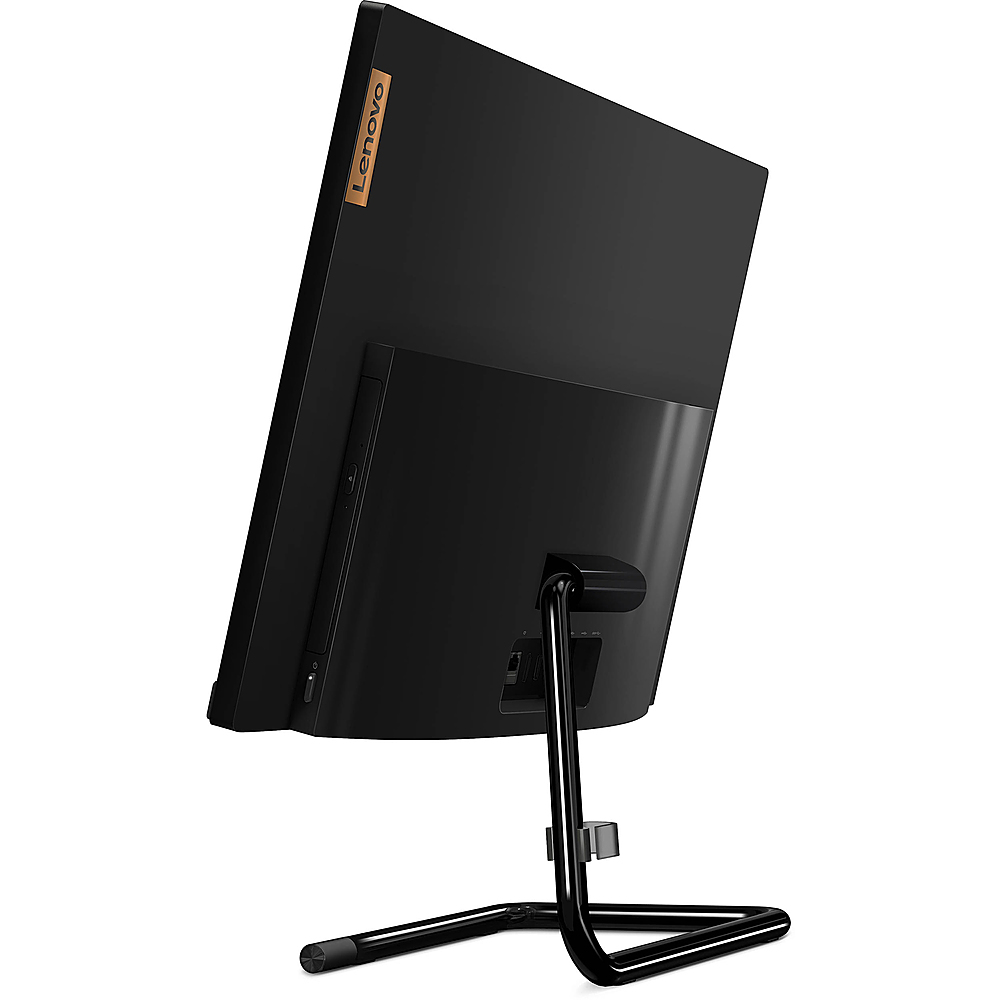
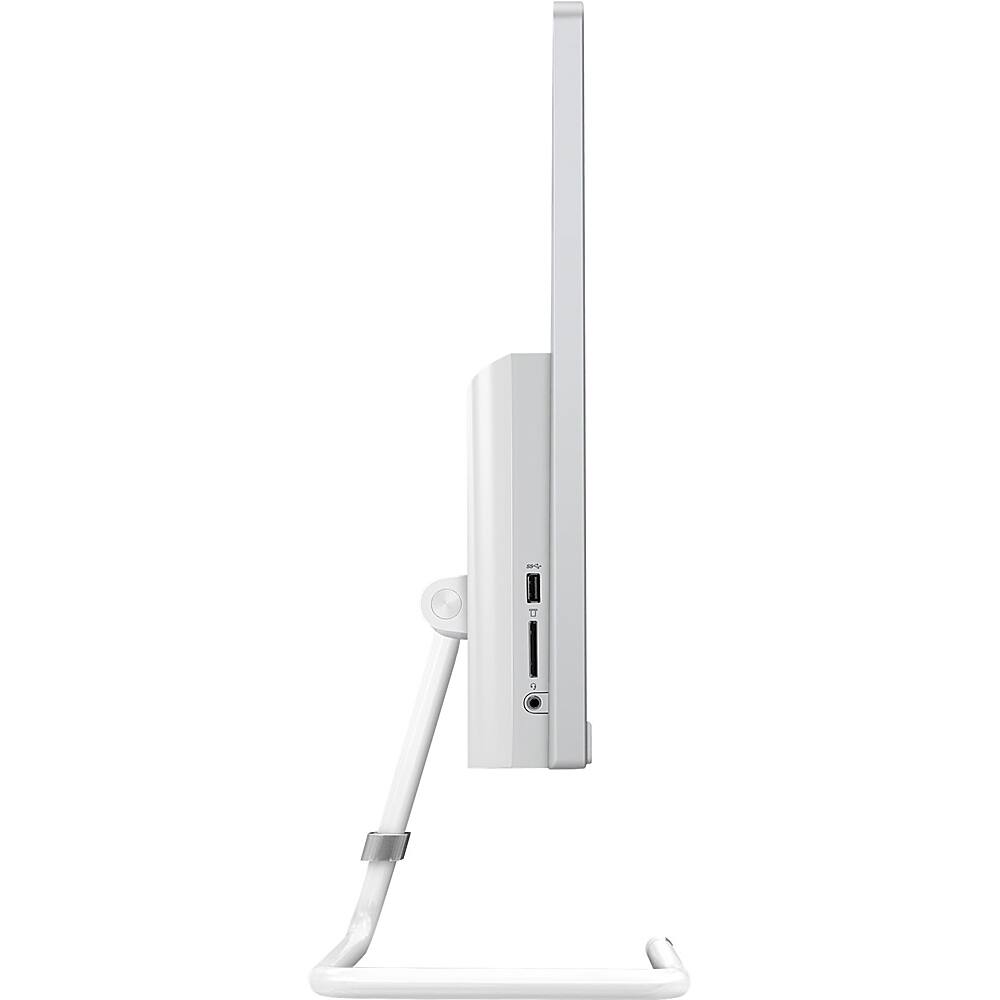
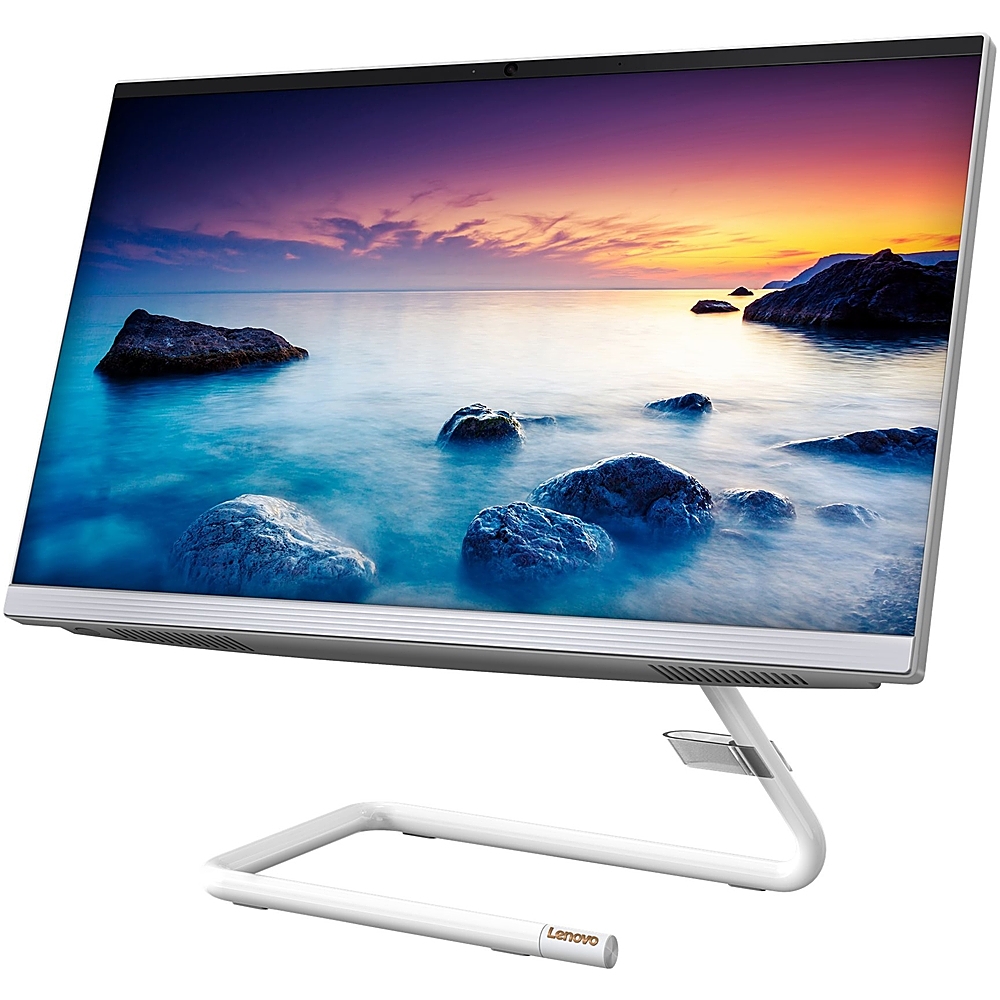
A:Answer Power on the IdeaCentre A340 24 All-In-One system, model number F0ER0080US, then press the button at the top of the CD/DVD drive slot on the right side of the computer, right above the power button. You can also open the CD/DVD drive by: 1. Turn off all applications currently using the drive. Otherwise Windows will prevent ejecting the DVD tray. 2. Press Windows + E on the keyboard to open File Explorer. 3. Right-click the optical drive and choose Eject from the pop-up menu.