A:AnswerHere is a link to more information about updating your computer's Internet Software: https://support.microsoft.com/en-us/help/224609/how-to-obtain-versions-of-internet-information-server-iis
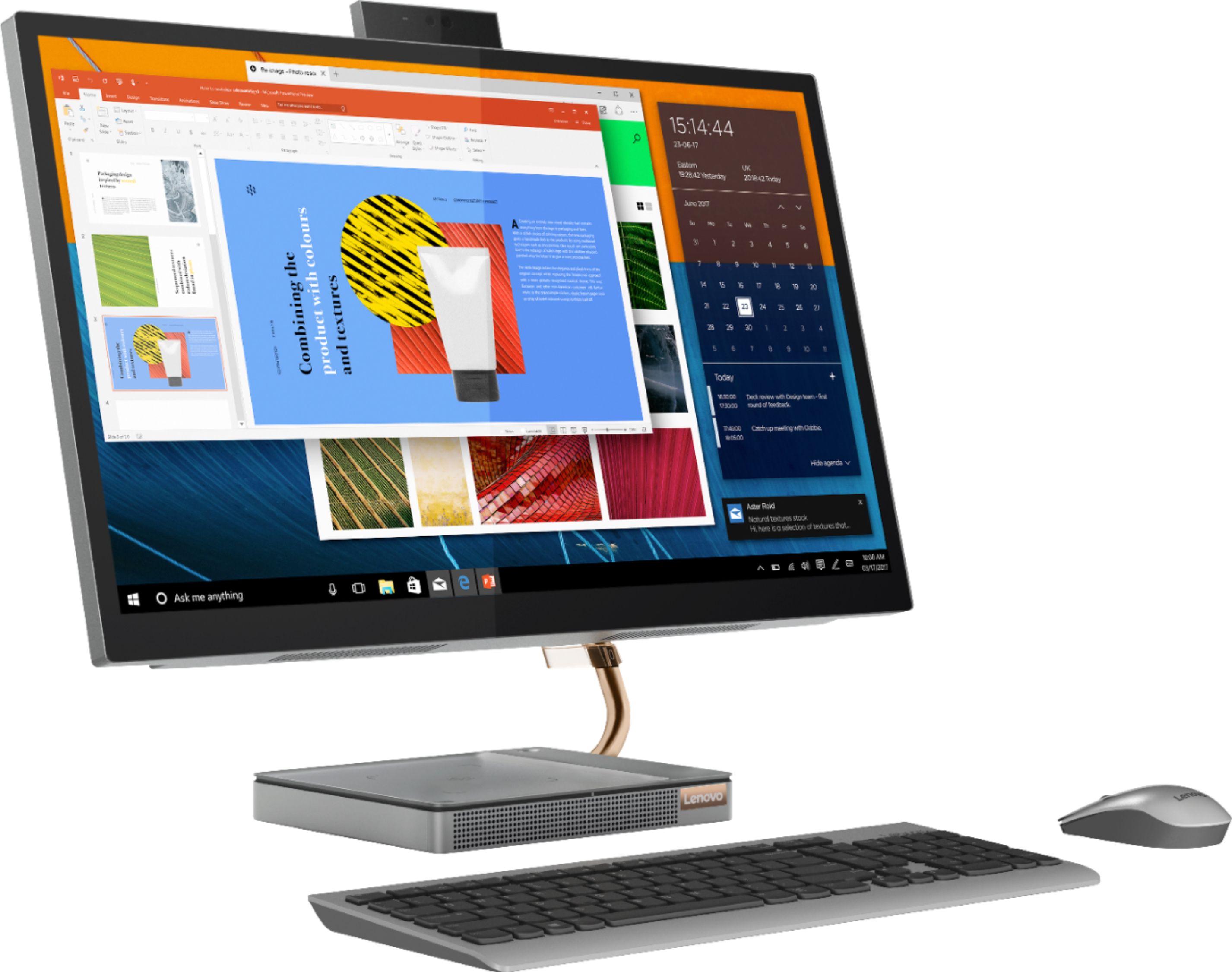
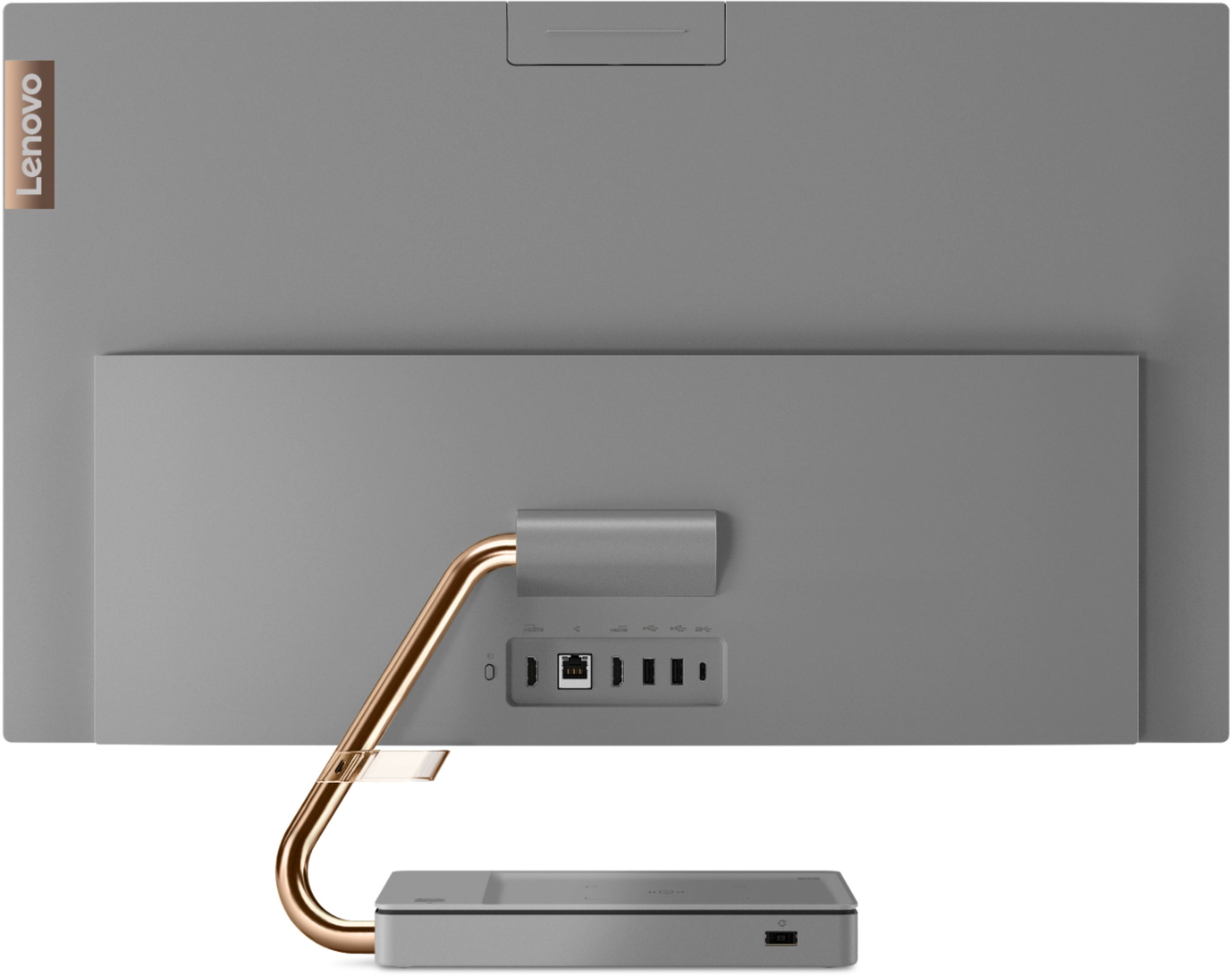
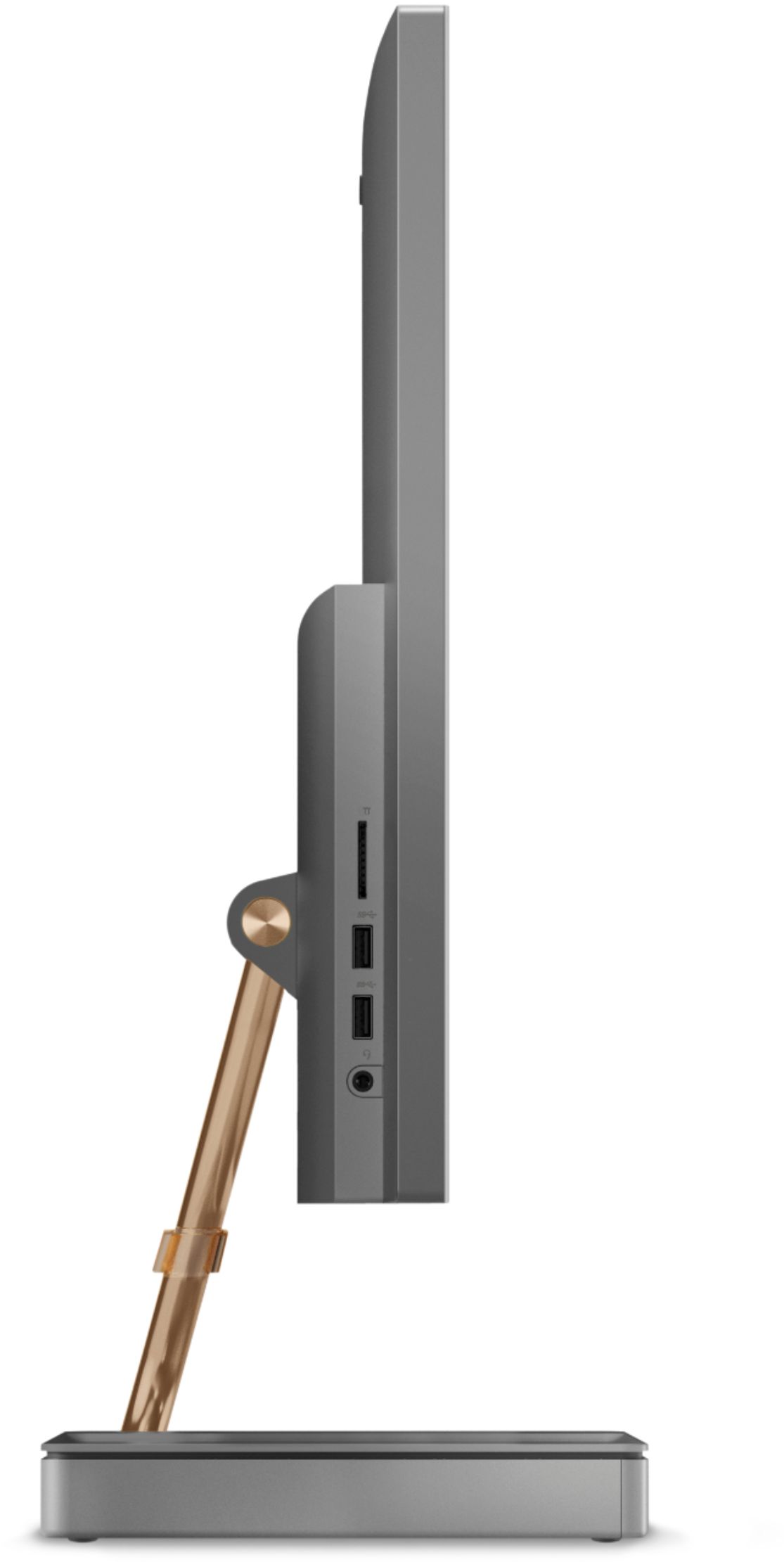
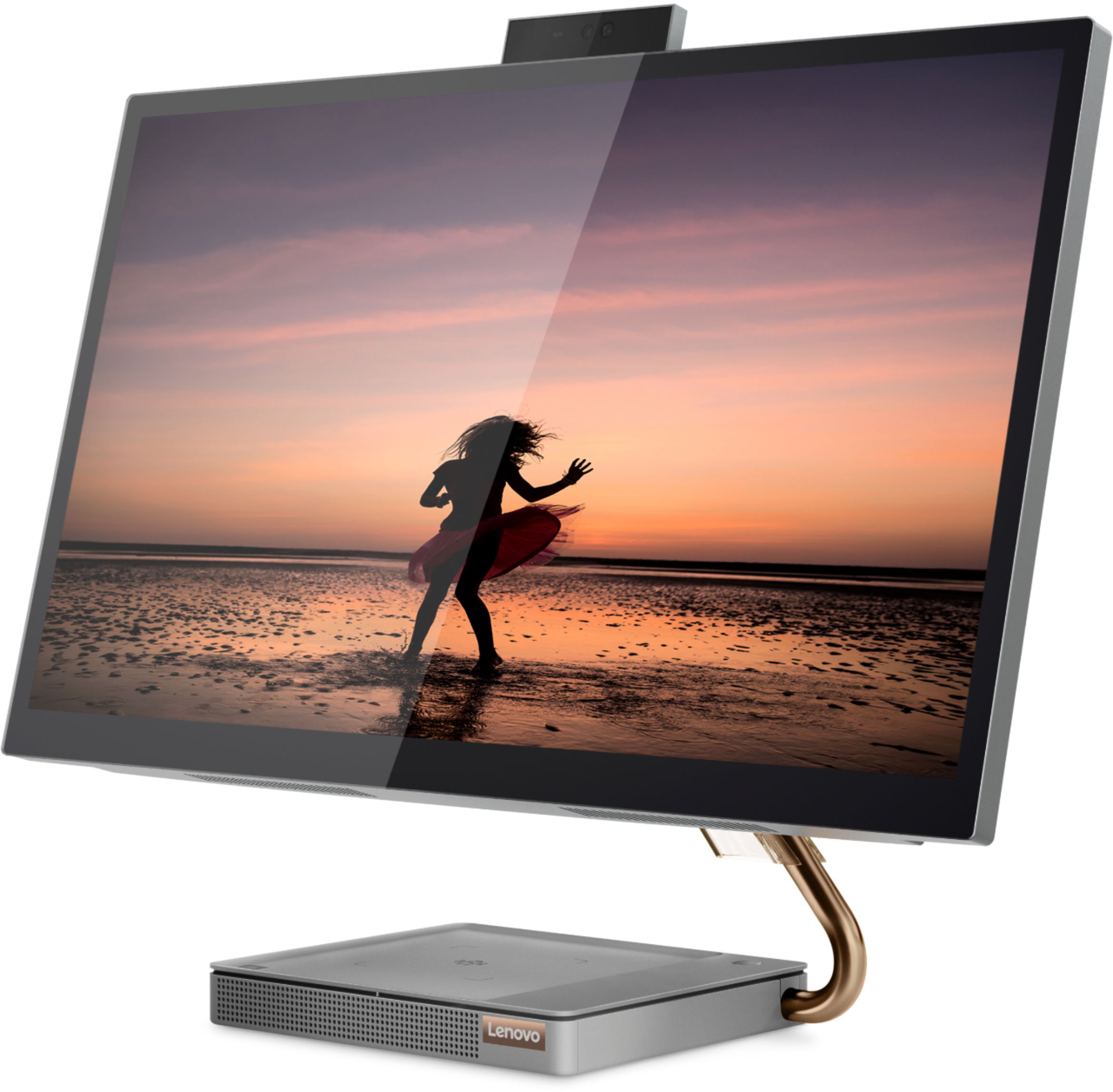
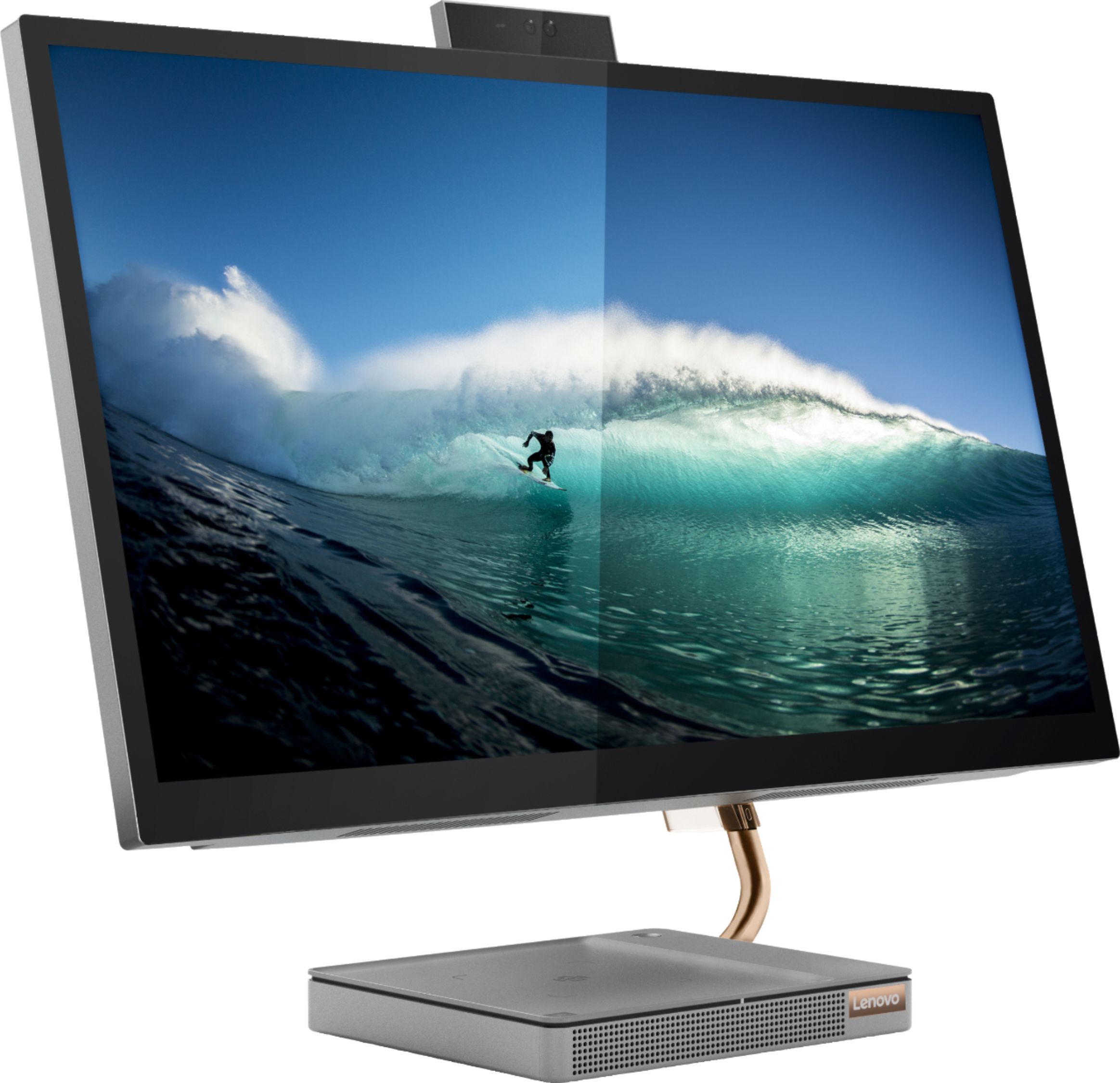
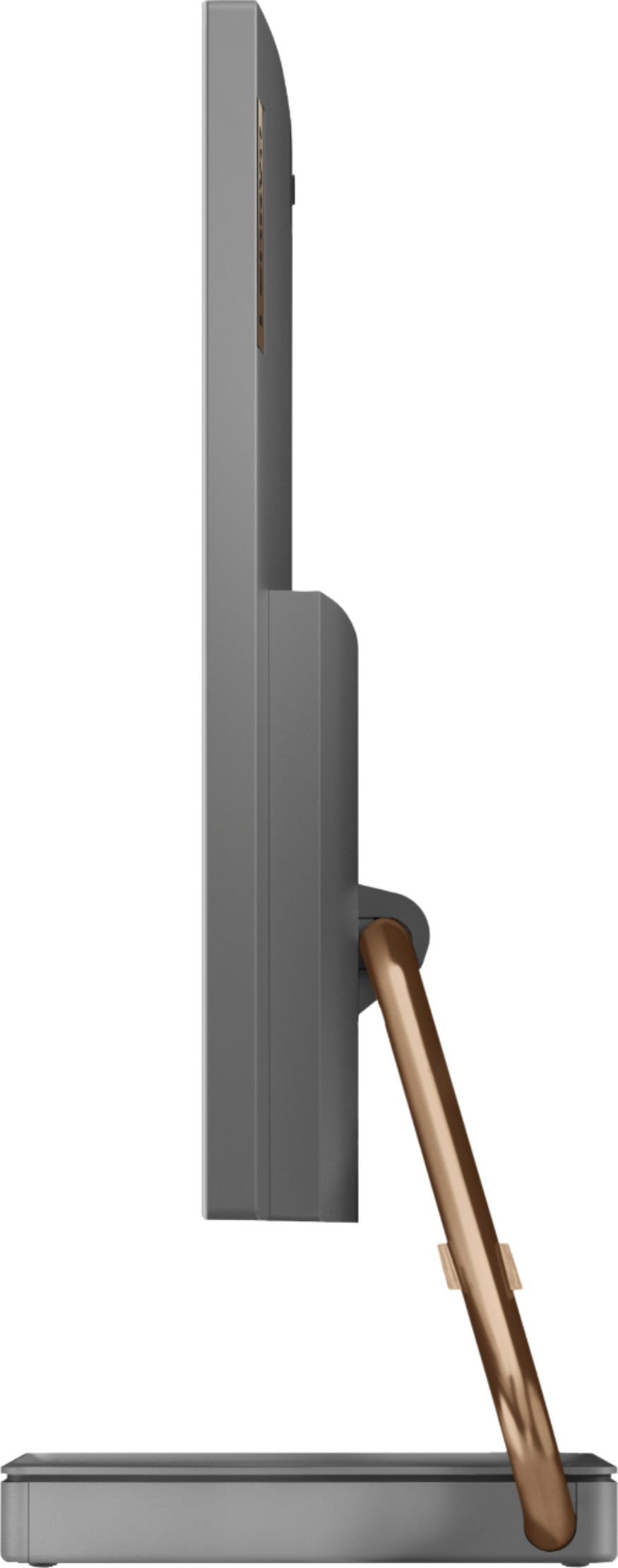
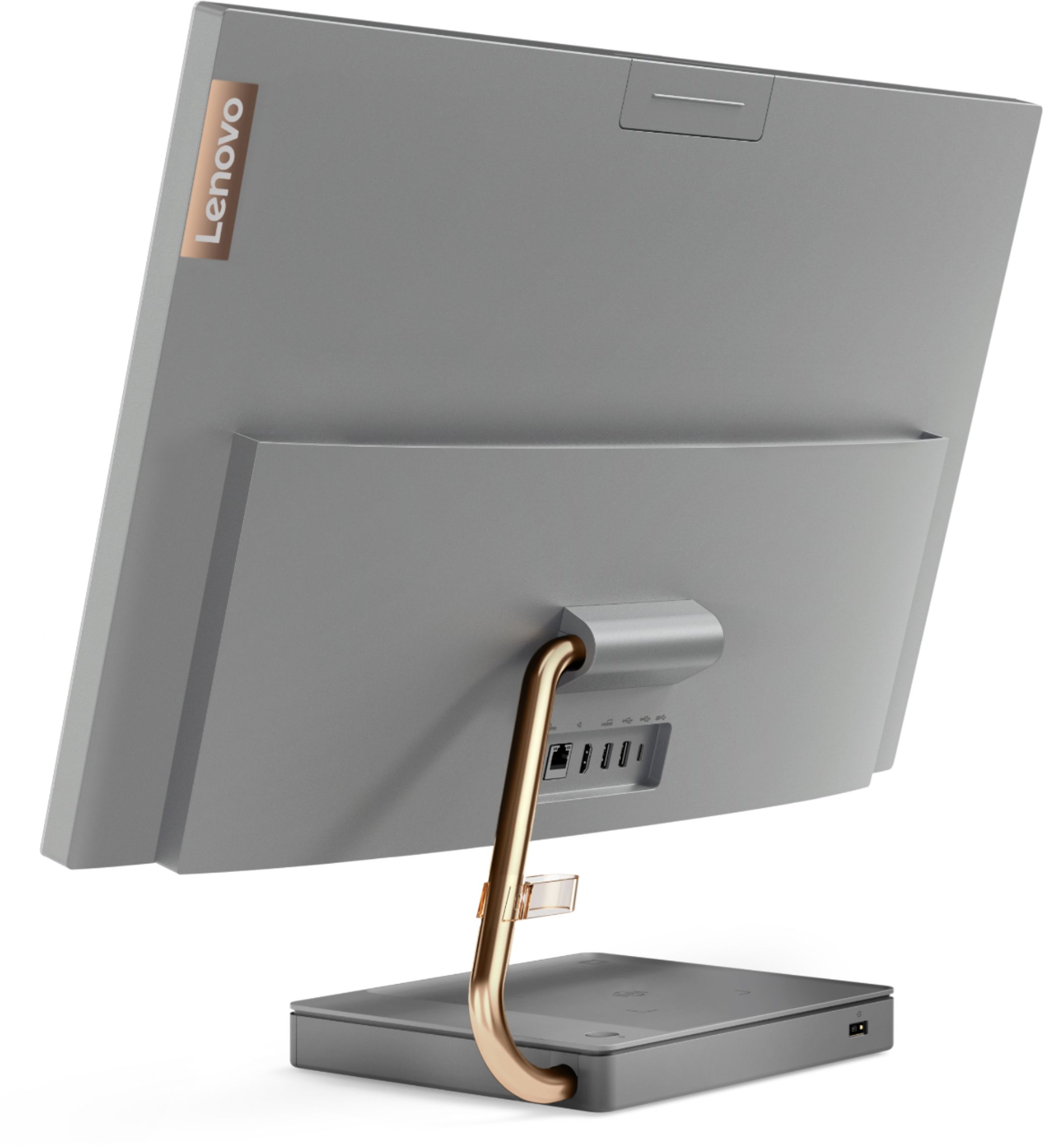
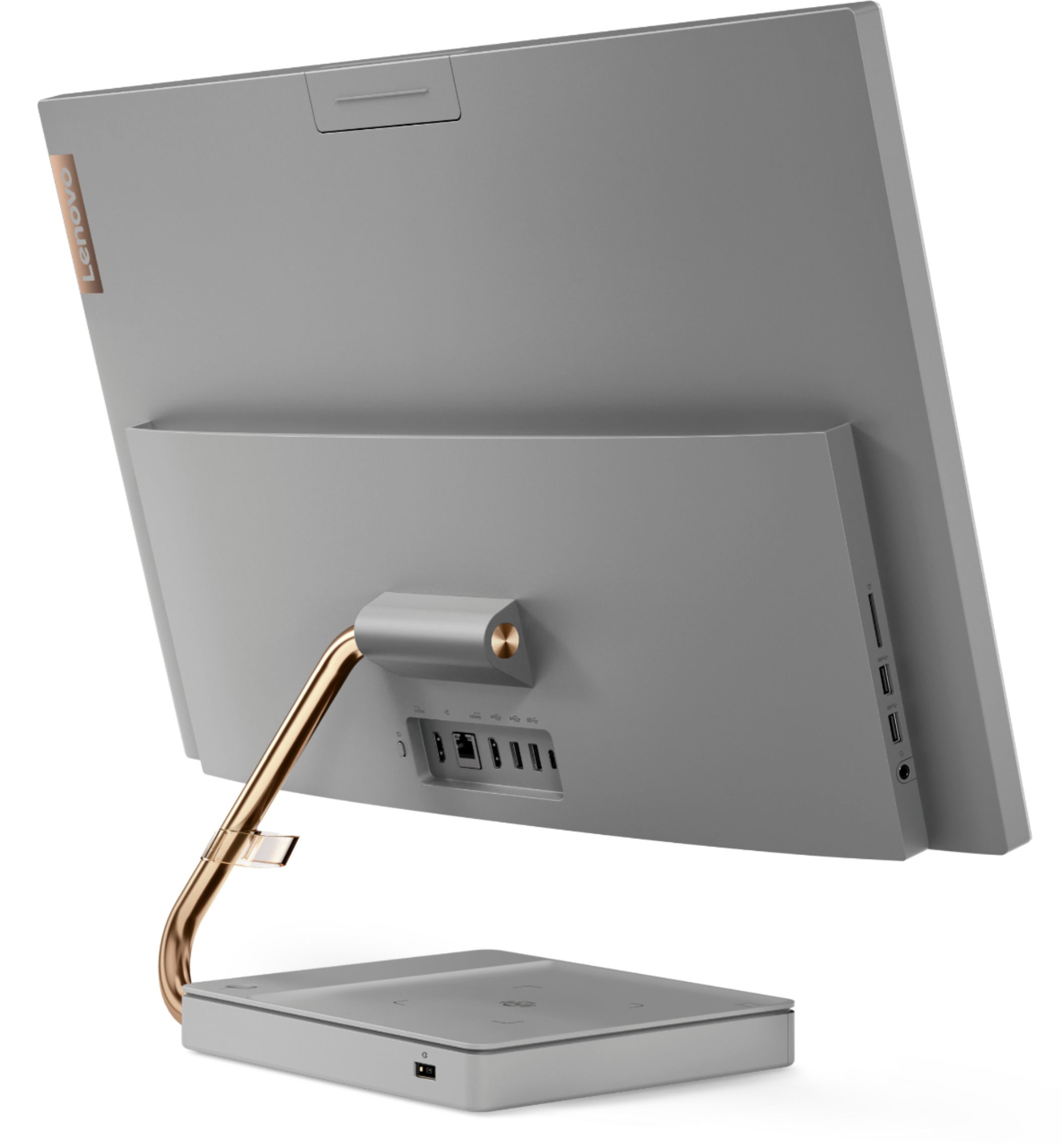
A:AnswerBase is 8" front to back, 9.375" wide, and 1.3" high. Support arm protrudes about 2" out the right side of the base about .5" from the rear and .25" above desk top. Power socket is on left rear and would need about 2" before bending power cord 90 degrees (or a power cord with a 90 degree fitting).
A:AnswerYes. The Lenovo IdeaCentre A540-27 All-In-One system ships with an HDMI-In port that will allow connection of an external source device, like another computer with a HDMI-Our port available.
A:AnswerI would not bother with replacing if everything works properly. I had the screen crack and break, and it was going to be over $300 plus shipping to replace the screen.
A:AnswerI have have had nothing but trouble with this Lenovo. It won’t boot properly and the Keyboad plug in is loose. This is Best Buy’s problem for buying vendor products that are faulty.
A:AnswerThat will really depend on the requirements and compatibility of the specific game. We recommend you check with the specific game's software publisher's web site for their compatibility with Windows 10 Home 64-bit operating system and the minimum/recommended hardware requirements (Is a Graphics card required, the processor speed and the minimum required system RAM and the minimum available hard drive space) to run their program, then compare those requirements to this system's configuration.
A:AnswerThat will depend on the requirements and compatibility of the specific software. We recommend you check with the specific software publisher's web site for their compatibility with Windows 10 Home 64-bit operating system and the minimum/recommended hardware requirements (Is a Graphics card required, the processor speed and the minimum required system RAM and the minimum available hard drive space) to run their program, then compare those requirements to this system's configuration.
A:AnswerThat will depend on the requirements and compatibility of the specific software. We recommend you check with the software publisher's web site for their compatibility with Windows 10 Home 64-bit operating system and the minimum/recommended hardware requirements (Is a Graphics card required, the processor speed and the minimum required system RAM and the minimum available hard drive space) to run their program, then compare those requirements to this system's configuration.
A:AnswerWe are sorry to hear that you are having issues with your Lenovo IdeaCentre A540-27 All-In-One system and its webcam. First, be sure you have the latest version of Windows 10 on the computer, then update all of the BIOS files and drivers, including webcam drivers, up to that latest version of Windows 10. You can easily accomplish this by scanning the computer with the Lenovo Utility software available on this computer. This system has Lenovo utilities installed to help maintain the health of the device and keep the operating system software up to date. Type "Lenovo Vantage" in the Cortana Search window (if Lenovo Vantage is not installed on your device, you can download the APP and install it now). Select Lenovo Vantage from the list. In the window that opens, click on "Health and Support". In the expanded menu, select "Hardware Scan" In the window that opens, select "Run Quick Tests". This will scan your entire system for errors. Follow any directions that may pop up. If the problem continues after this scan, now click on "System Update". First select Windows update from the menu. Scan your system to be sure you have the latest version of Windows 10. Once that scan is complete, select "Additional Updates". This will scan your device to be sure there are no new BIOS/Driver updates needed. Follow any instructions that may pop up. If the issue still continues after these updates, we recommend you call Lenovo Tech Support at: 877-453-6686 for additional help.
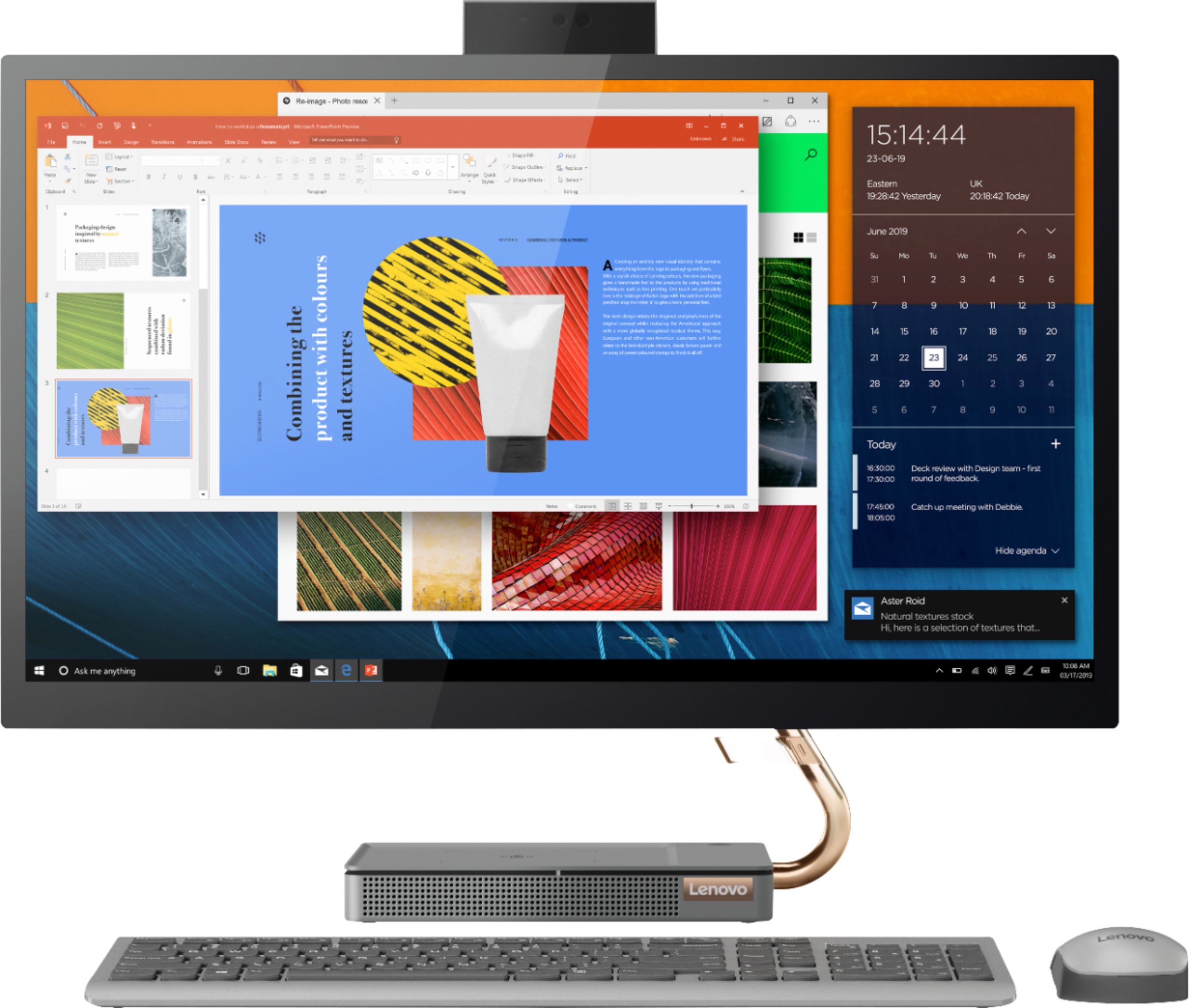
A:AnswerThe button in back of the Lenovo IdeaCentre A540 27 All-In-One System, model number F0EK007HUS, activates the HDMI-In port for connecting an external video source to your computer, using the IdeaCentre A540 27 AIO screen for external video input from a video source, like a game console. It sounds like your computer is looking for the new video signal, but there is none. Try pushing the button one more time. Then restart your computer. Your computer should now boot normally, displaying the Windows Login Screen. If the issue continues, we recommend you contact Lenovo Tech Support for additional help at: 877-453-6686.