Questions & Answers
- Model:
- F0G100NLUS
- |
- SKU:
- 6511872
Q: QuestionIs there a built in DVD or cd rw?
Asked by Anonymous.
- A:Answer No. DVD player built in. Still trying to figure out if there is a connection to plug my DVR player into the back of the TV.
Answered by DonnaE
Q: QuestionCan you connect a second monitor to create a dual screen setup?
Asked by Bri.
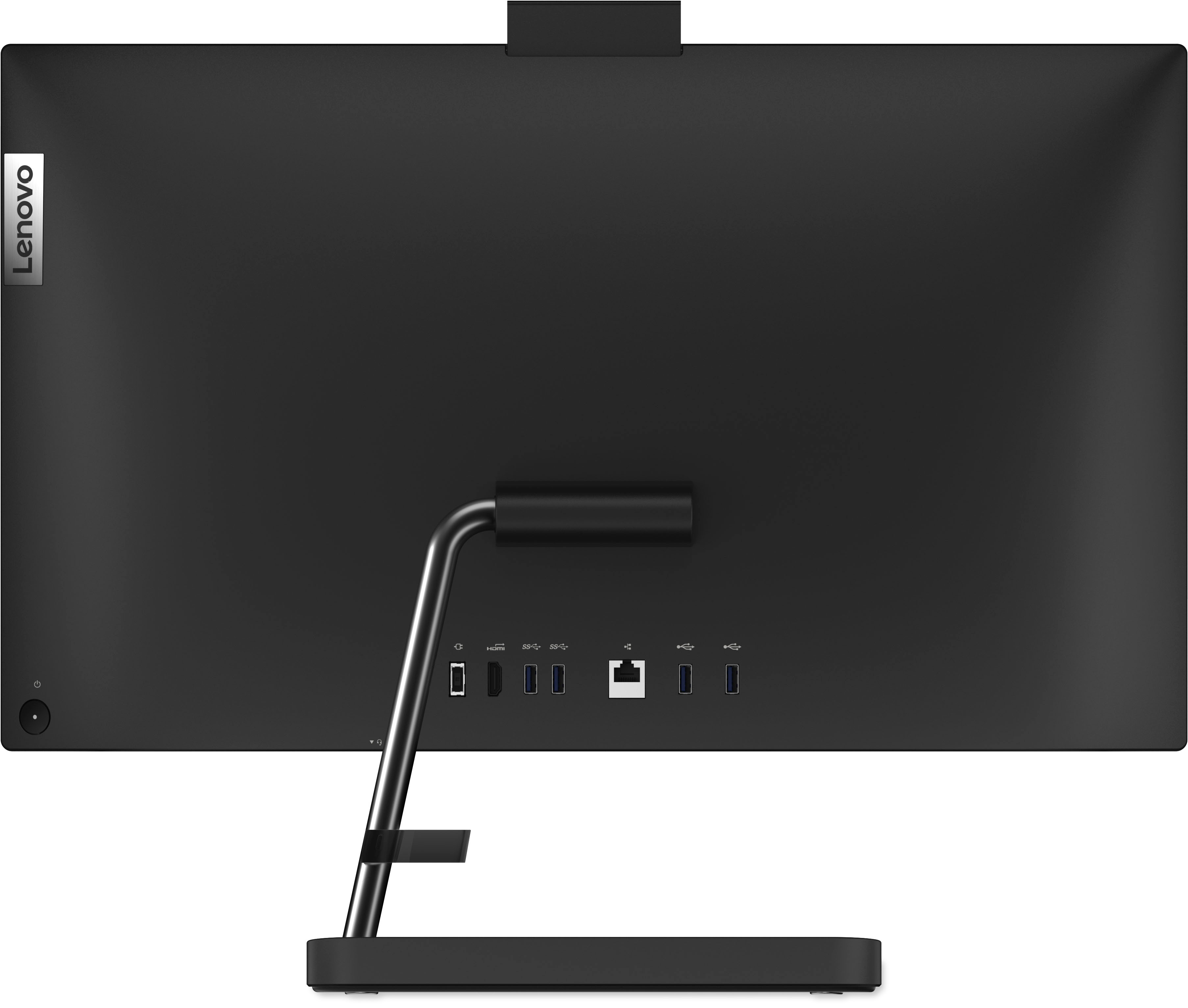
- A:Answer You can do so using an USB video adapter, I sugest using a quality one since there are some that does not offer good display.
Answered by TornadoBoricua
Q: QuestionDoes this have a non-glare screen?
Asked by ceebee.
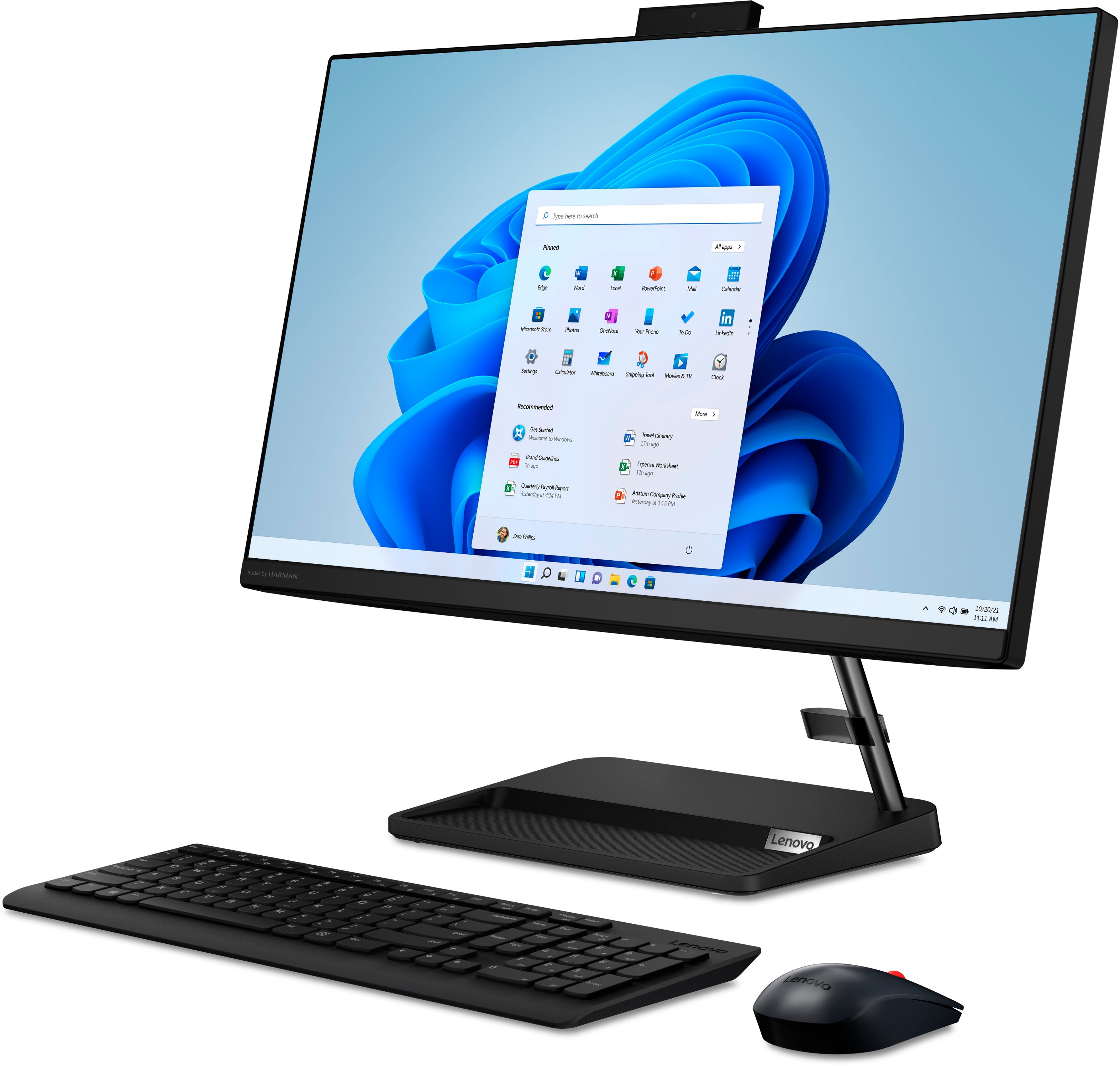
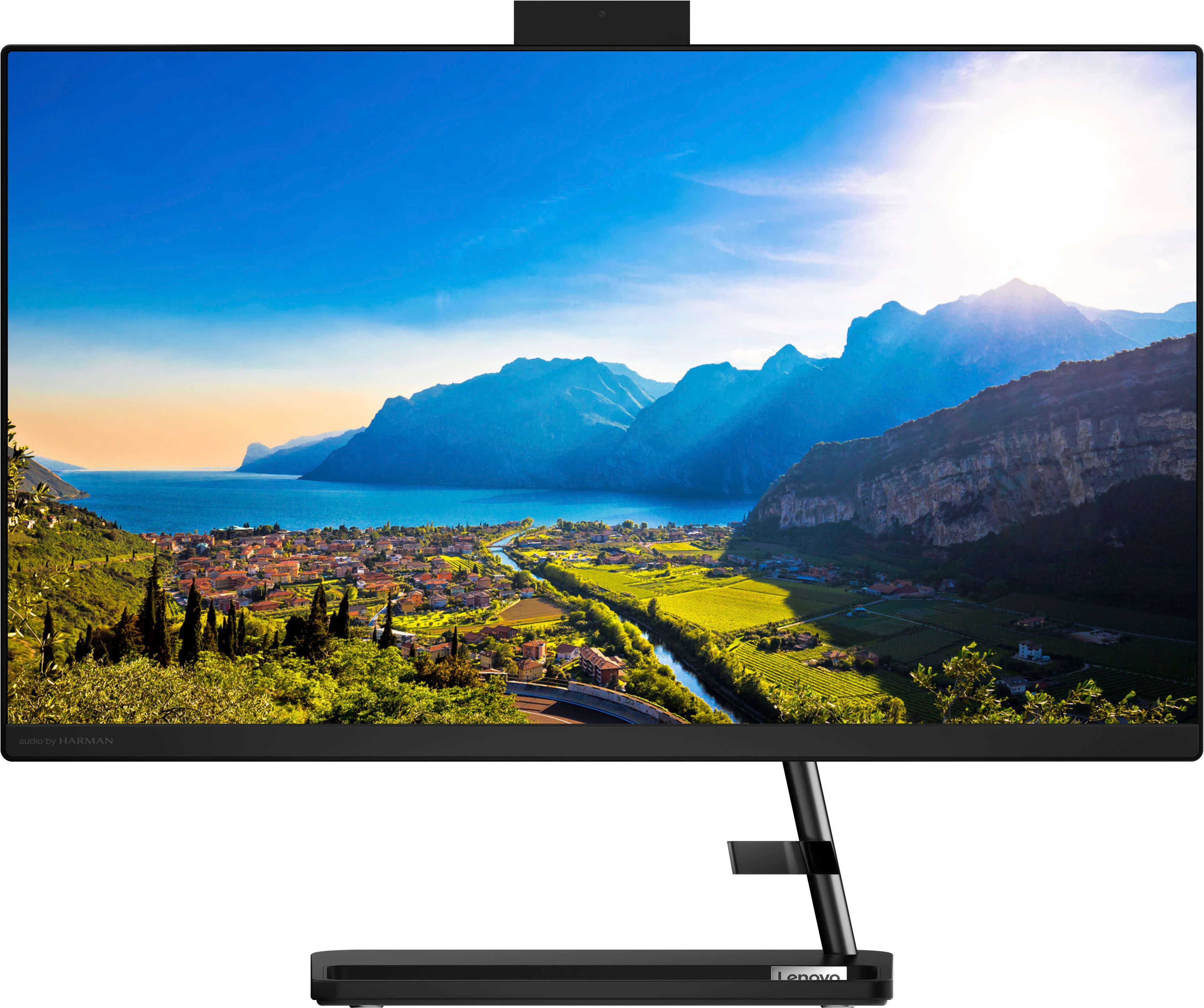
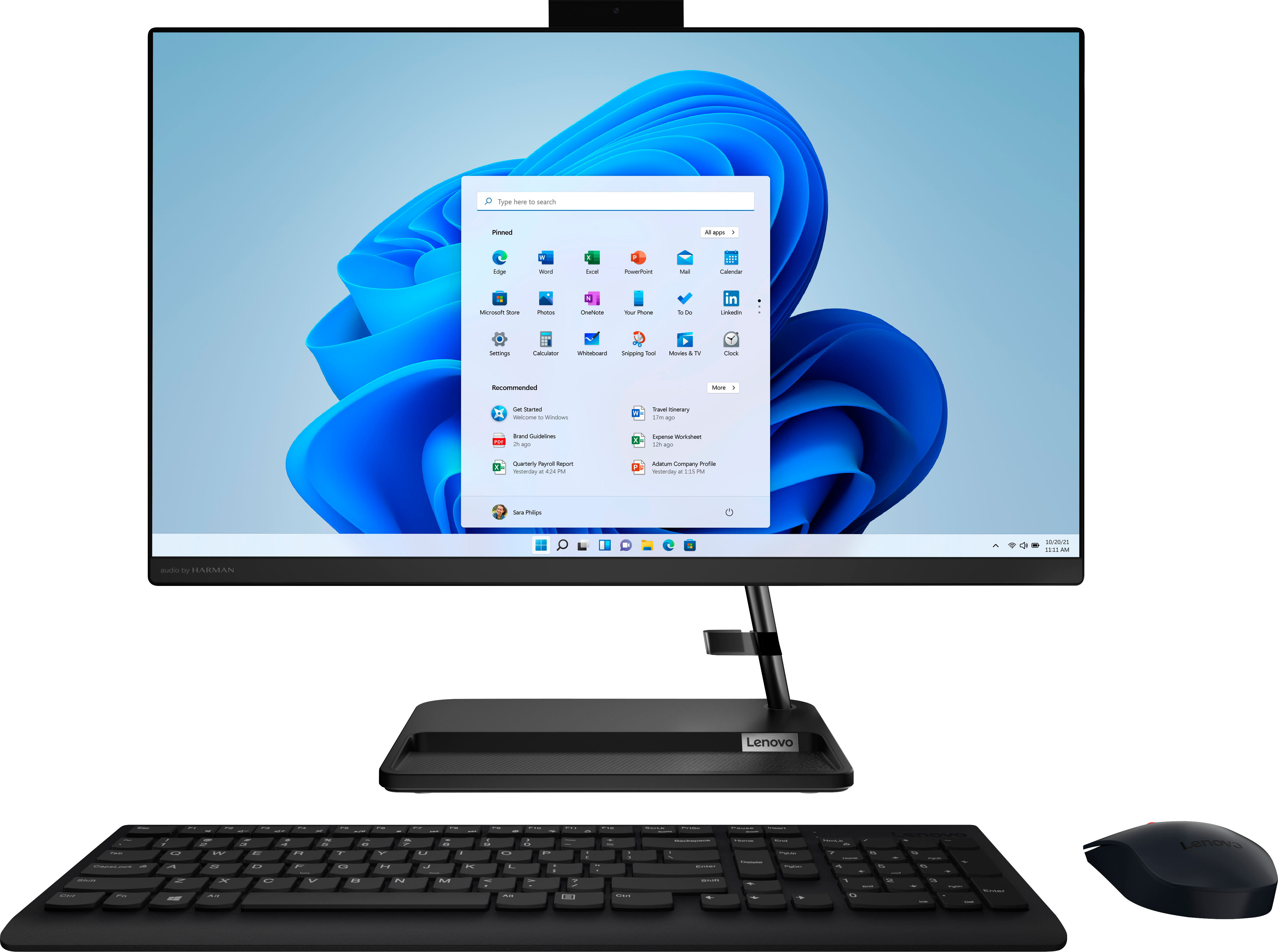
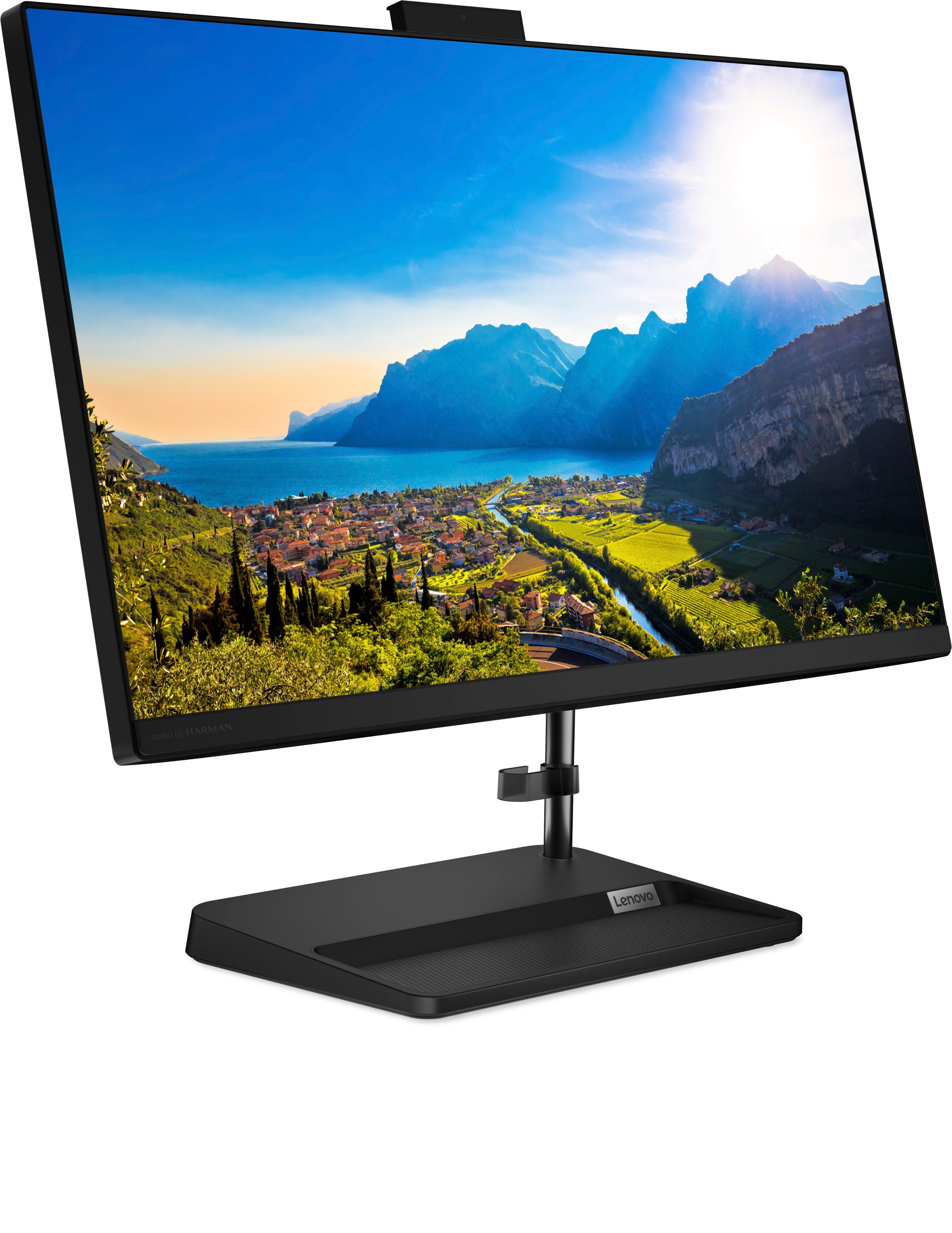
- A:Answer This Lenovo IdeaCentre AIO 3 24, model number F0G100NLUS, ships with a 23.8" FHD (1920x1080) IPS 250nits Anti-glare non-touch display.
Answered by Lenovo Product Expert

Q: QuestionCan I do photo editing/ photoshop on this computer without issues?
Asked by Tiff211.
- A:Answer That will depend on the requirements and compatibility of the specific software you will be using. We recommend you check with the specific software publisher's web sites, of the specific versions of the software you will need to use, for their compatibility with Windows 11 Home 64-bit operating system and the minimum/recommended hardware requirements (Is a Graphics card required, the processor speed and the minimum required system RAM and the minimum available hard drive space) to run their program, then compare those requirements to this system's configuration.
Answered by Lenovo Product Expert

Q: QuestionIS THIS QUIET
Asked by BOGEY.
- A:Answer Hey, BOGEY. Based off user reviews, fan noise and overall system hardware noise hasn't been a major complaint.
Answered by Lenovo Product Expert

Q: QuestionWhat can I do. Computer won't load.
Asked by Anonymous.
- A:Answer Contact the Geek Squad!
Answered by ThomasS
Q: QuestionHow many cores those the processor have?
Asked by Shopper.
- A:Answer Hey there, thank you for your question. The Ryzen 5 CPU features 6 cores and 12 threads.
Answered by Lenovo Product Expert

Q: Questionwhere's power button?
Asked by Ginger.
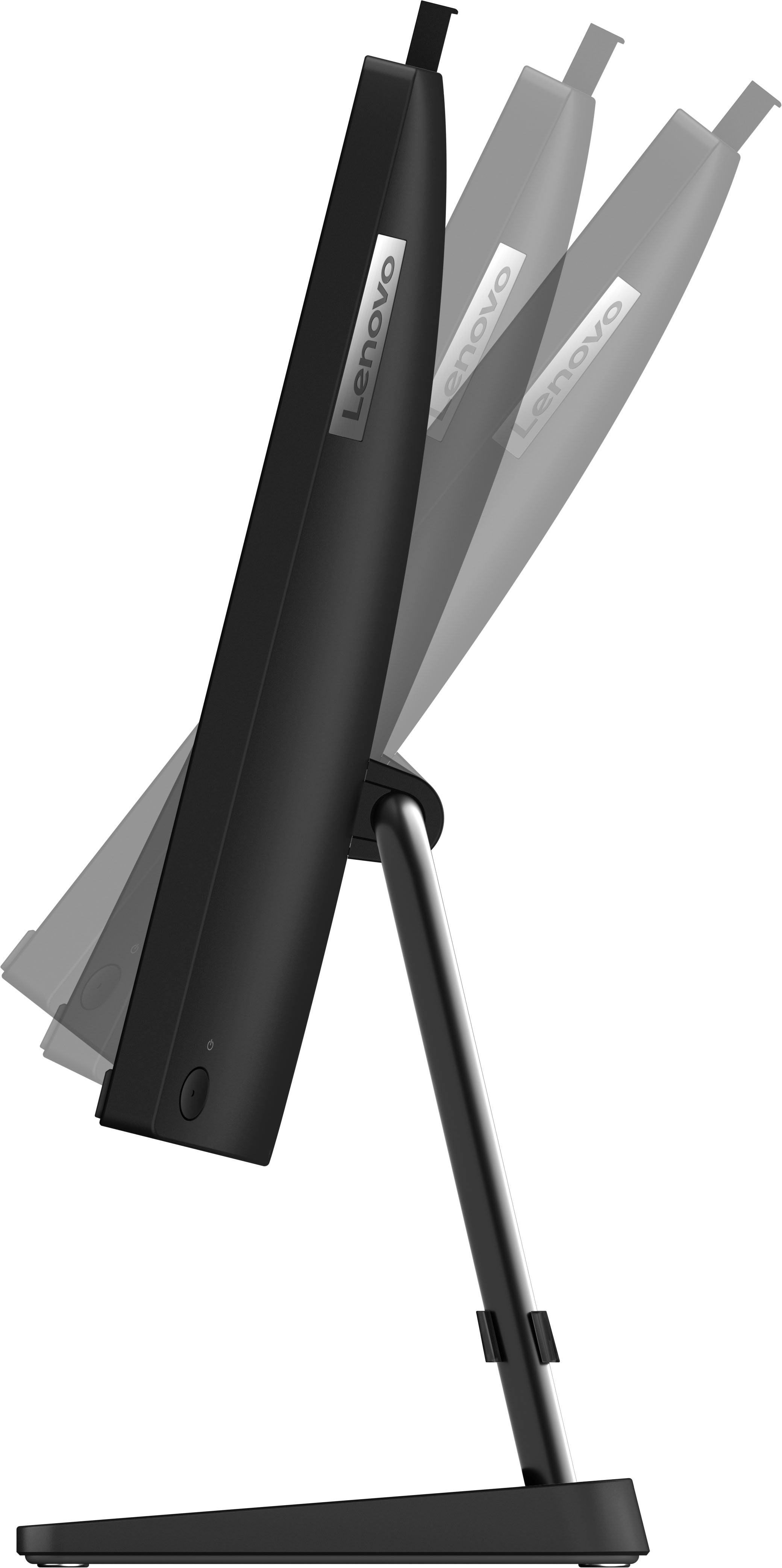
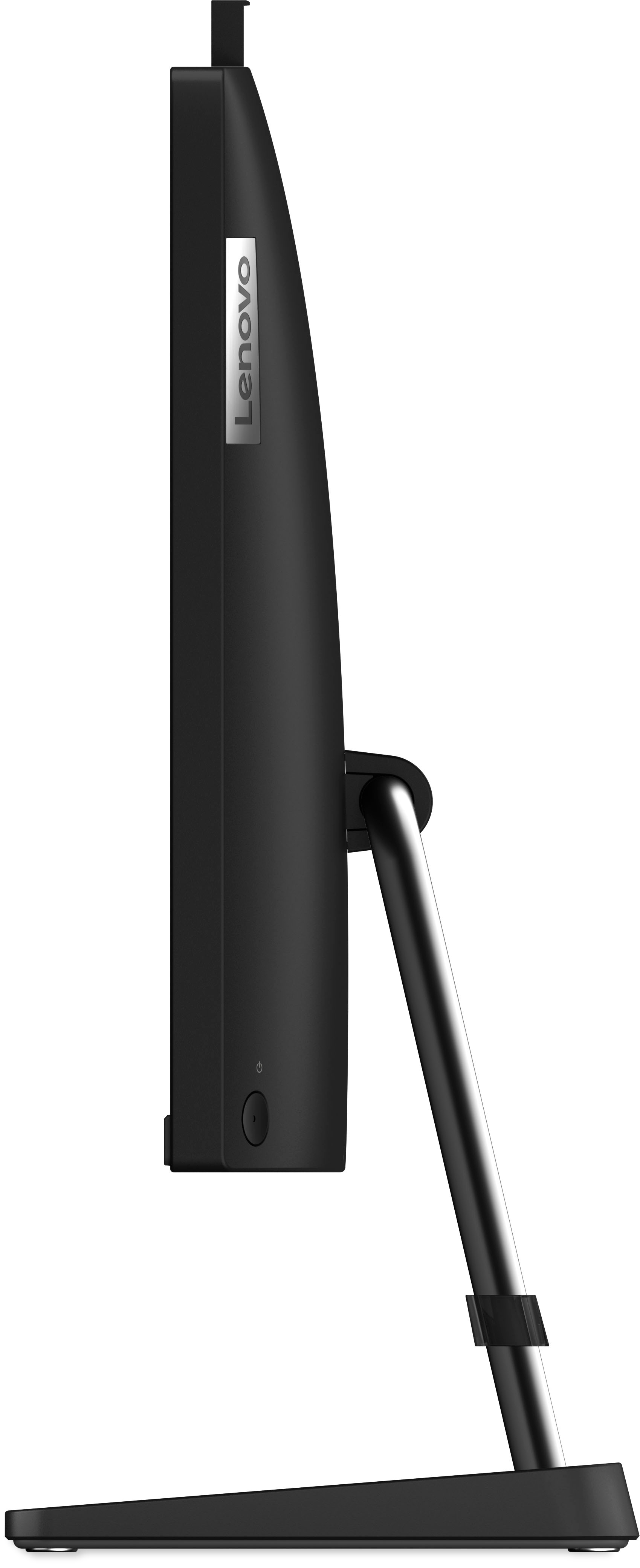
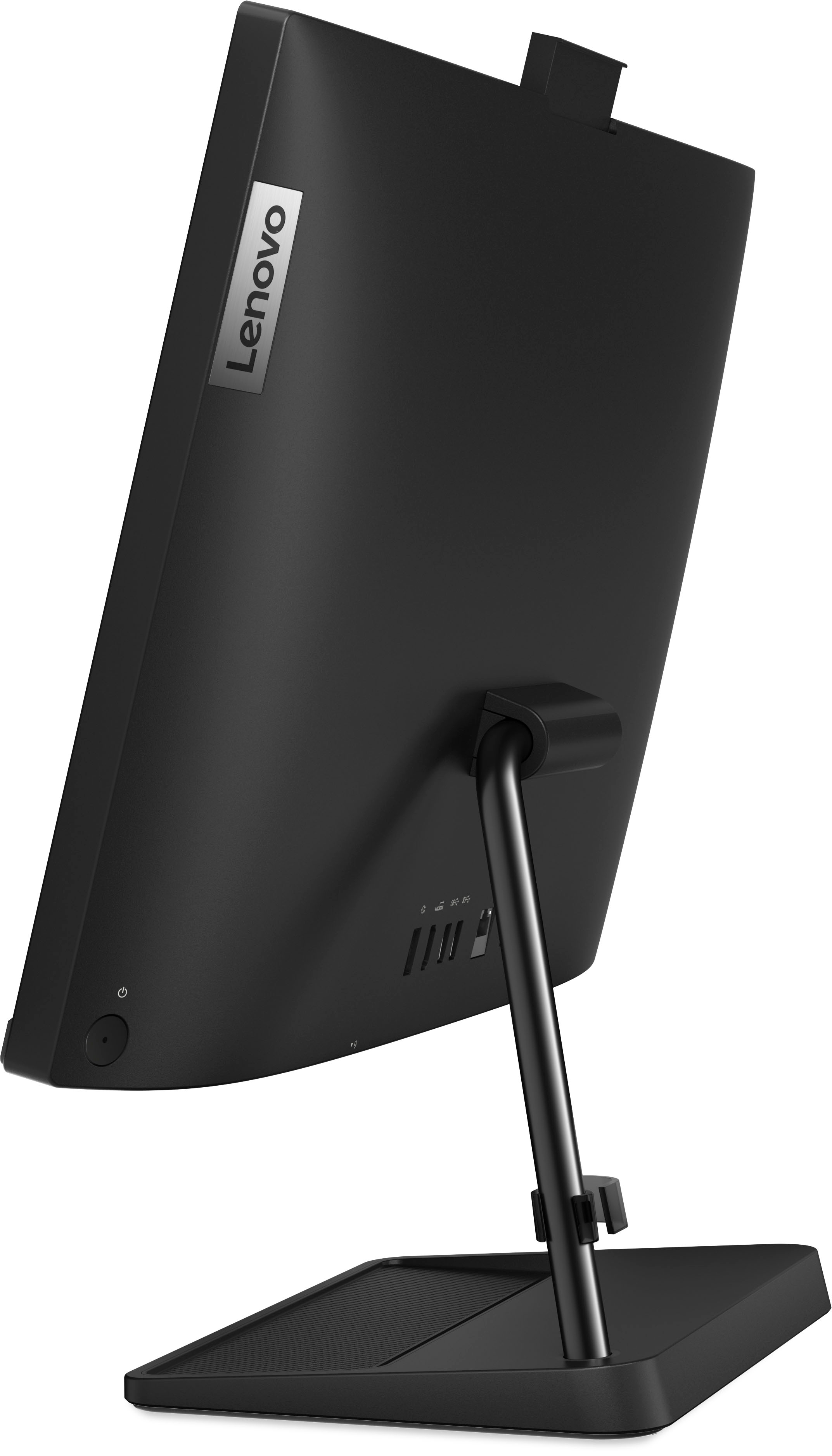
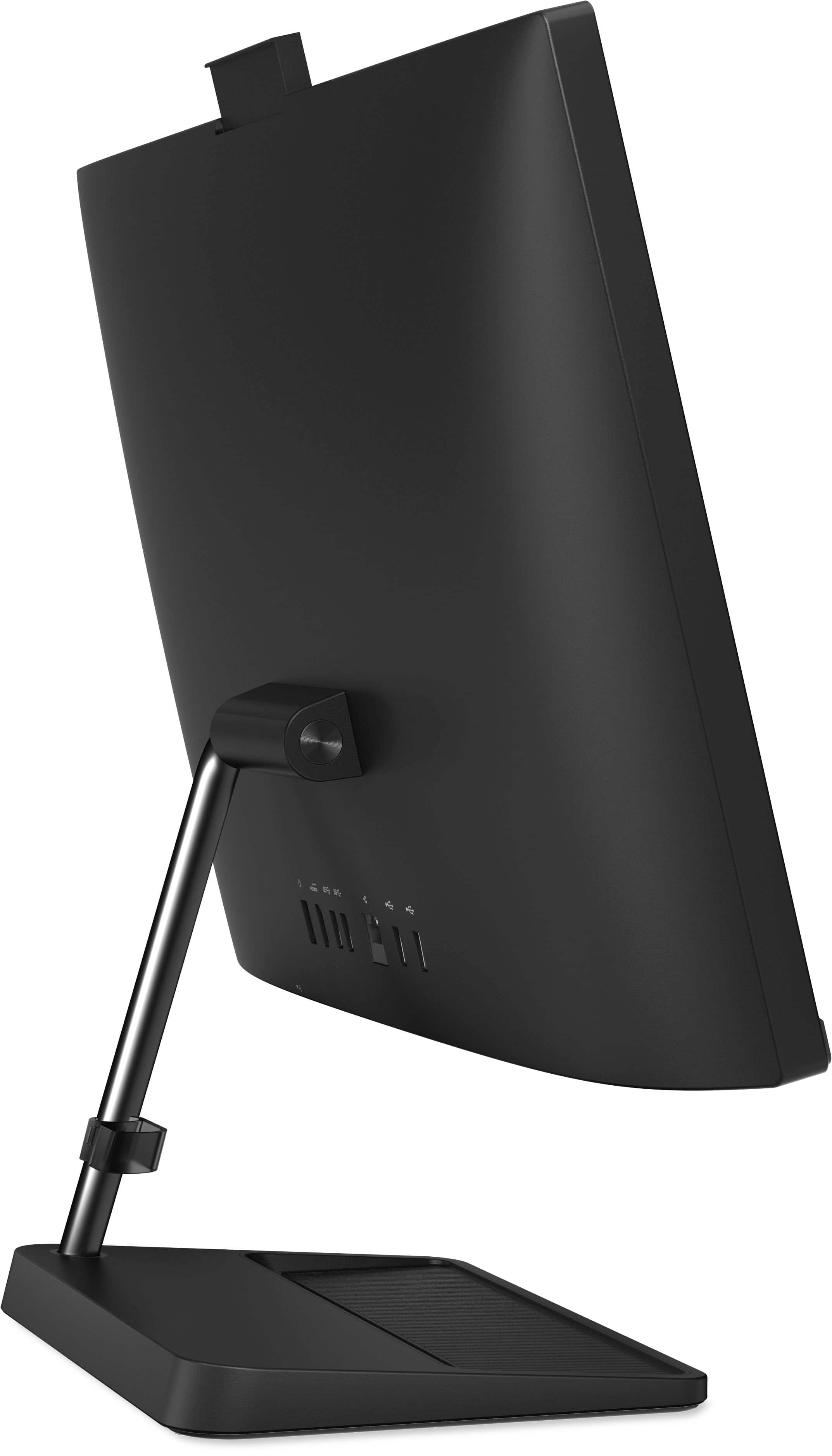
- A:Answer on back of screen, at bottom, on right corner
Answered by ShirleyJ
Q: QuestionDo have the computer in white.Lenova Idea centta alo3
Asked by Anonymous.
- A:Answer This Lenovo IdeaCentre AIO 3 24 is only available in black.
Answered by Lenovo Product Expert

Q: QuestionCan this computer be used as a monitor for a work laptop?
Asked by April.
- A:Answer No, this Lenovo IdeaCentre AIO 3 24 does not support being used as a secondary display.
Answered by Lenovo Product Expert

Q: QuestionDoes this come in white? Does it include in home data transfer and set up
Asked by Anonymous.
- A:Answer Nikki Can you supply model # and install as part of sale BB says NO White,Must pay for install/ data transfer
Answered by Anonymous
Q: QuestionCan you hook this up to a digital piano?
Asked by Jamie.
- A:Answer That will depend on the requirements and compatibility of the specific APPs. We recommend you check with the specific software publisher's web sites, of the specific version of the APPs you want to use, for their compatibility with Windows 11 Home 64-bit operating system and the minimum/recommended hardware requirements (Is a Graphics card required, the processor speed and the minimum required system RAM and the minimum available hard drive space) to run their program, then compare those requirements to this system's configuration.
Answered by Lenovo Product Expert

Q: QuestionCan this connect to internet through wifi
Asked by Chambo.
- A:Answer Yes. The Lenovo IdeaCentre All-In-One model number F0G100NLUS ships with Wi-Fi 6, 11ax 2x2 connectivity.
Answered by Lenovo Product Expert

Q: QuestionCan I expand the hard drive storage capacity on this computer? Can I buy and install an internal SSD as an upgrade?
Asked by Marcus1.
- A:Answer good product, but buy anywhere except best buy. customer service here sucks
Answered by WilliamlG
Q: QuestionCan you burn cds on this computer.
Asked by Grandma.
- A:Answer No, it does not provide a CD/DVD burner, that you will have to buy it yo use vía usb connection.
Answered by TornadoBoricua
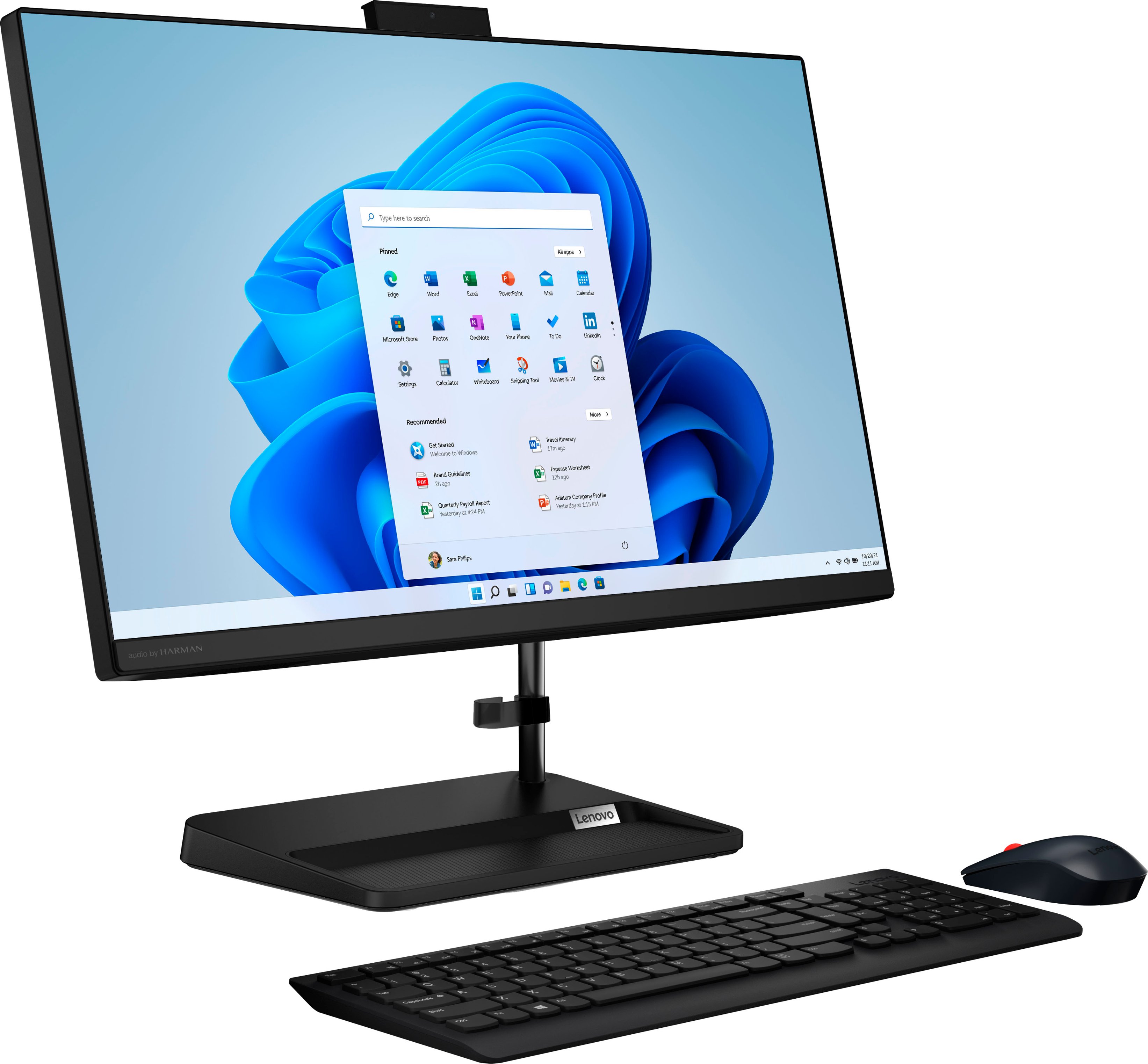
Q: QuestionHow do I activate the keyboard and mouse ? I turn the computer on but the mouse is not moving … red flash is blinking. Batteries are in keyboard
Asked by Kim.
- A:Answer Often there is a micro USB that is stored in the mouse for connectivity. Put that in a USB port, maybe.
Answered by Anonymous
Q: QuestionWhat software is installed?
Asked by Anonymous.
- A:Answer windows 11 home edition
Answered by ZacharyC
Q: QuestionCould this play the sims 4?
Asked by 012022.
- A:Answer this is not the ideal gaming pc i suggest to hook up an xbox or playstation other than that this computer was not built for gaming
Answered by ZacharyC
Most-viewed items
- $329.99$329.99The price was $469.99
- $149.00$149.00The price was $399.00
- $159.99$159.99The price was $179.99
- $122.00$122.00The price was $129.99
- $449.99$449.99The price was $649.99
- $1,149.00$1,149.00The price was $1,299.00