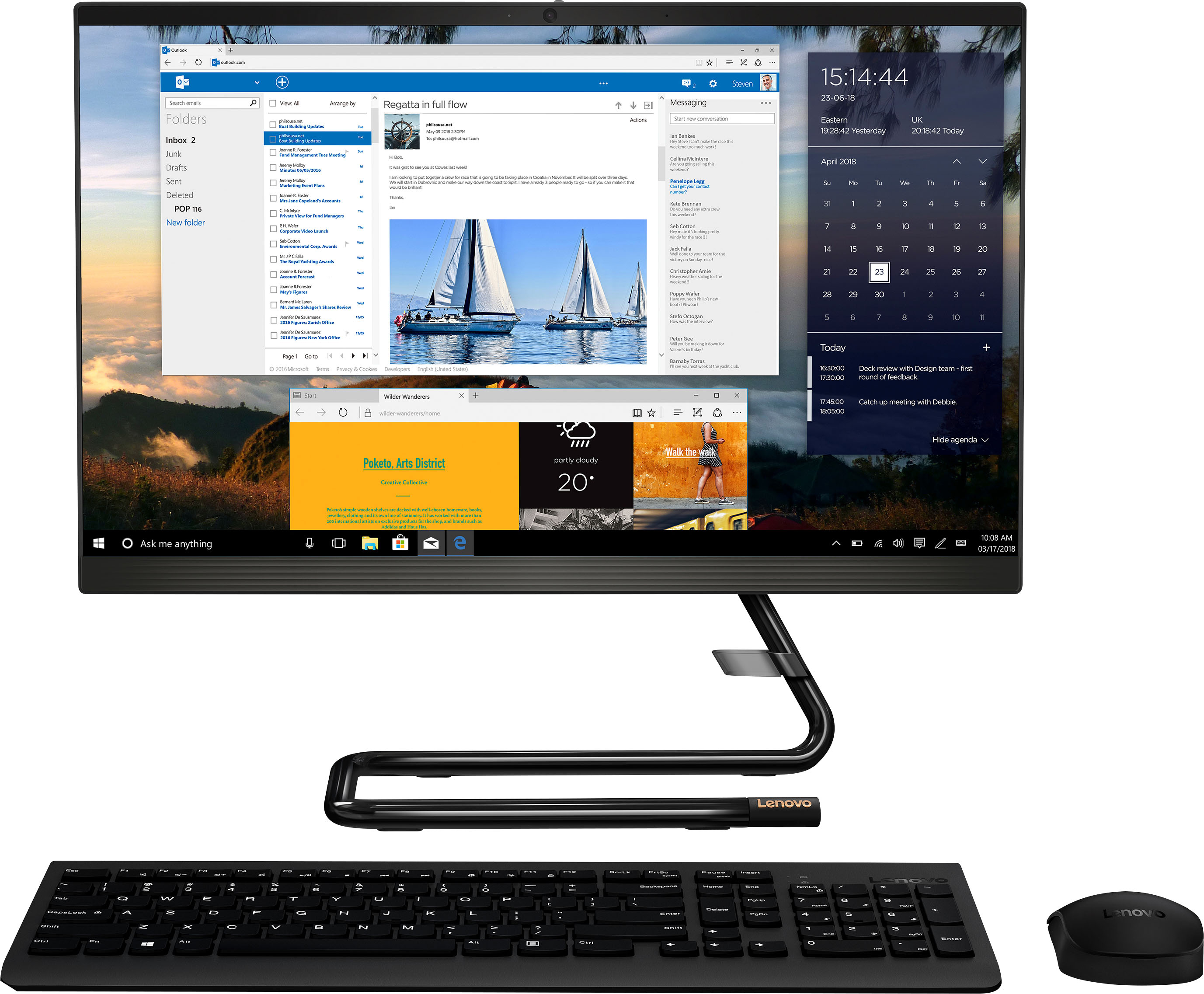
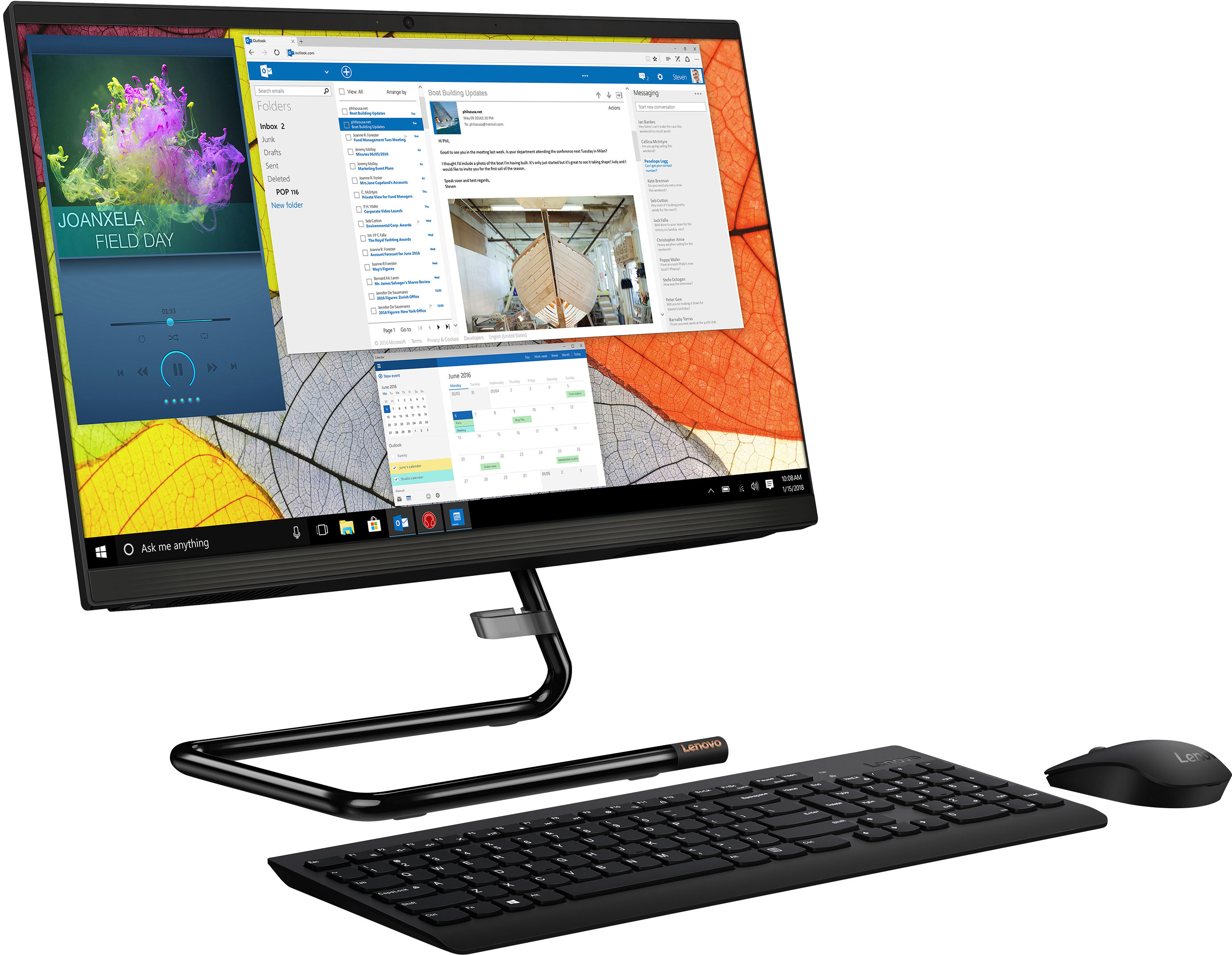
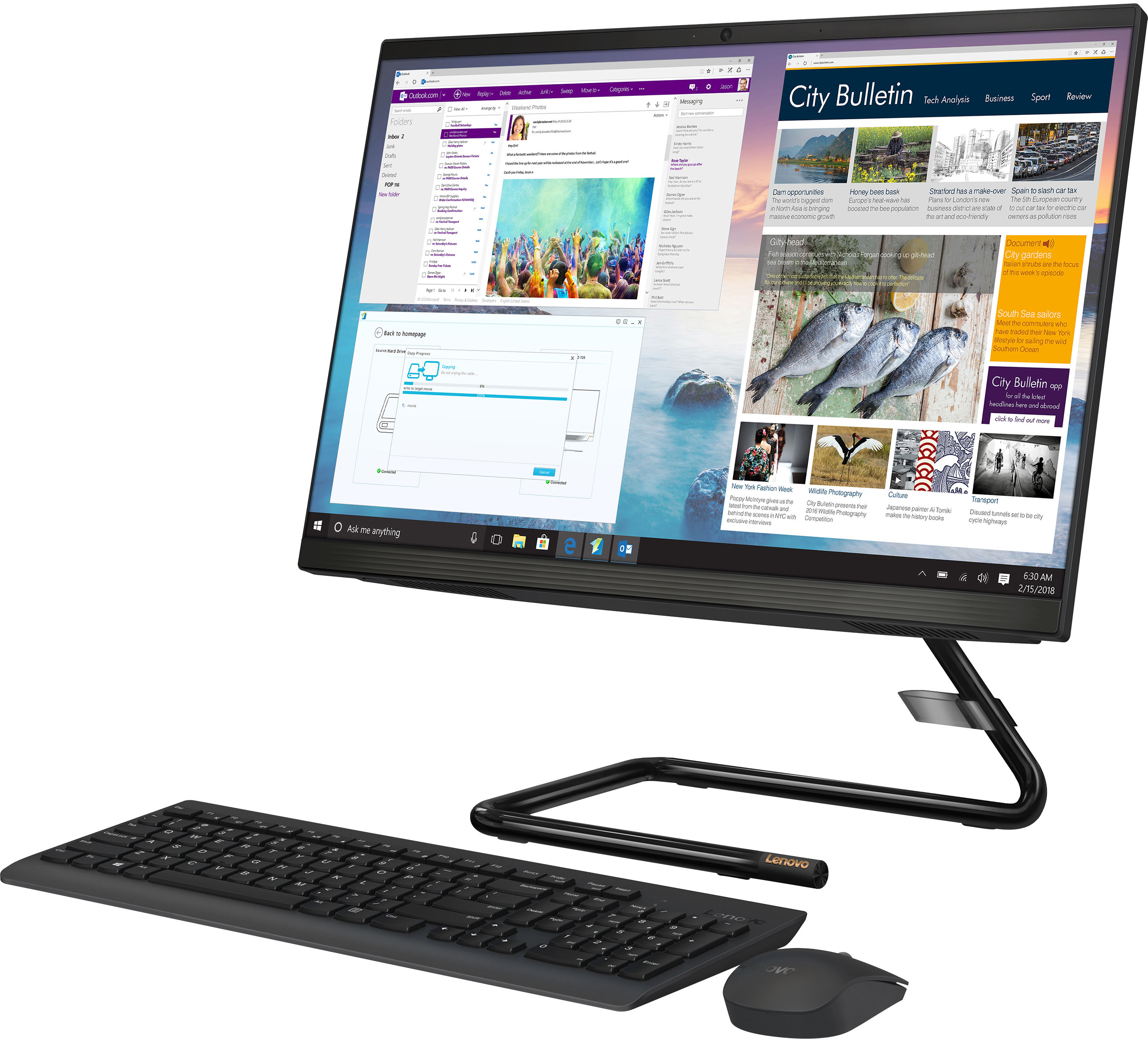
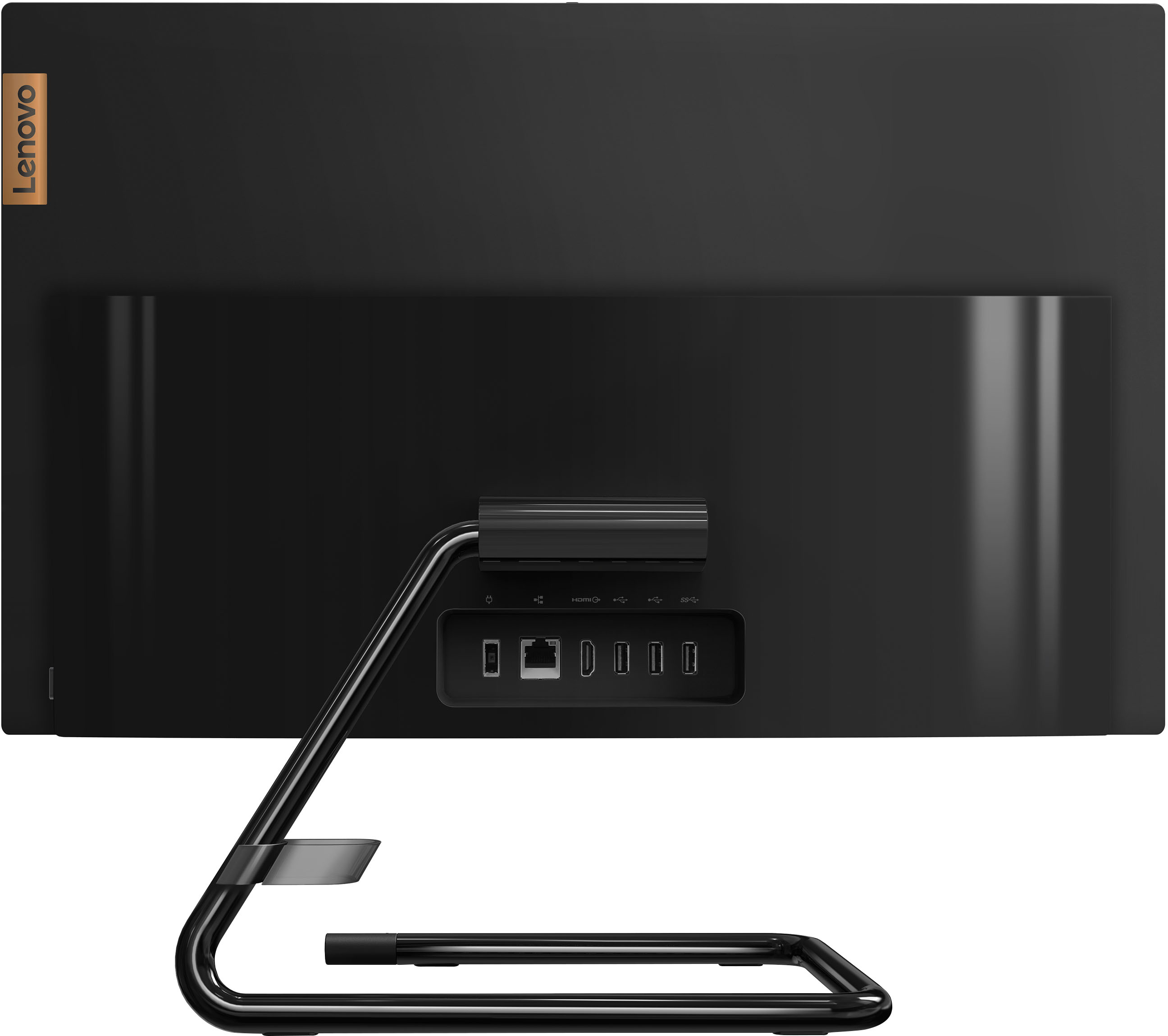
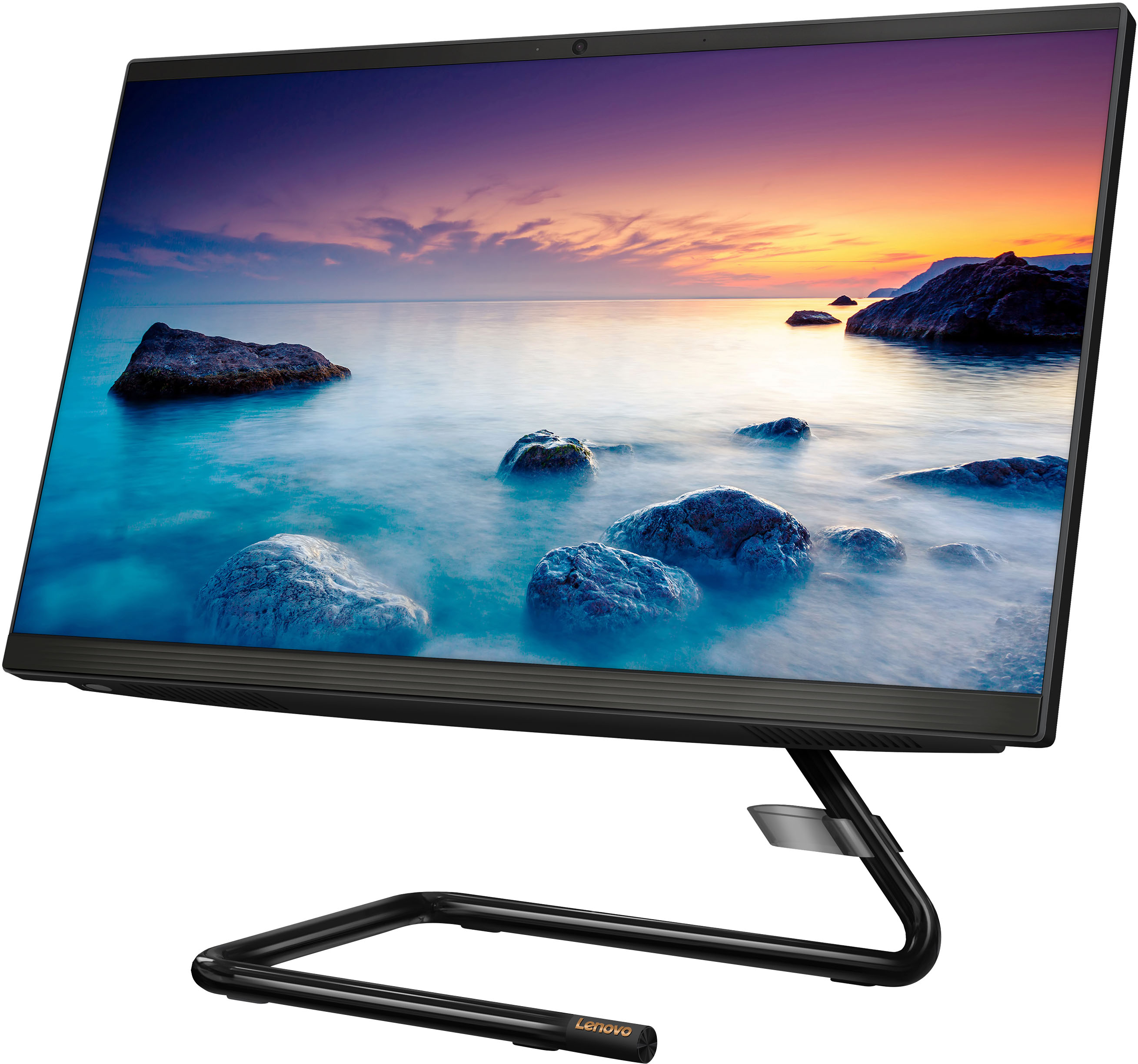
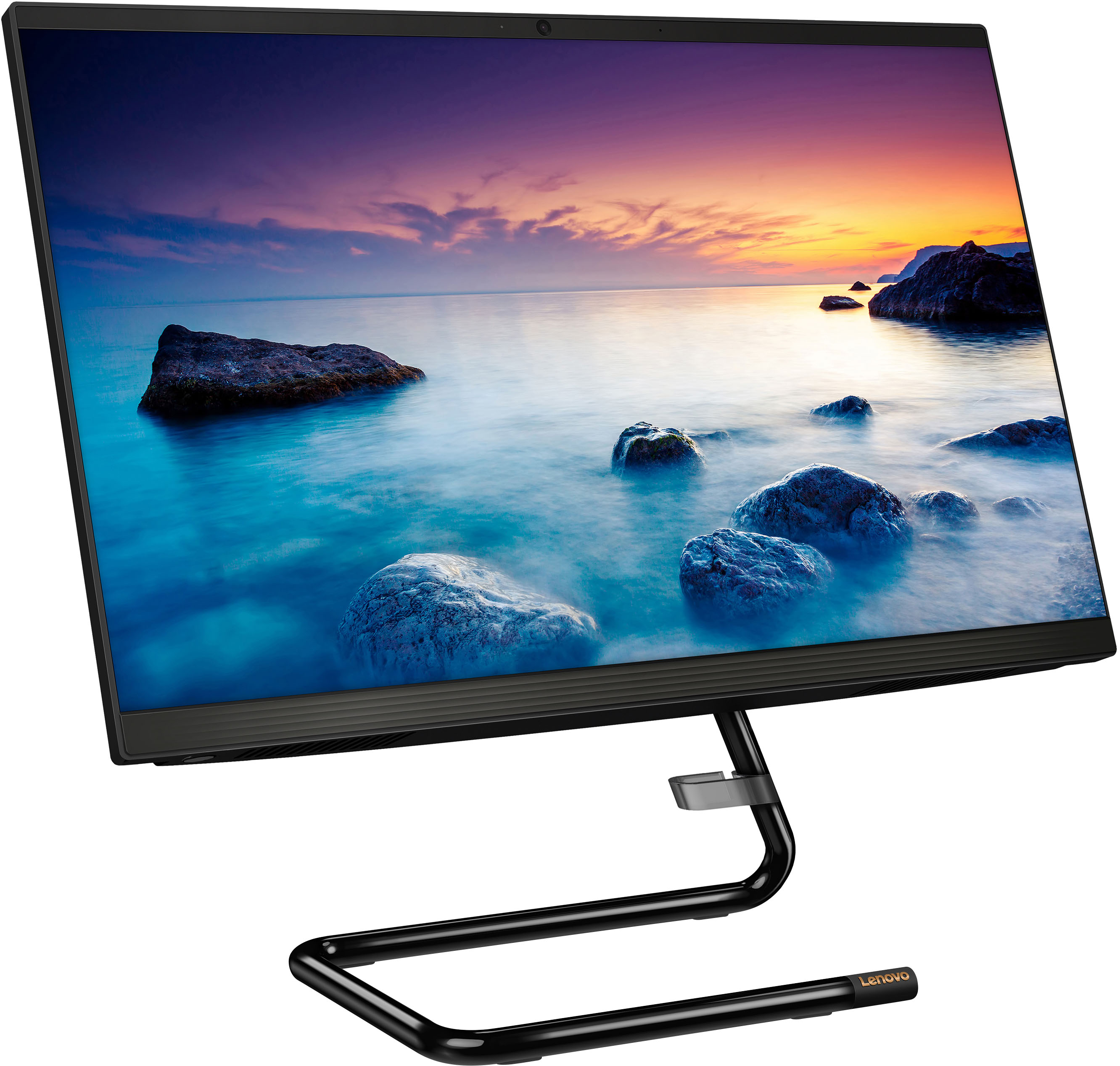
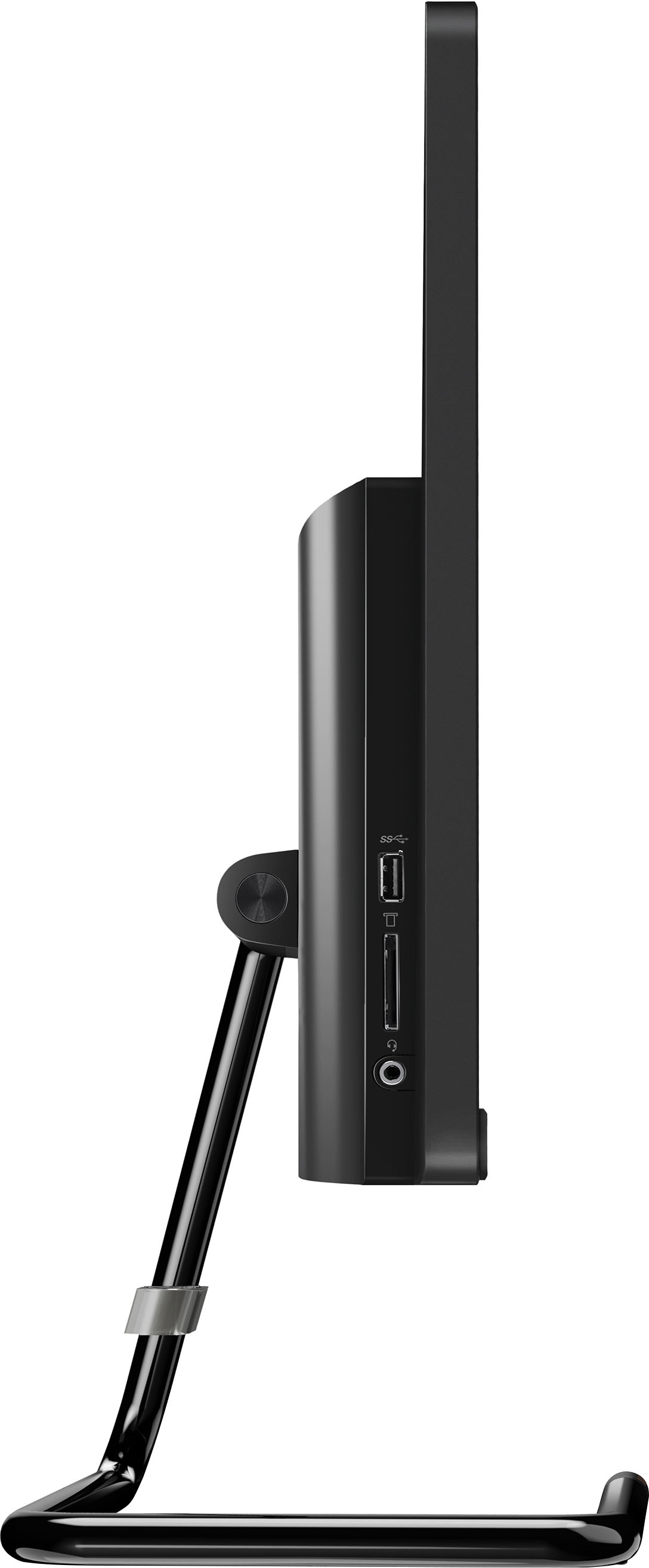
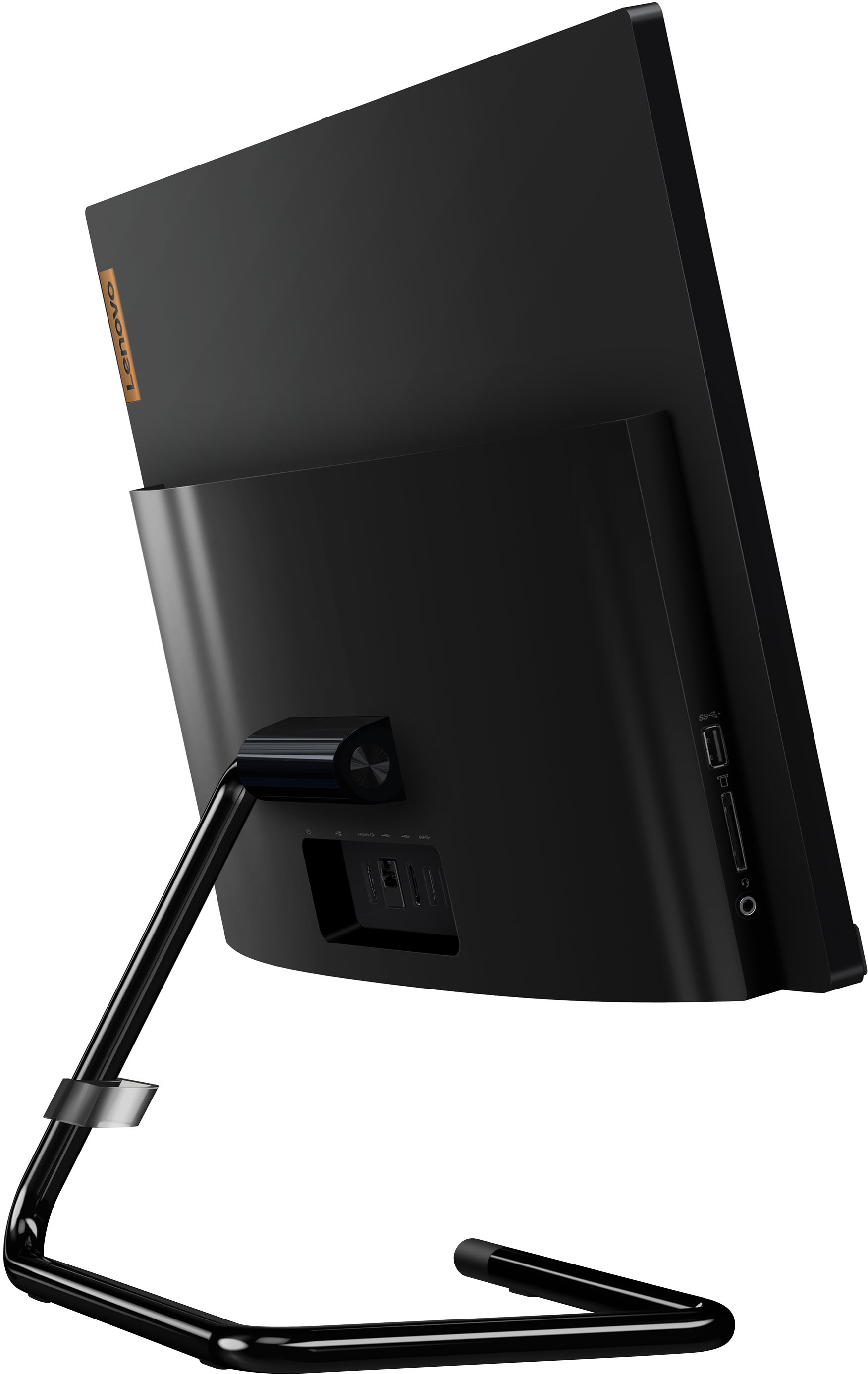
A:AnswerThis Lenovo IdeaCentre A340 22 All-In-One System, model number F0EA0088US, ships with a 1TB HDD 5400rpm 2.5 Inch hard drive installed. The maximum storage capacity that this model configuration can support is: Up to two drives, 1x 2.5 Inch HDD + 1x M.2 SSD: • 2.5 Inch HDD up to 1TB + • M.2 SSD up to 512GB. We recommend you consult with your certified technician about your storage upgrade options.
A:AnswerThat will depend on the requirements and compatibility of the specific software version you want to use. We recommend you check with the specific software publisher's web site for their compatibility with Windows 11 Home 64-bit operating system and the minimum/recommended hardware requirements (Is a Graphics card required, the processor speed and the minimum required system RAM and the minimum available hard drive space) to run their program, then compare those requirements to this system's configuration.
A:AnswerThis Lenovo IdeaCentre A340 22 All-In-One System, model number F0EA0088US, is compatible with any printer that is compatible with the Windows 11 Operating System. We recommend you check with your printer manufacturer's web site for the compatibility and requirements of your specific model printer.
A:AnswerYes, it has Microsoft 365 with word, excel, PowerPoint, etc. However it automatically signed me into my Microsoft account, so I'm not sure if it is trial software or not. Mine is unlocked.