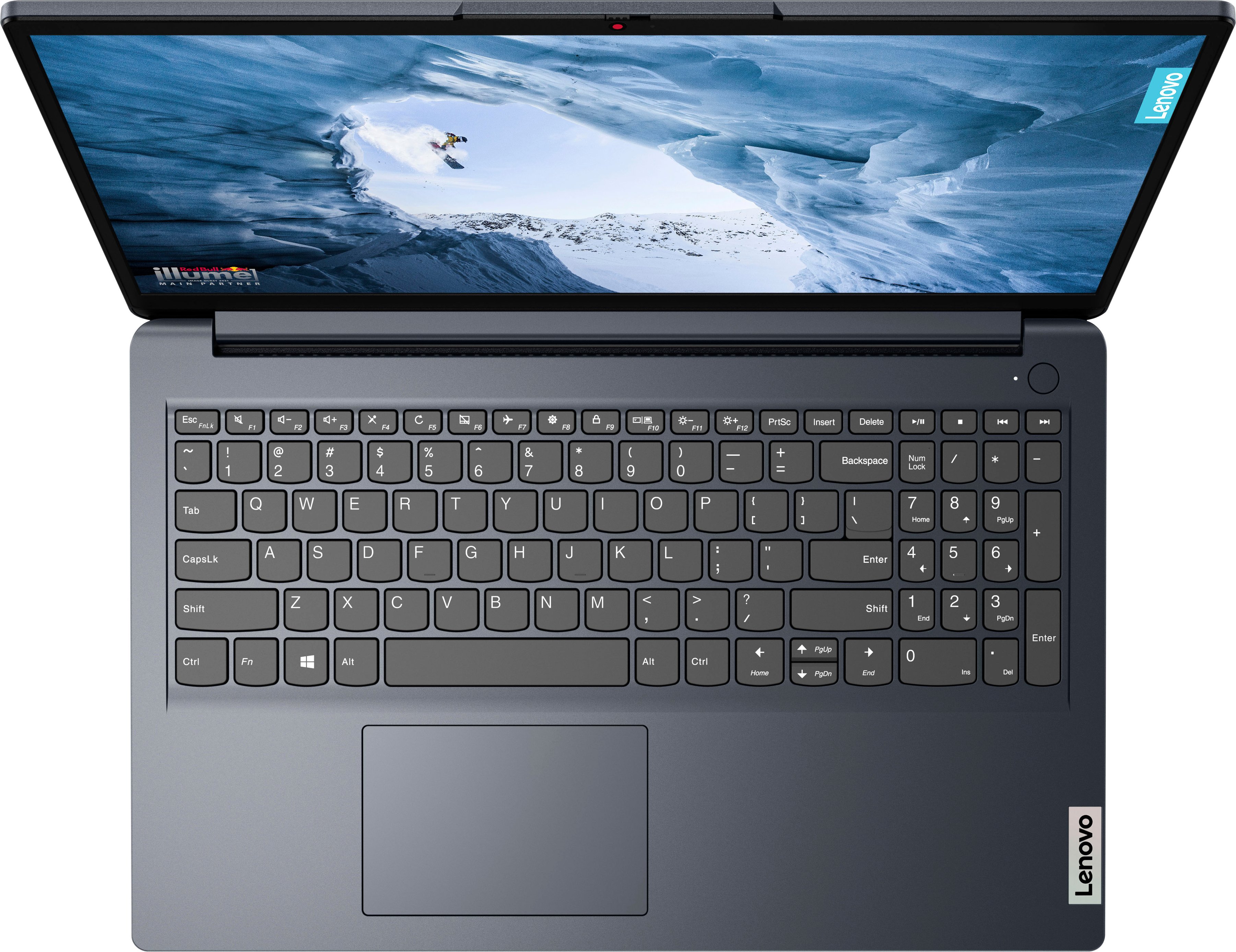
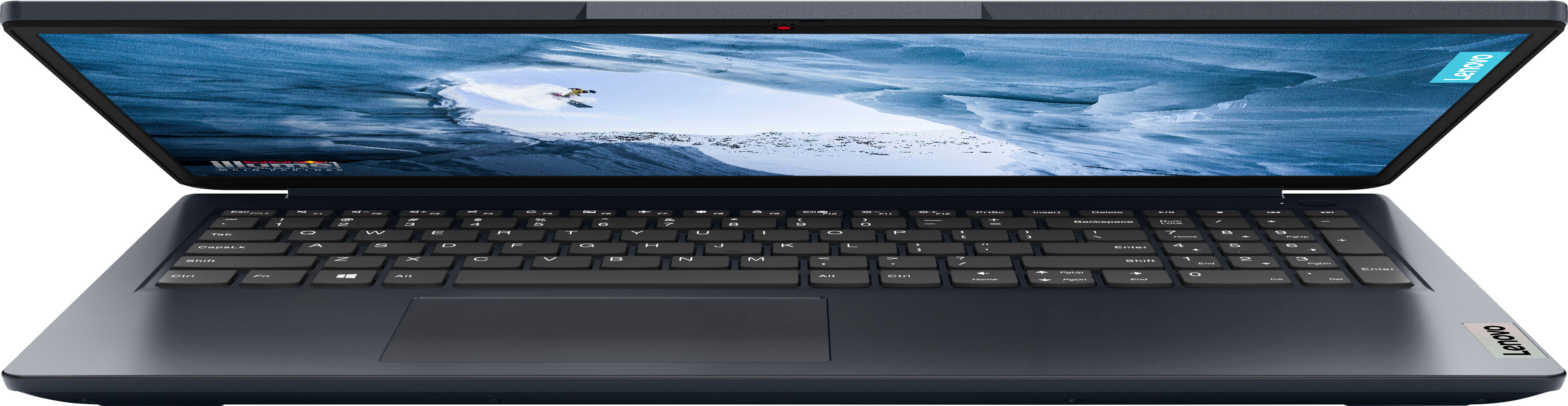
A:AnswerHey, thank you for your question. To clarify, while this IdeaPad was not designed for gaming, you could game on it depending on the system requirements of the games you like to play. Some games are very conservative when it comes to power requirements, while others may need a dedicated graphics card and double the memory and processing speeds. We recommend reviewing the system requirements of the games you'd like to play, then compare them to the specs and features of any computer to help choose what would be a good fit for you. You can also post what games you wish to play in the Q&A of whatever item you're interested in, and we can help you further.
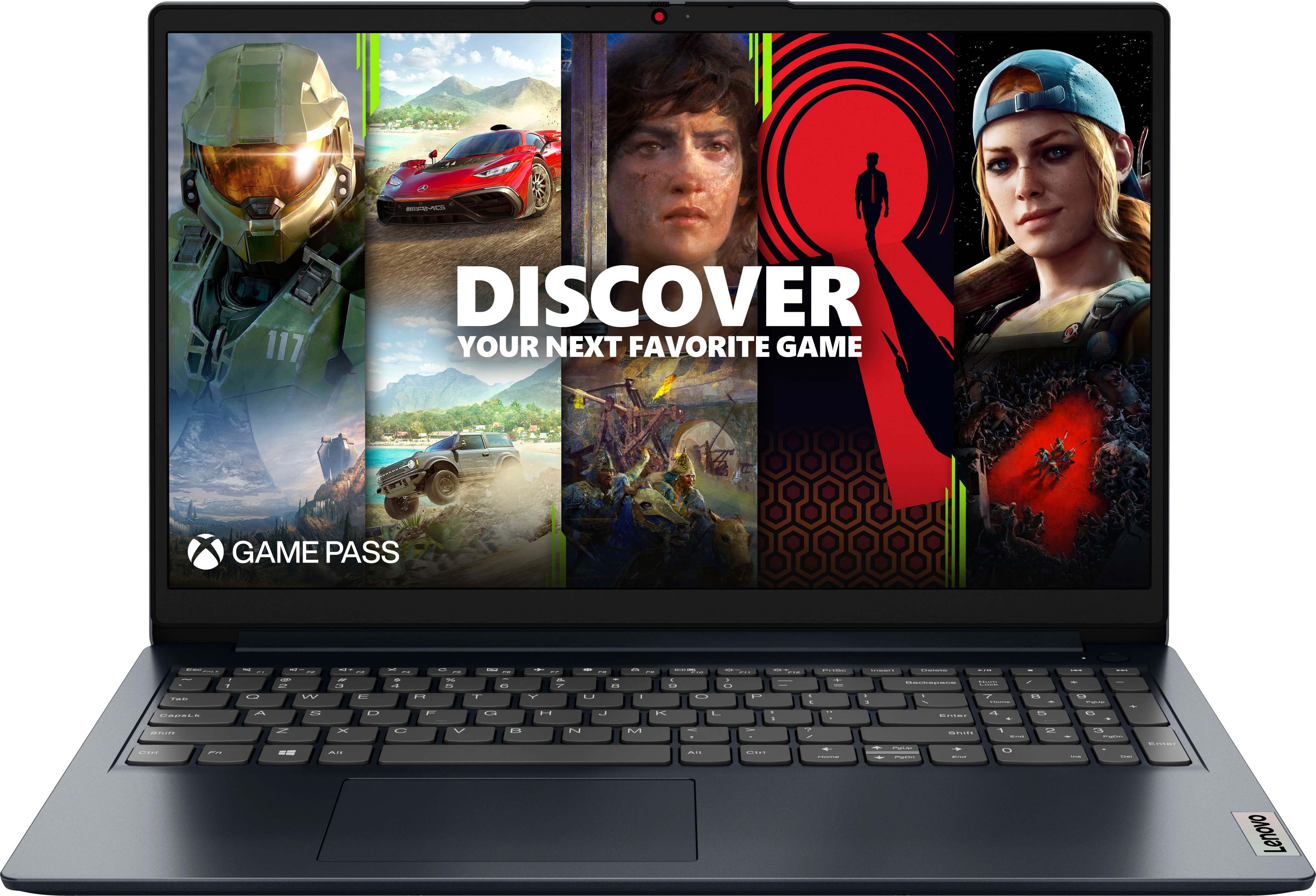
A:AnswerIts an alright laptop if u just want to start with gaming with a budget cause it run my games smoothly even in the highest setting and i had it for about a month and theres nothing wrong with it plus i also came with an ai helper with was nice to.
A:AnswerHey, Brian, since Best Buy does not offer the Lenovo branded charger for this unit, in your search, look for a 65W Lenovo charger with a round tip.
A:AnswerHi, Mixster. Based off the system requirements that are listed on this Sims 3 webpage (https://www.ea.com/games/the-sims/the-sims-3#system-requirements), this IdeaPad may run the software, but we don't anticipate it running well. This is because the specifications and features of this IdeaPad don't completely satisfy the requirements listed on the previously linked webpage. We recommend reviewing the system requirements detailed on said webpage, then comparing it with the specifications this IdeaPad or any potential computer you’re interested in to help ensure you find the right fit for you. If you have any other questions, please feel free to submit them on the product page of whatever item you're interested in.

A:AnswerHey, thank you for your question. First, the memory is not upgradable as it is soldered to the systemboard. Second, there is only one storage slot, and it is being used by the system's 256GB M.2 2242 SSD.
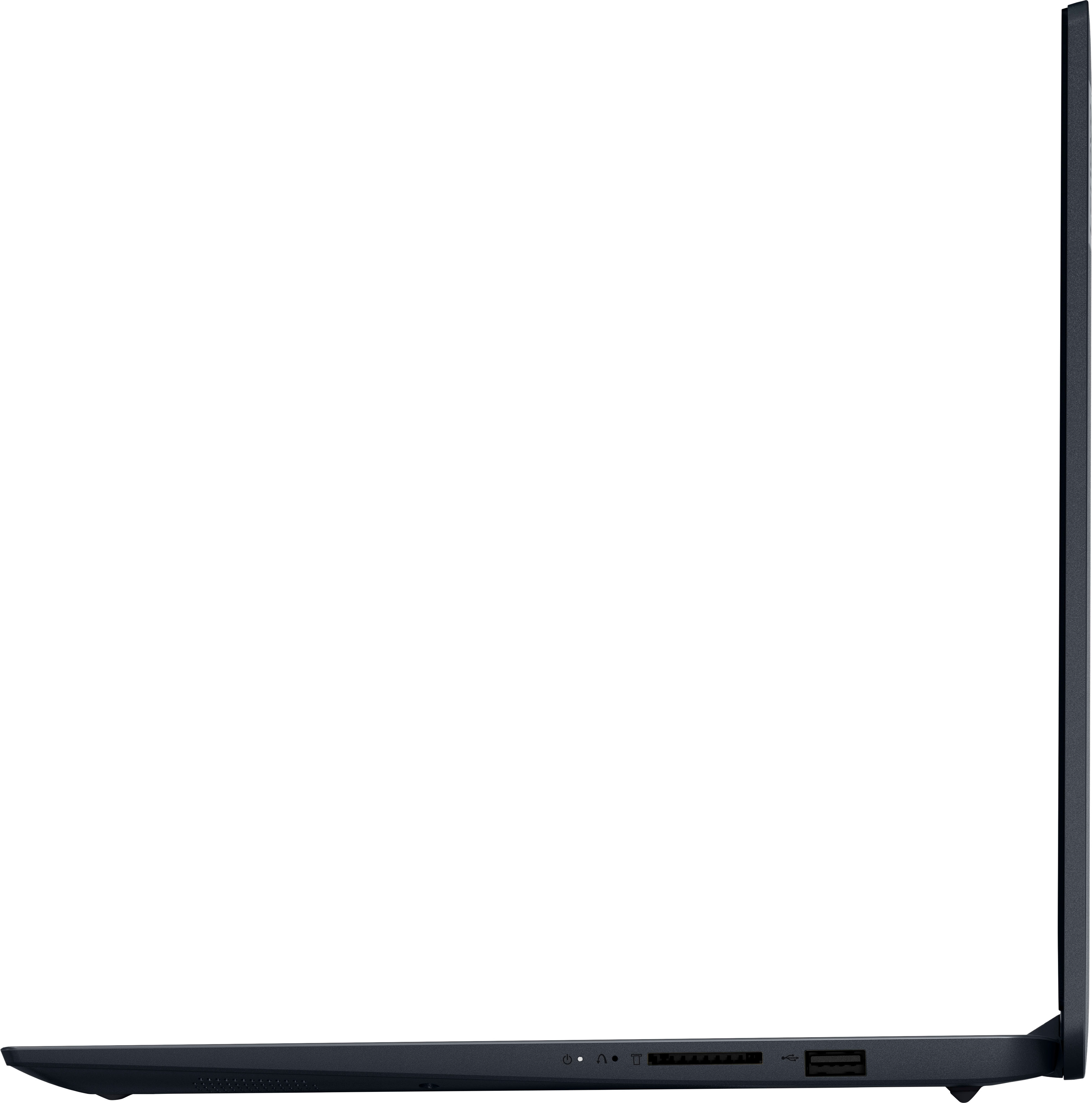
A:AnswerAccording to Lenova's support site, the specs label the usb-c connector as (USB 3.2 Gen 2 + DP 1.2) which would make it capable of supporting display over a docking station. Which would make the previous answer to this question, inaccurate.
Spec site was found by scanning the QR code off the physical IdeaPad in store.
https://pcsupport.lenovo.com/us/en/products/laptops-and-netbooks/1-series/ideapad-1-15amn7/82vg/82vg00myus/mp2mkt9c/?ul=1&linktrack=qrcode_sticker&cid=support_qrhome_qrcode_sticker&sn=mp2mkt9c&source=QRAPP