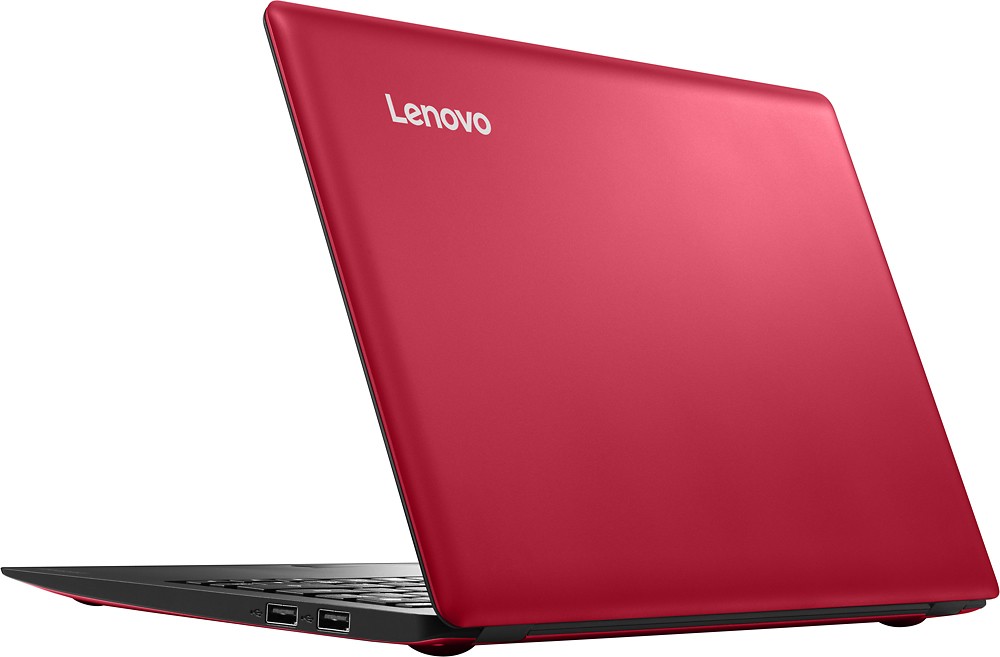
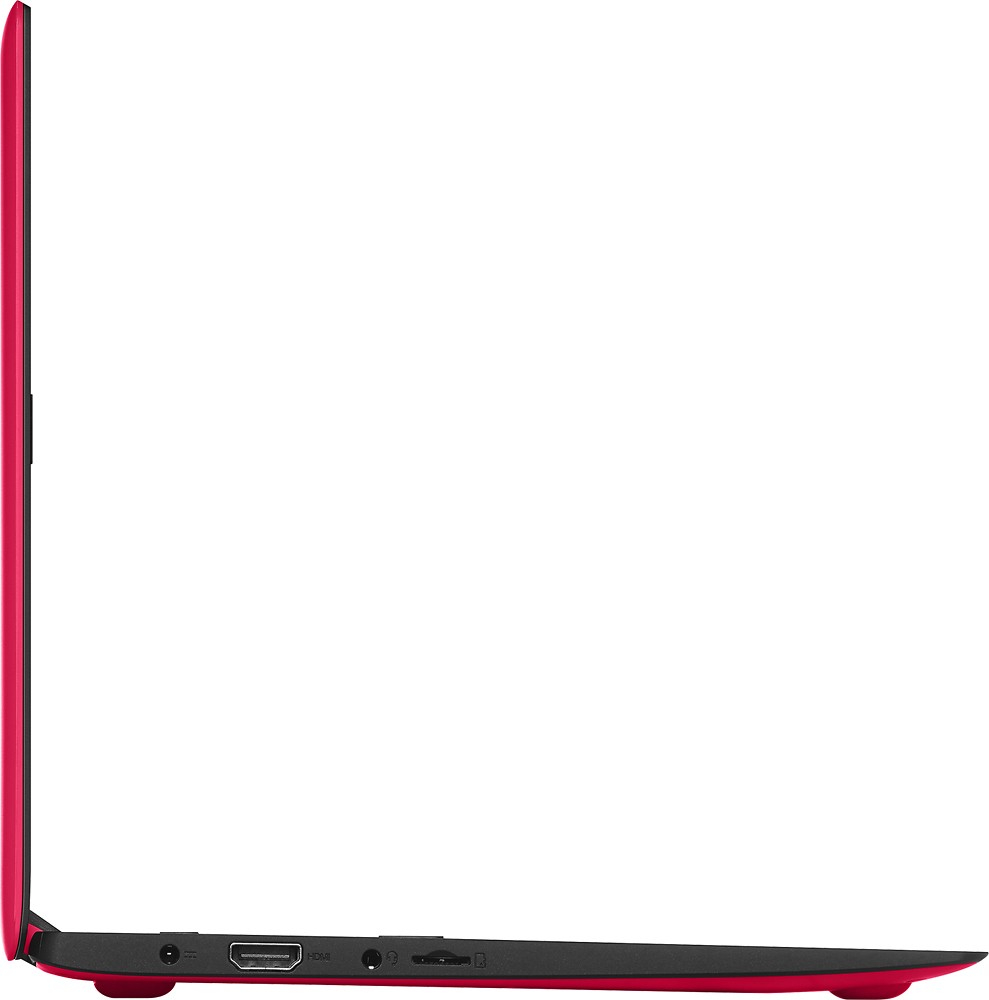
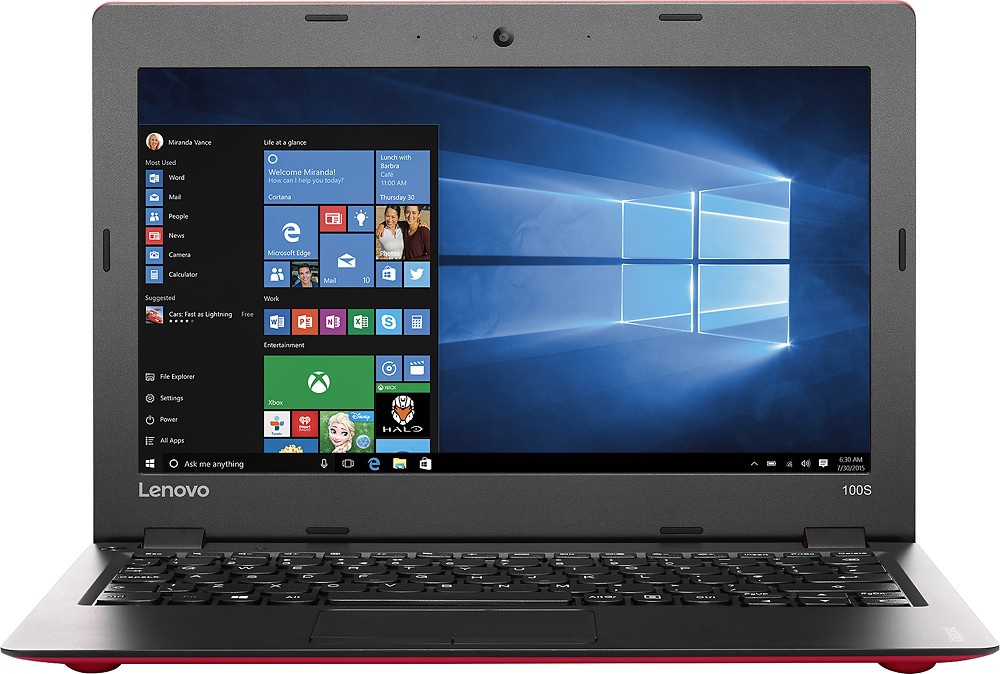
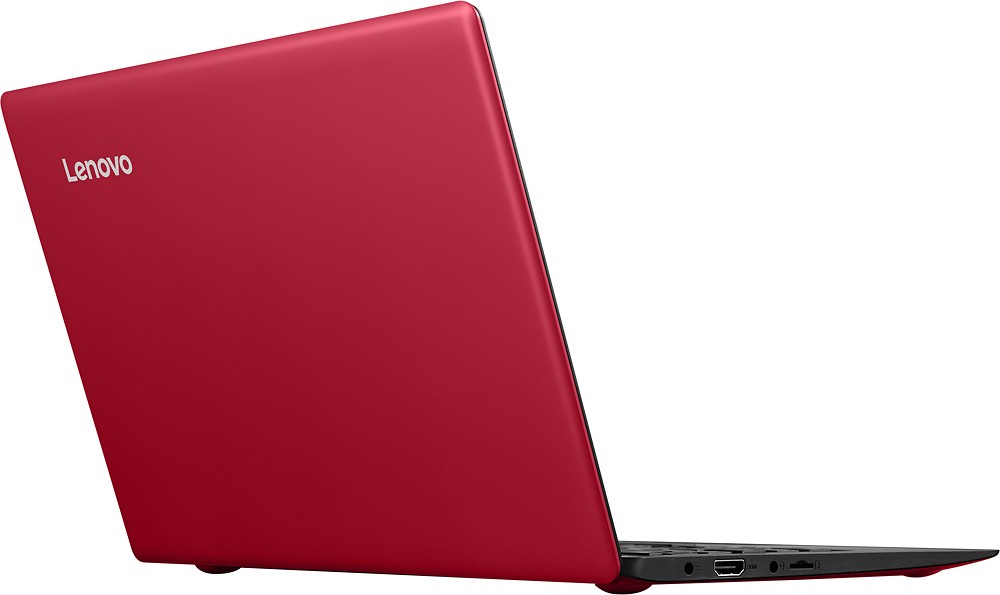
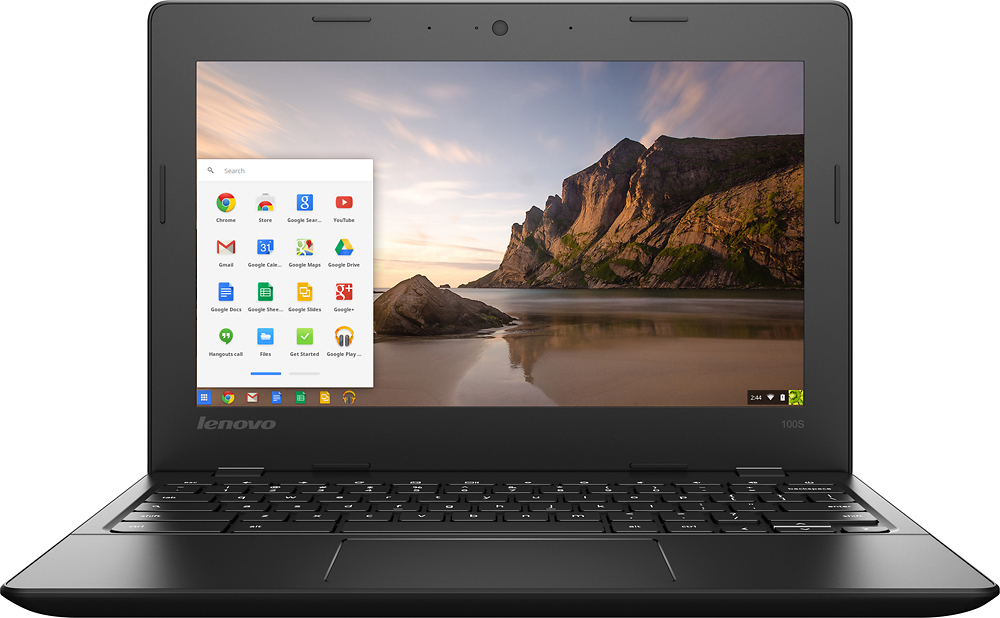
A:AnswerHere is the BestBuy.com web page list for this product. It covers quite a bit of information. Check the tabs at the bottom for the page for more details.
A:AnswerWe recommend you check with the software publisher for their minimum/recommended requirements to run their software, then compare those requirements to the configuration of this system.
A:AnswerWe recommend you contact the online software publisher for their minimum/recommended requirements to stream their software, then compare those requirements to this system's configuration.
A:AnswerWe recommend you check with the software publisher/streaming service for their minimum/recommended requirements to run their software/stream their service then compare those requirements to this system's configuration.
A:AnswerIf it's for doing Internet research and typing reports, this is perfect. It is very light and easy to carry around. It has a decent battery life. If it's for anything involving games, I'm not sure. It's not terribly slow, but it can be at times. Probably not the best for multitasking.
A:AnswerWe recommend you contact the game software publisher for their minimum/recommended requirements to run their game, then compare those requirements to the configuration of this system.
A:AnswerYes, you can download APPS and games that are compatible with Windows 10 and this system's configuration. Check with the software provider for minimum/recommended requirements before you download new software.
A:AnswerWe recommend you check with the game software publisher for the minimum/recommended requirements to run their games, then compare those requirements to this system's configuration.
A:AnswerYes, you'll need to download Chrome Browser to access Google Docs but you will be able to use Google Docs with this system. Same with Netflix, you'll need to download the APP.