A:AnswerI think it really depends upon how 'hard' you're using the laptop. Just sitting around playing streaming music, mine can go for over 6 hours. But streaming video while also doing some spreadsheet or database work discharges the battery in about 3 hours. You could probably get 4 hours out of it if you're just taking notes with nothing else going on.
A:AnswerHey butterfly,
No silly questions here! Based on the system requirements for the game and its mods, this laptop can run the software, but depending on how graphically intensive the mod is, you may see a drop in performance, specifically smoothness of gameplay, meaning lower frame rates for a choppier visual experience. If you'd like something that's more likely to knock your socks off when gaming with similar titles or just Minecraft specifically, we recommend considering our Lenovo LOQ gaming laptops that Best Buy currently offers.
Please feel free to reach out to us with any other questions!
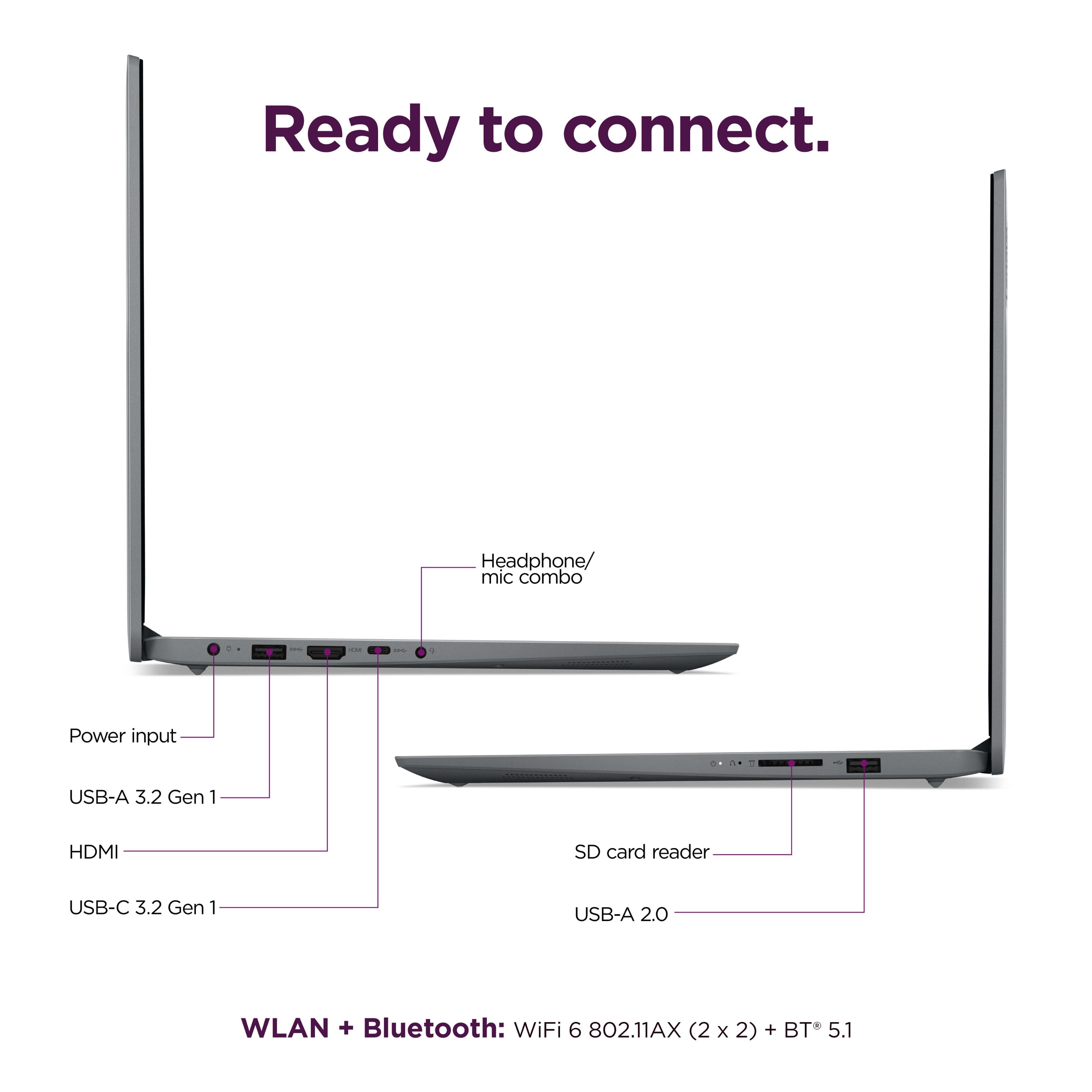
A:AnswerI use the HDMI port. The first time I did that it seemed to take about 15 seconds for the connection to be established but after that things worked fine.
A:AnswerHey Jim,
You can upgrade memory by swapping out one of the 8GB DDR4 memory modules (8GB is soldered to the systemboard) and storage can be upgraded by swapping out preinstalled drive for an M.2 2242 SSD of a higher capacity since this IdeaPad has one storage slot.
Please feel free to reach out to us with any other questions!

A:AnswerHey Ali,
You can connect your phone for data transfer via USB by enabling the respective permissions on your phone.
Please feel free to reach out to us with any other questions!
A:AnswerHey cARLOS,
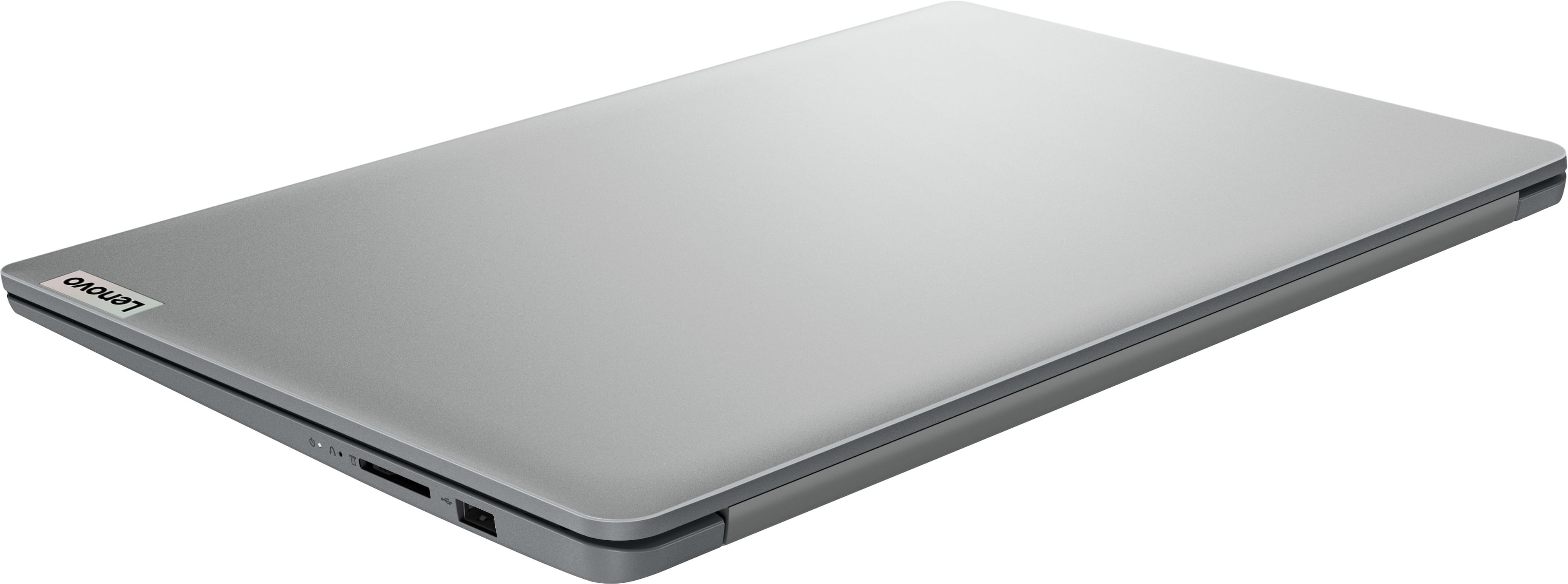
Since this IdeaPad 1i does not feature any USB-C ports to support the full functions of a docking station, you would need to use a USB-A dock in the laptop's USB-A 3.2 port to connect a dock for video output, and to gain additional ports.
Please feel free to reach out to us with any other questions!
A:AnswerHey moni,
Since this IdeaPad 1i does not feature a USB-C port that supports video output via DP Alt Mode, if you wish to connect two external monitors, you can connect one display via the laptop's HDMI port and the other via a USB to HDMI (for example) adapter that doesn't rely on DP Alt Mode for video output.
Please feel free to reach out to us with any other questions!