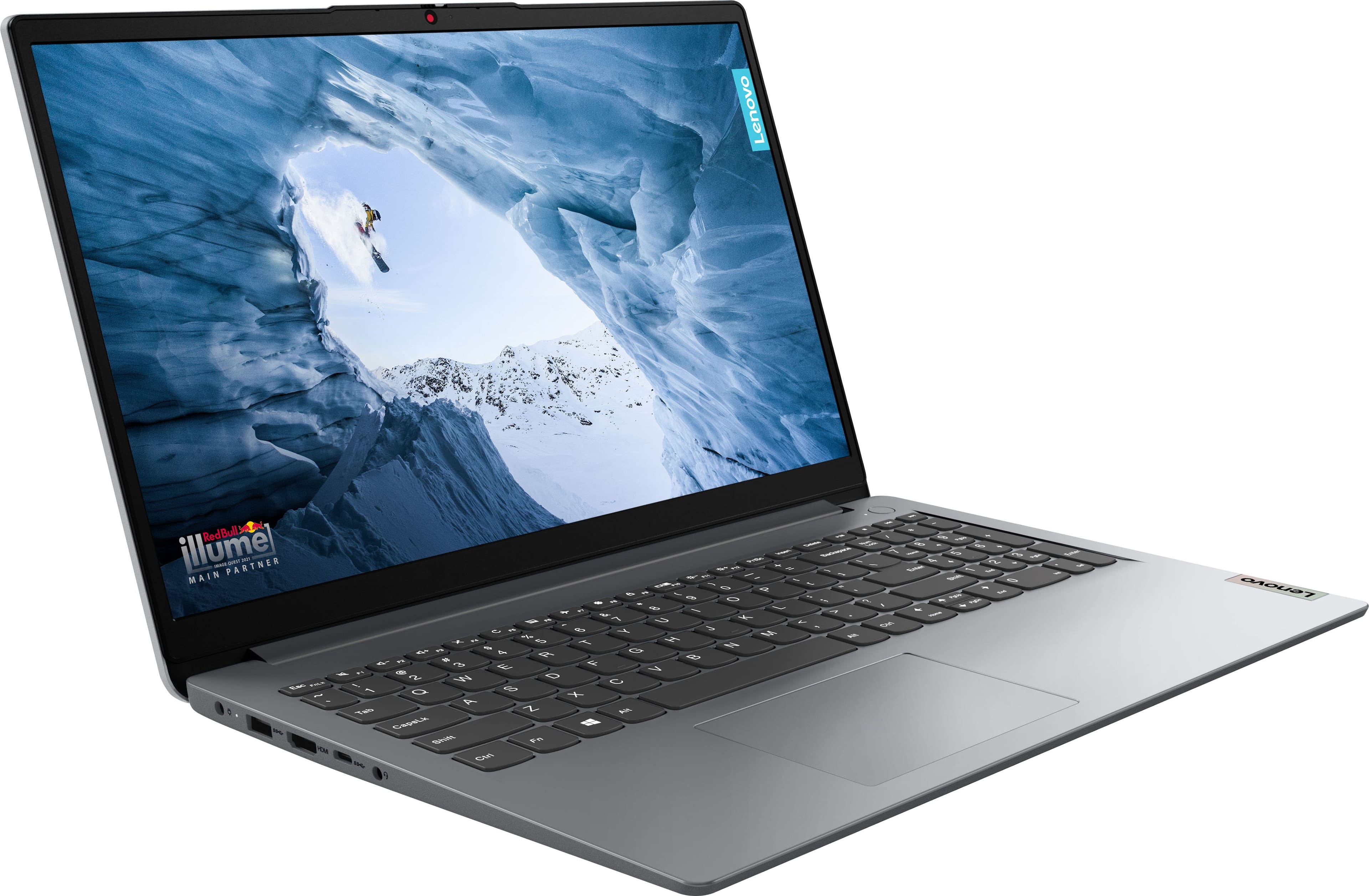
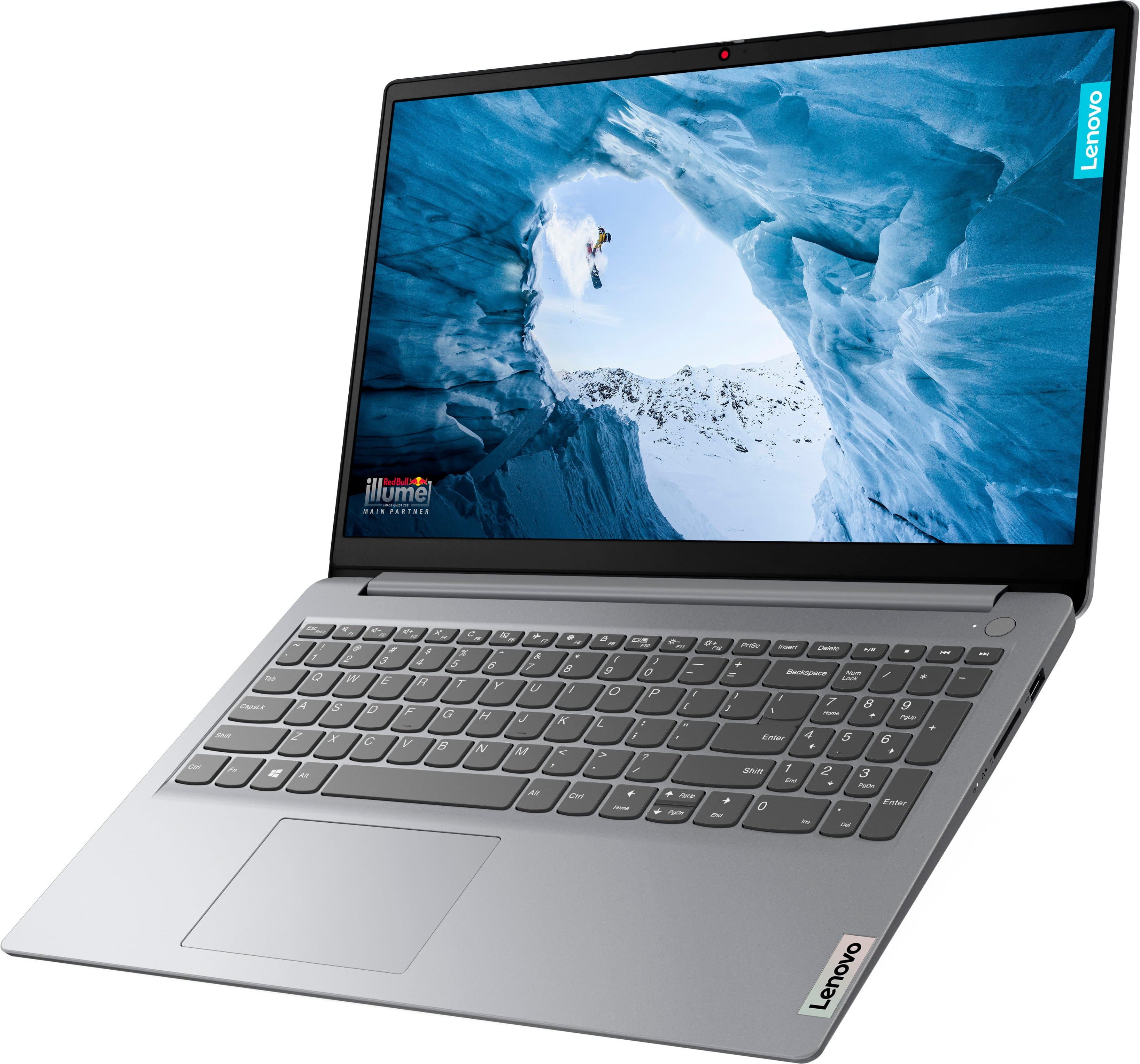
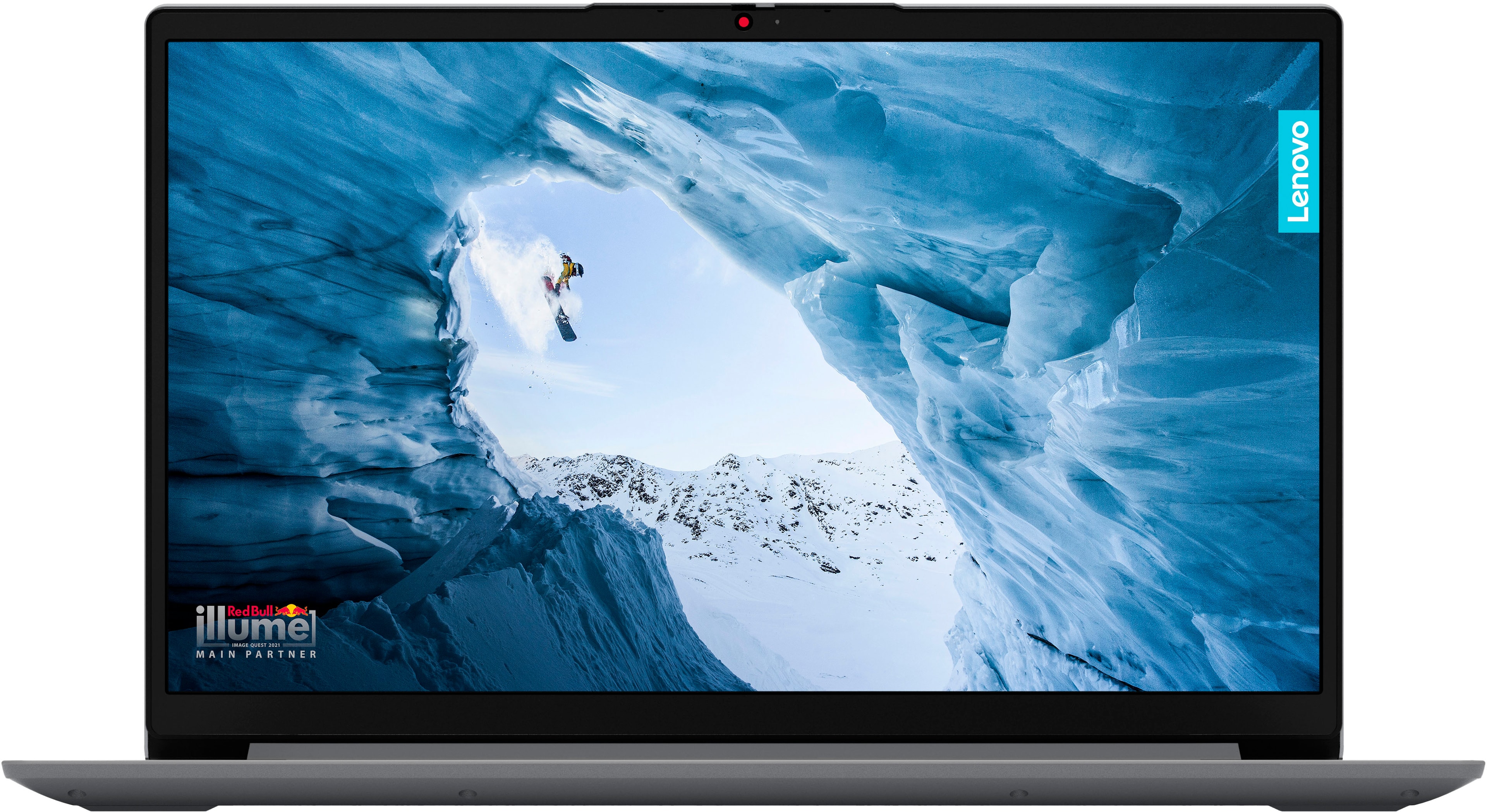
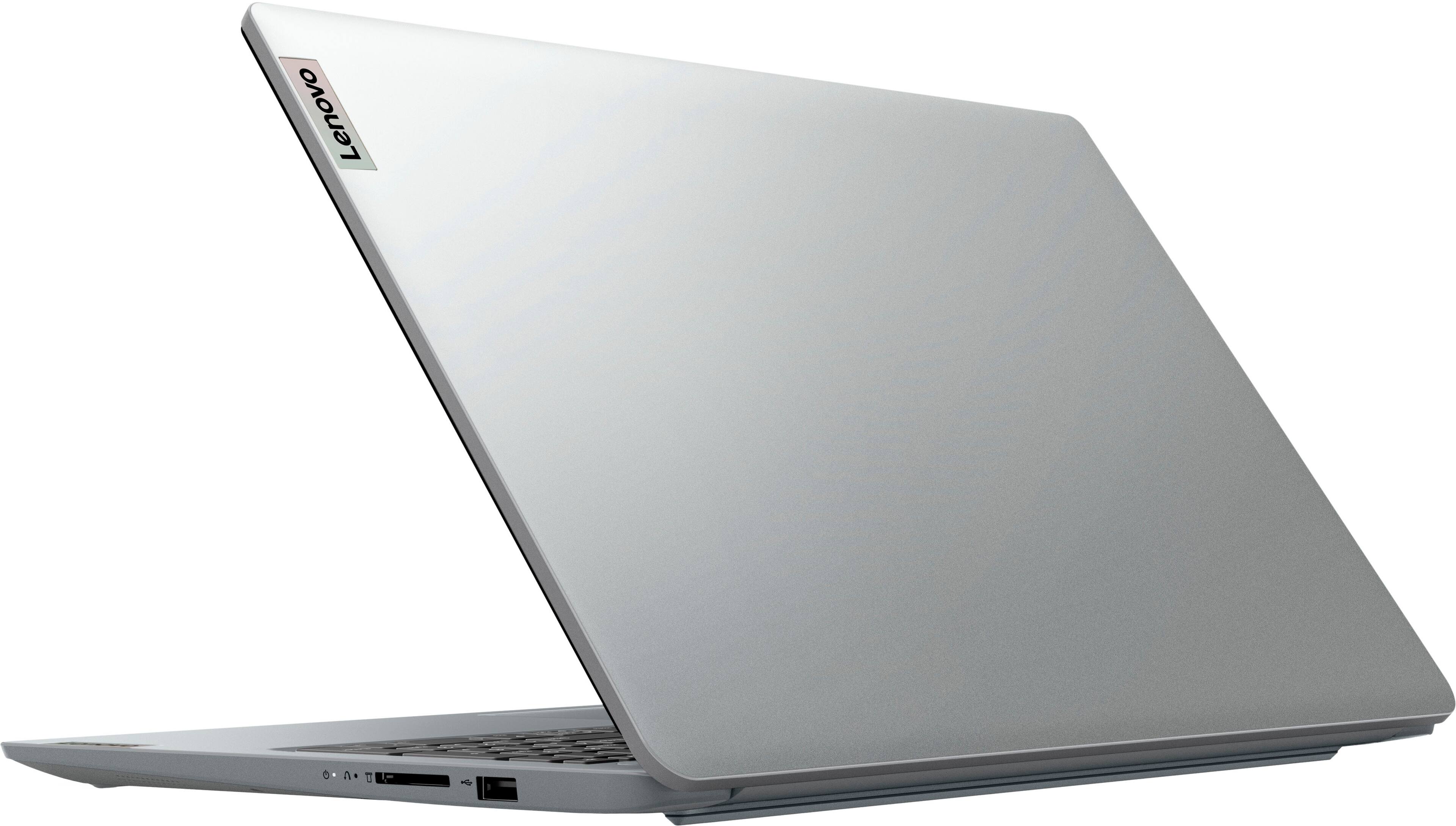
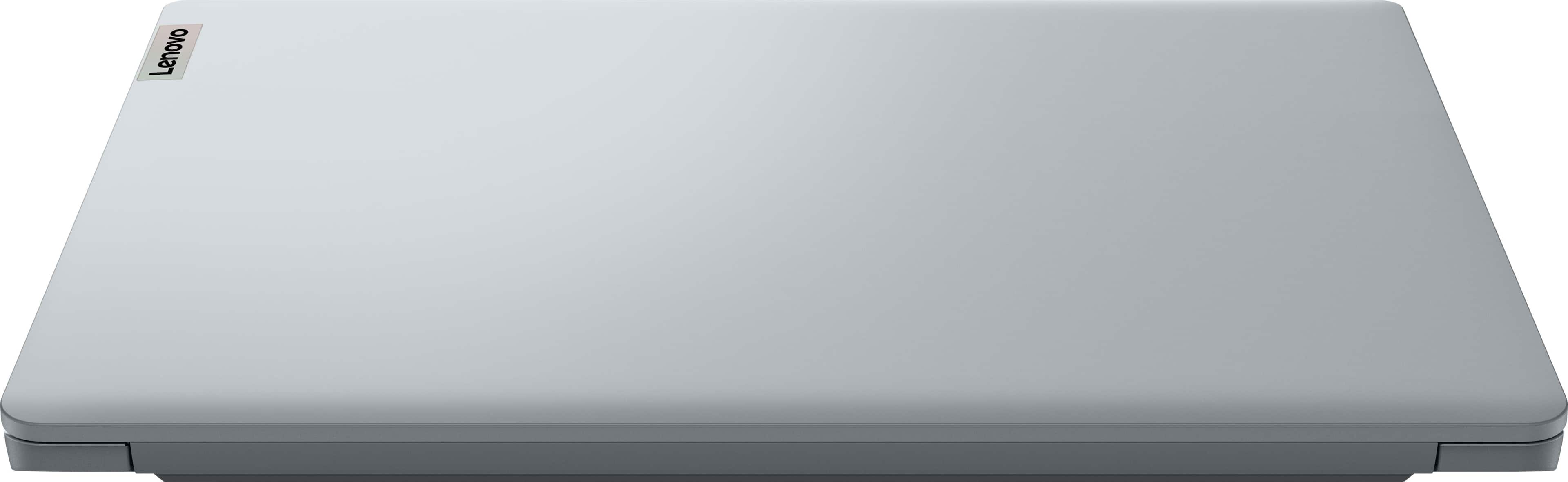
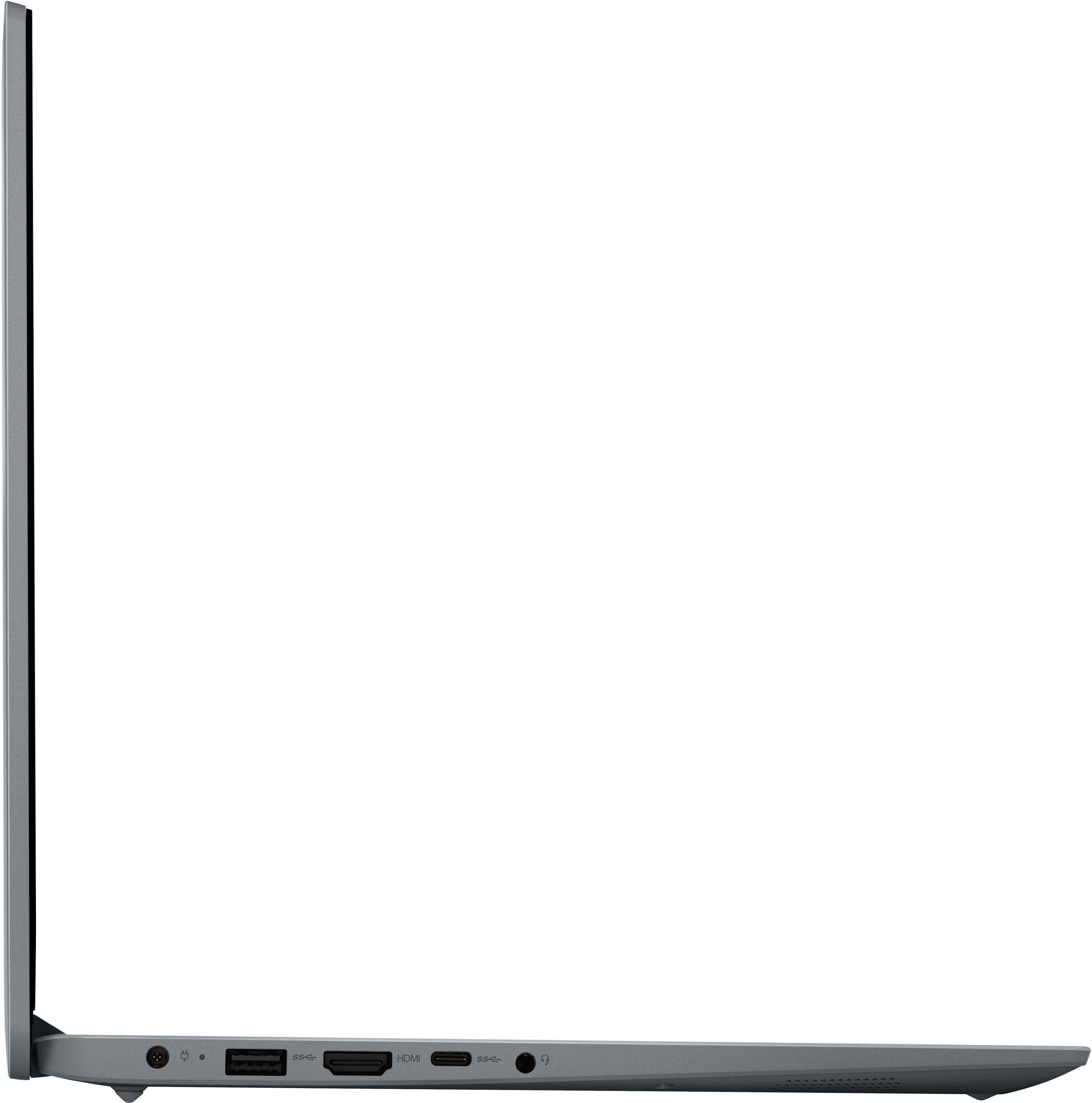
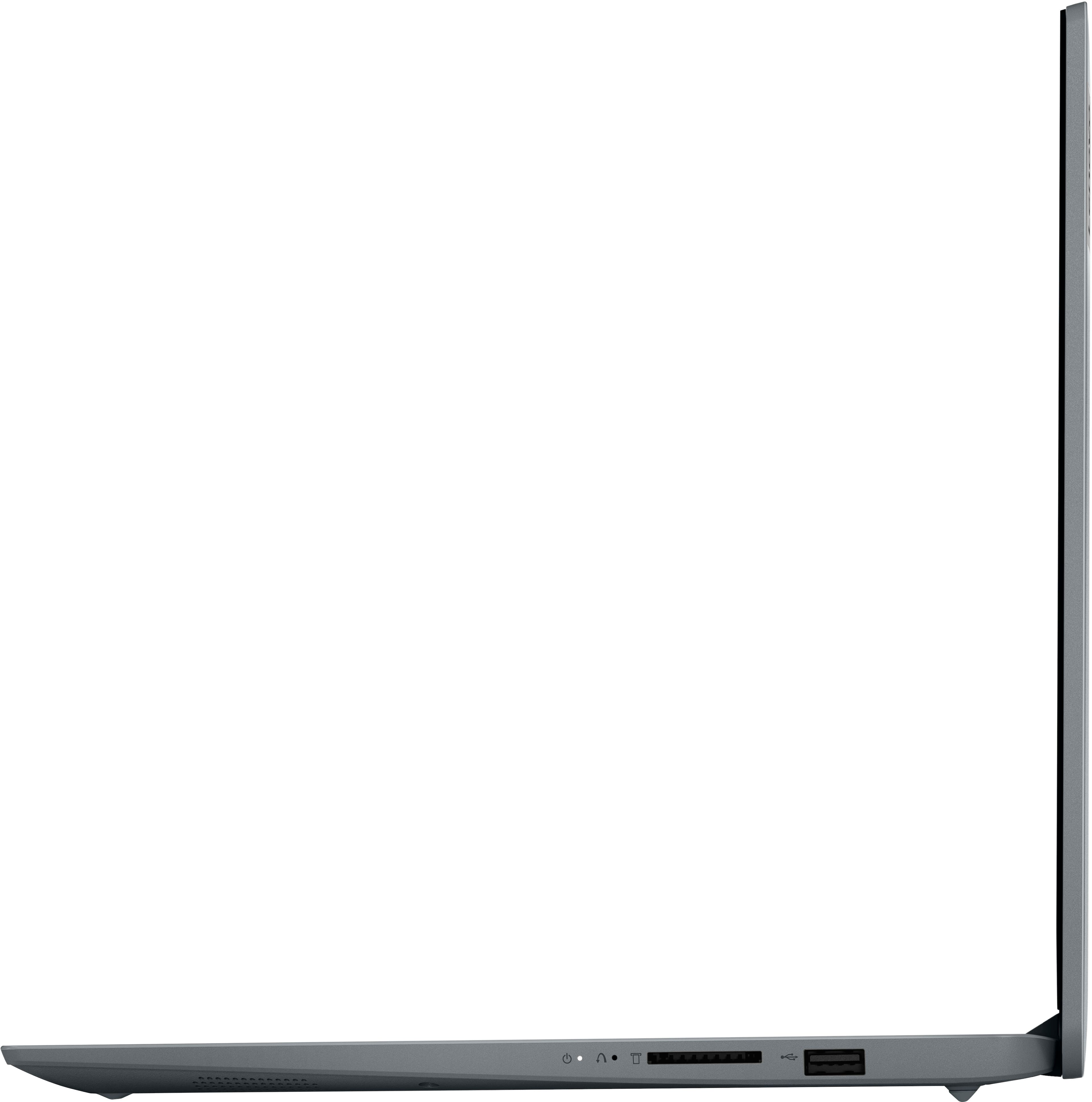
A:AnswerHey Vish. In our opinion, while the IdeaPad isn't too heavy for a kid, weighing about 3 1/2 pounds, elementary kids may benefit for a smaller, device since a 15.6" may not fit in a smaller kid's backpack, but if you think it wouldn't be cumbersome, this could work out well. Feel free to ask any other questions you may have.
A:AnswerHey, tom. There are several options, but starting around the price range of this IdeaPad 1i, this Flex 5i 14 (https://www.bestbuy.com/site/lenovo-flex-5i-14-fhd-touchscreen-2-in-1-laptop-intel-core-i3-1215u-with-8gb-memory-intel-uhd-graphics-256gb-ssd-storm-grey/6571566.p?skuId=6571566) on Bestbuy.com has a Thunderbolt 4 USB-C port. It has features similar to this model IdeaPad. Differences include screen size, a convertible design, and storage. For guidance in finding the right computing solution, we recommend going into Best Buy stores and working with an advisor to get expert help or you can virtually shop with an expert online via this Best Buy online link: https://www.bestbuy.com/services/triage/shopping?cat=cnt&subcat=comp
A:AnswerGreetings from the Intel team. Thank you for your question.
Based on the system requirements for Fortnite, the Laptop meets the minimum system requirements to run the game.
Fortnite will run on your machine if the laptop meets the minimum system requirements, but it will probably not run on the highest settings.
To ensure that a specific program can be run on this computer, at least the software's system minimum requirements must be met; higher specifications might be required for better performance.
System requirements for Fortnite:
https://www.epicgames.com/help/en-US/c-Category_Fortnite/c-Fortnite_TechnicalSupport/what-are-the-system-requirements-for-fortnite-on-pc-and-mac-a000084912
For detailed information about the Intel® Core™ i3-1215U Procesor, visit:
https://ark.intel.com/content/www/us/en/ark/products/226263/intel-core-i3-1215u-processor-10m-cache-up-to-4-40-ghz.html
Thank you for choosing Intel! Emilio_Intel
A:AnswerThis will probably be good for most people, most of the time. However, if you tend to keep many programs open at once, or use multiple tabs while browsing (like 50 or more), get the extra 8GB. You could also wait and see what your experience is like, but unless you are very strained for cash, another 8GB, or even more, is always good to have.
A:AnswerHi, Karen. Based off the system requirements that are listed on this Adobe Help webpage (https://helpx.adobe.com/illustrator/system-requirements.html#ai-on-the-desktop), this IdeaPad should be able to run the software. It does satisfy their minimum system requirements, but it does fall short for what they recommend with system memory (16GB suggested). We recommend reviewing the system requirements detailed on the previously linked webpage, then comparing it with the specifications of any computer you’re interested in to help ensure you find the right fit for you. Feel free to ask any other questions!
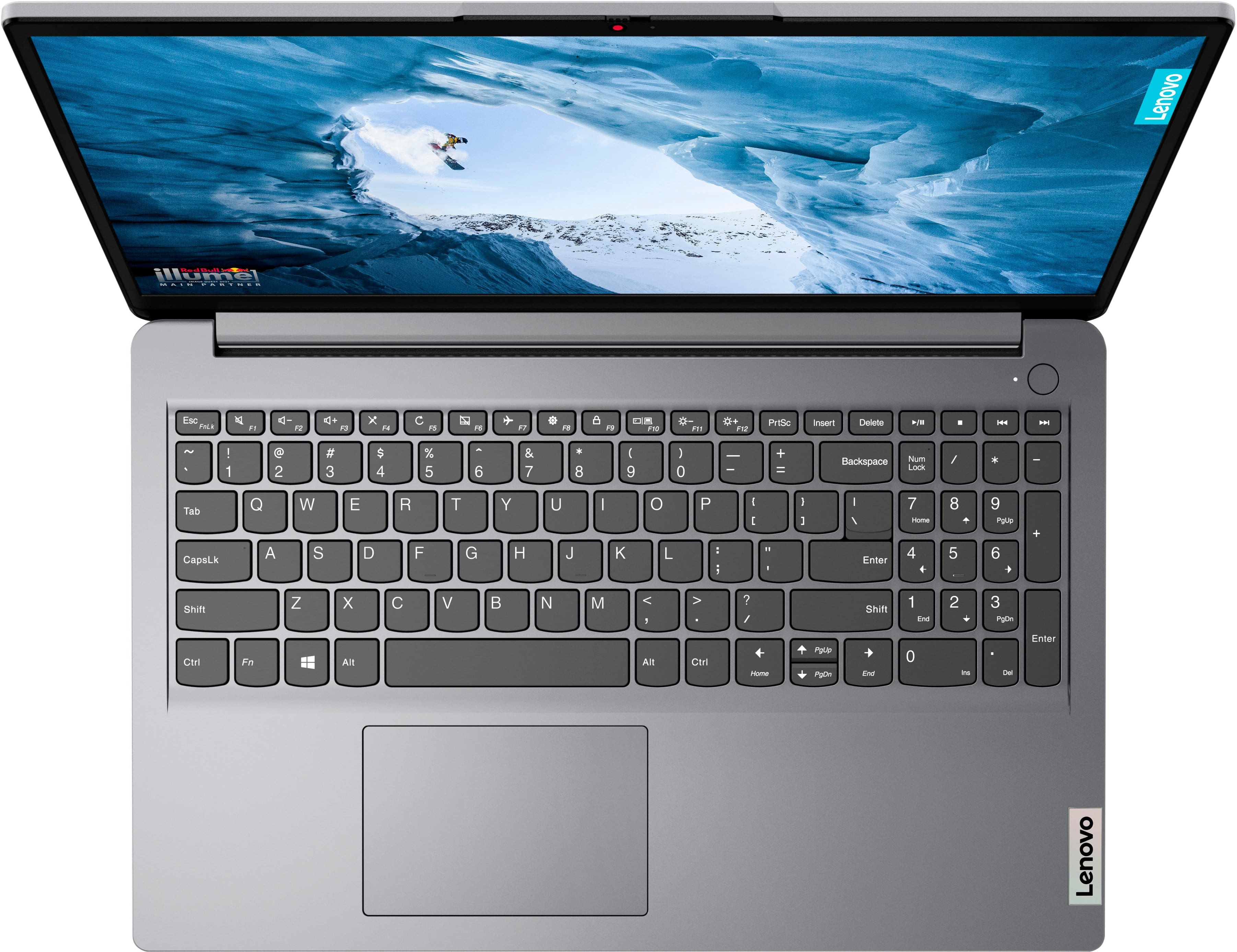
A:AnswerHi, Clearjay. We apologize for the confusion, and to clarify, this model does not feature a fingerprint reader. The image showing this feature show the capability exists for some IdeaPads, but not this model. This image is in the process of being removed to prevent further confusion. Thank you for taking the time to seek clarification on this.
A:AnswerHi, Kip.
For transparency, this system was not designed for gaming. Depending on the game, it could run on this system, but that will depend on the requirements of each game.
We recommend reviewing the recommended requirements that each game developer/publisher details online and comparing it with the specifications of any potential computing solution to help ensure you find the right fit for you.
A:AnswerHey mary, we're sorry to hear that you're having this problem with your IdeaPad. To try to resolve this, first, we recommend ensuring you have the latest software by checking for updates, as this could correct the issue. To do so, first, open the Settings app > Select the Windows update tab > Select the Check for updates button. If after the available updates are applied and the system restarts, yet the issue persists, in-depth troubleshooting will be necessary to fix the problem. We recommend contacting Lenovo Support directly by calling this number: 800-426-7378, and providing a representative with details of your issue, so that they may help by providing a solution for you. We appreciate you taking the time to share your feedback with us, as it does not go unnoted.
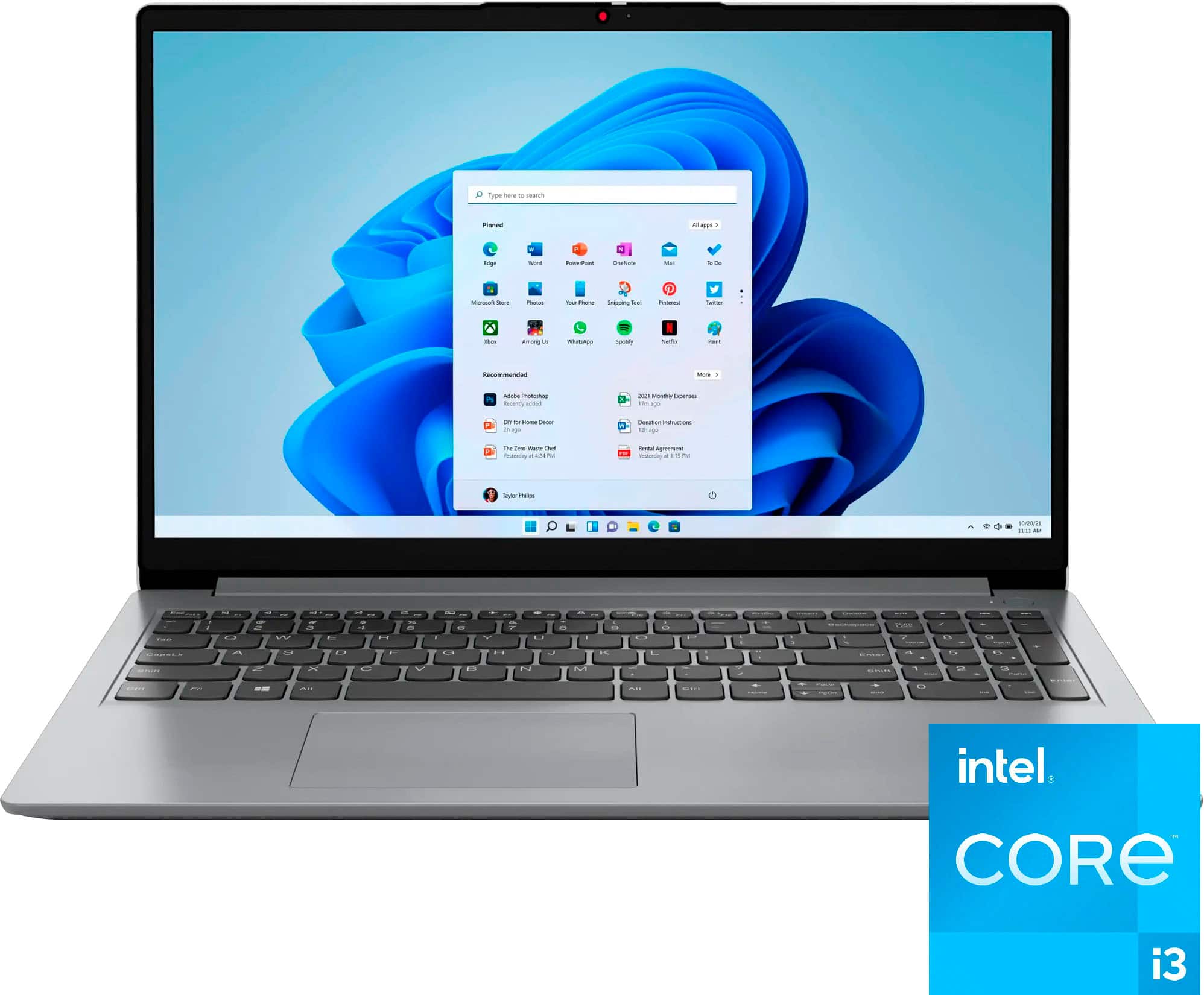
A:AnswerHi JohnEB, thanks for your inquiry. To clarify, the included 256GB drive is an M.2 2242 SSD, but the storage slot itself can accommodate an M.2 2280 SSD.
A:AnswerHere are the specs from the product description:
Product Height
0.7 inches
Product Width
9.29 inches
Product Depth
14.17 inches
Product Weight
3.52 pounds
The power block is pretty standard for a laptop
A:AnswerHi, Renee. While it was not designed for gaming, it you could game on it depending on the titles you wish to play. To help determine this, we recommend reviewing the system requirements shared by the game publisher online, then comparing the requirements to the specifications of this IdeaPad to help ensure you find the right fit. Also, feel free to share any information and questions here for help.
A:AnswerHi, SRS. The MobileMark battery life rating for this series of IdeaPad is 6.1 hours; however, during test like these, the conditions you may be using your laptop can vary greatly depending on device settings, workload its under, and more. Reviews of this series usually experience around 4-6 hours of use with a moderate workload, being used continuously. Putting your device to sleep and making power adjustments are some ways you can easily extend your battery life.