Black Friday is hereShop new DoorbustersShop now

Main Content

Questions & Answers

Your price for this item is $441.99
Clearance
The comparable value price is $519.99
Page Showing 1-20 of 43 questions
  • QuestionAm I going to have to disable windows 10 S mode because it comes downloaded with it?

    Asked by Troy.

    • Answer The Lenovo IdeaPad 3 14 Laptop, model number 81W000NGUS, ships with Windows 10 S-Mode 64-bit Operating System. Windows 10 S-Mode provides added security by only allowing APPs available ( and therefore certified by Microsoft) at the Microsoft Store. If you don't need the added security or you need to install APPs not available at the Microsoft Store, you can switch to standard Windows 10 Home 64-bit Operating System, at no additional cost. If you choose to switch out of S-Mode to Windows 10 Home 64-bit Operating System, here is a link to instructions for switching from Windows 10 S-Mode to Windows 10 Home: https://support.microsoft.com/en-us/help/4456067/windows-10-switch-out-of-s-mode
      Answered by Lenovo Product Expert

  • QuestionIs this laptop bluetooth ready?

    Asked by Tom.

    • Answer Yes! And works good!

      Answered by TheDominator

  • QuestionWhat type of display does this have? IPS, TN or what? What color accuracy, viewing angle and brightness?

    Asked by Kz1r.

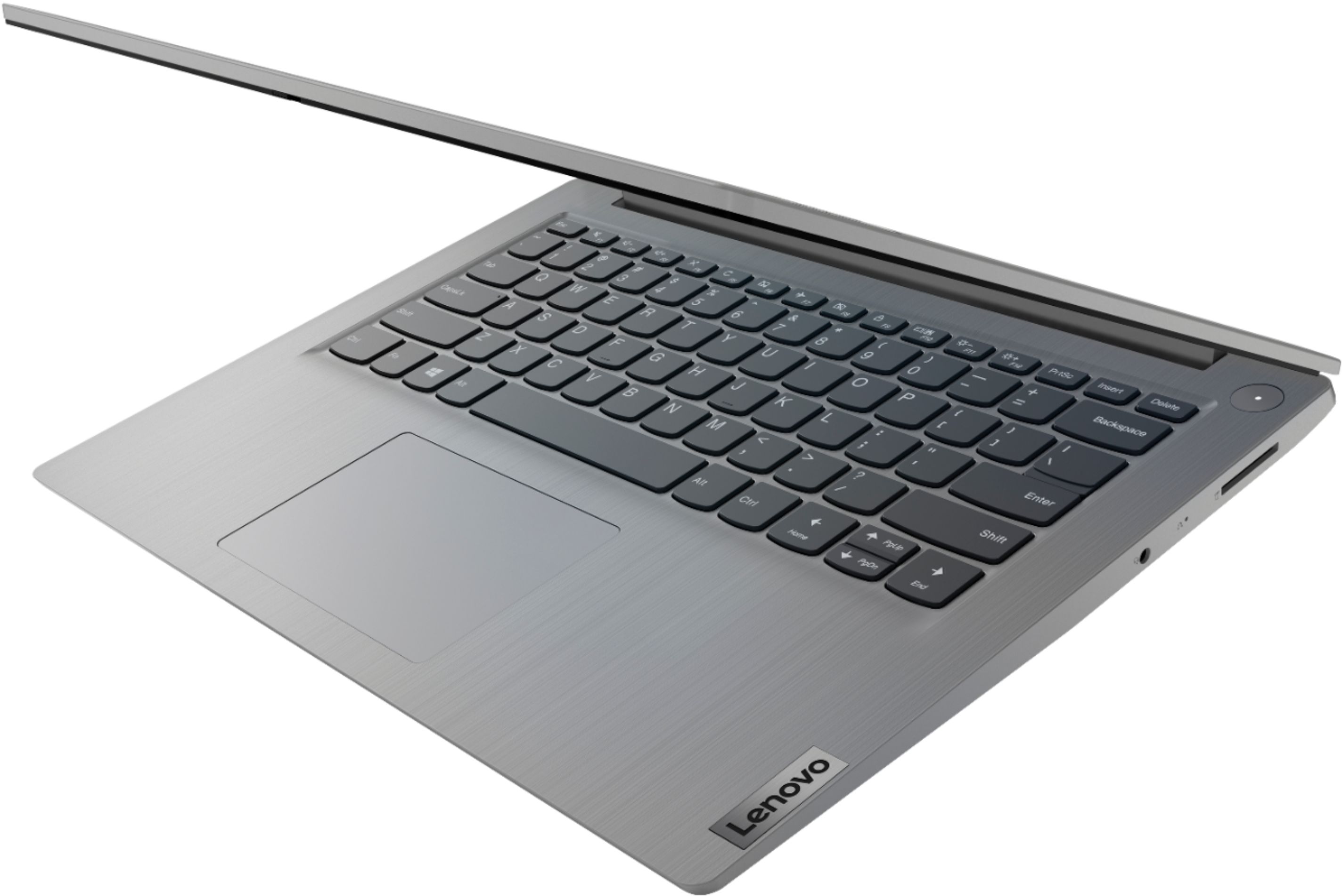
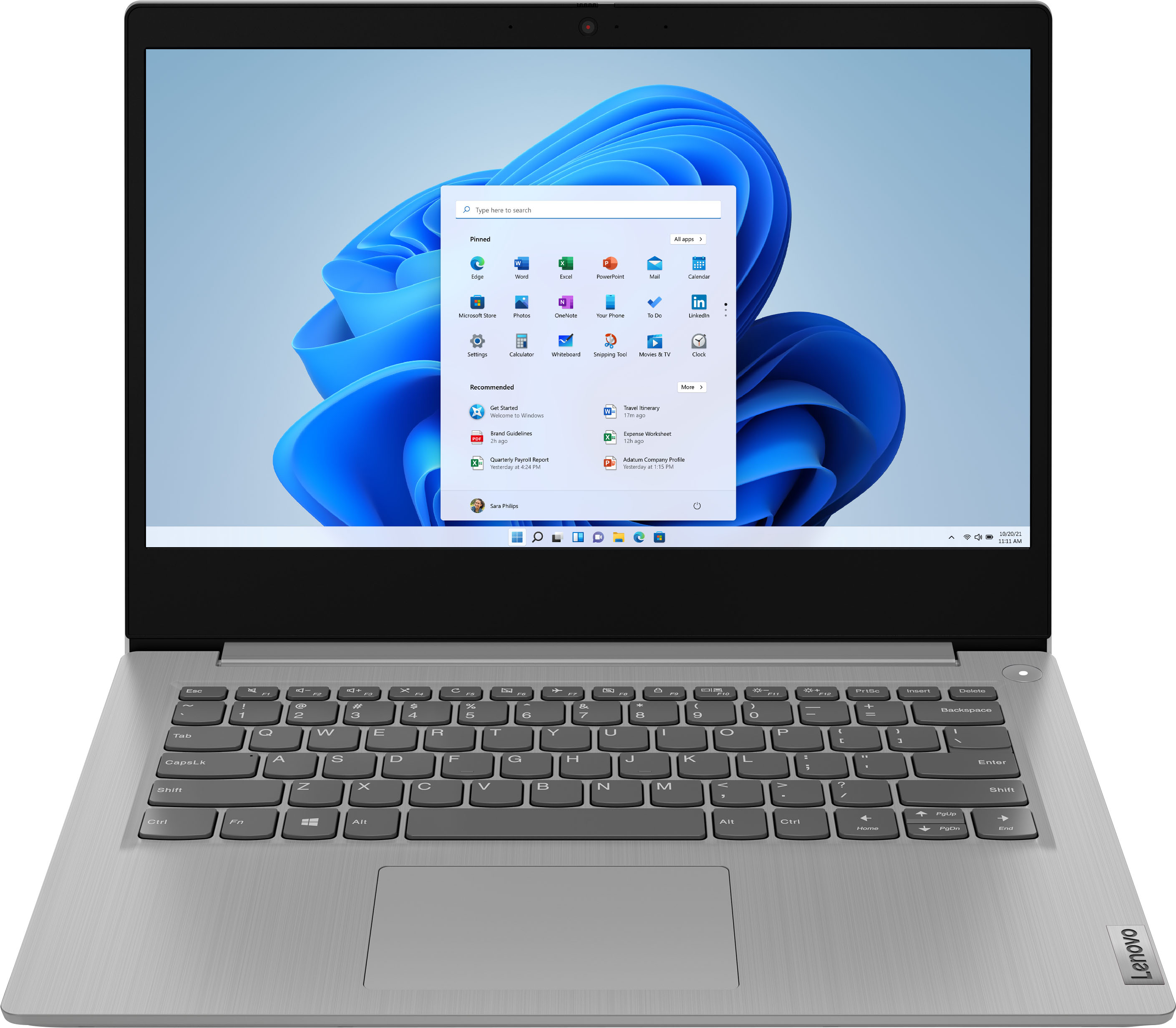
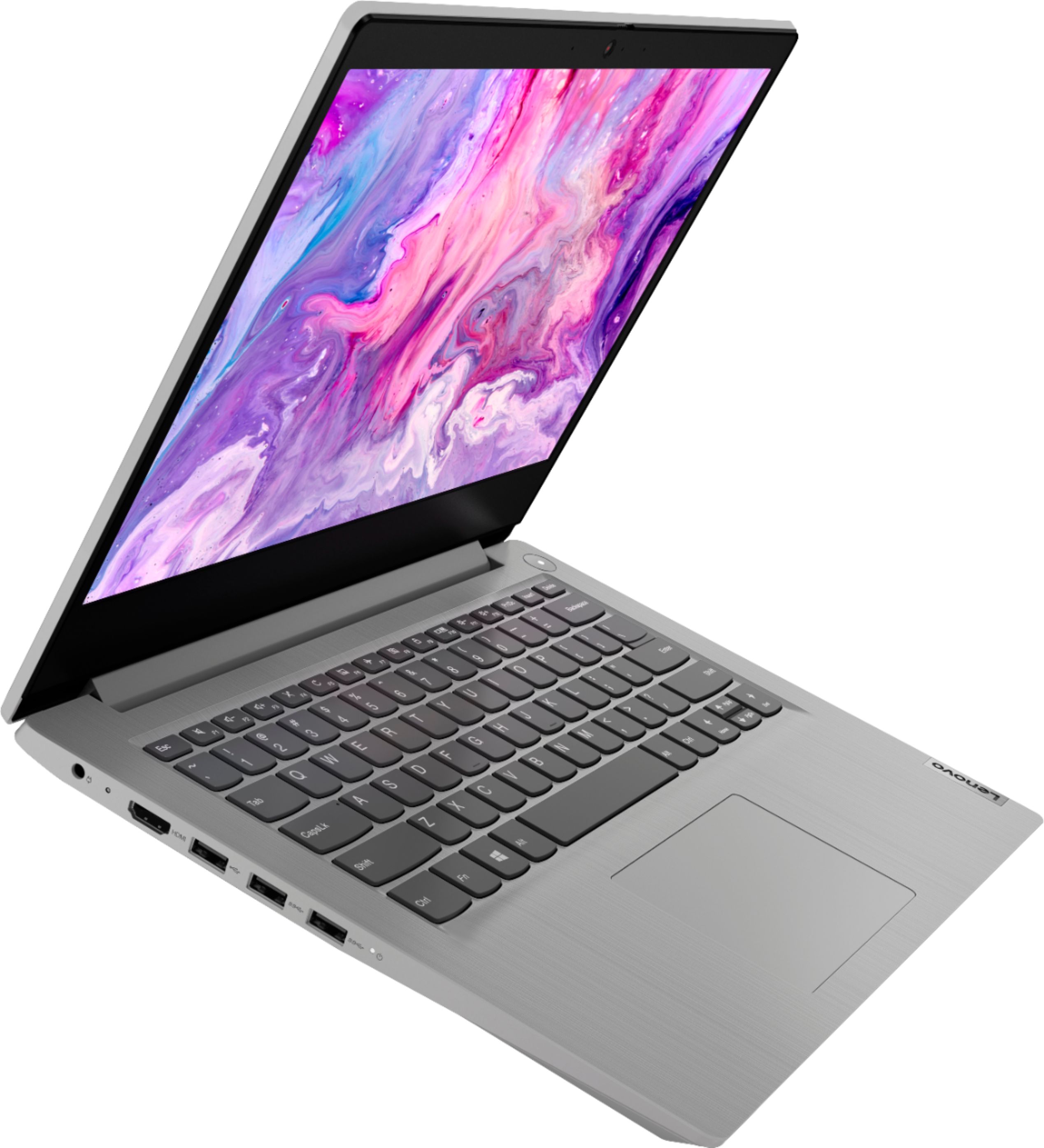
    • Answer The Lenovo IdeaPad 3 14 Laptop, model number 81W000NGUS, ships with a 14 inch (screen size measured diagonally) TN - FHD (1920x1080) screen, with a brightness level of 220 nits and has an Anti-glare coating.

      Answered by Lenovo Product Expert

  • QuestionWhen a computer has both HDD and SSD, which type takes priority when a store command is issued? How does it decide?

    Asked by Anonymous.

    • Answer The location of the Windows 10 Operating System is set at the factory, in this case for the IdeaPad 3 14 Laptop, model number 81W000NGUS, the Windows 10 S-Mode 64-bit Operating System is installed on the 128GB M.2 NVMe solid state hard drive to provide fast boot up/shutdown of the computer. As for default storage location, the mechanical 1TB hard drive has been set at the factory as the default storage drive. The user can manually change this. Here is a link to instructions for doing this: https://www.howtogeek.com/245706/how-to-change-the-default-hard-drive-for-saving-documents-and-apps-in-windows-10/#:~:text=To%20get%20change%20your%20default,locations%E2%80%9D%20section%20on%20the%20right.

      Answered by Lenovo Product Expert

  • QuestionWill this laptop play CD,DVD,and video games?

    Asked by Hippierock.

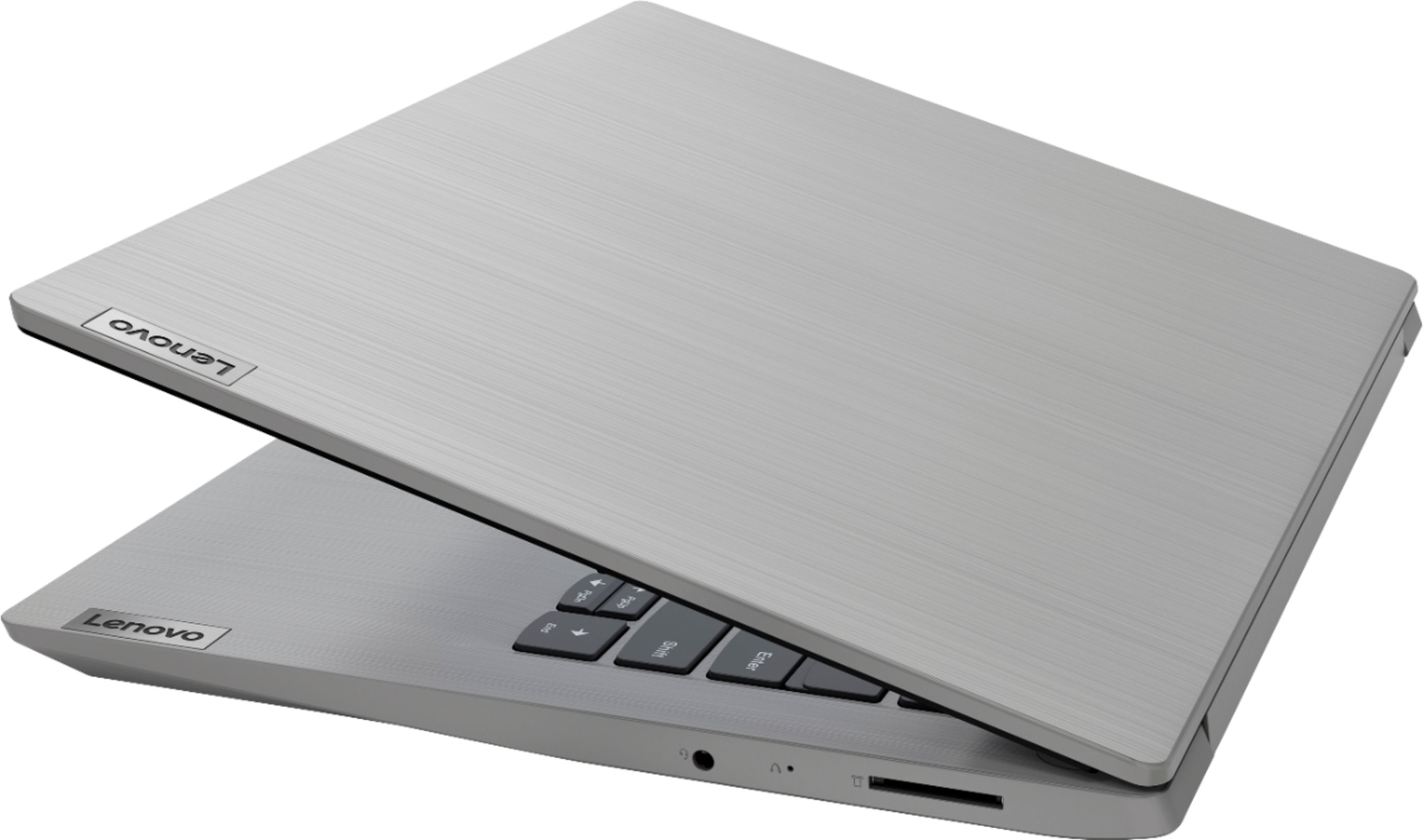
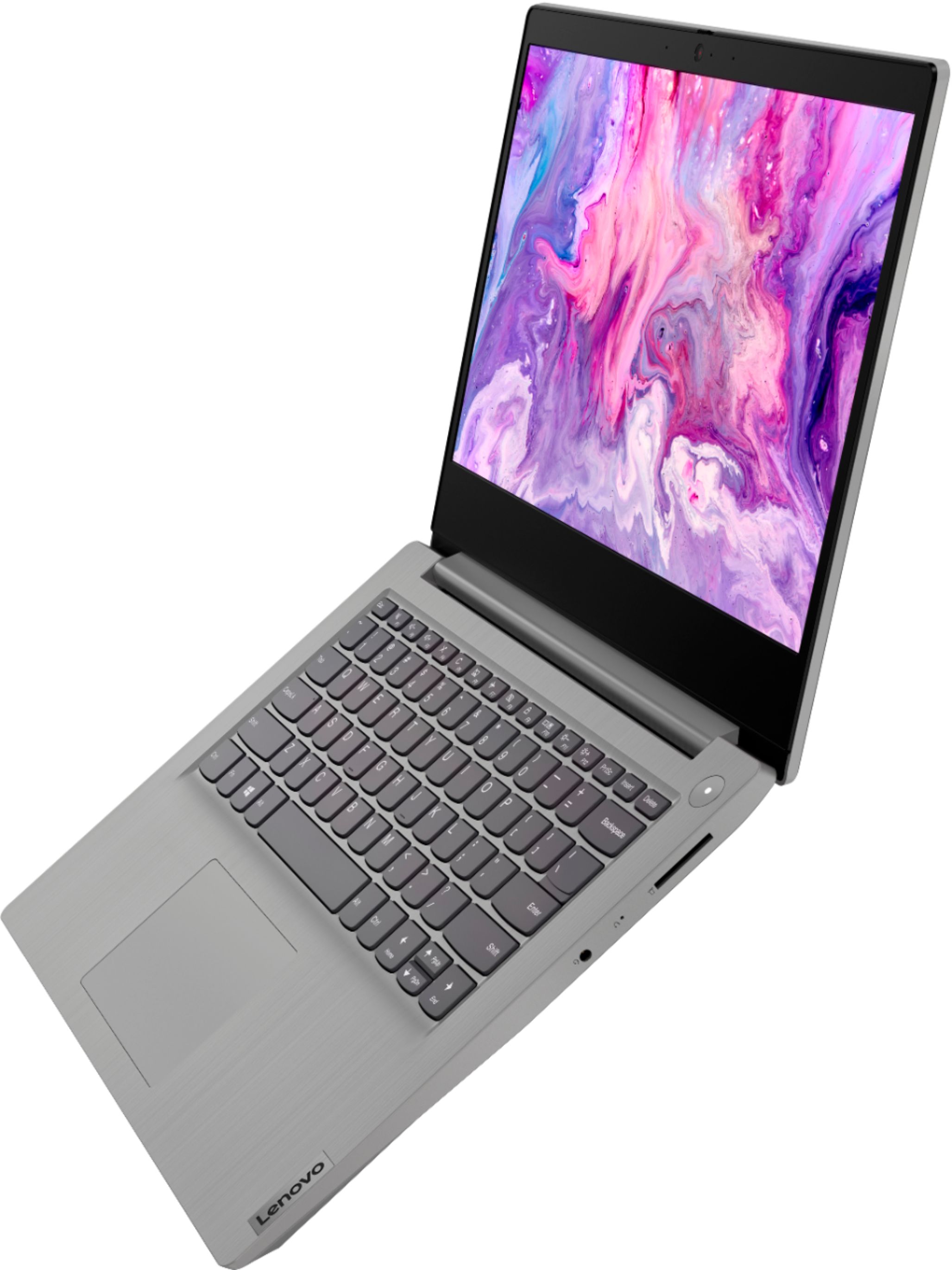
    • Answer This Lenovo IdeaPad 3 14 Laptop, model number 81W000NGUS, does not have a built in CD/DVD drive. You can use an external, USB-based Windows compatible CD/DVD drive with this laptop, like this one: https://www.bestbuy.com/site/lg-8x-external-usb-double-layer-dvdrw-cd-rw-drive-black/5852919.p?skuId=5852919. This IdeaPad 3 15 Laptop ships with Windows 10 S-Mode 64-bit Operating System. Windows 10 S-Mode provides added security by only allowing APPs available ( and therefore certified by Microsoft) at the Microsoft Store. If you don't need the added security or you need to install APPs not available at the Microsoft Store, you can switch to standard Windows 10 Home 64-bit Operating System, at no additional cost. Whether this laptop can play video games will depend on the requirements and compatibility of the specific games you want to play. We recommend you check with the specific game's software publisher's web sites, of the games you want to play, for their compatibility with Windows 10 S-Mode 64-bit operating system and the minimum/recommended hardware requirements (Is a Graphics card required, the processor speed and the minimum required system RAM and the minimum available hard drive space) to run their program, then compare those requirements to this system's configuration. If you choose to switch out of S-Mode for Windows 10 Home: Here is a link to instructions for switching from Windows 10 S-Mode to Windows 10 Home: https://support.microsoft.com/en-us/help/4456067/windows-10-switch-out-of-s-mode
      Answered by Lenovo Product Expert

  • QuestionHow much vram does this have?

    Asked by LemonDuck.

    • Answer The Lenovo IdeaPad 3 14 Laptop, model number 81W000NGUS, uses Integrated AMD Radeon Vega 8 Graphics processing within the 4-Core/8-Thread AMD Ryzen 5 3500U processor and shares the system-wide 8GB DDR4-2400MHz RAM.

      Answered by Lenovo Product Expert

  • QuestionThis laptop interests me, and I really want it so bad. When will this PC be back in stock? Please let me know. Thanks.

    Asked by JohnVintimilla.

    • Answer Stay away. Very far away

      Answered by KenG

  • QuestionIs this product a chromebook or a regular laptop? Can you confirm that it has Windows 11 Home as the OS?

    Asked by Anonymous.

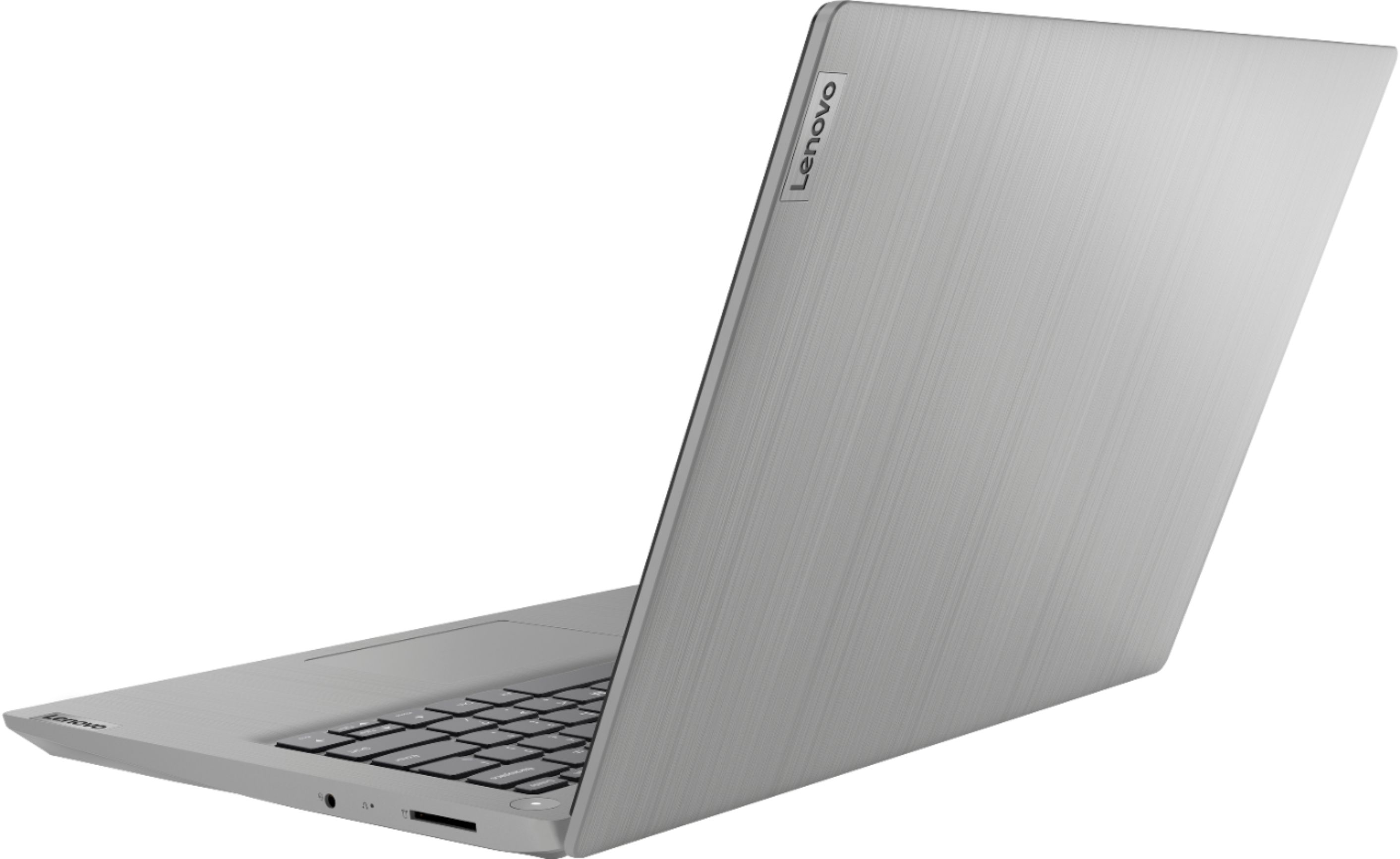
    • Answer This Lenovo IdeaPad 3 14 Laptop, model number 81W000NGUS, ships with the Windows 10 S-Mode, 64-bit Operating System installed. Windows 10 S-Mode provides added security by only allowing APPs available ( and therefore certified by Microsoft) at the Microsoft Store. If you don't need the added security or you need to install APPs not available at the Microsoft Store, you can switch to standard Windows 10 Home 64-bit Operating System, at no additional cost. If you choose to switch from S-0Mode to Windows 10 Home: Here is a link to instructions for switching from Windows 10 S-Mode to Windows 10 Home: https://support.microsoft.com/en-us/help/4456067/windows-10-switch-out-of-s-mode
      Answered by Lenovo Product Expert

  • QuestionHow much does this weigh?

    Asked by Weight.

    • Answer This Lenovo IdeaPad 3 14 laptop, model number 81W000NGUS, weighs 1.6 kg (3.53 lbs).

      Answered by Lenovo Product Expert

  • QuestionWhat's the difference between a regular laptop and an Idea Pad

    Asked by Linn.

    • Answer I have no clue But this one does everything I need it Very happy with it

      Answered by Anonymous

  • QuestionDoes this laptop function effectively over a large period of time? (Years wise)

    Asked by Joe.

    • Answer Like I said I use it every day.

      Answered by Dorothy

  • QuestionIs this laptop vr ready (can i install the oculus pc app to it)

    Asked by Anonymous.

    • Answer That will depend on the requirements and compatibility of both the VR hardware as well as the VR APP you want to install on this IdeaPad 3 14 Laptop. This IdeaPad 3 14 Laptop, model number 81W000NGUS, ships with Windows 10 S-Mode 64-bit Operating System installed. Windows 10 S-Mode provides added security by only allowing APPs available ( and therefore certified by Microsoft) at the Microsoft Store. If you don't need the added security or you need to install APPs not available at the Microsoft Store, you can switch to standard Windows 10 Home 64-bit Operating System, at no additional cost. We recommend you check with both the VR hardware manufacturer's web site as well as the VR APPs the software publisher's web site for their compatibility with Windows 10 S-Mode 64-bit operating system and the minimum/recommended hardware requirements (Is a Graphics card required, the processor speed and the minimum required system RAM and the minimum available hard drive space) to run their program, then compare those requirements to this system's configuration. If you choose to switch out of S-Mode for Windows 10 Home: Here is a link to instructions for switching from Windows 10 S-Mode to Windows 10 Home: https://support.microsoft.com/en-us/help/4456067/windows-10-switch-out-of-s-mode

      Answered by Lenovo Product Expert

  • QuestionWill this work well with circuit air explorer 2?

    Asked by Ssssy.

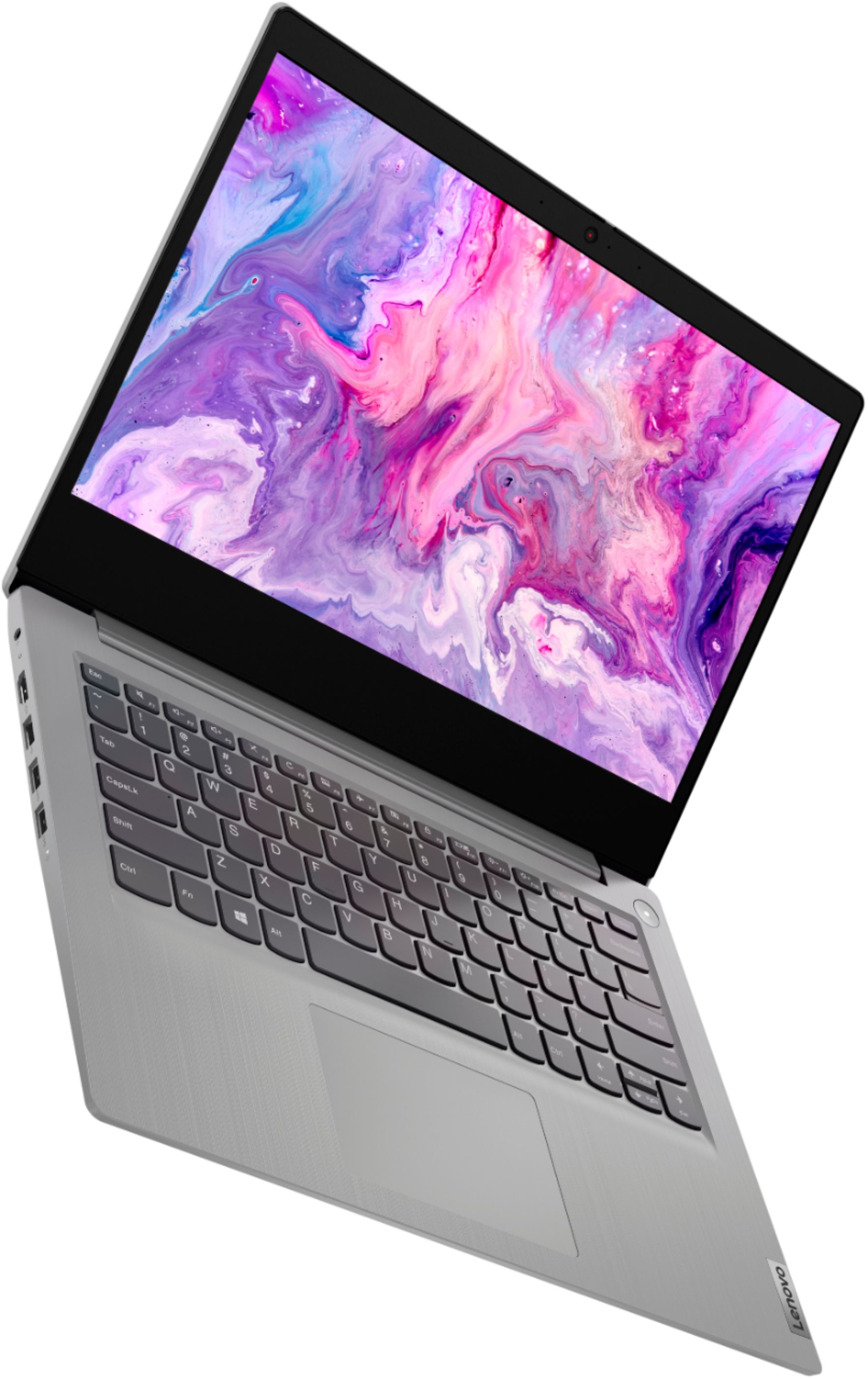
    • Answer That really will depend on the requirements and compatibility of the device you want to use with this Lenovo IdeaPad 3 14 laptop. This Idea Pad 3 14 ships with the Windows 10 S-Mode 64-bit Operating System. Windows 10 S-Mode provides added security by only allowing APPs available ( and therefore certified by Microsoft) at the Microsoft Store. If you don't need the added security or you need to install APPs not available at the Microsoft Store, you can switch to standard Windows 10 Home 64-bit Operating System, at no additional cost. We recommend you check with the device manufacturer's web site for their compatibility with Windows 10 S-Mode 64-bit operating system and the minimum/recommended hardware requirements (Is a Graphics card required, the processor speed and the minimum required system RAM and the minimum available hard drive space) to run their program, then compare those requirements to this system's configuration. If you choose to switch out of S-Mode for Windows 10 Home: Here is a link to instructions for switching from Windows 10 S-Mode to Windows 10 Home: https://support.microsoft.com/en-us/help/4456067/windows-10-switch-out-of-s-mode
      Answered by Lenovo Product Expert

  • Questionwhat cpu does it use a 3500u or 3000u

    Asked by ar.

    • Answer The Lenovo IdeaPad 3 14 model number 81W000NGUS, ships with the 4-Core/8-Thread AMD Ryzen 5 3500U processor, with a base speed of 2.1GHz and a boost speed of up to 3.7GHz.

      Answered by Lenovo Product Expert

  • QuestionTill when can you return this? If I buy it this week or next week can I return it on December ?

    Asked by Muhammad.

    • Answer Best Buy has extended Holiday Return Periods: https://www.bestbuy.com/site/help-topics/return-exchange-policy/pcmcat260800050014.c?id=pcmcat260800050014

      Answered by Lenovo Product Expert

  • QuestionAlthough this computer comes with Windows 11; can I still use my Windows 10 documents ?

    Asked by JiggleB.

    • Answer Yes, so long as you have the software needed to open and use the documents installed on the Windows 11 laptop.

      Answered by Lenovo Product Expert

  • QuestionHow many time I have tu pick up the product at the store

    Asked by Rafael12345.

    • Answer I love this computer.

      Answered by Dorothy

  • QuestionCan this be delivered to Kershaw, SC?

    Asked by Bruhidk.

  • QuestionCan it be dilevered to Kershaw, SC?

    Asked by Idk.