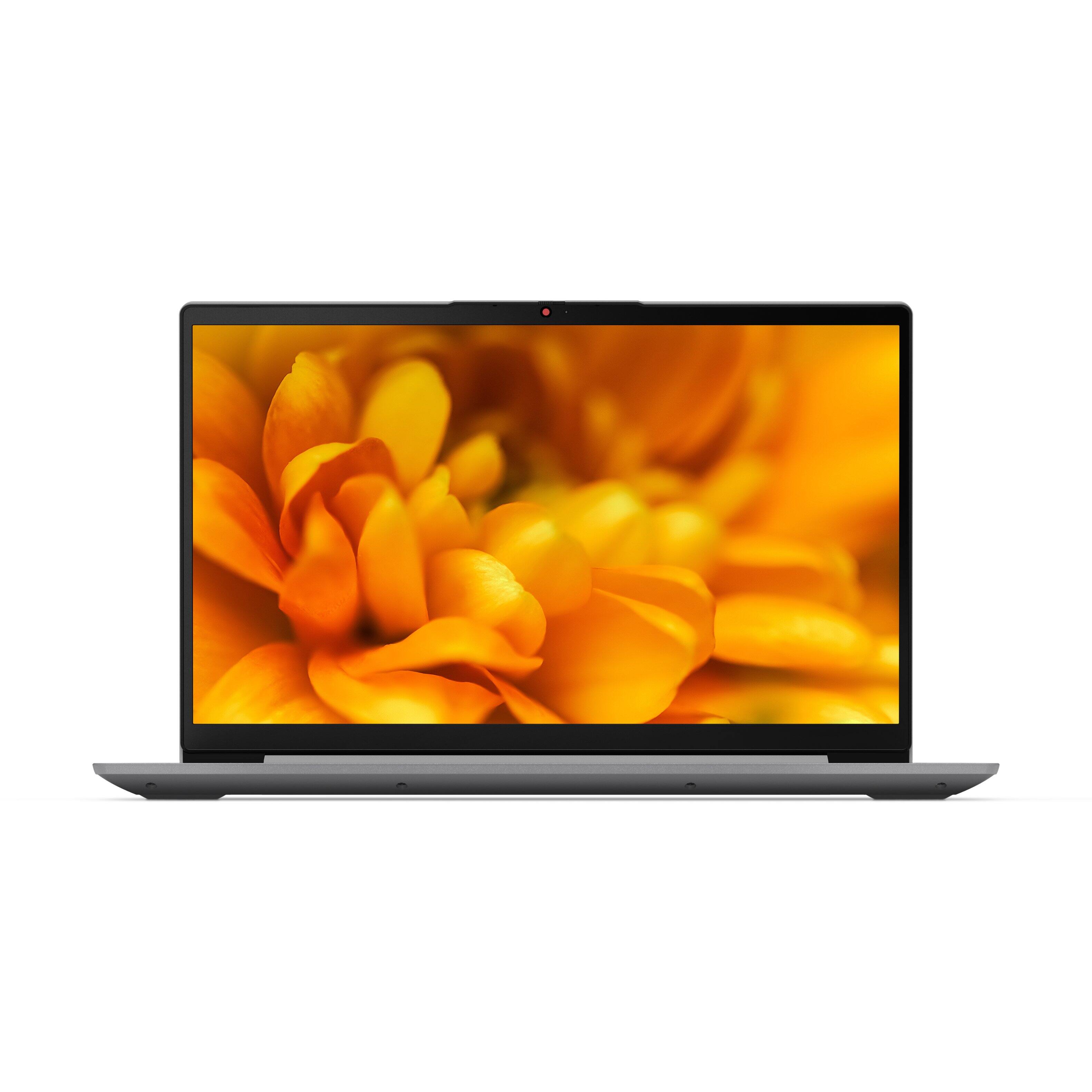
A:AnswerHello Steve. Thank you for your question. Based on the information provided on the retailer website, this Lenovo Ideapad 3 touch-screen laptop does not come with a dedicated graphics card, instead, it comes with integrated processor graphics Intel® Iris® Xe Graphics.
Thank you for choosing Intel!
A:AnswerThe Lenovo IdeaPad 3 15 Laptop, model number 82H801DQUS, ships with a 256GB M.2 2242 PCIe 3.0x4 NVMe solid state hard drive installed. The maximum storage capacity that his model configuration can support is: one drive, 1x M.2 SSD M.2 2242 SSD up to 512GB or M.2 2280 SSD up to 1TB. We recommend you consult with your certified technician for your storage upgrade options.
A:AnswerThat will depend on the requirements and compatibility of both the VR hardware and software you want to use. This Lenovo IdeaPad 3 15 laptop, model number 82H801DQUS, ships with Windows 11 S-Mode 64-bit Operating System. Windows 11 S-Mode provides added security by only allowing APPs available ( and therefore certified by Microsoft) at the Microsoft Store. If you don't need the added security or you need to install APPs not available at the Microsoft Store, you can switch to standard Windows 11 Home 64-bit Operating System, at no additional cost. We recommend you check with the both the VR hardware manufacturer's web site as well as the VR software publisher's web sites, you will be using, for their compatibility with Windows 11 S-Mode 64-bit operating system and the minimum/recommended hardware requirements (Is a Graphics card required, the processor speed and the minimum required system RAM and the minimum available hard drive space) to run their program, then compare those requirements to this system's configuration. If you choose to switch out of S-Mode for Windows 11 Home: Here is a link to instructions for switching from Windows 11 S-Mode to Windows 11 Home: https://support.microsoft.com/en-us/help/4456067/windows-10-switch-out-of-s-mode
A:AnswerThe maximum RAM this Lenovo IdeaPad 3 15 Laptop, model number 82H801DQUS, can support is Up to 12GB (4GB soldered + 8GB SO-DIMM) DDR4-3200MHz RAM. There is also a 256GB M.2 2242 PCIe 3.0x4 NVMe solid state hard drive installed. The maximum storage capacity this model configuration can support is: one drive, 1x M.2 SSD M.2 2242 SSD up to 512GB or M.2 2280 SSD up to 1TB. We recommend you consult with your certified technician about your storage upgrade options.
A:AnswerThat will depend on the requirements and compatibility of the specific games you want to play. This Lenovo IdeaPad 3 15 laptop, model number 82H801DQUS, ships with Windows 11 S-Mode 64-bit Operating System installed. Windows 11 S-Mode provides added security by only allowing APPs available ( and therefore certified by Microsoft) at the Microsoft Store. If you don't need the added security or you need to install APPs not available at the Microsoft Store, you can switch to standard Windows 11 Home 64-bit Operating System, at no additional cost. This model does not have a dedicated, discrete graphics card installed. This model configuration uses Integrated Intel Iris Xe Graphics Version, integrated within the 4-Core/8-Thread Intel Core i5-1135G7 processor. We recommend you check with the specific game's software publisher's web sites, of the specific games you want to play, for their compatibility with Windows 11 S-Mode 64-bit operating system and the minimum/recommended hardware requirements (Is a Graphics card required, the processor speed and the minimum required system RAM and the minimum available hard drive space) to run their program, then compare those requirements to this system's configuration. If you choose to switch out of S-Mode for Windows 11 Home: Here is a link to instructions for switching from Windows 10 S-Mode to Windows 10 Home: https://support.microsoft.com/en-us/help/4456067/windows-10-switch-out-of-s-mode
A:AnswerThis Lenovo IdeaPad 3 15 Laptop, model number 82H801DQUS, ships with a 65W round tip (2-pin, wall-mount), USA compatible AC adapter/charger, Dual Voltage. To use outside the USA, you will need to add a compatible wall side plug adapter, compatible with the country that this computer will be used in. This wall side adapter is sold separately.
A:AnswerThat really will depend on the requirements and compatibility of the specific software you want to use. This Lenovo IdeaPad 3 15 laptop, model number 82H801DQUS, ships with Windows 11 S-Mode 64-bit Operating System installed. Windows 11 S-Mode provides added security by only allowing APPs available ( and therefore certified by Microsoft) at the Microsoft Store. If you don't need the added security or you need to install APPs not available at the Microsoft Store, you can switch to standard Windows 11 Home 64-bit Operating System, at no additional cost. We recommend you check with the specific software publisher's web site, of the specific software you want to use, for their compatibility with Windows 11 S-Mode 64-bit operating system and the minimum/recommended hardware requirements (Is a Graphics card required, the processor speed and the minimum required system RAM and the minimum available hard drive space) to run their program, then compare those requirements to this system's configuration. If you choose to switch out of S-Mode for Windows 11 Home: Here is a link to instructions for switching from Windows 10 S-Mode to Windows 10 Home: https://support.microsoft.com/en-us/help/4456067/windows-10-switch-out-of-s-mode
A:AnswerThis Lenovo IdeaPad 3 15 Laptop, model number 82H801DQUS, ships with a Integrated 45Wh, Lithium-Polymer Battery, which within this configuration, for Local video (1080p) playback@150nits: has a battery life of up to 12 hr., for video playback only. Battery life for mixed use for this configuration is approximately 7 hours, depending on the work the device is performing.
A:AnswerHere is a link to instructions for switching from Windows 11 S-Mode to Windows 11 Home: https://support.microsoft.com/en-us/help/4456067/windows-10-switch-out-of-s-mode
If you continue to have issues, we recommend you contact the Microsoft Support web site at: https://support.microsoft.com/
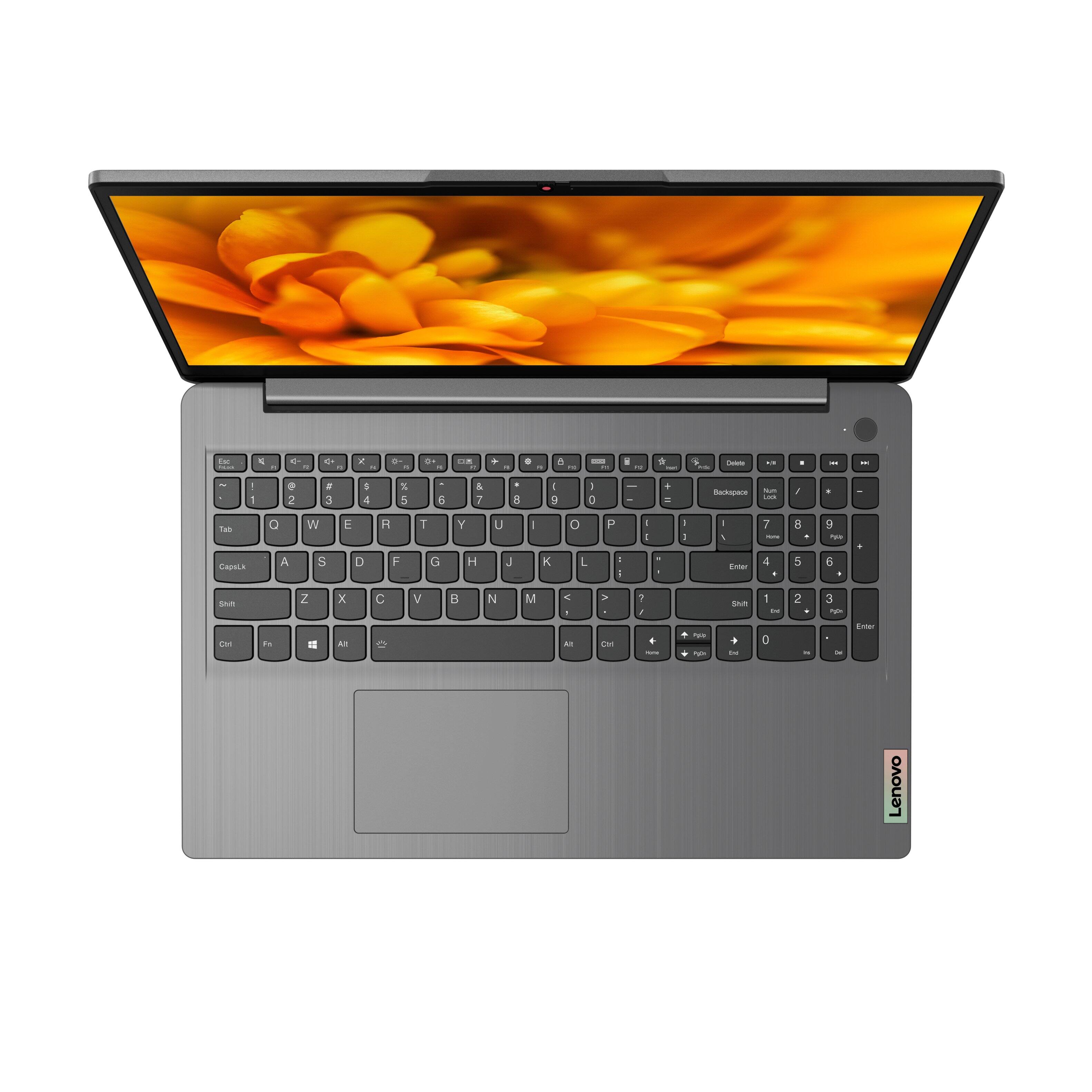
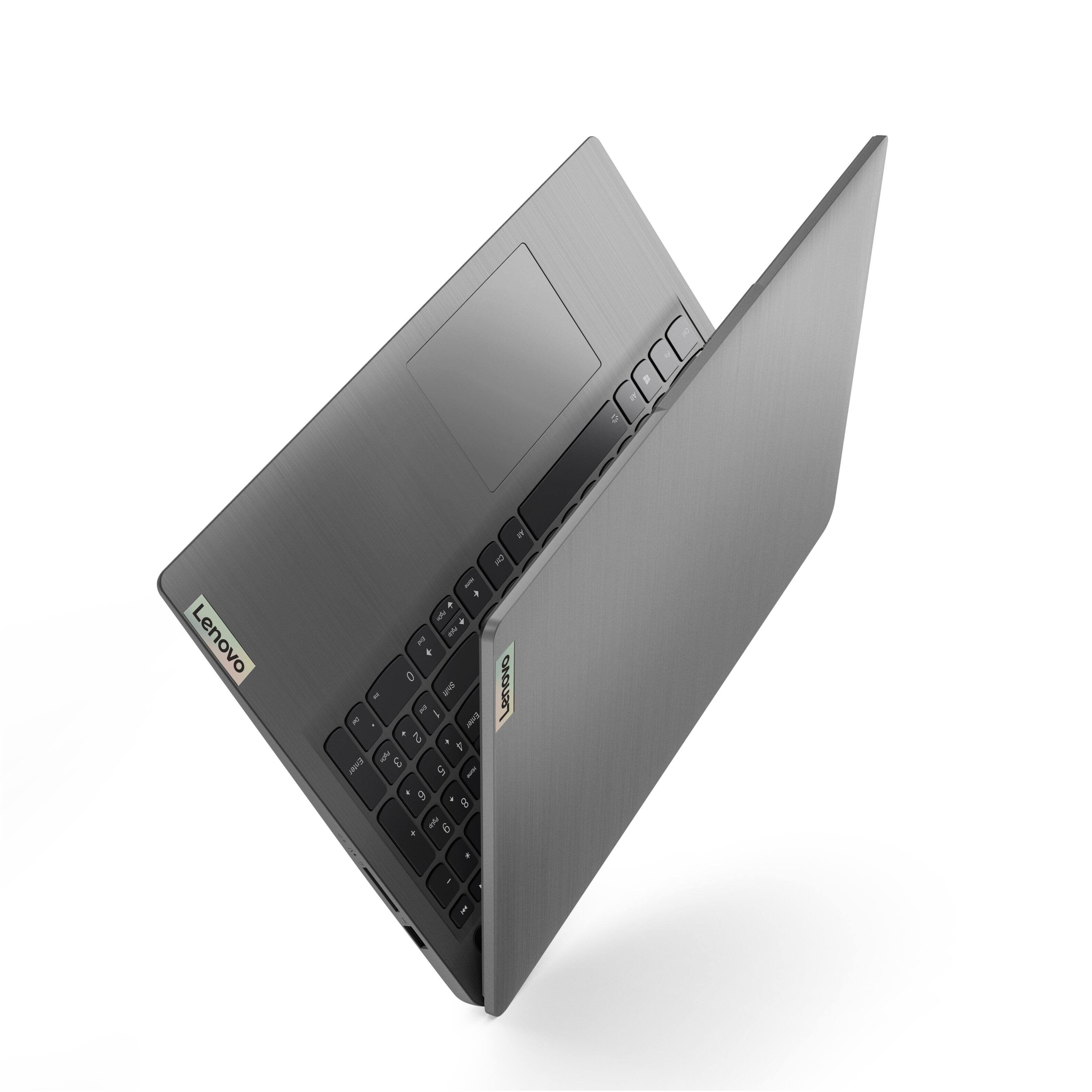
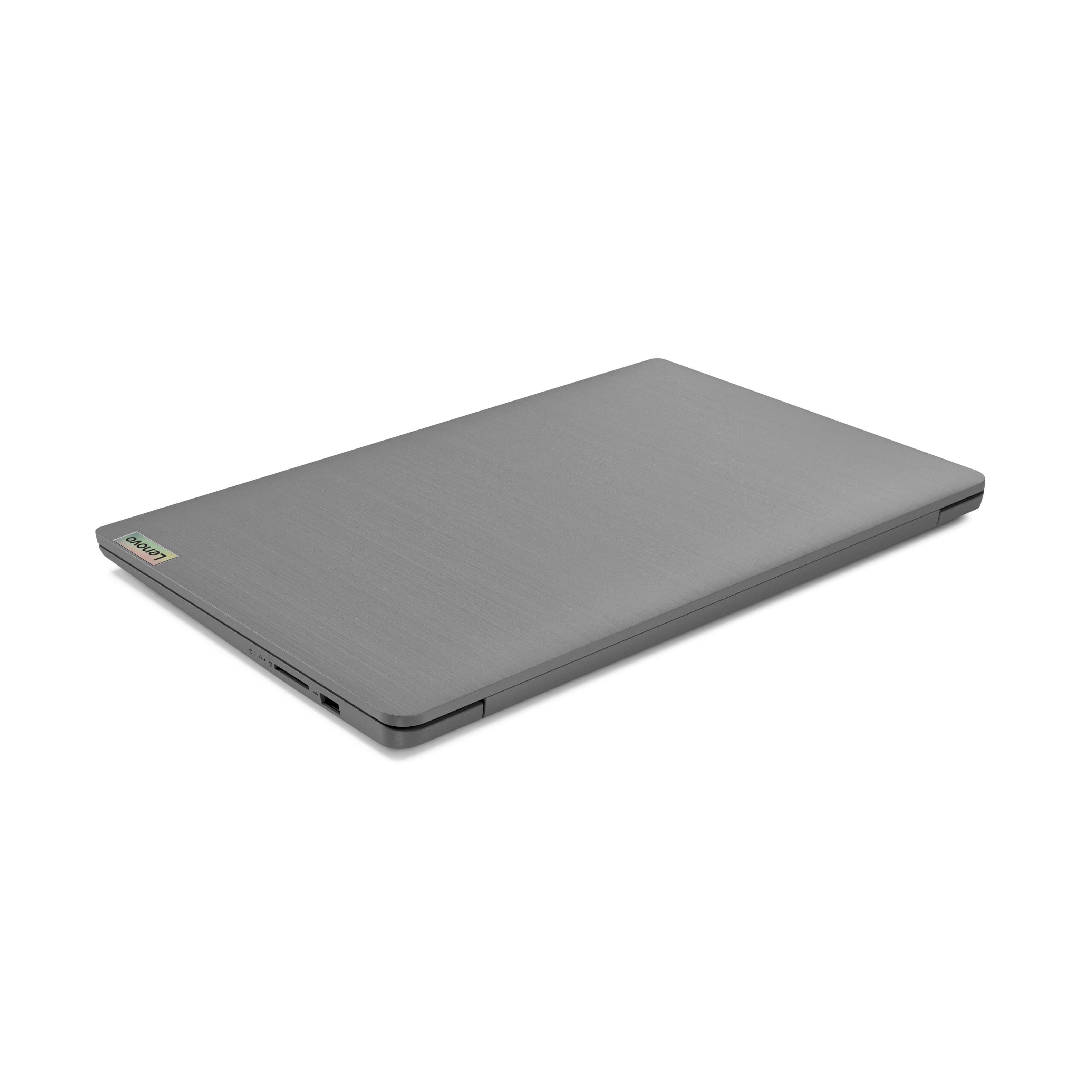
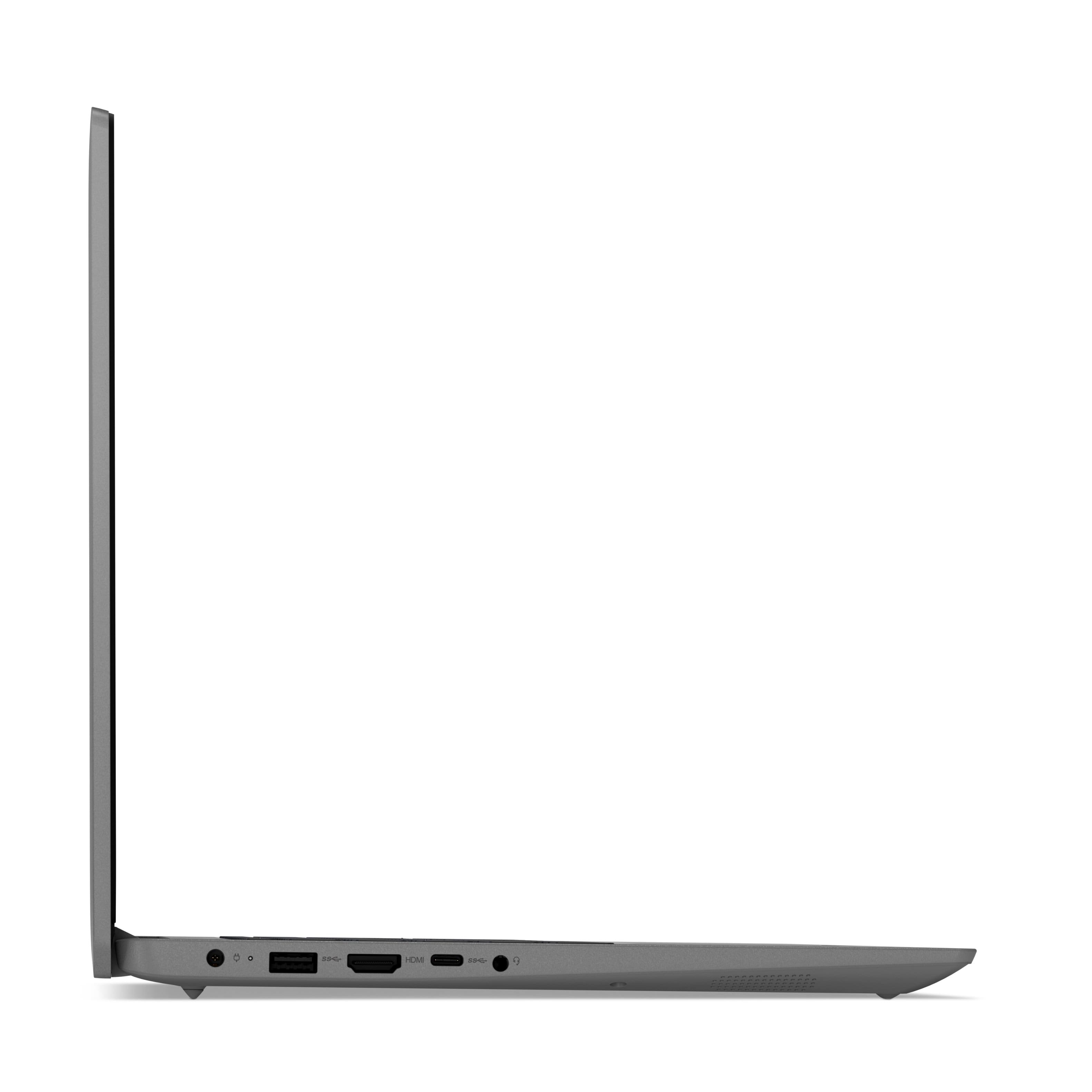
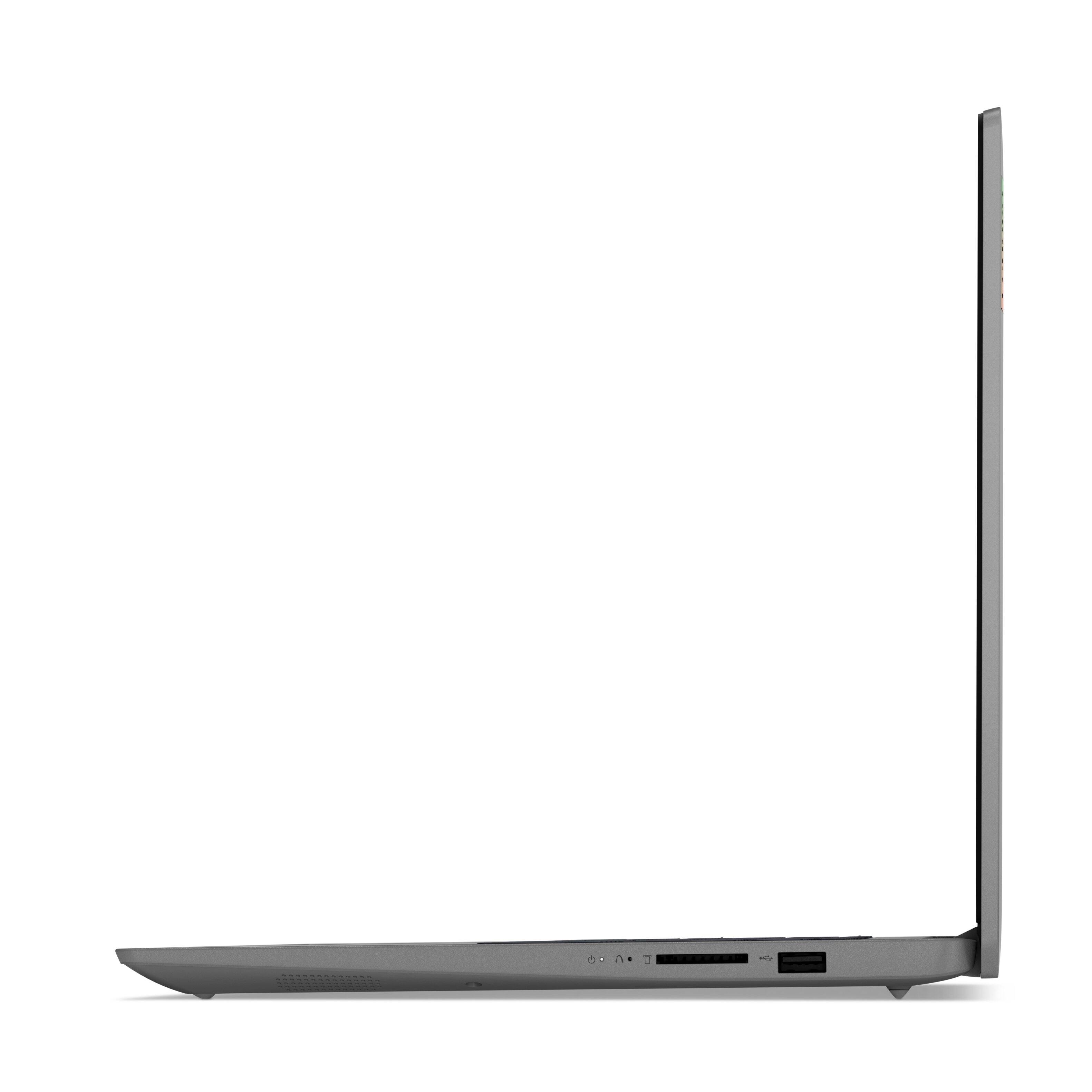
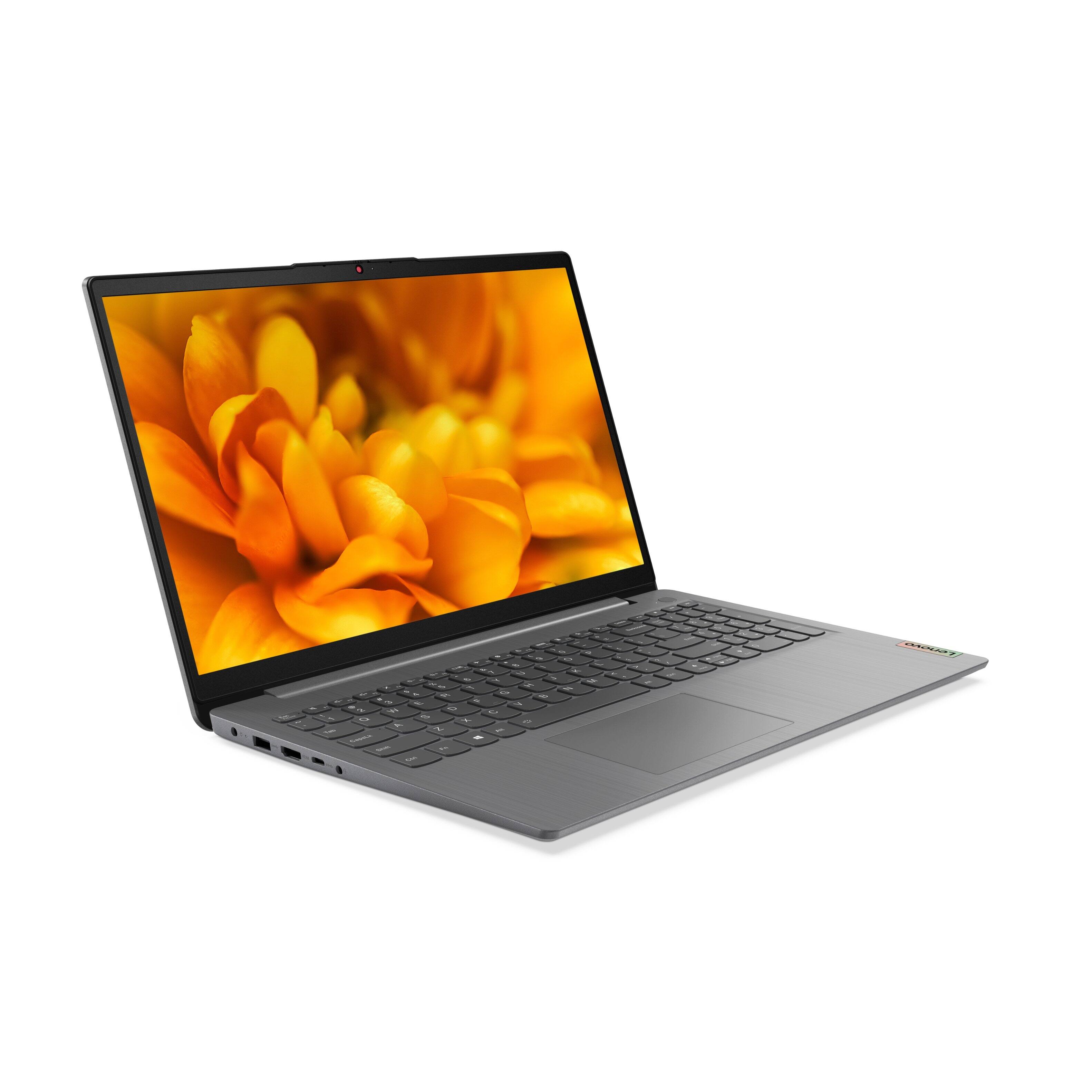
A:AnswerThere is no VGI connector on this Lenovo IdeaPad 3 15 Laptop, model number 82H801DQUS. This model configuration ships with these ports: 1x USB 2.0, 1x USB 3.2 Gen 1, 1x USB-C 3.2 Gen 1 (support data transfer only), 1x HDMI 1.4b, 1x Card reader, 1x Headphone / microphone combo jack (3.5mm), 1x Power connector.
A:AnswerThe Lenovo IdeaPad 3 15 laptop, model number 82H801DQUS, ships with Windows 11 S-Mode 64-bit Operating System factory installed. Model number 82H8018SUS, will ship with Windows 10 S-Mode 64-bit Operating System factory installed and will be available to download the upgrade to Windows 11 S-Mode 64-bit Operating System, when the upgrade is available for this model.
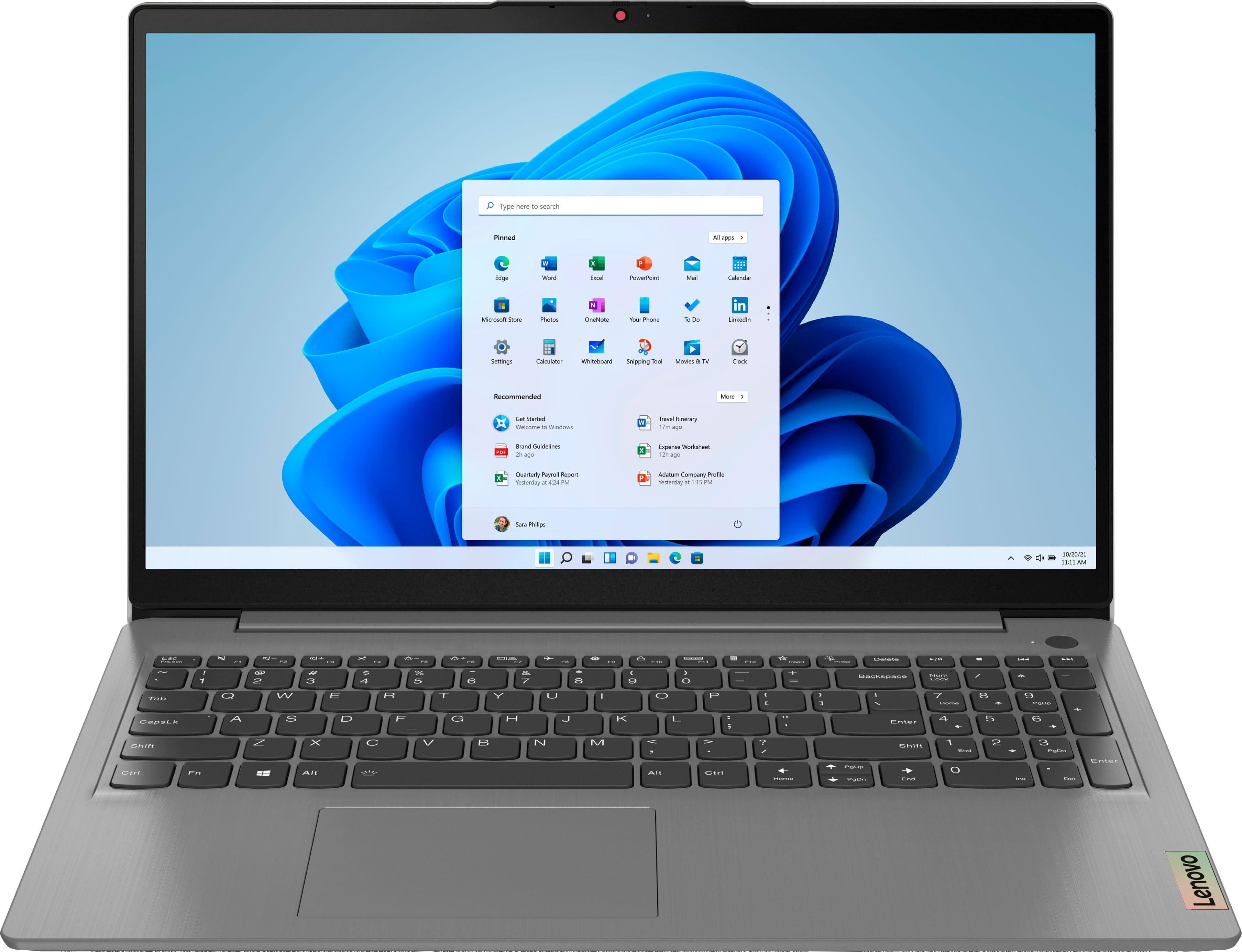
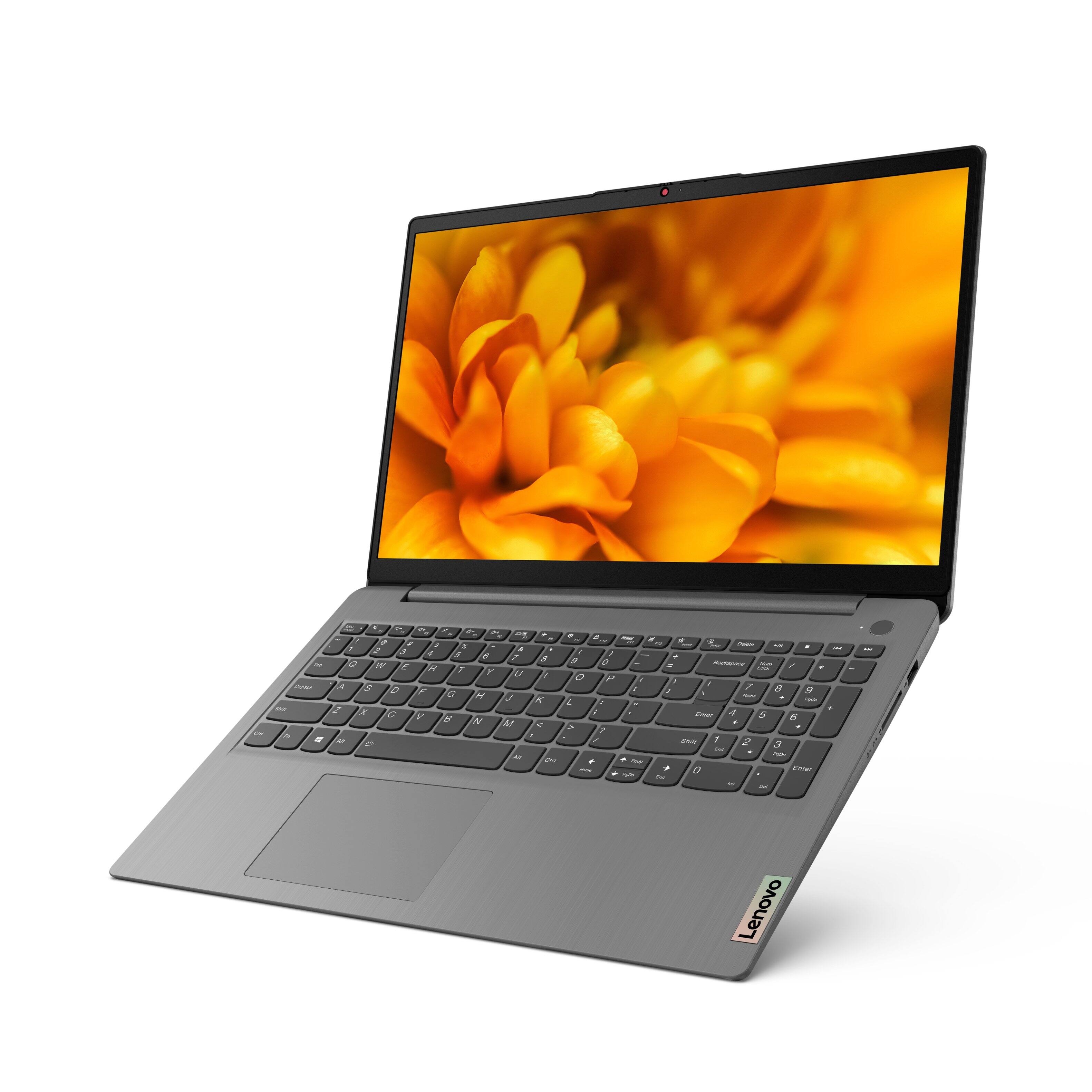
A:AnswerThis Lenovo IdeaPad 3 15 Laptop, model number 82H801DQUS, ships with a backlit keyboard. To activate the back lighting for the keyboard, be sure you are holding down the Fn Key, while you tap the Spacebar - Once to turn on the backlighting, twice to increase the backlighting intensity and three times to turn off the backlighting. Both the Fn Key and the Spacebar must be held down at the same time to activate the backlighting.
A:AnswerThe Lenovo IdeaPad 3 15 laptop, model number 82H801DQUS, ships with Windows 11 S-Mode 64-bit Operating System factory installed. Windows 11 S-Mode provides added security by only allowing APPs available ( and therefore certified by Microsoft) at the Microsoft Store. If you don't need the added security or you need to install APPs not available at the Microsoft Store, you can switch to standard Windows 11 Home 64-bit Operating System, at no additional cost. Switching out of S-Mode to Windows 10 Home 64-bit Operating System will not slow down your computer. The software install may. If you choose to switch out of S-Mode for Windows 11 Home: Here is a link to instructions for switching from Windows 11 S-Mode to Windows 11 Home: https://support.microsoft.com/en-us/help/4456067/windows-10-switch-out-of-s-mode