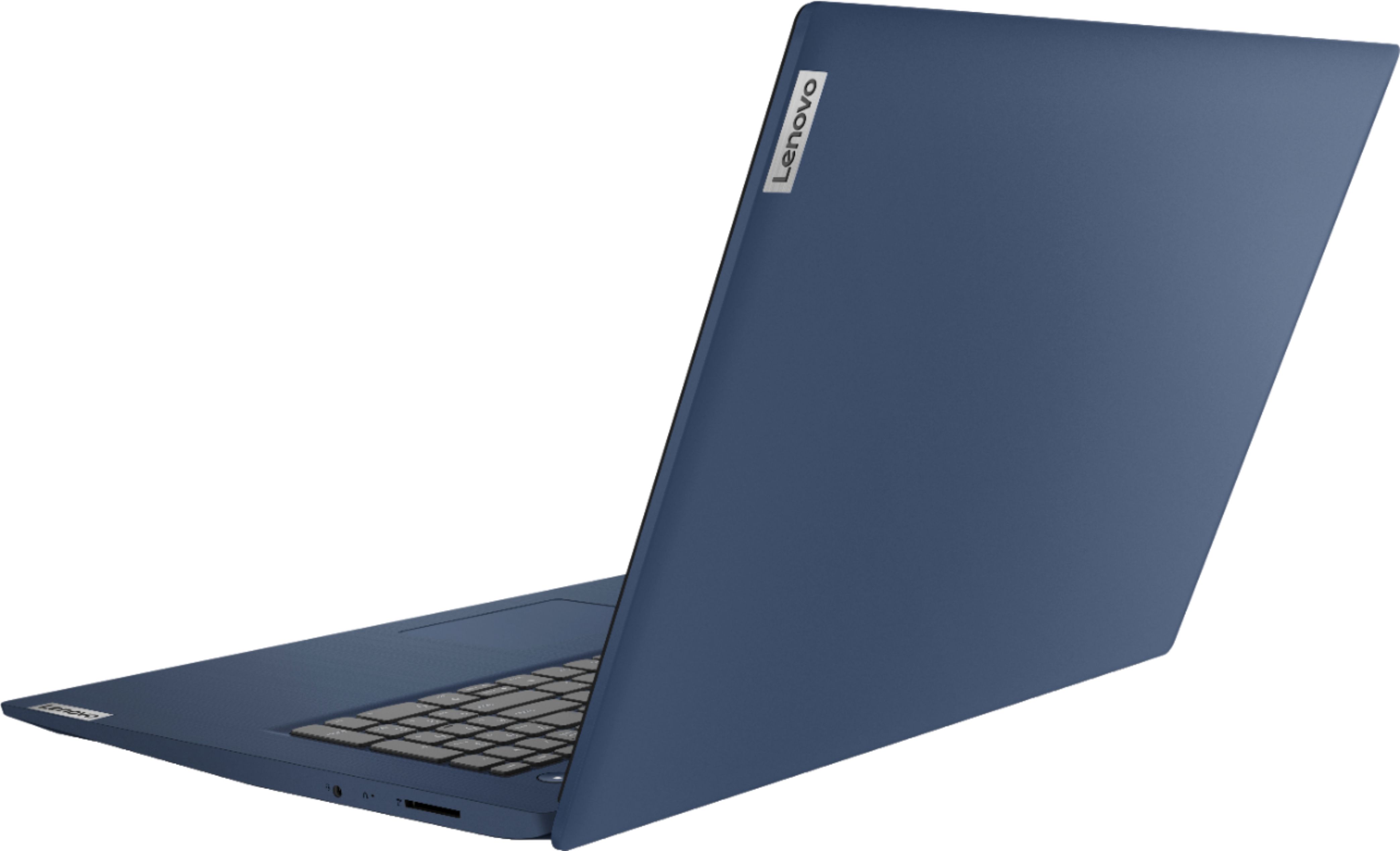
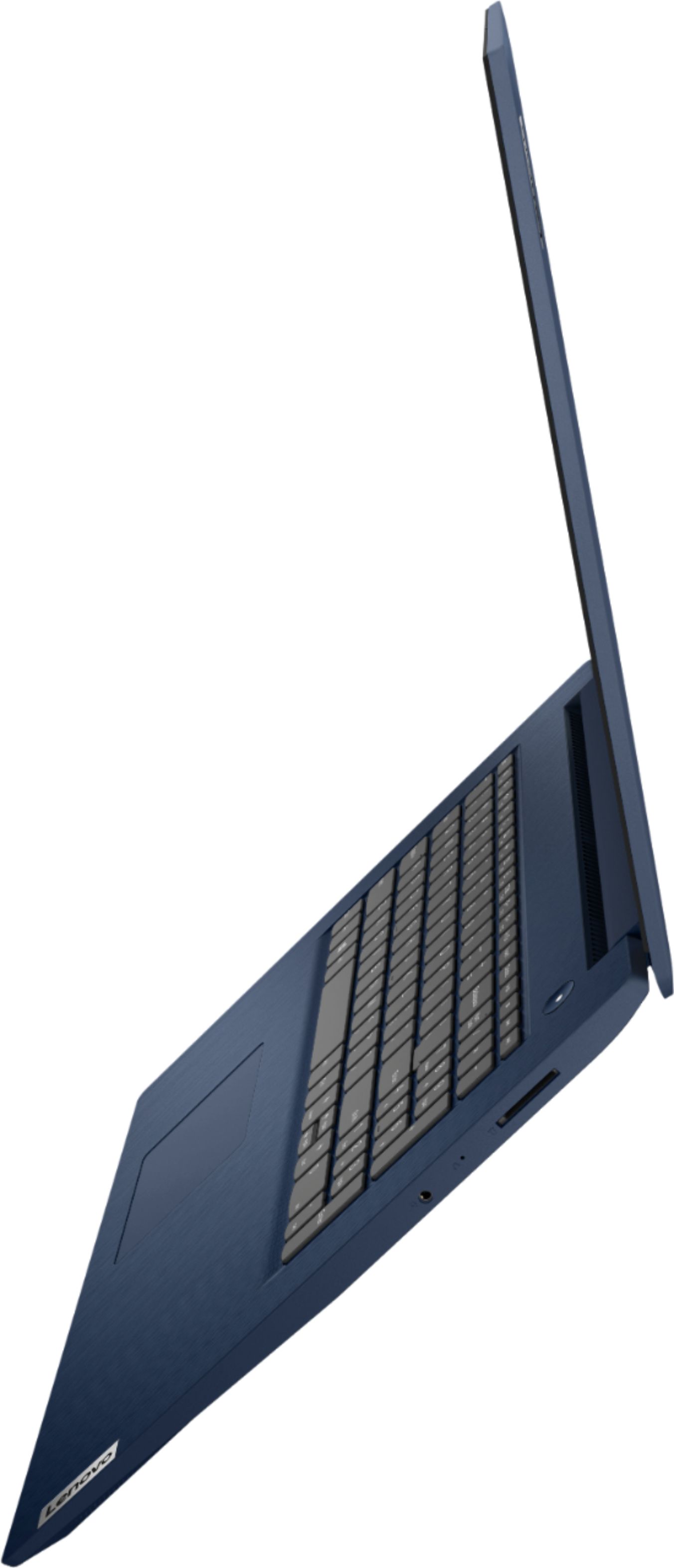
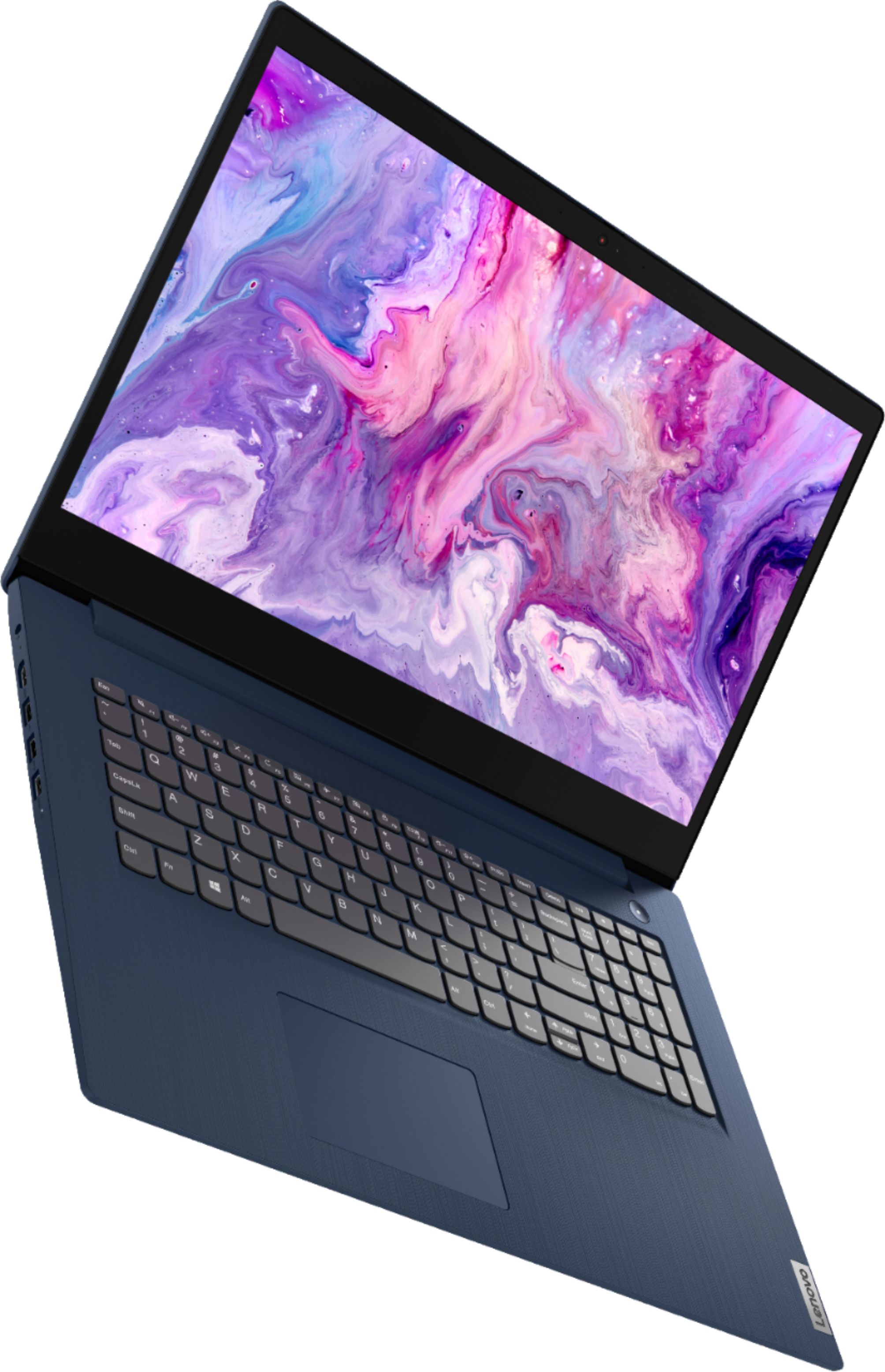
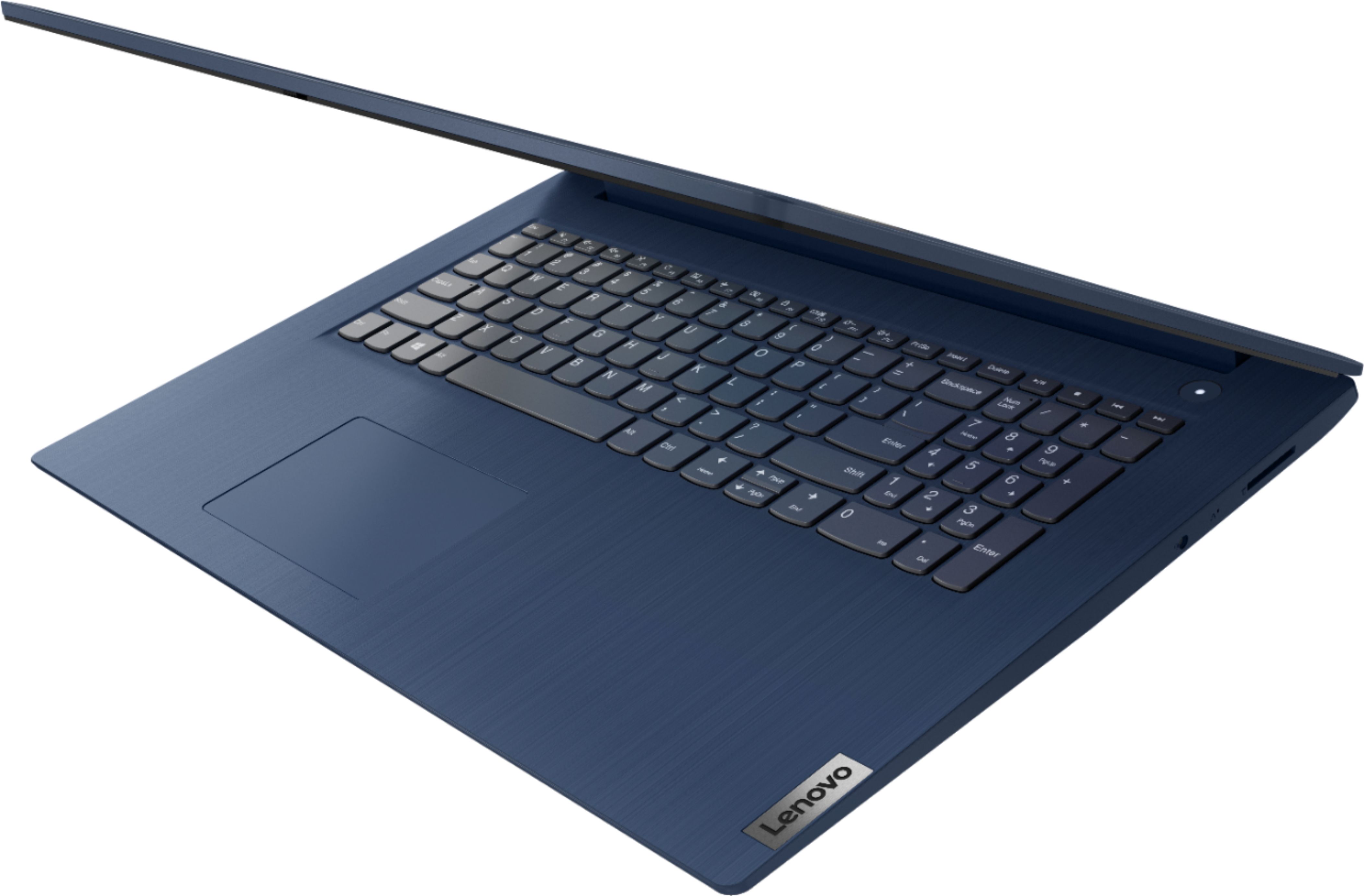
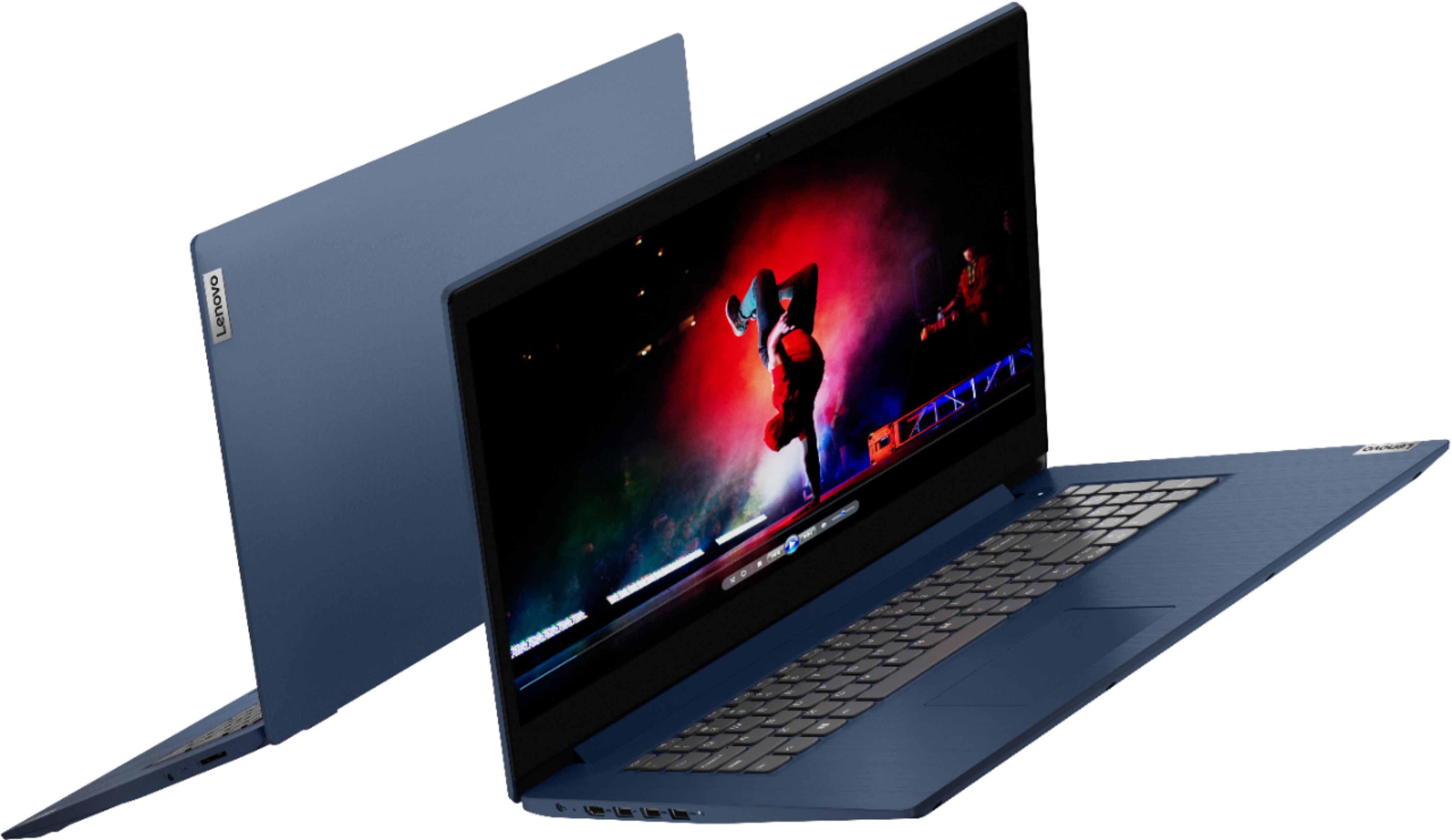
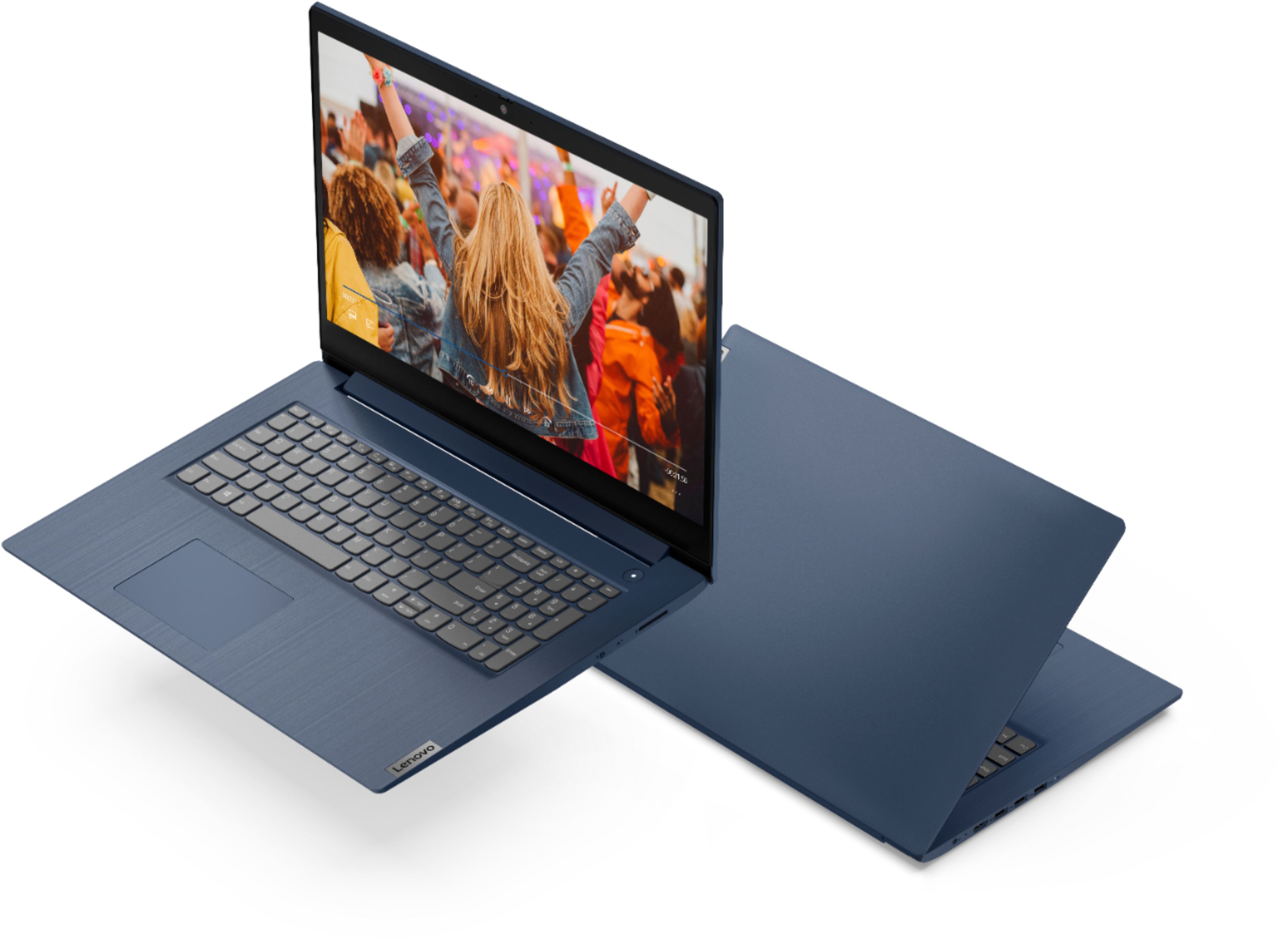
A:Answer I highly recommend dumping the 5400 rpm junk drive, it is very slow and makes an otherwise acceptable laptop a real dog. I recommend the Samsung 870 EVO SSD SATA Drive, it is as fast as the interface will allow, and fits the drive slot. (About $120) You will need to clone the 5400 drive to the SSD. Easeus.com has a good, paid program, but there are very good free programs. To clone the drive you will need USB to SATA interface cables. Some tips, after you have cloned the disk; before starting the replacement, remove the power. Remove all screws from the back, use a "pick" to un-snap the back. Once open, disconnect the battery connector, (you shouldn't need to do this as the drives are "hot-swappable") If you don't recognize the hard drive, you should probably stop now. Remove four screws from the frame that mounts the drive, remove the four screws that mount the drive in the frame. Disconnect the SATA connector, be careful, it is not sturdy. Connect the SSD. Reverse the process using the SSD and button up the case. Ta-Da.
Although Lenovo says that you can only upgrade the memory to a miserable 12Gb, (4Gb soldered in and 8Gb replaceable) you can go to Cruical.com and they have a 16GB memory card (About $90) that will boost the memory to 20GB and make a noticeable improvement in performance.
If you bought this laptop for $500 and spent $200 to make it quick enough, you probably did well. It is otherwise thin and light. I really like it.