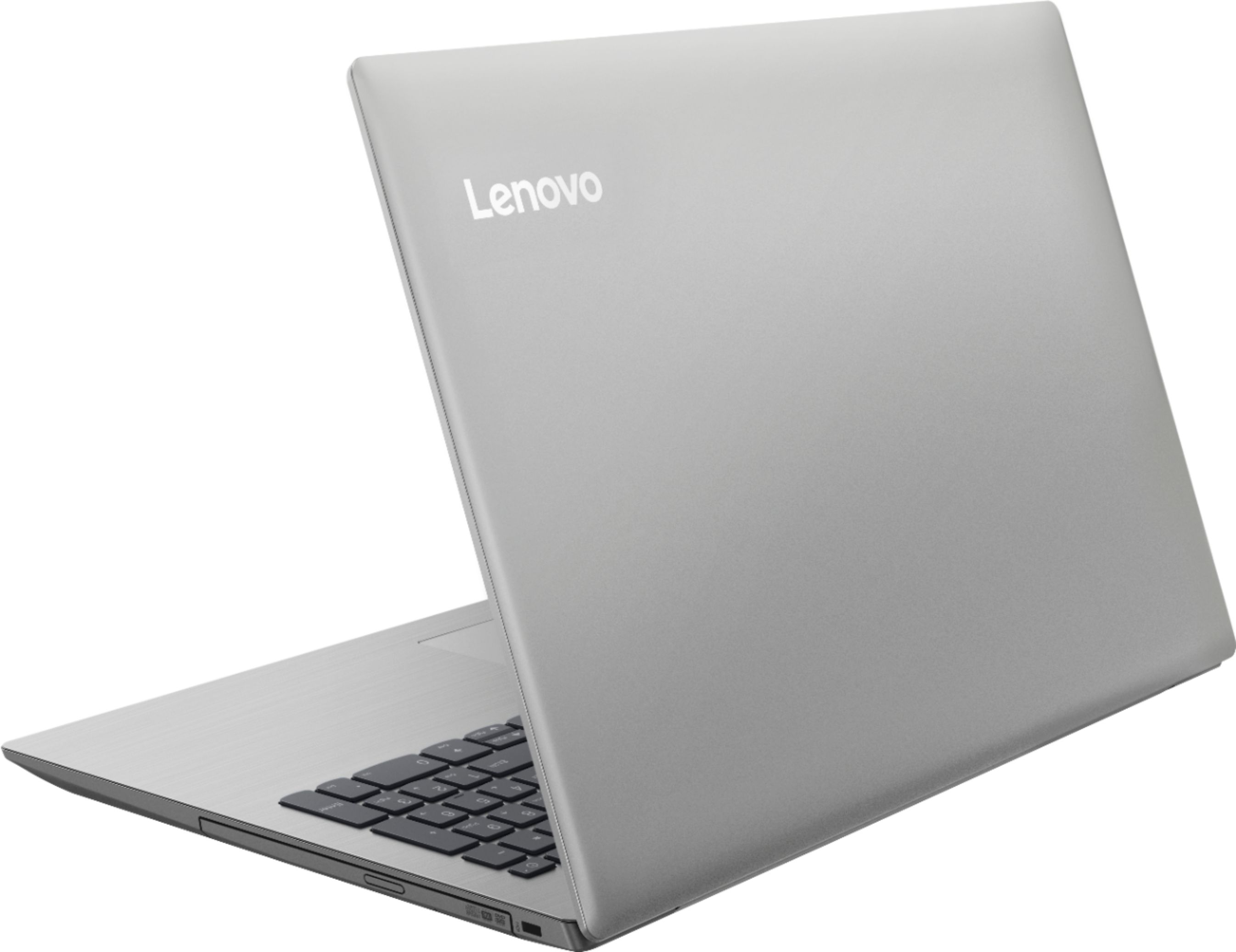
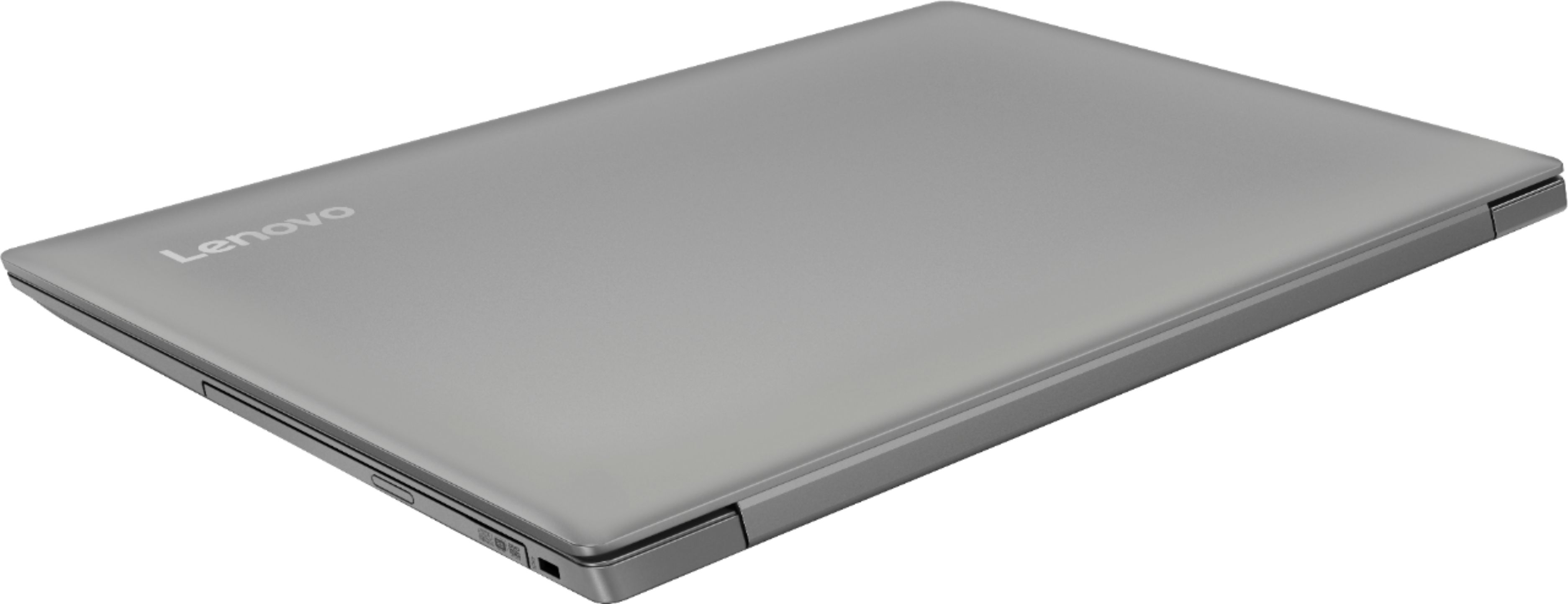
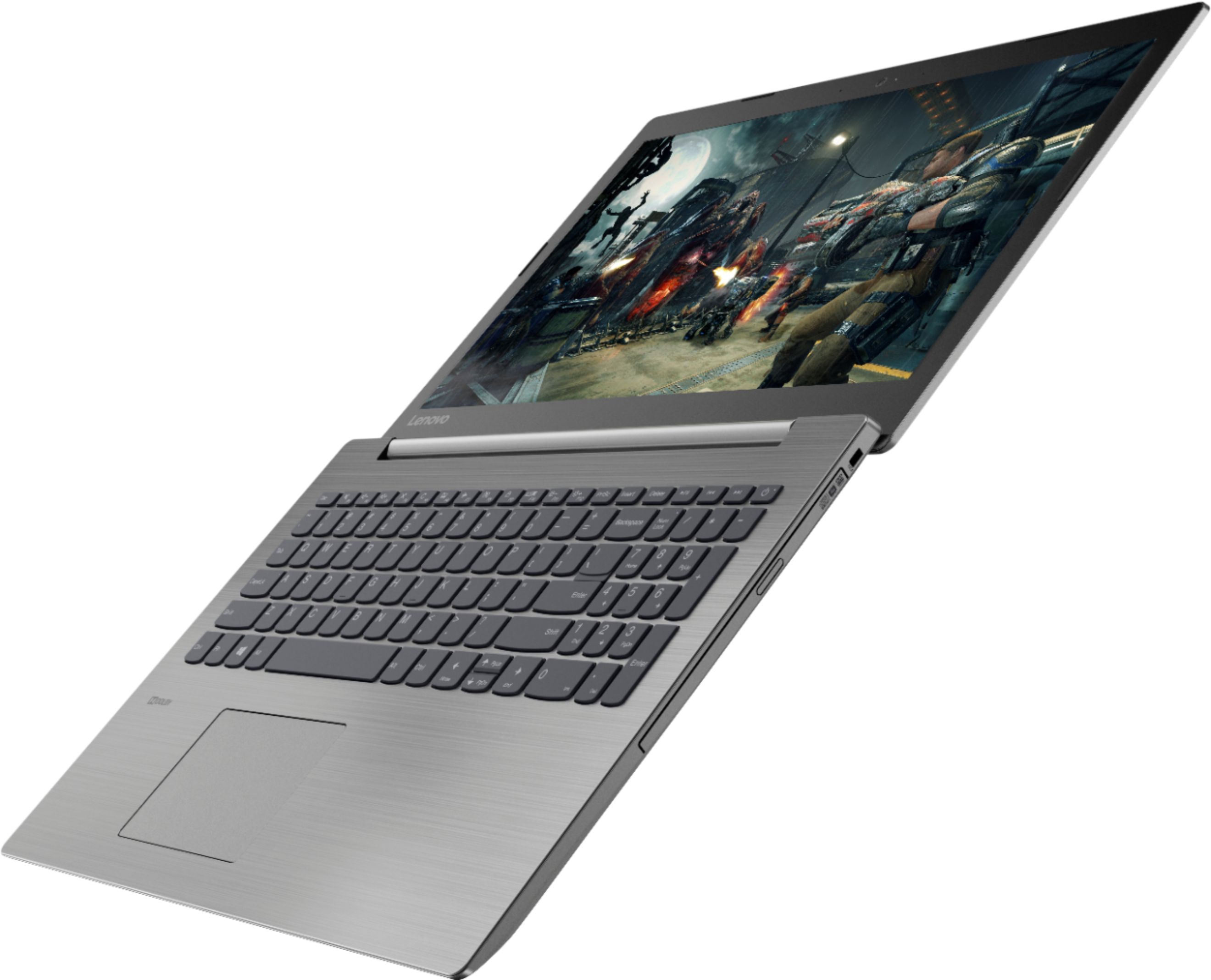
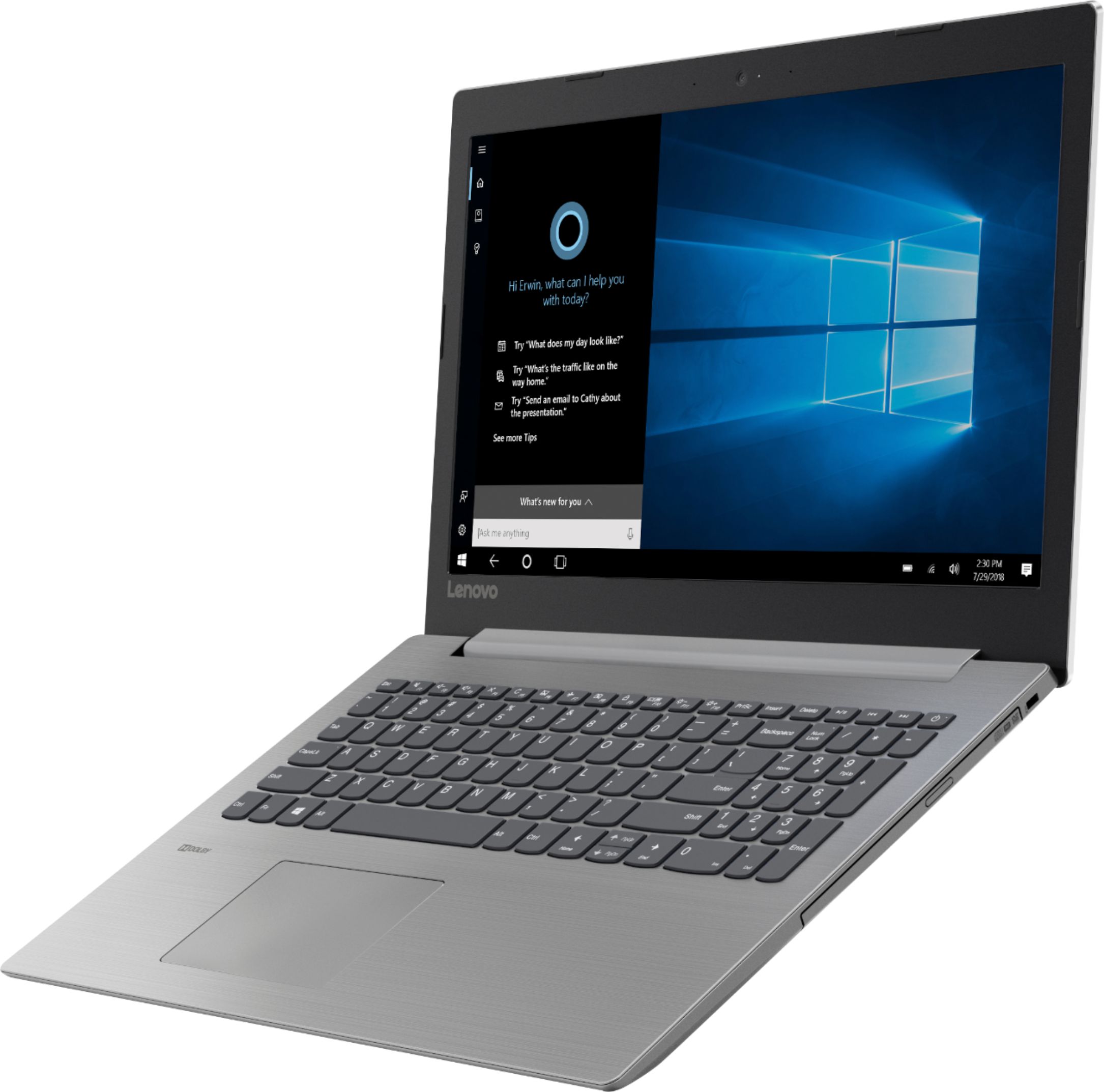
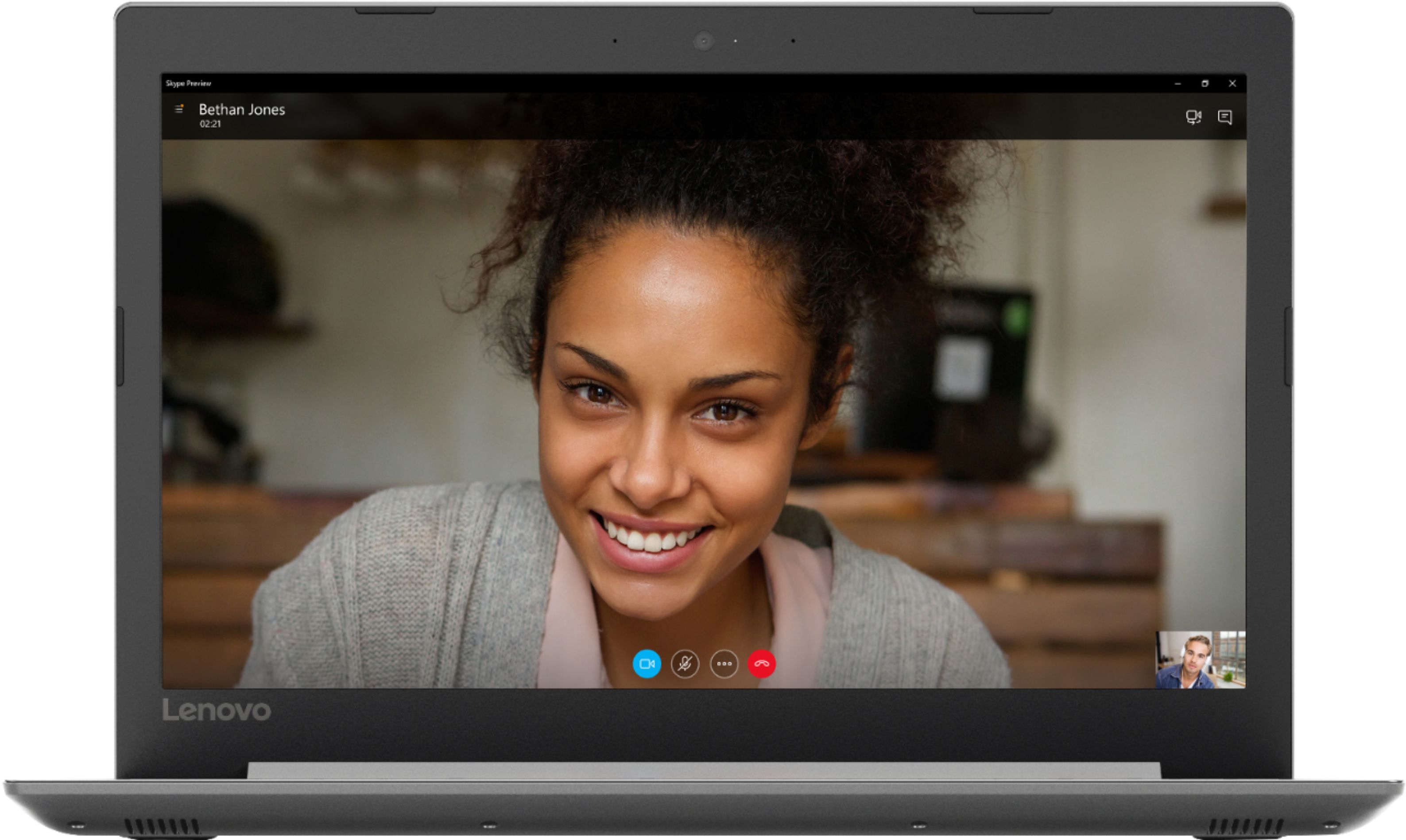
A:AnswerThat will depend on the requirements and compatibility of the specific games you want to play. We recommend you check with the game's software publisher's web site you want to play, for their compatibility with Windows 10 Home 64-bit operating system and the minimum/recommended hardware requirements (Is a Graphics card required, the processor speed and the minimum required system RAM and the minimum available hard drive space) to run their program, then compare those requirements to this system's configuration. The Lenovo IdeaPad 330-15 laptop is an entry level, light use system with its Intel Pentium processor. It is not meant for multi-tasking or demanding programs. It is good for Microsoft Office and light internet browsing. If this describes your computing needs, the IdeaPad 330-15 would be a good choice.
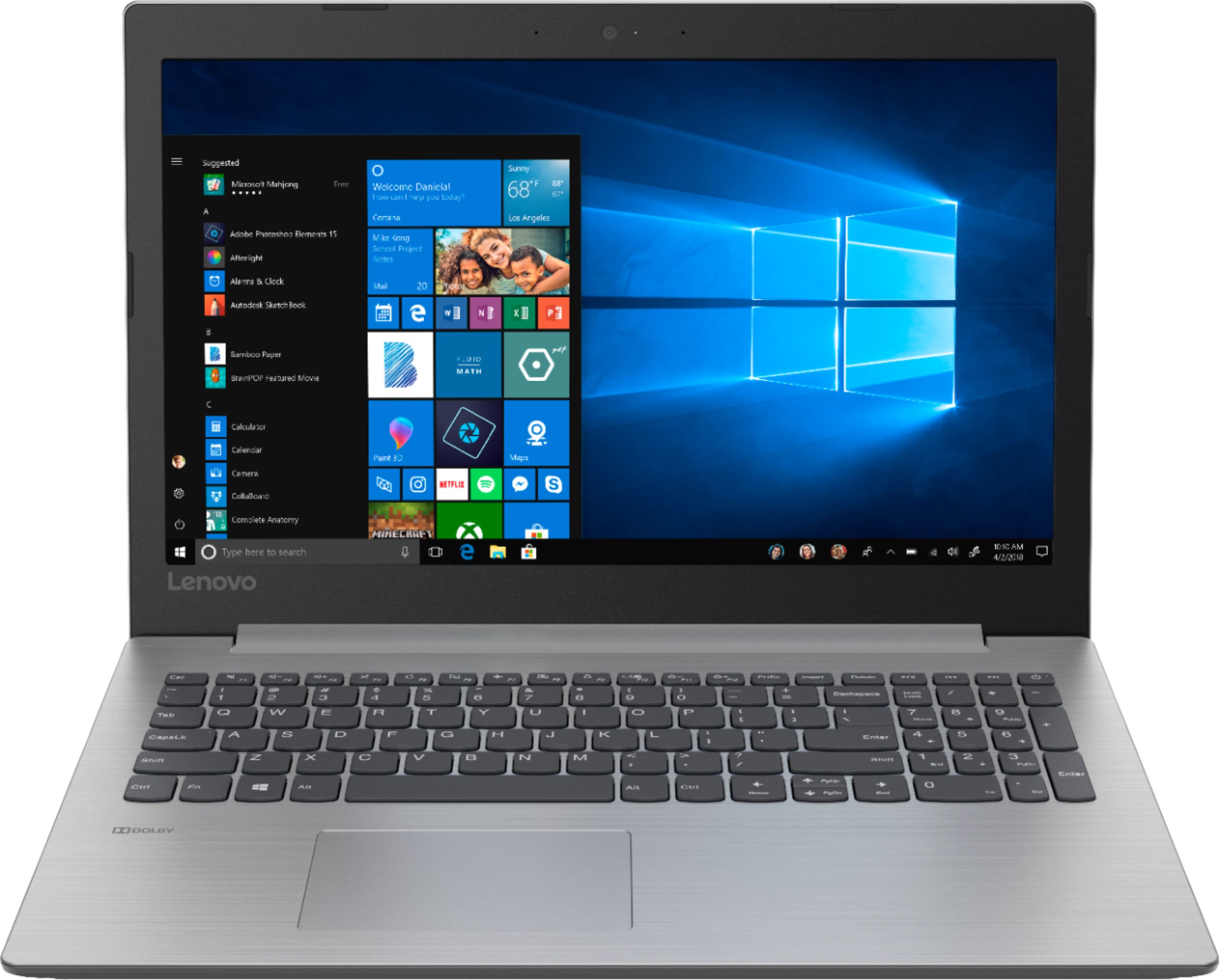
A:AnswerThat will depend on the software you will need to install and use on the computer to do the work you want to do. We recommend you check with the school's web site for the programs they require to attend online classes, then check those programs for their compatibility with Windows 10 Home 64-bit operating system and the minimum/recommended hardware requirements (Is a Graphics card required, the processor speed and the minimum required system RAM and the minimum available hard drive space) to run their program, then compare those requirements to this system's configuration. The Lenovo IdeaPad 330-15 laptop is an entry level, light use system with its Intel Pentium processor. It is not meant for multi-tasking or demanding programs. It is good for Microsoft Office and light internet browsing. If this describes your computing needs, the IdeaPad 330-15 would be a good choice.
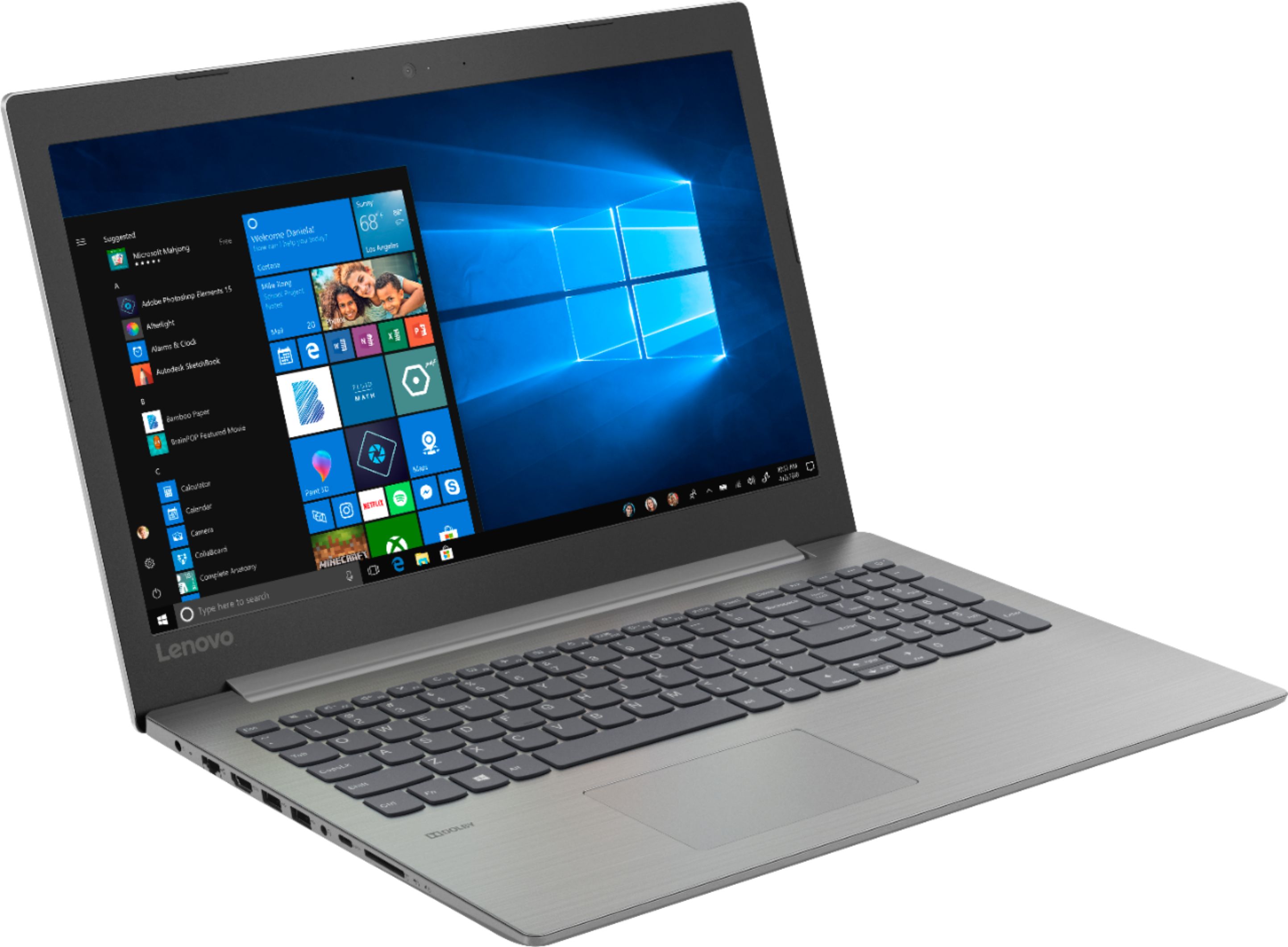
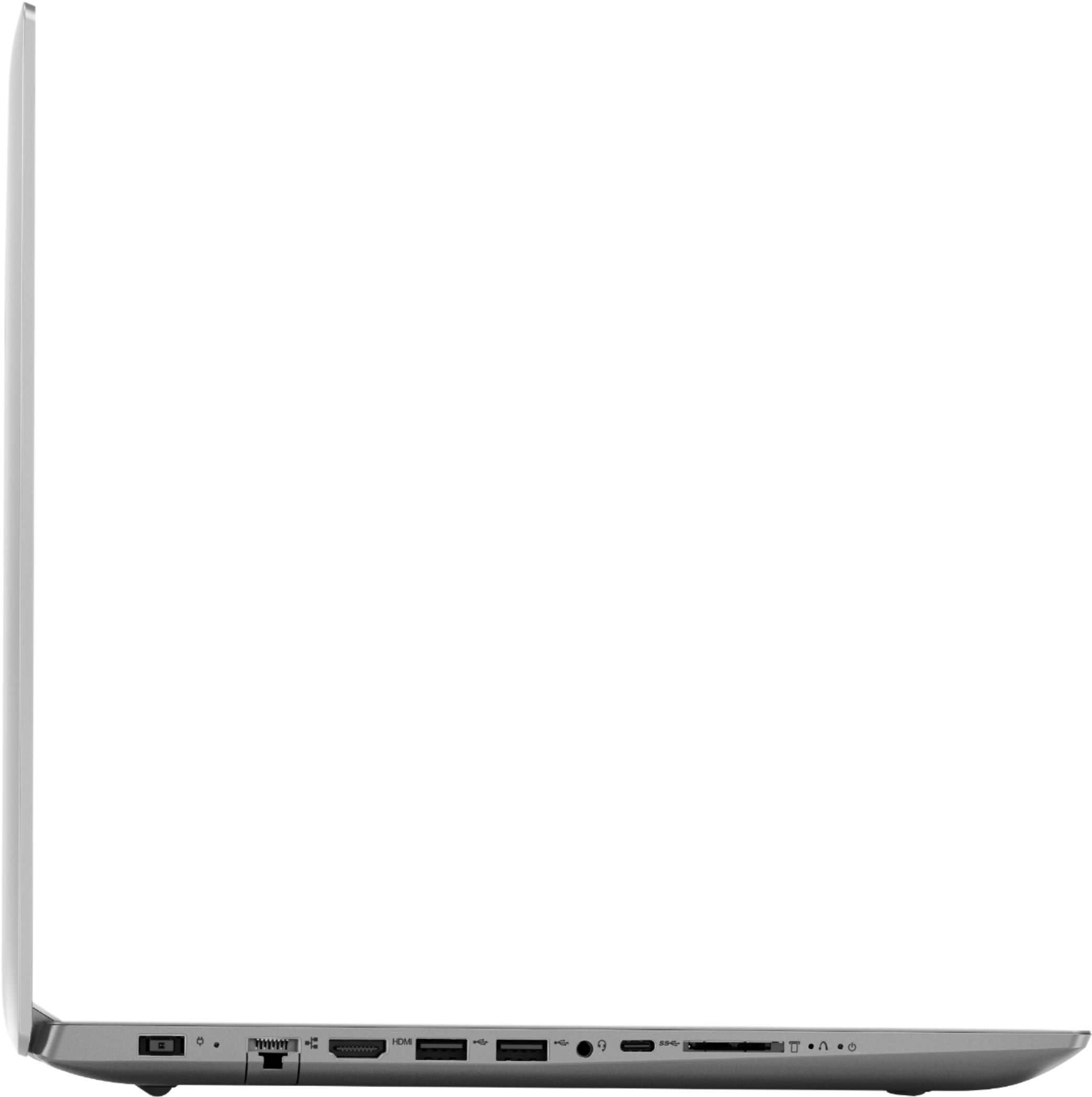
A:AnswerModel number 81D100EDUS has an HDMI port for video out. There is one standard USB 2.0 and one standard USB 3.0 port for peripheral devices like a keyboard and mouse. If you need more USB ports, you might consider using a USB Hub with this device. The Lenovo IdeaPad 330-15 laptop is an entry level, light use system with its Intel Pentium processor. It is not meant for multi-tasking or demanding programs. It is good for Microsoft Office and light internet browsing. If this describes your computing needs, the IdeaPad 330-15 would be a good choice.
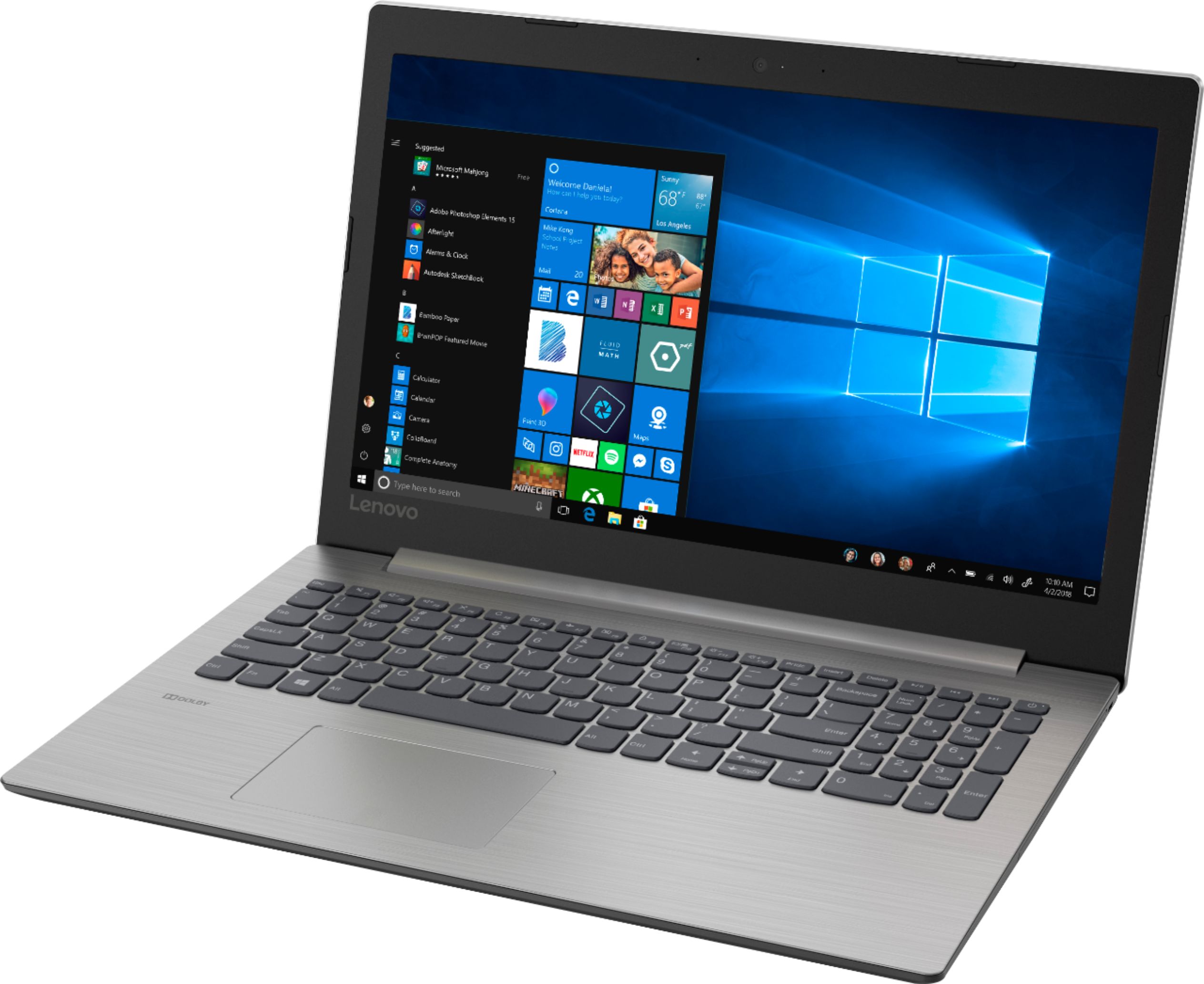
A:AnswerThat will depend on the requirements and compatibility of the hardware and the software needed to run the hardware. We recommend you check with both the hardware and the software publisher's web sites for their compatibility with Windows 10 Home 64-bit operating system and the minimum/recommended hardware requirements (Is a Graphics card required, the processor speed and the minimum required system RAM and the minimum available hard drive space) to run their program, then compare those requirements to this system's configuration.
A:AnswerThat really depends on the requirements and compatibility of the specific game. We recommend you check with the specific game's software publisher's web site for their compatibility with Windows 10 Home 64-bit operating system and the minimum/recommended hardware requirements (Is a Graphics card required, the processor speed and the minimum required system RAM and the minimum available hard drive space) to run their program, then compare those requirements to this system's configuration.
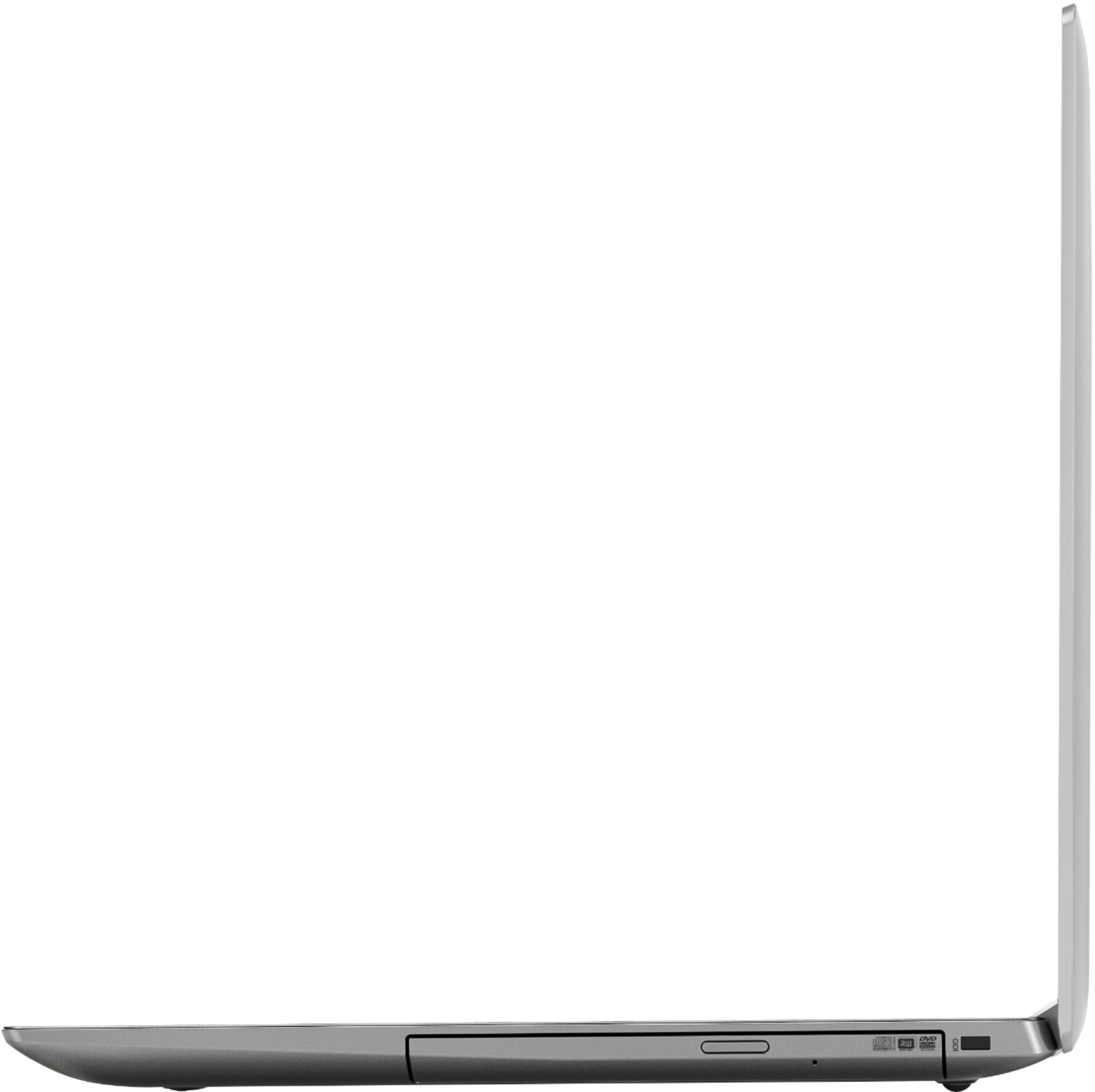
A:AnswerThere is a built in CD/DVD-RW drive on this model number 81D100EDUS. In order to make playable music CDs, you will need to install Media Player software that is on pre-installed with Windows 10. You can copy files to a CD or DVD but to play back music or commercial movie DVDs, you will need Media Player software installed.
A:AnswerThat will depend on the requirements and compatibility of the specific software. We recommend you check with the specific software publisher's web site for their compatibility with Windows 10 Home 64-bit operating system and the minimum/recommended hardware requirements (Is a Graphics card required, the processor speed and the minimum required system RAM and the minimum available hard drive space) to run their program, then compare those requirements to this system's configuration.
A:AnswerUSB 3.0 is also used as SuperSpeed USB. Generally, laptop manufacturers use the SuperSpeed USB logo to differentiate the port. You can find the ss mark along with the USB logo, which looks something like the following image:
It may have a SS before the port identifier
Port Color
Identify USB 3.0 Port in Laptop - Check Color
The USB 3.0 port should have blue color inside the port whereas USB 2.0 has either black or white inside the port. It can happen with both the ‘male’ as well as the ‘female’ port.
A:AnswerThis model Weighs 4.85 lbs. and measures 0.9" thin. There are audio and onscreen instructions for the initial setup and activation of Windows 10 on this computer. With regard to learning your way around Windows 10, you may want to try YouTube.com (just type that address in your browser address window). There are hundreds for free instructional videos there about Windows 10. Just type Windows 10 Introduction in to the YouTube search window. You can watch free videos there that will show you the basics all the way up to tips and tricks videos and they're all free.
A:AnswerShould have no issues, especially if you upgrade the memory to 8GB. With the 4GB you should have no issues. My son streams music and videos all the time. He had 4GB, but I upgraded to 8GB because we all know as computer age, then more stuff gets on them to slow them down and just products slow down with age.
A:AnswerThat really depends on the requirements and compatibility of the specific game. We recommend you check with the game's software publisher's web site for their compatibility with Windows 10 Home 64-bit operating system and the minimum/recommended hardware requirements (Is a Graphics card required, the processor speed and the minimum required system RAM and the minimum available hard drive space) to run their program, then compare those requirements to this system's configuration.