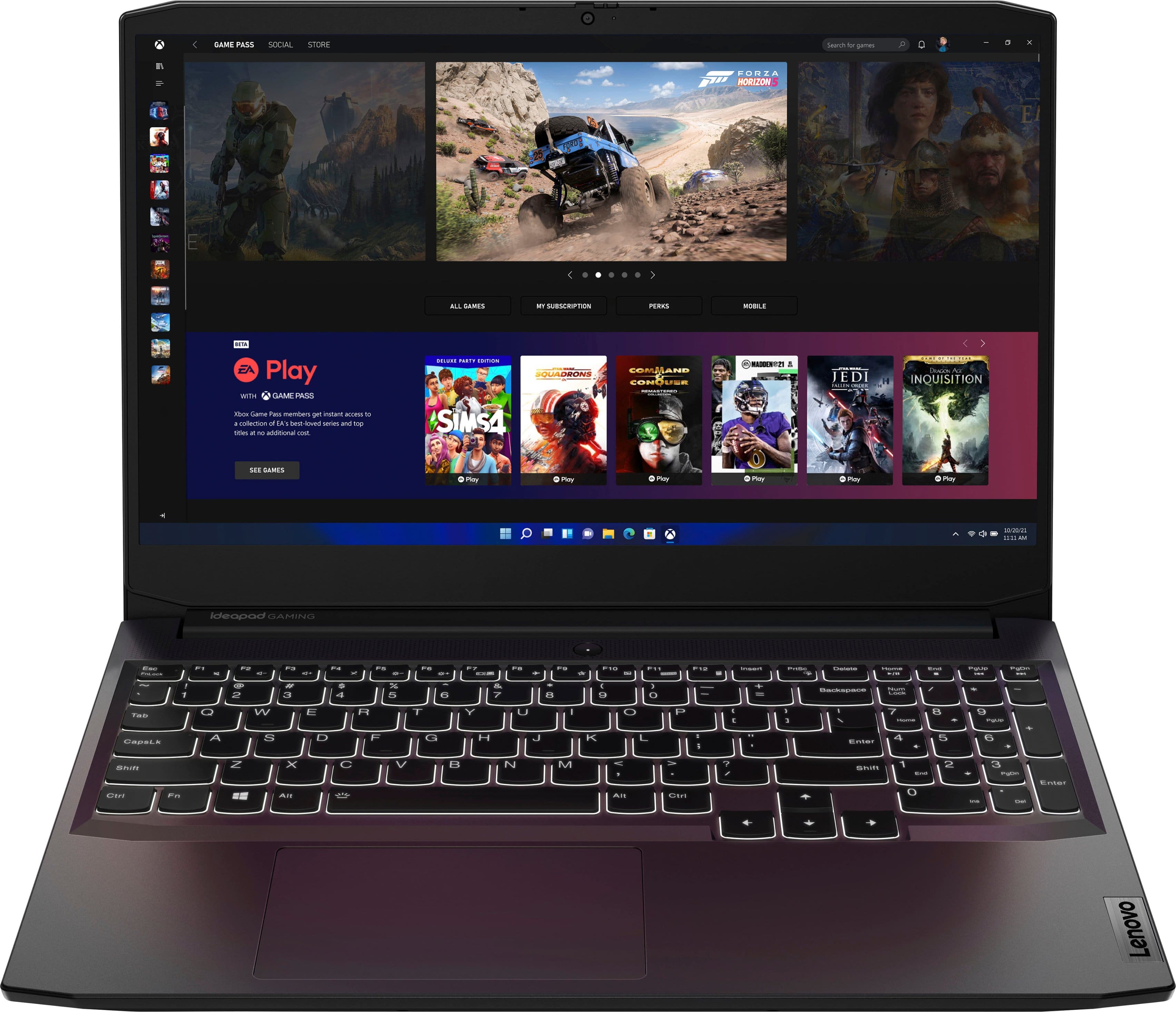
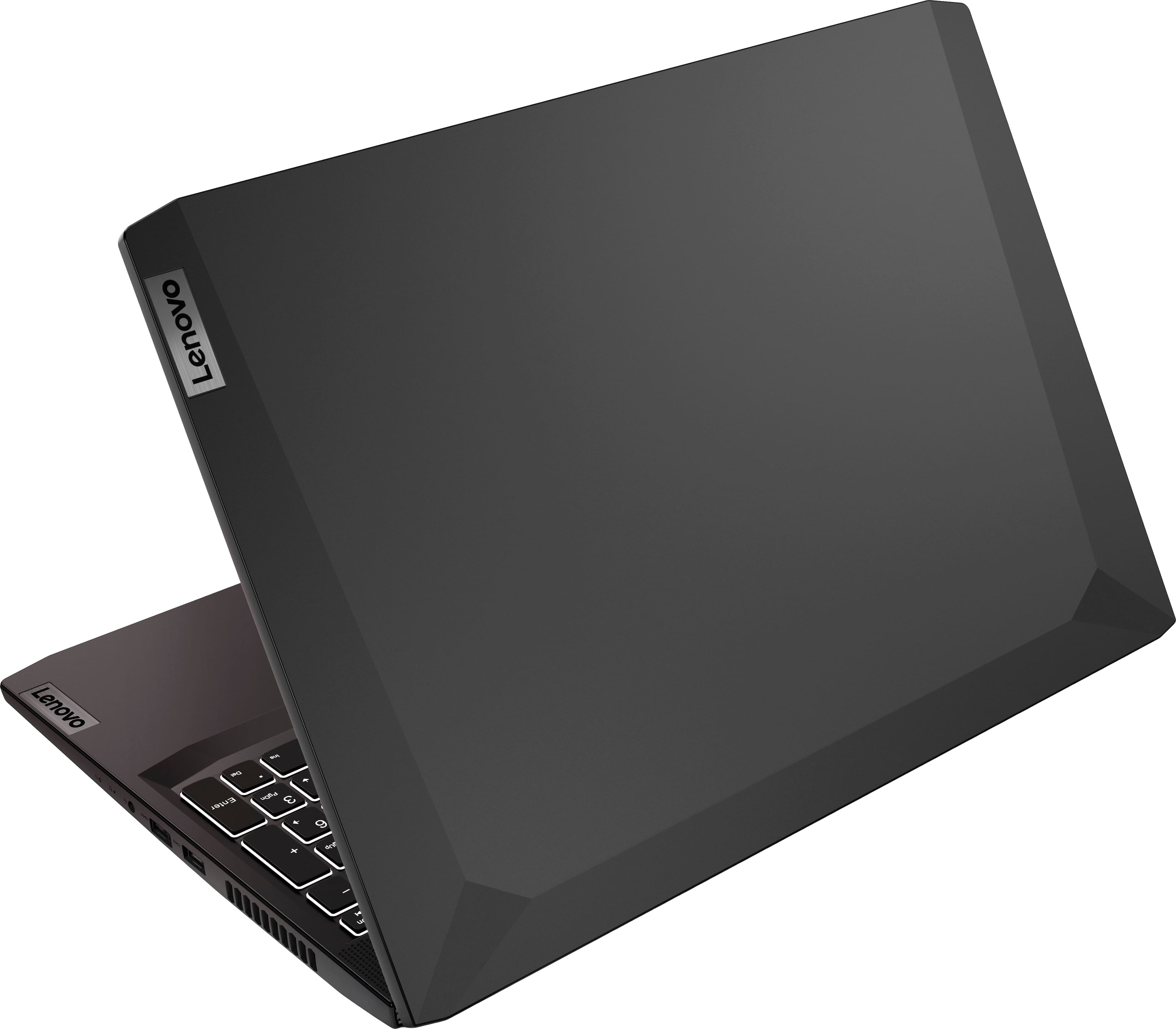
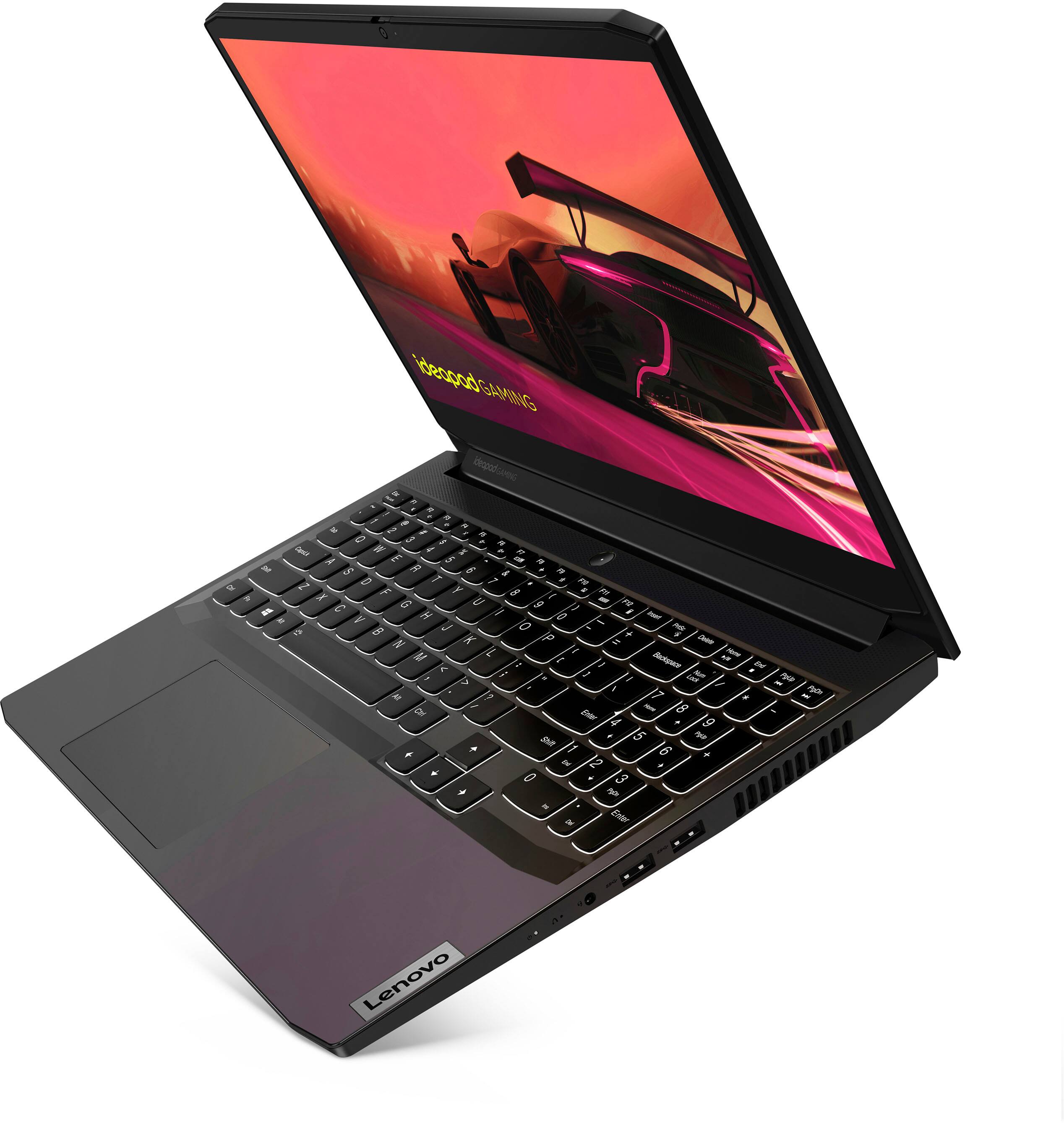
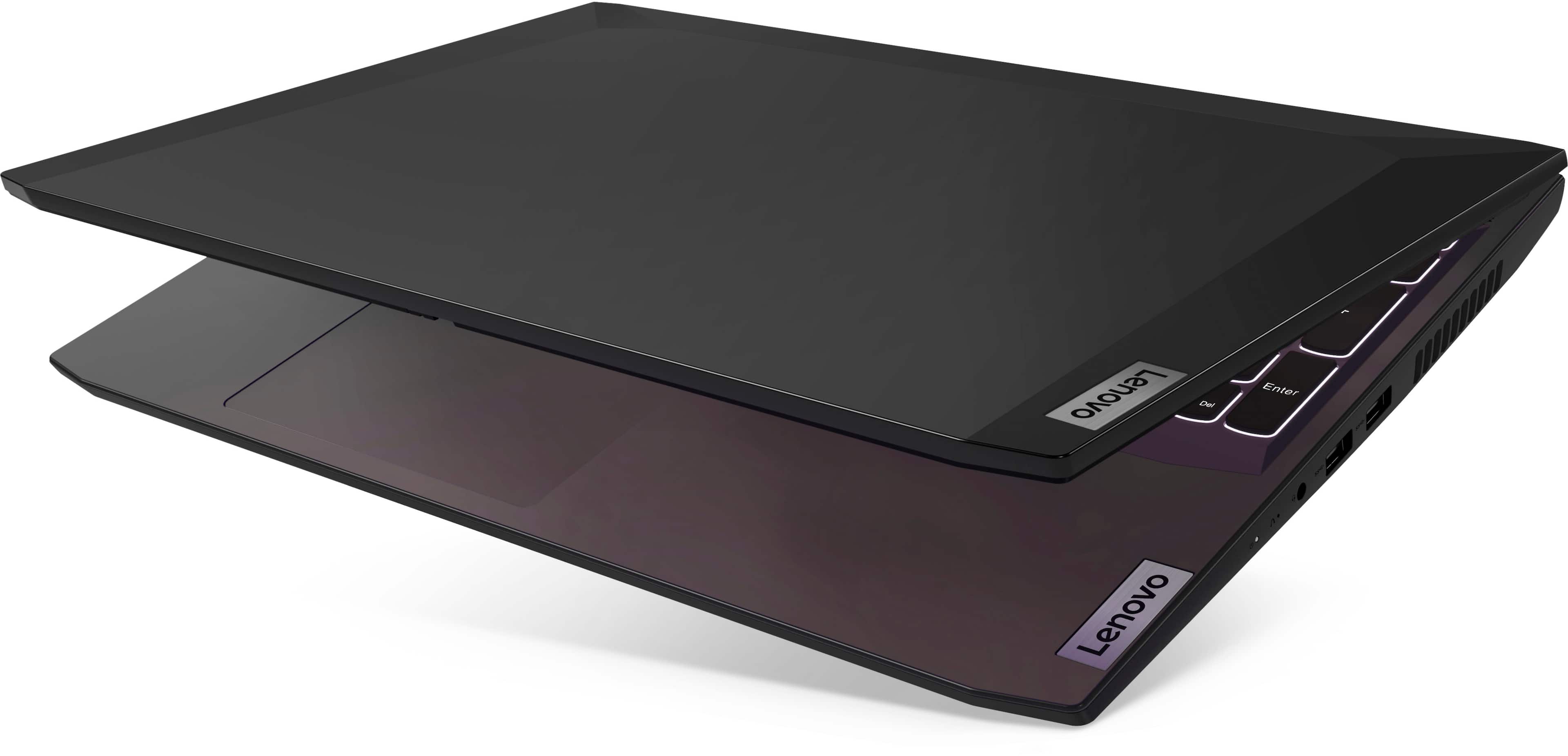
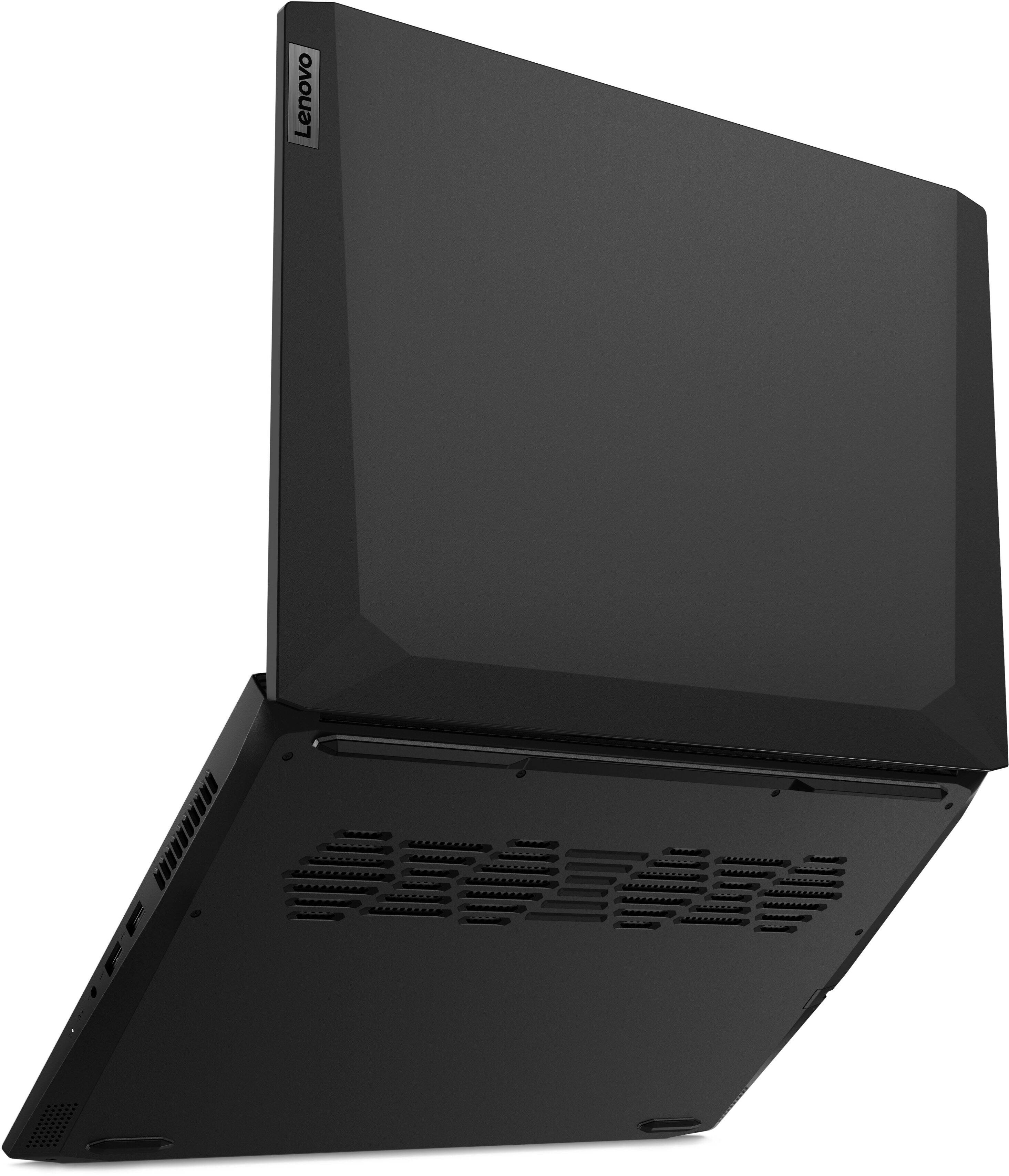
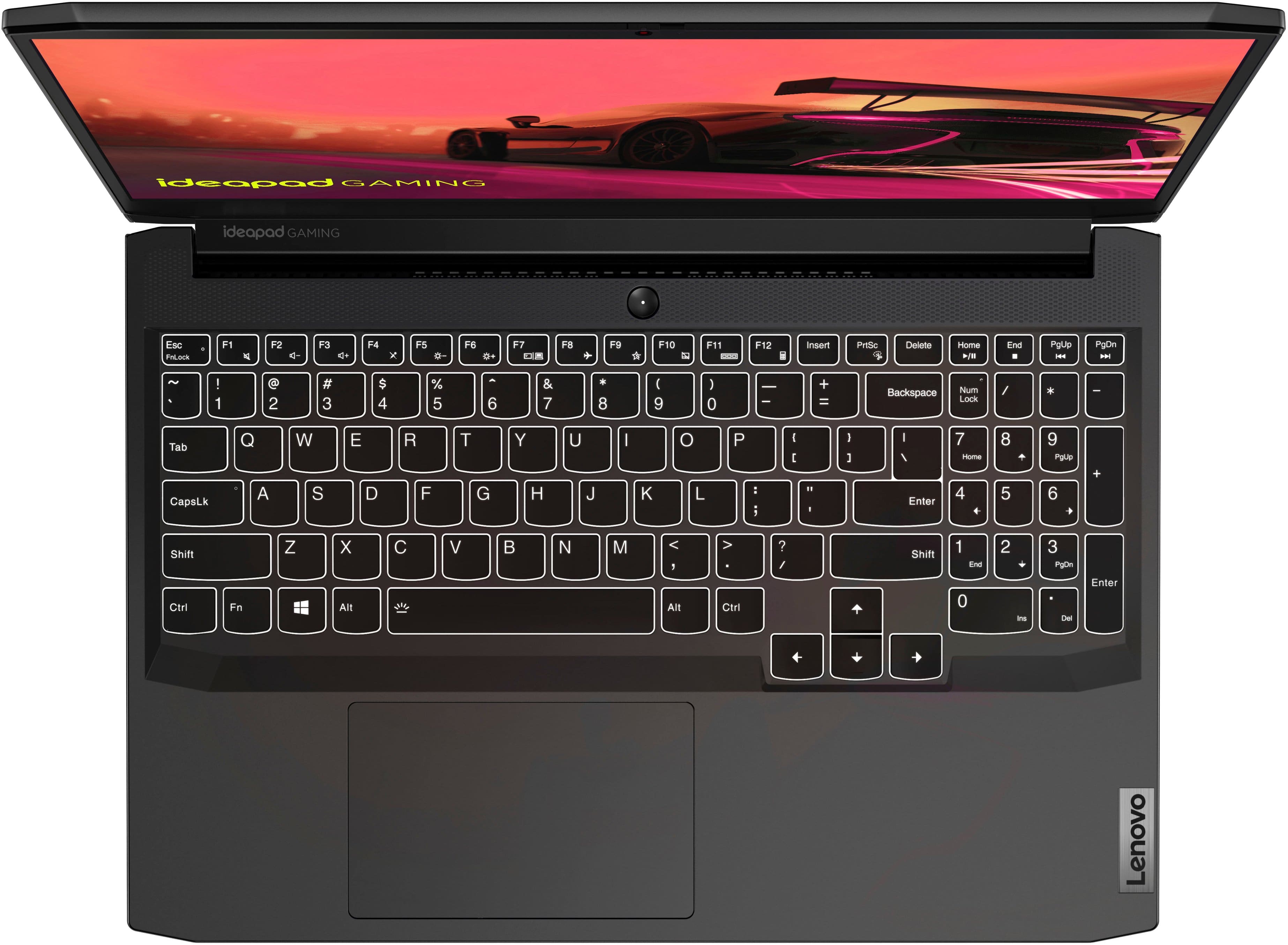
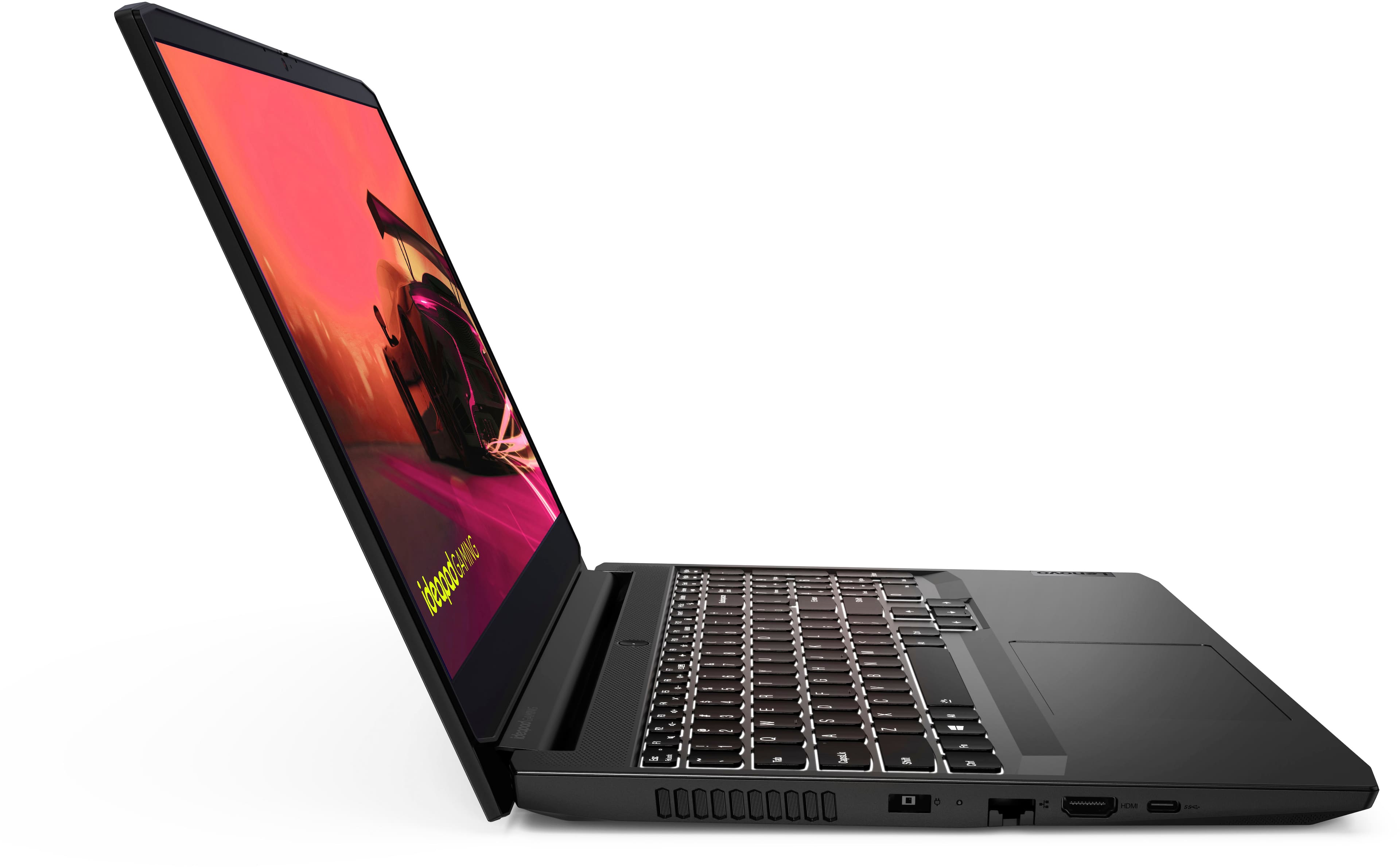
A:Answer Hello, we are sorry to hear that you have experienced an issue with your IdeaPad Gaming 3 15. First, we recommend checking to see if your device has a charge by connecting its included power adapter and charging the laptop for about 30 minutes, ensuring that the LED charging indicator by the charge port is illuminated. Next, if you try to boot the computer, but the screen does not turn on, this device is equipped with a device recovery function called the Novo Button. There is a Novo Button menu that be displayed before the operating system starts. From this menu, you can choose to: open the BIOS/UEFI setup and utility, open the boot device selection menu, and open the Windows startup options screen. To open the Novo Button menu, from being powered off, turn on the computer and then press the F9 key repeatedly. This should help with activating the display if the screen is not turning on due to a system error. If the screen is still not on, we recommend reaching out to Legion Tech Support at this phone number for continued assistance: 877-453-6686.