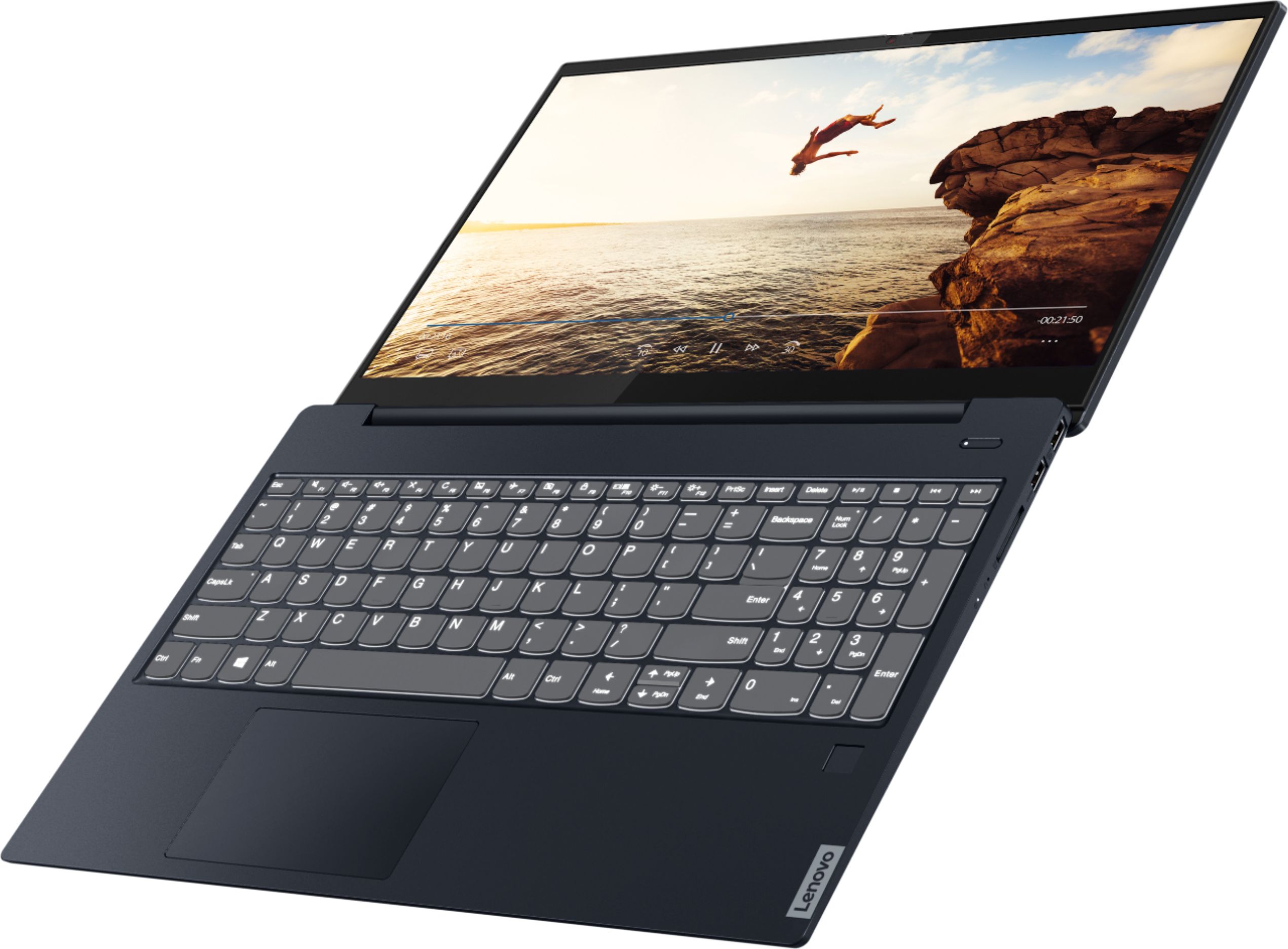
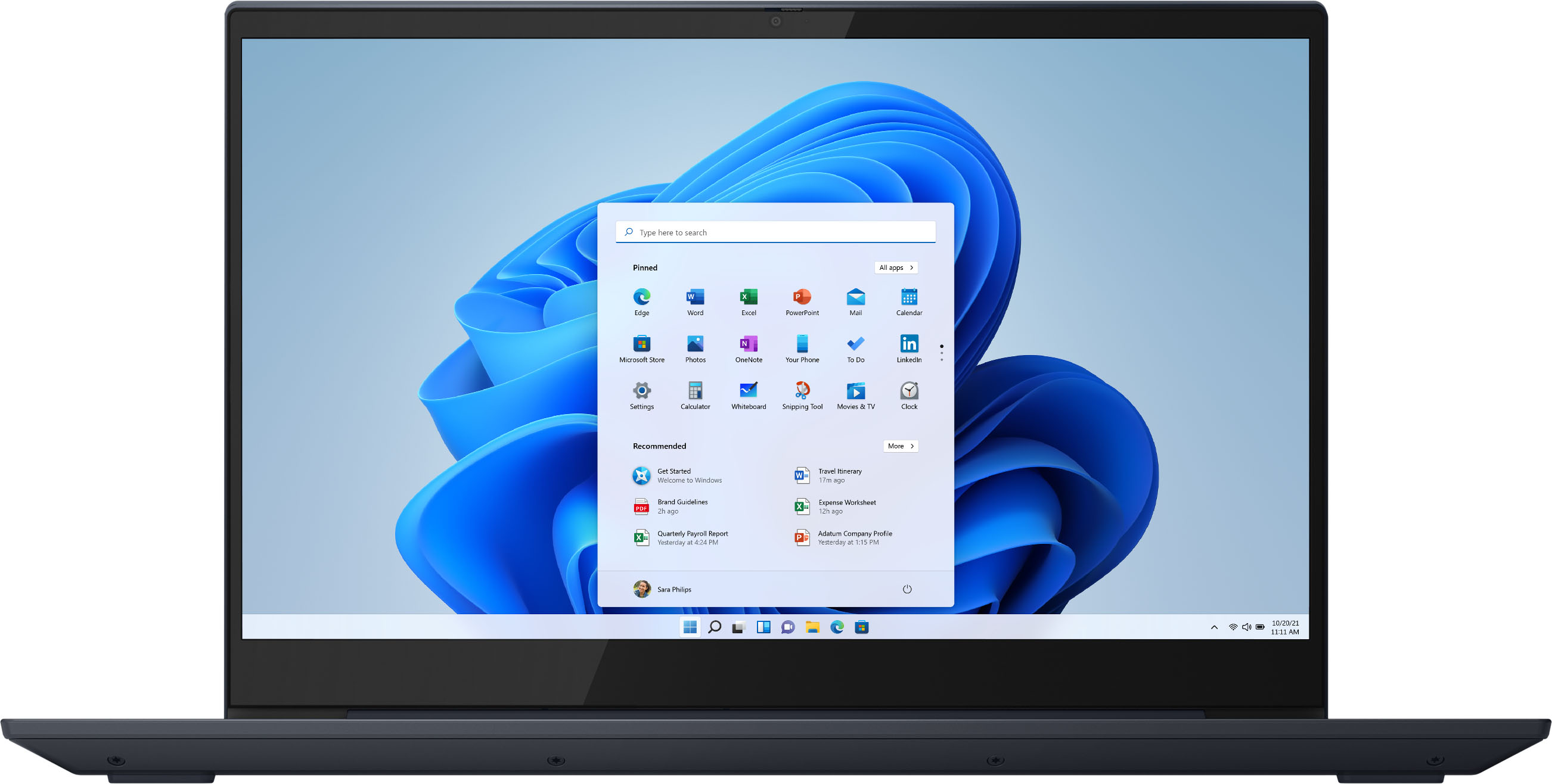
A:AnswerWe are sorry to hear that you are having issues with your Lenovo IdeaPad S340-15 Laptop, model number 81QG000DUS. This configuration ships with a 3CELL_52.5WH_INTERNAL, Lithium Polymer
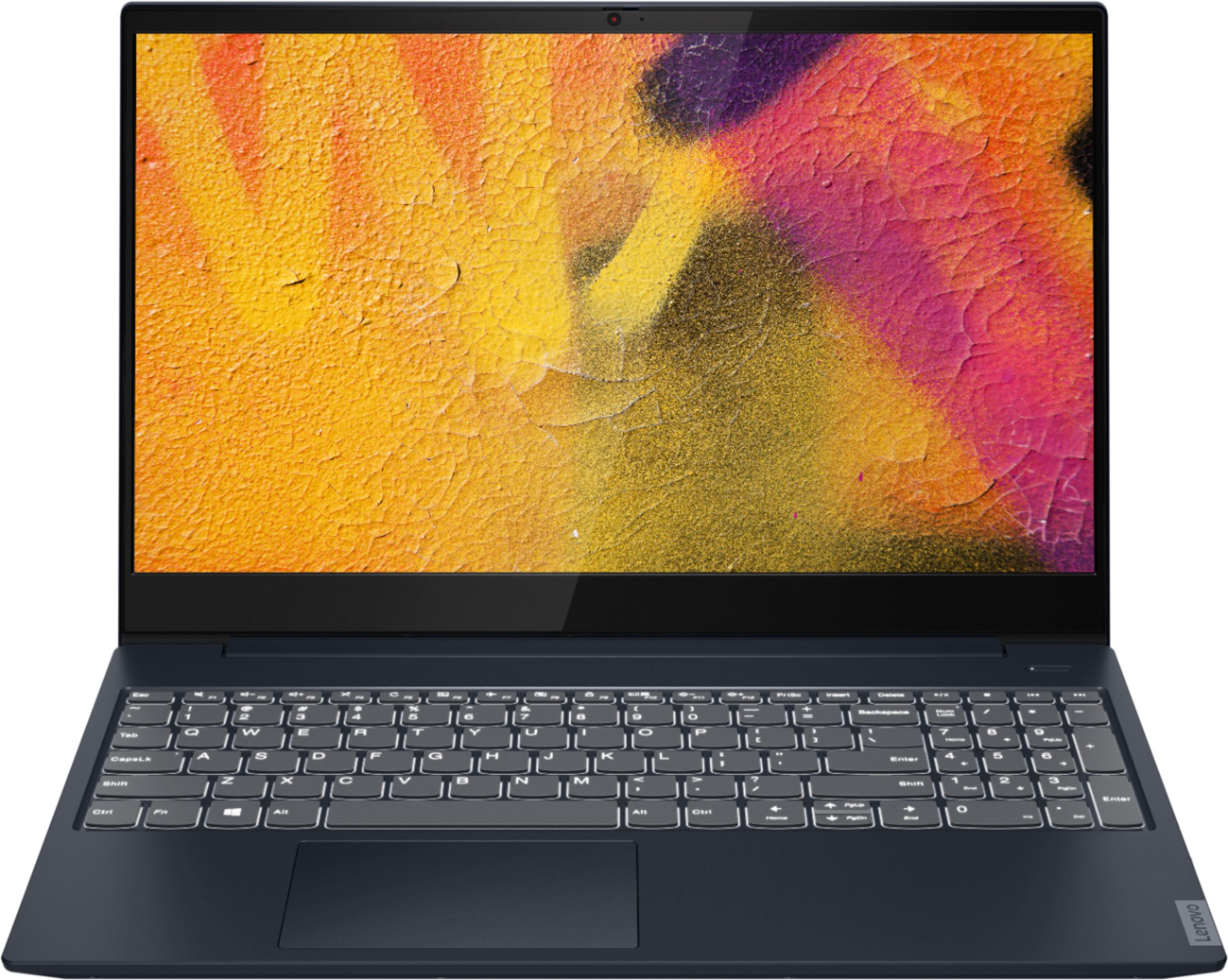
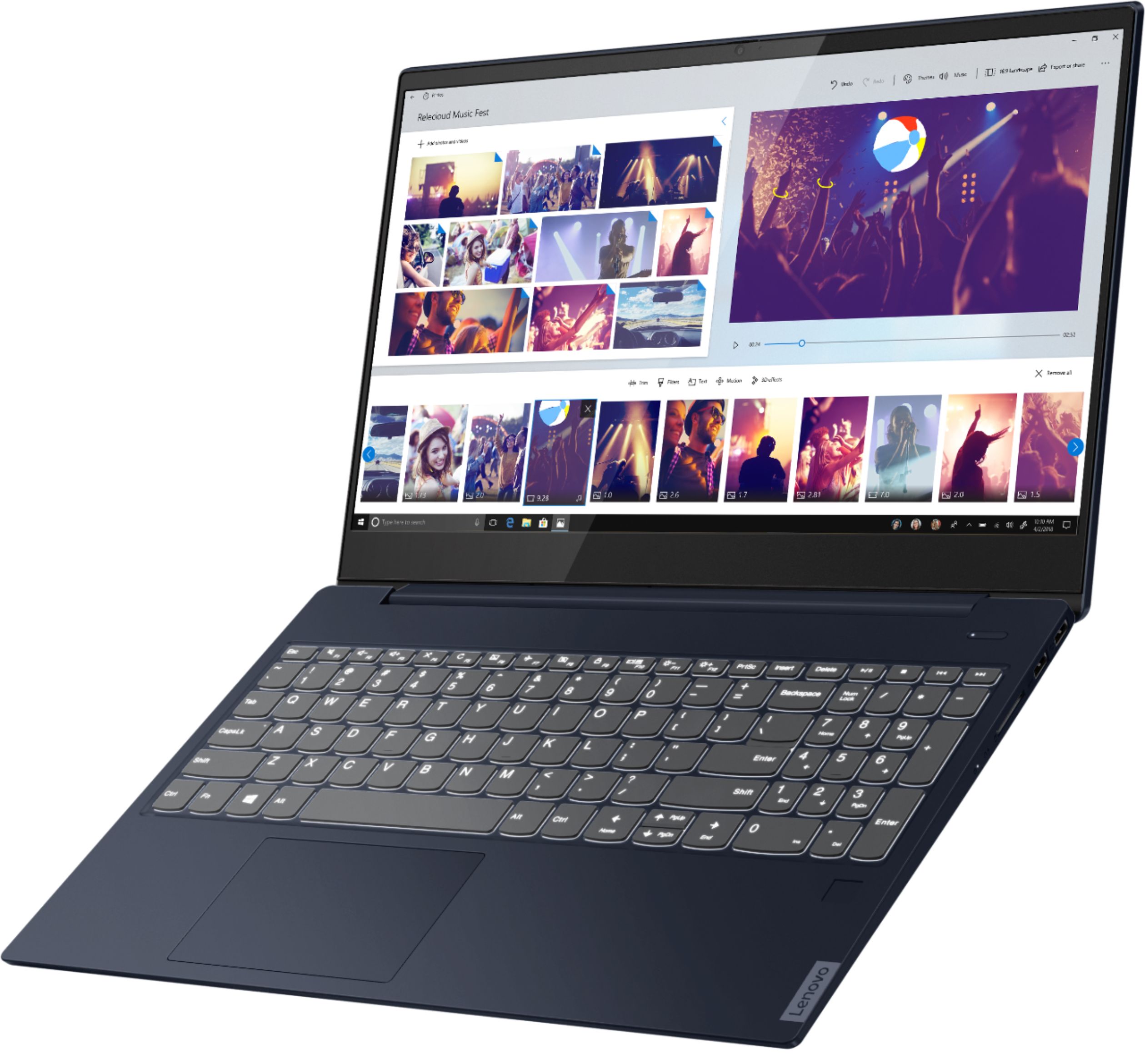
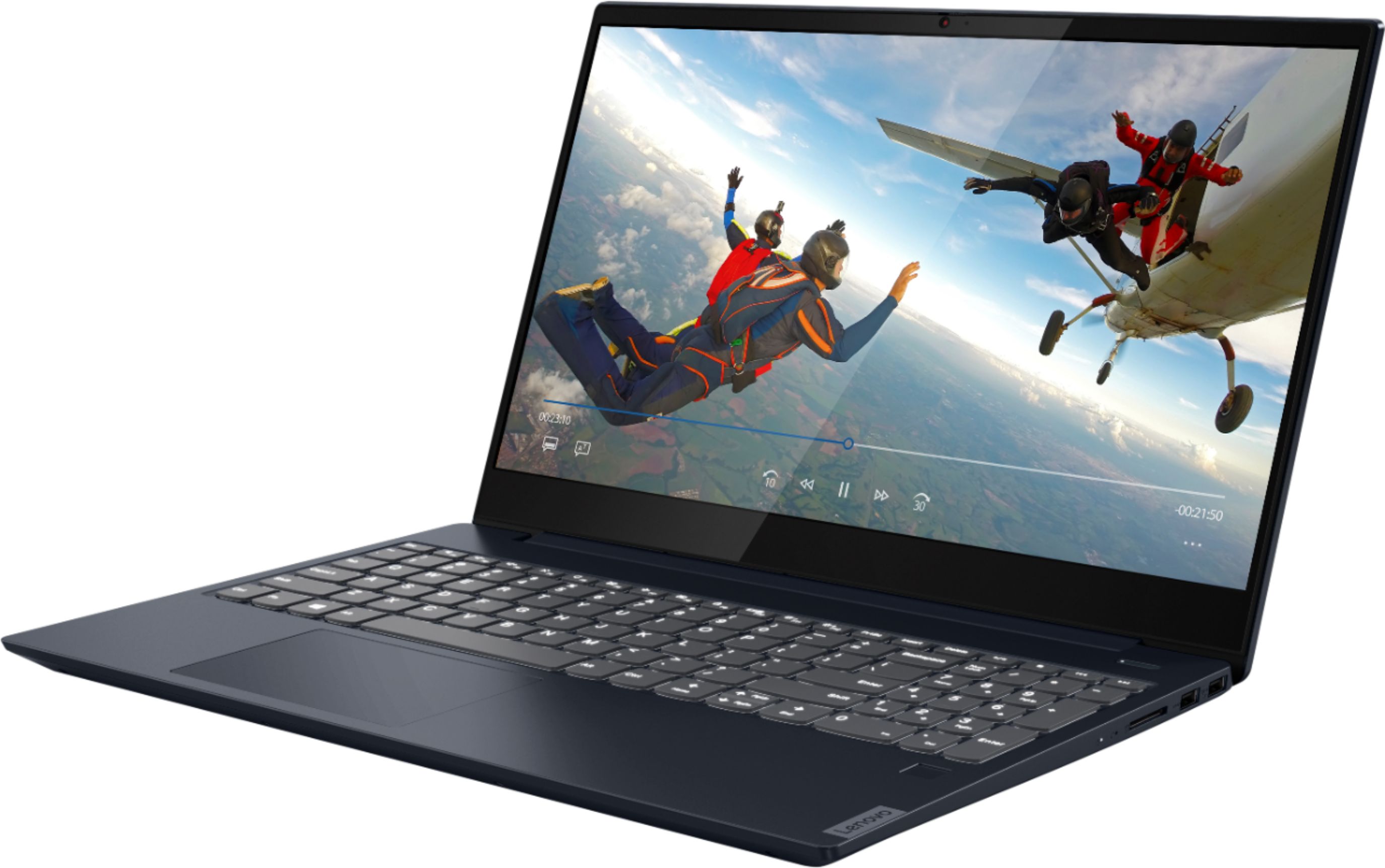
Battery which, within this configuration, has a battery life of up to 10 hours, depending on the work the device is performing. If you are getting substantially less battery life, first, set your screen brightness at less than 100-percent - try 80-percent to start with. Then, be sure Battery conservation Mode is turned off. This power management setting should only be used when the laptop is plugged in all the time. It will prolong overall battery life by only charging the battery to 60-percent of capacity. Here is a link to instructions for turning off Battery Conservation Mode: https://support.lenovo.com/us/en/solutions/ht103159. Also check what programs are running in the background on the computer. Be sure only the programs you want running in the background are. These programs will drain the battery. Here is a link to information about how to find out what programs are running in the background on your Windows 10 computer and how to manage them for better system performance: https://www.windowscentral.com/how-prevent-apps-running-background-windows-10. Then, finally, be sure any software you installed is compatible with Windows 10. Incompatible software will drain the battery at a faster rate. There is no need to install Microsoft Office software. The software is already part of the operating system, you just need to activate the software with a purchased product key. If you have installed a copy of Microsoft Office, this is conflicting with the existing copy on the system and this will slow your system down. If you have installed a 3rd party anti-virus program, be sure that Windows Defender is turned off and that the trial version of McAfee Anti-Virus software is uninstalled. There can only be one anti-virus program on the system. You may need to restore your system to original factory default settings if any of the programming errors have occurred. You can do that by typing "restore" in the Cortana search window. Just click on the magnifying glass icon at the bottom left of your Windows 10 Desktop. Click on "Reset This PC" Then click on "Get Started" and follow the on screen directions to restore to factory defaults. Regarding the webcam within your IdeaPad S340-15, this model ships with a 720p (HD) webcam with manual Privacy Shutter built in. Be sure the Privacy Shutter is completely open before trying to use the webcam or the webcam will not operate. There is a small slider, directly above the webcam lens. Move the tab to the right to open the Privacy Shutter. There is a red dot over the webcam lens that will disappear when the Privacy Shutter is fully open. This will indicate that the webcam is really to use. You can close the Privacy Shutter when you are done with the webcam for your security, by sliding the tab to the left to close the Privacy Shutter. The Red Dot will appear over the webcam lens when the Privacy Shutter is closed. If the Privacy Shutter is open but the webcam still does not function, now check to be sure you have the latest version of Windows 10 on the computer. Then update all BIOS files and drivers up to that latest version of Windows 10. You can easily accomplish this by scanning the computer with the Lenovo Utility software available on this computer. This system has Lenovo utilities installed to help maintain the health of the device and keep the operating system software up to date. Type "Lenovo Vantage" in the Cortana Search window (if Lenovo Vantage is not installed on your device, you can download the APP and install it now). Select Lenovo Vantage from the list. In the window that opens, click on "Health and Support". In the expanded menu, select "Hardware Scan" In the window that opens, select "Run Quick Tests". This will scan your entire system for errors. Follow any directions that may pop up. If the problem continues after this scan, now click on "System Update". First select Windows update from the menu. Scan your system to be sure you have the latest version of Windows 10. Once that scan is complete, select "Additional Updates". This will scan your device to be sure there are no new BIOS/Driver updates needed. Follow any instructions that may pop up. If the issues continue, we recommend you consult with your local Best Buy Store's Geek Squad about the cost of repairs.
A:AnswerAlthough there is no built in CD/DVD drive within the Lenovo IdeaPad S340-15 Laptop, model number 81QG000DUS, you can use an external USB-based Windows 10 compatible CD/DVD drive like this one with this laptop: https://www.bestbuy.com/site/lg-8x-external-usb-double-layer-dvdrw-cd-rw-drive-black/5852919.p?skuId=5852919
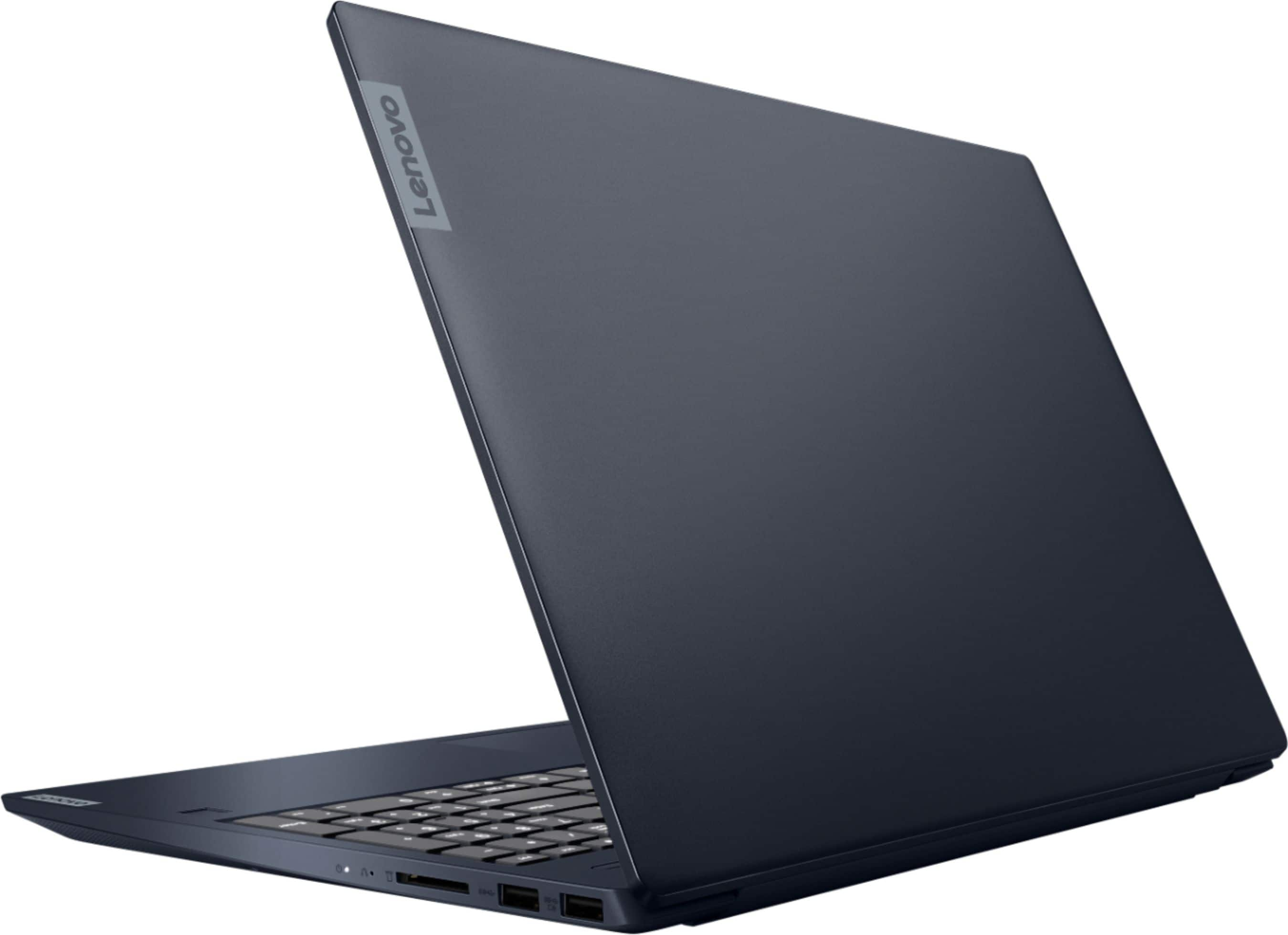
A:AnswerWe are sorry to hear that your are having issues with your Lenovo IdeaPad S340-15 Laptop, model number 81QG000DUS. First, Be sure any software you installed is compatible with Windows 10. There is no need to install Microsoft Office software. The software is already part of the operating system, you just need to activate the software with a purchased product key. If you have installed a copy of Microsoft Office, this is conflicting with the existing copy on the system and this will slow your system down. If you have installed a 3rd party anti-virus program, be sure that Windows Defender is turned off and that the trial version of McAfee Anti-Virus software is uninstalled. There can only be one anti-virus program on the system. You may need to restore your system to original factory default settings if any of the programming errors have occurred. You can do that by typing "restore" in the Cortana search window. Just click on the magnifying glass icon at the bottom left of your Windows 10 Desktop. Click on "Reset This PC" Then click on "Get Started" and follow the on screen directions to restore to factory defaults. If you have removed the incompatible software, then restarted your computer and the issues continues or there was no incompatible software installed, try resetting your computer back to original factory settings. Since you can not boot the computer normally, this system is equipped with OneKey Recovery System. There is a very small pin hole on the right side of the device, right near the SD card slot on the device. You will need a pin to push this reset button. Plug the device in. Let the battery charge for about 15 minutes. Push the reset button. The system should boot to a choice screen where you can choose "Restore To Factory Default". Select this. It will delete everything from the hard drive except the original factory install of the operating system. You will need to reinstall all programs and files after the reset. If you don't have copies of the files, try to make one before you restore by selecting "Boot to desktop" and trying to back up your files. If the problem persists after the factory reset, we recommend you contact Lenovo Tech Support at: 877-453-6686.
A:AnswerYes, you can store data from the computer to the 4 in 1 SD card driver within the Lenovo IdeaPad S340-15, model number 81QG000DUS. The 4 in 1 SD card slot is compatible with SD, SDHC, SDXC, MMC version smart cards. The cards are sold separately.
A:AnswerThe Lenovo IdeaPad S340-15 Laptop, model number 81QG000DUS, is not compatible with any active/digital pen. You can use a capacitive touch stylus as a finger replacement on the touchscreen, like this one: https://www.bestbuy.com/site/insignia-stylus-silver/3695185.p?skuId=3695185
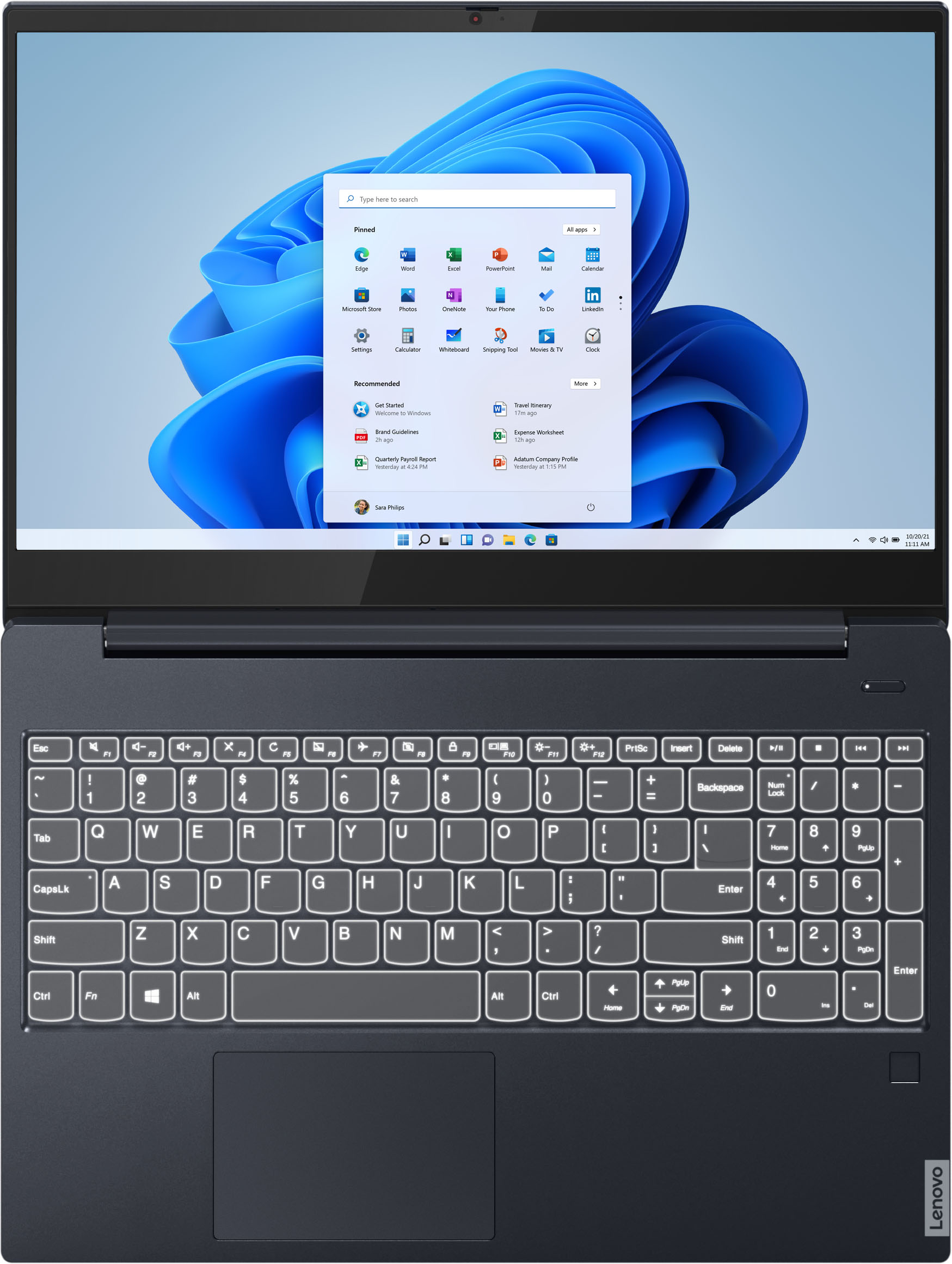
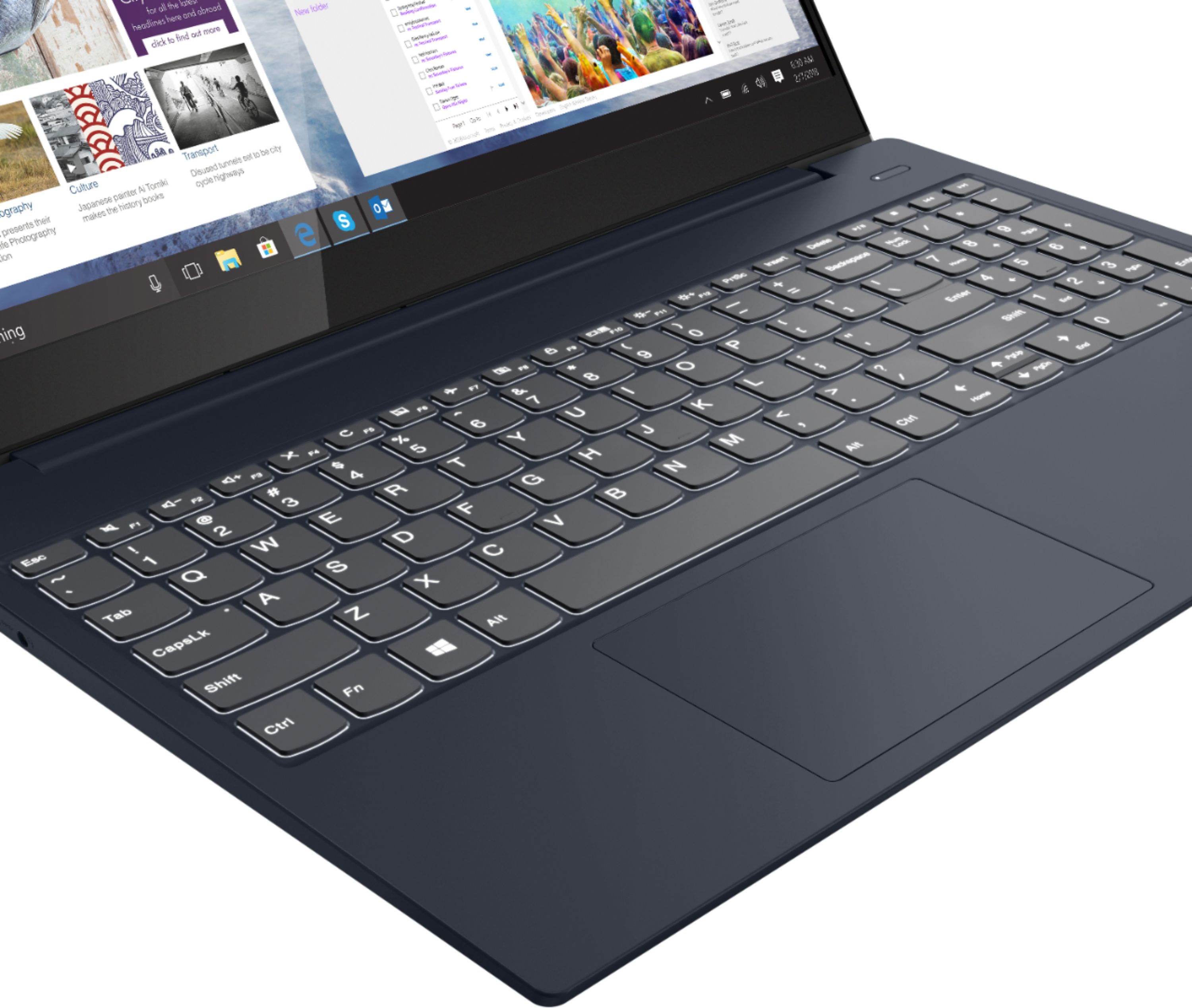
A:AnswerYes. Here is a link to instructions for changing the primary function of the Function Keys from HotKey Functions to F1-F12 Functions. This laptop does not have an FnLock function so you will need to follow the instructions for making the change within the BIOS: https://www.howtogeek.com/235351/how-to-choose-whether-your-function-keys-are-f1-f12-keys-or-special-keys/
A:AnswerThe Lenovo IdeaPad S340-15 Laptop, model number 81QG000DUS, ships with a 4 in 1 SD card reader, that is compatible with: SD, SDHC, SDXC, MMC format smart cards. While there is no built in CD/DVD drive within this model, you can use an external USB-based, Windows 10 compatible CD/DVD drive with this laptop.
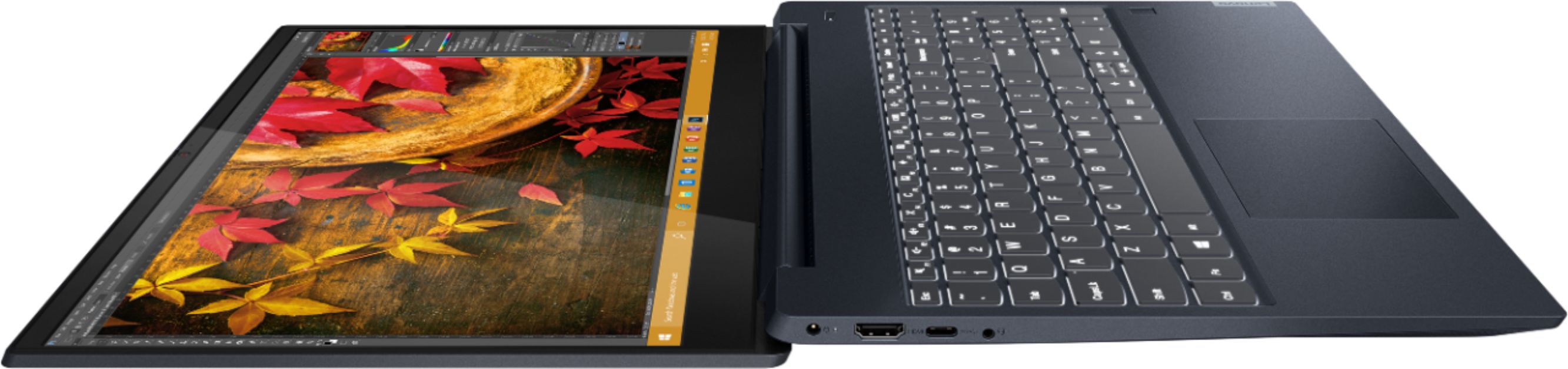
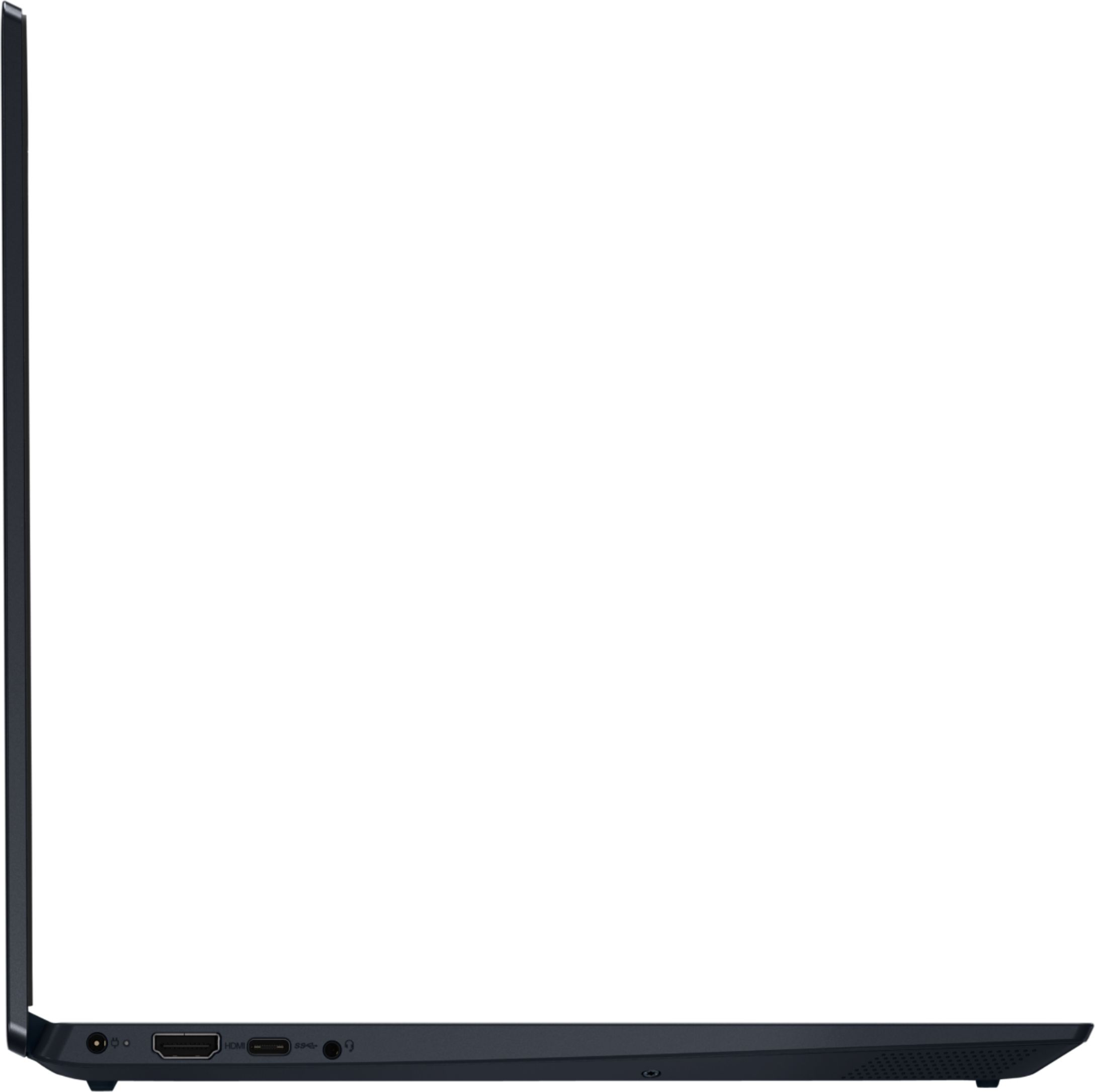
A:AnswerThere is no video signal through the USB-c port on the Lenovo IdeaPad S340-15 Laptop, model number 81QG000DUS. There is an HDMI-Out port for connecting an external monitor, directly to this laptop. You can use a universal USB 3.0 docking station like this one with the IdeaPad S340-15, there are many USB 3.0 universal docks available, this is just one example: https://www.bestbuy.com/site/j5create-usb-3-0-mini-docking-station-silver/5901250.p?skuId=5901250
A:AnswerThe stereo speakers within the IdeaPad S340-15 Laptop, model number 81QG000DUS, are on the beveled underside of the computer. They are aimed to the bottom side not directly on the bottom of the computer.
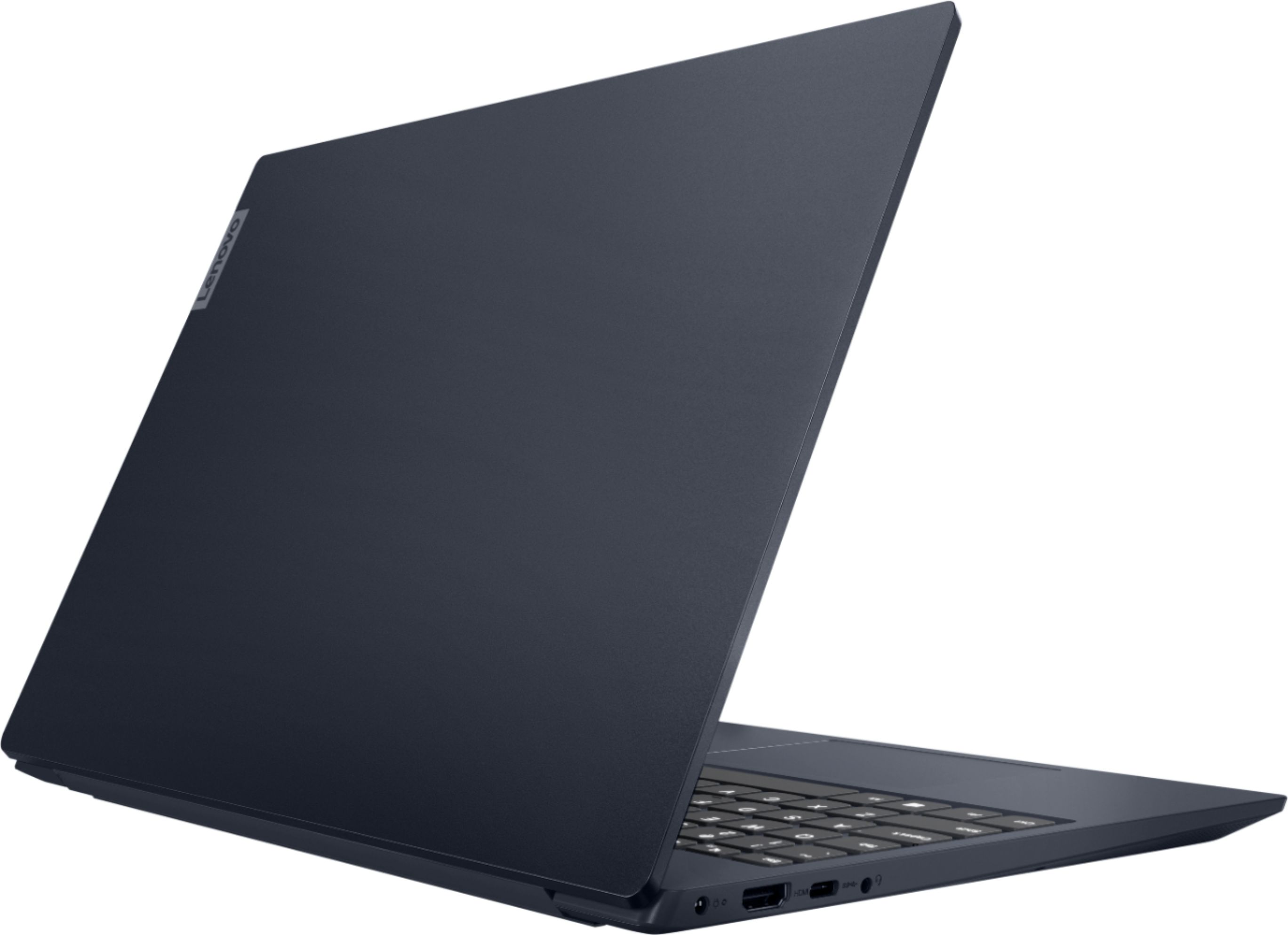
A:AnswerThe Lenovo IdeaPad S340-15 model number 81QG000DUS, ships with a case made of: Aluminum (Top), PC + ABS (Bottom). The AMD Ryzen 7 3700U processor within this configuration is 3rd Gen.
A:AnswerAccording to the spec sheet, it weighs 3.97 lbs.
Here is the link to the spec sheet:
https://psref.lenovo.com/Detail/IdeaPad/ideapad_S34015API?M=81QG000DUS
Hope this helps.
A:AnswerIt’s not a computer for hard core games, but the 12gb of RAM and Ryzen 7 chipset works well for my daughter running Minecraft games and SIMS4. I don’t think this is an ideal machine for more intensive type games but could run some more advanced games with reduced performance.
A:AnswerYes. You can switch the Lenovo IdeaPad S340-15 Laptop, model number 81QG000DUS, out of Windows 10 S-Mode 64-bit Operating System, purchase the Windows 10 Pro 64-bit version upgrade and install it on this laptop. Here is a link to more information and instructions for switching from Windows 10 S-Mode to Windows 10 Home: https://support.microsoft.com/en-us/help/4456067/windows-10-switch-out-of-s-mode
A:AnswerYes. The Lenovo IdeaPad S340-15 Laptop, model number 81QG000DUS has an internal cooling fan. The fan will be controlled by the system temperature. You can use Lenovo Q-Control to manually control fan and system performance: ( Fn + Q ) option to change the fan by undervolting the processor.
A:AnswerThe Lenovo IdeaPad S340-15 Laptop, model number 81QG000DUS, ships with a 3CELL_52.5WH_INTERNAL, Lithium Polymer Battery, with a battery life of up to 10 hours, depending on the work the device is performing.
A:AnswerYes. The Lenovo IdeaPad S340-15 Laptop, model number 81QG000DUS, ships with one HDMI-Out port for connecting an external monitor to this laptop.