Last Chance 48-Hour Flash SaleEnds Dec. 24. Limited quantities.Shop now

Main Content

Questions & Answers

Your price for this item is $679.99
Clearance
The comparable value price is $799.99
Page Showing 41-60 of 146 questions
  • QuestionAny charge to switch from S Mode to Home?

    Asked by Zalophus.

    • Answer No. The switch from S-Mode to Windows 10 Home 64-bit Operating System is free. Here is a link to instructions for switching from Windows 10 S-Mode to Windows 10 Home: https://support.microsoft.com/en-us/help/4456067/windows-10-switch-out-of-s-mode

      Answered by Lenovo Product Expert

  • QuestionPower will not turn on, any suggestions?

    Asked by Anonymous.

  • QuestionWill it support Windows 11 (eleven)

    Asked by Sarge.

    • Answer The Lenovo IdeaPad S340-15 Laptop, model number 81QG000DUS, ships with the Firmware TPM 2.0 Security Chip that is required for upgrading to Windows 11. Microsoft is still finalizing the requirements to upgrade from the latest version of Windows 10 to Windows 11 at this time. Here is a link to more information about upgrading to Windows 11: https://docs.microsoft.com/en-us/windows/whats-new/windows-11-requirements

      Answered by Lenovo Product Expert

  • QuestionWhat is the weight of this laptop?

    Asked by DQH.

    • Answer The Lenovo IdeaPad S340-15 Laptop, model number 81QG000DUS weighs 3.96 lbs.

      Answered by Lenovo Product Expert

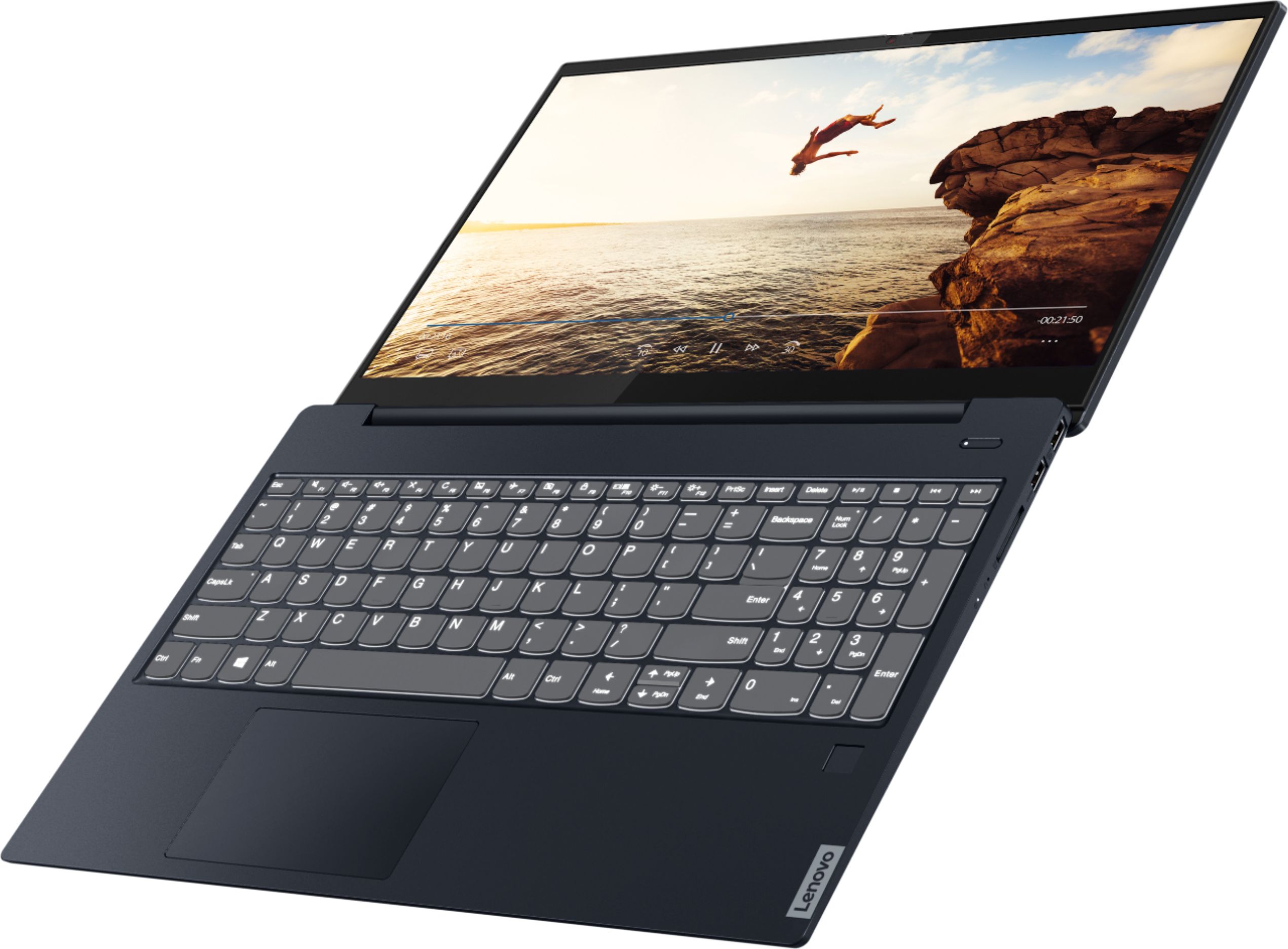
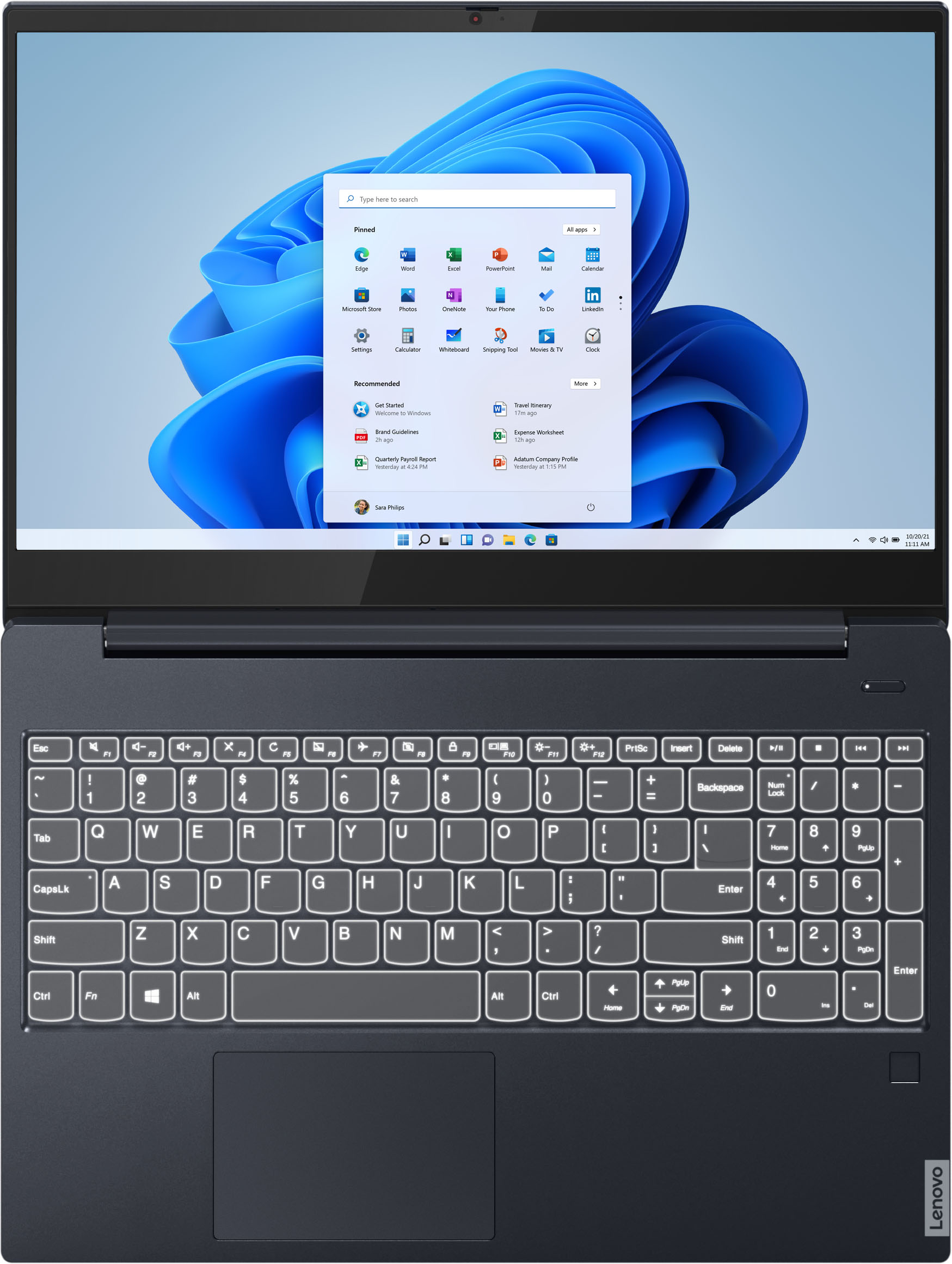
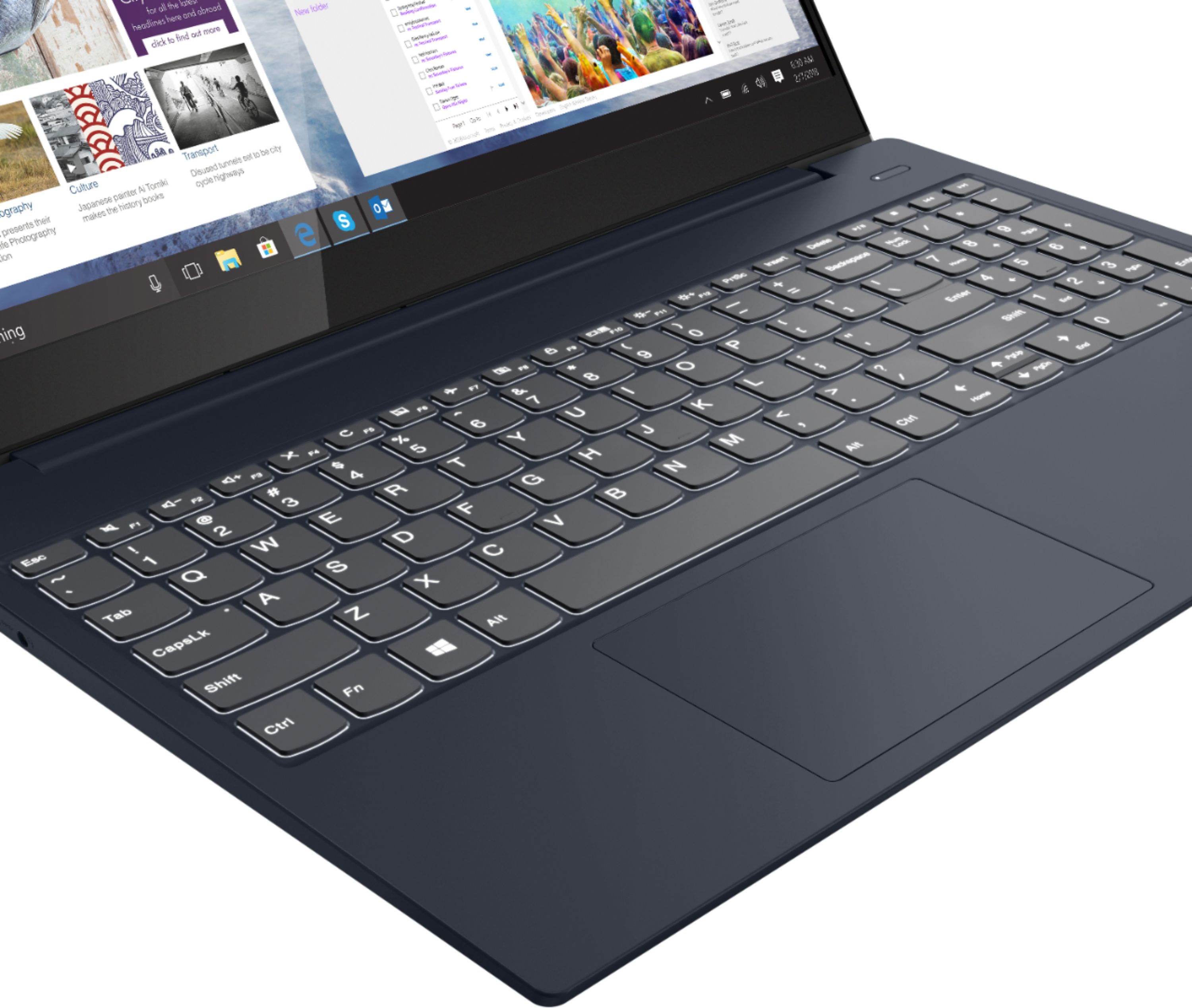
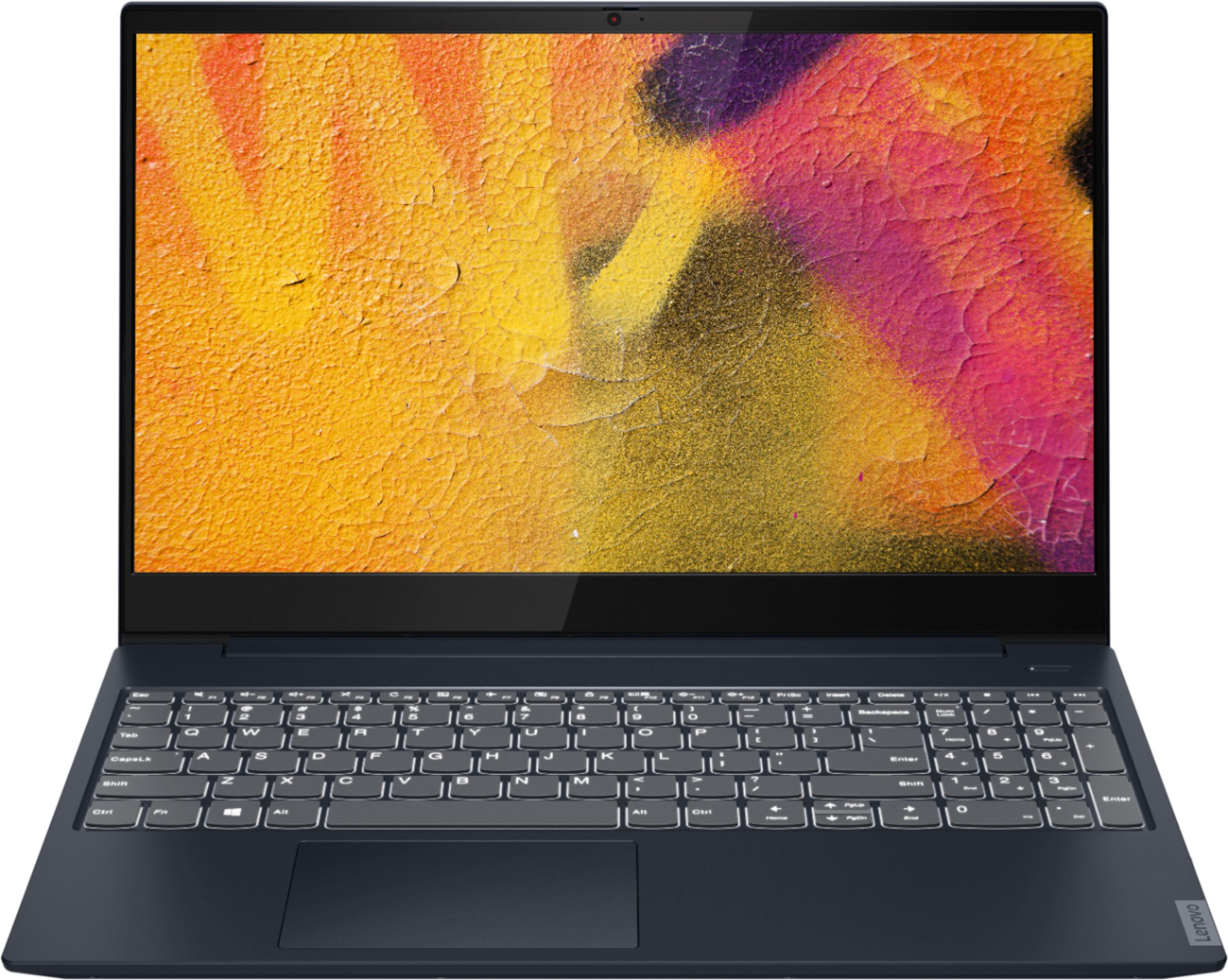
  • QuestionDoes this have key board lighting

    Asked by fasteddie.

    • Answer Yes

      Answered by Barry

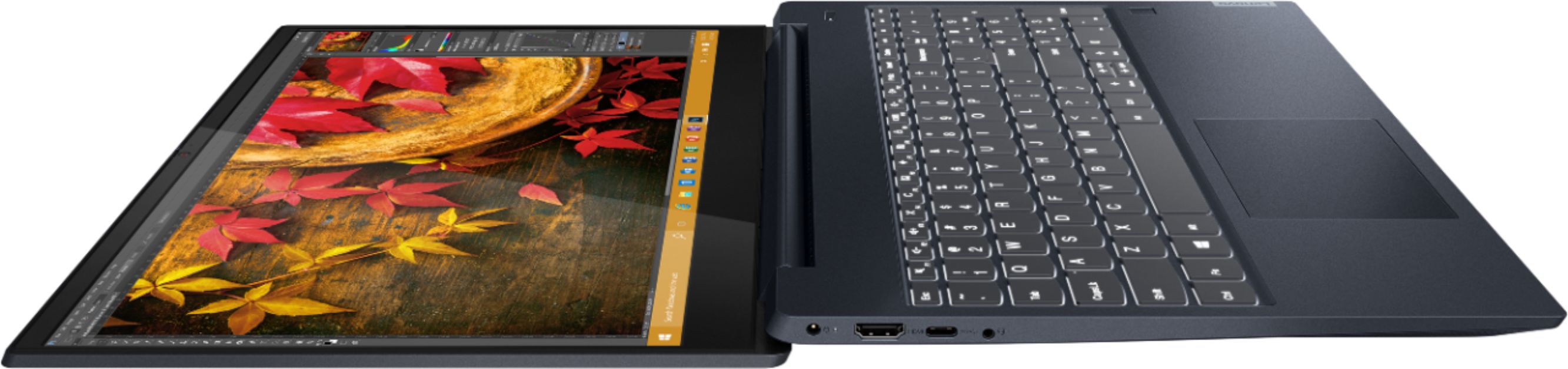
  • QuestionCan this laptop charge via usb c?

    Asked by Moneybags.

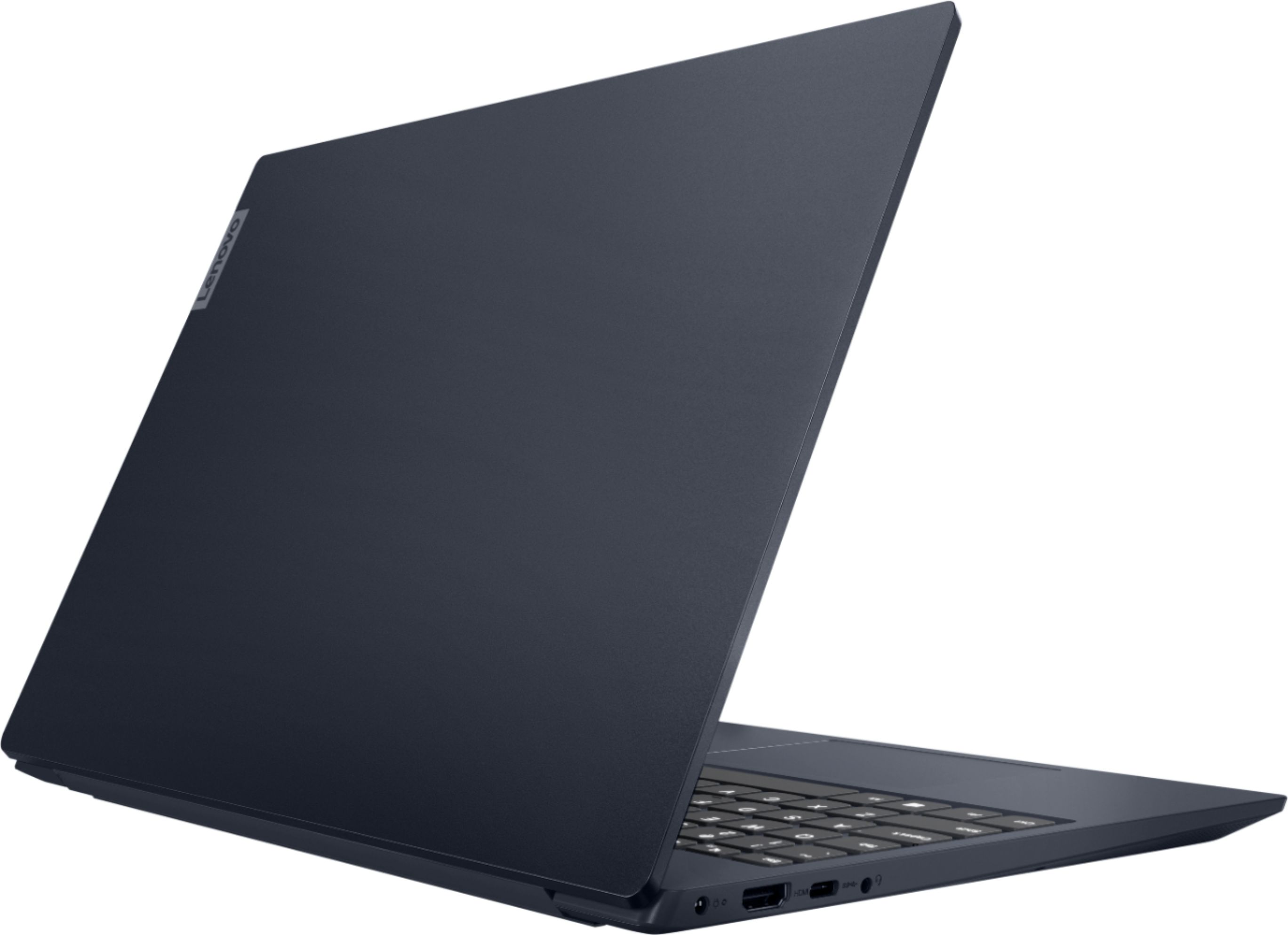
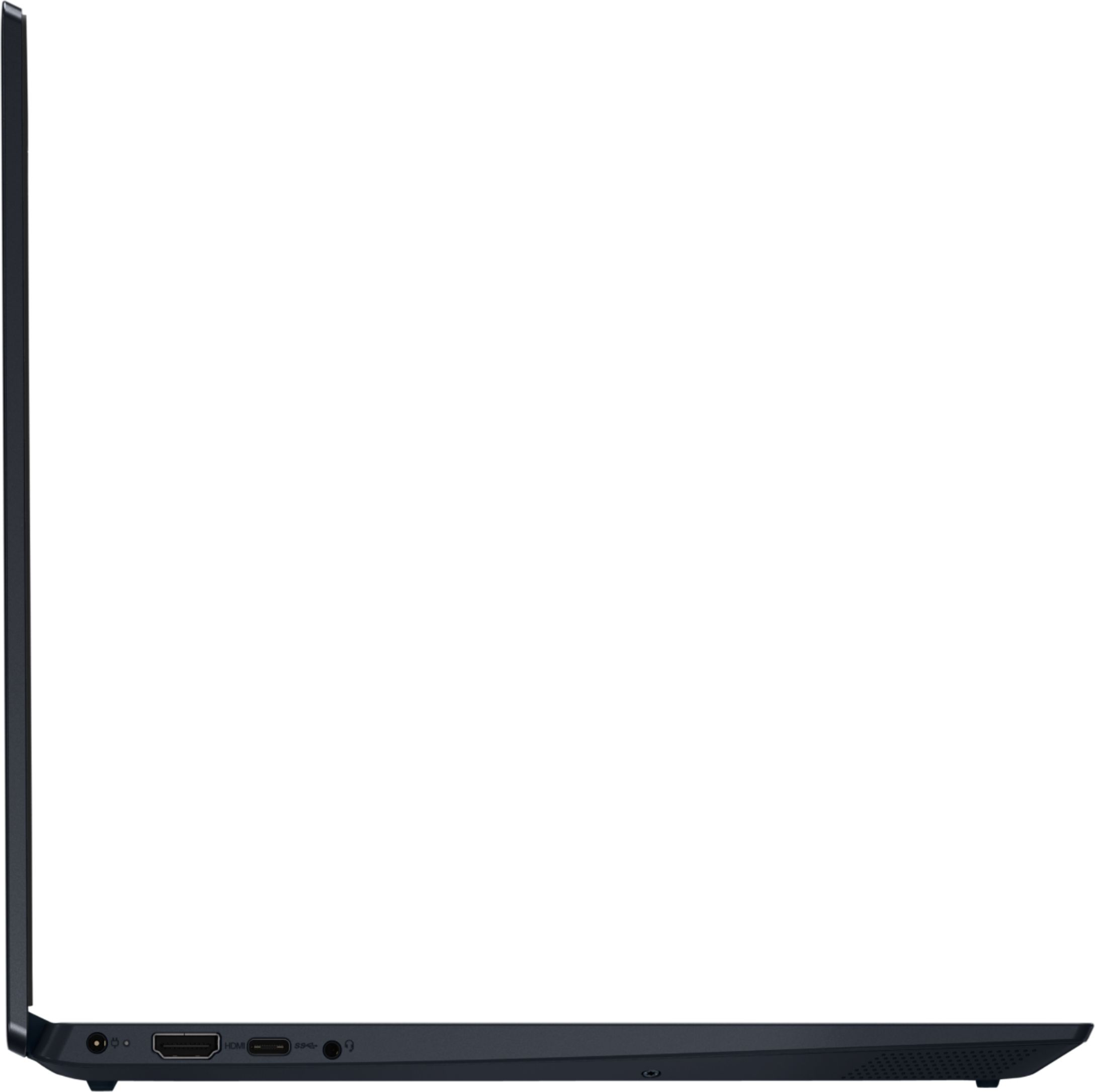
    • Answer No. The Lenovo IdeaPad S340-15 Laptop, model number 81QG000DUS, uses a dedicated 65W, barrel-type (device side connection) AC adapter/charger only.

      Answered by Lenovo Product Expert

  • QuestionDoes Java by Oracle work? I play Minecraft Java, and Optifine is my favorite mod. I would like to know if Java would work on this computer, and if not, is there a way to solve it? Thanks!

    Asked by Altkey.

    • Answer That really will depend on the requirements and compatibility of the specific APPs you want to use. The Lenovo IdeaPad S340-15 Laptop, model number 81QG000DUS, ships with the Windows 10 S-Mode 64-bit Operating System. Windows 10 S-Mode provides added security by only allowing APPs available ( and therefore certified by Microsoft) at the Microsoft Store. If you don't need the added security or you need to install APPs not available at the Microsoft Store, you can switch to standard Windows 10 Home 64-bit Operating System, at no additional cost. We recommend you check with the specific APPs software publisher's web site for their compatibility with Windows 10 S-Mode 64-bit operating system and the minimum/recommended hardware requirements (Is a Graphics card required, the processor speed and the minimum required system RAM and the minimum available hard drive space) to run their program, then compare those requirements to this system's configuration.

      Answered by Lenovo Product Expert

  • QuestionI would like to know if this laptop has an hdd slot.

    Asked by EJpty507.

    • Answer The Lenovo IdeaPad S340-15 Laptop, model number 81QG000DUS is not user upgradable. A certified technician must do all of the work, so as to not void the warranty. This configuration ships with a 512GB M.2 2242 PCIe 3.0x2 NVMe Solid State Drive. This model has storage support for up to 2 drives, 1x 2.5 inch HDD + 1x M.2 2242/2280 SSD ( 2.5 inch HDD up to 2TB, M.2 2242 SSD up to 512GB or M.2 2280 SSD up to 1TB). We recommend you consult with your certified technician about your storage upgrade options.

      Answered by Lenovo Product Expert

  • QuestionJust bought a Lenovo S340. Loaded all windows, bios and graphics driver updates. The computer display boots to 1920x1080 6bpp pixel depth. I can't change it to 1920x1080 8bpp. I can change to 1366x768 8bpp but can't get 8bpp at a higher res. Help?

    Asked by Brad.

    • Answer Be sure that you are not missing any BIOS file or driver updates. Also check to be sure you have the latest version of Windows 10 on the computer. You can easily accomplish this by scanning the computer with the Lenovo Utility software available on this computer. This system has Lenovo utilities installed to help maintain the health of the device and keep the operating system software up to date. Type "Lenovo Vantage" in the Cortana Search window (if Lenovo Vantage is not installed on your device, you can download the APP and install it now). Select Lenovo Vantage from the list. In the window that opens, click on "Health and Support". In the expanded menu, select "Hardware Scan" In the window that opens, select "Run Quick Tests". This will scan your entire system for errors. Follow any directions that may pop up. If the problem continues after this scan, now click on "System Update". First select Windows update from the menu. Scan your system to be sure you have the latest version of Windows 10. Once that scan is complete, select "Additional Updates". This will scan your device to be sure there are no new BIOS/Driver updates needed. Follow any instructions that may pop up. If the issue still continues after these updates, we recommend you call Lenovo Tech Support at: 877-453-6686 for additional help.
      Answered by Lenovo Product Expert

  • QuestionWhat sound driver does it come with? Is it realtek high definition?

    Asked by Help.

    • Answer The audio chip on the motherboard of the Lenovo IdeaPad S340-15 model number 81QG000DUS a a High Definition (HD) Audio format.

      Answered by Lenovo Product Expert

  • QuestionDoes it have stylus support? and if so which are supported?

    Asked by Isatron121.

    • Answer It does not

      Answered by Barry

  • Questionis there a numeric keypad?

    Asked by Km3168.

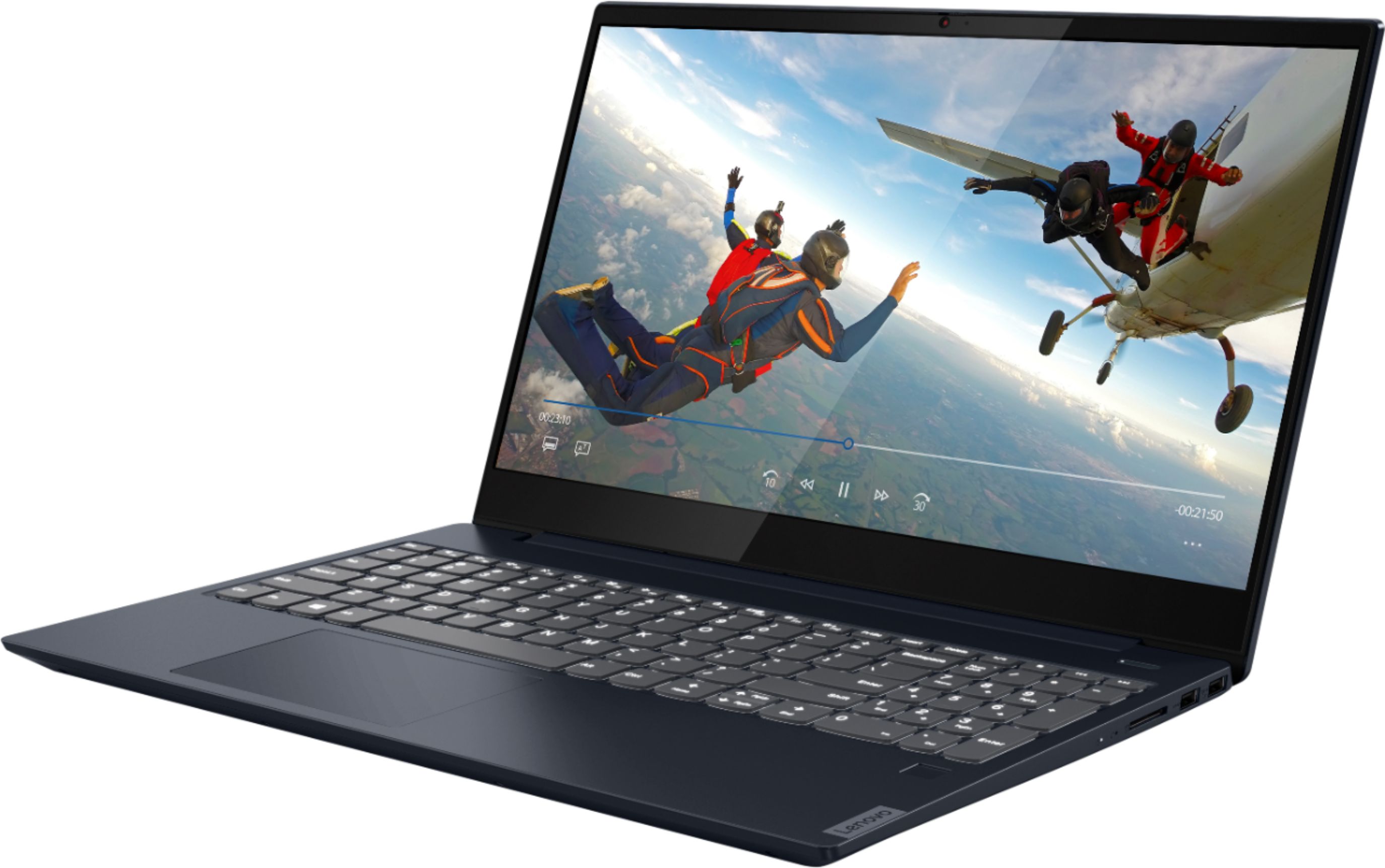
    • Answer Yes. The Lenovo IdeaPad S340-15 Laptop, model number 81QG000DUS, ships with a standard QWERTY keyboard with 10-Key Numeric Pad included.

      Answered by Lenovo Product Expert

  • QuestionWhat's the graphics card for this laptop?

    Asked by Soundwave39.

    • Answer The Lenovo IdeaPad S340-15 Laptop, model number 81QG000DUS, ships with integrated graphics processing within the AMD Ryzen 7 3700U processor. It is the integrated, Integrated Radeon Vega 10 Graphics version.

      Answered by Lenovo Product Expert

  • QuestionI lost my charger during shipping, what type of charger suitable for it?

    Asked by Mina.

    • Answer Here is a link to the proper replacement AC adapter/charger for the Lenovo IdeaPad S340-15 Laptop, available through a Best Buy advertising partner: https://www.lenovo.com/us/en/accessories-and-monitors/chargers-and-batteries/chargers/PWR-ADP-BO-65W-AC-Wall-AdapterUL/p/GX20L29355?cid=us:sem|se|google|ca+smart+shopping+accessories+non-intel|gs_accessories||GX20L29355|12111973117|115095911503|pla-1139772220953|shopping|brand&gclid=EAIaIQobChMIuvHW876y8AIV4R-tBh3ZpgutEAYYASABEgIhyPD_BwE

      Answered by Lenovo Product Expert

  • QuestionCan I order it with standard windows 10? I don't want to deal with the Windows 10 S thing

    Asked by CanIorderitwithstandardwindows10.

    • Answer The Lenovo IdeaPad S340-15 Laptop, model number 81QG000DUS, only ships with Windows 10 S-Mode 64-bit Operating System. Windows 10 S-Mode provides added security by only allowing APPs available ( and therefore certified by Microsoft) at the Microsoft Store. If you don't need the added security or you need to install APPs not available at the Microsoft Store, you can switch to standard Windows 10 Home 64-bit Operating System, at no additional cost. Here is a link to instructions for switching from Windows 10 S-Mode to Windows 10 Home: https://support.microsoft.com/en-us/help/4456067/windows-10-switch-out-of-s-mode

      Answered by Lenovo Product Expert

  • QuestionIs the display IPS or TN?

    Asked by DD.

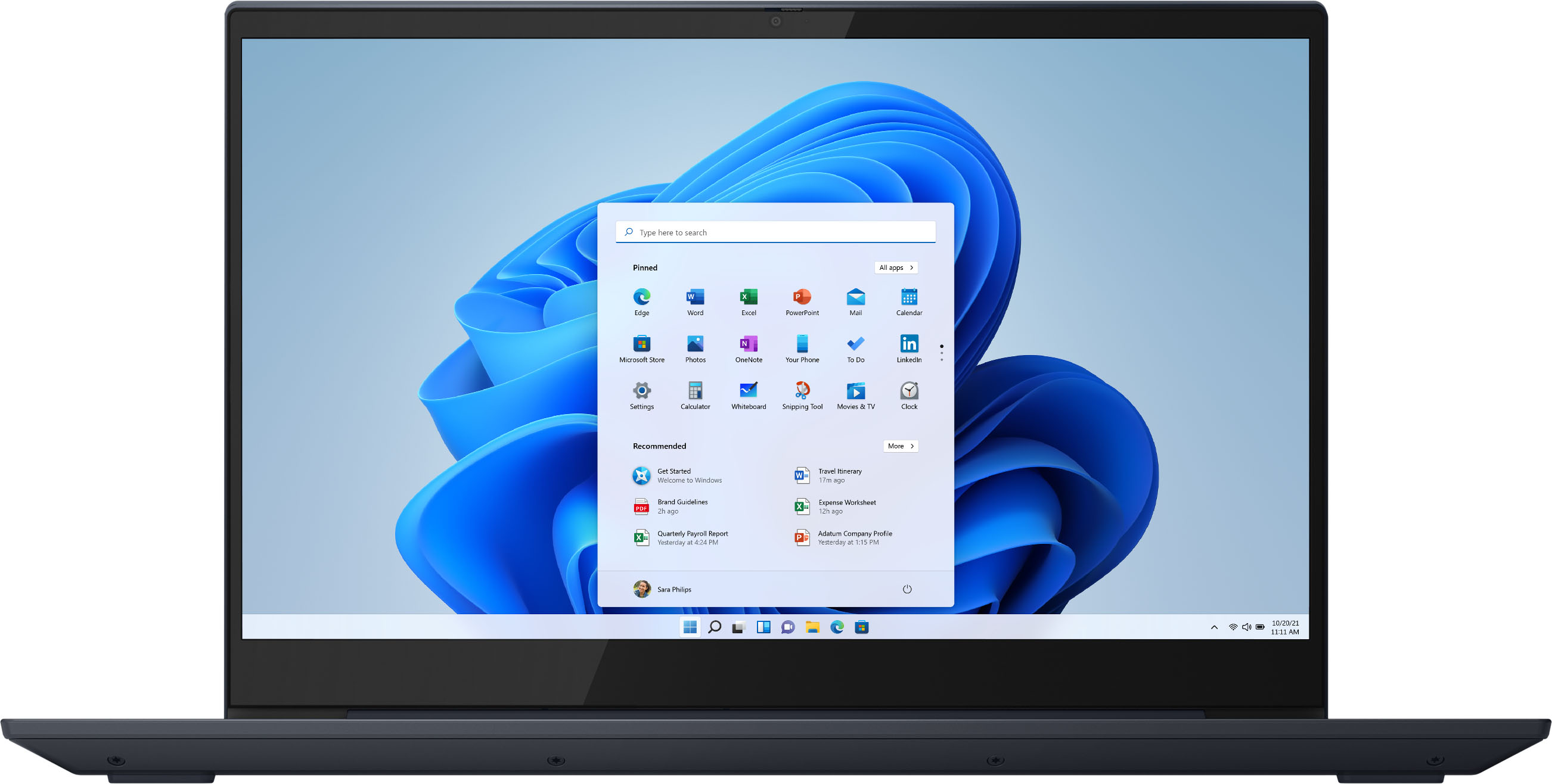
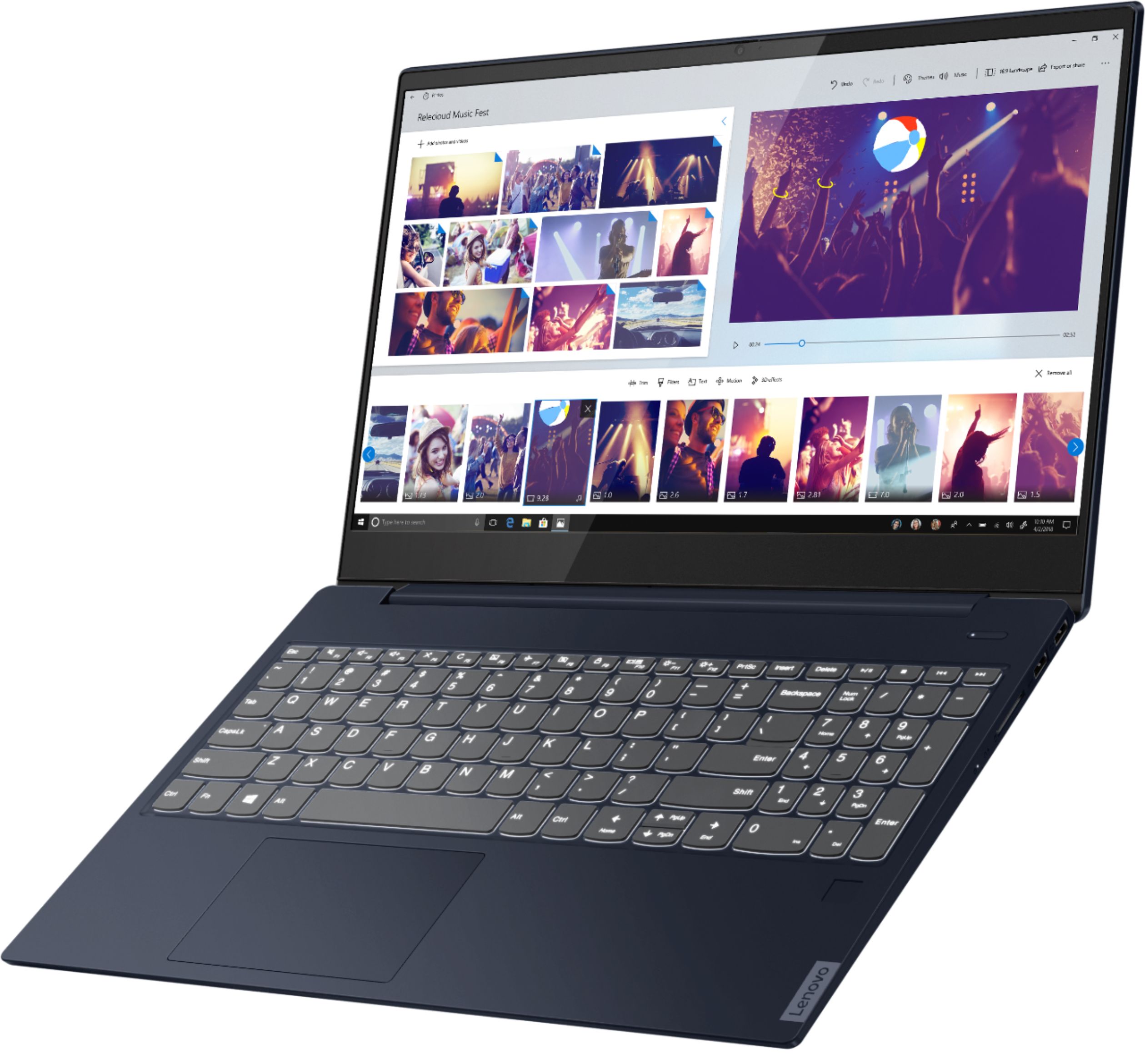
    • Answer The Lenovo IdeaPad S340-15 Laptop, model number 81QG000DUS, ships with a 15.6 Inch (screen size measured diagonally) IPS - FHD (1920x1080) 10-point Multi-touch Screen, with a brightness level of 250 nits, has an Anti-glare coating.

      Answered by Lenovo Product Expert

  • QuestionDoes it have the ability to do a Zoom ?

    Asked by Anonymous.

    • Answer Yes

      Answered by RoyalT

  • QuestionHow is the speed on this laptop?

    Asked by Anonymous.

    • Answer The Lenovo IdeaPad S340-15 Laptop, model number 81QG000DUS is a moderate to heavy workload configuration with its 4-Core/8-Thread AMD Ryzen 7 3700U processor, with a base speed of 2.3GHz and a boost speed of up to 4.0GHz. This processor is supported by 12GB DDR4-2400MHz RAM and a 512GB M.2 NVMe solid state hard drive. This model ships with Windows 10 S-Mode 64-bit Operating System. Windows 10 S-Mode provides added security by only allowing APPs available ( and therefore certified by Microsoft) at the Microsoft Store. If you don't need the added security or you need to install APPs not available at the Microsoft Store, you can switch to standard Windows 10 Home 64-bit Operating System, at no additional cost. This configuration will be able to handle most productivity software, multi-tasking workloads and internet streaming. We always recommend you check the requirements and compatibility of any software you will be installing on your new computer, before you invest in any computer. Be sure your new computer can support the software you will need to use.

      Answered by Lenovo Product Expert

  • QuestionWhat is the operation system on this laptop? Win 10 Pro 64bit?

    Asked by Nuntek.

    • Answer The Lenovo IdeaPad S340-15 Laptop, model number 81QG000DUS, ships with Windows 10 S-Mode 64-bit Operating System. Windows 10 S-Mode provides added security by only allowing APPs available ( and therefore certified by Microsoft) at the Microsoft Store. If you don't need the added security or you need to install APPs not available at the Microsoft Store, you can switch to standard Windows 10 Home 64-bit Operating System, at no additional cost.

      Answered by Lenovo Product Expert

  • QuestionIs this computer able to support drawing programs as well as games? Is it going to run those two smoothly or is it too much to handle for the computer?

    Asked by Nat.

    • Answer The Lenovo IdeaPad S340-15 Laptop, model number 81QG000DUS, ships with a 10-Point Touchscreen, but is not compatible with any Active/Digital Pen for drawing on the screen. Whether this configuration is able to run specific games will depend on the requirements and compatibility of the specific games. The Lenovo IdeaPad S340-15 ships with Windows 10 S-Mode 64-bit Operating System. Windows 10 S-Mode provides added security by only allowing APPs available ( and therefore certified by Microsoft) at the Microsoft Store. If you don't need the added security or you need to install APPs not available at the Microsoft Store, you can switch to standard Windows 10 Home 64-bit Operating System, at no additional cost. We recommend you check with the specific game's software publisher's web sites of the games you want to run, for their compatibility with Windows 10 S-Mode 64-bit operating system and the minimum/recommended hardware requirements (Is a Graphics card required, the processor speed and the minimum required system RAM and the minimum available hard drive space) to run their program, then compare those requirements to this system's configuration.

      Answered by Lenovo Product Expert