Questions & Answers
- Model:
- 82XM00LMUS
- |
- SKU:
- 11925192
Q: QuestionIs this a plastic Laptop
Asked by Betterbuy.
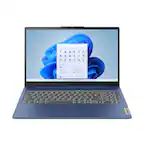
- A:Answer Hey there, Thank you for your inquiry! This Slim 3 15 has a case material made of PC-ABS.
Answered by Lenovo Product Expert

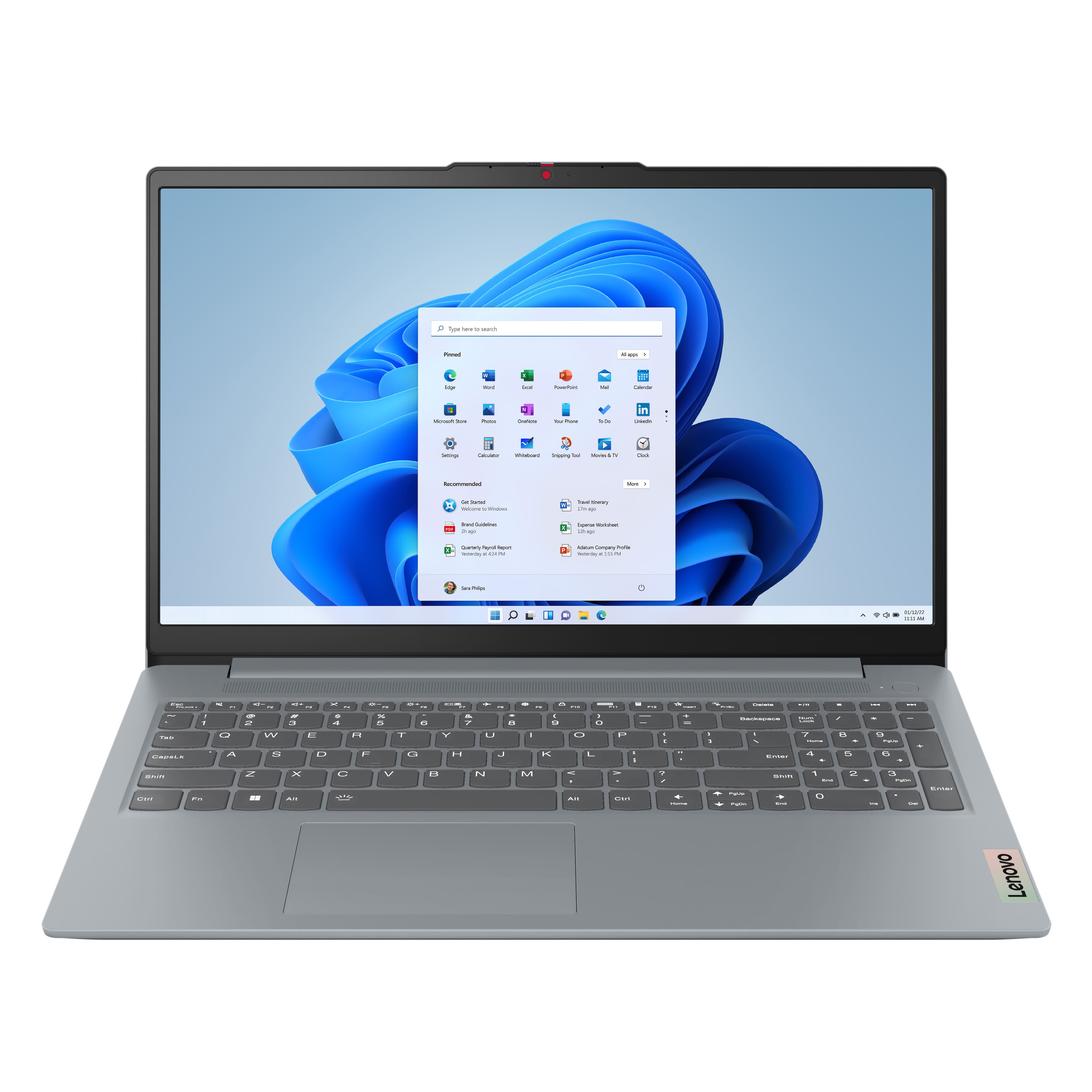
Q: QuestionCan you not use the finger print sensor for security
Asked by Anonymous.
- A:Answer Lenovo says "no," but their own artwork points to the existence of one, so either BB or Lenovo should correct that.
Answered by luislast
Q: Questionwould this be a good for graphic art students
Asked by cp.
- A:Answer Hey cp, This can depend on the platforms that used for art creation, as different platforms can have different recommended system requirements, meaning that this can determine what specifications should be met with the laptops you're interested in. If you're primarily working within lighter applications like the Adobe Creative Cloud suite, this IdeaPad Slim 3 may work well for you (if it's display specifications satisfy what an artist desires (color accuracy and resolution). Please feel free to reach out to us with any other questions!
Answered by Lenovo Product Expert
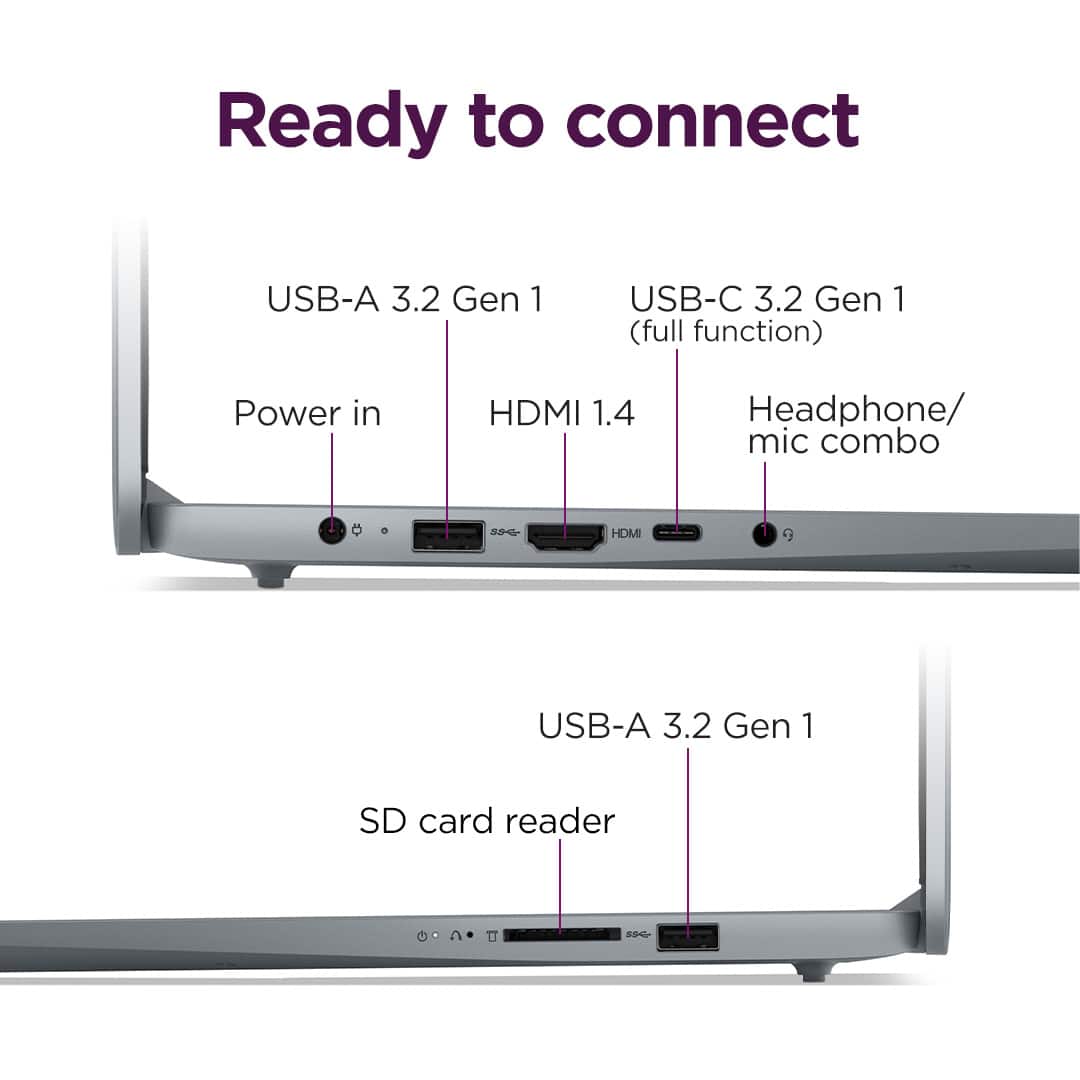
Q: QuestionHow many USB and other ports does it have?
Asked by Vnlny.
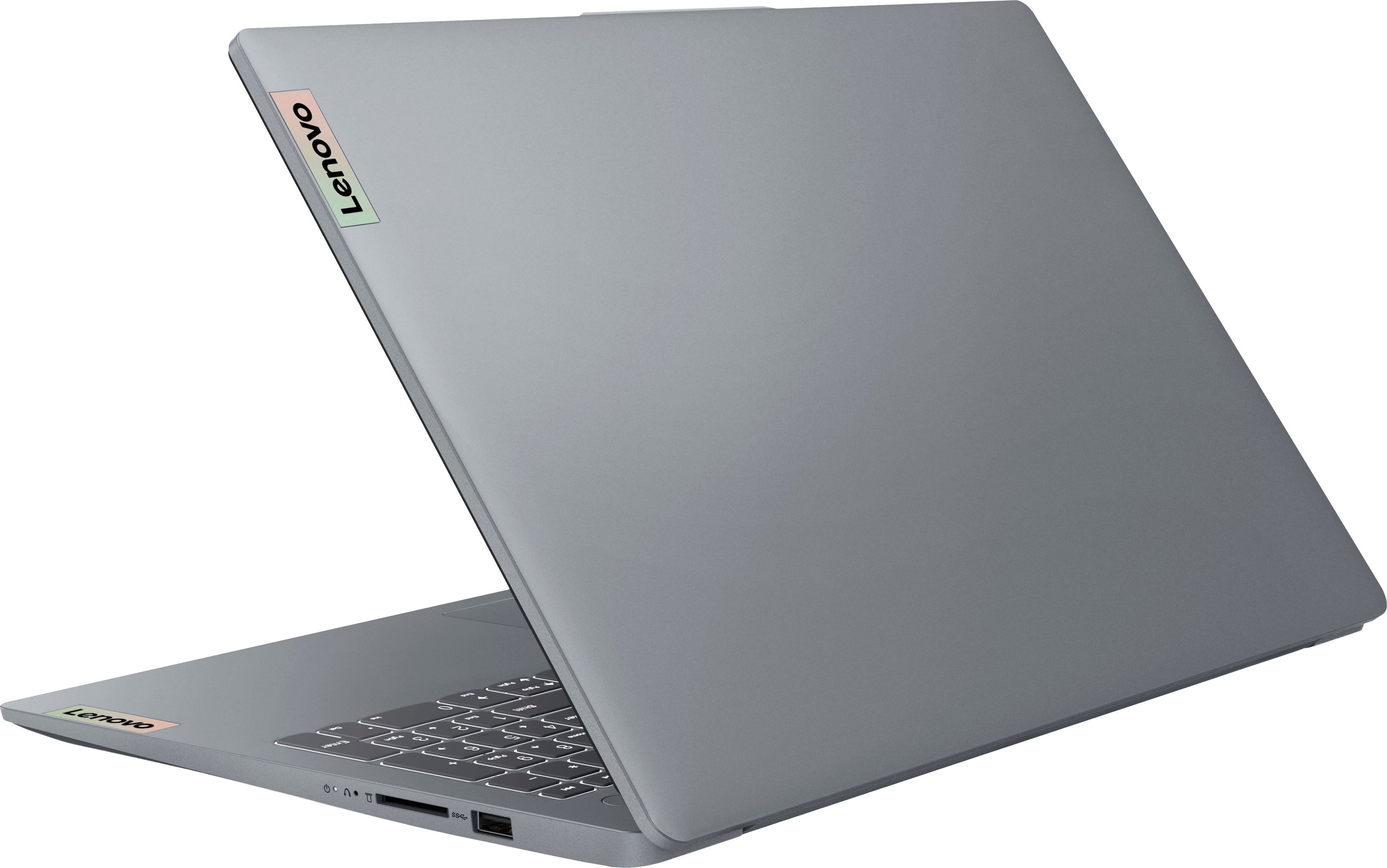
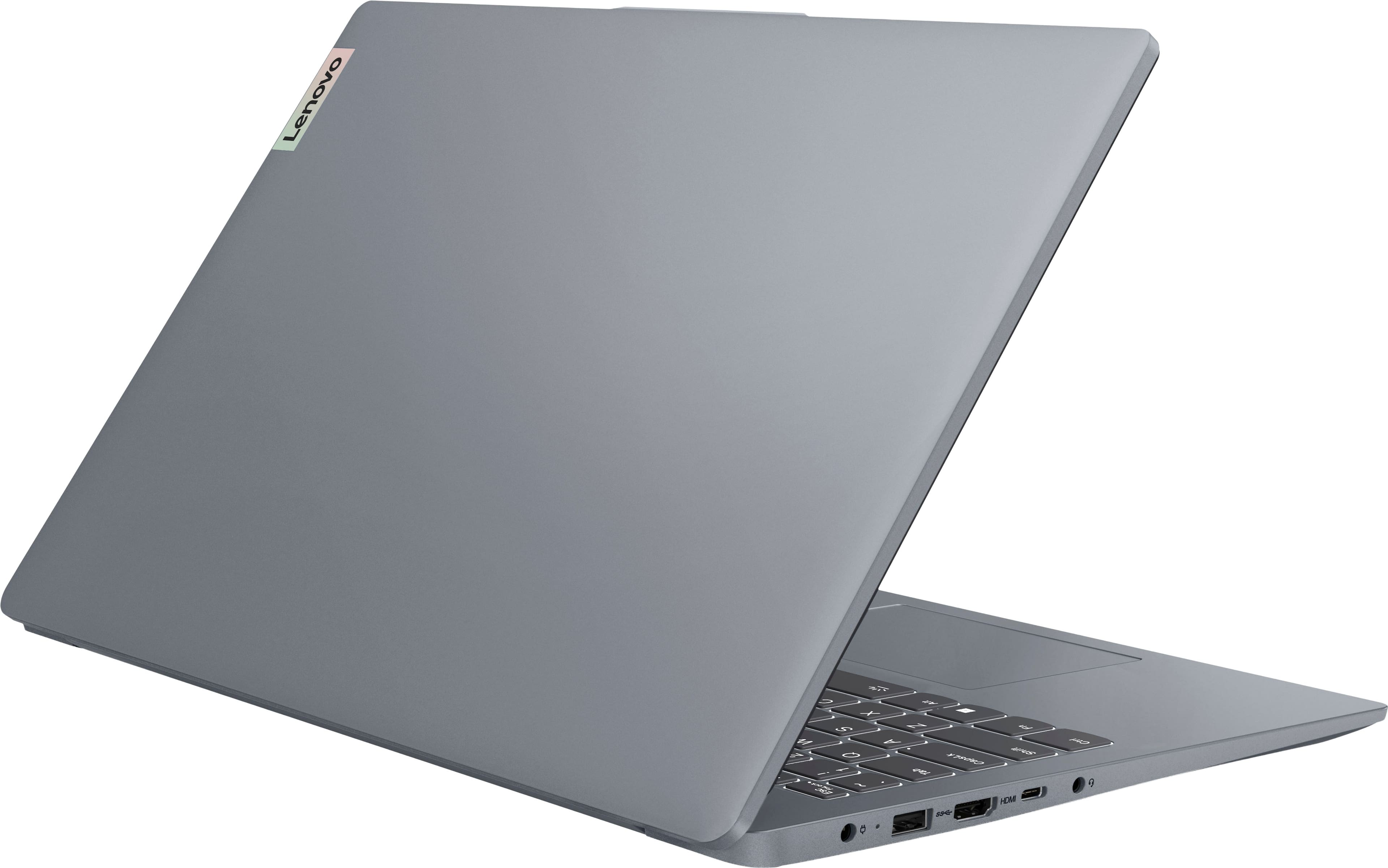
- A:Answer Hey Vnlny, This IdeaPad Slim 3 features 2x USB 3.2 Gen 1 ports, a USB-C® 3.2 Gen 1 port (supports data transfer, USB PD 45-65W and DisplayPort™ 1.2), an HDMI® 1.4 port, a Headphone / microphone combo jack (3.5mm), and a card reader. Please feel free to reach out to us with any other questions!
Answered by Lenovo Product Expert
Q: QuestionCan anything be done remotely to shut down my laptop and render it unusable in case it is stolen?
Asked by Anonymous.
- A:Answer Hey, In short, yes. This is a newer feature of Windows, enabling you to find and remotely lock your device(s). For details, please visit the following Microsoft Support webpage: https://support.microsoft.com/en-us/accounts-billing/security/find-and-lock-a-lost-windows-device | Please feel free to reach out to us with any other questions!
Answered by Lenovo Product Expert
Q: QuestionIs this perfect to work from home?
Asked by Roxzayy10.
This question was asked about the related product: Lenovo - IdeaPad Slim 3 15.6" Full HD Touchscreen Laptop - AMD Ryzen 7 5825U 2022 - 16GB Memory - 512GB SSD - Arctic Grey
- A:Answer Hey Roxzayy10, There are a number of reviews from other users of the IdeaPad Slim 3 that are quite satisfied with using this laptop for working from home. Although, as with each shopping scenario, this will depend on what programs you may need to use for work and what devices you need to connect to the laptop for your at home work setup. If there are more details you're willing to share, feel free to include them in another inquiring in the Q&A section and we'd be happy to help you more precisely. Please feel free to reach out to us with any other questions!
Answered by Lenovo Product Expert
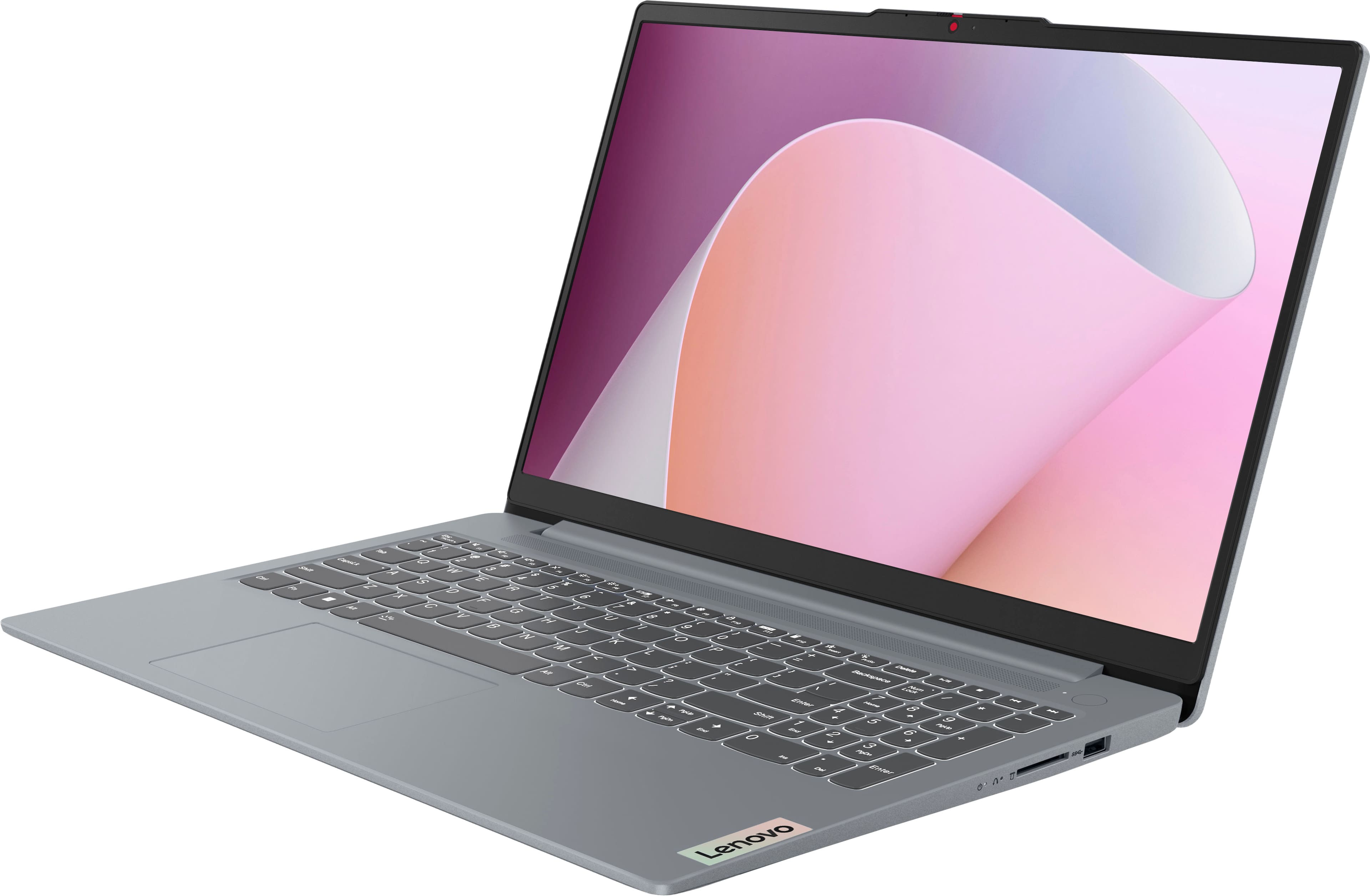
Q: QuestionDoes the keyboard have a backlit feature
Asked by RH12.
This question was asked about the related product: Lenovo - IdeaPad Slim 3 15.6" Full HD Touchscreen Laptop - AMD Ryzen 7 5825U 2022 - 16GB Memory - 512GB SSD - Arctic Grey
- A:Answer No, sadly.
Answered by KELLIA
Q: QuestionDoes the keyboard have backlit feature?
Asked by RH12.
This question was asked about the related product: Lenovo - IdeaPad Slim 3 15.6" Full HD Touchscreen Laptop - AMD Ryzen 7 5825U 2022 - 16GB Memory - 512GB SSD - Arctic Grey
Q: QuestionWill this computer handle two large monitor screens
Asked by Chuck.
- A:Answer Hey Chuck, You can drive to two external monitors with this IdeaPad Slim 3 (max: 4K@60Hz) via its HDMI port and USB-C port since it supports video output. Please feel free to reach out to us with any other questions!
Answered by Lenovo Product Expert
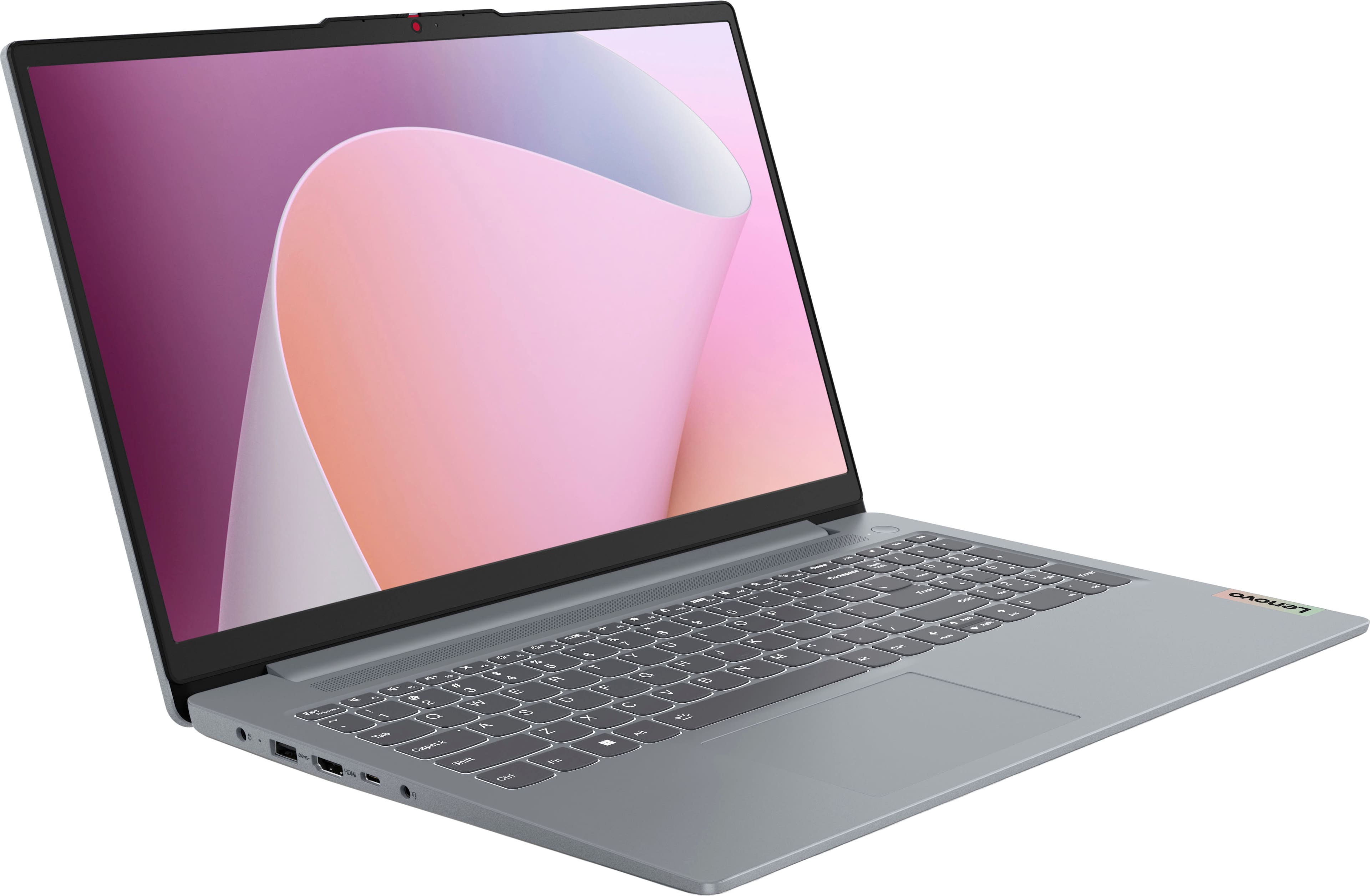
Q: QuestionIs the keyboard backlit?
Asked by jack.
- A:Answer Hey jack, this IdeaPad Slim 3 does not feature a backlit keyboard. Please feel free to reach out to us with any other questions!
Answered by Lenovo Product Expert
Q: QuestionDoes this come with Windows 11 Pro?
Asked by ADE13.
- A:Answer Hey ADE13, this IdeaPad Slim 3 ships with Windows 11 Home preinstalled. Please feel free to reach out to us with any other questions!
Answered by Lenovo Product Expert
Q: QuestionI’m interested in good speaker sound. One of the reviews says it’s horrible. Any other replies regarding this?
Asked by Anonymous.
- A:Answer Hey, Based on a larger pool of user reviews, the sound is adequate for daily use within video conferencing and some streaming, but the sound isn't as immersive as you'd find on more premium systems with advanced speaker systems. Please feel free to reach out to us with any other questions!
Answered by Lenovo Product Expert
Q: QuestionHow can i extend the laptop storage?
Asked by chloro.
- A:Answer Hey chloro, Outside of using external storage options like flash drives, portable SSDs, internally you can expand storage by swapping out the included 512GB drive in the system's single M.2 PCIe® 3.0 x4 slot for a comparable drive with a higher capacity. Please feel free to reach out to us with any other questions!
Answered by Lenovo Product Expert
Q: Questiondoes this laptop have a dedicated GPU with 4GB video memory?
Asked by GPU.
- A:Answer Hey, this IdeaPad Slim 3 does not feature discrete graphics card with dedicated graphics memory, but rather an integrated graphics processor. Please feel free to reach out to us with any other questions!
Answered by Lenovo Product Expert
Q: QuestionIs this a touch screen laptop?
Asked by Christopher.
- A:Answer Hey Christopher--yes, this IdeaPad Slim 3 features a touchscreen display. Please feel free to reach out to us with any other questions!
Answered by Lenovo Product Expert
Q: QuestionDoes this model have a slot for a Memory Card reader?
Asked by Bern2lead.
- A:Answer Hi Bern2lead, thanks for your question. This Lenovo IdeaPad Slim 3 features a full-sized SD card reader, allowing you to easily transfer data between devices or add additional storage if needed. Please feel free to reach out to us if you have any additional questions.
Answered by Lenovo Product Expert
Q: QuestionHow long will this model operate when unplugged?
Asked by TCM4.
- A:Answer Only if the battery is charged. That's how batteries work.
Answered by luislast
Q: QuestionI misplaced my charger and need to get another. Please tell me what one to get.
Asked by Anonymous.
- A:Answer Normally you would look on the charger, as there is a bunch of printing on it that identifies it. Since you don't have it available for this purpose, you can either get a "universal" charger (more expensive, and not necessarily universal in actuality) or you can search the internet for "charger for Lenovo IdeaPad Slim 3 Model: 82XM00LMUS."
Answered by luislast
Q: QuestionIs this item protected under the Members coverage?
Asked by Swabby.
This question was asked about the related product: Lenovo - IdeaPad Slim 3 15.6" Full HD Touchscreen Laptop - AMD Ryzen 7 5825U 2022 - 16GB Memory - 512GB SSD - Arctic Grey
- A:Answer Yes, but there are three different levels in BB's Memberships, so your level of "protection" will vary depending on your level.
Answered by luislast
Q: QuestionHow much RAM does the actual operating (being windows 11 system use? I’ve gotten the vibe windows 11 can be quite a heavy Ram user (unless you are able to know how to really set up things on the machine).
Asked by Anonymous.
- A:Answer There is no simple answer to this. Windows uses as much memory as it can get, which is why there is such a thing as actual and virtual memory, and this means that you will be able to keep going until you can't anymore (sort of like running a marathon), but there is no real minimum. The worst problem Windows has is that once memory is occupied with a task, it tends to keep this RAM at least partly in use, even if you close the program. I've hand 4GB installed and been able to work well, with Windows using just 1GB as a base, but I limit what I do. I've also had 64GB, and Windows jumped to 8GB just to turn it on, with another 24GB of virtual memory for "background" processes, and then needed to clear all programs every few days as my system slowed down and the CPU was hitting its limit as program usage and virtual RAM traded back and forth,
Answered by luislast


![Sure, here is the corrected and grouped text from the image:
---
**Top Row:**
- Esc
- Fn
- F1
- F2
- F3
- F4
- F5
- F6
- F7
- F8
- F9
- F10
- F11
- F12
**Number Row:**
- 1
- 2
- 3
- 4
- 5
- 6
- 7
- 8
- 9
- 0
- -
- =
- Backspace
**Letter Row:**
- Tab
- Q
- W
- E
- R
- T
- Y
- U
- I
- O
- P
- [
- ]
- \
- Delete
**Letter Row:**
- Caps Lock
- A
- S
- D
- F
- G
- H
- J
- K
- L
- ;
- '
- Enter
**Letter Row:**
- Shift
- Z
- X
- C
- V
- B
- N
- M
- ,
- .
- /
- Shift](https://pisces.bbystatic.com/image2/BestBuy_US/images/products/f79b3ed3-e46f-4e66-923f-76d4538361a2.jpg;maxHeight=54;maxWidth=54;format=webp)