Early Black Friday DealsNew Doorbusters every Friday.Shop now

Main Content

Questions & Answers

Your price for this item is $1,699.99
Page Showing 21-40 of 42 questions
  • QuestionDoes this laptop have DisplayPort capabilities?

    Asked by Theo.

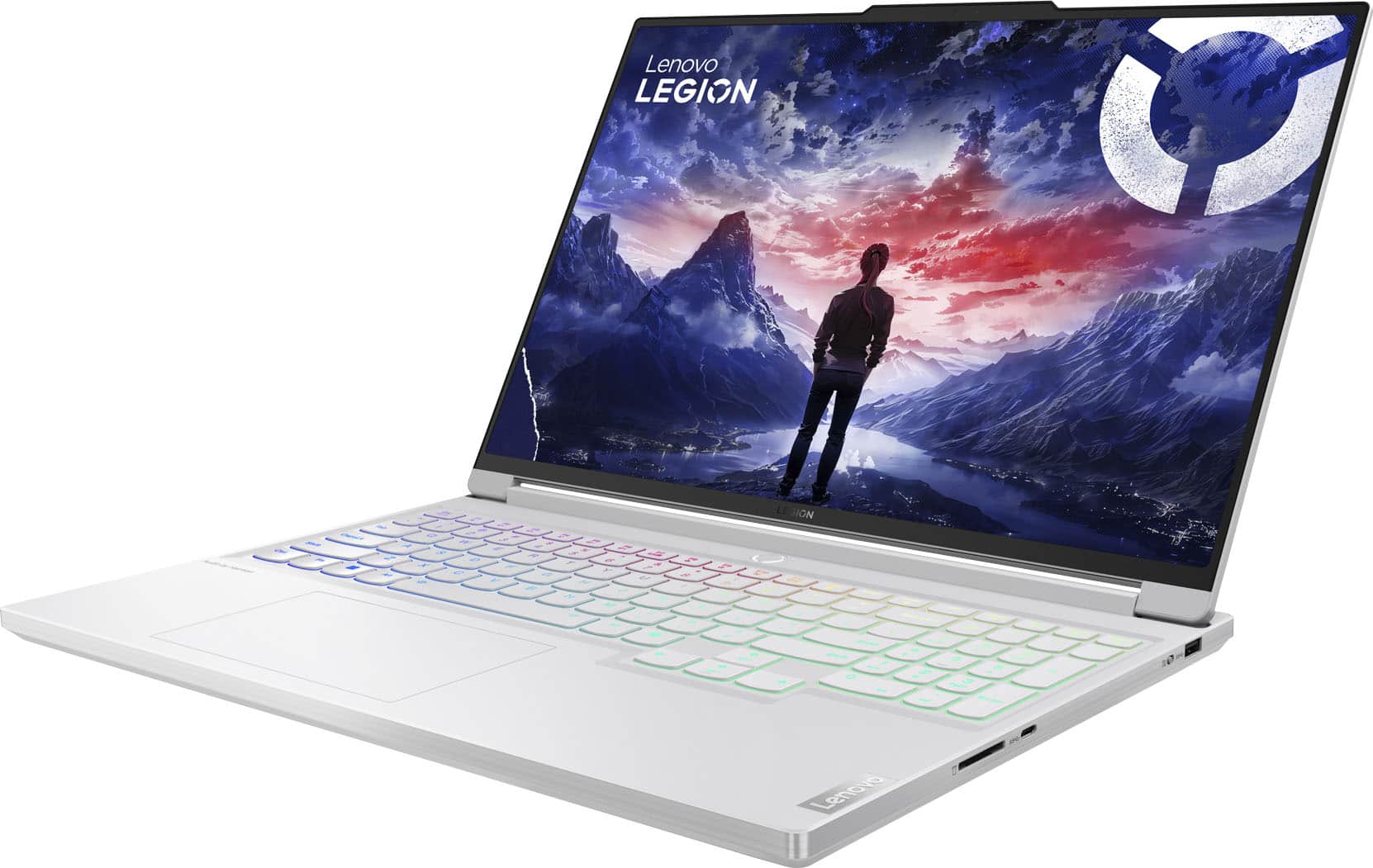
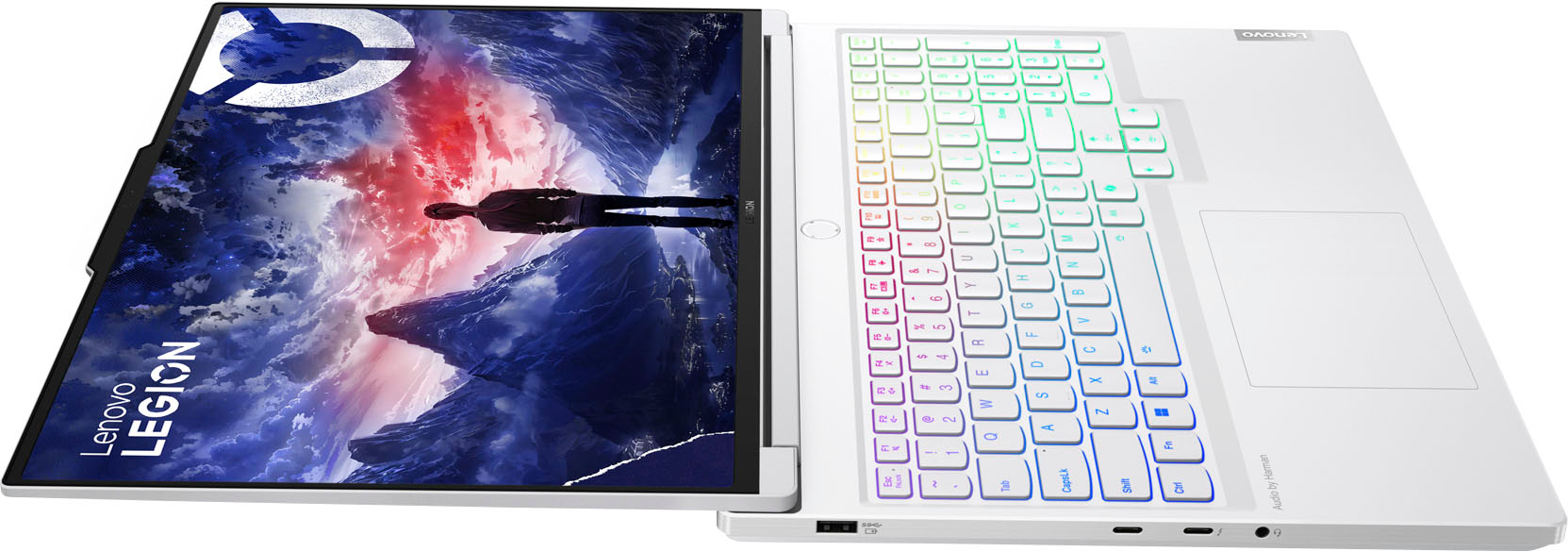
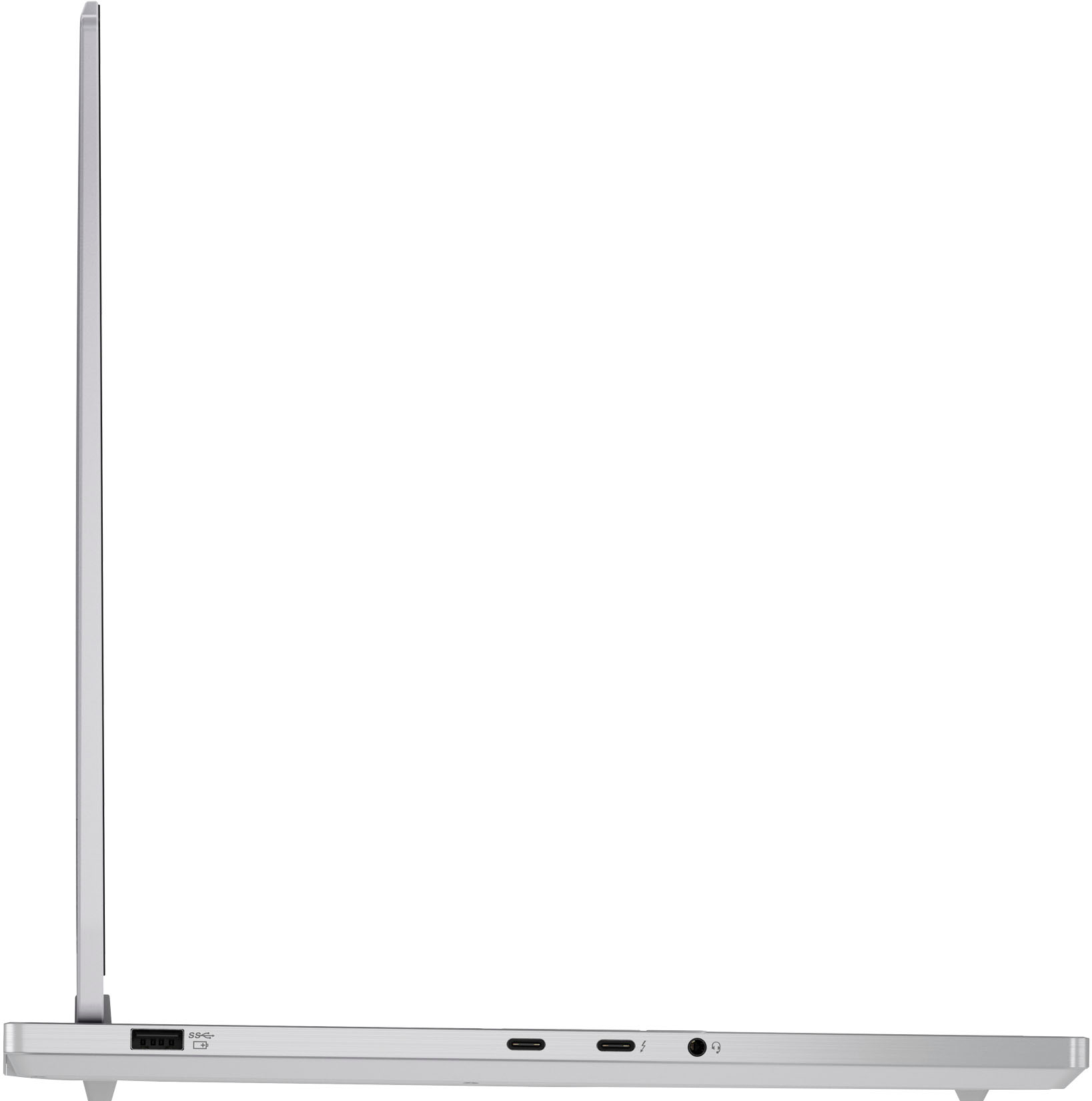
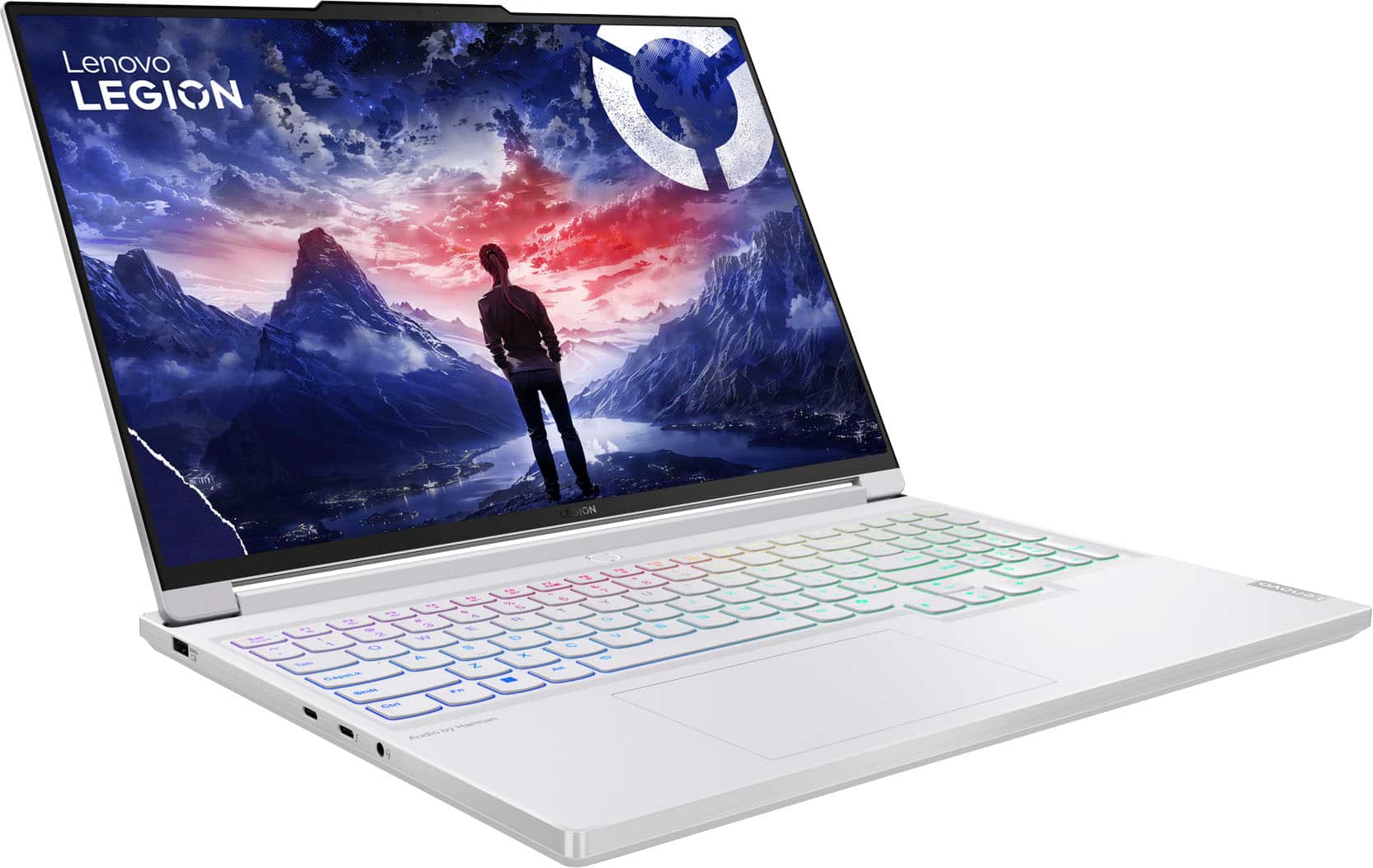
    • Answer Hey Theo, the Legion 7i doesn't feature a DisplayPort output, but you can use either of its two USB-C ports that support DisplayPort 1.4.

      Answered by Lenovo Product Expert

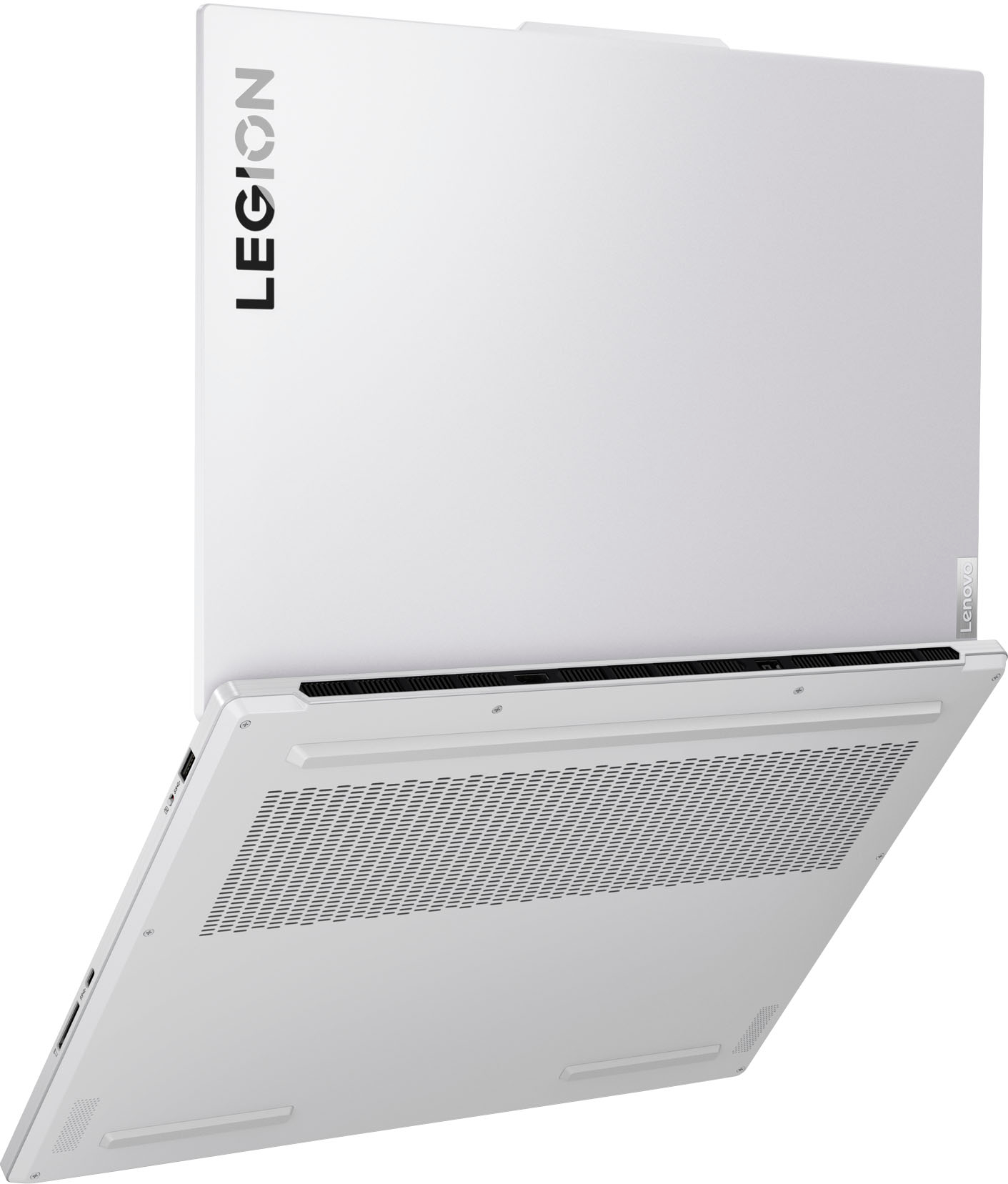
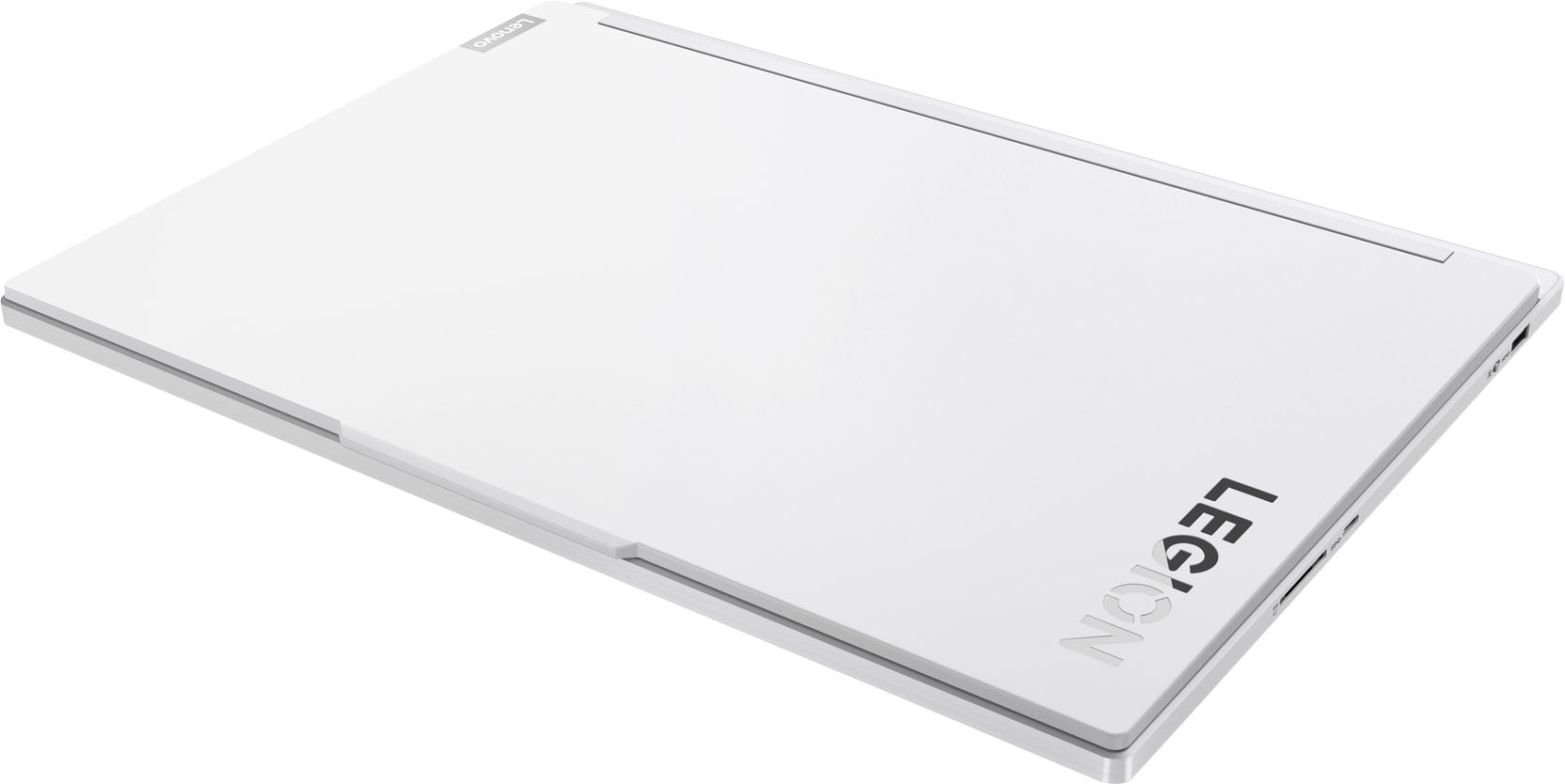
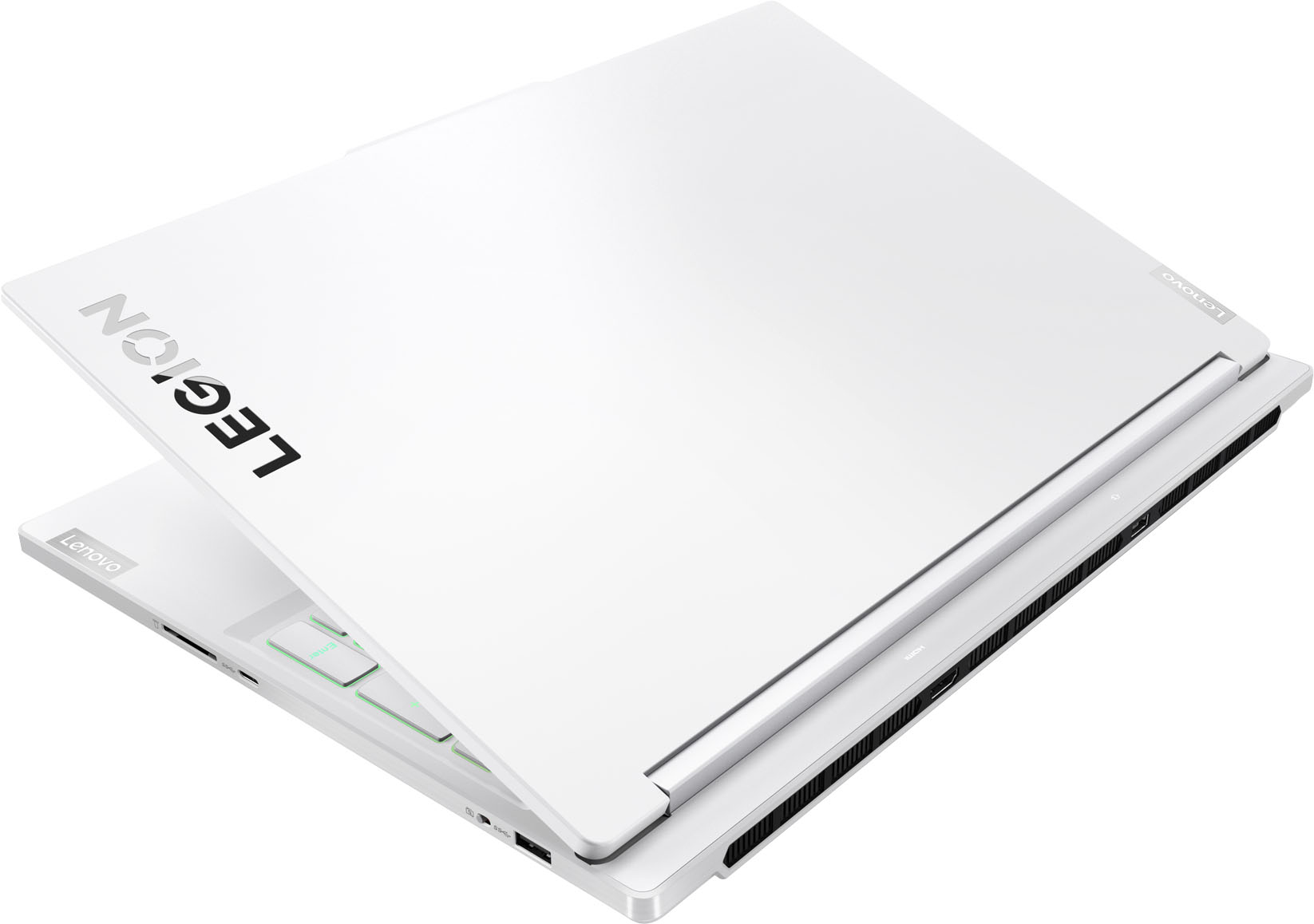
  • QuestionIs it possible to purchase any other color for this laptop? Say black, red? Or not

    Asked by ElaineW.

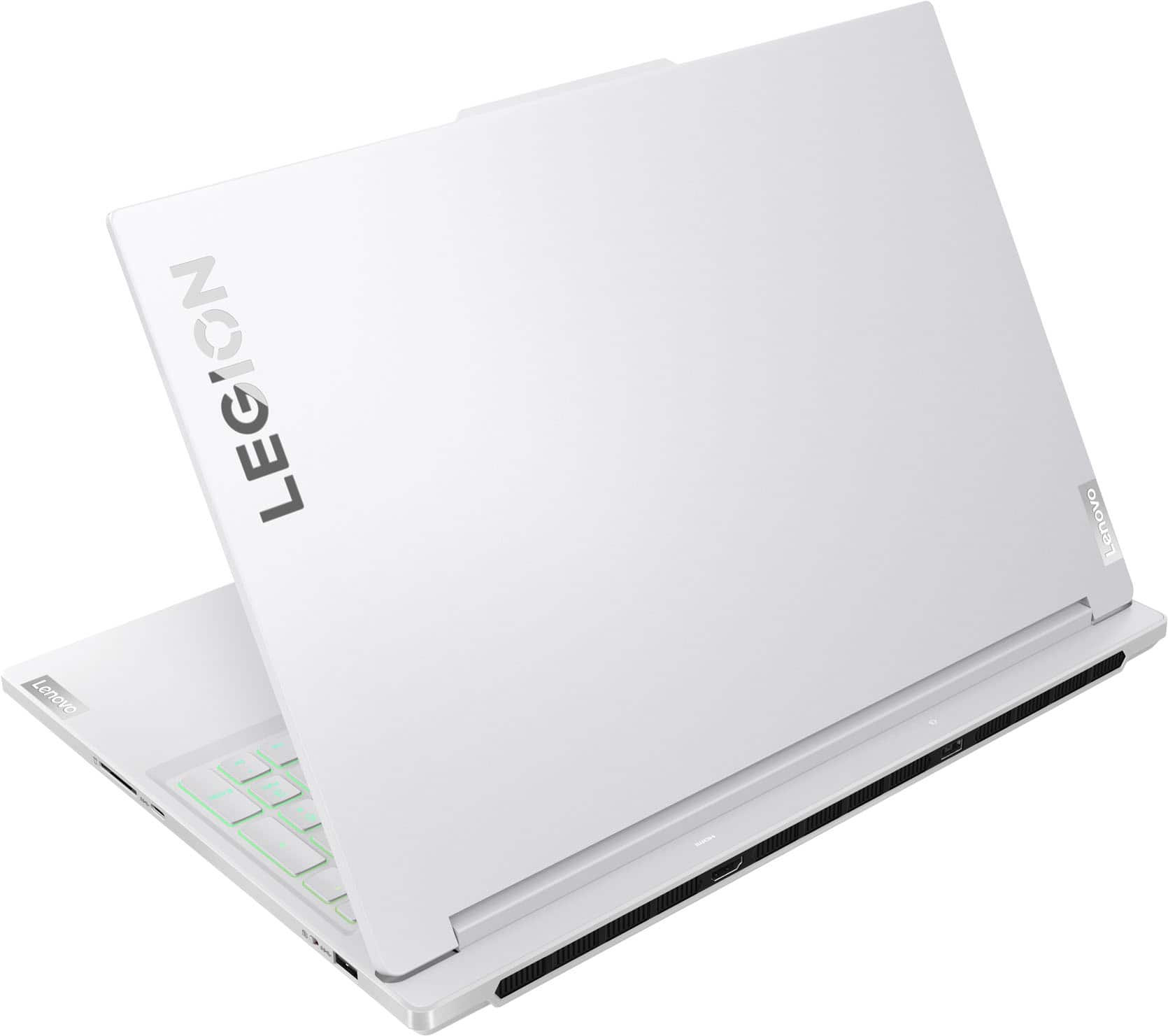
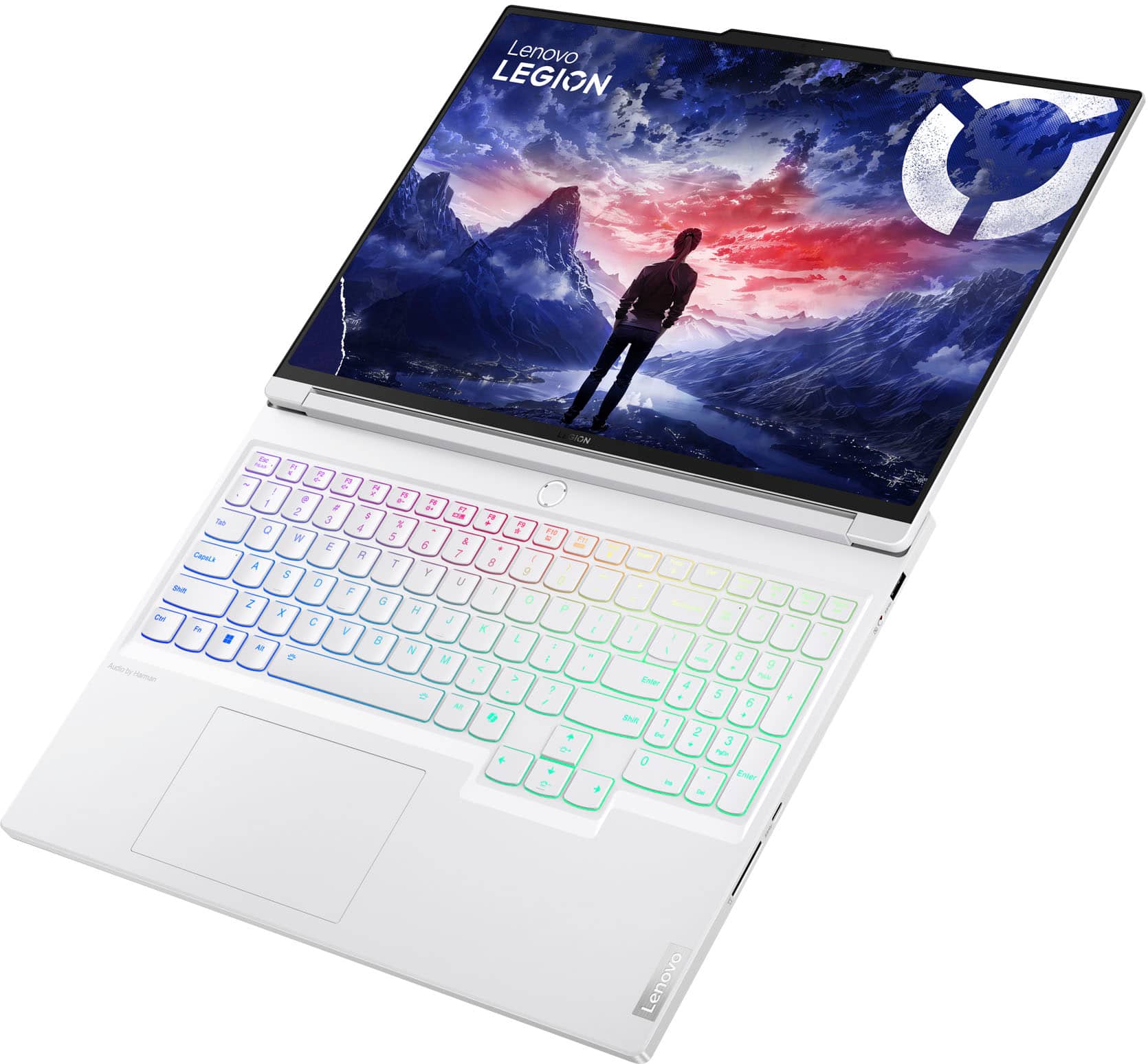
    • Answer This specific model only comes in white. The Legion 7i with the i9 processor has an all black option as well as an all white option.

      Answered by EmFo

  • QuestionWhich color gamut and percentage has the laptop screen?

    Asked by Leoz2025.

    • Answer Hi Leoz2025, this Legion 7i features a 100% sRGB color accurate display.

      Answered by Lenovo Product Expert

  • Questionavailable in other colors?

    Asked by JamesB.

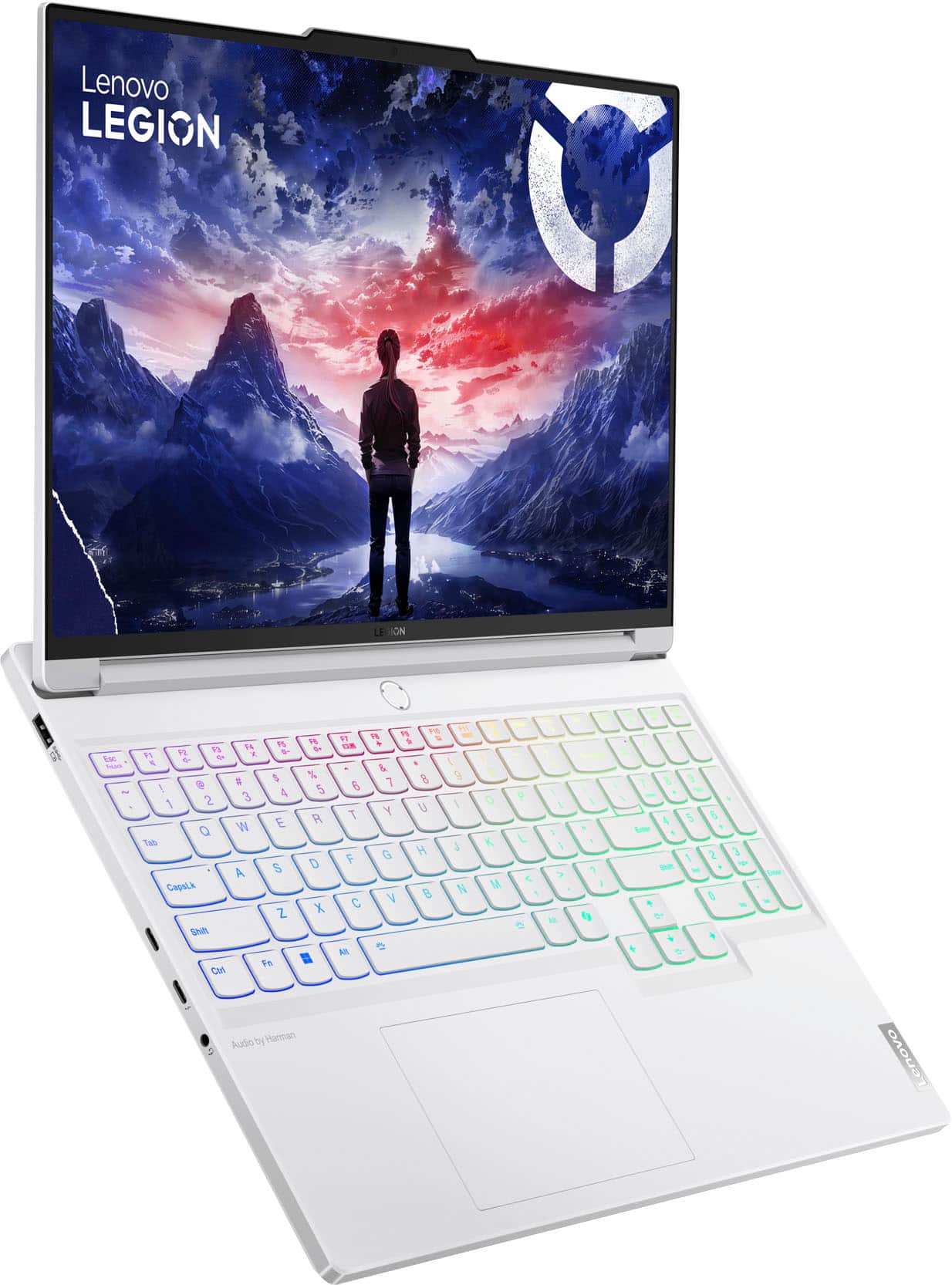
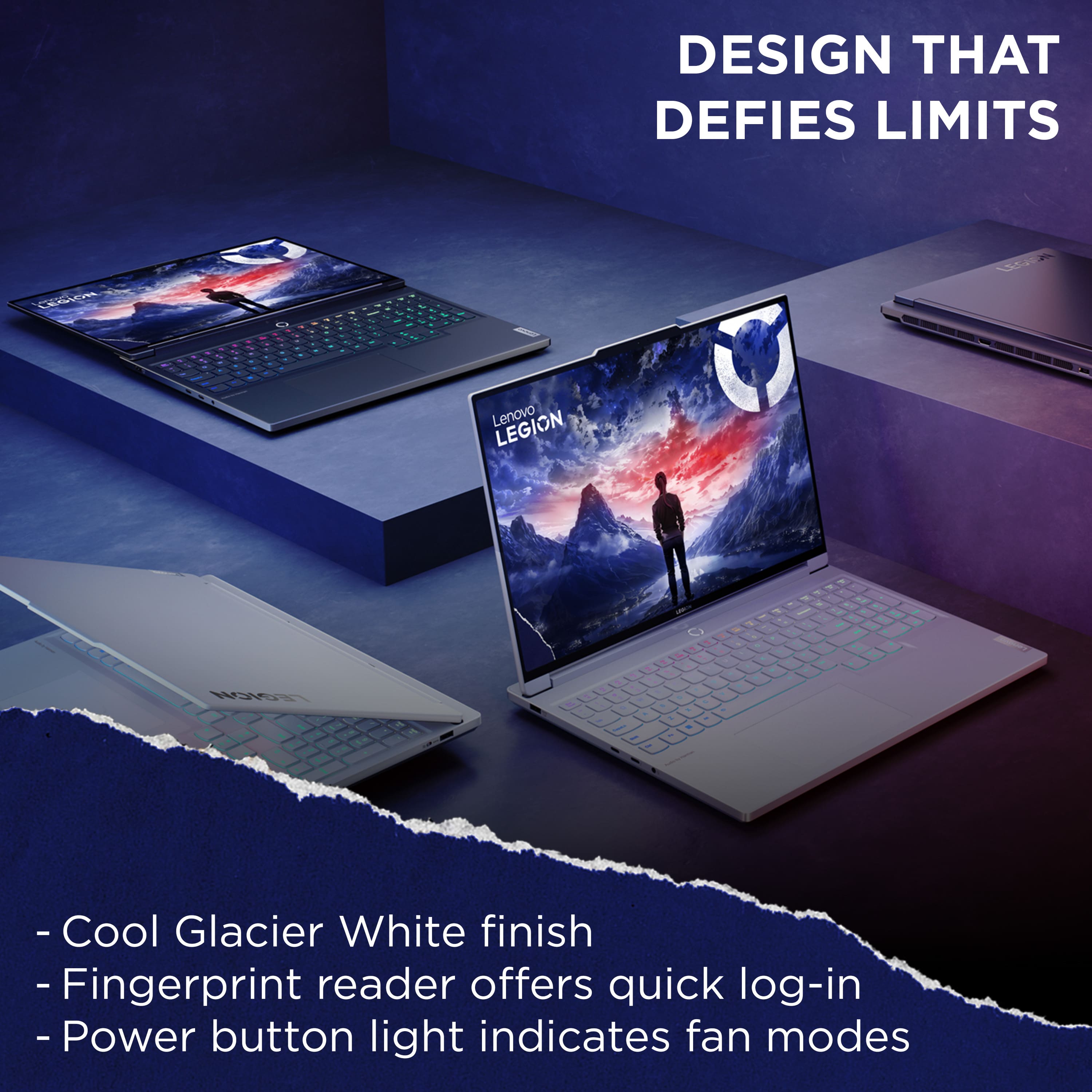
    • Answer Hi, JamesB. The Legion 7i is currently only offered in Glacier White at Best Buy.

      Answered by Lenovo Product Expert

  • QuestionDoes this Legion model come with a vapor chamber cooling system?

    Asked by Steve.

    • Answer Yes This cooling system within this computer is extremely important and excellent

      Answered by ChristiH

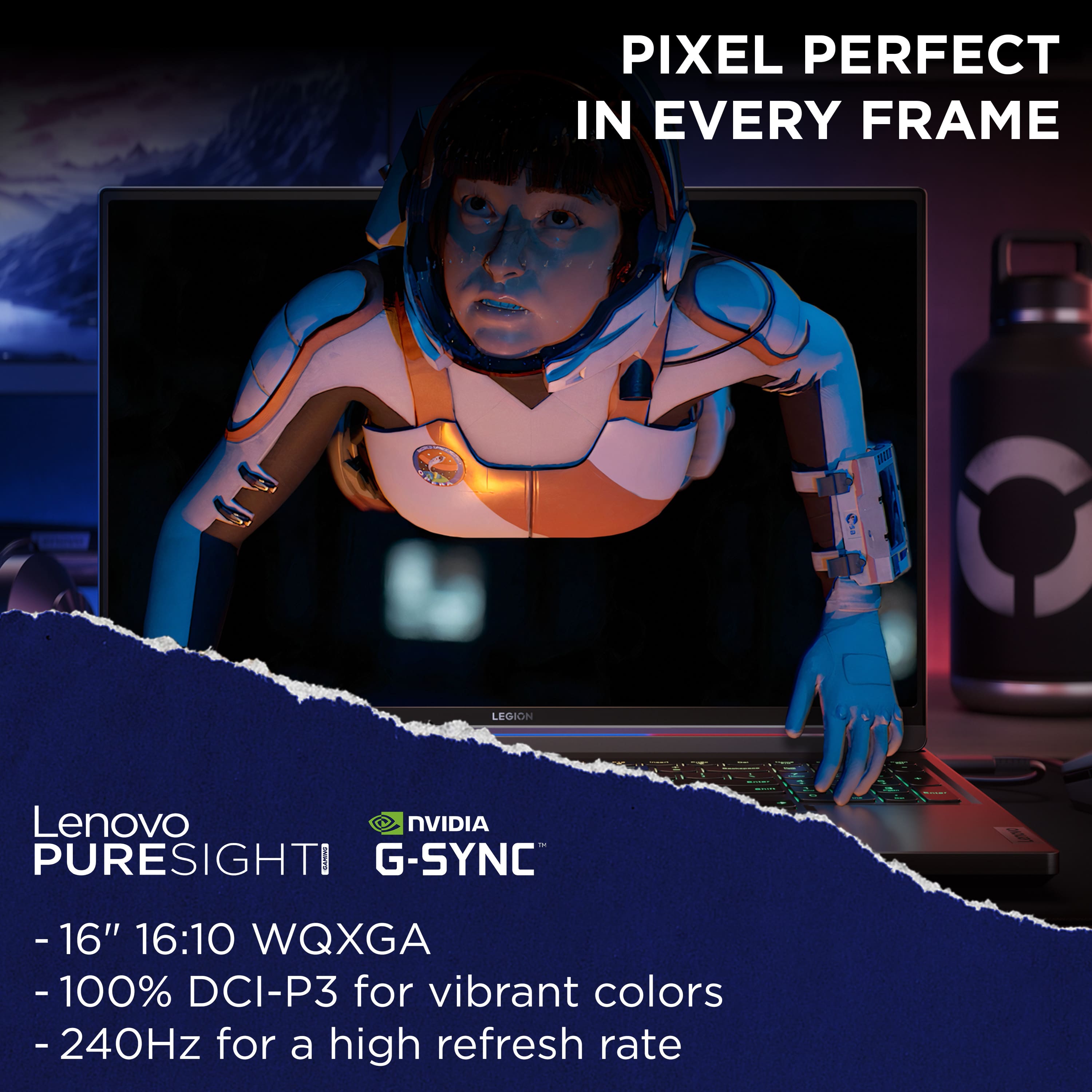
  • QuestionWhich generation of Legion 5i is this laptop and what is the refresh rate of the screen?

    Asked by Jason.

    • Answer Hi, Jason. Your question is posted for the Legion 7i, and this model is part of the 9th generation of Legion 7 series laptops. Also, the display features a 240Hz refresh rate, and can be toggle down to 60Hz in settings or by pressing Fn + R.

      Answered by Lenovo Product Expert

  • QuestionWhy does lenovo legion 7i doesn't come with amd ryzen

    Asked by bestiee2013.

    • Answer It looks like the Manufacturer chose the Intel Processor for this Laptop.

      Answered by chasugc

  • QuestionWhat can I do to improve the internet connection? This laptop's internet connection is way laggy compared to my other devices (phones, iPad, and mac), the speed was even around single digits like 7mbps while phone is at 329.

    Asked by Cherry.

    • Answer If it is home internet, there are a few things one can do. If it is Public Wifi, then you are stuck with what the public service provides on the shared Network. Phones normally have their own Internet Service Provider and Speed, so this might be your problem. If it is a home service, then I recommend the following steps. First, I would do a Wifi speed test, and write down the number. It is a internet speed test, just Google "Speed Test". Ookla is a good one. This will give you a baseline. Then, I would connect a Cat7 ethernet cable directly to your laptop from your internet box. This will give you the maximum speed possible from your internet box. You should know what speed your home service provides. Write that number down. It should match the maximum speed that your Internet Service Provides. Then, you can go back to Wifi, and place your Laptop next to your internet box, and run the speed test again. Write that number down. Most people have a Wifi Router next to their internet box. This should give you the maximum Wifi speed. Then, you can run system file checker on your Laptop to see if you have system problems. If the SFC finds errors and fixes them all, then your system is fine. If not, then you have system problems. You may have to run it multiple times. You can also visit your Laptop manufacturers website and make sure that you have the latest Network drivers for your Laptop. Good Luck.
      Answered by ChasUGC

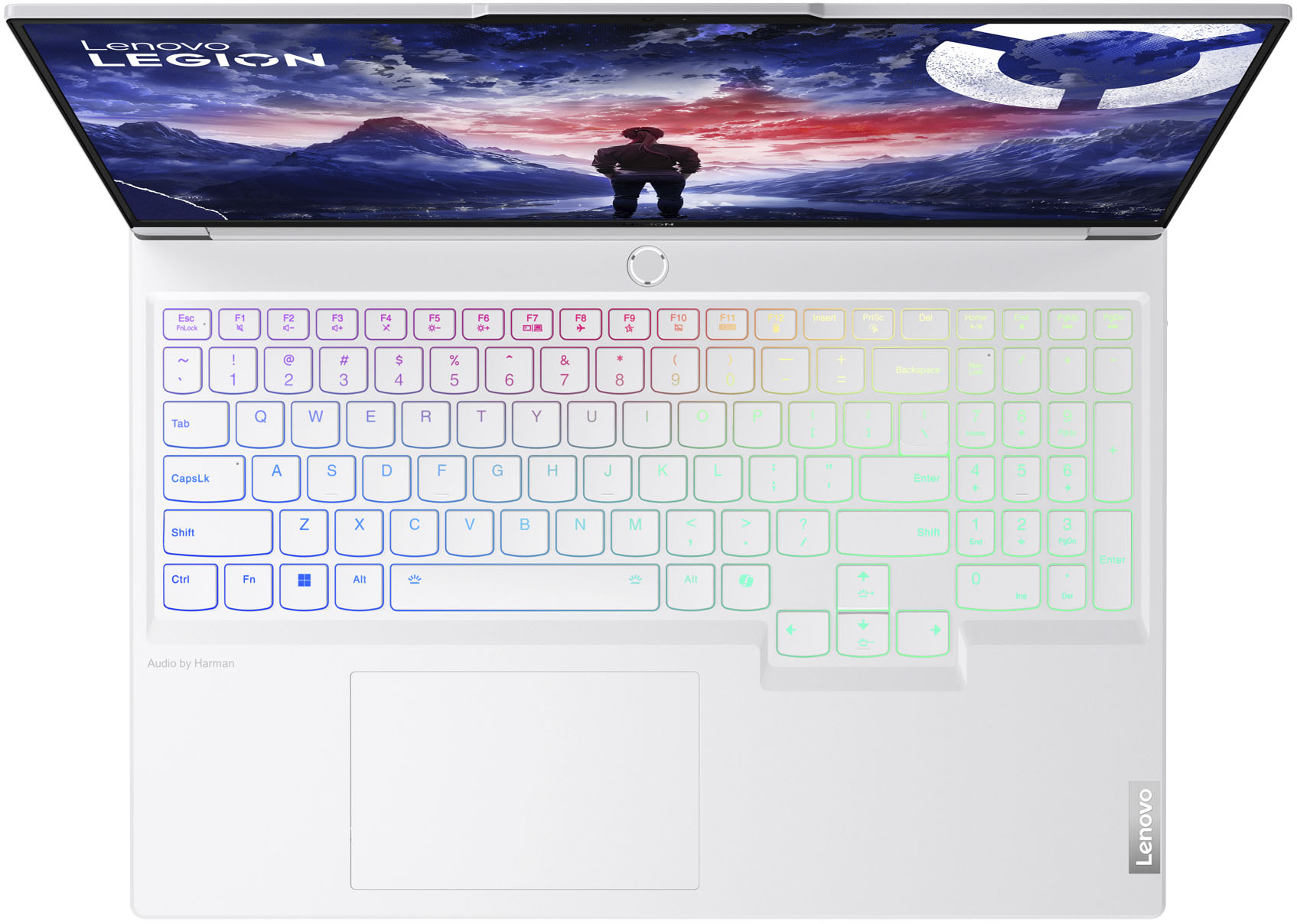
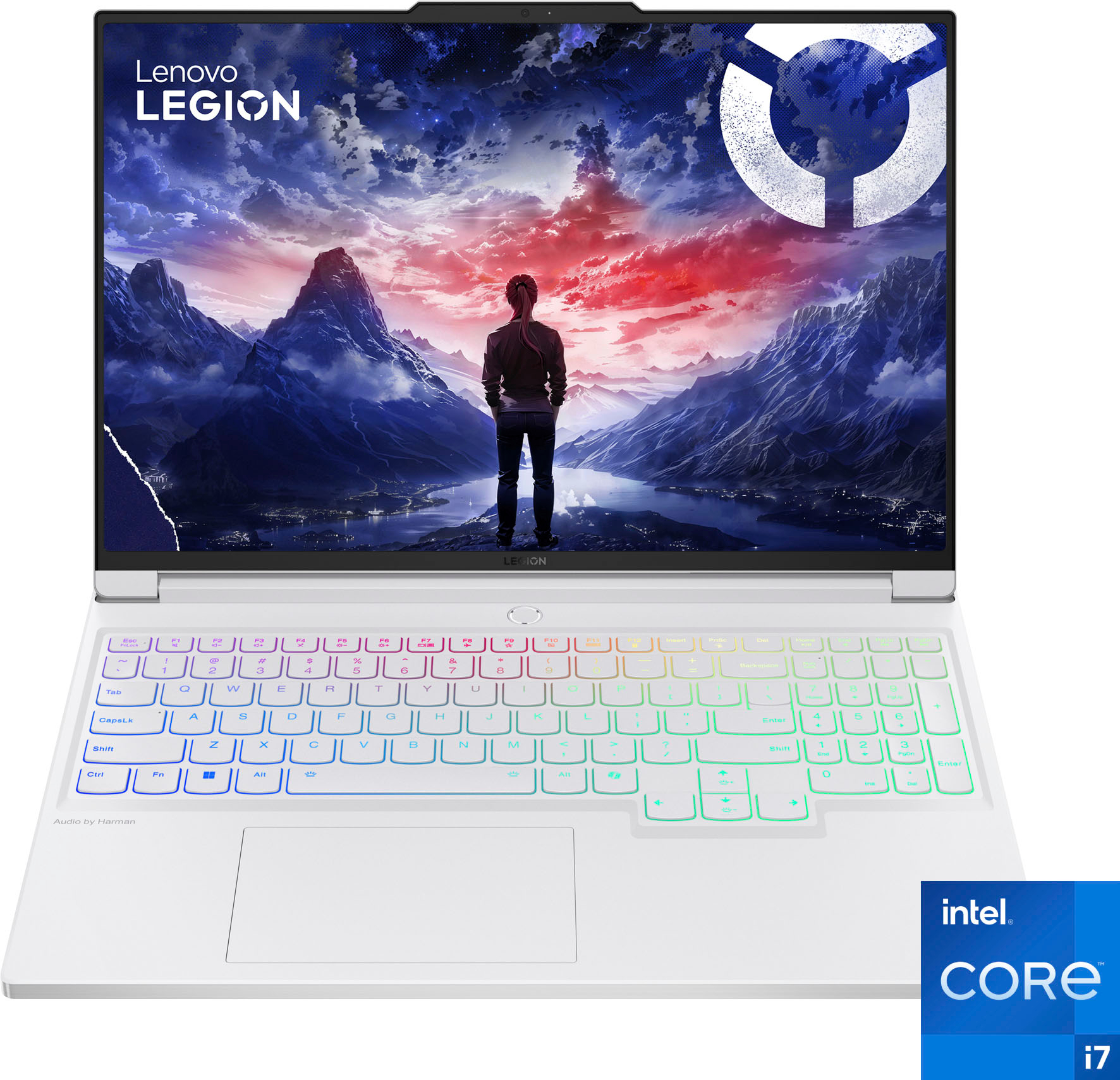
  • QuestionDoes the backlight on the keyboard come out rainbow like in the picture and how do you turn it on?

    Asked by LilSquishy.

    • Answer It comes out rainbow if you want but it also has 6 profiles in Lenovo Vantage That you can customize any way you want. There are many Lenovo choices or you can do what you want.

      Answered by JohnH

  • QuestionCan you remove the key caps?

    Asked by User20554.

    • Answer Supposedly NO per a write up I read on this computer before buying.

      Answered by Mike

  • Questionis the trackpad/touchpad supposed to be fixed at the top? It clicks well at the bottom and and not at the top. I am not sure if that is how it comes or a problem with my device.

    Asked by LegionGamer15.

    • Answer Most touchpads right click at the bottom. You can go to your touchpad settings in Windows to see the options.

      Answered by chasugc

  • QuestionDoes this product has international warranty? i was planning to buy this machine in usa and take it to India

    Asked by Aakarshan.

    • Answer Hi, Aakarshan. From the manufacturer, the Legion 7i is not covered by International Warranty Services. However, by using the following link, users in each of the available countries (India being one of them) can contact local Lenovo Support for support options: https://pcsupport.lenovo.com/us/en/iwslookup#/ideapad You can lookup options by entering the product serial or model number in the search box at the previously listed link.

      Answered by Lenovo Product Expert

  • QuestionWhen is the next sale of this item?

    Asked by Anonymous.

  • QuestionWhat is the size of the battery? 99wh?

    Asked by CLion.

    • Answer Greetings from the Intel team. Thank you for your question. Based on the product specifications reference (PSREF), the Lenovo - Legion 7i model 83FD004GUS has an integrated Li-Polymer 99.9Wh battery. For further information, check the PSREF: https://psref.lenovo.com/Detail/Legion_7_16IRX9?M=83FD004GUS For detailed information about the Intel® Core™ i7 processor 14700HX, visit: https://ark.intel.com/content/www/us/en/ark/products/235997/intel-core-i7-processor-14700hx-33m-cache-up-to-5-50-ghz.html Thank you for choosing Intel! Emilio_Intel

      Answered by Intel team

  • QuestionWhat is the maximum upgrade Ram and what is the Operating system?

    Asked by ChasUGC.

    • Answer Hi, ChasUGC. This version can support 64GB DDR5 RAM and ships with Windows 11 Home.

      Answered by Lenovo Product Expert

  • Questionwhen we will get a sale on this product?

    Asked by sam.

  • QuestionCan you upgrade the RAM in this?

    Asked by Thomas.

    • Answer Yes

      Answered by Joey

  • QuestionI purchased this computer 3 days ago, have only used it a handful of times. Today while using a game for approx. 30 minutes the screen went blank and now will not turn back on.

    Asked by Anonymous.

    • Answer Hey, we're sorry to hear that you're having this issue with your Legion. Let's try to resolve this immediately. Here's some steps to follow to help resolve your issue: 1. First, ensure that the AC adapter or charger for this unit is plugged in and indicating it is charging the device by the LED next to the charging port being illuminated red (charging) or white/green (fully charged). 2. Once you have made sure the device is getting power through the charger, yet it will not turn on, power off the computer, as this system is equipped with The Novo Button – a feature used to help users with a few options, including resetting your PC. 3. There is a small pin hole on the bottom right side of the device, first in line before the other ports on the right side. You will need a pin (a sim ejector tool or end of a paperclip should suffice) to push this reset button. 4. Push the reset button. The system should boot to a choice screen where you can choose to reset your computer. Select this. It will delete everything from the hard drive except the original factory install of the operating system. You will need to reinstall all programs and files after the reset. Here is a link to the pdf of the user guide for your Legion with more details on the Novo Button, as well as alternatives to get to the menu if you cannot access the Novo Button: (https://download.lenovo.com/consumer/mobiles_pub/lenovo_legion_7i_16_9_ug_en.pdf) Should you need further assistance, please reach out to Lenovo Support here: 877-453-6686, so we can continue to assist you.

      Answered by Lenovo Product Expert

  • QuestionHi, this laptop supports this Ram? Crucial RAM 48GB Kit (2x24GB) DDR5 5600MHz. Thank you

    Asked by Angie.

    • Answer Greetings from the Intel team. Thank you for your question. Based on the product specifications reference (PSREF), the Lenovo - Legion 7i model 83FD004GUS has two DDR5 SO-DIMM slots (dual-channel capable), comes with 2x 8GB SO-DIMM DDR5-5600, and supports up to 32GB DDR5-5600. For further information, check the PSREF: https://psref.lenovo.com/Detail/Legion_7_16IRX9?M=83FD004GUS For detailed information about the Intel® Core™ i7 processor 14700HX, visit: https://ark.intel.com/content/www/us/en/ark/products/235997/intel-core-i7-processor-14700hx-33m-cache-up-to-5-50-ghz.html Thank you for choosing Intel! Emilio_Intel

      Answered by chasugc