Questions & Answers
Q: QuestionHow many displays can you run at once?
Asked by robert.
- A:Answer Hey robert, The system's CPU support up to four displays, including the laptop's 16" OLED display (3 external). Please feel free to reach out to us with any other questions!
Answered by Lenovo Product Expert
Q: QuestionDoes this laptop support the latest PCIE Gen 5 SSD on its primary slot? Thank you
Asked by Nance.
- A:Answer Hey NanceLvr, This Legion 7i features two M.2 storage slots that are PCIe 4.0 x4. Please feel free to reach out to us with any other questions!
Answered by Lenovo Product Expert
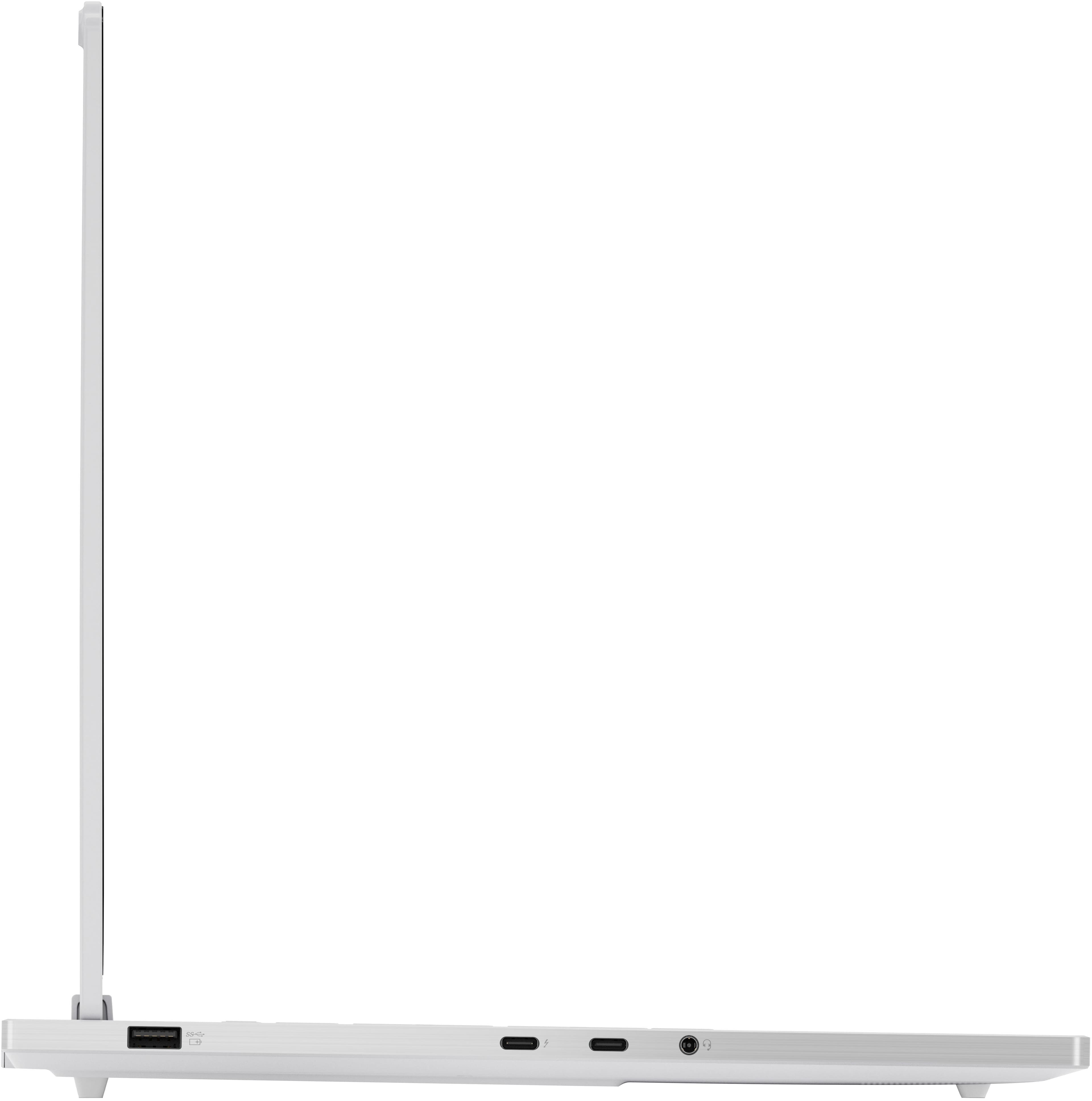
Q: QuestionCan you charge this laptop via usb C power supply?
Asked by Nate.
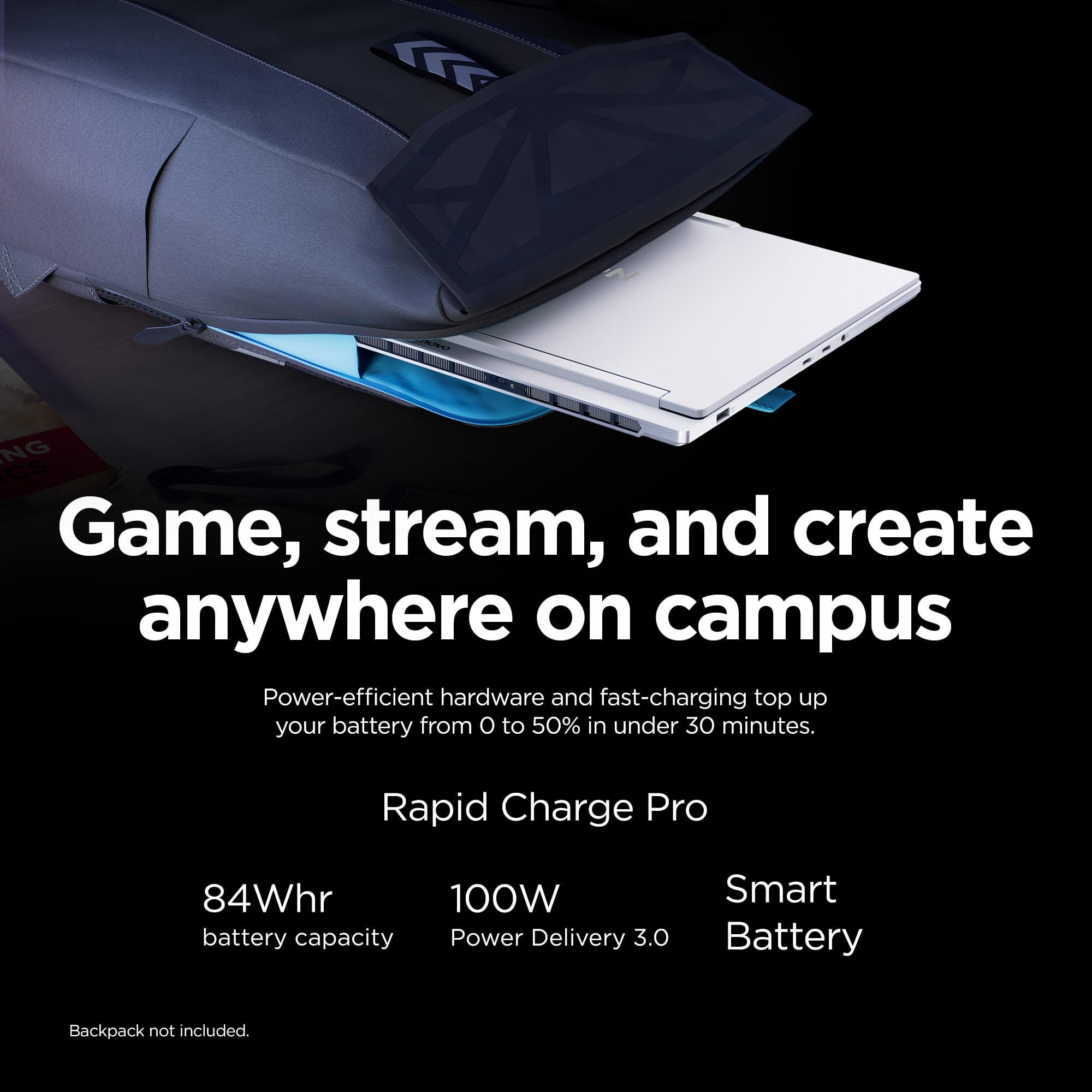
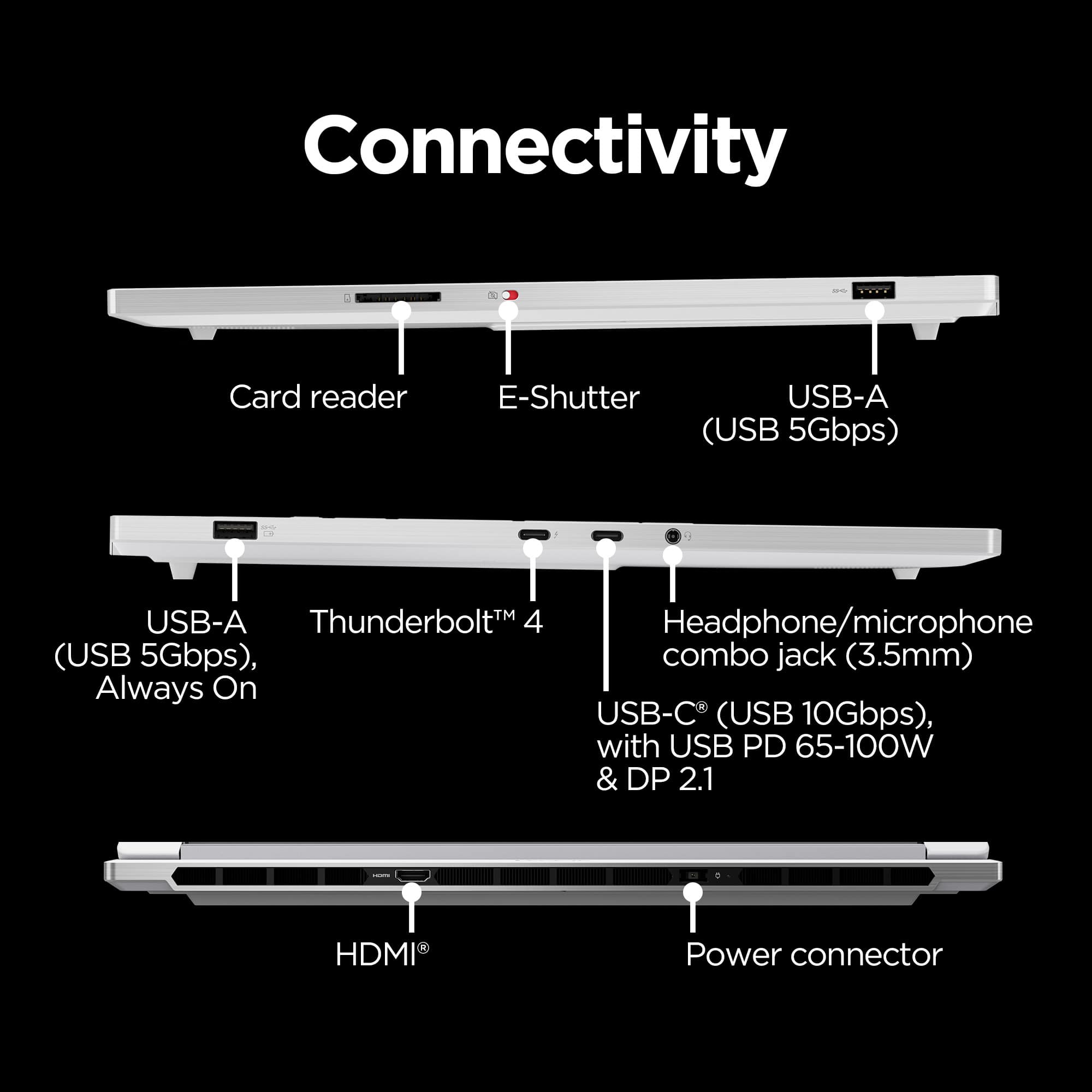
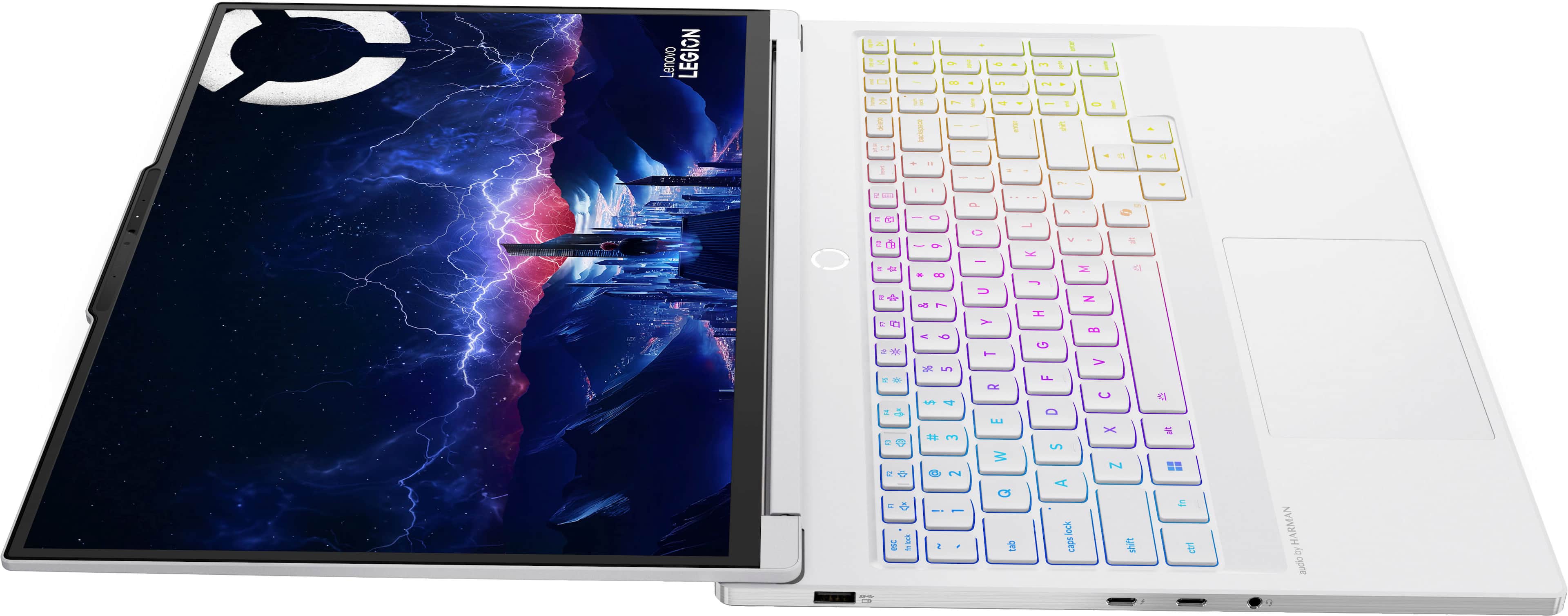
- A:Answer Hey Nate, The Legion 7i's USB-C ports do support USB Power Delivery for charging (up to 100W). To note, this unit was not designed with USB-C charging solely in mind, and by not delivering a high enough wattage to the Legion 7i (around 200W+), your system may charge slower, and even during strenuous workloads the battery may drain faster than the 140W or lower USB-C charger can supply and performance may drop during that time. When charging via USB-C, we recommend utilizing the system's MUX switch to toggle the GPU working mode so that the NVIDIA graphics isn't drawing power, and to limit depending software usage like video editing, rendering, and gaming to reduce the risk of negative battery charging. Please feel free to reach out to us with any other questions!
Answered by Lenovo Product Expert
Q: QuestionHow can I upgrade the ssd? Thanks.
Asked by MVPHONE.
- A:Answer Hey MVPHONE, You can upgrade storage by swapping out the preinstalled drive, along with installing another M.2 2280 SSD in the laptop's open storage slot. Please feel free to reach out to us with any other questions!
Answered by Lenovo Product Expert
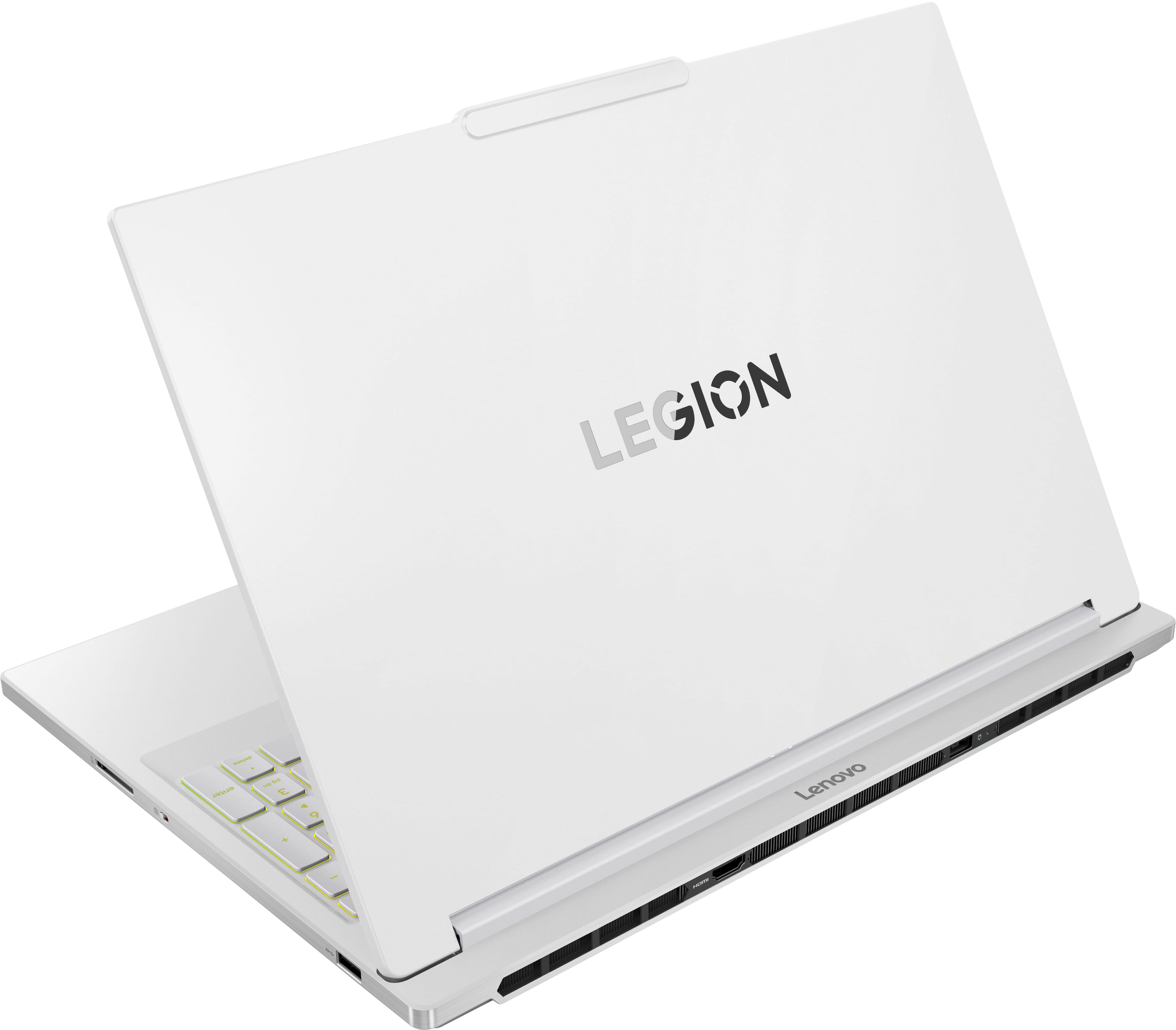
Q: QuestionWhat is the body built out of? Plastic or aluminum? Thank you.
Asked by MVPHONE.
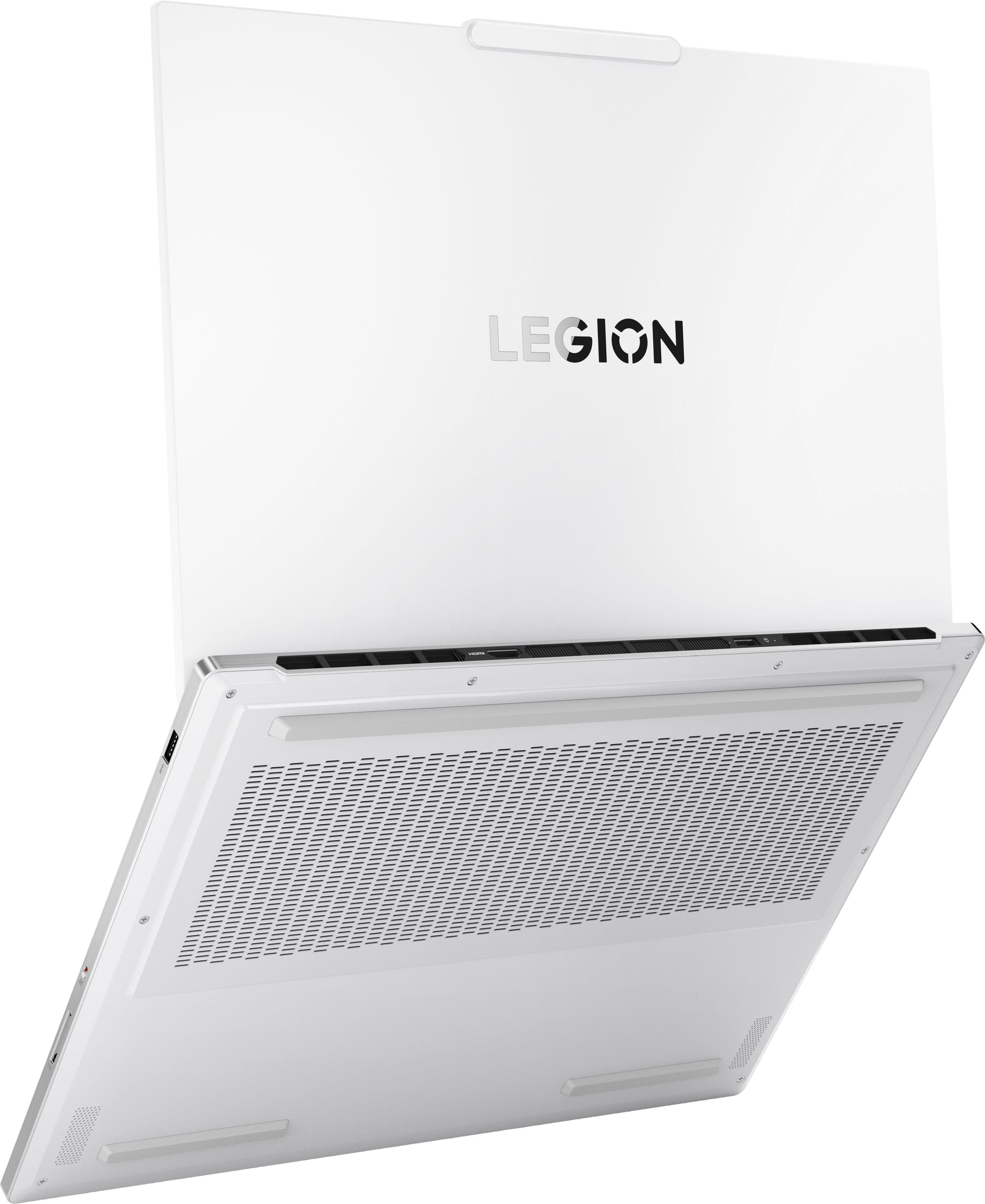
- A:Answer Aluminum
Answered by GerardoN
Q: Questiondoes the display have low blue light technology?
Asked by j.
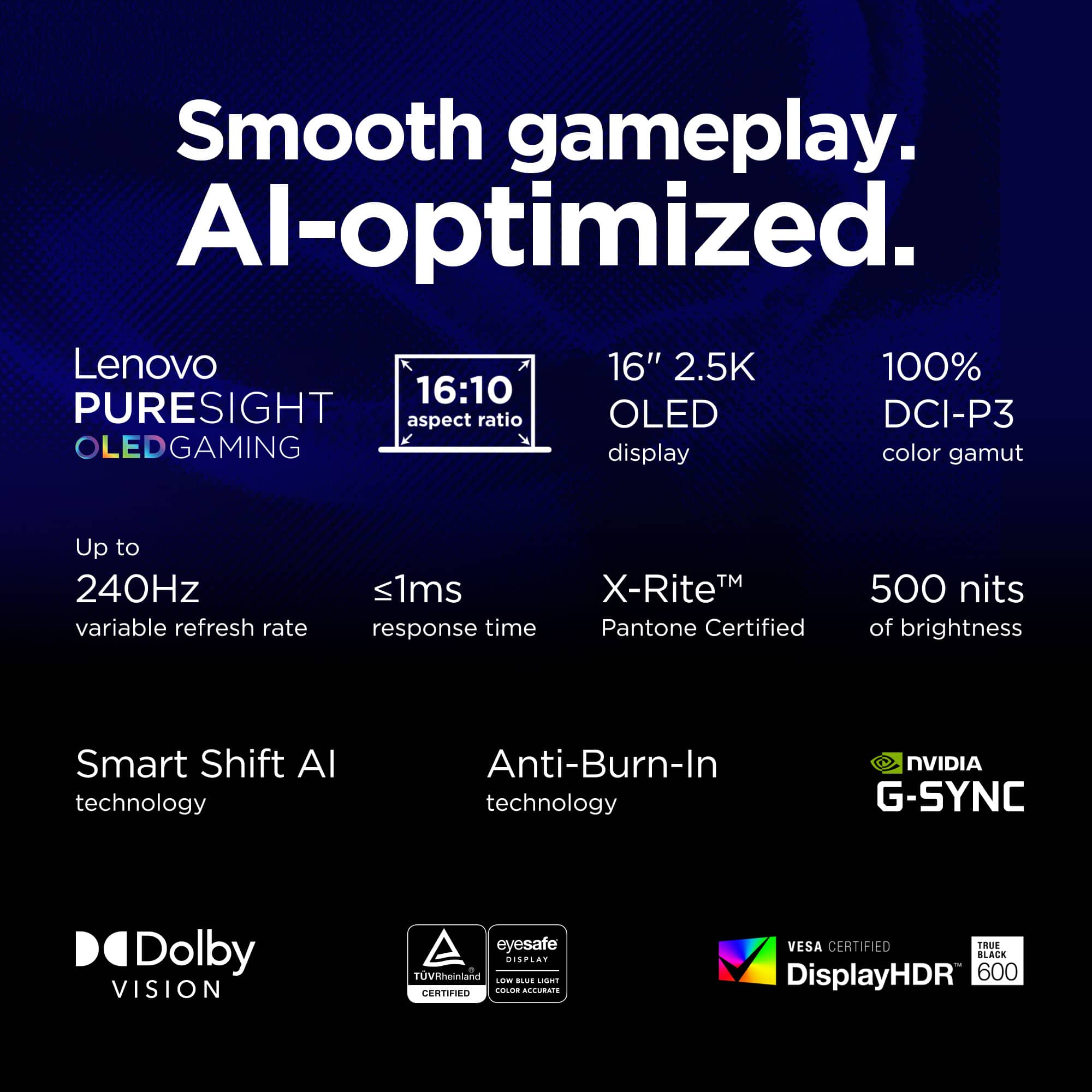
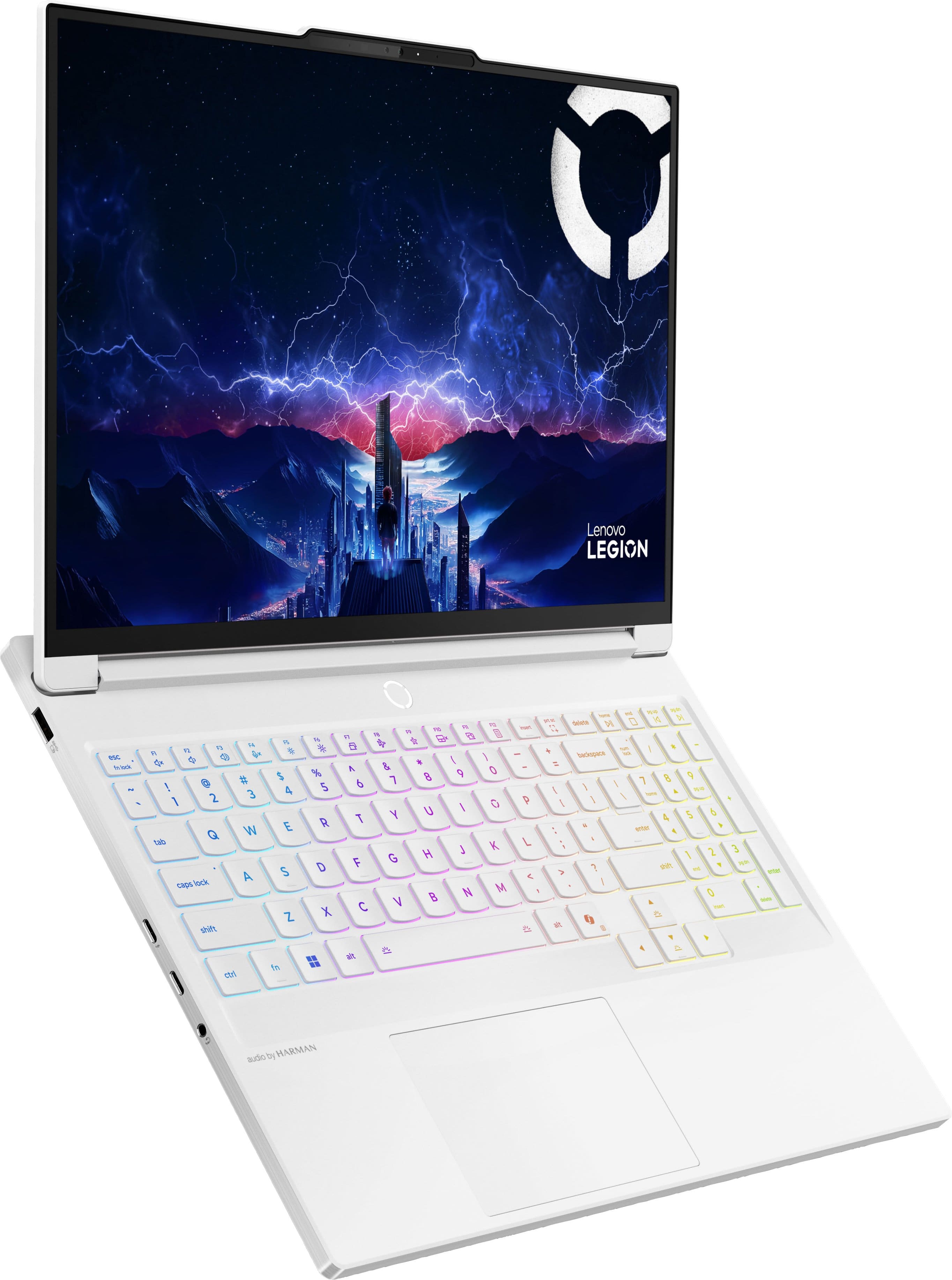
- A:Answer Hey j, Yes, the Legion 7i's OLED display is TÜV Rheinland Low Blue Light certified. Please feel free to reach out to us with any other questions!
Answered by Lenovo Product Expert
Q: QuestionCan this be used with a keyboard and monitor with the case closed?
Asked by Uncle.
- A:Answer Yes ,its stil the same operting system just need to change the battery setting
Answered by Jhone
Q: QuestionWhat is the refresh rate on this laptop?
Asked by Anonymous.
- A:Answer Hey there, This Legion 7i features a 240Hz refresh rate OLED display. Please feel free to reach out to us with any other questions!
Answered by Lenovo Product Expert
Q: QuestionCan I add additional storage to this laptop? If so, how many slots are available and what is the max storage for this laptop?
Asked by Erik.
- A:Answer Yes you can add external and 3T of internal storage.
Answered by MeganD
Q: QuestionWhat is the TGP of the GPU? What's the max watts it can draw
Asked by Randy.
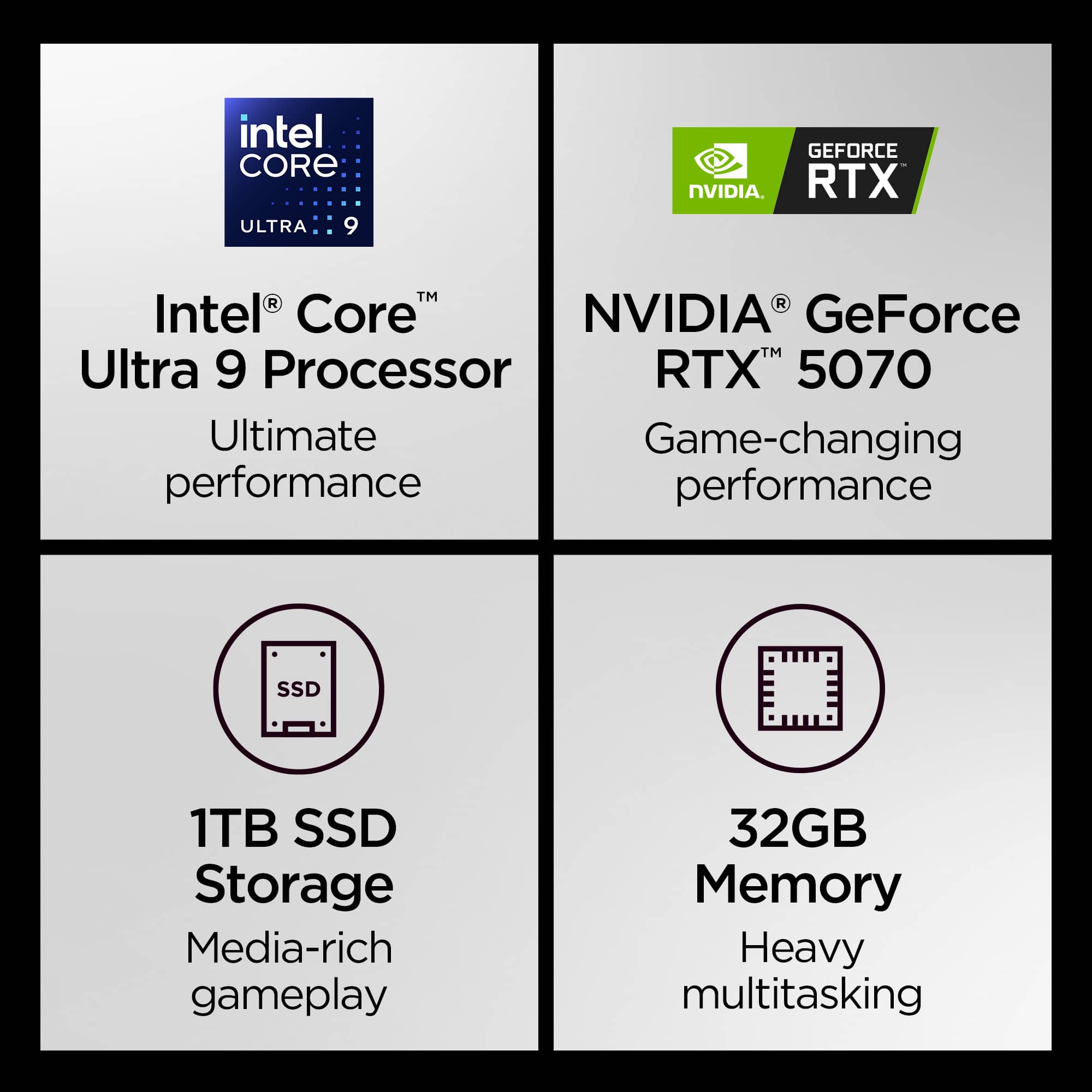
- A:Answer Hey Randy, The RTX 5070's noted TGP is 115W, and the max wattage for the Intel CPU is up to 160W. Please feel free to reach out to us with any other questions!
Answered by Lenovo Product Expert
Q: QuestionWhat Parts of this laptop is aluminum? I know the lid and the sides are metal, But is the keyboard deck on the inside aluminum or plastic? Thanks
Asked by Kevin.
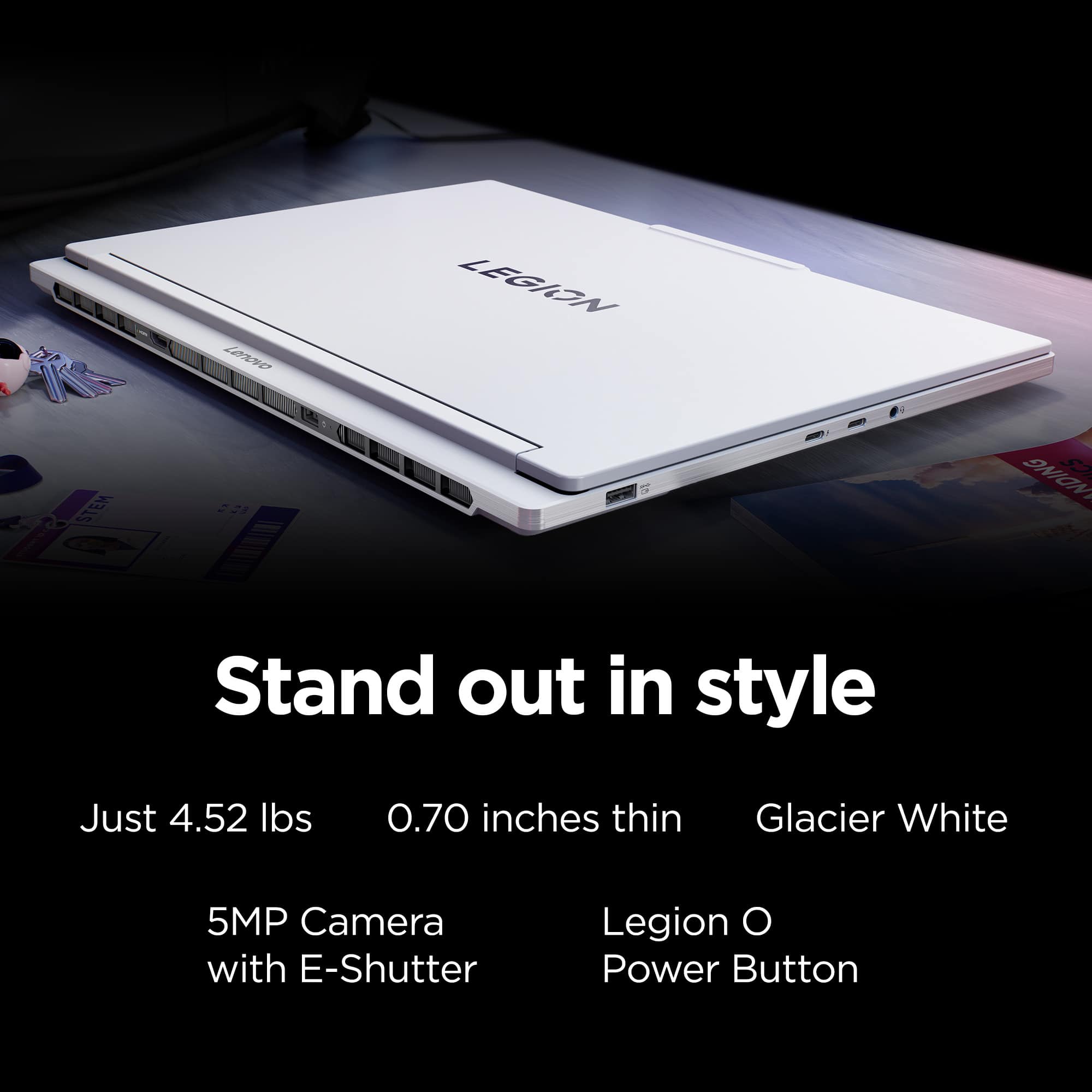
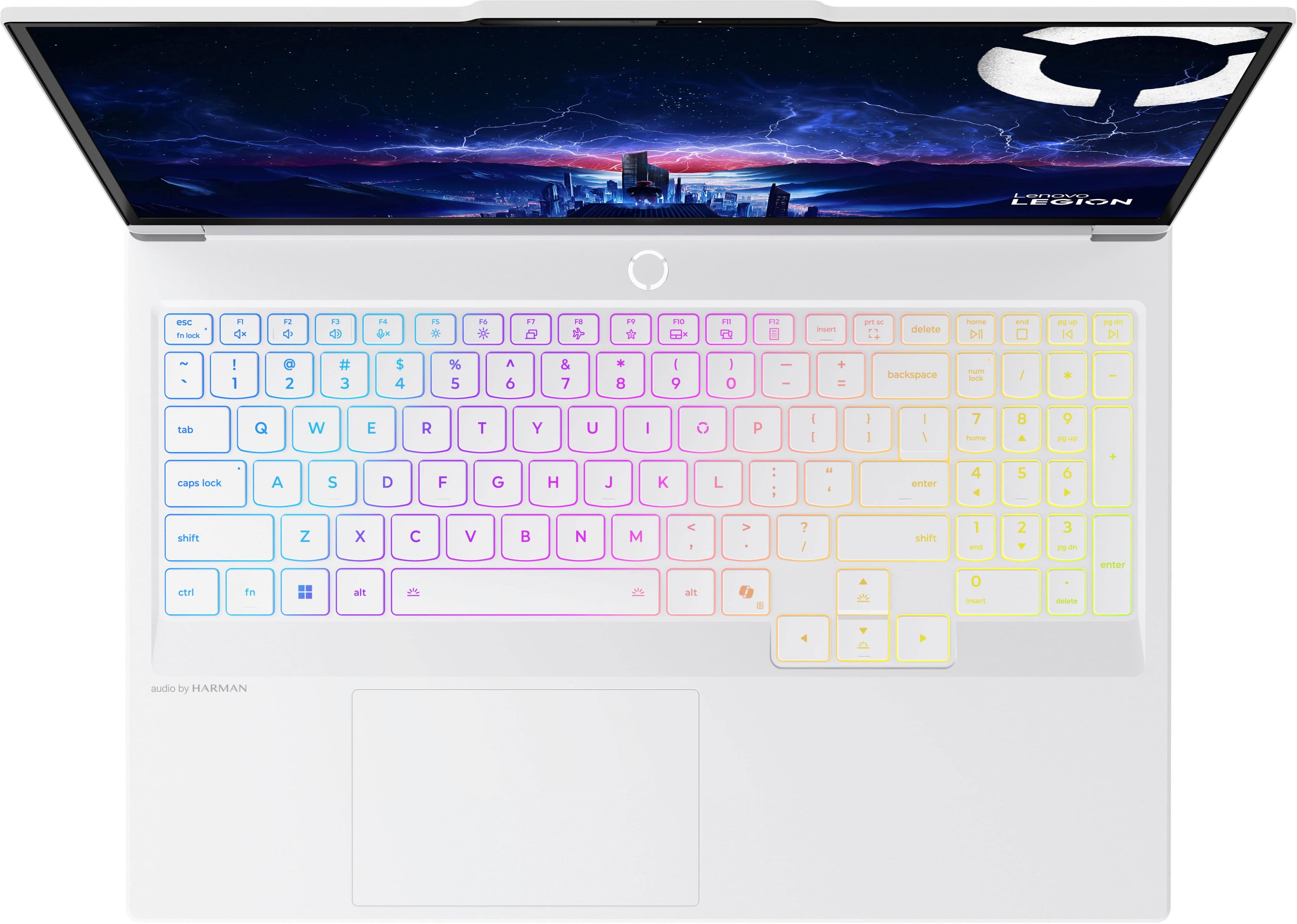
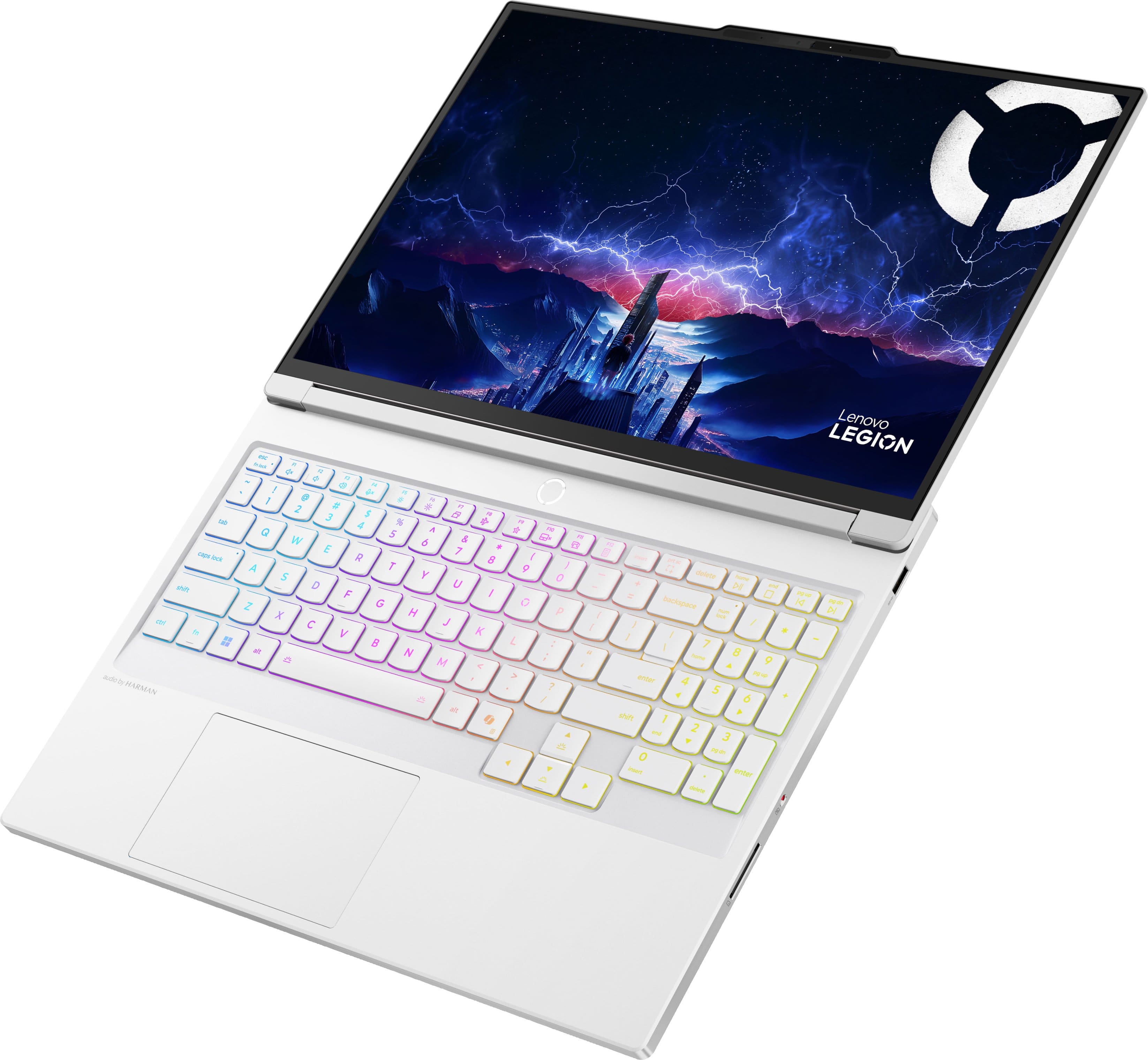
- A:Answer Hey Kevin, Both the top and bottom of the Legion 7i is made of aluminum, including the keyboard deck. Please feel free to reach out to us with any other questions!
Answered by Lenovo Product Expert
Q: QuestionDoes this laptop support usb-c charging?
Asked by Xsivnoiz.
- A:Answer Yes sr
Answered by GerardoN
Q: QuestionHow much memory is included with the Nvidia?
Asked by Megakat.
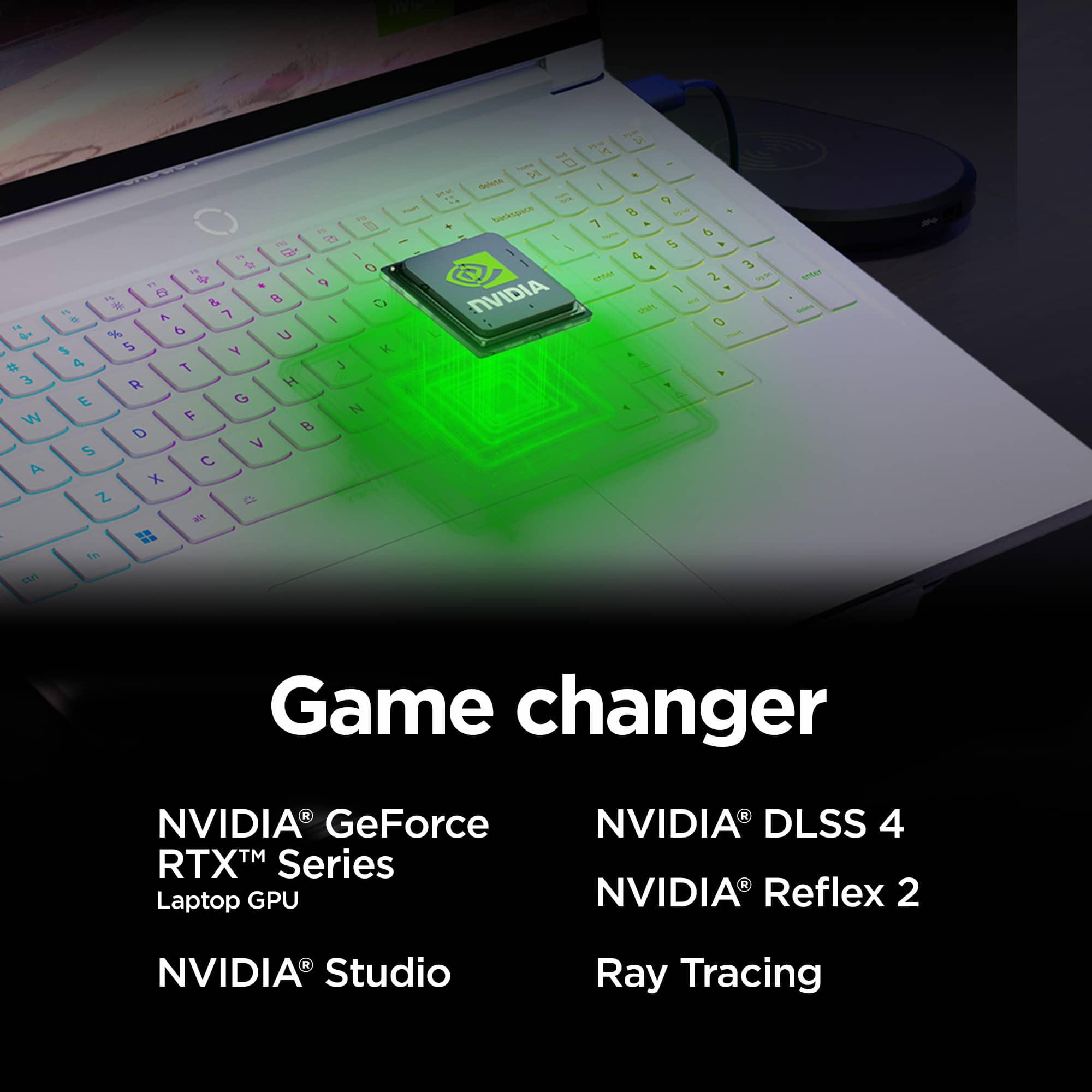
- A:Answer Hey Megakat, This Legion 7i features an NVIDIA RTX 5070 with 8GB GDDR7. Please feel free to reach out to us with any other questions!
Answered by Lenovo Product Expert
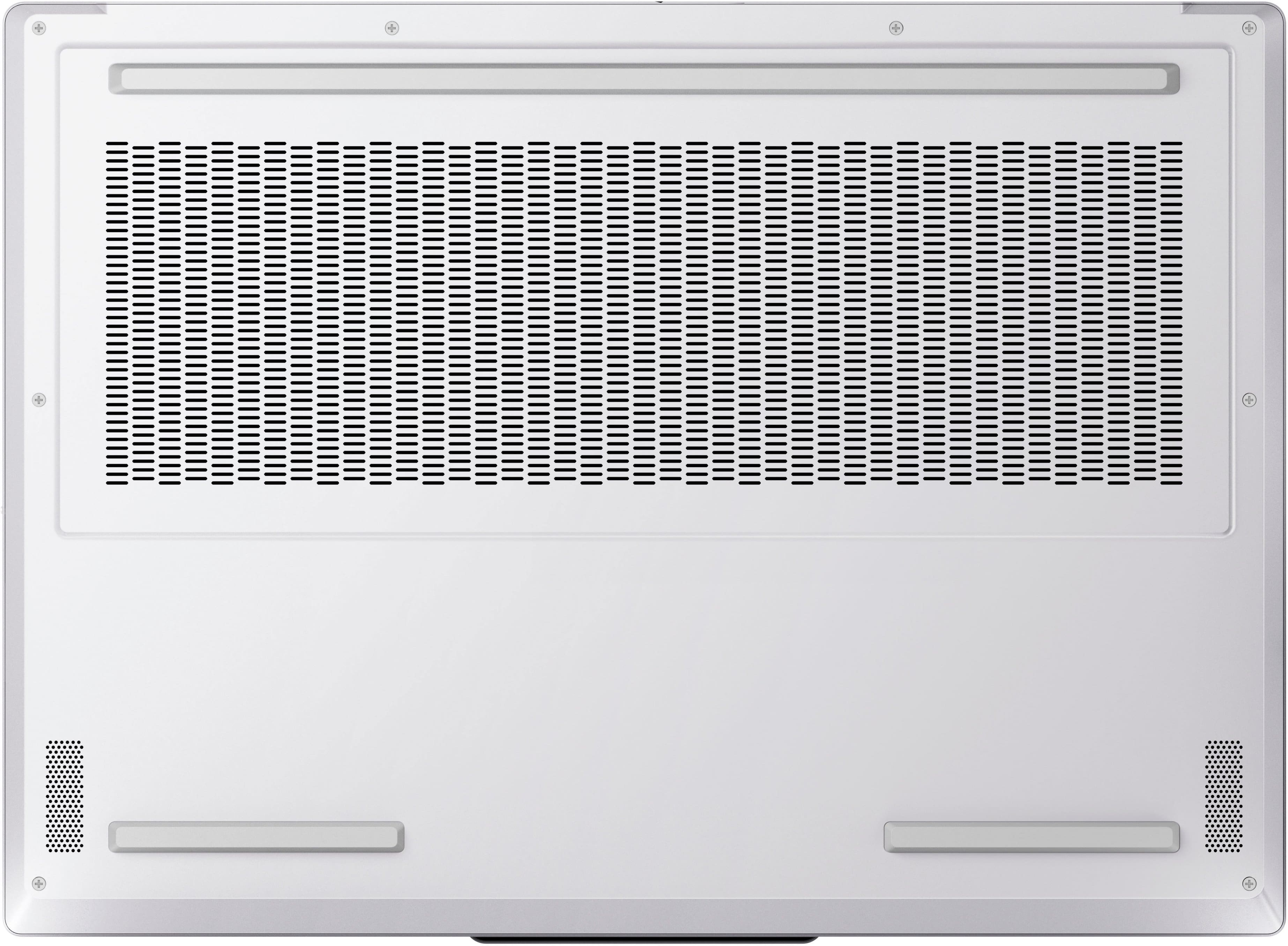
Q: QuestionDose the laptop have 2 slots for a m.2 or only one slot
Asked by Mark55.
- A:Answer Hey Mark55, This Legion 7i features two M.2 2280 PCIe 4.0 x4 slots. Please feel free to reach out to us with any other questions!
Answered by Lenovo Product Expert
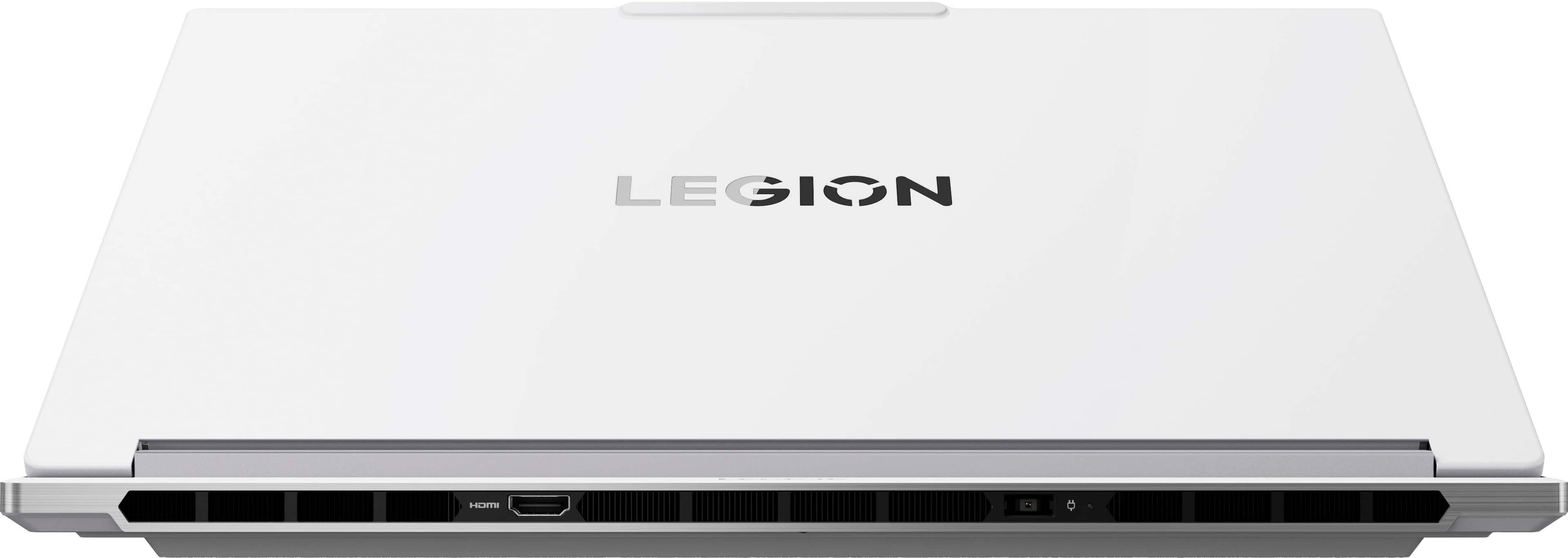
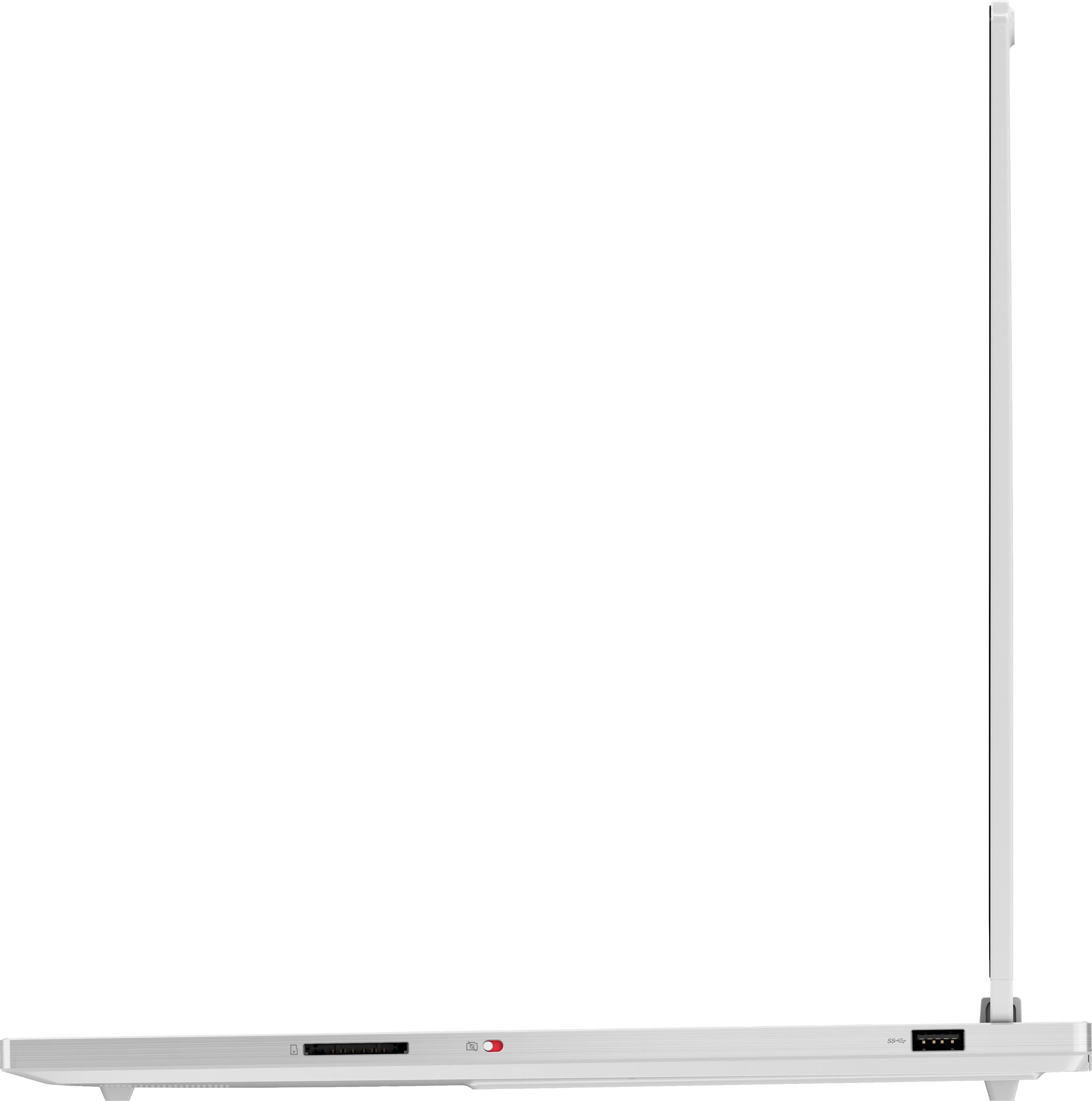
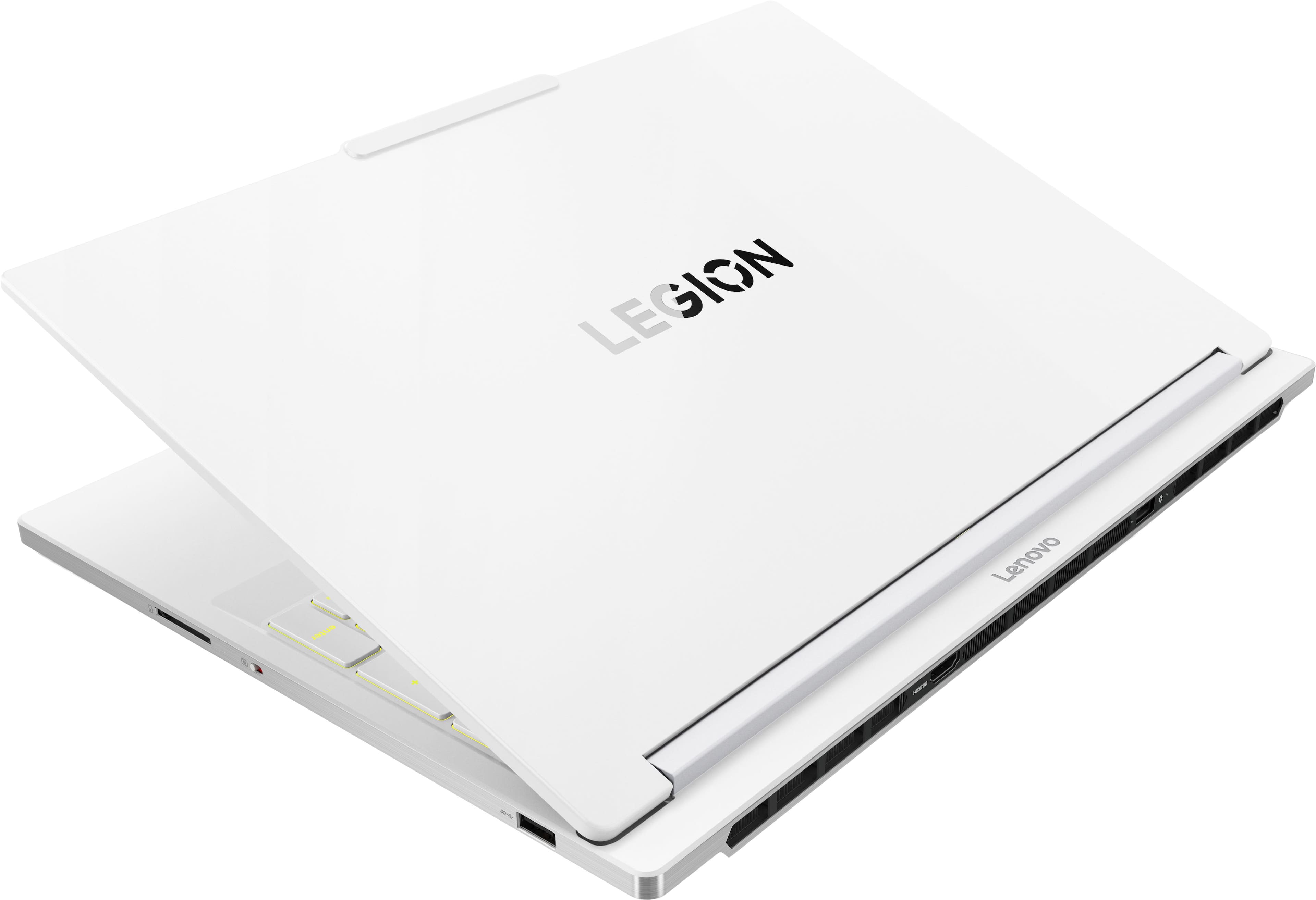
Q: QuestionWho and why build a laptop without Ethernet? Glad I noticed before buying this...renders it totally undesirable
Asked by Tim.
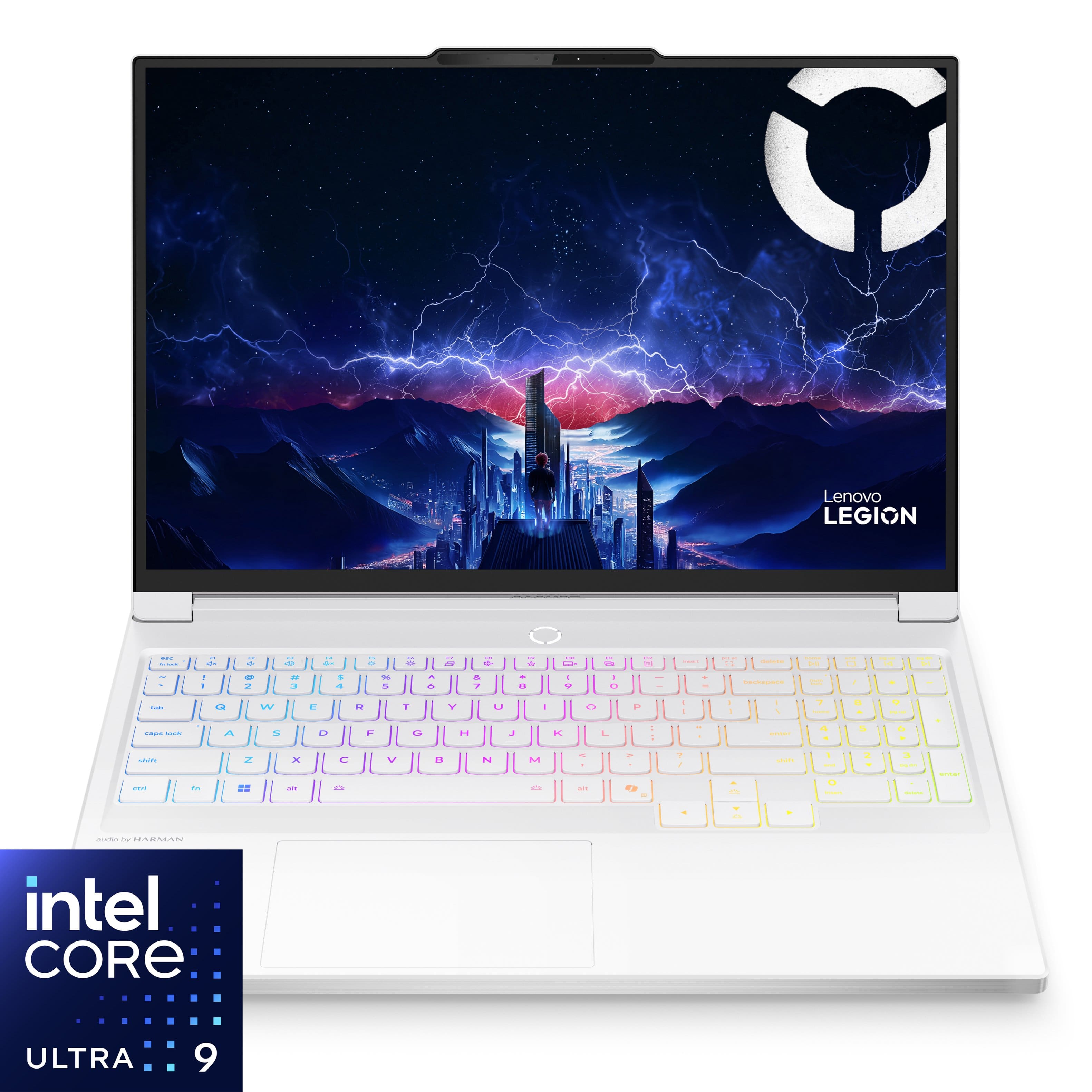
- A:Answer Hey Tim, We're sorry to hear that you are displeased with the Legion 7i not featuring an ethernet port. We offer a variety of devices with unique traits, characteristics, design languages, and configurations to help ensure all can find a system for their needs. While the Legion 7i was designed without an ethernet port, and we have noted your feedback, as it may be considered for future design differences. In the meantime, should you wish to have a high performing gaming system with an ethernet port, please consider the Legion Pro 5i and 7i device series that's currently offered at Best Buy, like this Legon Pro 5i with Core U9, 32GB of memory, and an RTX 5070Ti: https://www.bestbuy.com/product/lenovo-legion-pro-5i-16-2-5k-oled-gaming-laptop-intel-core-ultra-9-275hx-32gb-memory-nvidia-geforce-rtx-5070ti-2tb-ssd-eclipse-black/JJGSH8TFG9 Please feel free to reach out to us with any other questions!
Answered by Lenovo Product Expert
Q: QuestionWhy when I am on the movies and TV app and trying to watch something I can barely hear it? I have the volume settings up checked the control panel and everything it's very quite when watching anything
Asked by Sly.
- A:Answer Hey Sly, We're sorry to hear that you've experienced this issue. We'd like to work with you to try to resolve this problem. To start, if when you open the Settings app, then navigate to System > Sound > and the volume slider shows that the volume is up, yet the audio in the Movies & TV app is still low, try scrolling down and selecting the 'Volume mixer' option under the Advanced setting section. Here, ensure that the Movies & TV app volume slider is set to 100. We hope that this helps, and if you need further assistance, please don't hesitate to reach out to us for further assistance, including if details like if this issue can be seen in other apps as well. Regards, Lenovo
Answered by Lenovo Product Expert
Q: QuestionFor upgrading the Ram from 32gb to 64gb what is the recomended brand and can i upgrade to 96gb in the future?
Asked by 99bananas.
- A:Answer Hi 99bananas, There isn't a particular brand we would recommend, but rather choosing memory that's compatible with the system's processor, DDR5-6400 memory, if you wish to upgrade to 64GB. Also, the system may work fine with 96GB of memory, but we cannot confirm this as this was not tested at the time of determining product readiness (or an available memory offering from Lenovo). Please feel free to reach out to us with any other questions!
Answered by Lenovo Product Expert
Q: QuestionWhat's the battery life?
Asked by Jay.
- A:Answer I only tried gaming off the battery once because I know that's not great for performance. I got about an hour of Honkai Star Rail. For non-gaming, I got about 4 hours just running discord, notion, and occasionally chrome. Keyboard backlight is off but screen is full brightness. I didn't tweak any of the battery-only power saving settings, so I could probably get longer out of it if I did that. You can set the power saving settings for plugged in and battery separately.
Answered by SHAE
Q: QuestionIs there an Eclipse Black version of the Legion Pro 7i laptop with the same specs for the same price?
Asked by Saketh.
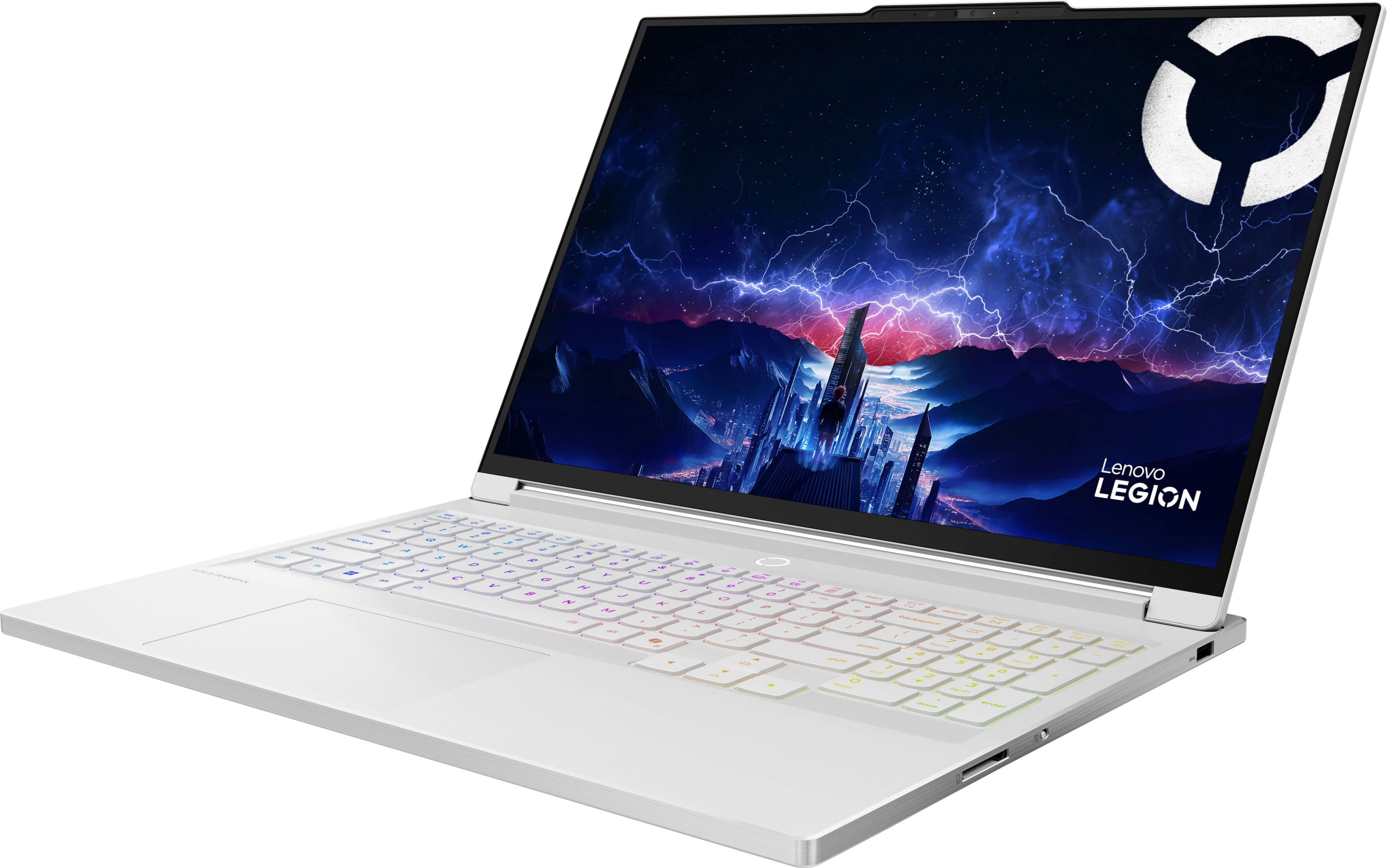
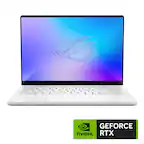
- A:Answer Hi Saketh, The Legion 7i 16" is only offered in the Glacier White color finish for the 10th generation of the laptop series, but the Legion Pro 7i is offered in Eclipse Black. Please feel free to reach out to us with any other questions!
Answered by Lenovo Product Expert