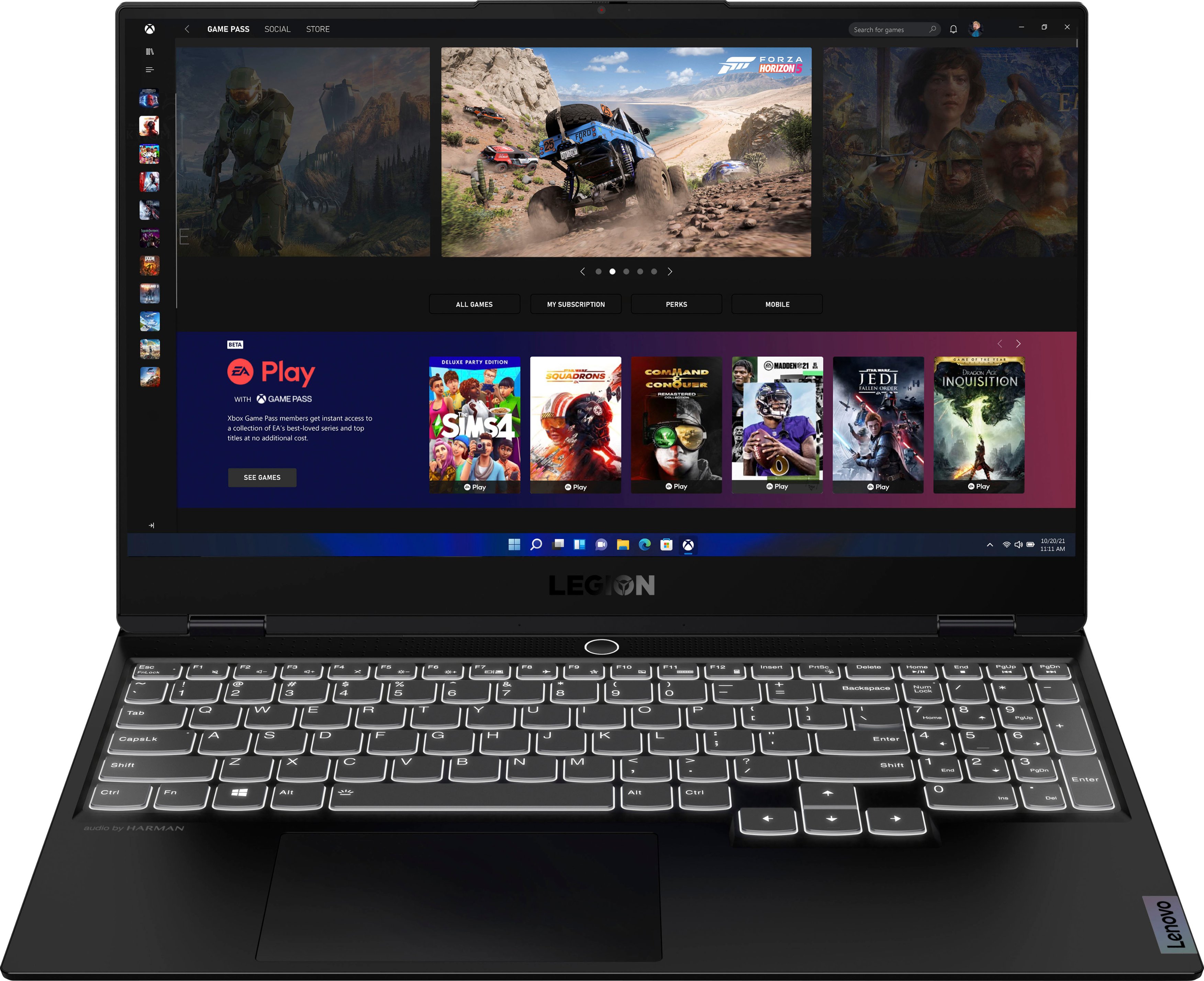
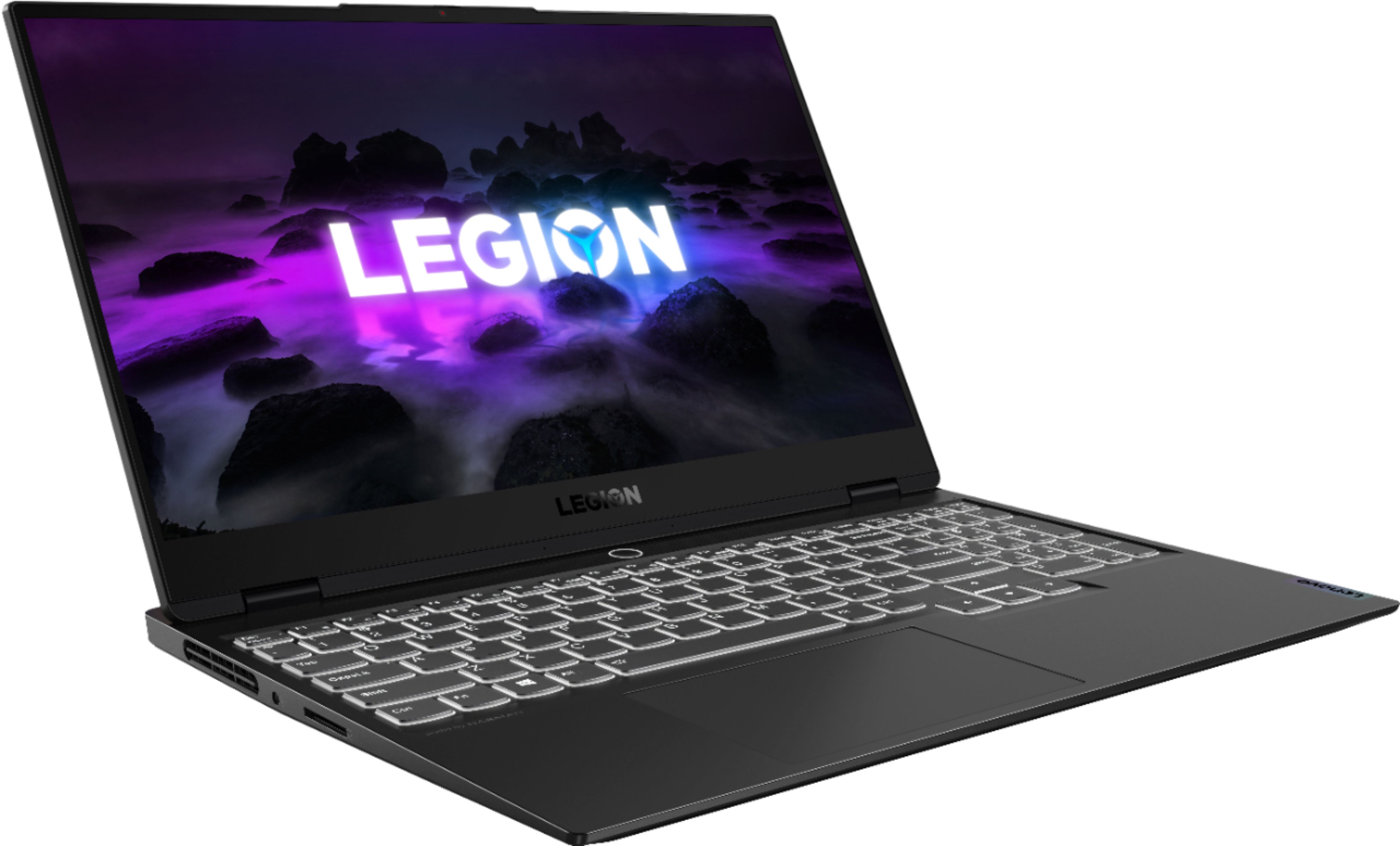
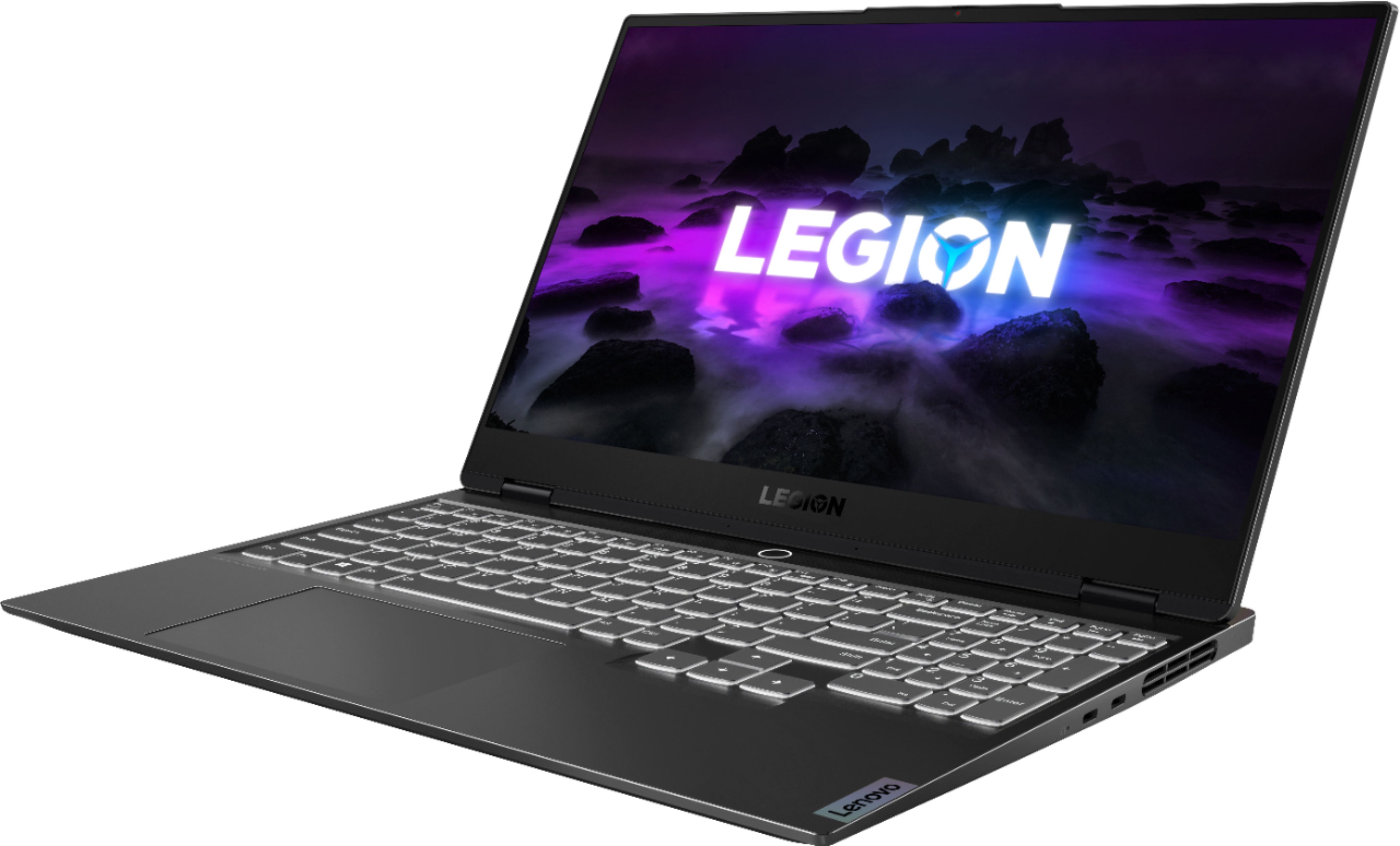
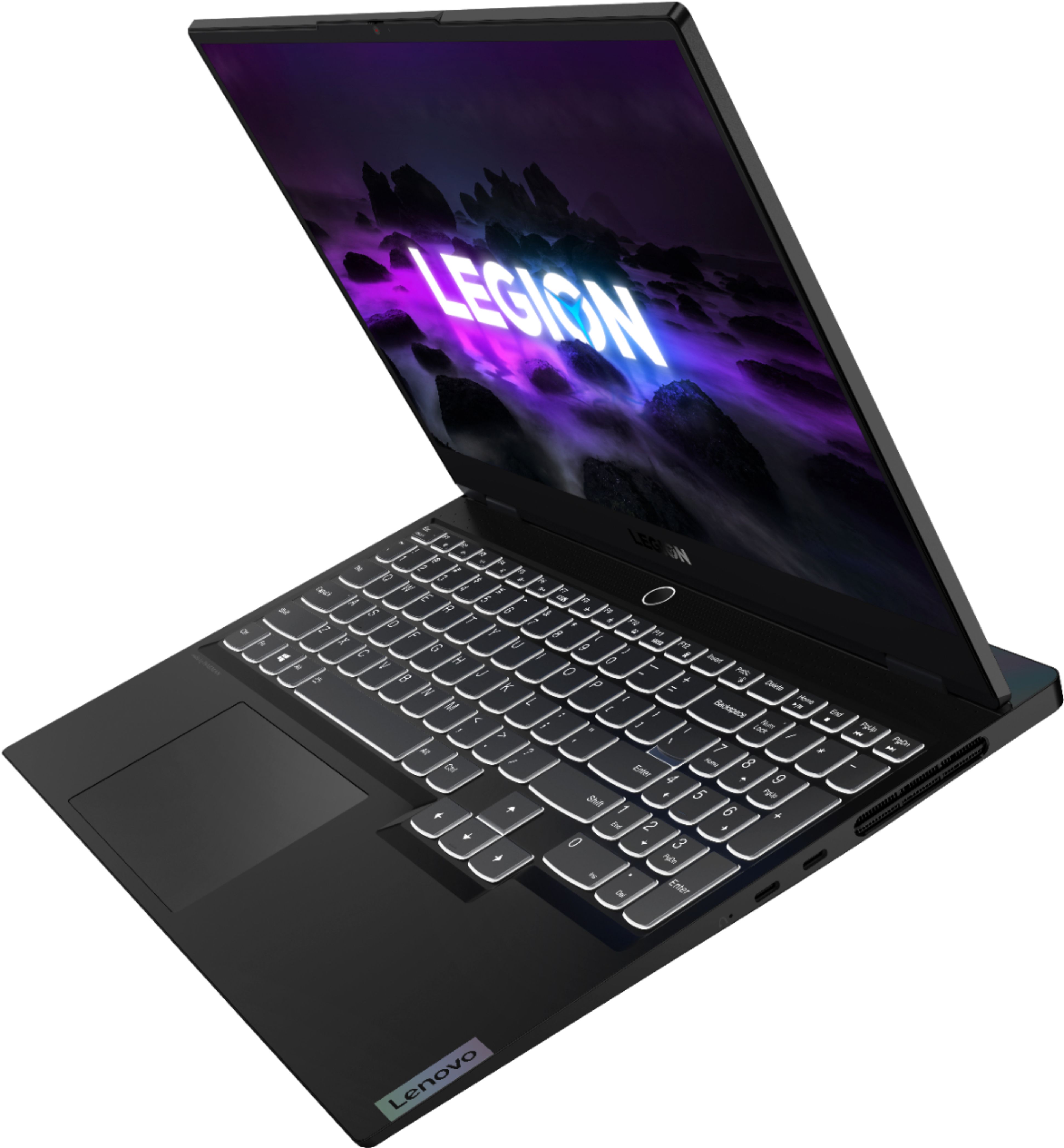
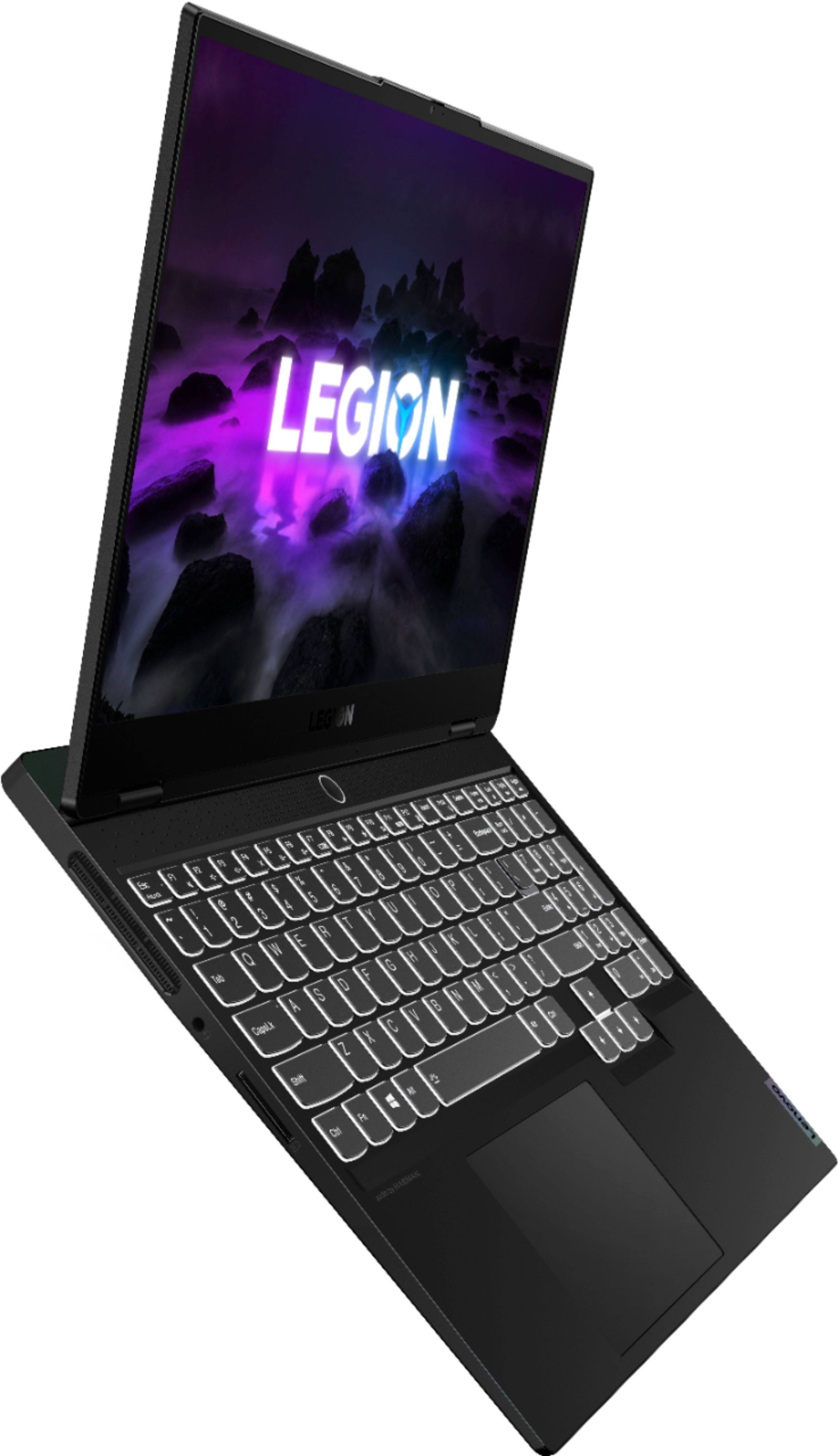
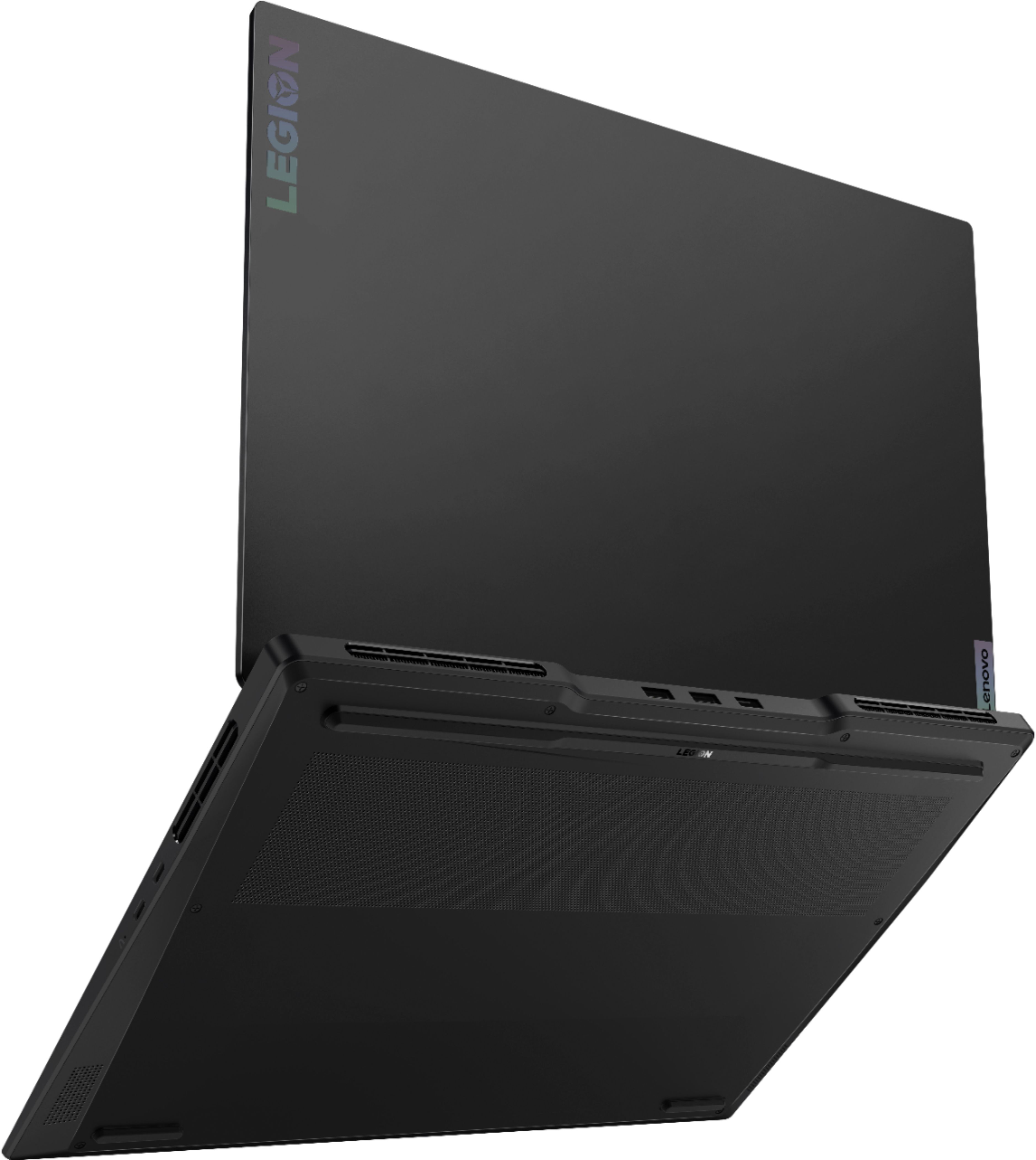
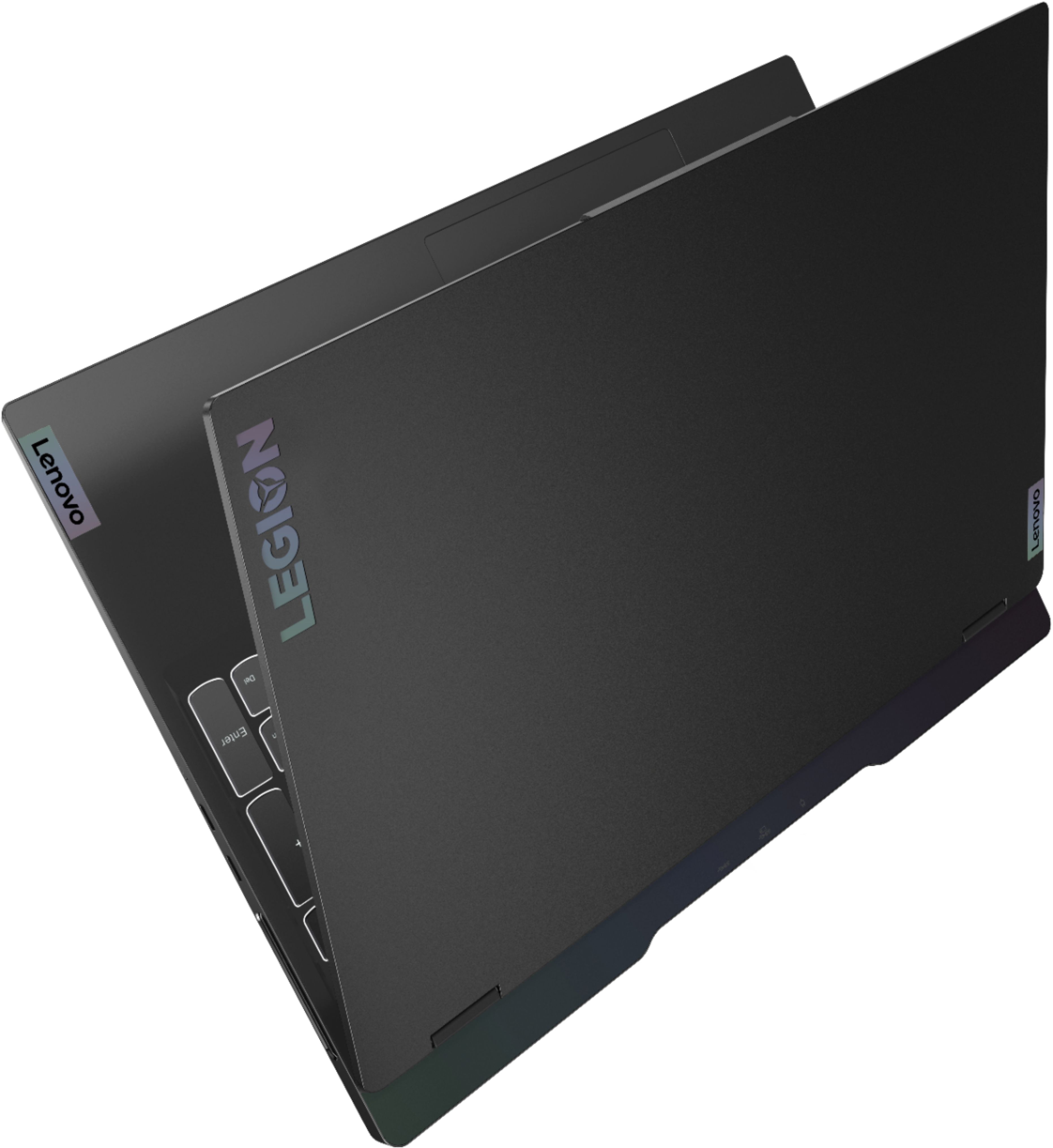
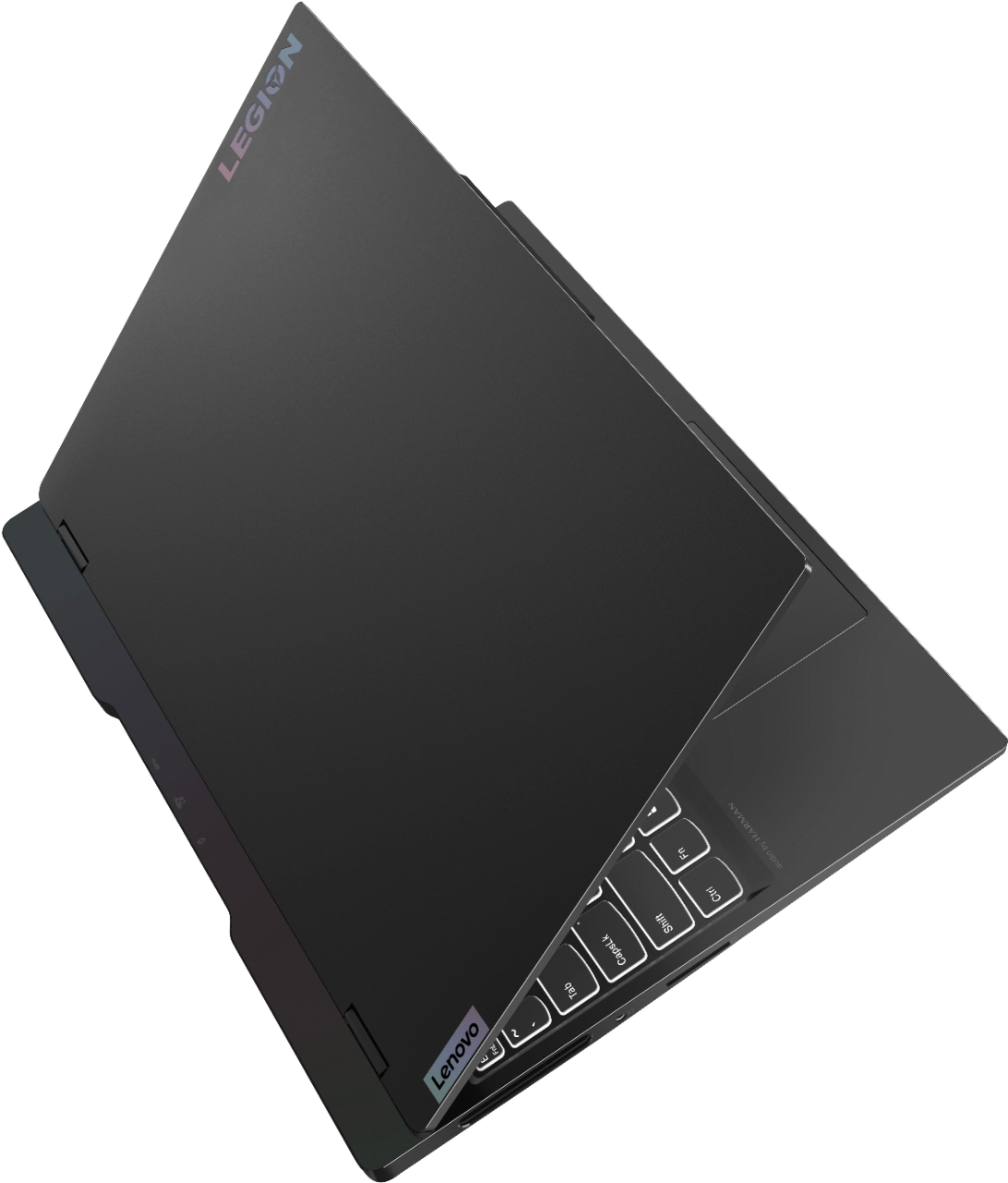
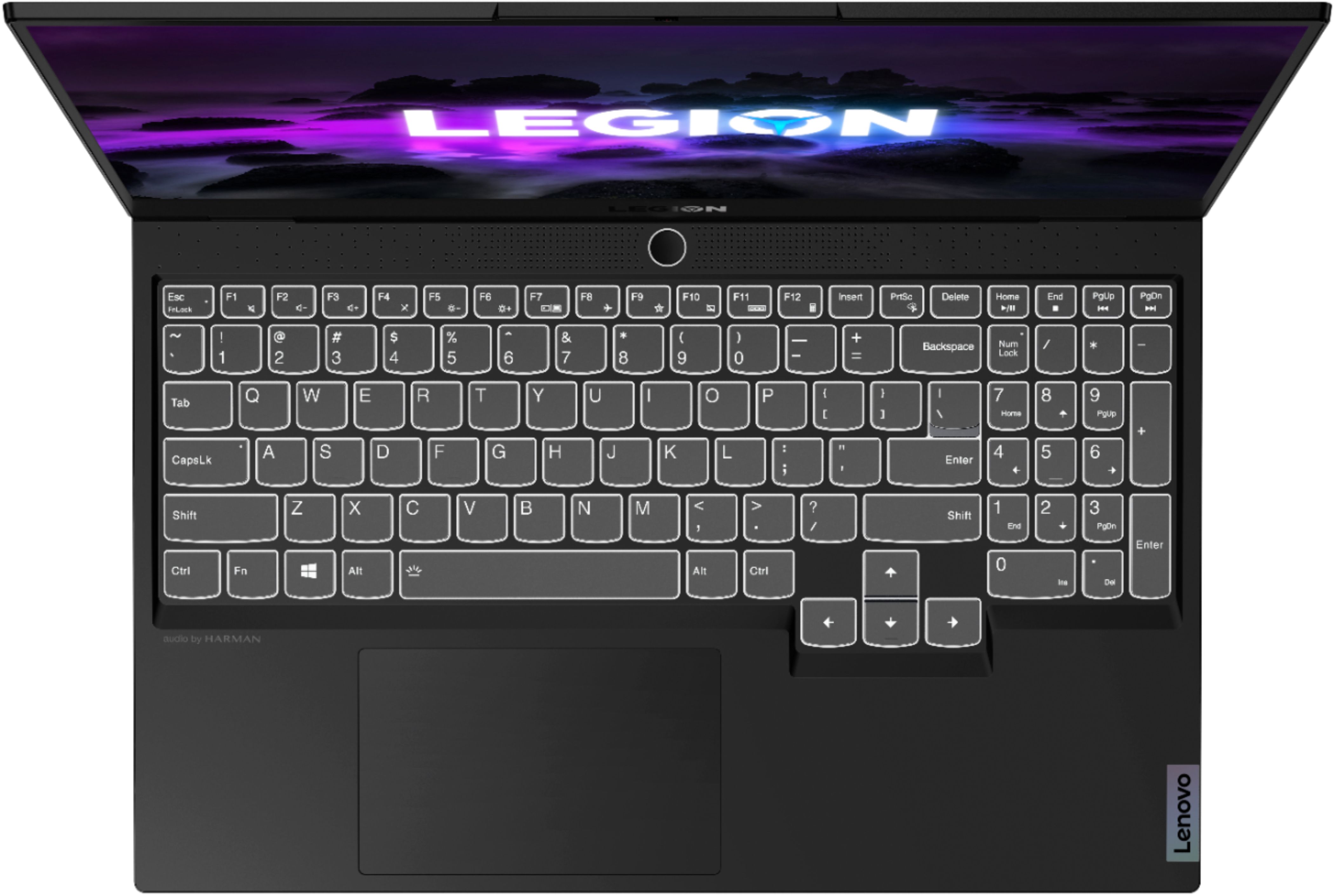
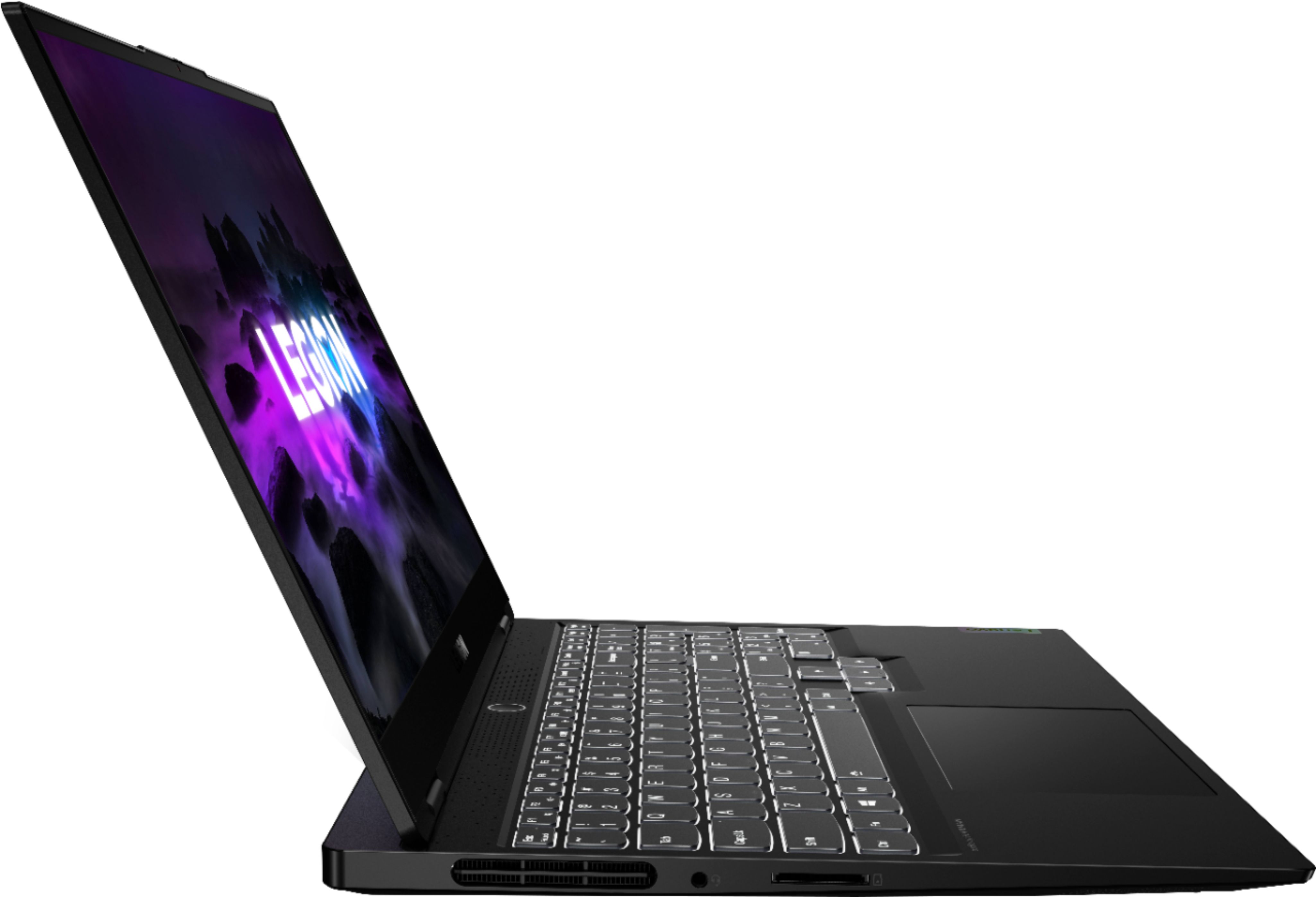
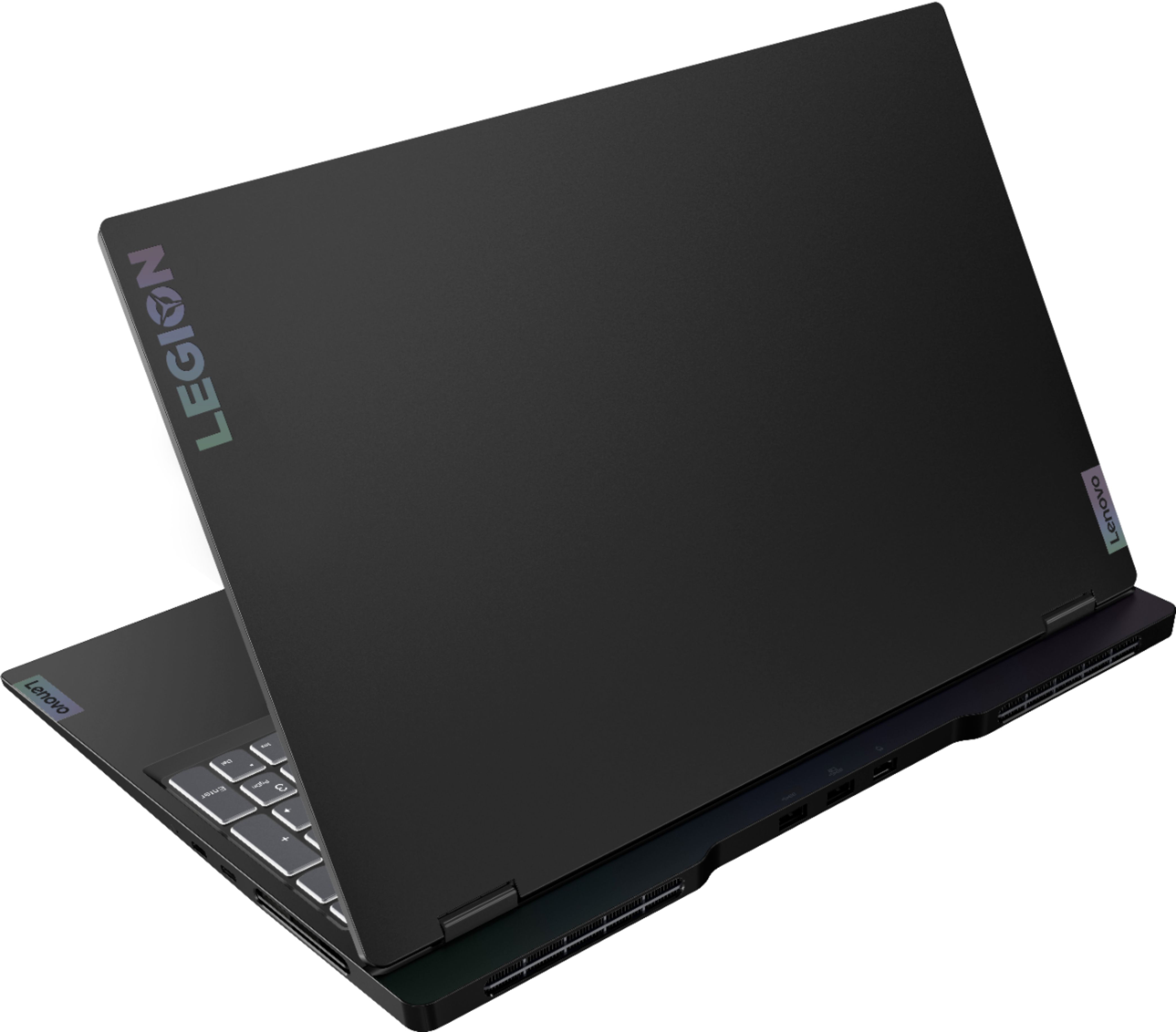
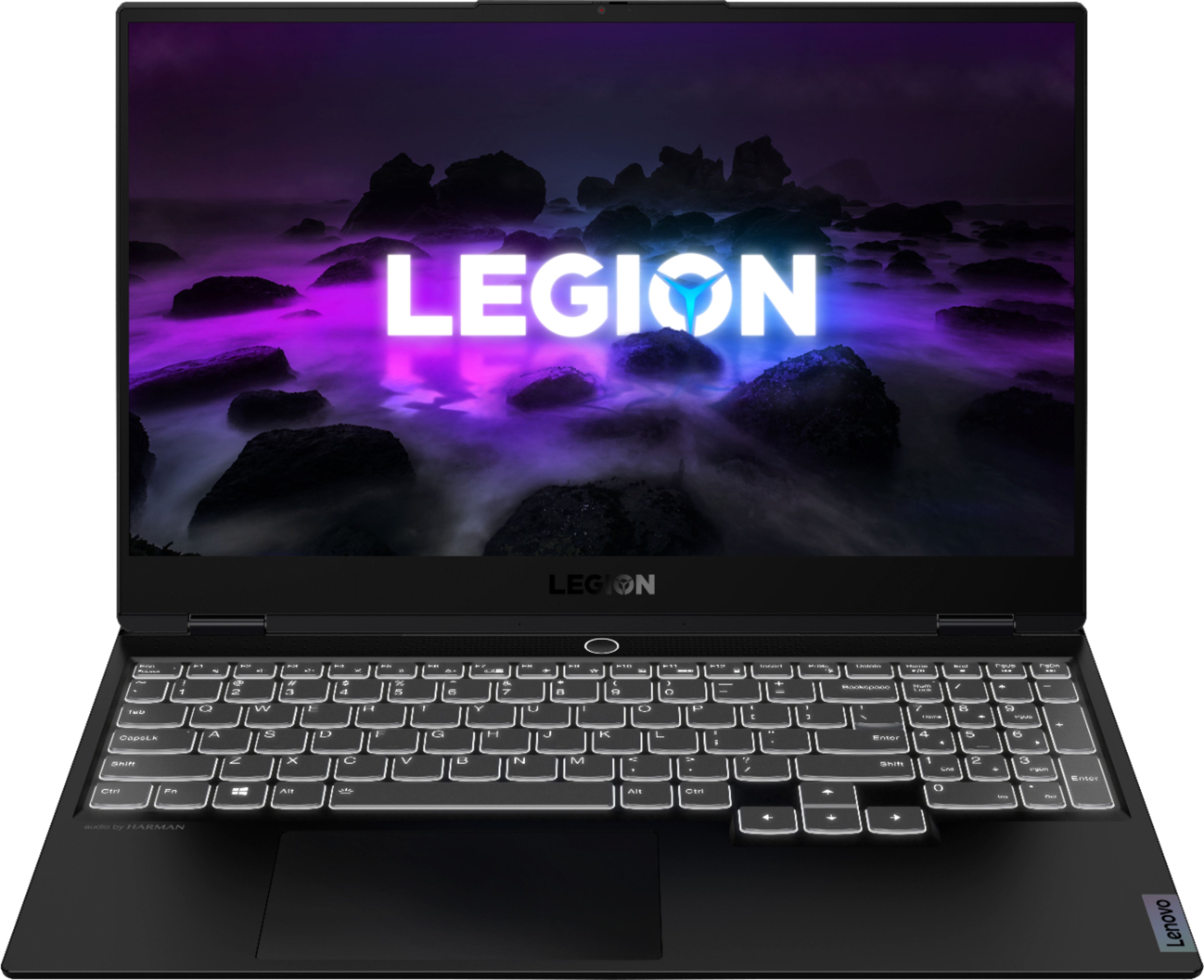
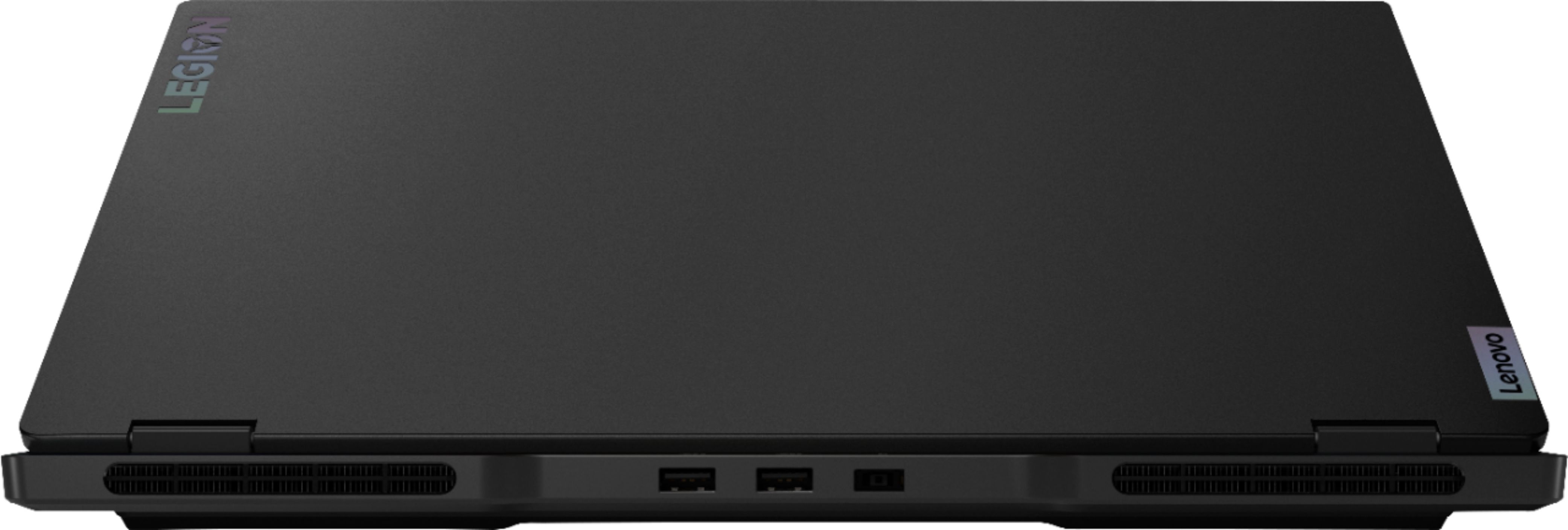
A:AnswerThere are two USB3 ports on the back - they work with the USB2 plugs as well. On the right side are two USB-C ports, those are the small ones like you may have on a non-Apple cell phone, etc. But there is no HDMI port. You should use a USB3 to HDMI adapter, about $20.
A:Answerthey will have the same security footprint. Whichever has the faster SSD will be best for progeamming, if same SSD, then the highest base CPU clock,
A:AnswerVRAM is soldered on meaning you would have to solder on more however in doing so you would need to replace the bios with a custom bios otherwise it wouldn’t operate.
When you try VR gaming make sure that the laptop is in Auto aka the white ring light or preferably performance mode being the red light that requires being on charger to enable.
You Switch between profiles using FN+Q
A:AnswerNo. This Lenovo Legion Slim 7 15 Gaming Laptop, Content Creator's Configuration, model number 82K80081US, ships with 2x USB-C 3.2 Gen 2 (support data transfer, Power Delivery 100w and DisplayPort 1.4) ports.
A:AnswerI used a adapter for my monitor and it did send the sound to the tv. You just have to change the sound output in the volume settings for the laptop.
A:AnswerYes. This Lenovo Legion Slim 7 15 Gaming Laptop, Content Creator's Configuration, model number 82K80081US, supports up to 3 independent displays via native display and 2 external monitors; supports external monitors via USB-C (up to 5120x2160@60Hz).
A:AnswerThis Lenovo Legion Slim 7 15 4K Gaming Laptop, model number 82K80081US, supports up to 3 independent displays via native display and 2 external monitors; supports external monitors via USB-C (up to 5120x2160@60Hz).
A:AnswerNo. The Lenovo Legion Slim 7 15 Model number 82K80081US, does not have International Manufacturer's Warranty Coverage. There is a limited 1-year manufacturer's warranty, covering hardware OEM issues, valid in the USA and Canada only.
A:AnswerThat will depend on the requirements and compatibility of the specific VR system you will be using. We recommend you check with the specific VR system manufacturer's web site for their compatibility with Windows 10 Home 64-bit operating system and the minimum/recommended hardware requirements (Is a Graphics card required, the processor speed and the minimum required system RAM and the minimum available hard drive space) to run their program, then compare those requirements to this system's configuration.