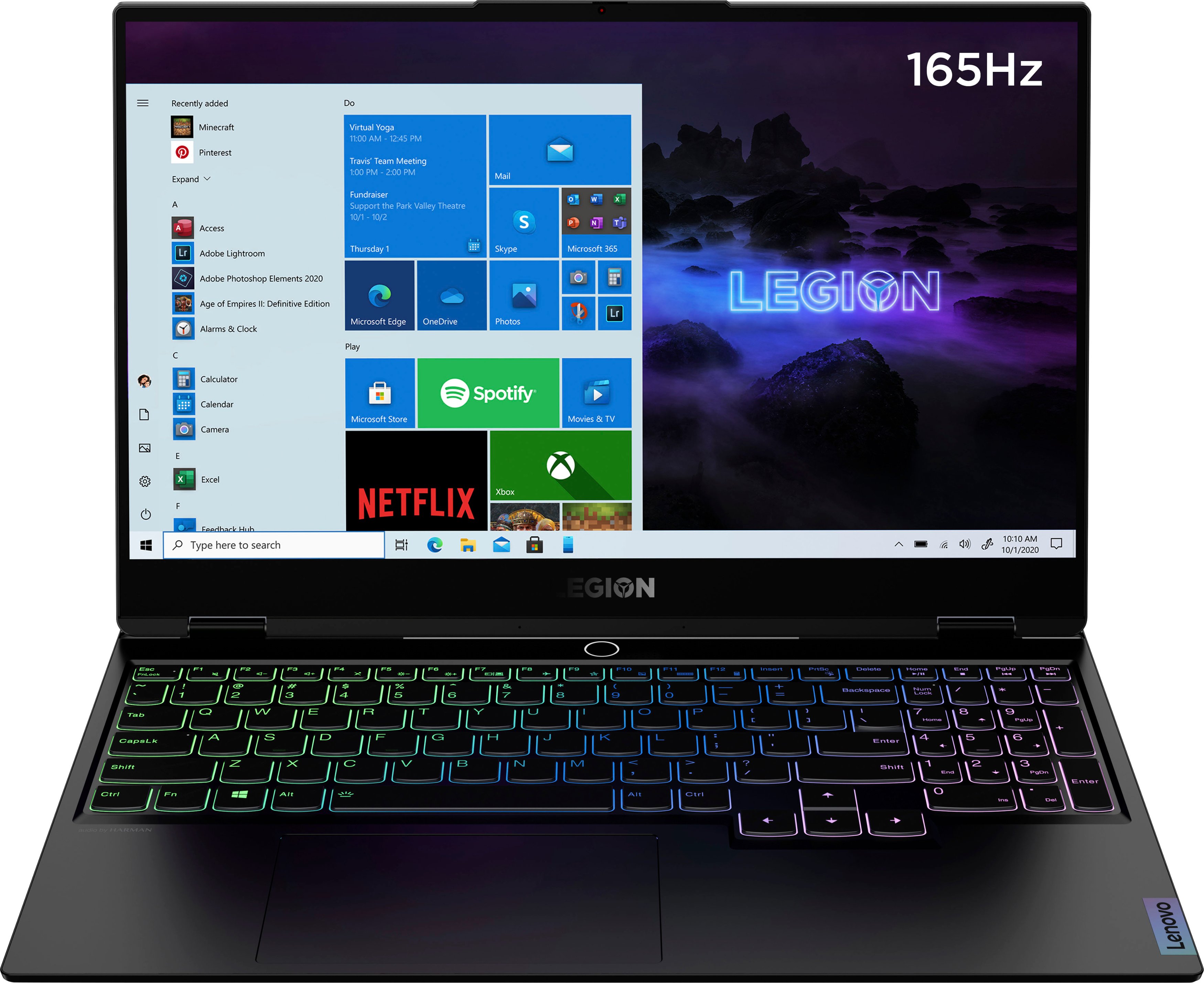
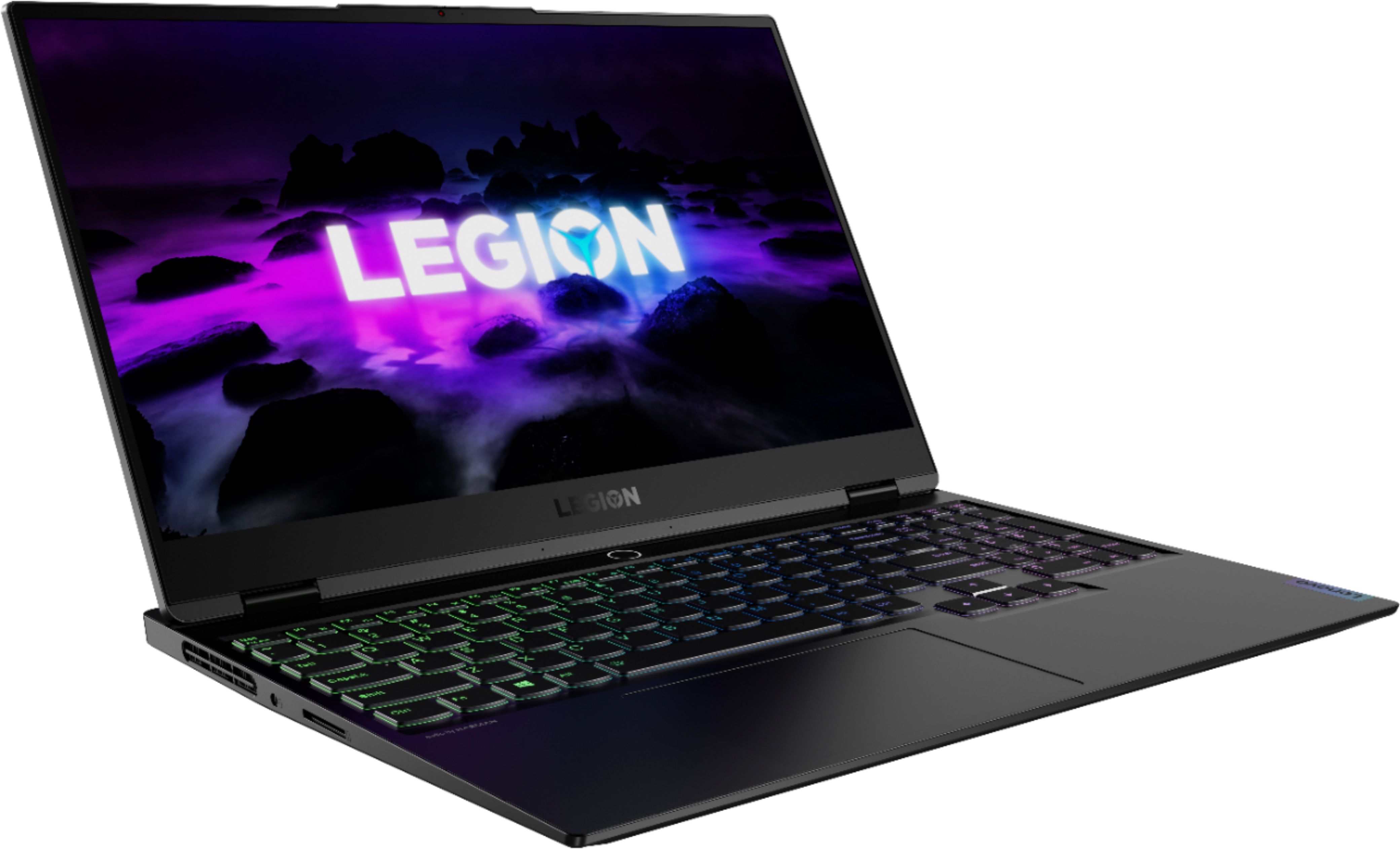
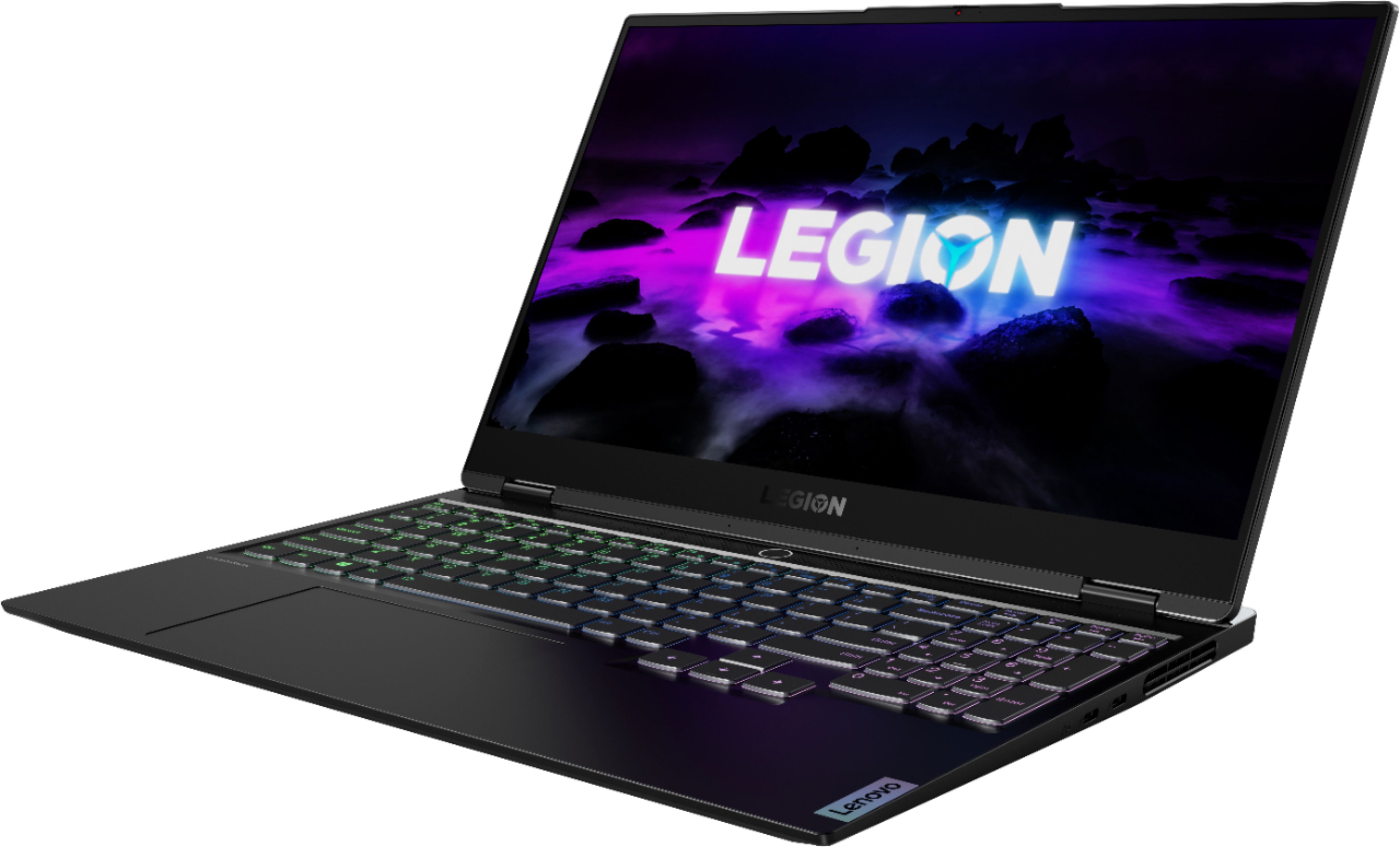
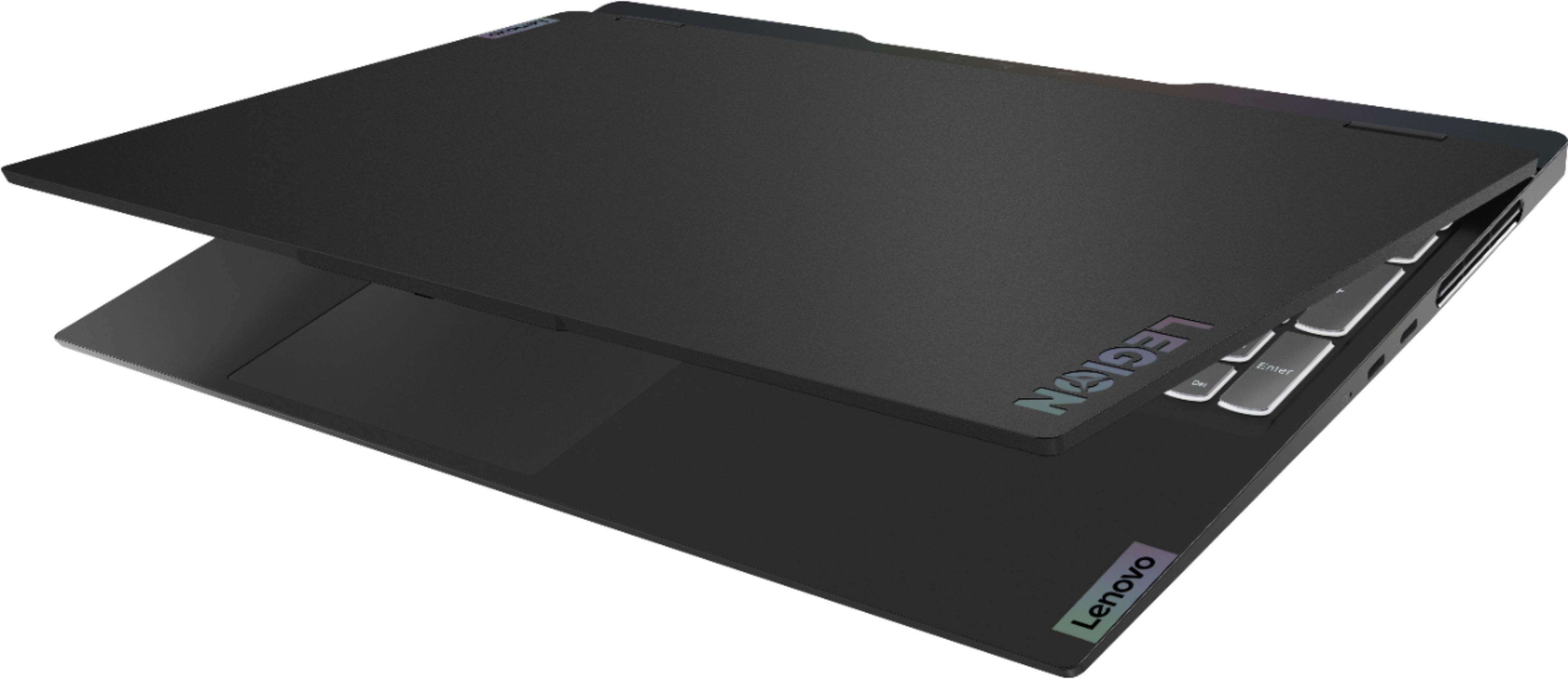
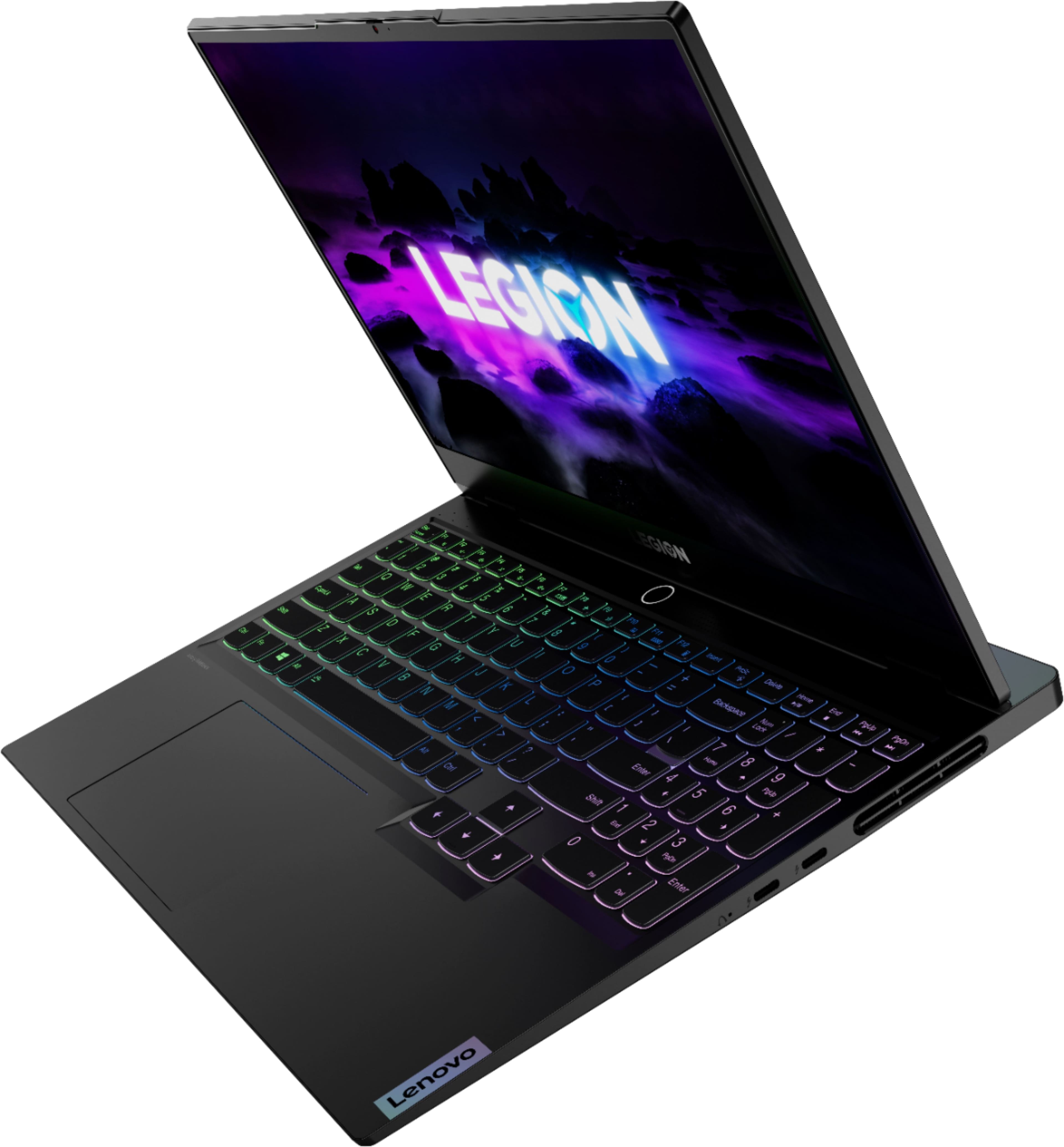
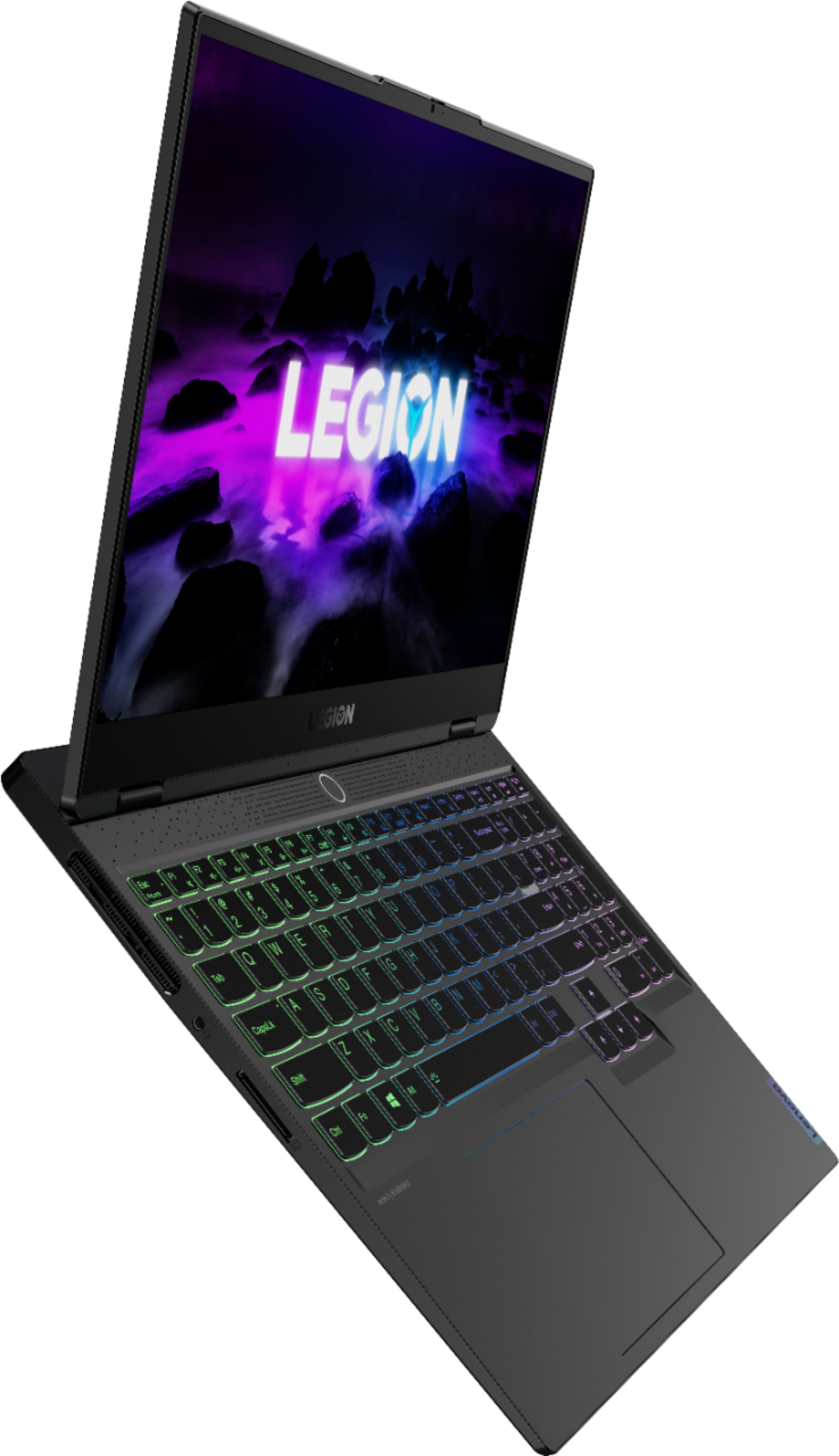
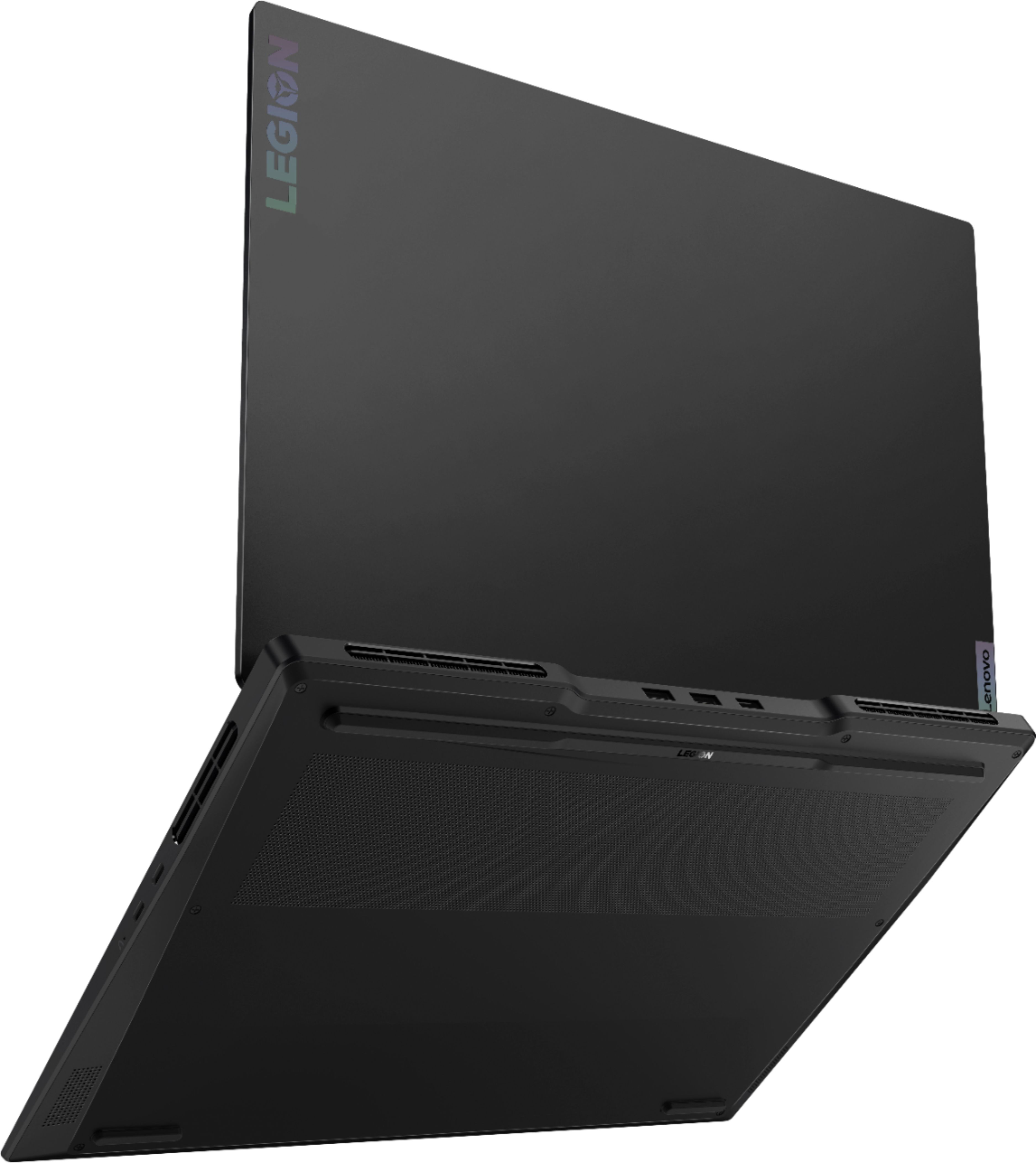
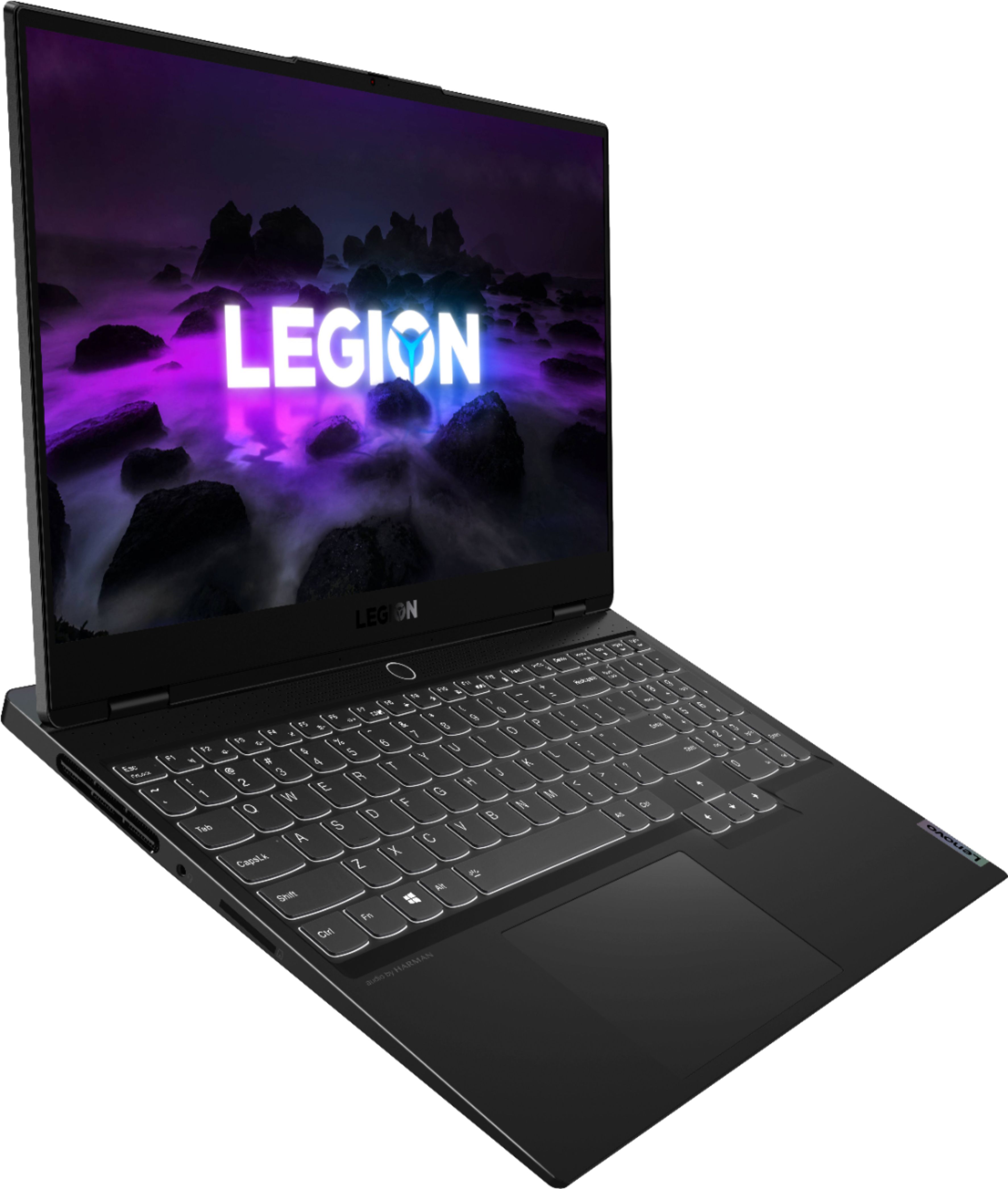
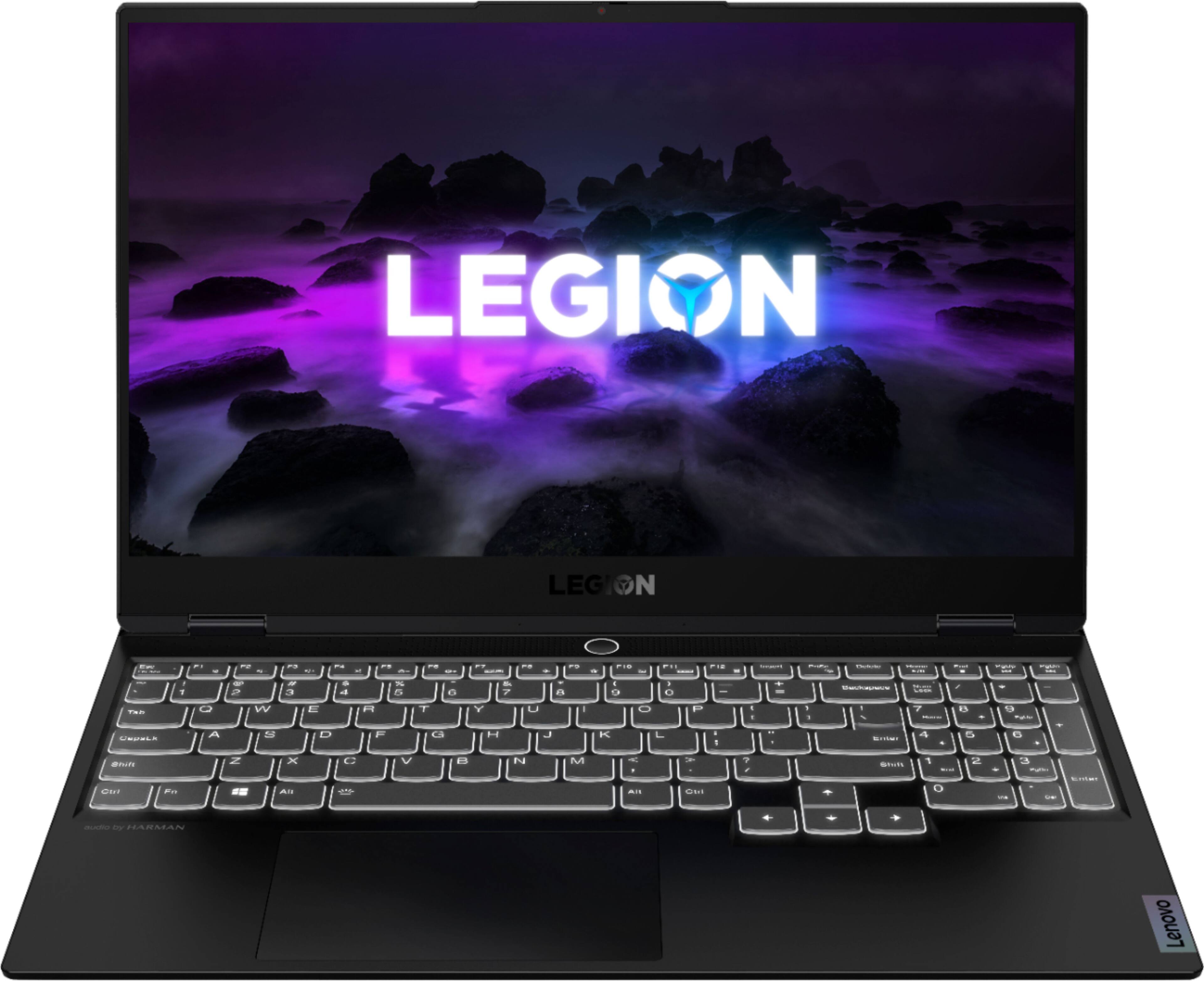
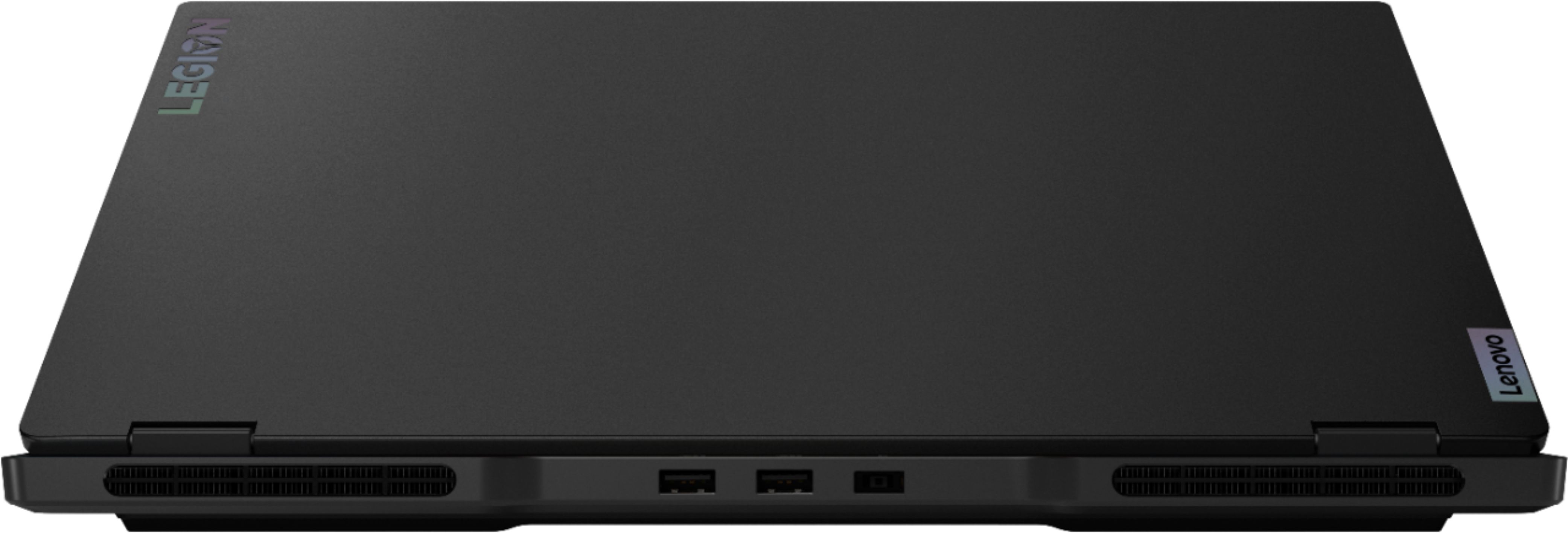
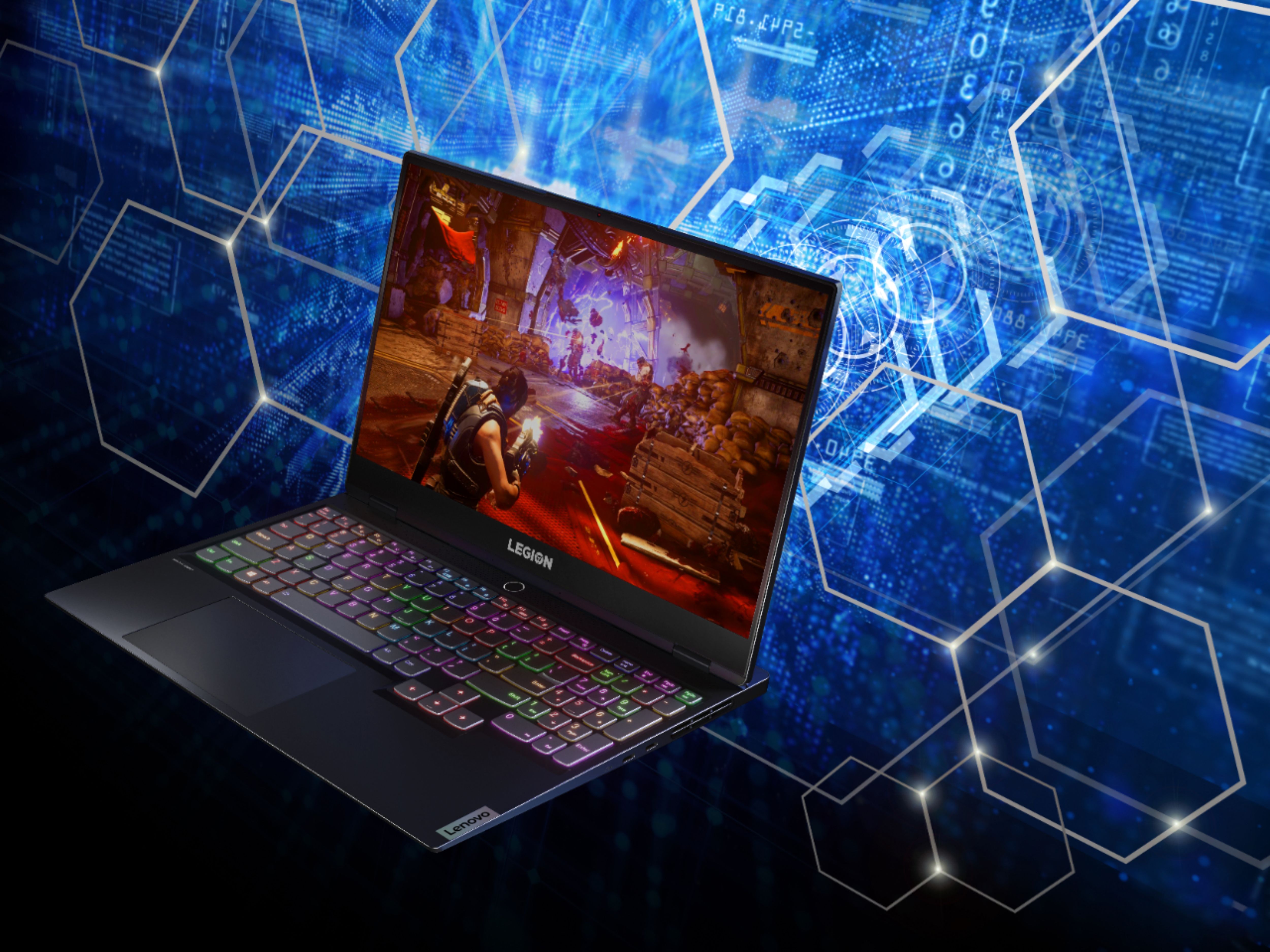
A:Answer100w TGP. Typically about 98 watt as measured in Performance mode on my machine. You do not and should not 'overclock' on this machine, the very question asked in this context means a lack of understanding of how laptops in recent years operate, if you want to run 130 to 145 watts through your 3060, you can, but need a Legion 5/7 to do it, those have large vapor chambers and can dissipate (remove heat) in the 170+ watt total (CPU/GPU) range, though at a cost of higher fan noise.
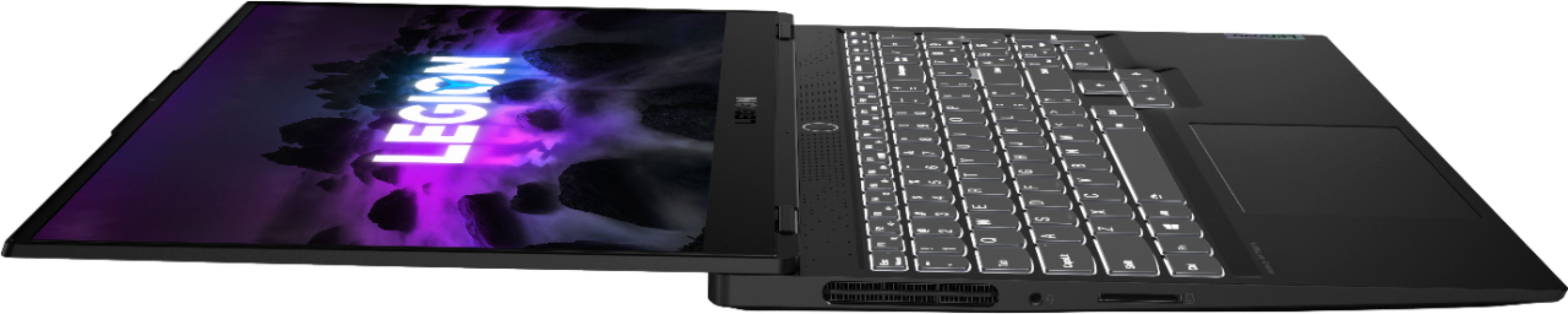
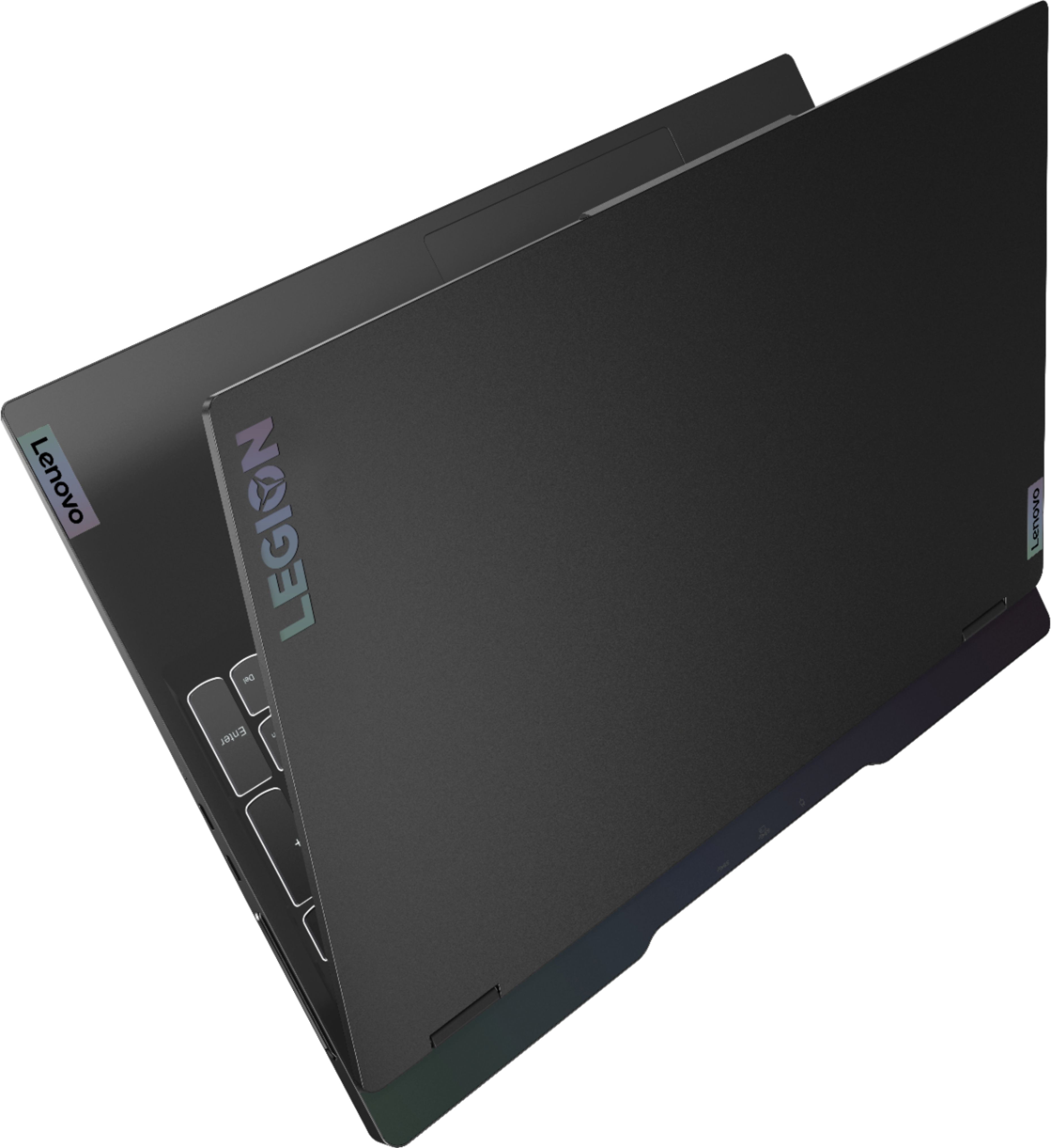
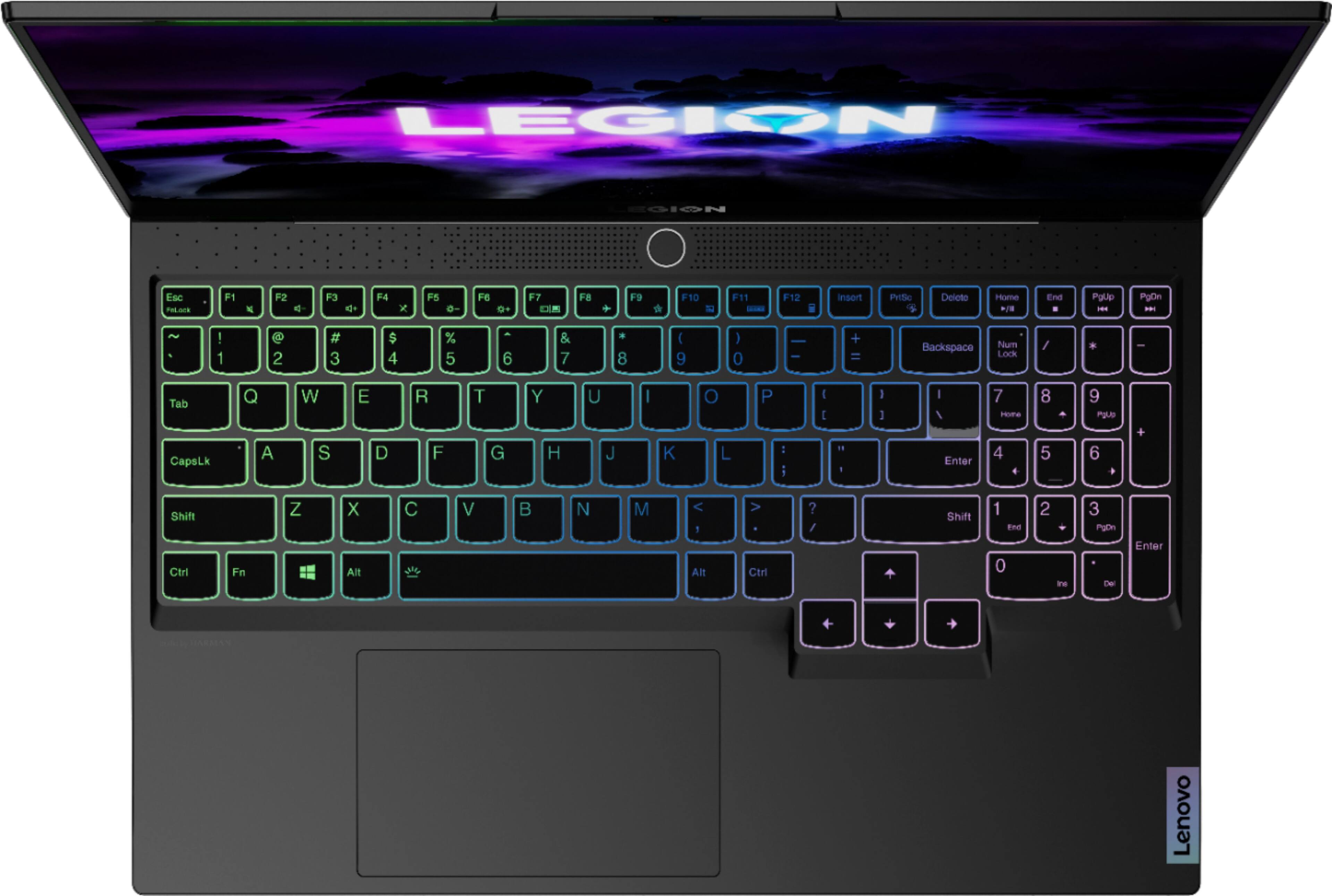
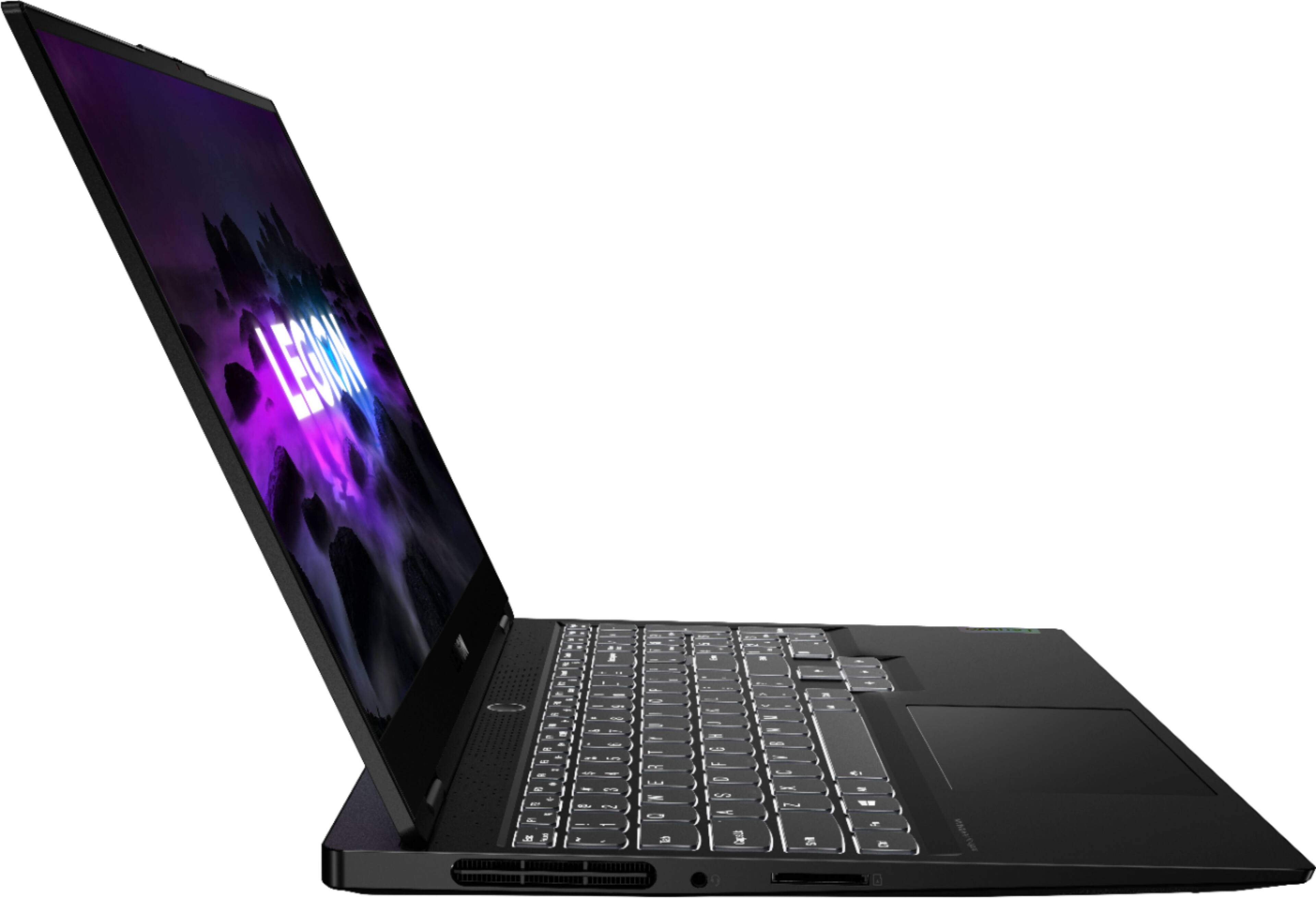
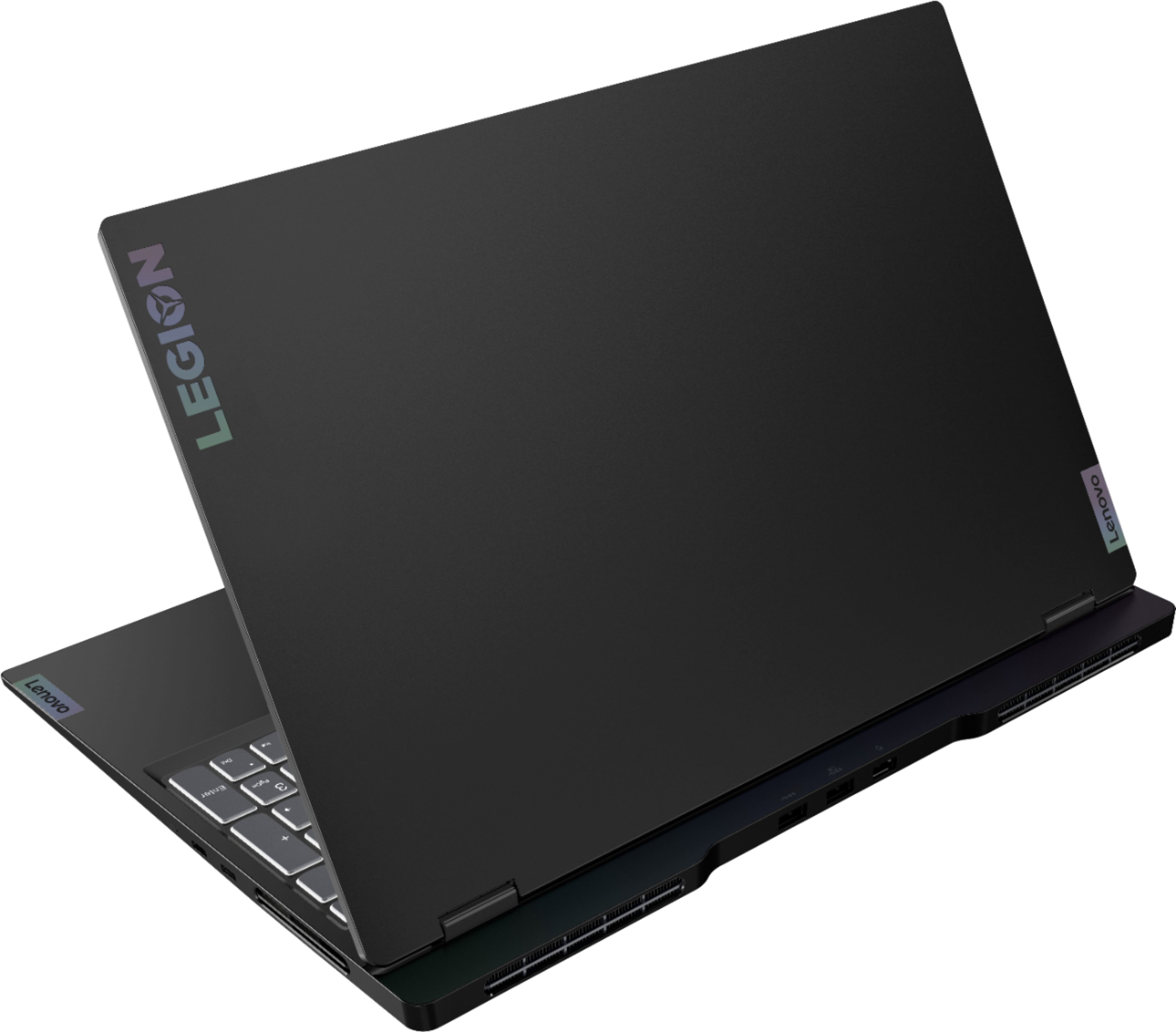
A:AnswerThis Lenovo Legion Slim 7 15 Gaming Laptop, model number 82K80083US, ships with a Integrated 71Wh, Lithium-Polymer battery, which within this configuration, has a battery life of up to 7 hours, depending on the work the device is performing.
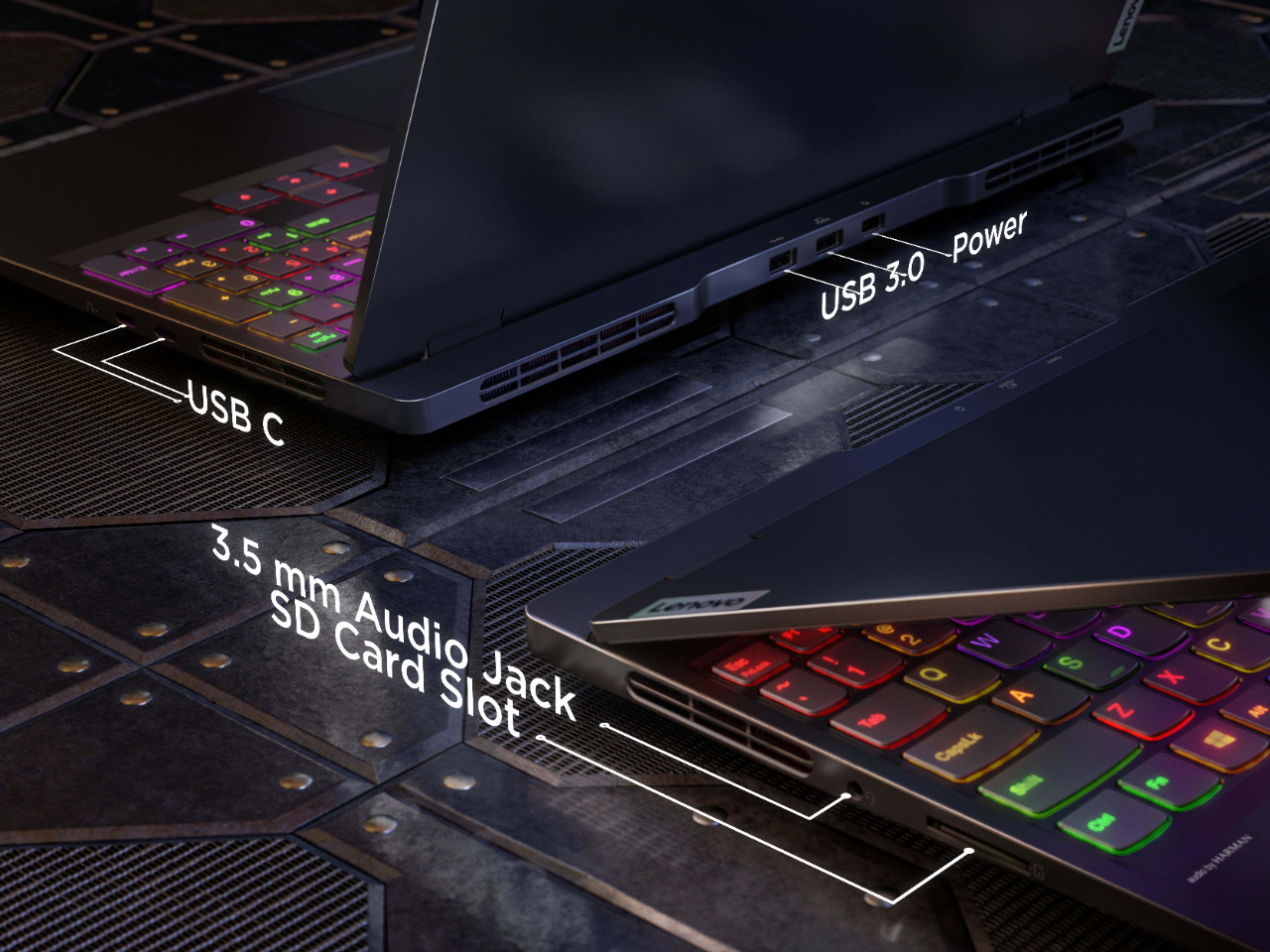
A:AnswerYes. This will run at twice the SSD speed, it can hit 1050+ max speed. However, the enclosed NVMe could hit 2000-3000 if it were not constrained by the external USB-C... a USB drive (not thumb / flash, but USB) can only ever hit 540 at best, internal or external.
A:AnswerYes. You cannot enter the two higher power modes, the 100w rated USB-C delivers about 85w. The 2022 Legion 7 slim can charge at 130w... if you have the right charger, meaning most 130w will not in fact work, and drop to 100w.
A:AnswerHere is a link to the complete parts list for this model configuration of the Lenovo Legion Slim 7 15 Gaming Laptop, model number 82K80083US: https://pcsupport.lenovo.com/us/en/products/laptops-and-netbooks/legion-series/legion-s7-15ach6/82k8/82k80083us/parts/display/model. We recommend you consult with your certified technician about replacement parts installation.
A:AnswerRTFQ, lol. The question is about SSD. The actual answer is there is not an SSD, but there are two NVMe in m.2 2280 form factor. When you open up the Slim 7, battery closest to you, the primary NVMe 2280 is on the left, under the copper. The 2nd is on the right side, horizontal, above the battery. Ensure you depower (in BIOS), and if you are not experienced, you disconnect the battery immediately before you attempt anything when open.
A:AnswerThe answer is this one has Win 11 Home, the prior one had Win 10 home. Its a moot point, you can install either, with either version. Use Win 10 if you want speed and stability, use WIn 11 if you want about 2+ more years of bugs, crashes, and gaming issues.