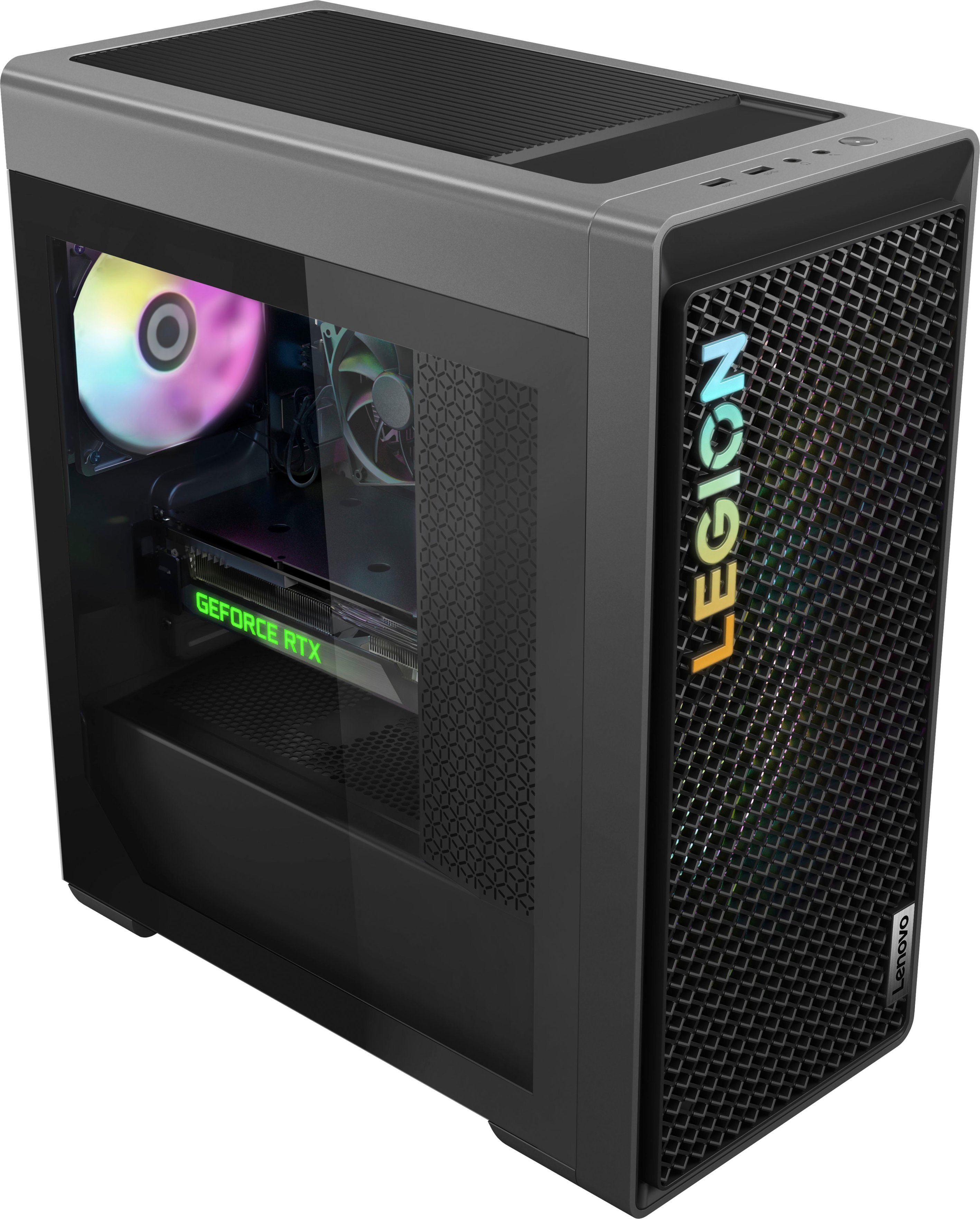
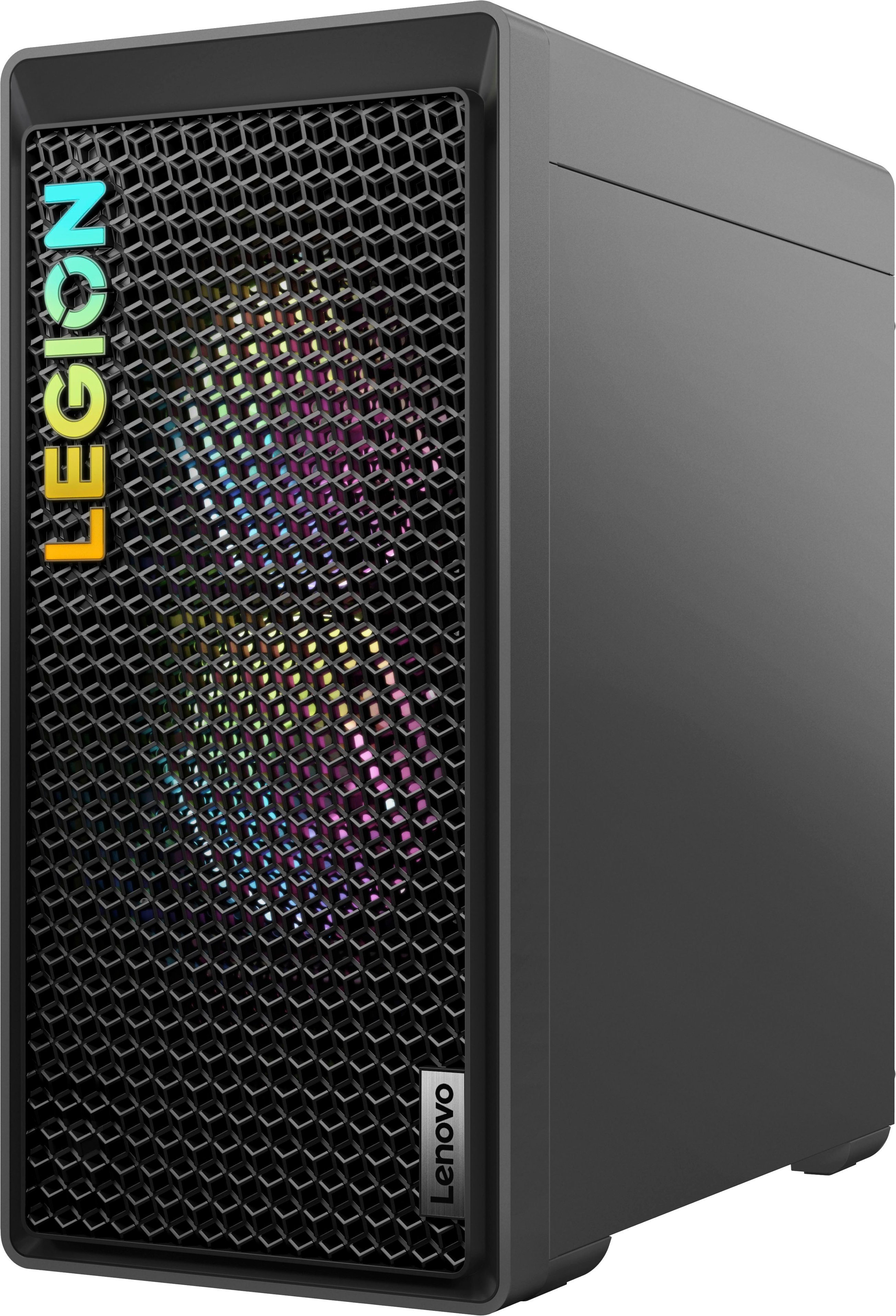
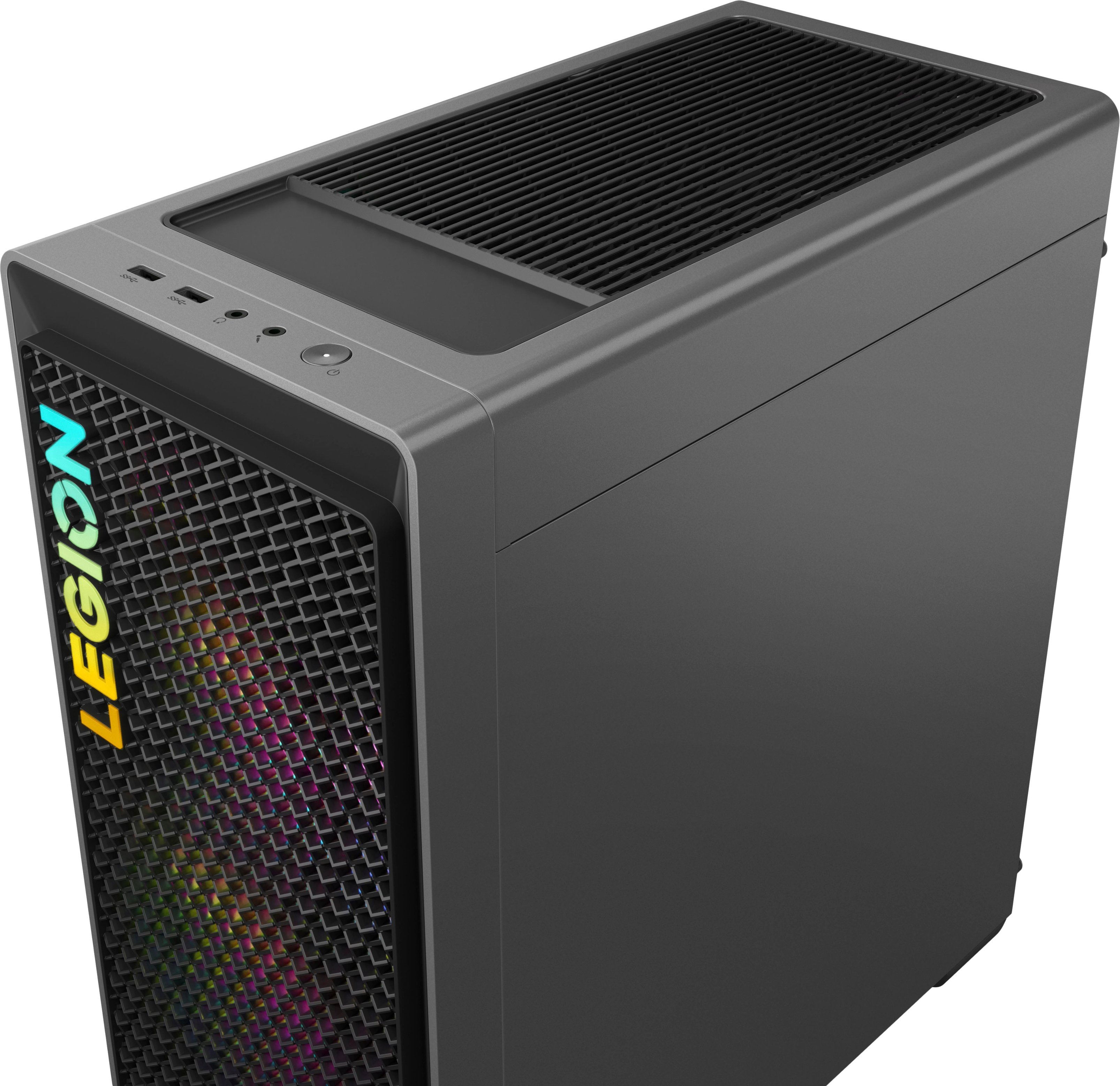
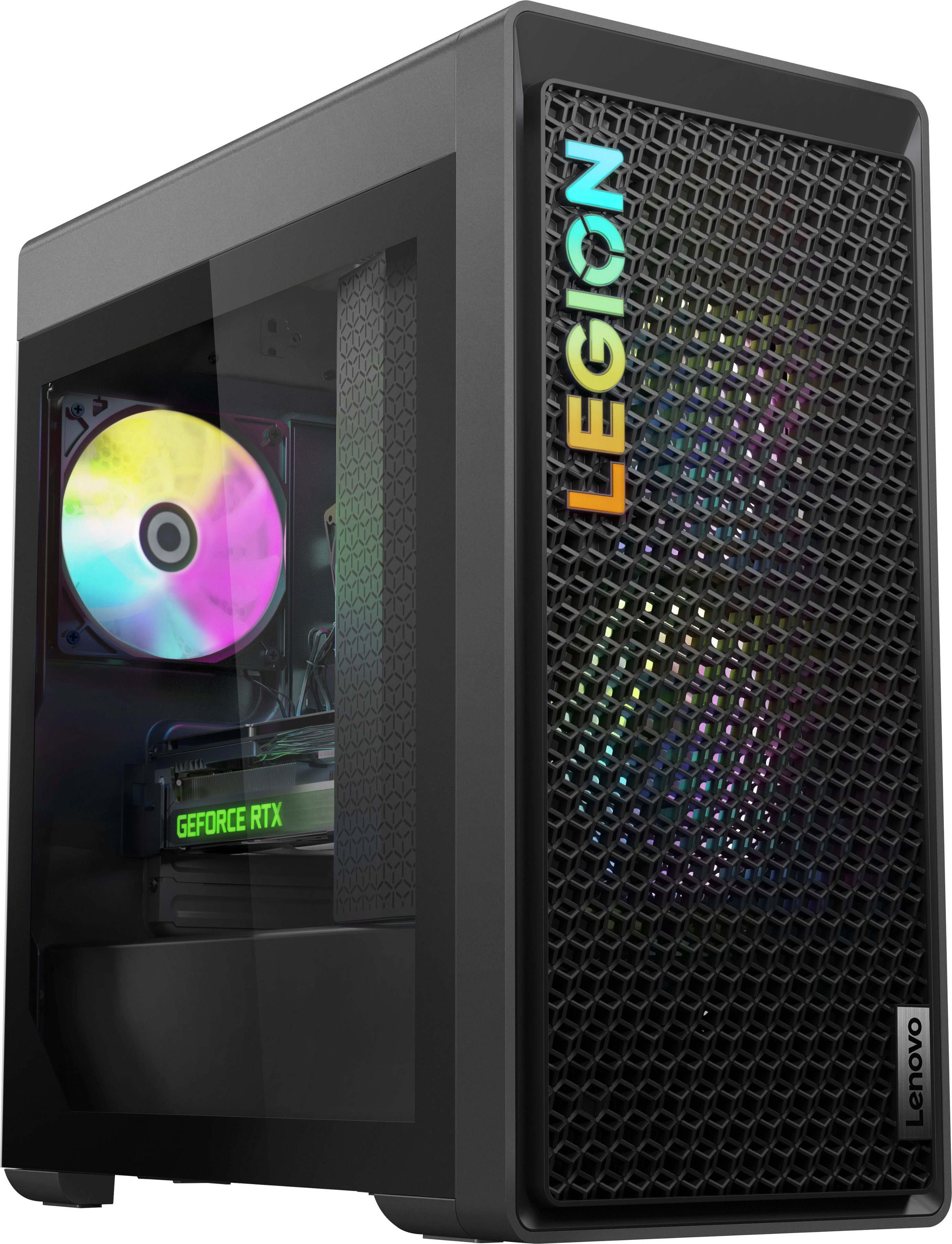
A:AnswerHey, Moira. Based off user reviews, you should be able to. Please reference the instructions shared by Elgato and the User Guide for your model Legion Tower 5i (https://download.lenovo.com/pccbbs/pubs/legion_t5_26/index_en.html)
A:AnswerGreetings from the Intel team. Thank you for your question.
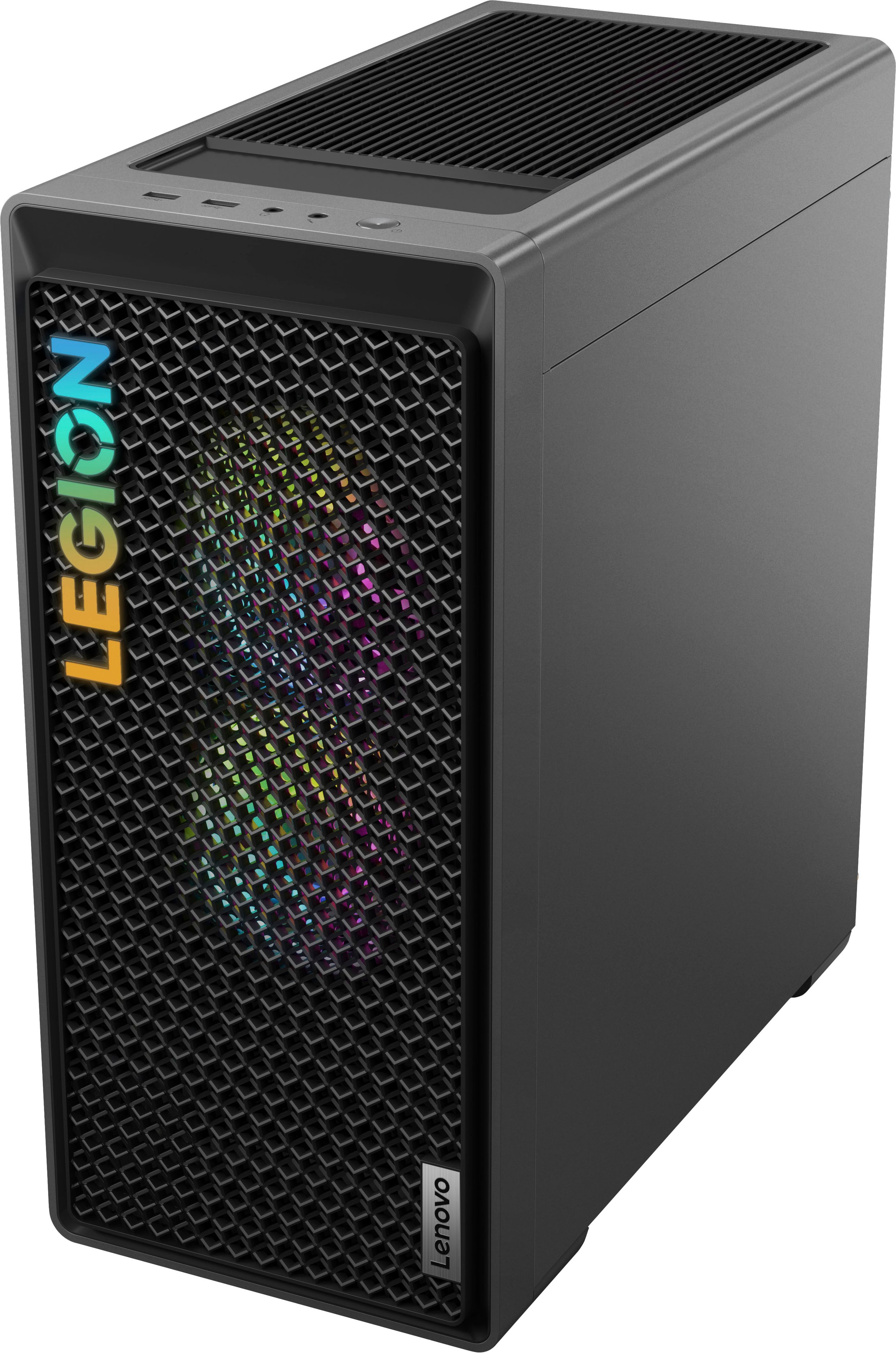
Yes, based on the product specifications reference (PSREF), the Lenovo - Legion Tower 5i model 90UT000FUS has two M.2 (2280 PCIe® 4.0x4 NVMe®) SSD slots, which can support up to 2TB each; for further information on the system storage support, check the PSREF:
https://psref.lenovo.com/Detail/Legion_T5_26IRB8?M=90UT000FUS
For detailed information about the Intel® Core™ i5-13400F Processor, visit:
https://ark.intel.com/content/www/us/en/ark/products/230501/intel-core-i5-13400f-processor-20m-cache-up-to-4-60-ghz.html
Thank you for choosing Intel! Emilio_Intel
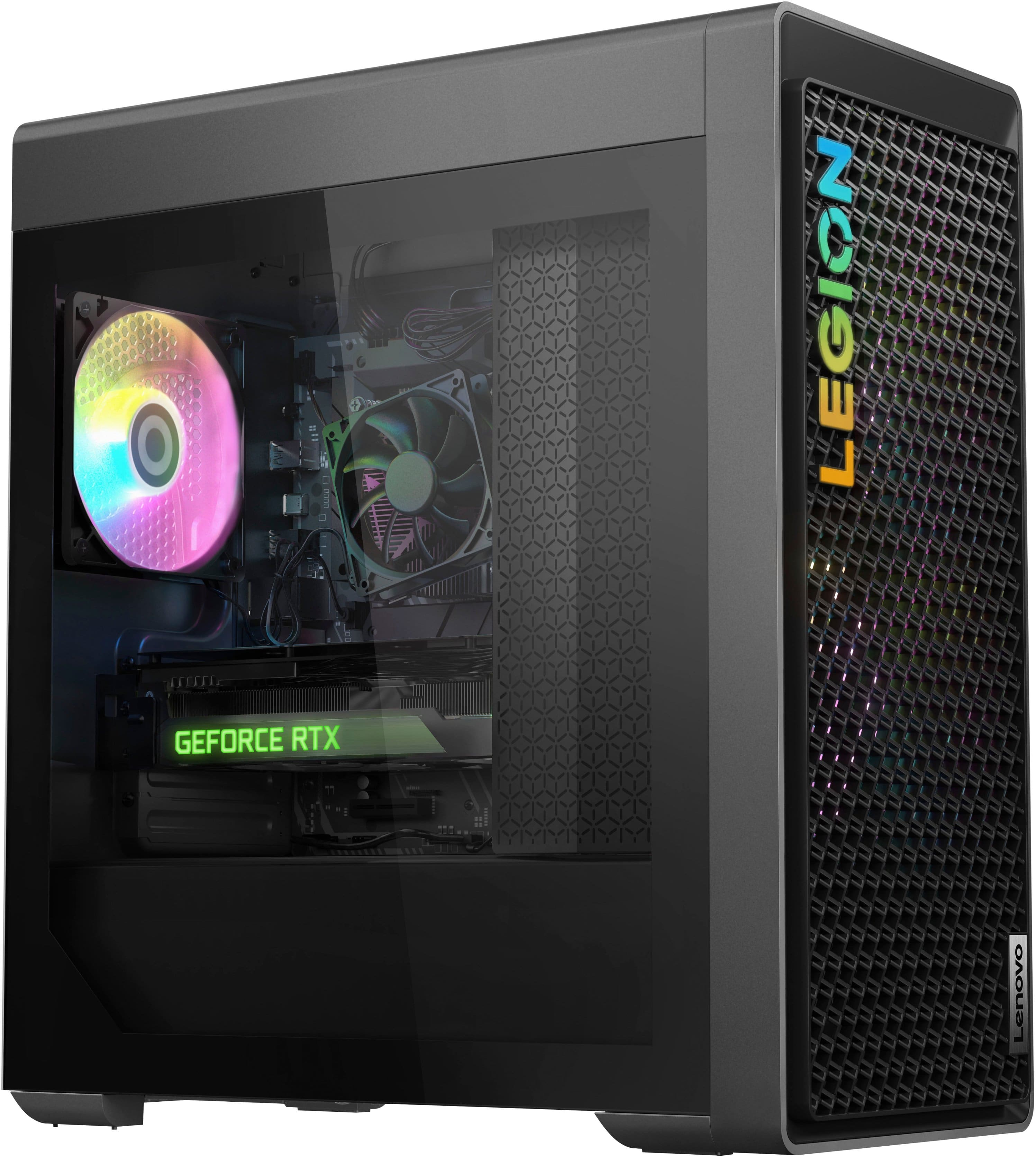
A:AnswerGreetings from the Intel team. Thank you for your question.
Yes, based on the product specifications reference (PSREF), the Lenovo - Legion Tower 5i model 90UT000FUS supports two SSDs ( M.2 2280 PCIe® 4.0x4 NVMe®), up to 2TB each; for further storage support information, check the PSREF:
https://psref.lenovo.com/Detail/Legion_T5_26IRB8?M=90UT000FUS
For detailed information about the Intel® Core™ i5-13400F processor, visit:
https://ark.intel.com/content/www/us/en/ark/products/230501/intel-core-i5-13400f-processor-20m-cache-up-to-4-60-ghz.html
Thank you for choosing Intel! Emilio_Intel
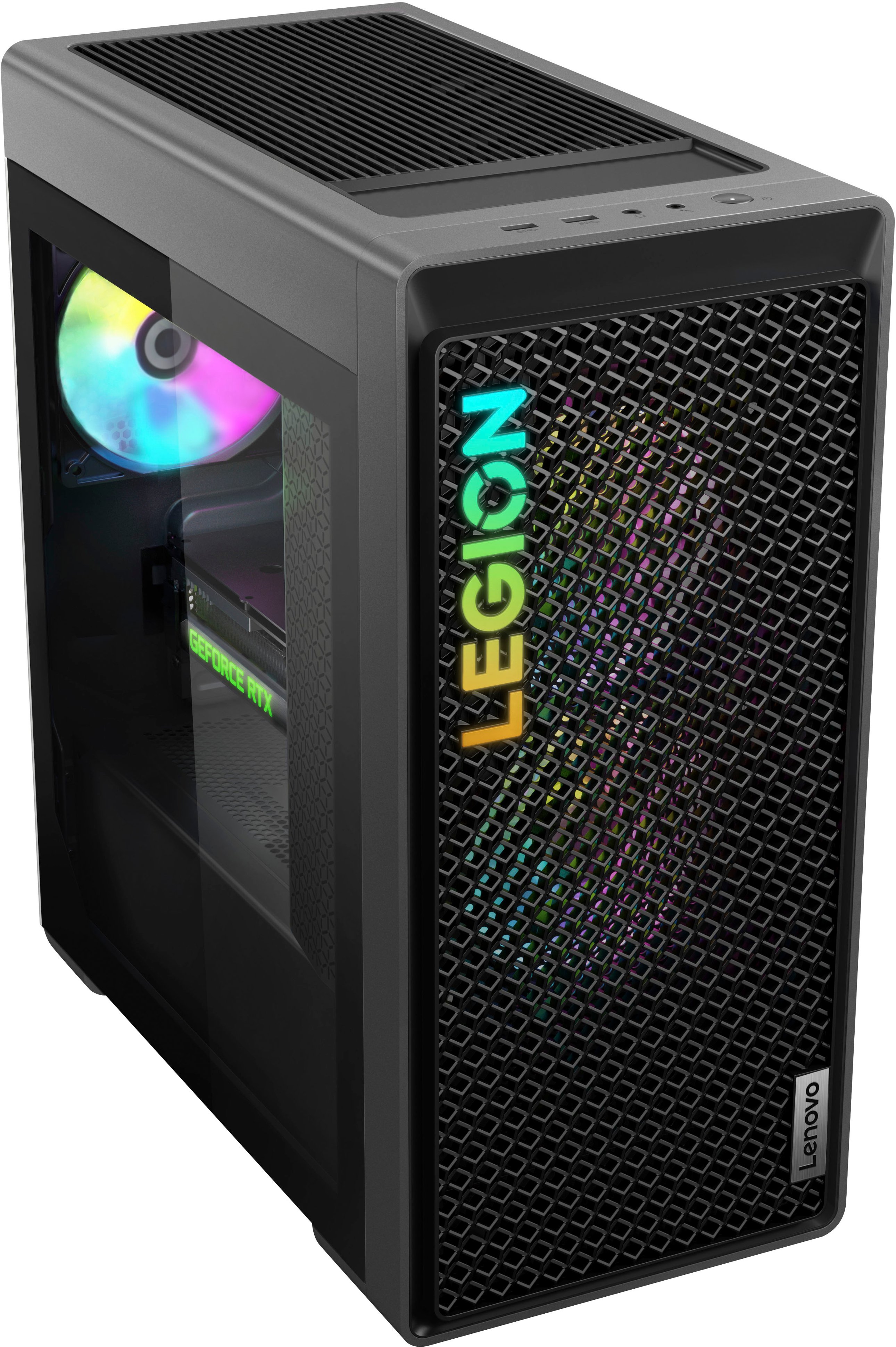
A:AnswerHi, aownerofthisLegionTower5i. For these details and more, here is a link to this model's product specification page: https://psref.lenovo.com/Detail/Legion/Legion_T5_26IRB8?M=90UT000FUS
A:AnswerHello, Mike. We are sorry to hear that you have encountered this issue with your Legion. Just a friendly reminder that each Legion comes with 1 year of free Legion Ultimate Support, which can be contacted at the following number: 1-888-278-9707, Press 1 for Gaming. They are the best equipped to handle questions, concerns, and requests regarding your Legion and should be able to help you quickly resolve any issues you may have including audio functionality. We appreciate you sharing your experience so that we may use it to continue to better our products and services for yourself and others.
A:AnswerHello, Chino. To discover more details about this model Legion Tower 5i, here is a link to its product specification reference sheet on psref.lenovo.com: https://psref.lenovo.com/Detail/Legion/Legion_T5_26IRB8?M=90UT000FUS
A:AnswerHello, ella234. While theoretically, based off of the software publisher's sites, this Legion meets their requirements, however, we recommend reviewing the recommended requirements that that software publisher details and comparing it with the specifications of any potential computing solution to help ensure you find the right fit for your needs.
A:AnswerHello, Lucas. Here is a link to the online user guide for your Legion T5i. In it, you will find a section that shares instructions on how to remove your desired components: https://download.lenovo.com/pccbbs/pubs/legion_t5_26/index_en.html#replacement
A:AnswerI'm sure you have the answer but maybe this will help other people.
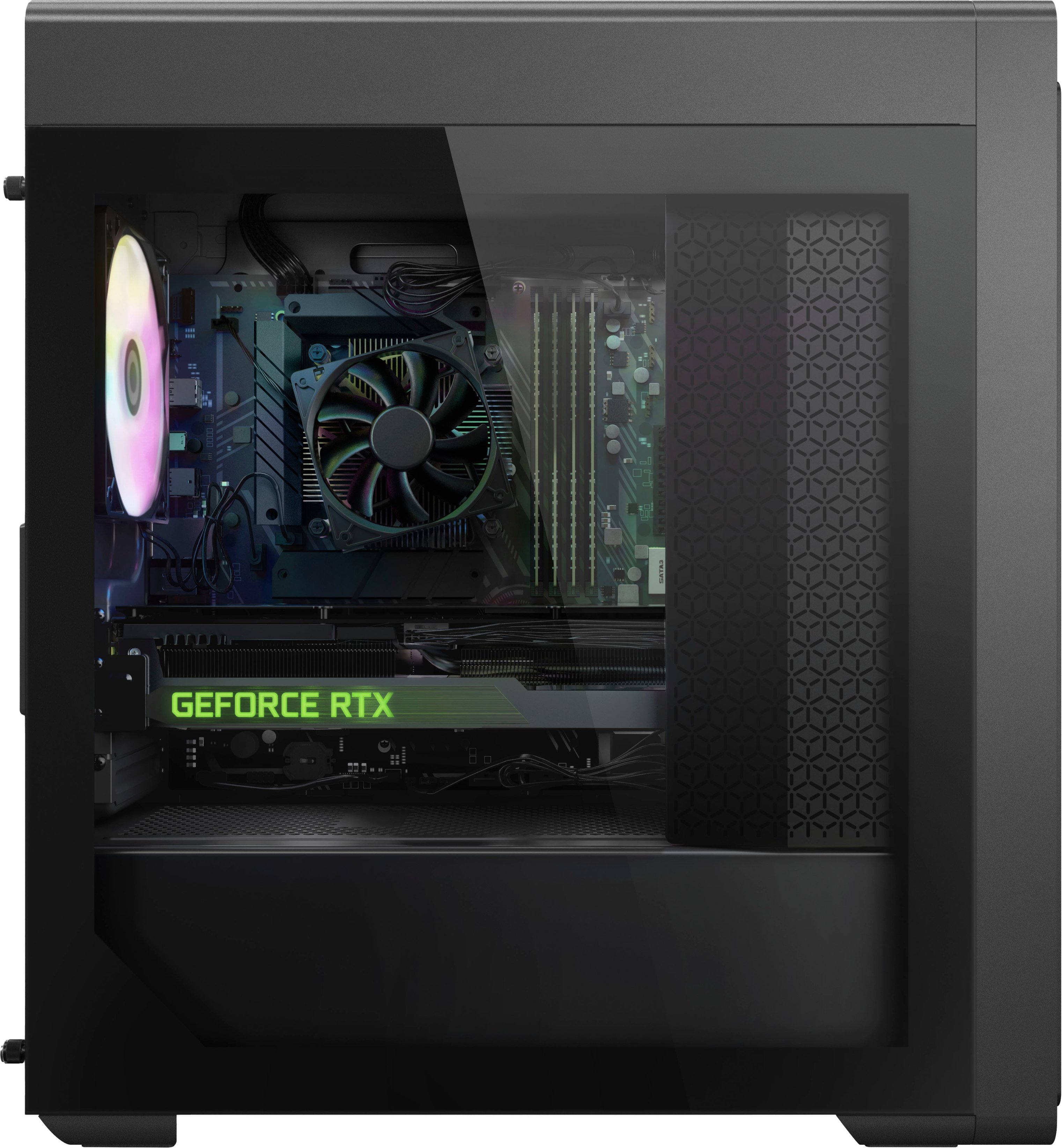
My opinion is this is pushing this PS over. GeForce RTX 4070 Ti
71W - 285W....Too much
Intel Core i5-13400F 2.5 GHz 10-Core Processor 8W - 148W..........

Micro ATX LGA1700 Motherboard 15W - 60W..................
16 GB (2 x 8 GB) Memory 14W....................
512 GB NVME Solid State Drive 2W - 10W..............
GeForce RTX 3060 12GB 12 GB Video Card 42W - 170W............
Now if you take the max power consumption number from each component currently this system is using
Total: 402W.......................
Another SSD, even a 2 TB will still only take 2W - 10W more(so add 10)..............
Another 16 GB will take another 14 watts........................
For video card upgrade..................
GeForce RTX 3070 LHR 8 GB Video Card 55W - 220W(add 50W) doable with Ram and SDD upgrade.........
GeForce RTX 4060 8 GB Video Card 28W - 115W(-55W) VERY DOABLE
GeForce RTX 4060 Ti 8 GB Video Card 41W - 165W(-5W) doable with Ram and SDD upgrade...........
GeForce RTX 4070 12 GB Video Card 50W - 200W(add another 30)doable with Ram and SDD upgrade...............
Other than those Video cards you're on your own.............
Processors---Upgrading to a Intel Core i7-13700F 2.1 GHz 16-Core Processor 8W - 219W(Add 71W) doable with some of the vid card and RAM and SSD upgrades.................
That's a little info on upgrade opportunities...I tried to add some of the more common ones.
A:AnswerHello, WWIA7062. There may need to be other modifications to enable this proposition. While the Legion Tower 5i features a standard mATX motherboard, other factors such a power, component compatibility and more could prevent this.
A:AnswerHello, thank you for your question. As long as it is adequate at protecting your device, we will leave that decision to you to find the right fit for your needs, as Best Buy has a great assortment for different cases.
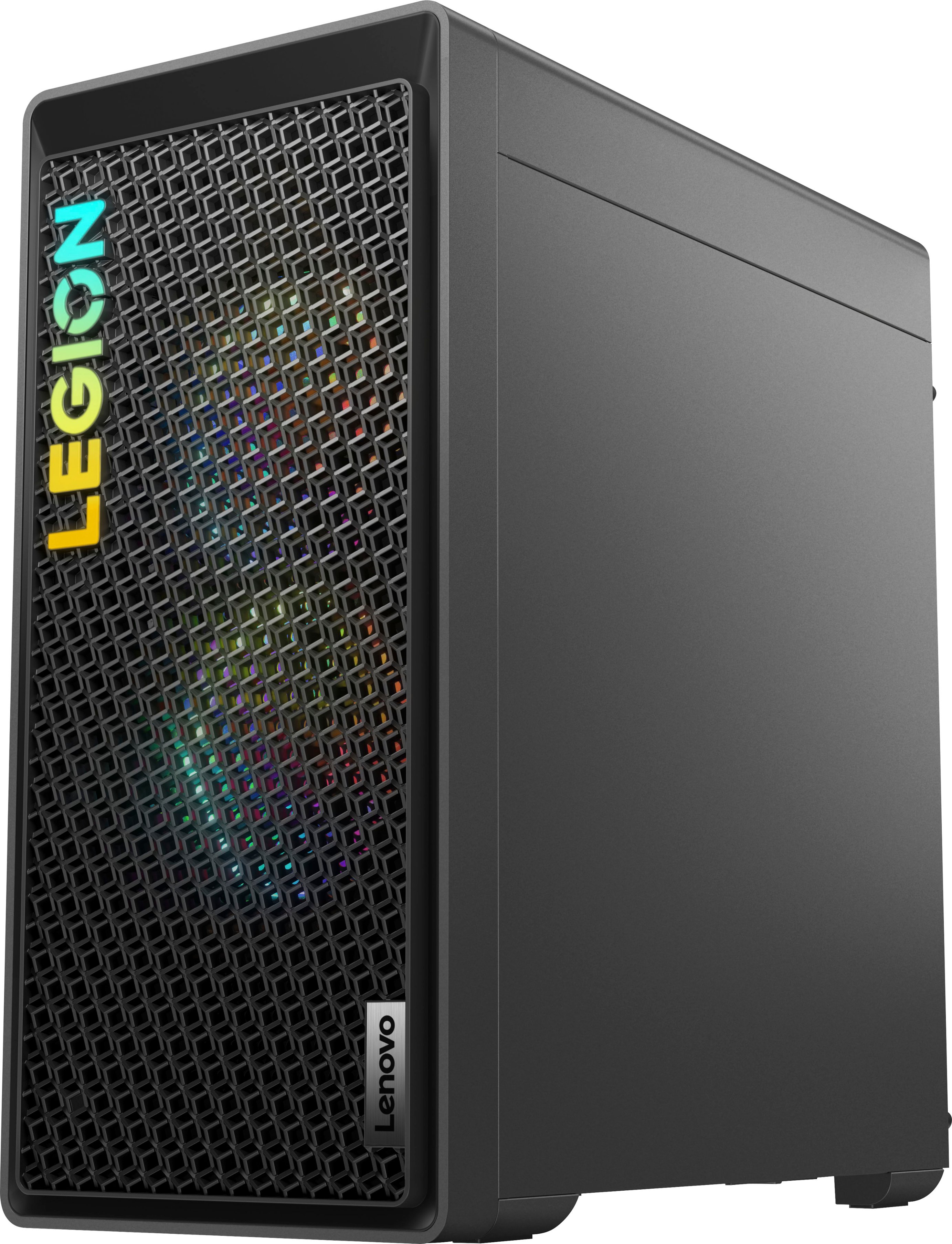
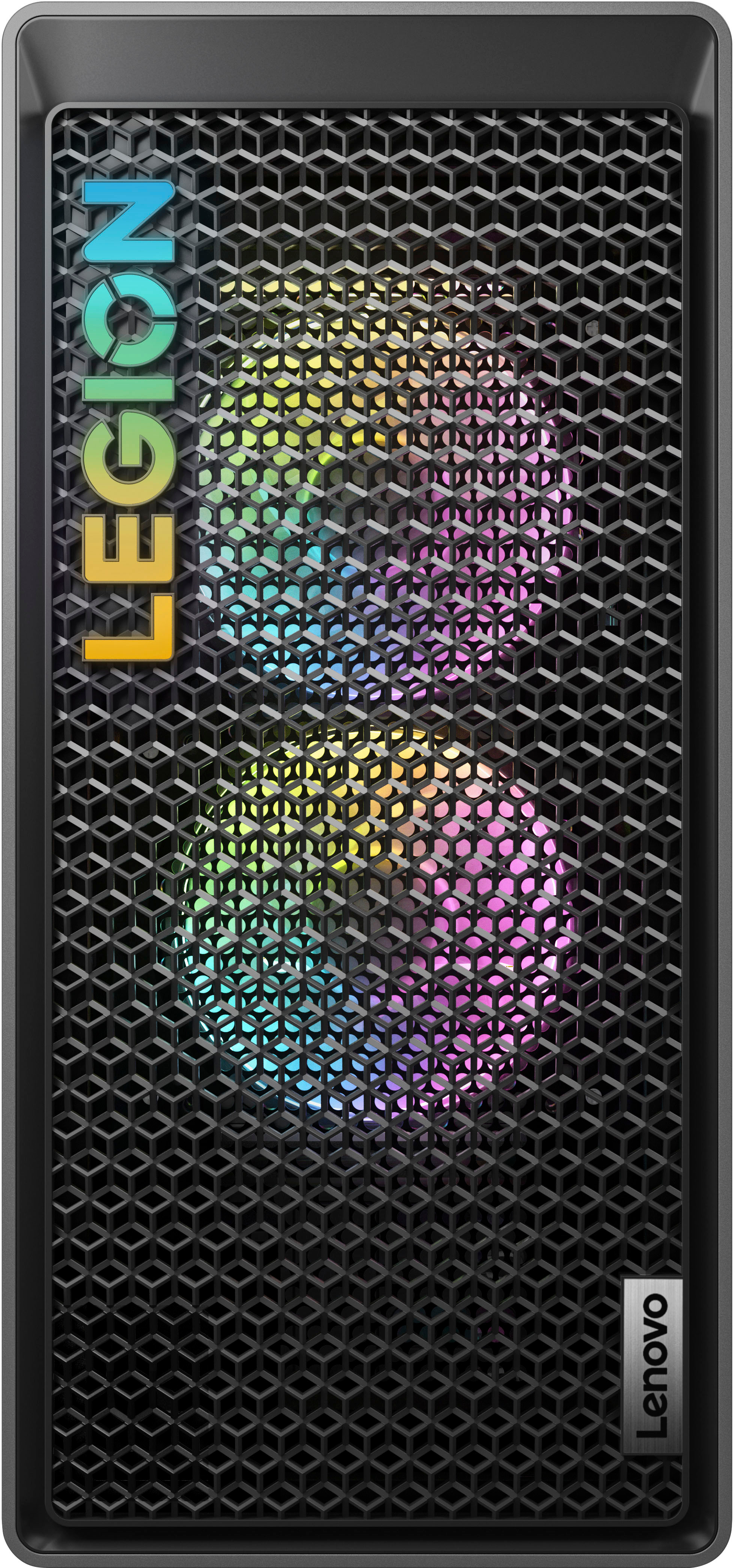
A:AnswerThere are two possible ways to make the "Legion" letters light up. The first way is to refer to your owner's manual which there should be a little switch on the back of the PC that will either turn on or off the RGB lights.
The second way the to use the Lenovo Vantage app that the PC has preinstalled. It should be under the lighting section when you scroll down a bit. There should be 3 lighting options and you can customize it however you want. In my opinion, the second way is way easier to manage.