A:AnswerI needed to upgrade the hardware because, at a given time, I will be running Unity, Blender, virtual reality, video editing, multiple IDEs, virtual machines, browser tabs, Netflix, deep learning models, machine learning, simulations, large data sets, etc.
Upgrades:
- 1TB SSD - probably the first thing to upgrade for most users
- 2 x 32GB RAM (yes, I use it) - most developers would be fine with 2 x 16GB RAM
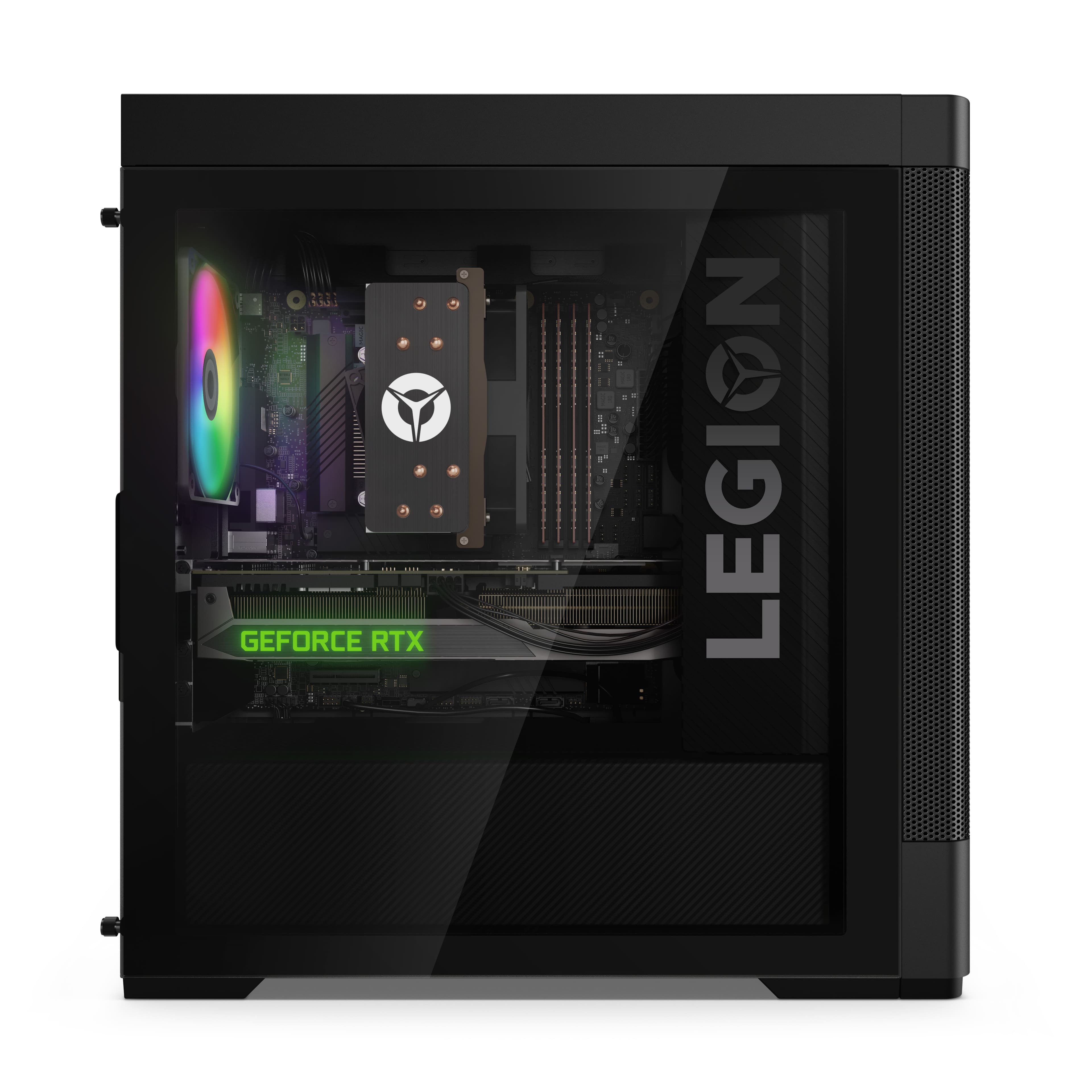
- 2TB HDD - super easy to install (open the non-glass panel)
A:AnswerThis PC should have no problem running fort nite at any settings, I use this PC to play VR and it handles VR games on max settings like a hot knife through butter. No I don't play Fortnite, but I play PUBG and it also has no problem on maximum graphics settings. I've only run into a couple of hangups on a couple of games, but again those are Virutal Reality games, I have played every screen game that I own on this computer on max graphics settings, and it has handled them just fine.
A:AnswerLook up benchmark videos on YouTube. It can run max graphics at like 60-100 FPS. Most people don't run max graphics though due to crashes (mainly due to Modern Warfare and not the computer)
Hope this helps
A:AnswerGeekspin's review was for a far lower end version of the Gen 6. Their config had only an i5 CPU and a non_RTX GPU:
Quote from that review: "This model features an Nvidia GeForce GTX Super graphics card and the latest 11th generation Core i5 6-core processor."
It also had only 8GB of RAM.
By contrast, this item here is a Gen 7 with an i7-12700 CPU, 16GB RAM and an Nvidia RTX3060 GPU.
A:AnswerIt believe it is a 500W bronze power supply, according to the data sheet I found that is linked through best buy. The link is the last item of the "overview" part, that says manuals and guides. It shows all possible configurations, which can go up to much higher GPUs, PSUs, etc. But the only PSU that makes sense that this one would have is the 500w bronze. There is no 650W one, so this was probably just a typo in tyhe best buy spec section.
A:AnswerNo 13th or 14th Gen support yet. I did submit a feedback request to update the bios accordingly.
You can upgrade the GPU, PSU, RAM, CPU Cooler, add some fans or AIO, and drives.
I've upgraded my RAM to 32GB of DDR5 4800 (runs at 4600 due to mobo limitations), swapped out the 3060 for a triple fan 4070 TUF OC, upgraded my PSU to a Corsair fully modular 750w, added a 2.5" SSD, 2nd m.2 (runs at Gen 3 speeds) and a storage HDD.
Everything stays cool and quiet.
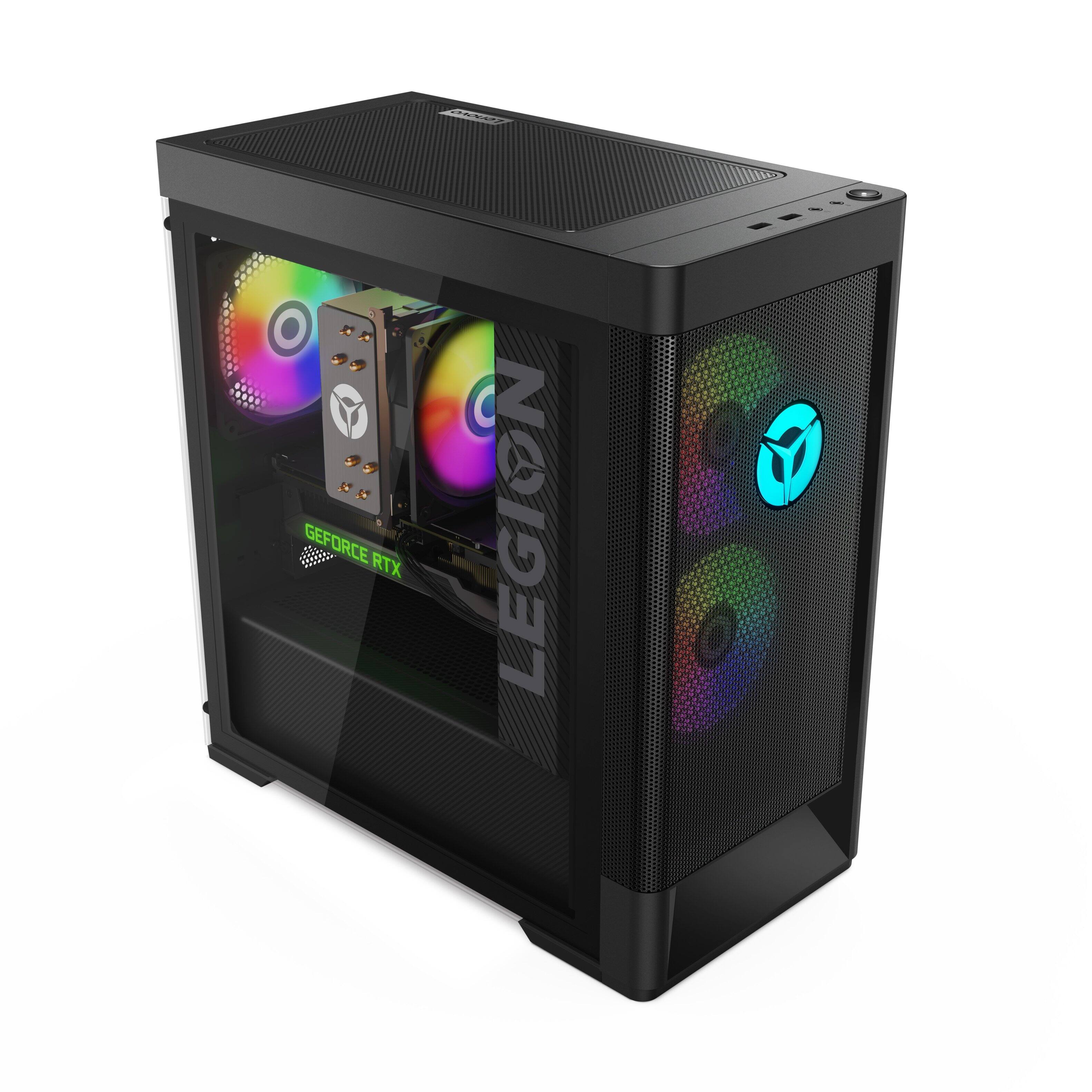
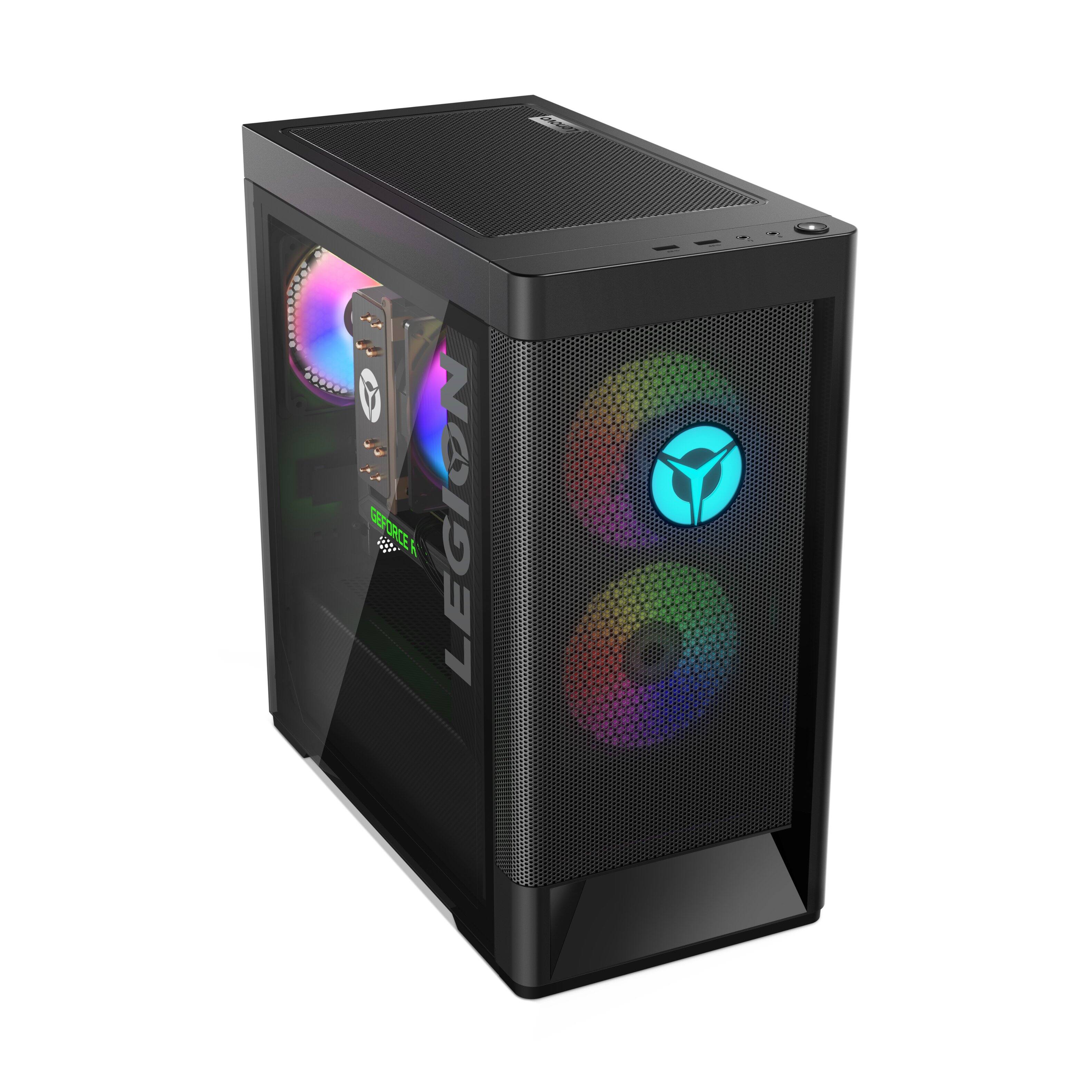
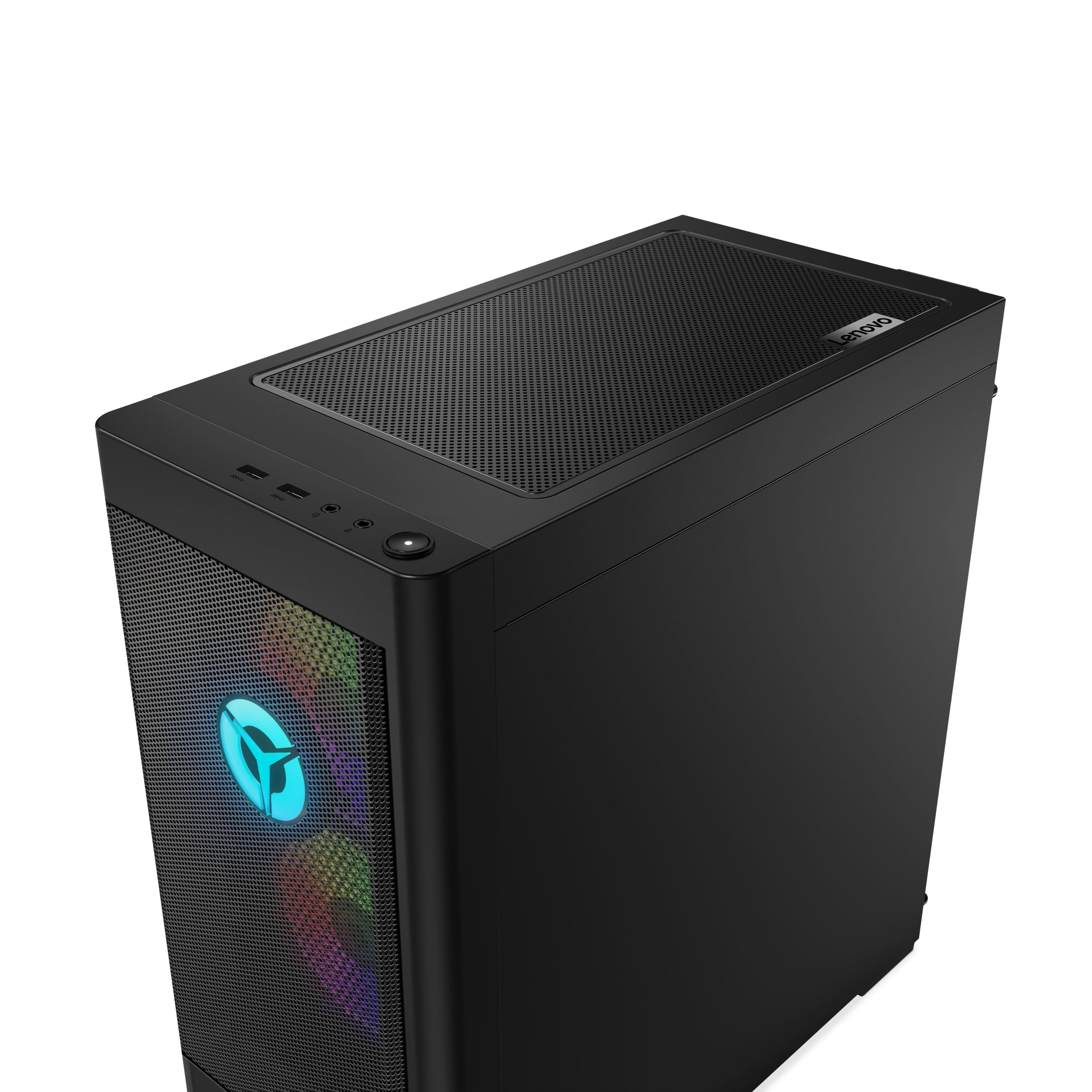
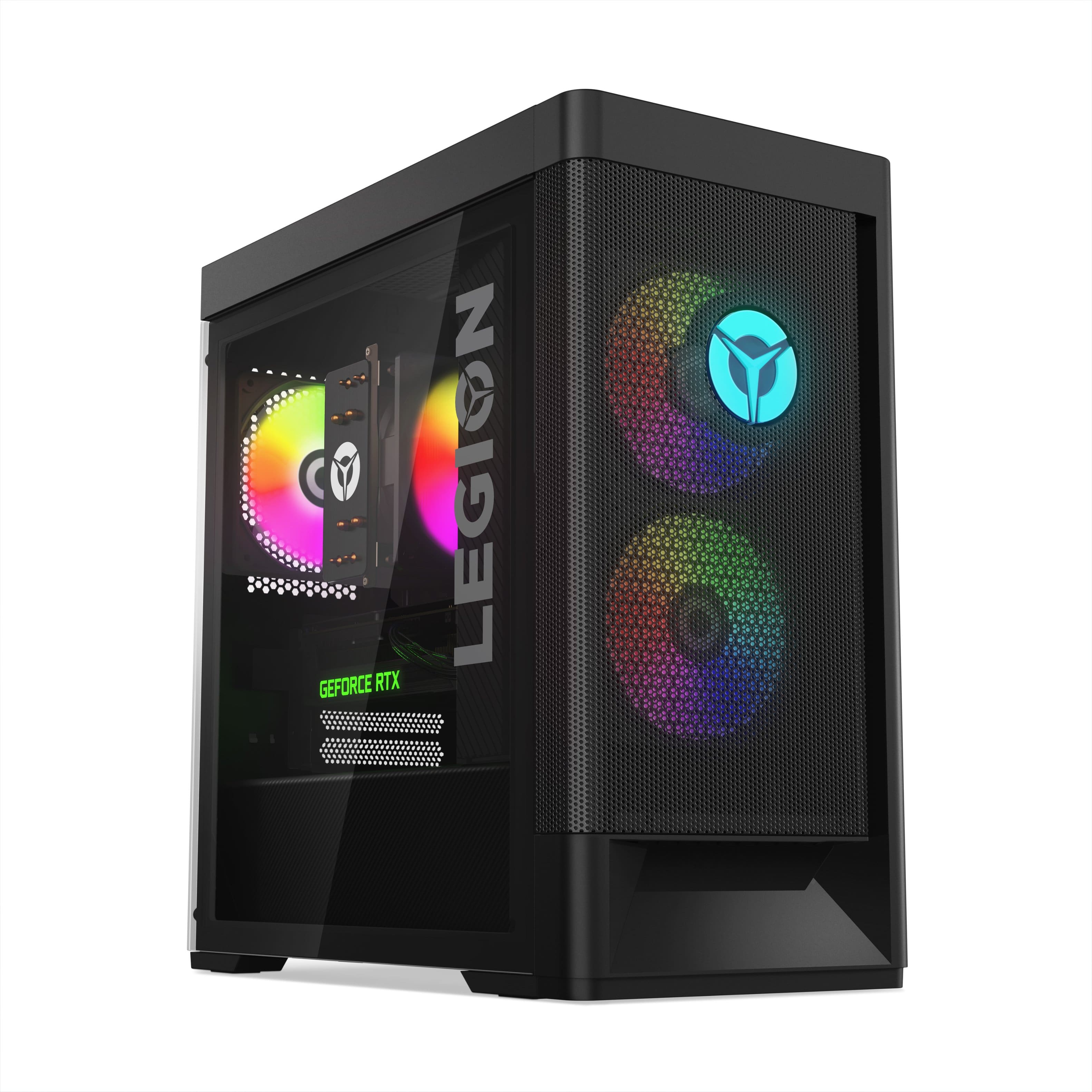
A:AnswerThe 1x USB-C 3.2 Gen 2 (support data transfer and 5V@3A charging) port, on this Lenovo Legion Tower 5i Gaming Desktop, model number 90SU000DUS, is connected to the motherboard and does not have video out capability. This Lenovo Legion Tower 5i Gaming Desktop, model number 90SU000DUS, ships with the discrete, NVIDIA GeForce RTX 3060 GPU, with 12GB GDDR6 VRAM on the card and has 3x DisplayPort 1.4a video connectors, 1x HDMI 2.1 FRL (FRL stands for Fixed Rate Link and it's a signaling technology supported in the HDMI 2.1a Specification. FRL is necessary to achieve the higher uncompressed resolutions such as those above 4k60 as well as the ultra high speed bandwidths up to 48Gbps.) connector for video out capability.
A:AnswerPSU was no issue. Really simple if you go module PSU.
The case is just fine. I was able to install a 3 fan 4070 in it with 2mm to spare. LMAO.
Regarding proprietary connectors, I don't think there are but don't quote me on it. Trust, though, that it's a great computer and the case is just perfect for it.
A:AnswerThat will depend on the requirements and compatibility of the specific game you want to run. We recommend you check with the specific game's software publisher's web site of the game you want to run, for their compatibility with Windows 11 Home 64-bit operating system and the minimum/recommended hardware requirements (Is a Graphics card required, the processor speed and the minimum required system RAM and the minimum available hard drive space) to run their program, then compare those requirements to this system's configuration.
A:AnswerYes. I currently use 2 TVs has monitors. There's only 1 HMDI port in the tower, but I used a USB>HDMI adapter I bought from bestbuy for the second TV.
If you use a displayport>hdmi, you won't get sound from the connected monitor.
A:AnswerThe Lenovo Legion Tower 5i model number 90SU000DUS, ships with Bluetooth 5.1 built in. We recommend that you check with the controller manufacturer’s website to review the exact model controller specifications and reference the information to ensure that the controller will work with this model Legion Tower 5i before you make your purchase.