Black Friday is hereShop new DoorbustersShop now

Main Content

Questions & Answers

Your price for this item is $575.99
Clearance
The comparable value price is $1,999.99
Page Showing 21-40 of 42 questions
  • QuestionJust to confirm, this pc should have no issues connecting to wifi? there are no visible ports so that was a concern for me, thank you

    Asked by Fab.

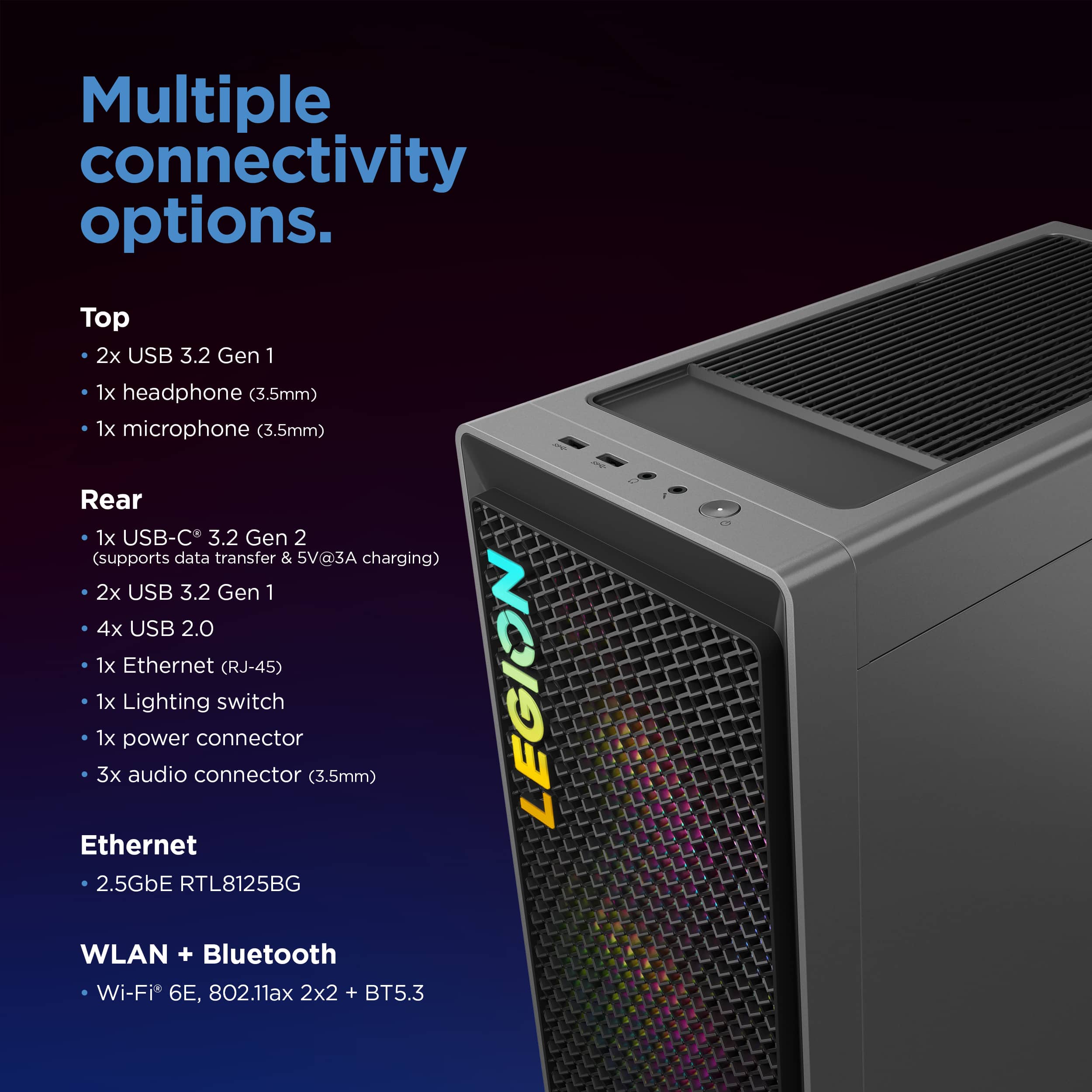
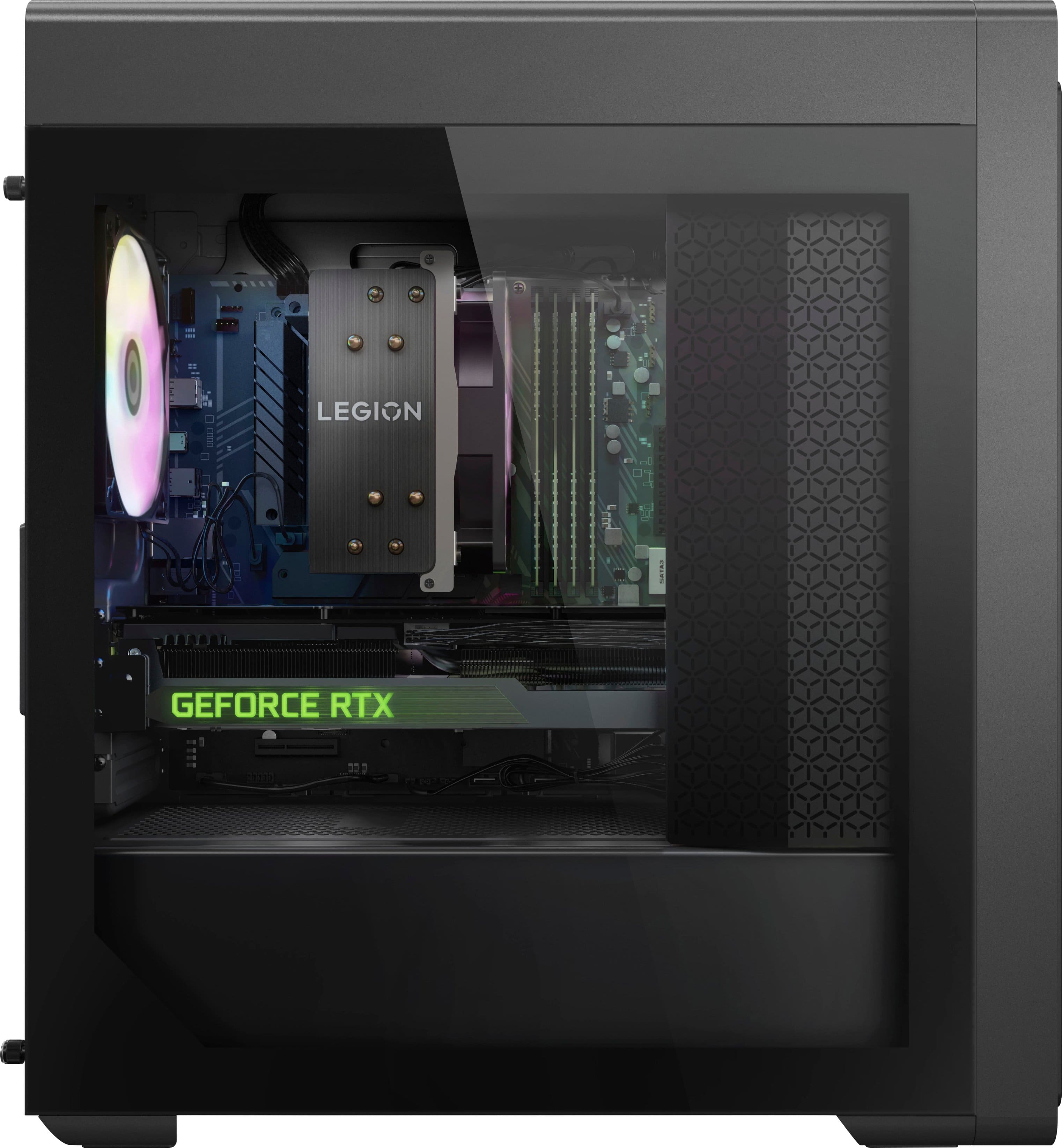
    • Answer Yes, there's a wi-fi card directly mounted on the motherboard of the device. It should be on automatically but check your windows wifi settings if it's not on.

      Answered by IliaD

  • Questionwhat motherboard is in this pc??

    Asked by Anonymous.

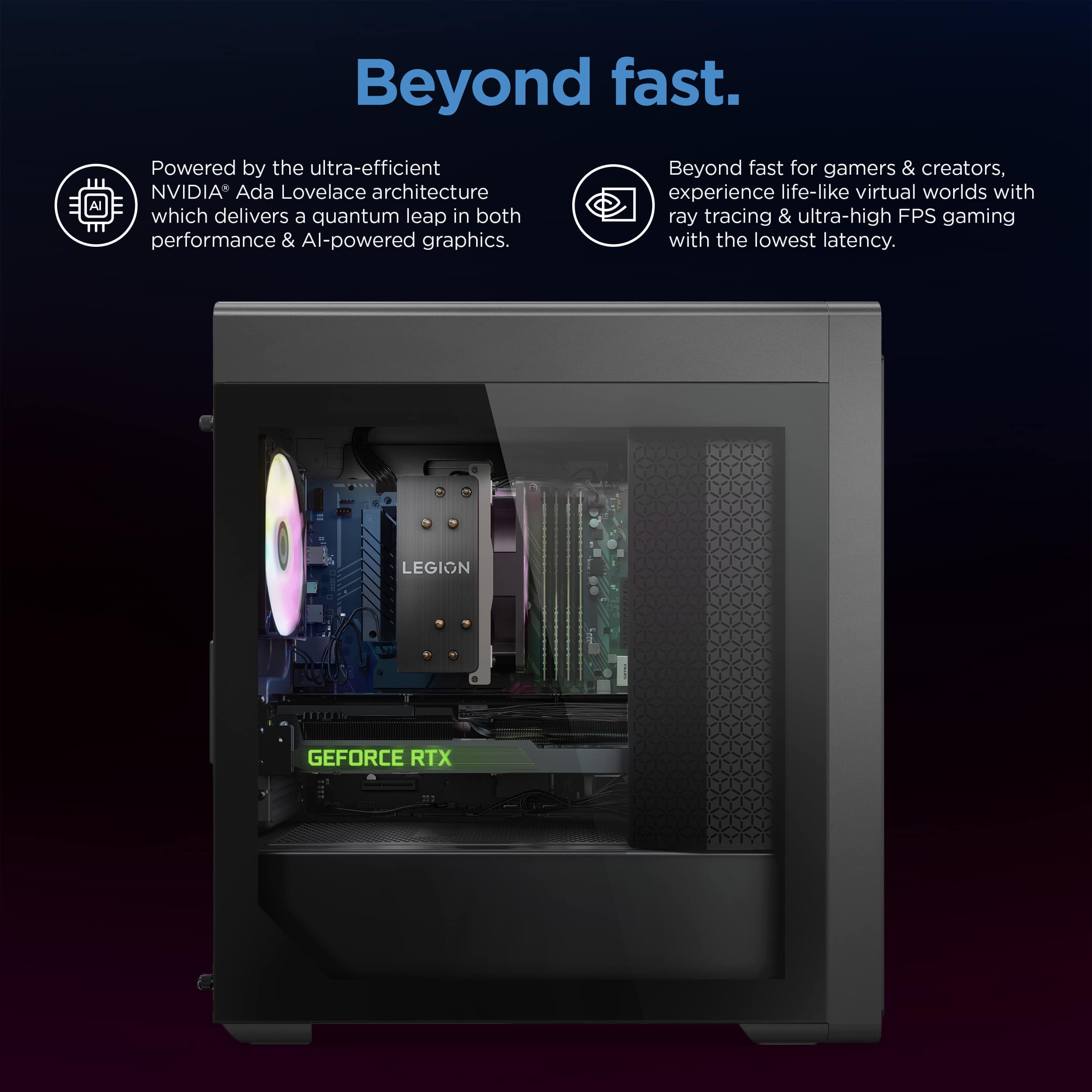
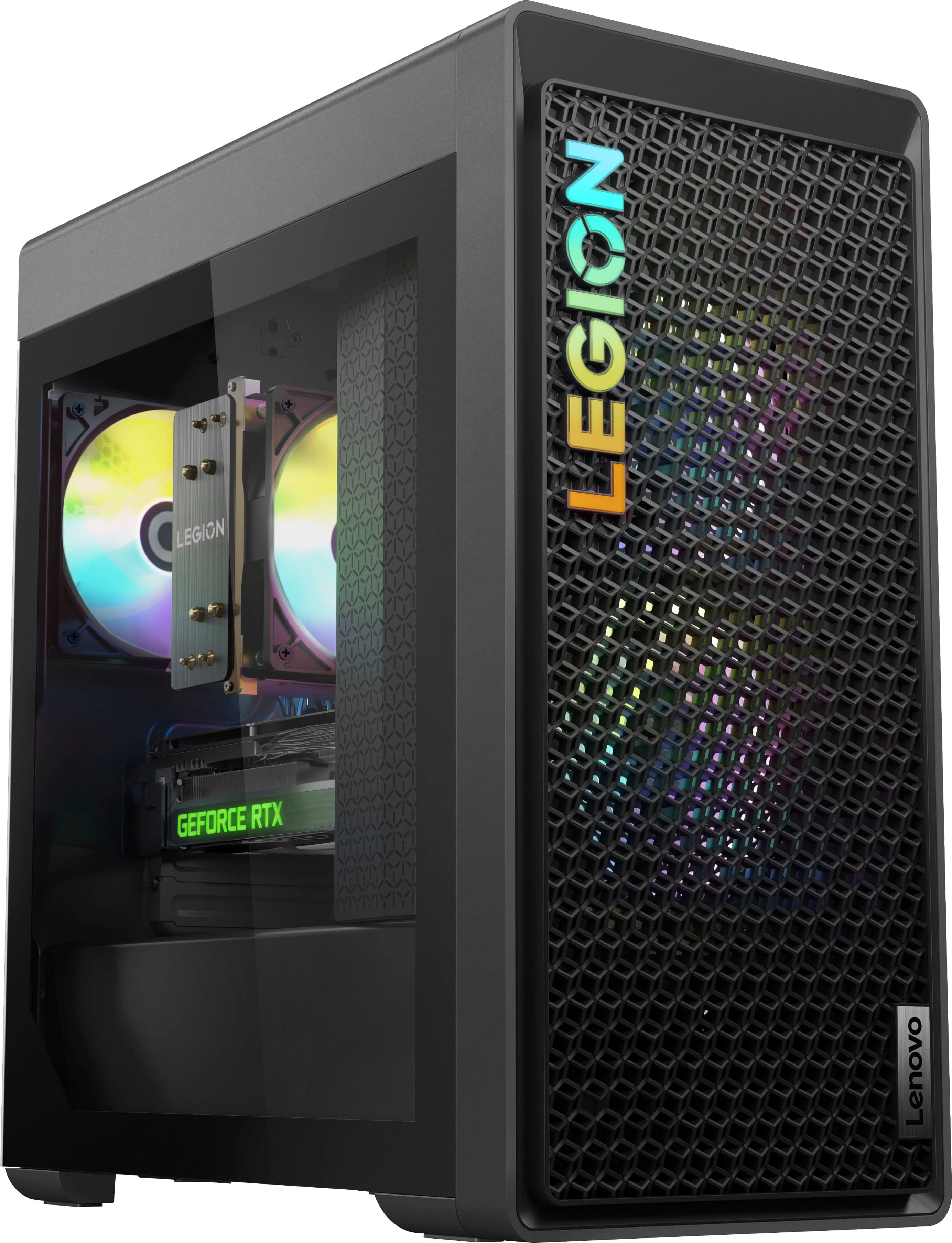
    • Answer Hey, thanks for your inquiry. The Legion T5i features an mATX standard, Lenovo supplied motherboard.

      Answered by Lenovo Product Expert

  • Questionwhats the biggest size radiator cpu fan i can install or any recomendations for a cpu cooler upgrade

    Asked by Anonymous.

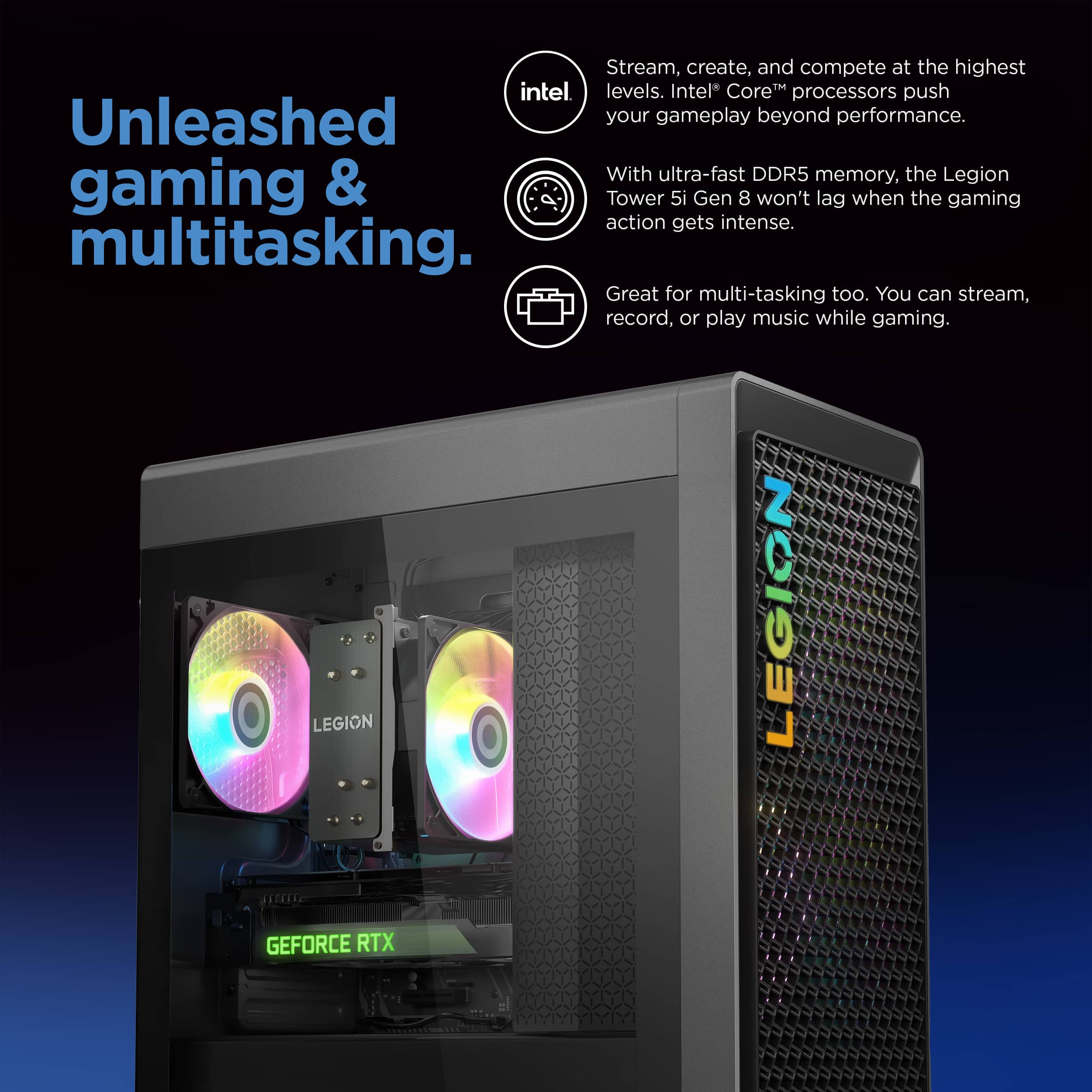
    • Answer Hey there, thanks for your inquiry. The maximum sized fan cooler offered for this series of Legion T5 is 120MM, but as for what may be your best options for cooler and fan upgrades, at Best Buy, there currently are no Lenovo options that we can recommended.

      Answered by Lenovo Product Expert

  • QuestionWhat RAM can I install/ can I add to the RAM that's already in there or should I replace it? What's compatible?

    Asked by ItsSizzreal.

    • Answer Hi ItsSizzreal, since the system ships with 2x 16GB UDIMM DDR5-5600 memory modules, with four DDR5 UDIMM slots, if you want to expand memory, you could install another set (2x) of 16GB DDR5-5600 RAM sticks to double your memory to 64GB. The other option would be to install two 32GB DDR5-5600 sticks, but depending on memory options, the later would be less cost-effective. As for what's compatible, so long as you stick to the same memory sizes (GB), types (UDIMM, DDR5), and speeds (5600), you shouldn't run into compatibility issues.
      Answered by Lenovo Product Expert

  • QuestionWhat's the best curved monitor or compatible monitor to use with this pc

    Asked by Renole.

    • Answer Hey Renole, that choice is up to you. It will depend on the system in some ways depending on what you're viewing on the monitor and what specifications you wish for your monitor to have (and for the system to fulfill). We recommend going into Best Buy stores and working with an advisor to get expert help or you can virtually shop with an expert online via this Best Buy online link: https://www.bestbuy.com/services/triage/shopping?cat=cnt&subcat=comp

      Answered by Lenovo Product Expert

  • QuestionHello, Can I replace the processor on this pc?

    Asked by RobertGold.

    • Answer Yes but you may have replace other hardware depending on the specs of the processor you want to swap it with

      Answered by TDawg

  • QuestionIs the processor soldered or is it replaceable?

    Asked by Romanoma.

    • Answer Hi Romanoma, the CPU should not be soldered to the motherboard and/or socket.

      Answered by Lenovo Product Expert

  • QuestionHello , in the back right next to the power switch there is another small sideways toggle switch with a line on one side and two lines other side , What's that switch for ? As the RGB button is at the top ! Thank you !

    Asked by Bill.

    • Answer Hi, Simracer, thanks for inquiring! This is to toggle voltages so that depending on the power input of the country you're in, so you can still use your Legion T5i in all its glory.

      Answered by Lenovo Product Expert

  • QuestionIs it water cooled

    Asked by RJ.

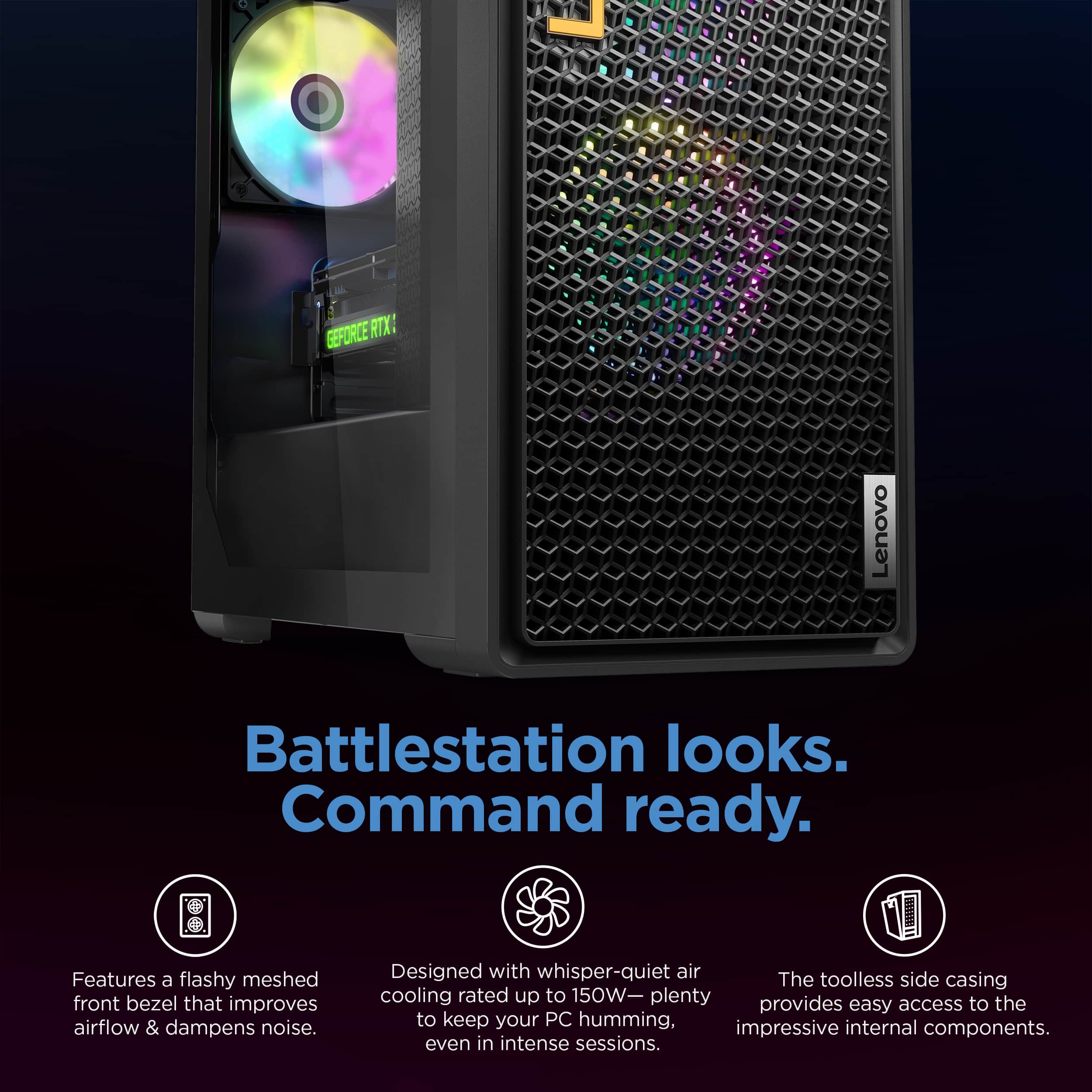
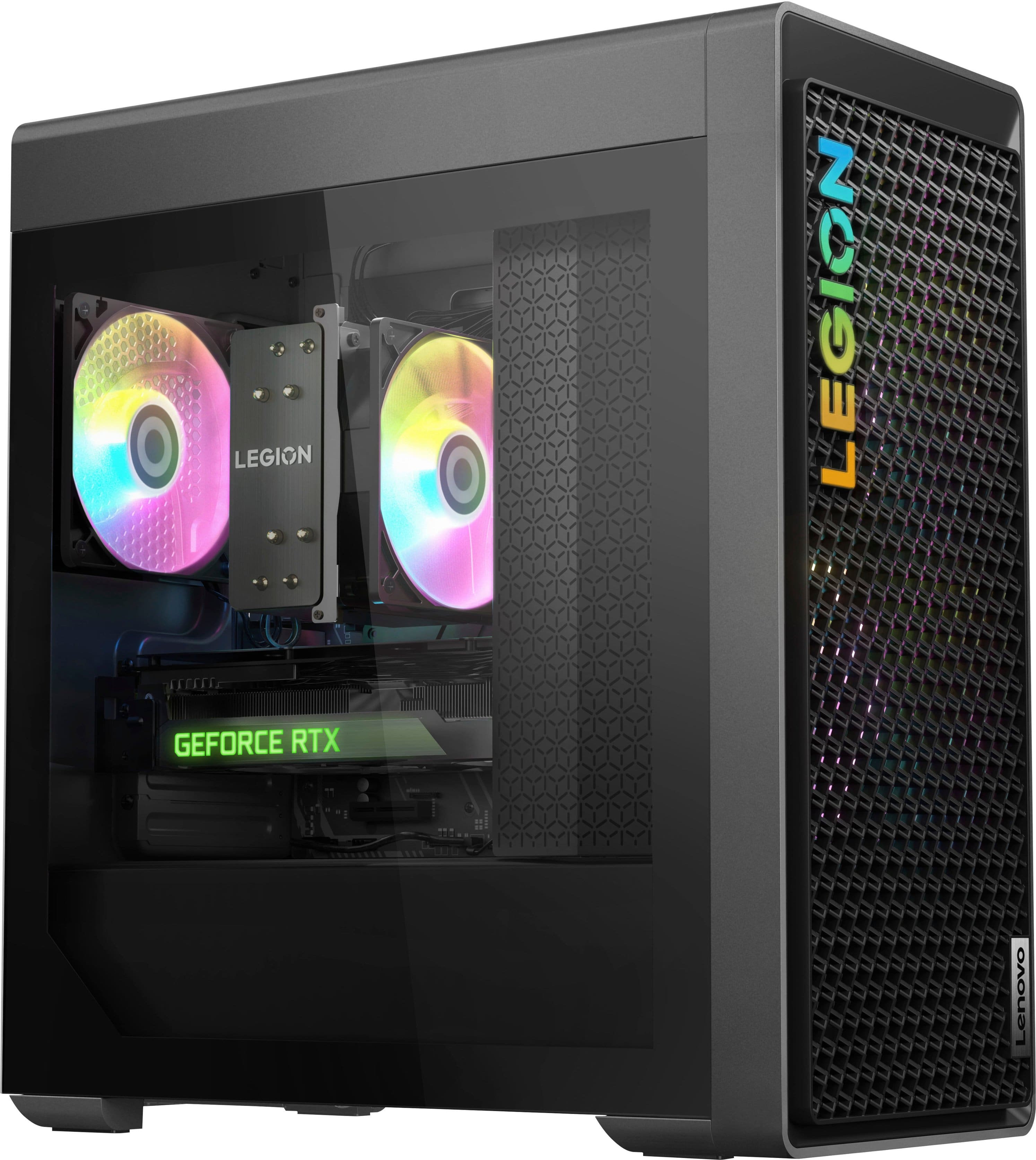
    • Answer No, it is air cooled. It does have a nice CPU cooler.

      Answered by Mick

  • Questiondoes it support display port 1.4?

    Asked by gimmealco.

    • Answer Yes, the RTX 4070ti Graphics card supports DisplayPort 1.4.

      Answered by Mick

  • QuestionDoes this have the updated INTEL BIOS microcode, or will I need to update that myself?

    Asked by Ahuse.

    • Answer Greetings from the Intel team. Thank you for your question. Intel is currently distributing to its OEM/ODM partners a new microcode patch (0x129) for its Intel Core 13th/14th Gen desktop processors, this will address incorrect voltage requests to the processor that are causing elevated operating voltage. For all Intel Core 13th/14th Gen desktop processor users: This patch is being distributed via BIOS update and will not be available through operating system updates. While the Vmin Shift Instability issue does not impact most Intel Core 13th and 14th Gen desktop processors, Intel recommends all users continue the following guidance: - Ensure the system runs the latest BIOS, which users can check on the Intel Compatibility Tool or the manufacturer's website. Users can also learn more about updating the BIOS by visiting the following website: How to Update the BIOS: https://www.intel.com/content/www/us/en/gaming/resources/how-to-update-bios.html Lenovo System Update: Update Drivers, BIOS, and Applications: https://pcsupport.lenovo.com/us/en/products/desktops-and-all-in-ones/legion-series/legion-t5-26irb8/90ut/90ut001cus/solutions/ht003029-lenovo-system-update-update-drivers-bios-and-applications?Products=DESKTOPS-AND-ALL-IN-ONES/LEGION-SERIES/LEGION-T5-26IRB8/90UT/90UT001CUS - Utilizing the Intel Default Settings recommendations for their Intel Core 13th or 14th Gen desktop processor, including both Intel Core 13th and 14th Gen consumer, commercial, and entry workstation desktop systems. Microcode (0x129) Update for Intel Core 13th and 14th Gen Desktop Processors: https://community.intel.com/t5/Processors/Microcode-0x129-Update-for-Intel-Core-13th-and-14th-Gen-Desktop/m-p/1622129 For detailed information about the Intel® Core™ i7 processor 14700F, please visit: https://www.intel.com/content/www/us/en/products/sku/236854/intel-core-i7-processor-14700f-33m-cache-up-to-5-40-ghz/specifications.html Thank you for choosing Intel! Emilio_Intel

      Answered by Intel team

  • QuestionIs this comparable to the ps5 pro? Thank you

    Asked by Chris.

    • Answer Hi, Chris. Thank you for your question. For transparency, that is a difficult comparison to make, as they are two different systems that have different intended uses. While one is a dedicated entertainment and gaming console, optimized for the games that are supported for it, the other is a Windows based PC that can be used for normal computing tasks, but it also can play games with great performance and a wider range of games to play and upgrade options. Hope this helps!

      Answered by Lenovo Product Expert

  • QuestionWhat's the PSU model or PN? Does it support dual voltage (both 110v and 220v)? Thanks

    Asked by Guillermo.

    • Answer Hi, Guillermo. The PSU is made for Lenovo, most likely created by LITEON. It doesn't feature dual voltage, but it does support a range of 100-240V.

      Answered by Lenovo Product Expert

  • QuestionIs the SSD really SATA? Or M.2?

    Asked by ZackC.

    • Answer Hey, Zachary, apologies for the confusion. It's an M.2 2280.

      Answered by Lenovo Product Expert

  • QuestionAbout what fps does fortnite get with low graphics on the PC?

    Asked by Anonymous.

    • Answer Hey, thank you for your question. If on low graphics, you should have no problem getting up to around 165Hz and could probably go higher depending on system configuration and the monitor connected.

      Answered by Lenovo Product Expert

  • QuestionWhat is the mother broad

    Asked by John.

    • Answer Hey, John. It features a Lenovo supplied, mATX standard board.

      Answered by Lenovo Product Expert

  • QuestionCan I add a 4tb m.2 ssd

    Asked by Shoels.

    • Answer Hey, Shoels. The Legion T5i was tested using a maximum of a 2TB M.2, but it should work with the system.

      Answered by Lenovo Product Expert

  • QuestionWhat is the max ram that can be added to the system, how many ram card slots.

    Asked by Wisco.

    • Answer Hey, Wisco. As a disclaimer, the Legion T5i was tested using a max memory of 32GB, but you should be able to add up to 64GB DDR5 in its four memory slots.

      Answered by Lenovo Product Expert

  • QuestionAnyone know if the power supply is bronze, gold, etc?

    Asked by dlxrobinson.

    • Answer Hey, dlxrobinson. The included 850W PSU features 90% efficiency.

      Answered by Lenovo Product Expert

  • QuestionCan you add more fans to the top of the Case and if so what size fans and how many can be added ? Thank you

    Asked by Bcampbell.

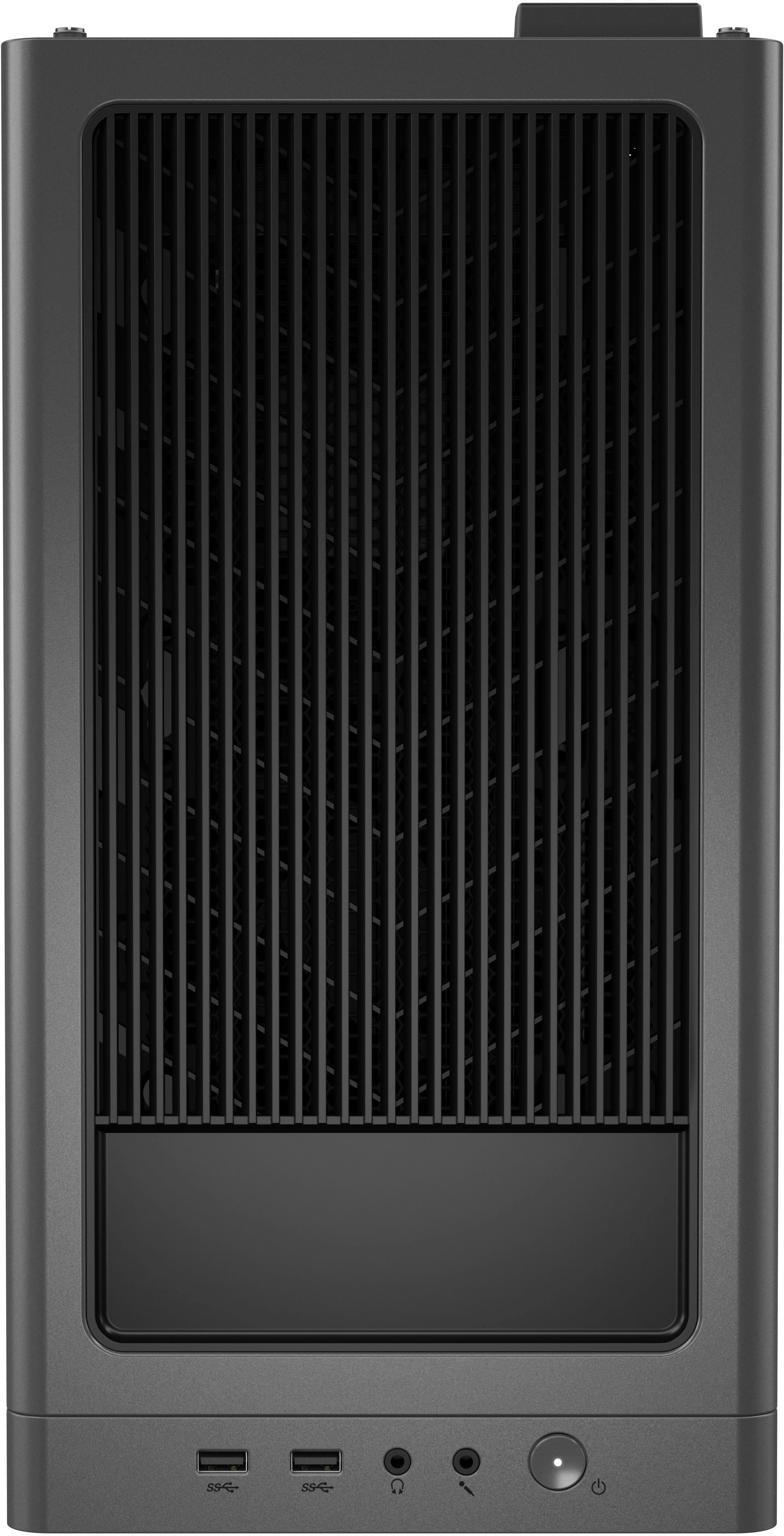
    • Answer Hey, Bcampbell. Yes, you can add two 120mm fans at the top of the case.

      Answered by Lenovo Product Expert